
Language Amend Mod (26.1.1, 1.20.1) – Never Stumble on Untranslated Game Text

 0


Language Amend Mod lets you set backup languages in Minecraft when translations are missing. Normally, if a mod or resource pack lacks text for your chosen language, the game switches straight to English. This lightweight client-side mod solves that problem with custom fallback lists for any language code. Whenever Minecraft loads your language, it adds your backup languages in order so menus and text stay easy to read.

Features:
- Runs as a lightweight mod on the client side.
- Adds your chosen fallback languages automatically whenever a matching language code appears in your language list.
- Lets you set up any number of custom language mappings in
config/lang_amend/lang_amend.json. - Supports multiple fallback languages for a single language code, such as mapping
lzhtozh_cnandzh_tw. - Hooks directly into Minecraft’s language loading system to build a merged language list.
- Keeps your original language order and prevents duplicate language entries.
- Works quietly behind the scenes without changing any game files or assets.
- Stays compatible with other mods and custom resource packs.
Configuration:
Edit config/lang_amend/lang_amend.json to set your custom fallback lists. Each main language code maps to a list of backup language codes inside brackets, like in this example:
{
  "lzh": ["zh_cn", "zh_tw"],
  "en_pt": ["en_us"]
}
How to Use:
- Open your Minecraft folder and find the
config/lang_amend/lang_amend.jsonfile. - Add the language code you want to use as the main key (for example,
lzhoren_pt). - List one or more backup language codes inside square brackets in the order you want Minecraft to check them.
- Save the file and select your main language in the game’s language settings so missing translations fall back to your chosen languages instead of English.
Screenshots:
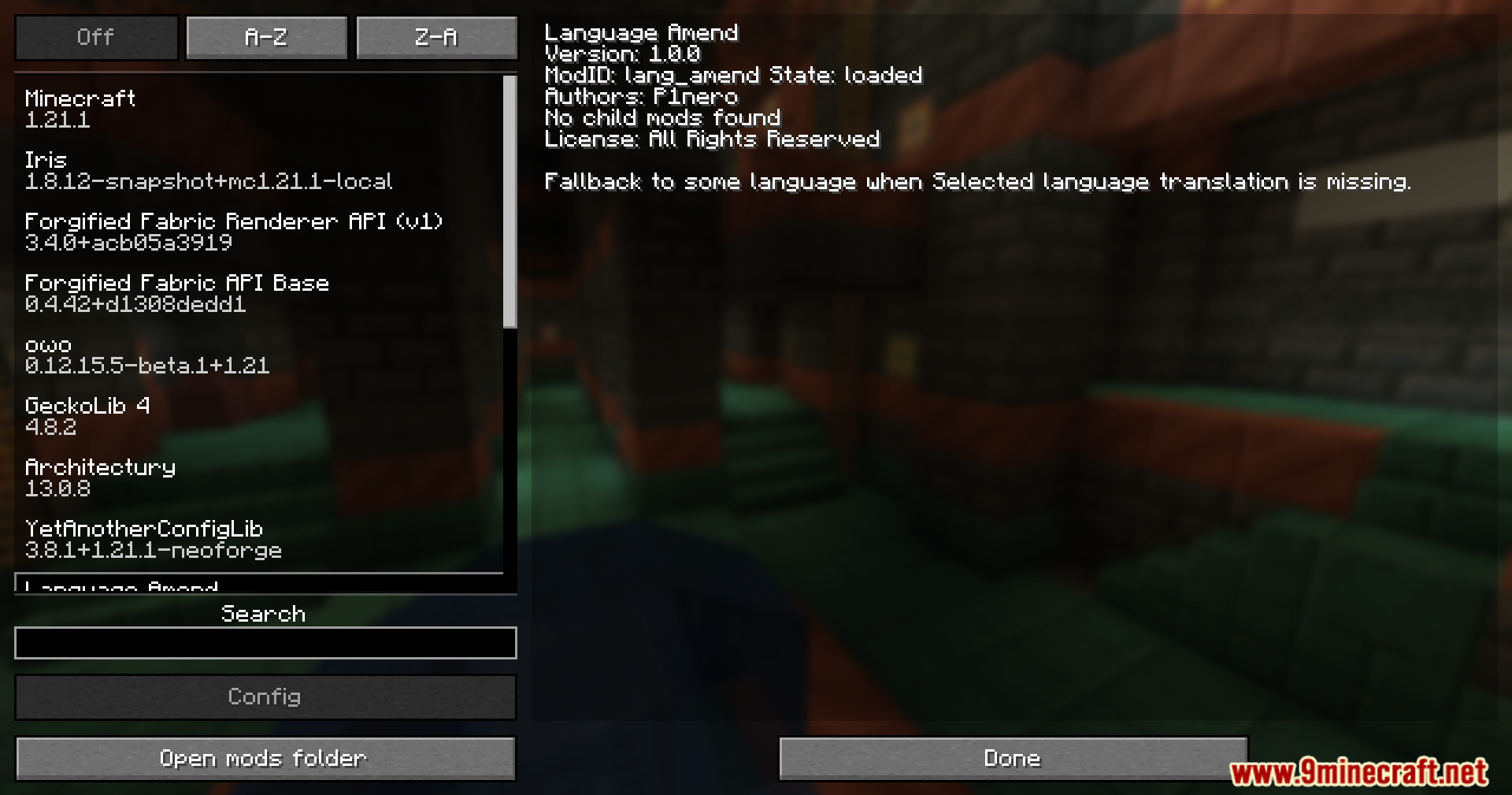
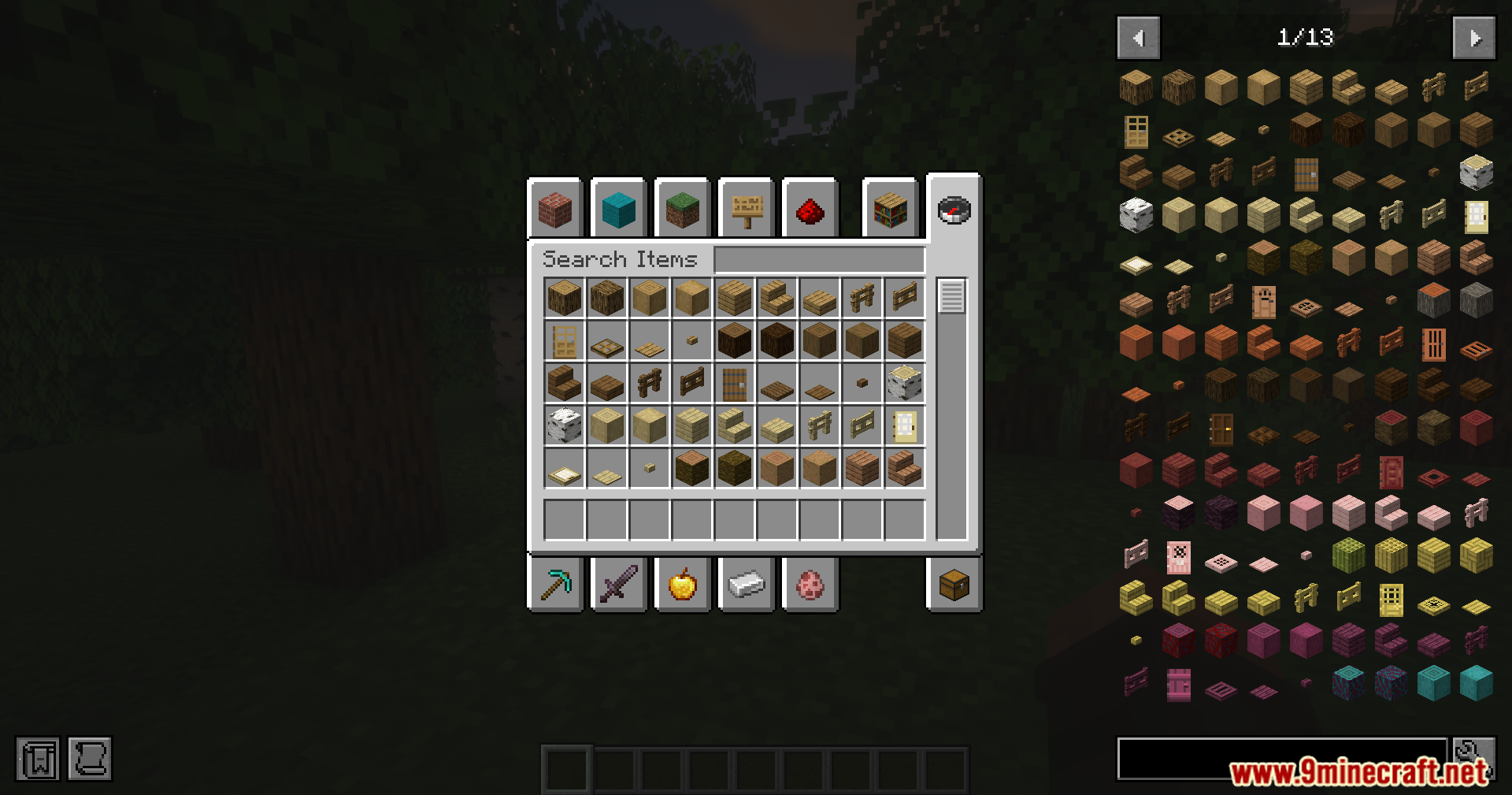
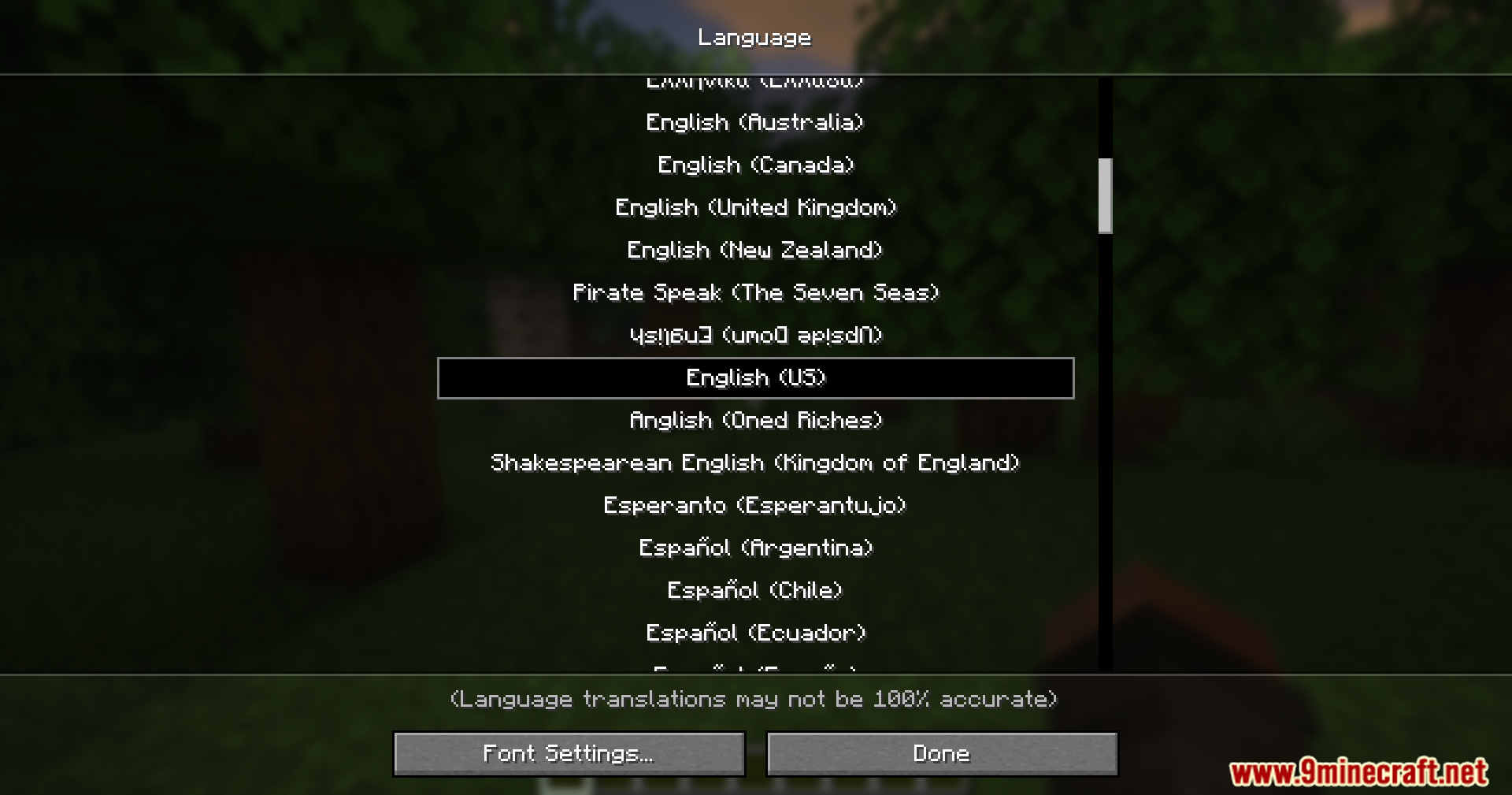
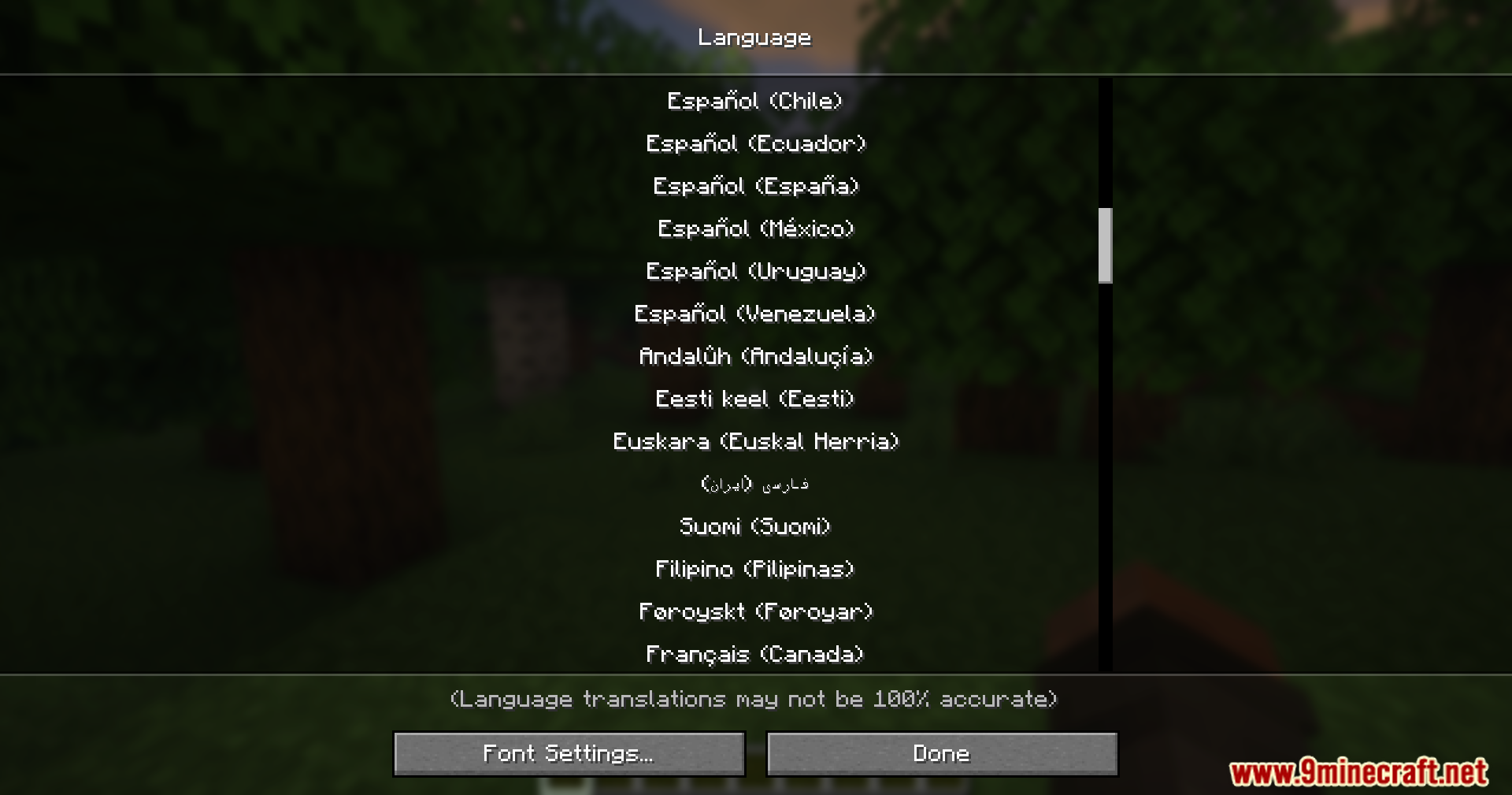



How to Install:
New to Minecraft? Follow our step-by-step guide to install Mods on your PC.View Guide
Requirements:


Language Amend Mod Download Links
For Minecraft
26.1.2,
26.1.1,
26.1
All Versions Covered
26.1.2
26.1.1
26.1
1.21.11
1.21.5
1.21.4
For Minecraft
1.21.11,
1.21.11-snapshot,
1.21.10
All Versions Covered
1.21.11
1.21.11-snapshot
1.21.10
1.21.9
1.21.9-snapshot
1.21.8
1.21.7
1.21.6
1.21.6-snapshot
1.21.5
1.21.5-Snapshot
1.21.4
1.21.4-Snapshot
1.21.3
1.21.2
1.21.2-Snapshot
1.21.1
1.21.1-Snapshot
1.21
1.21-Snapshot
For Minecraft
1.20.6,
1.20.5,
1.20.5-Snapshot
All Versions Covered
1.20.6
1.20.5
1.20.5-Snapshot
1.20.4
1.20.3
1.20.3-Snapshot
1.20.2
1.20.2-Snapshot
1.20.1
1.20
1.20-Snapshot
You May Also Like
Picked for this page
 IkkatsuHakai Mod (26.3, 1.20.1) – Block Break, Mass Storage, etc
 Just Enough Effect Descriptions Mod (1.21.11, 1.20.1) – Display Information on All Status Effects
 BedrockIfy Mod (26.2, 1.20.1) – The Game-Changer Every Minecraft Player Needs
 Just Enough Characters Mod (26.3, 1.20.1) – Find Any Item Using Pinyin
 Fire Spread Tweaks Mod (26.3, 1.20.1) – Disables Default Fire Spread
 Boat Item View Mod (26.3, 1.20.1) – Show Items in Moving Boat
 Simply No Shading Mod (26.2, 1.20.1) – Uniform Brightness Across All Blocks
 Random Bone Meal Flowers Mod (26.3, 1.20.1) – Biome-Free Flower Spawning
 Copper Hopper Mod (26.3, 1.20.1) – Hopper That Acts as a Simple Item Filter
 Client Side Crystals Mod (26.3, 1.20.1) – Display Crystal Instantly
 Raise Sound Limit Simplified Mod (26.3, 1.20.1) – Fix Audio Cutoffs In Minecraft
 Craftable Gunpowder Recipe Mod (26.3, 1.20.1) – Make Gunpowder With Easy Recipe
Most viewed in Mods over the last 7 days
 Ala Industrial Mod (26.3) – Run Electric Power Grids and Automated Factories
 PleasureCraft Mod (26.3, 1.21.1) – Jenny Mod Remake for Fabric
 Jennycraft Mod (26.3, 1.20.1) – Virtual Girlfriend in Minecraft
 Fapcraft Mod (26.3, 1.12.2) – Comprehensive and Detailed Content
 Jenny Mod (Fapcraft) Official Complete Guide – How to use, Tutorial
 BangCraft Mod (1.20.1) – Jenny, Ellie and Elliot
 Fabric Loader (26.3, 1.20.1) – Fabric Installer for All Minecraft Versions
 The Shooting Star Demo Mod (26.3, 1.20.1) – Vaporize Terrain From Orbit
 Meteor Client Mod (26.3, 1.20.1) – Xray, HUD, Fly
 OptiFine HD (26.3, 1.20.1) – Run Faster, FPS Boost, Shaders Support
 Aristois Client Mod (1.21.4, 1.20.1) – World Class Minecraft Utility
 Prestige Client Mod (1.21.11, 1.21.4) – Powerful Ghost Features for Crystal & Sword PvP
More from Mods
 Legacy Gecko Lib Fabric Mod (1.16.5) – Power Animated Creatures in Modpacks
 The Man from the Shadow Horror Mod (1.20.1) – Fight Hallucinations to Survive
 Shade & Saturation Slider Mod (26.2, 1.21.11) – Make Every Biome Vibrant
 Cataclysm X Yung’s Better Nether Fortresses Compat Mod (1.21.1, 1.20.1)
 Patchouli 9minecraft Mod (26.3) – Read Mod Guides Without Leaving Minecraft
 Paintings ++ 9minecraft Mod (26.3) – Pick the Exact Painting You Want
 owo-lib 9minecraft Mod (26.3) – Run Your Favorite Mods Without Errors
 Moonlight 9minecraft Lib (26.3, 26.2) – Run Complex Mods Without Errors
 Load My Tags 9minecraft Mod (26.3) – Mix Mods Without Breaking Recipes
 Kambrik 9minecraft Mod (26.3) – Run Kotlin Mods Without Game Lag
 Fast Paintings 9minecraft Mod (26.3, 26.2) – Place Wall Art Exactly Where You Want It
 Bonsai Trees 9minecraft Mod (26.3, 26.2) – Automate Wood Farming in Tiny Pots

This post has no comments yet. Be the first — your comment will appear here.