


TerraForged Backport Mod (1.12.2, 1.7.10) – Explore Lifelike Continents and Mountains
 376
376
 0
0


🌐 Read this article in your language! Choose your preferred language below.
Or pick the one you like:
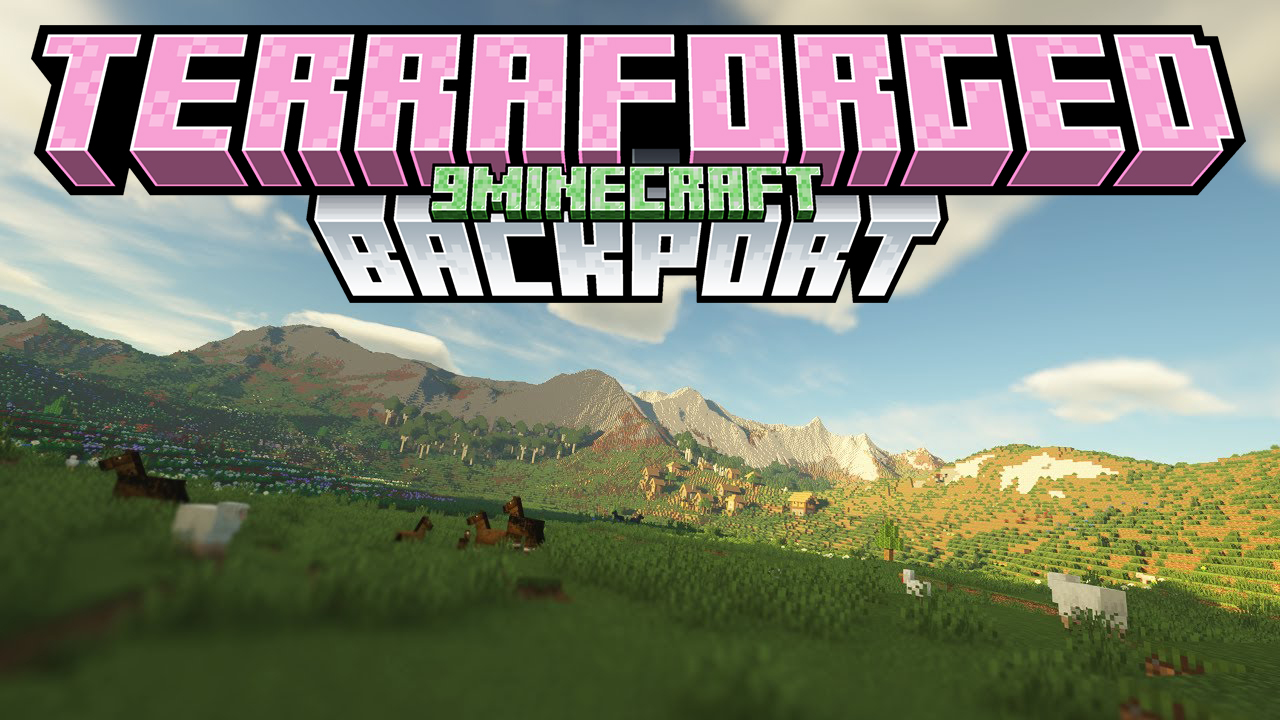
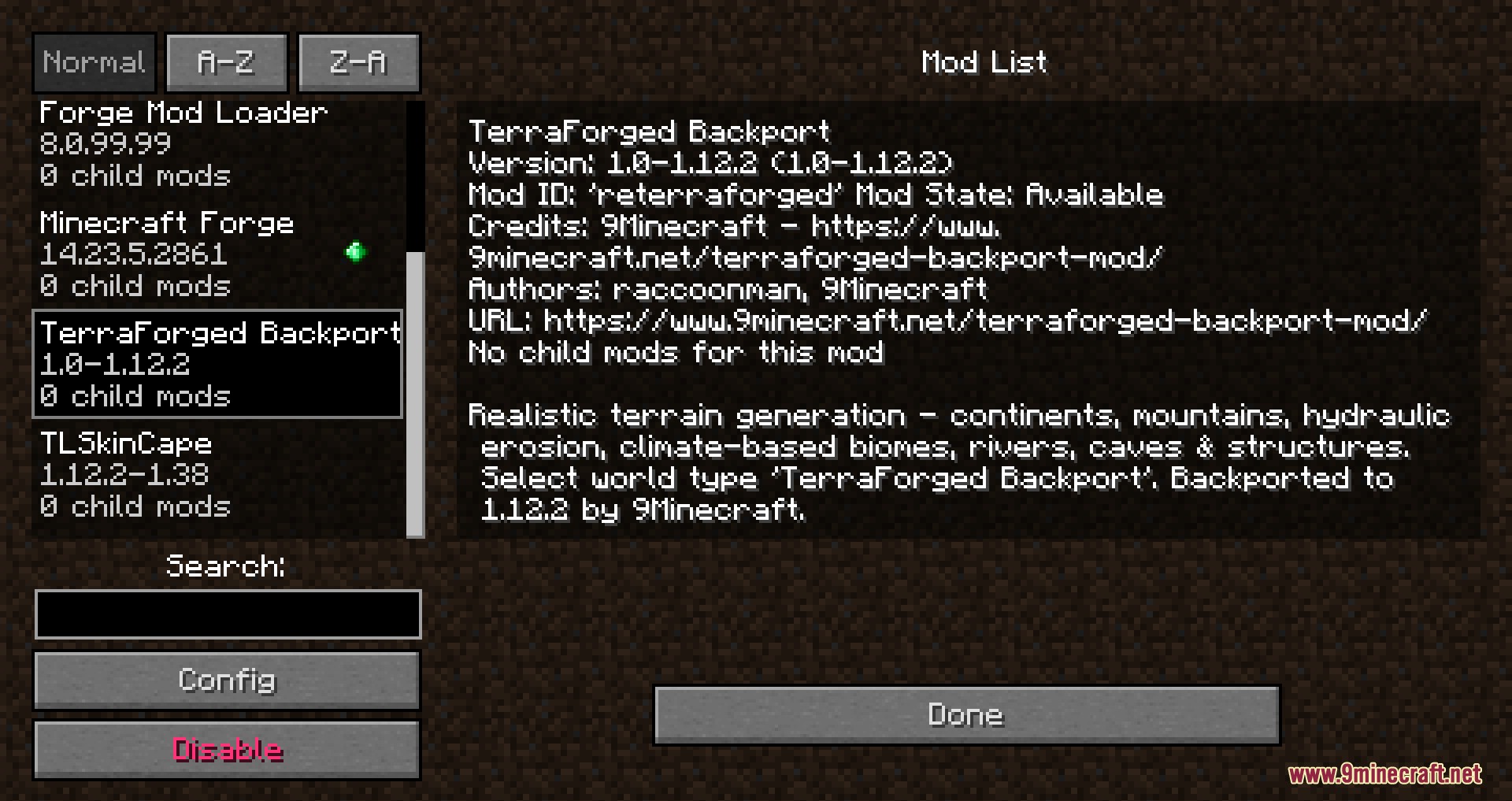
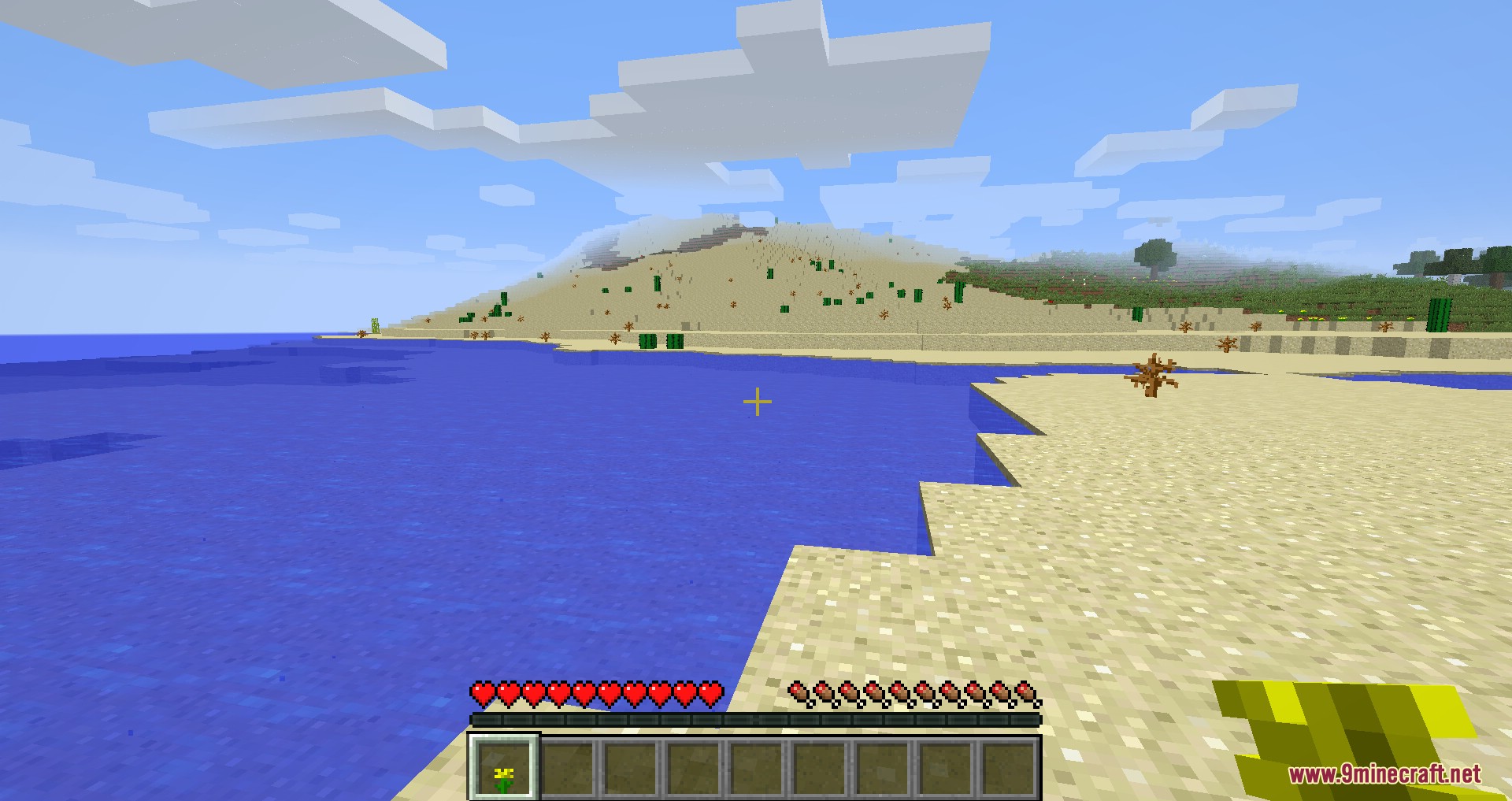
TerraForged Backport Mod backports the massive, realistic terrain generation from the original TerraForged to older versions of Minecraft. It replaces standard flat worlds with huge continents, tall mountains, and long rivers. You get to explore natural environments where hot deserts sit in dry areas and snow covers the highest peaks. The mod keeps all normal game structures and ores, so your survival play stays exactly the same.
Features:
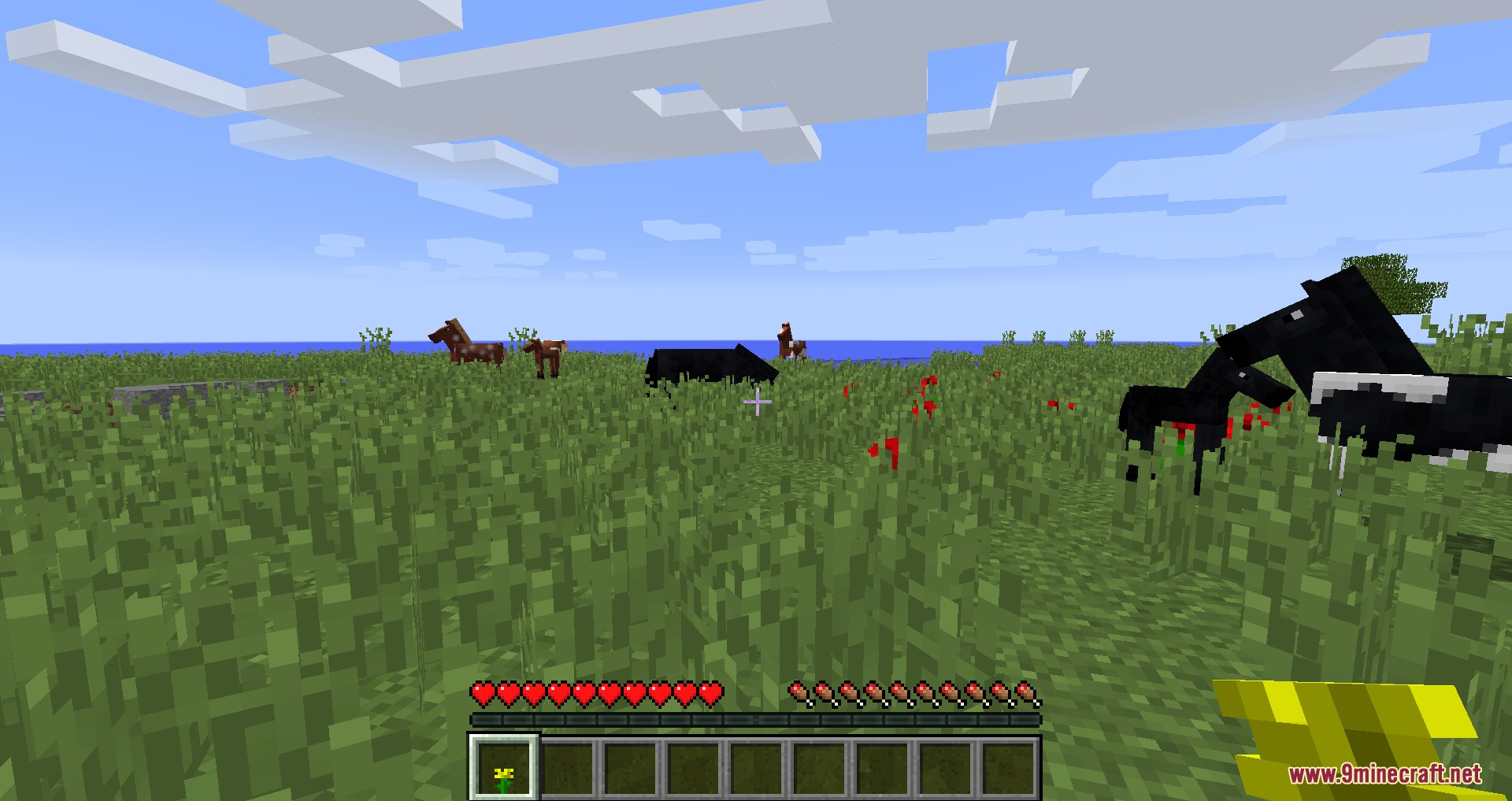
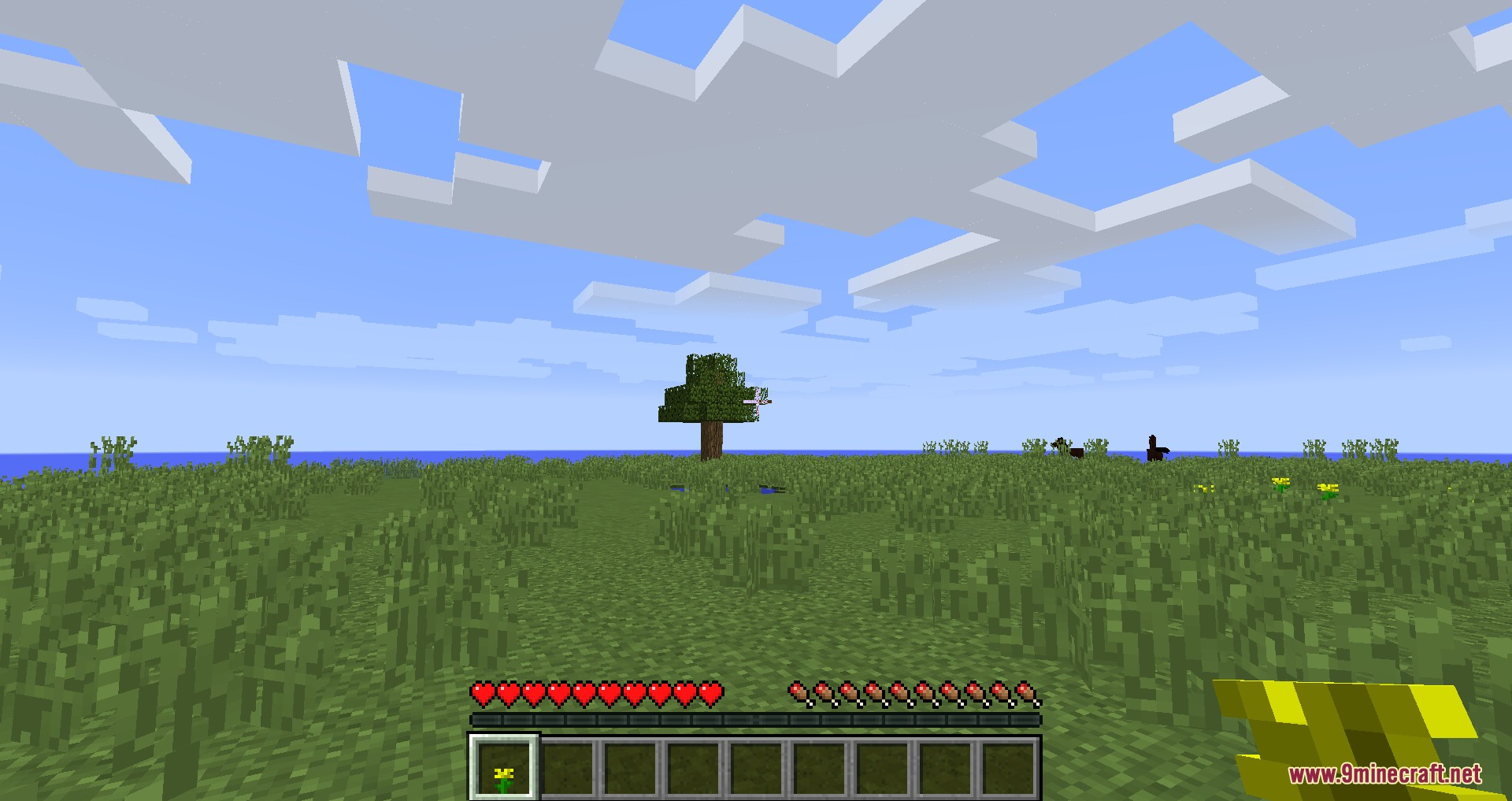
- Realistic Landscapes: Generates huge continents, tall mountain ranges, flat plateaus, and deep valleys instead of standard blocky terrain.
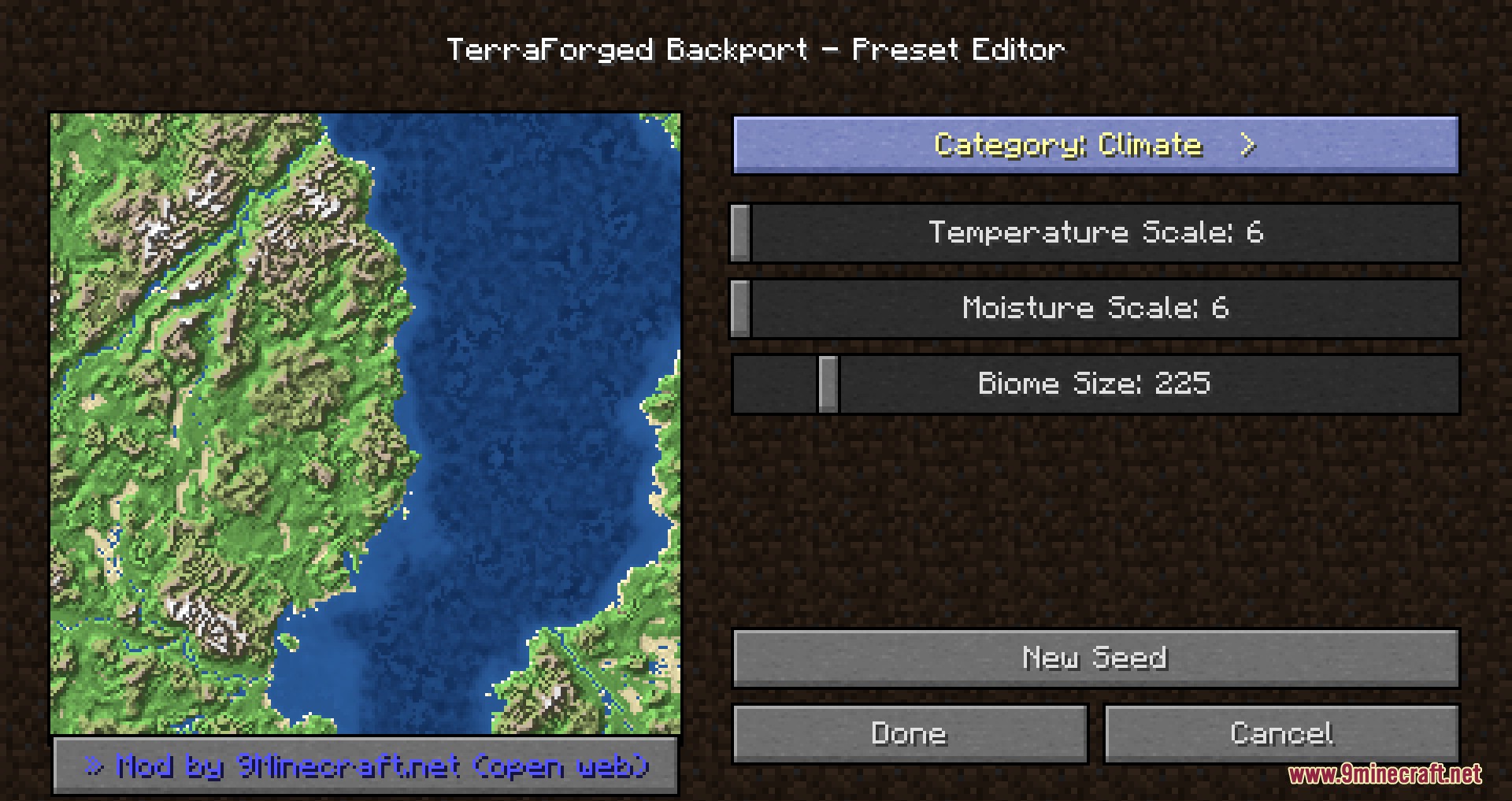
- Climate-Based Biomes: Places biomes based on temperature and moisture so snowy peaks and hot deserts appear in natural spots.
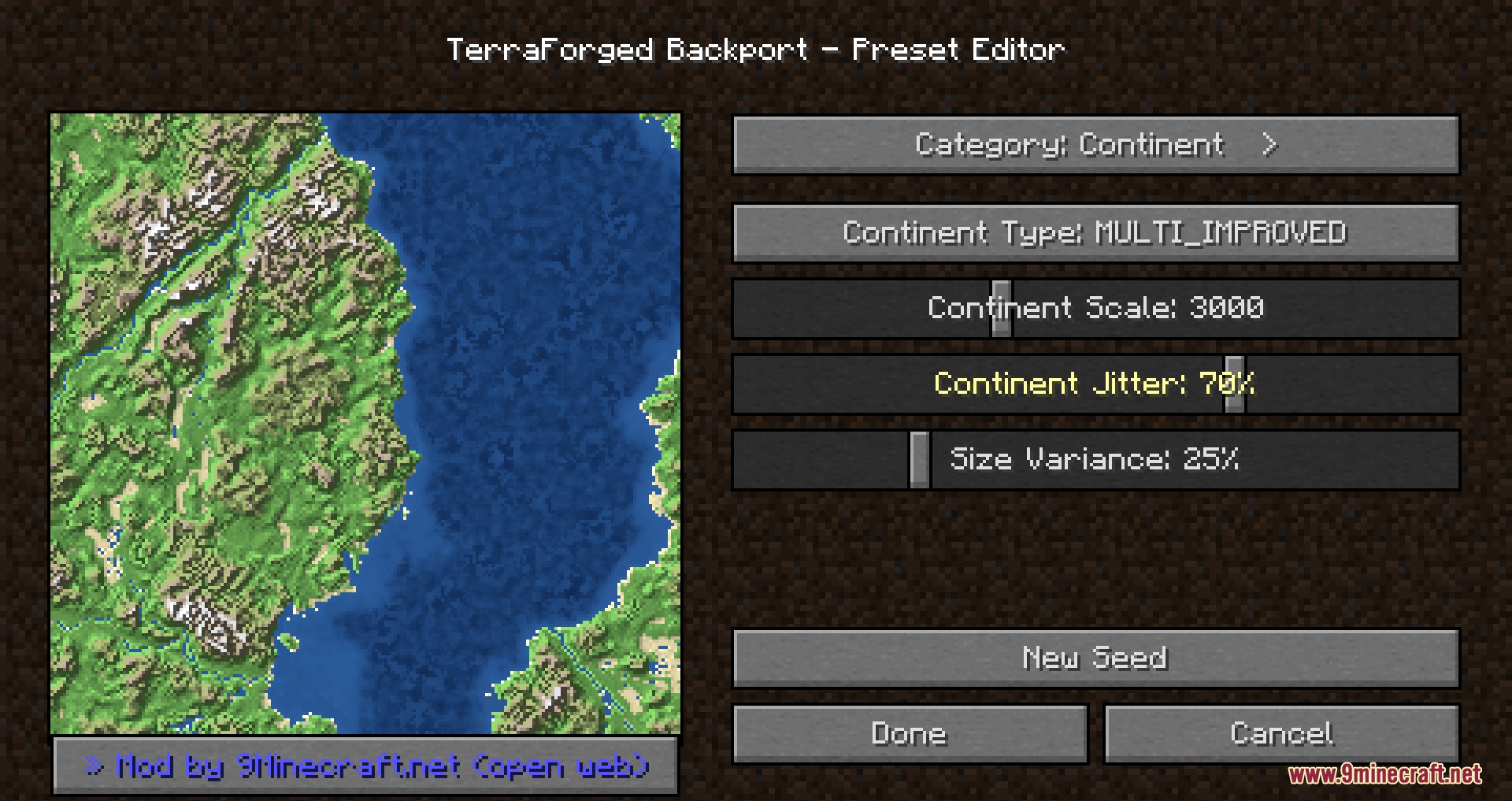
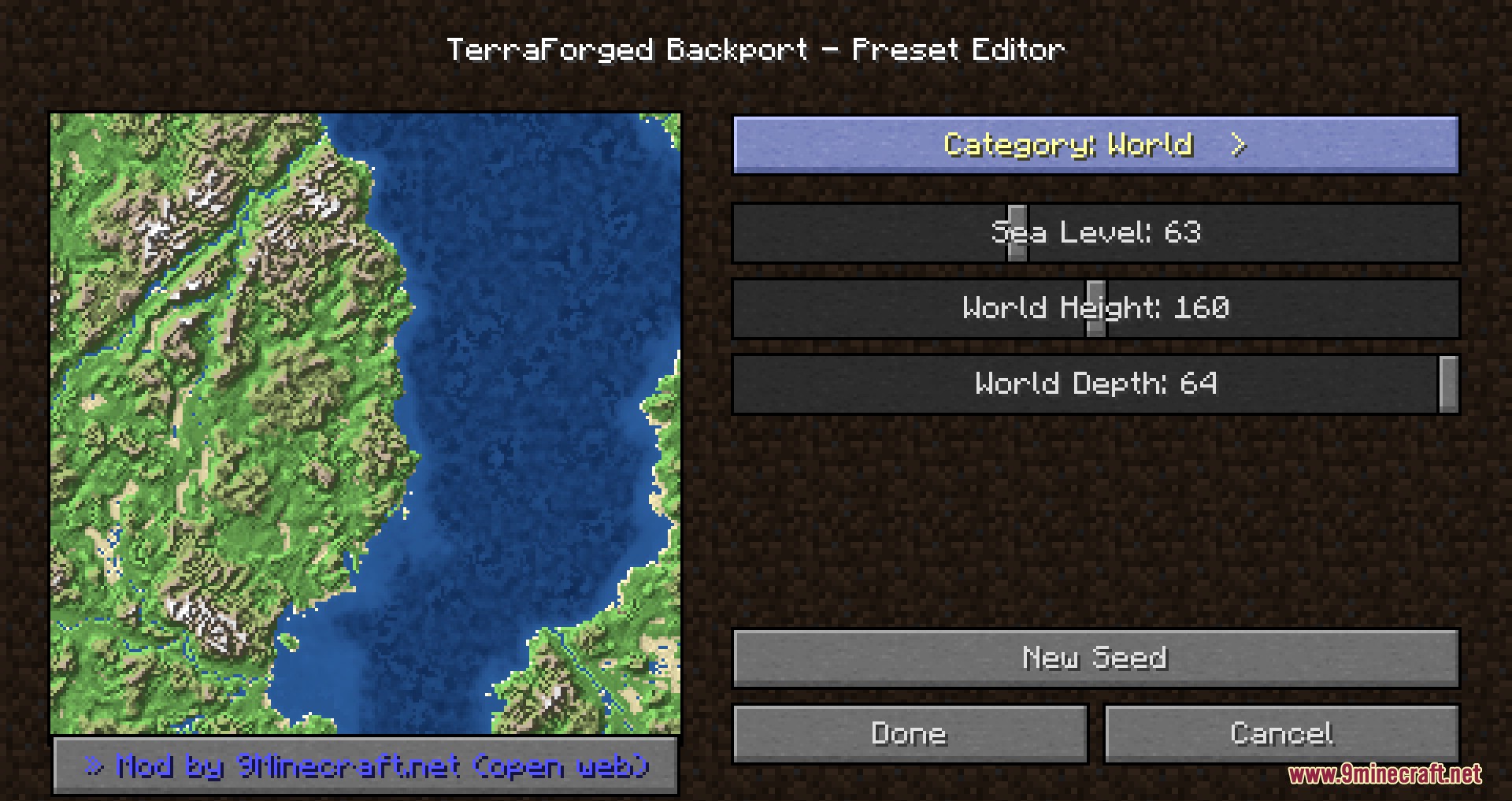
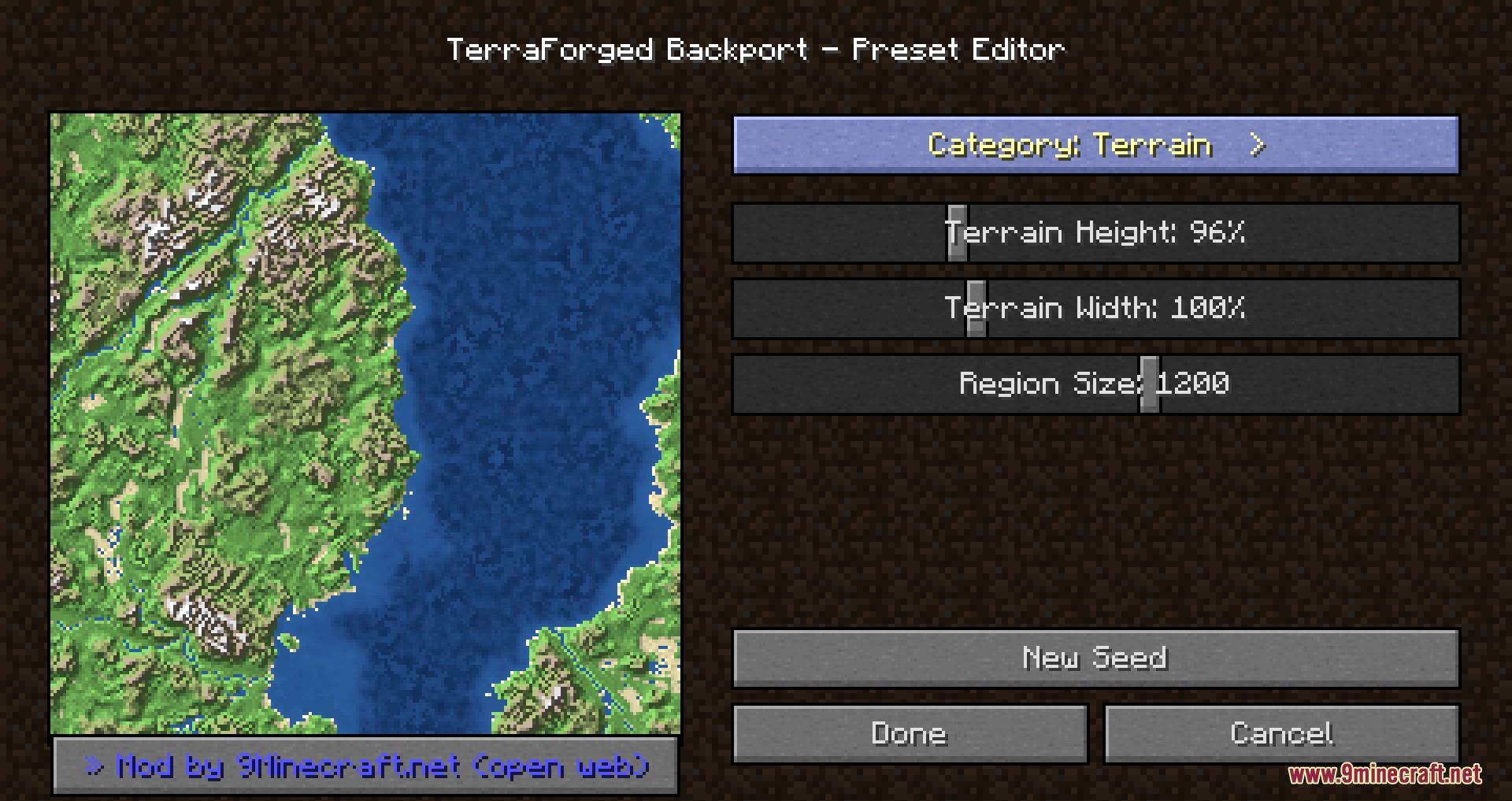
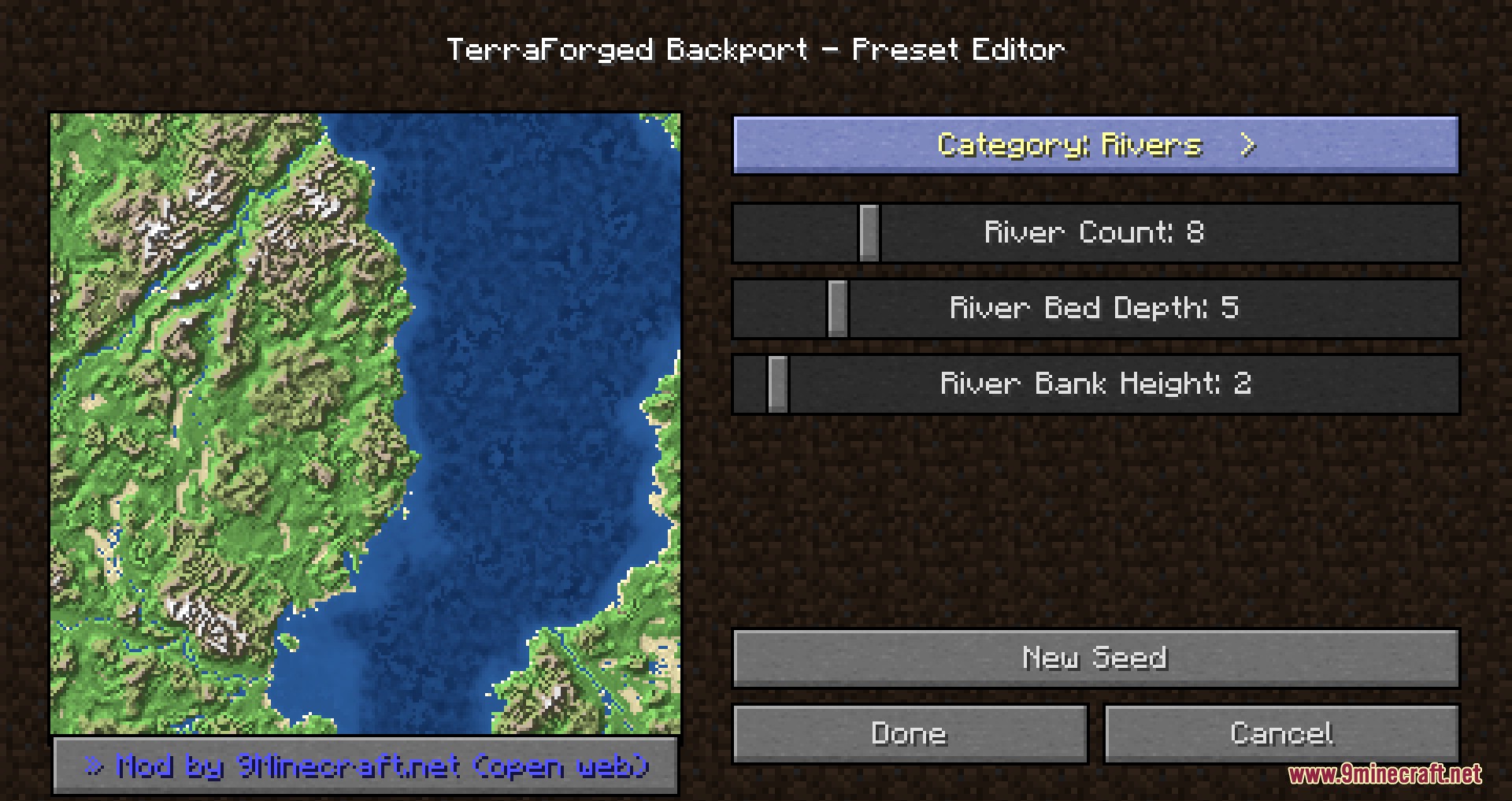
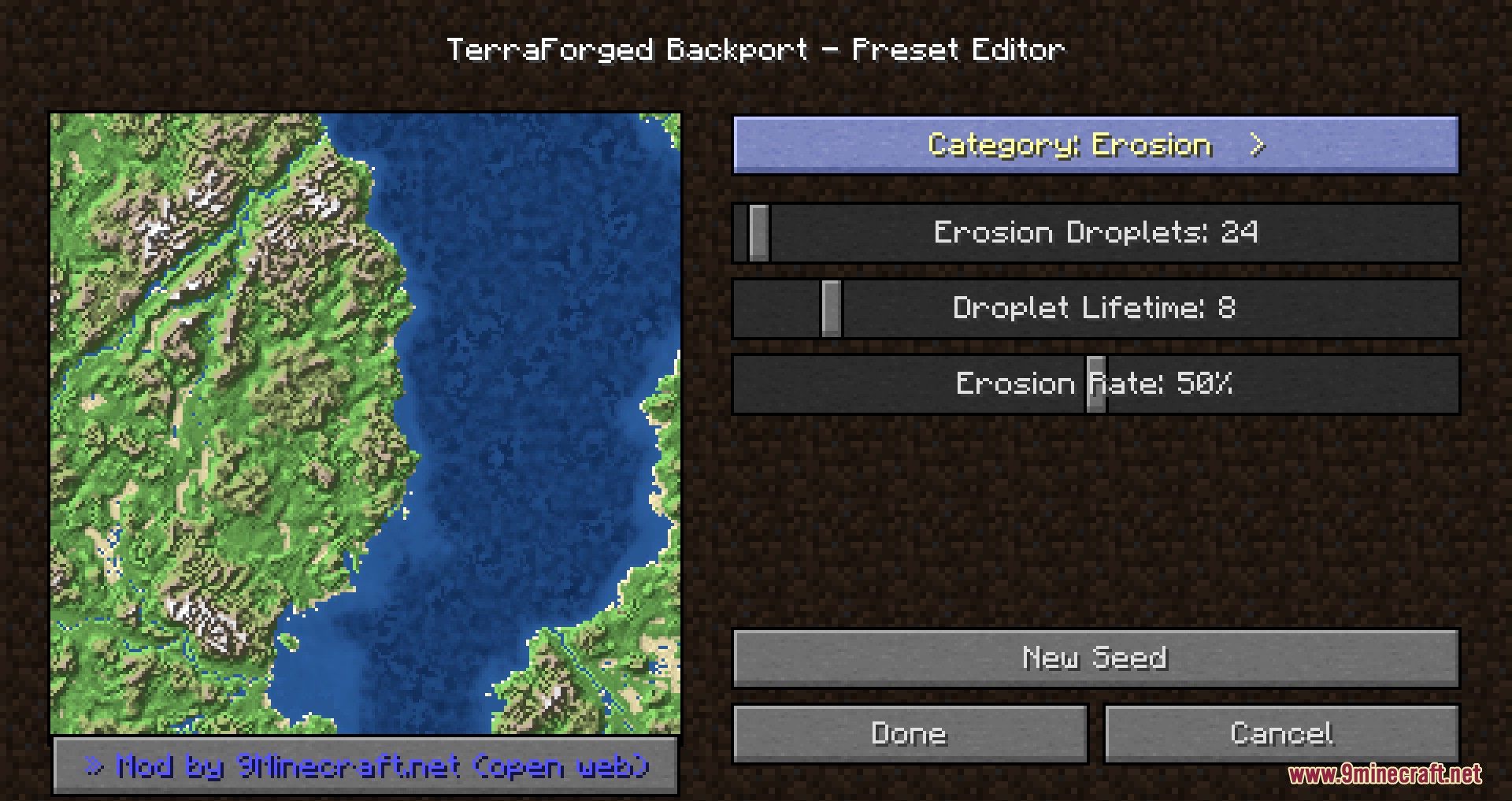
- Preset Editor: Includes an in-game menu with a live map preview to change terrain height, climate, and rivers without touching text files.
- Carves natural slopes, ridges, and winding river systems into the ground using hydraulic erosion.
- Spawns standard game structures like villages, strongholds, and ocean monuments normally across the new land.
- Keeps standard ores, caves, ravines, and mineshafts underground so you can mine and survive like normal.
How to Use:
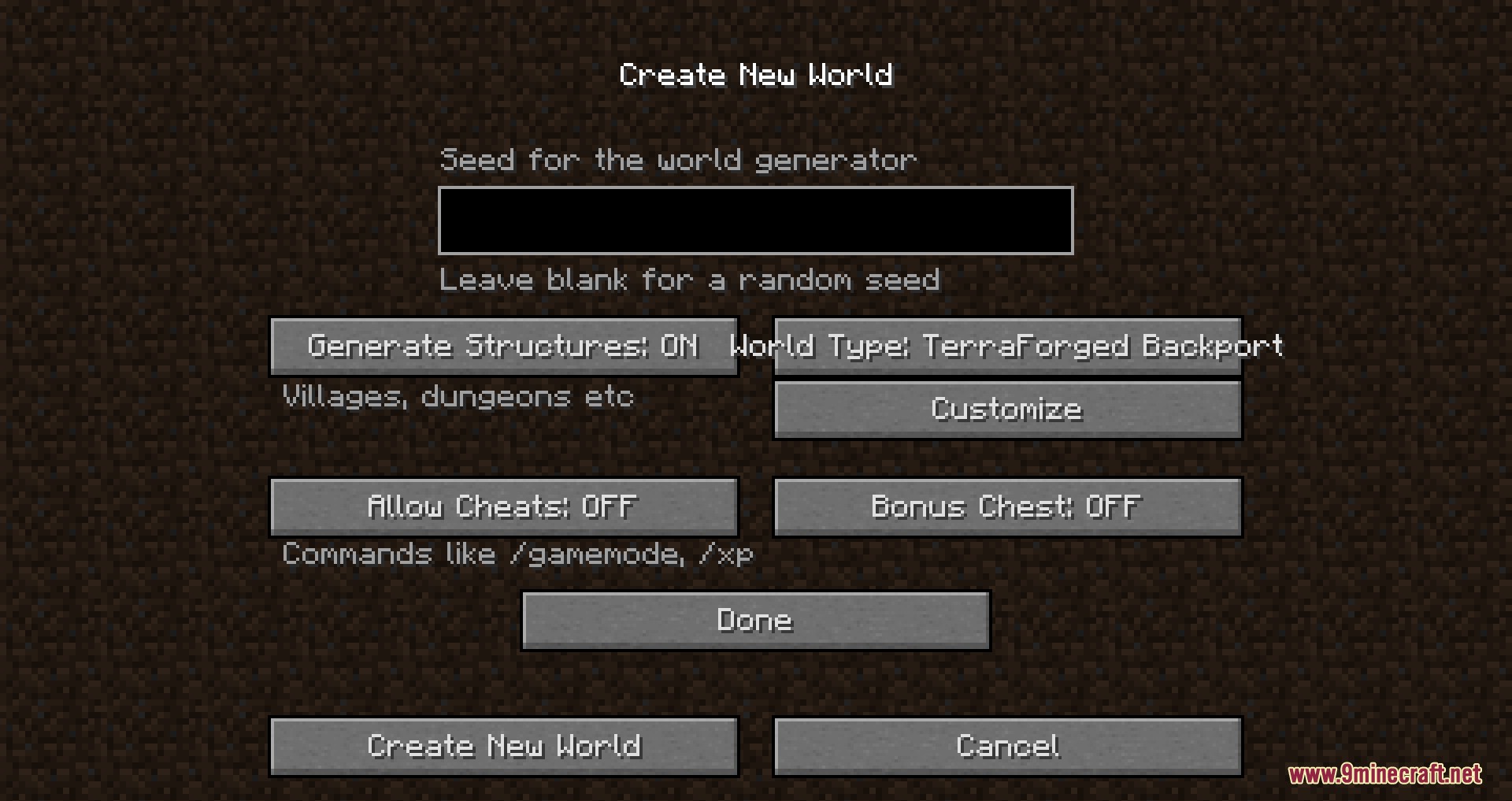
- Go to the Create New World screen in your game menu.
- Change the World Type option to TerraForged.
- Click the Customize button to open the built-in preset editor and see the live map.
- Move the sliders to change your terrain, climate, and rivers.
- Click Done to create your custom landscape.
Screenshots:
How to Install:
New to Minecraft? Follow our step-by-step guide to install Mods on your PC.View Guide
Requirements:
TerraForged Backport Mod Download Links
For Minecraft 26.2
Click to rate this post!
[Total: 1 Average: 5]
You May Also Like

This post has no comments yet. Be the first — your comment will appear here.