


Modern Keystrokes Mod (1.21.11, 1.20.1) – Track Your Clicks And Movement During

 0
0 

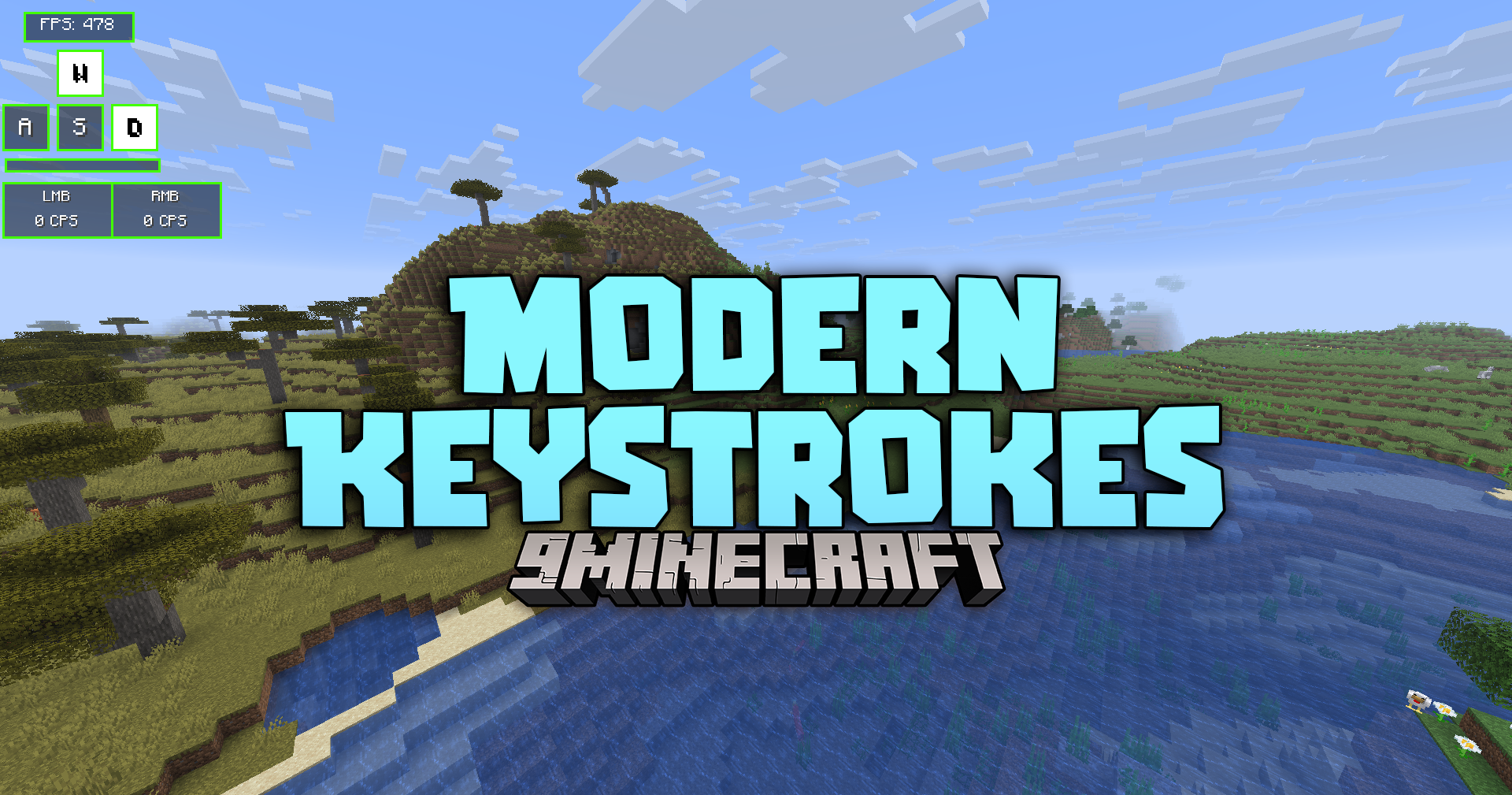
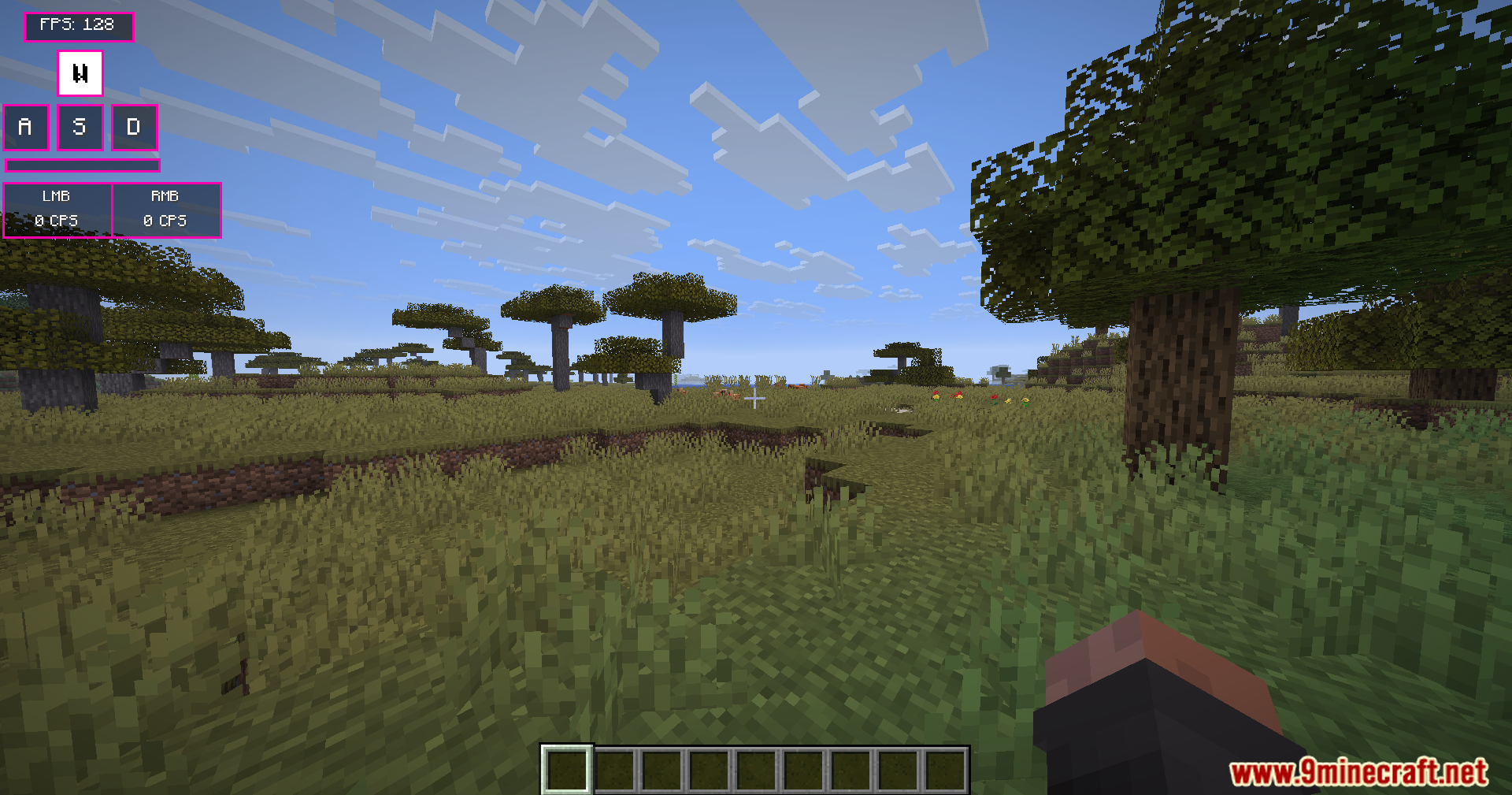
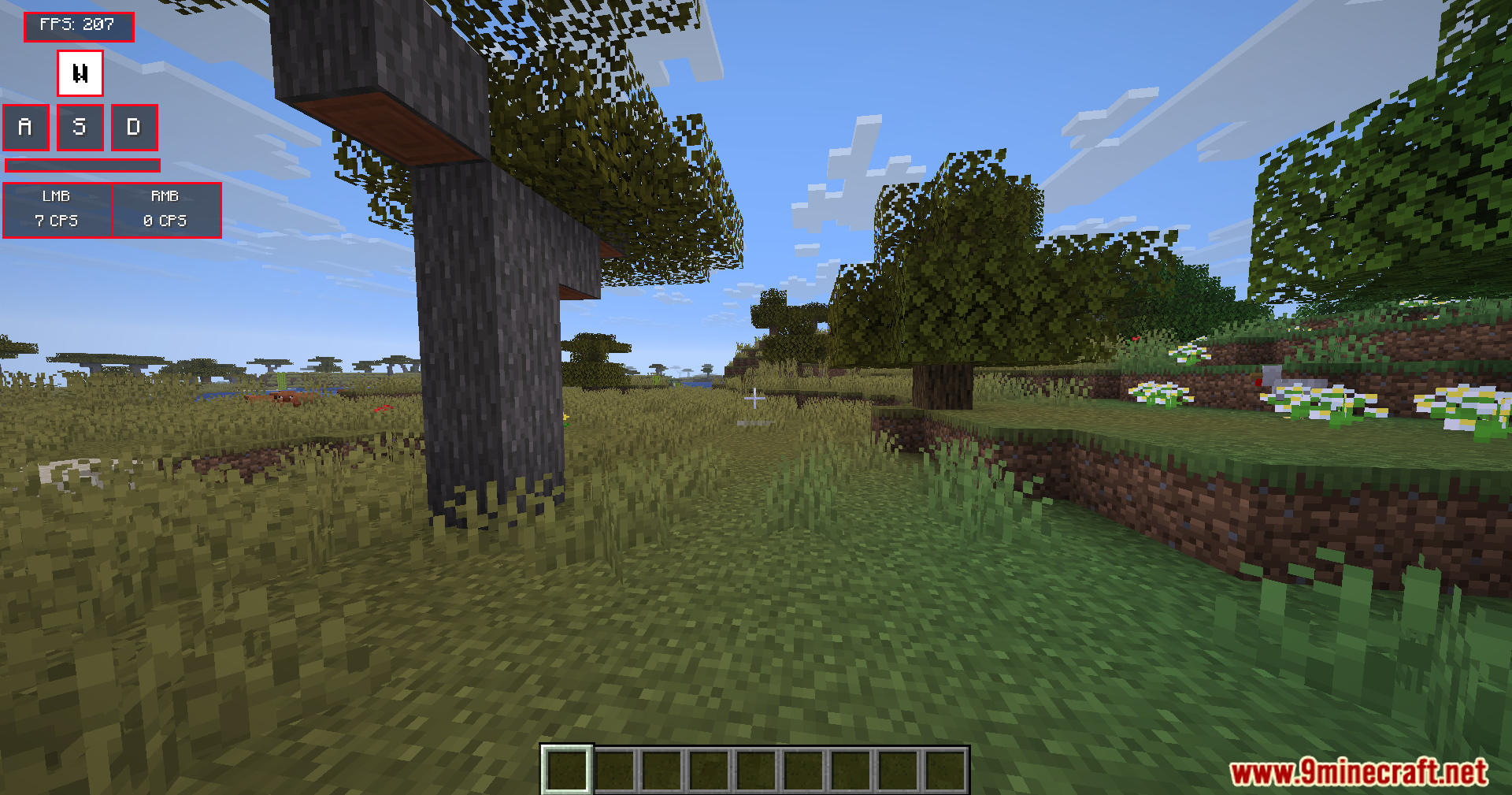
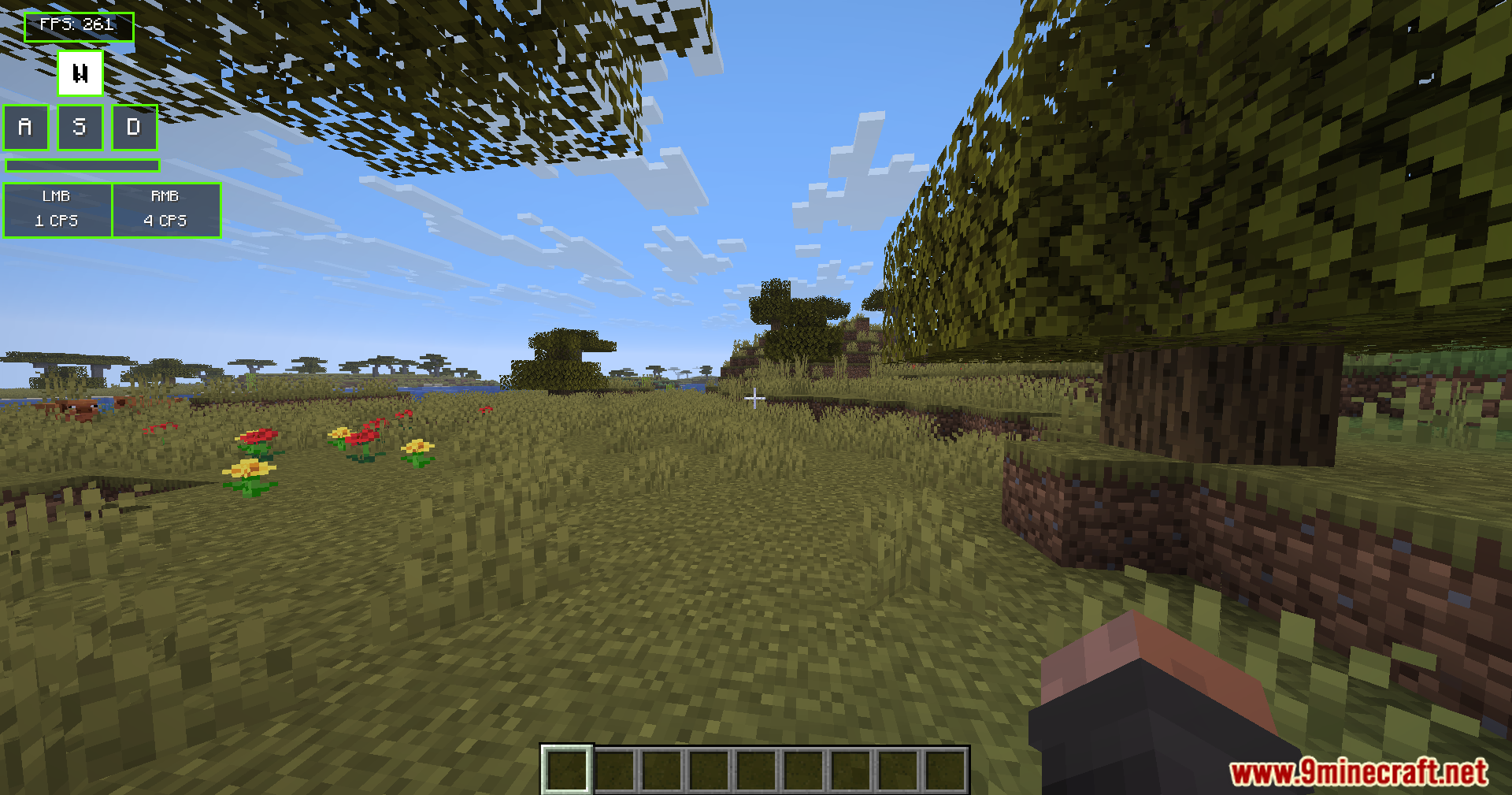
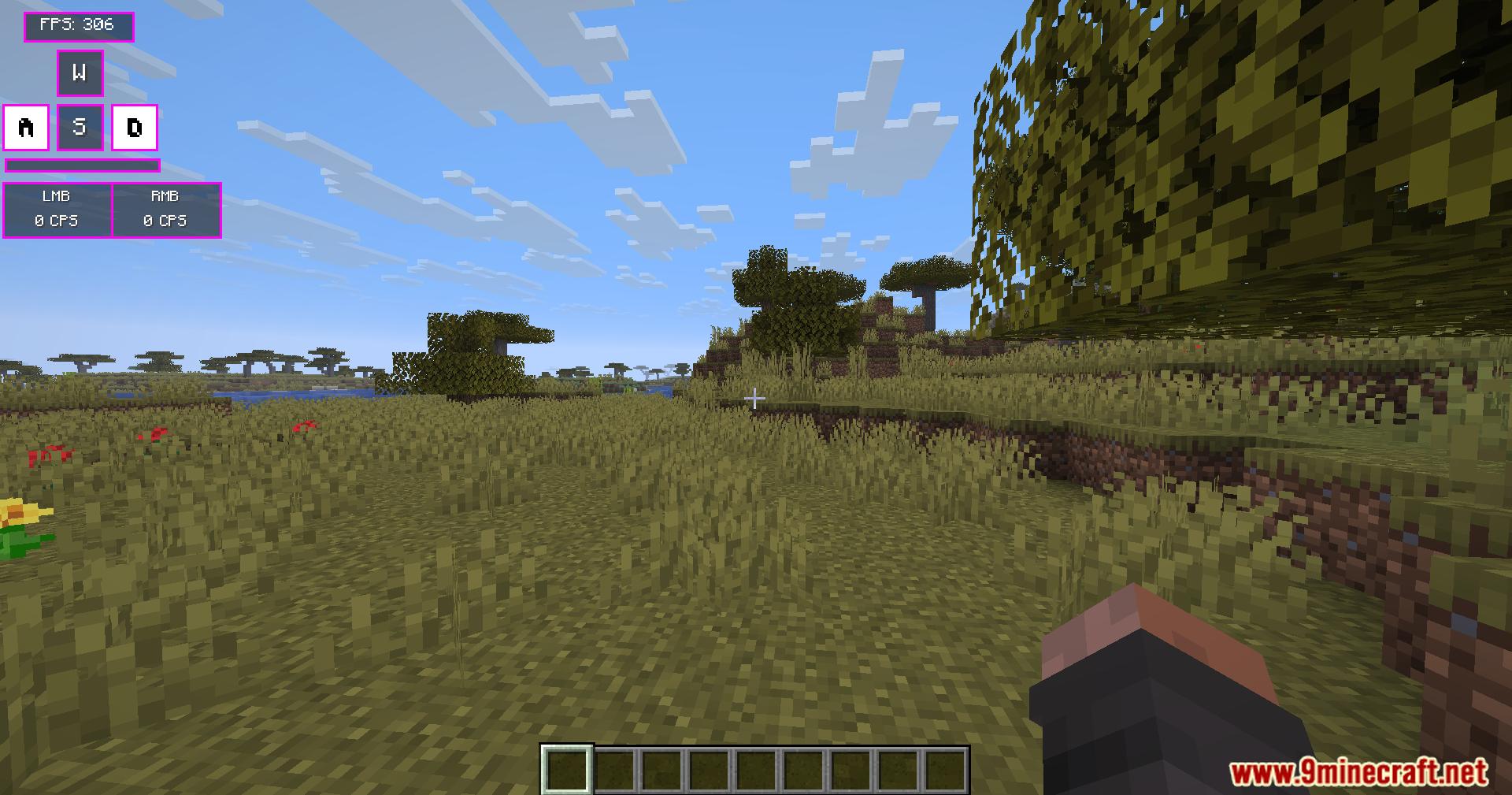
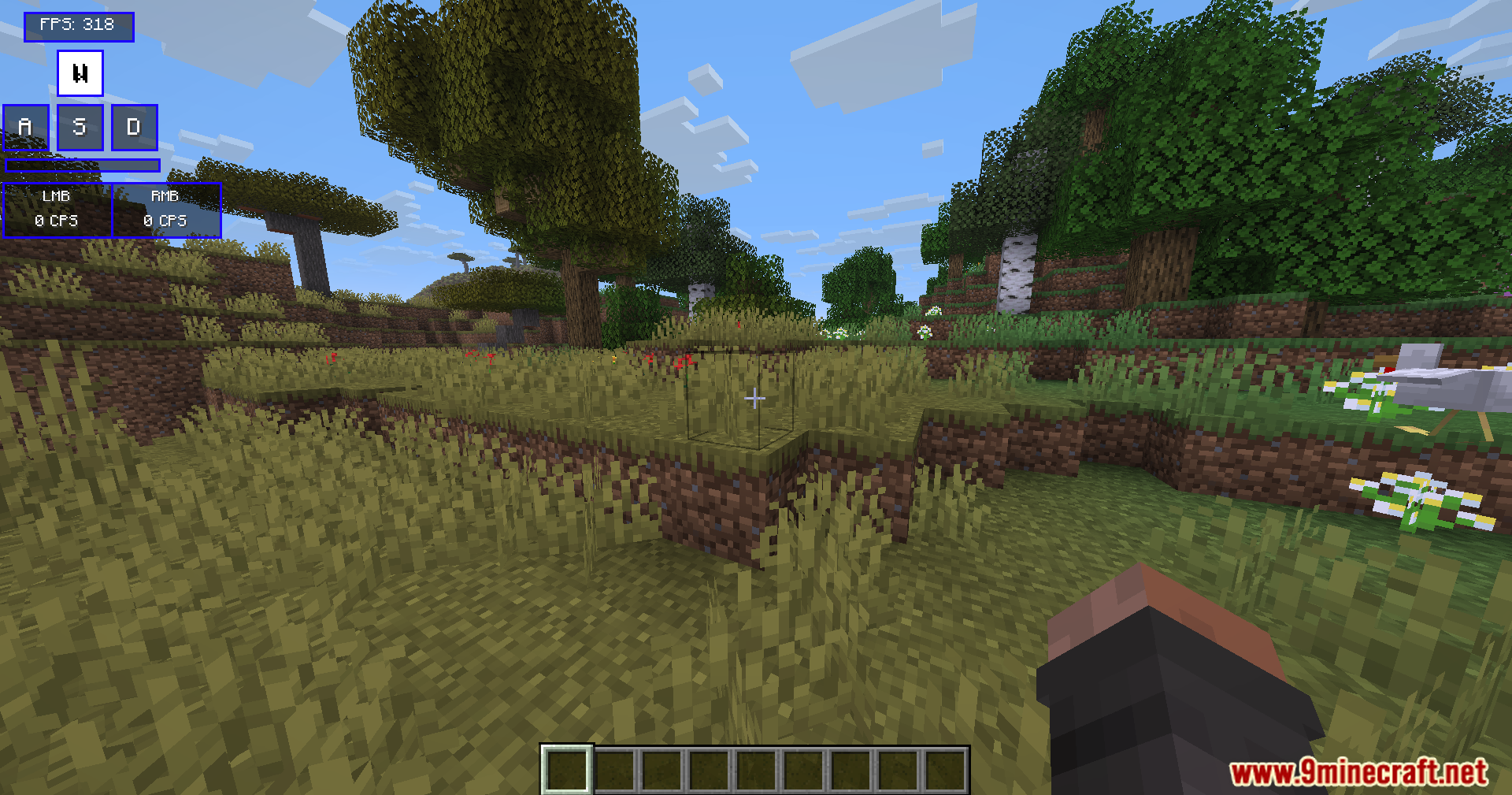
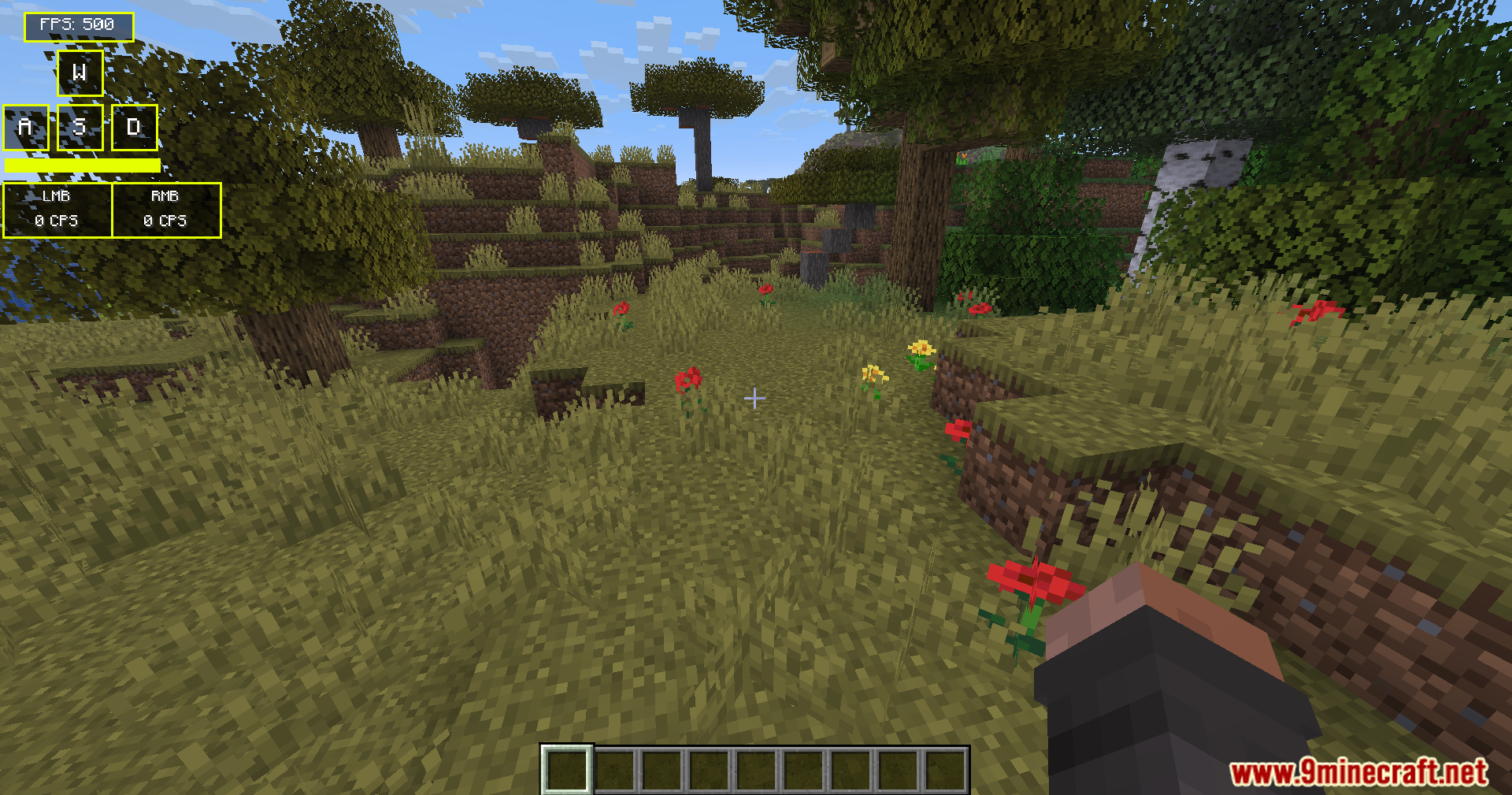
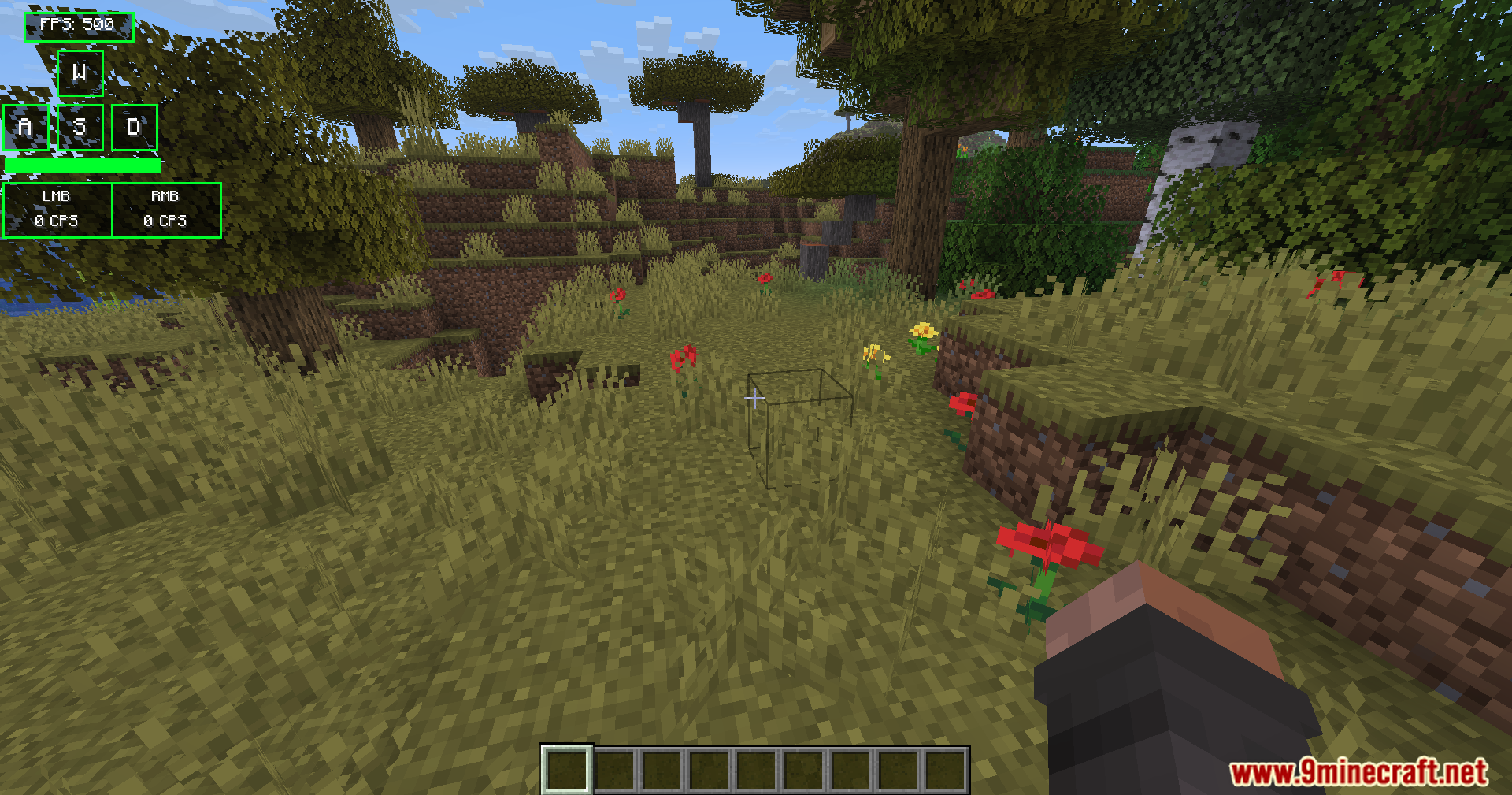
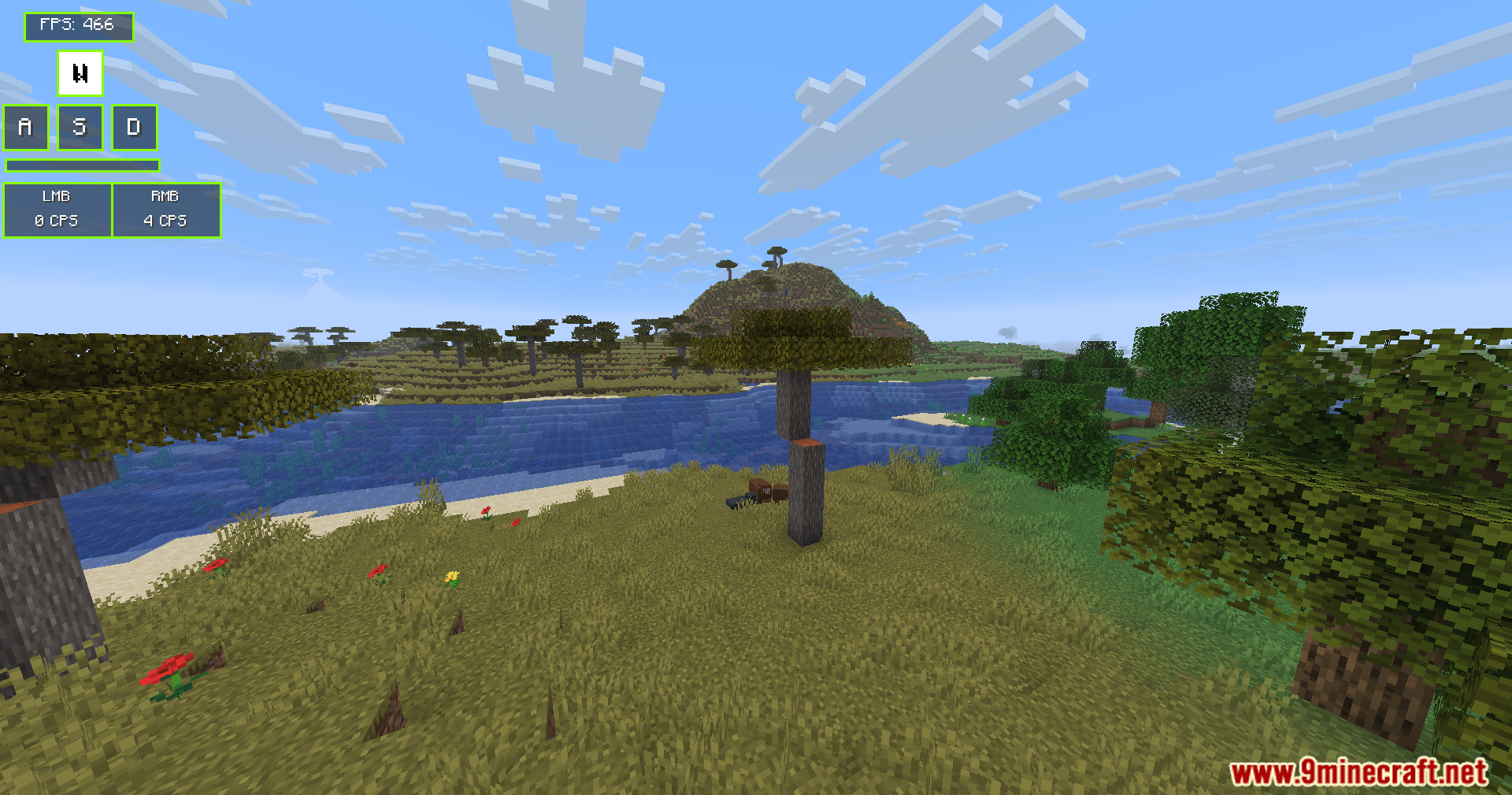
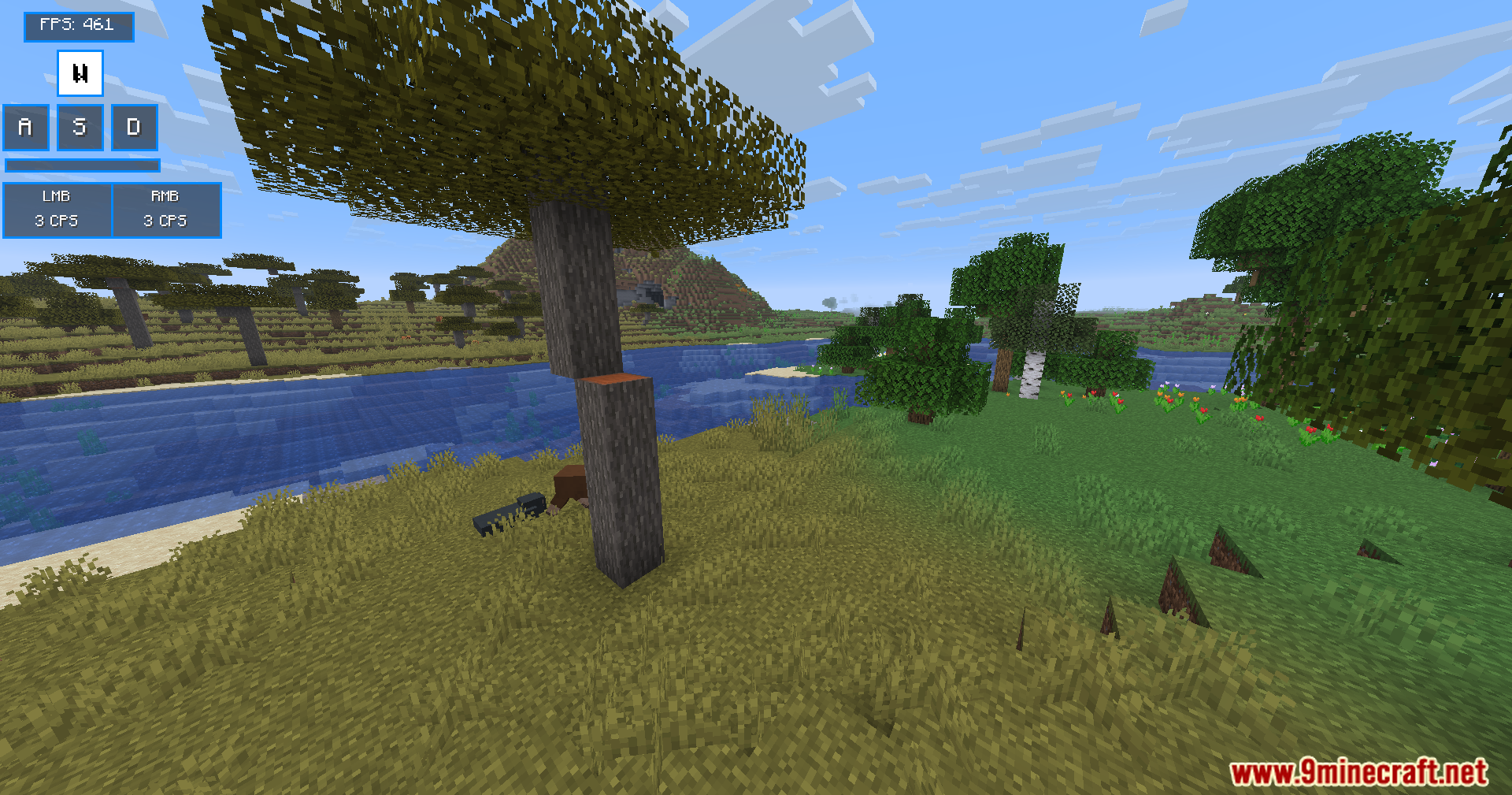
Modern Keystrokes Mod adds a clean on-screen display that shows your keyboard and mouse clicks in real time. You can watch your WASD keys light up as you move around the world. The mod also tracks your clicks per second and frames per second. You get full control over where this information sits on your screen.
Features:
- WASD Display: Shows your movement keys on the screen and lights them up when you press them.
- Click Tracker: Counts your left and right mouse button clicks so you know your exact clicks per second (CPS).
- Spacebar Visualizer: Adds a long bar at the bottom of the display that flashes every time you jump.
- Gives you an optional frames per second (FPS) counter to check game performance.
- Lets you turn off any part of the display you do not want to see.
- Allows you to move the whole display anywhere on your screen using simple sliders.
Commands:
/keystrokes– Opens the main settings menu.
How to Use:
- Join a world or server.
- Type
/keystrokesin the chat to open the mod menu. - Click the toggle buttons to turn the keys, mouse, spacebar, or FPS display on or off.
- Drag the X and Y sliders to move the display to your favorite spot on the screen.
Screenshots:
How to Install:
New to Minecraft? Follow our step-by-step guide to install Mods on your PC.View Guide
Requirements:


Modern Keystrokes Mod Download Links
For Minecraft 1.21.11
For Minecraft 1.21.10, 1.21.9
For Minecraft 1.21.8, 1.21.7, 1.21.6
For Minecraft 1.20.1, 1.20
Click to rate this post!
[Total: 2 Average: 3.5]
You May Also Like






This post has no comments yet. Be the first — your comment will appear here.