


Smooth Hud Mod (26.2, 1.21.1) – Make Your Hotbar Selection Box Glide Between

 0
0 

🌐 Good news — we've translated this article into other languages!
Or pick the one you like:
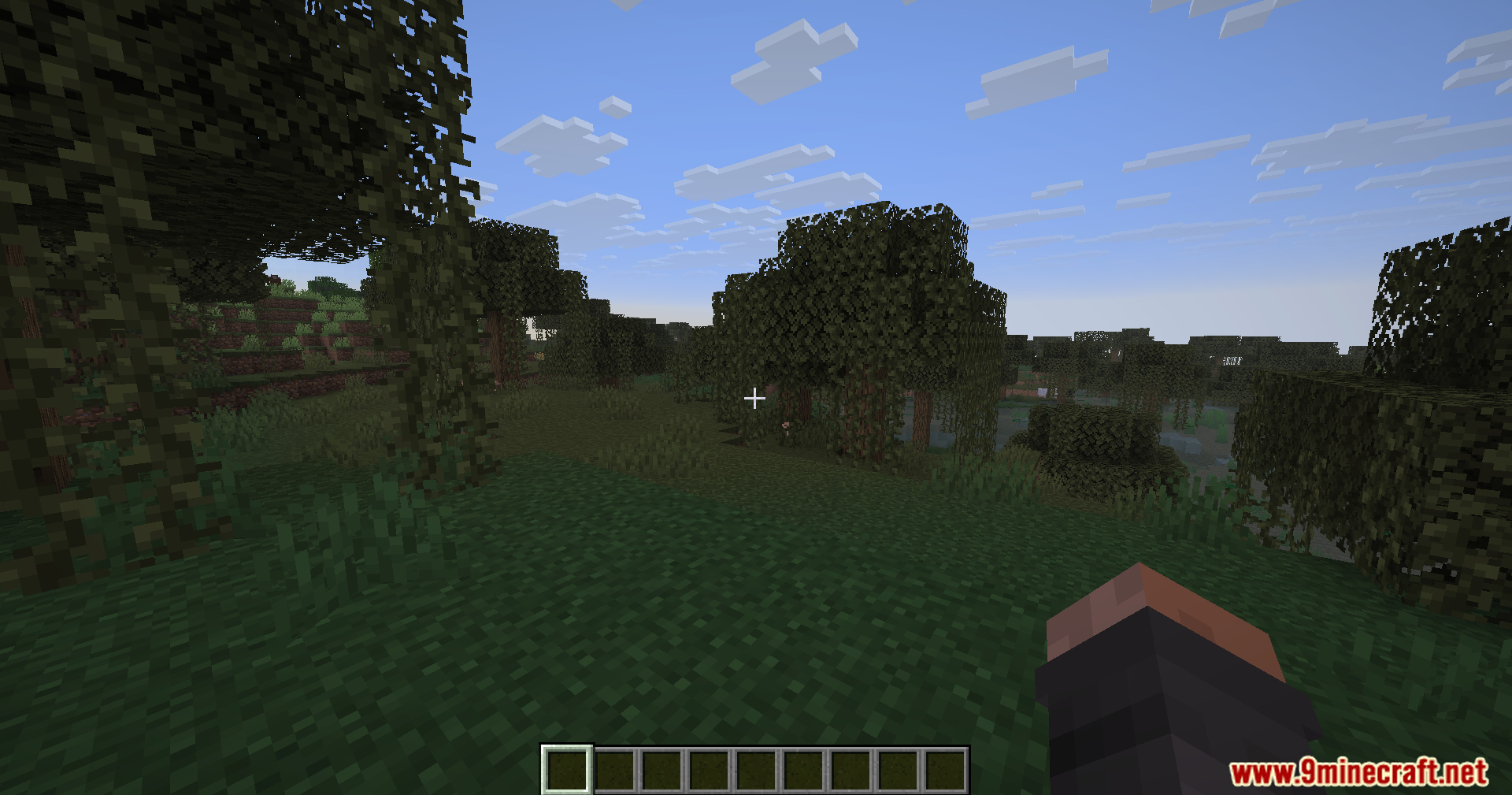
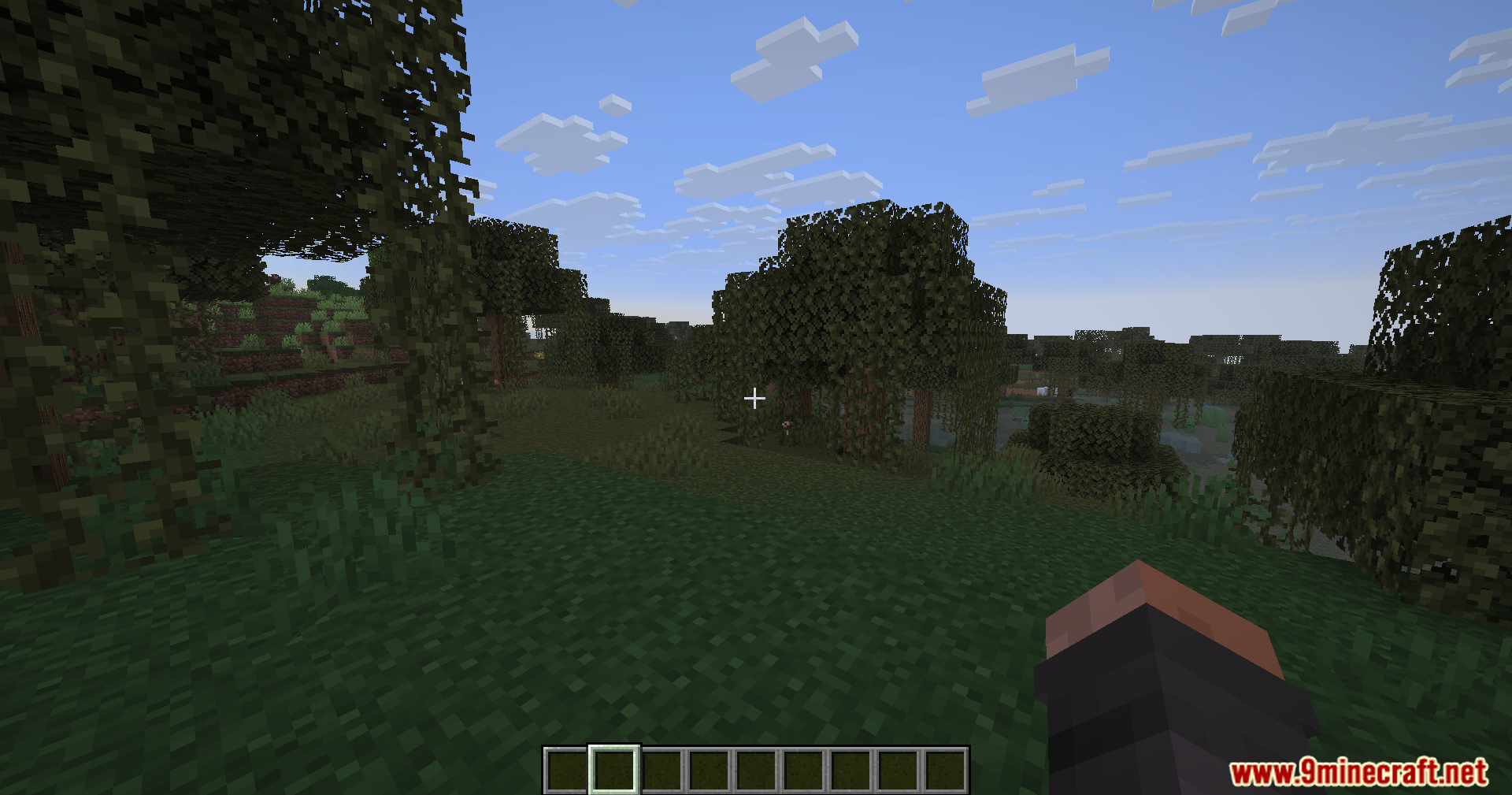
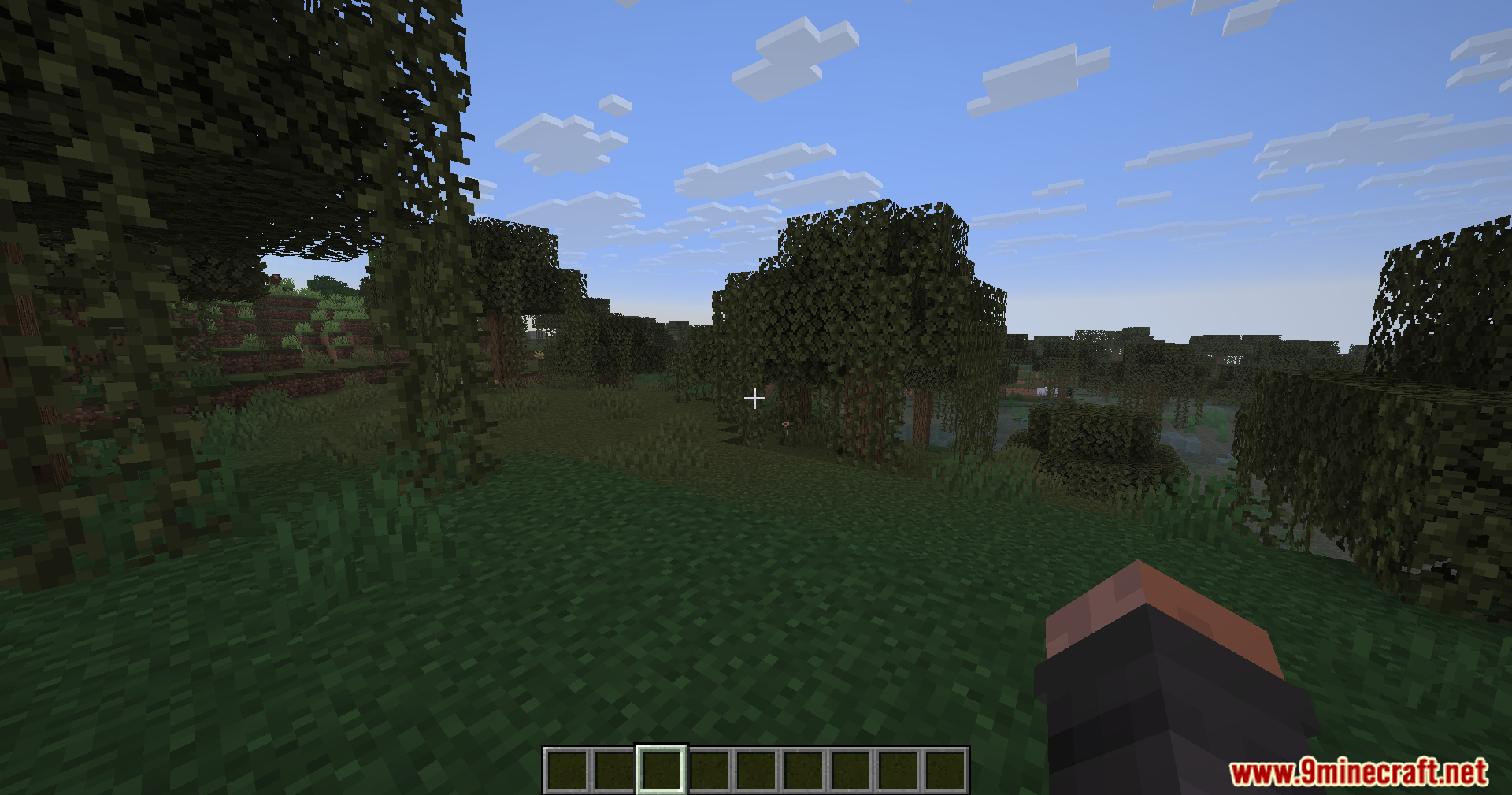
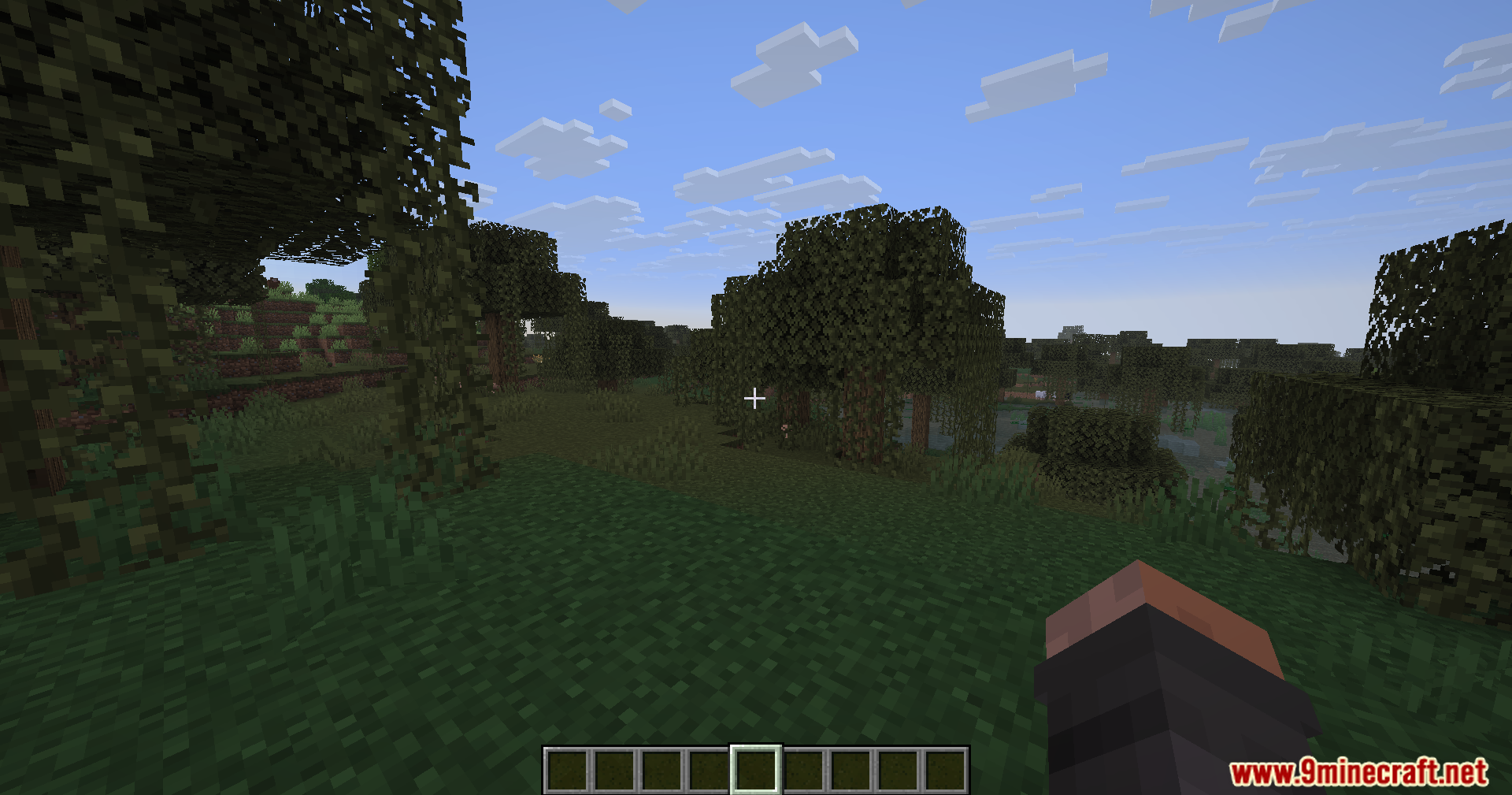
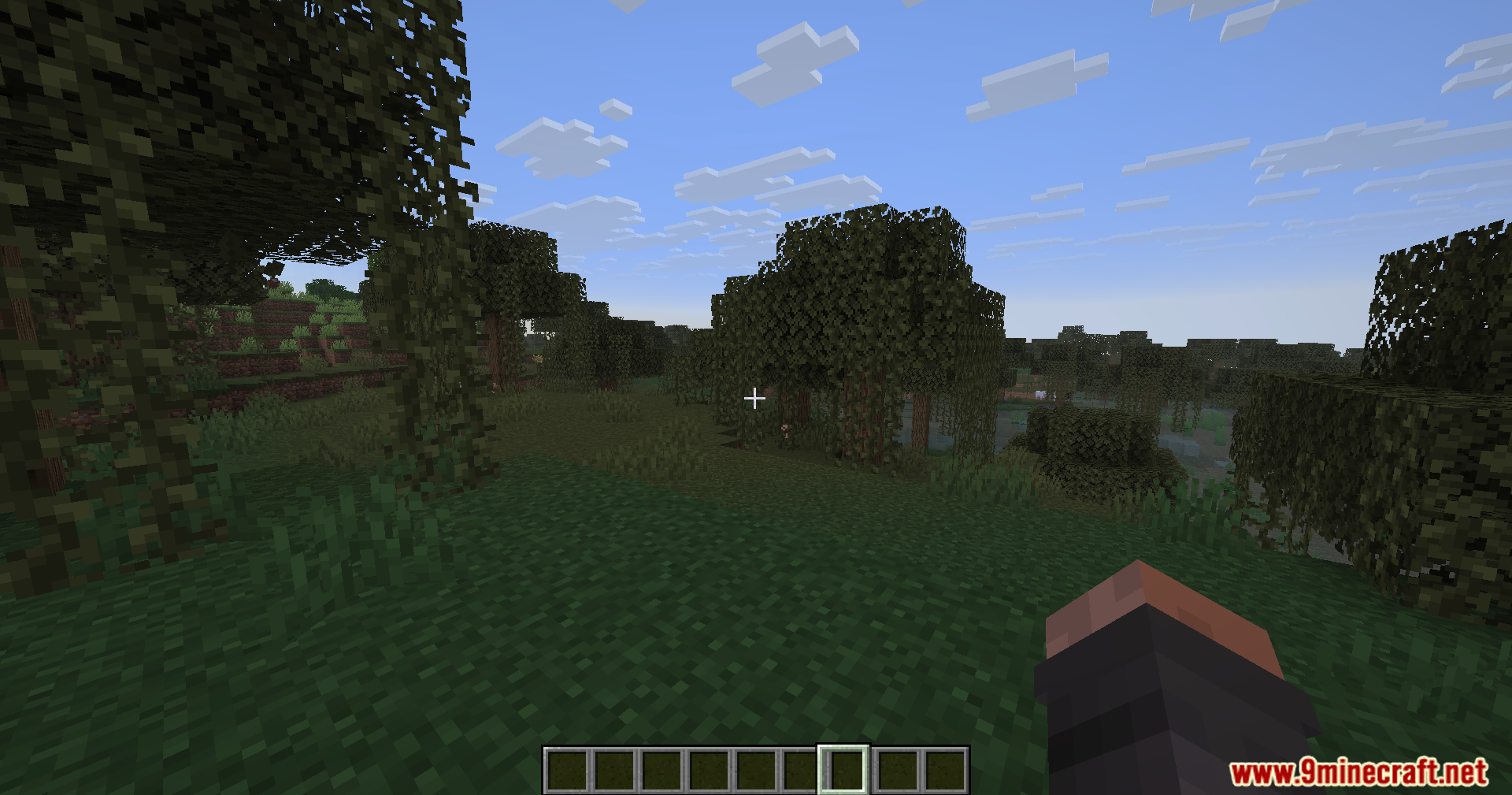
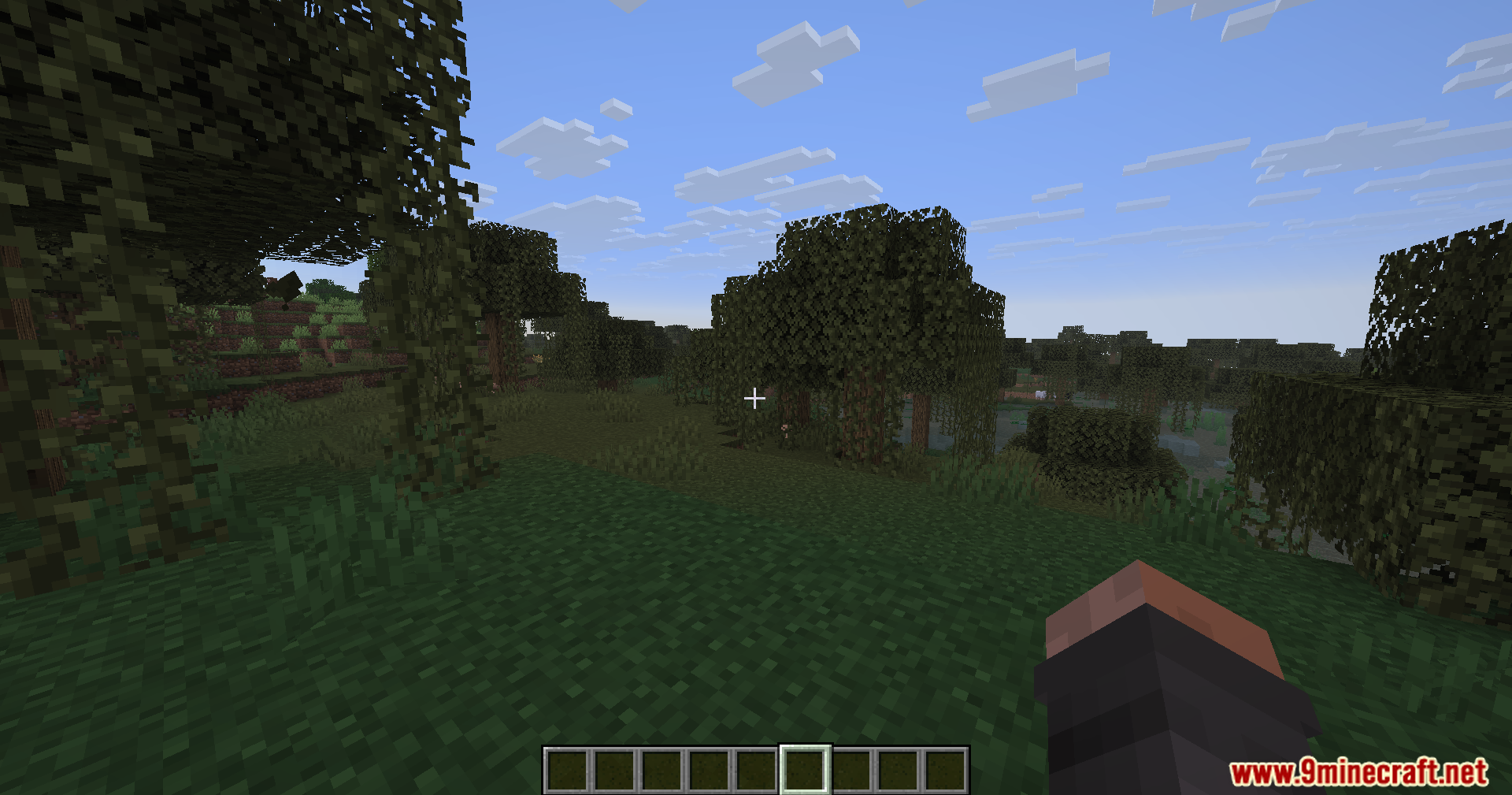
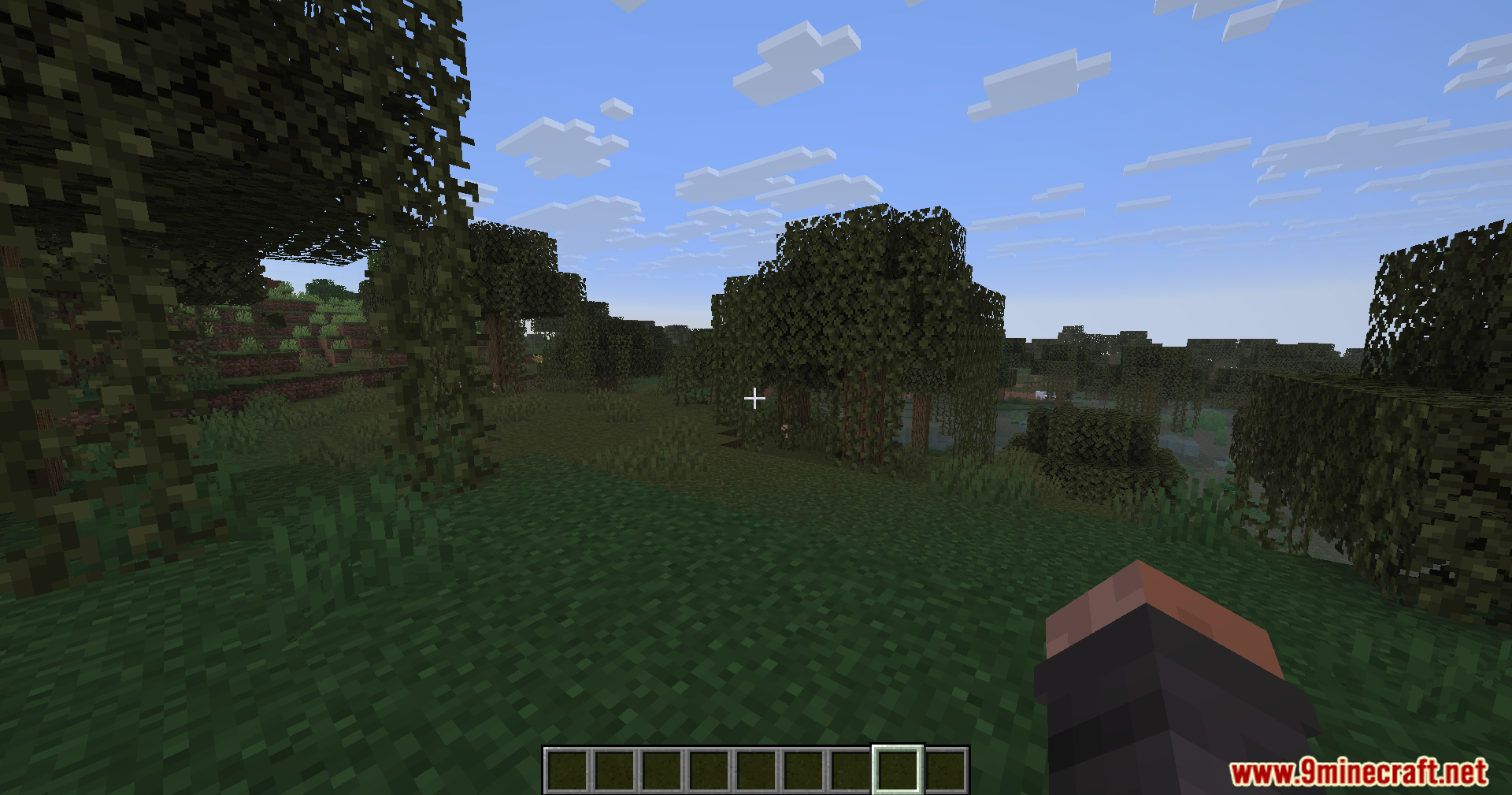
Smooth Hud Mod adds a simple sliding animation to your item hotbar. When you switch between your tools or blocks, the white selection box glides to the new slot instead of snapping there instantly. This small visual change makes picking items look much nicer during your daily gameplay.
Features:
- Adds a sliding animation to the white selection box on your item hotbar.
- Makes switching between blocks and tools look much cleaner on your screen.
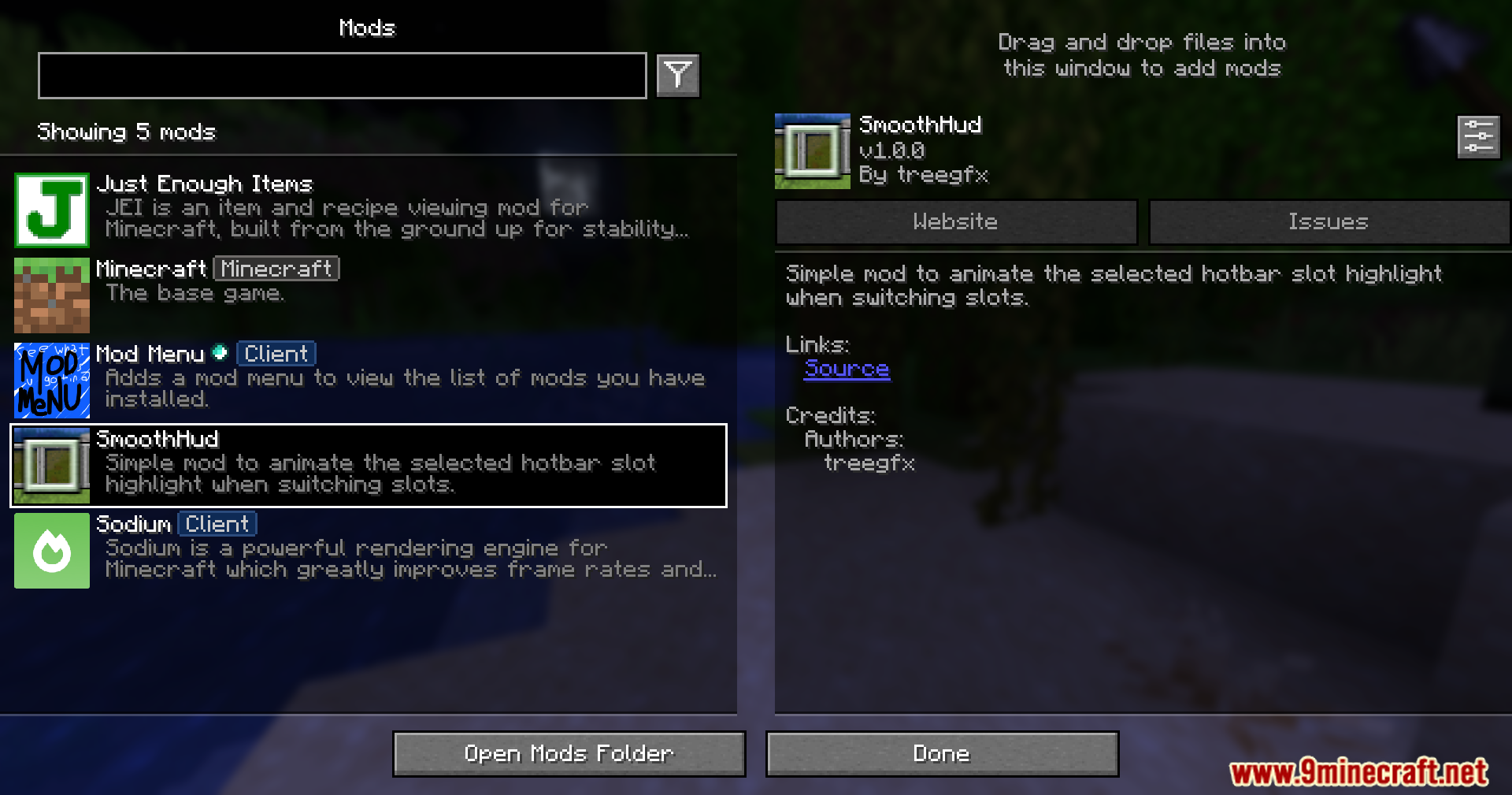
- Includes a custom settings menu to change how the slide effect looks.
- Keeps your normal item switching speed exactly the same while updating the visuals.
How to Use:
- Use your mouse scroll wheel or press the number keys to switch items and watch the box slide.
- Open the mod settings menu in your game to adjust the animation options.
Screenshots:
How to Install:
New to Minecraft? Follow our step-by-step guide to install Mods on your PC.View Guide
Requirements:


Smooth Hud Mod Download Links
For Minecraft 26.2
For Minecraft 26.1.2, 26.1.1, 26.1
For Minecraft
1.21.11,
1.21.10,
1.21.9
All Versions Covered
1.21.11
1.21.10
1.21.9
1.21.8
1.21.7
1.21.6
All Versions Covered
1.21.11
1.21.10
1.21.9
1.21.8
1.21.7
1.21.6
For Minecraft 1.21.5
For Minecraft 1.21.4, 1.21.3, 1.21.2
For Minecraft 1.21.1, 1.21
Click to rate this post!
[Total: 1 Average: 5]
You May Also Like










This post has no comments yet. Be the first — your comment will appear here.