


Colorless Black And White Shaders (26.1.2, 1.20.1) – Grayscale Visuals
 283
283
 0
0


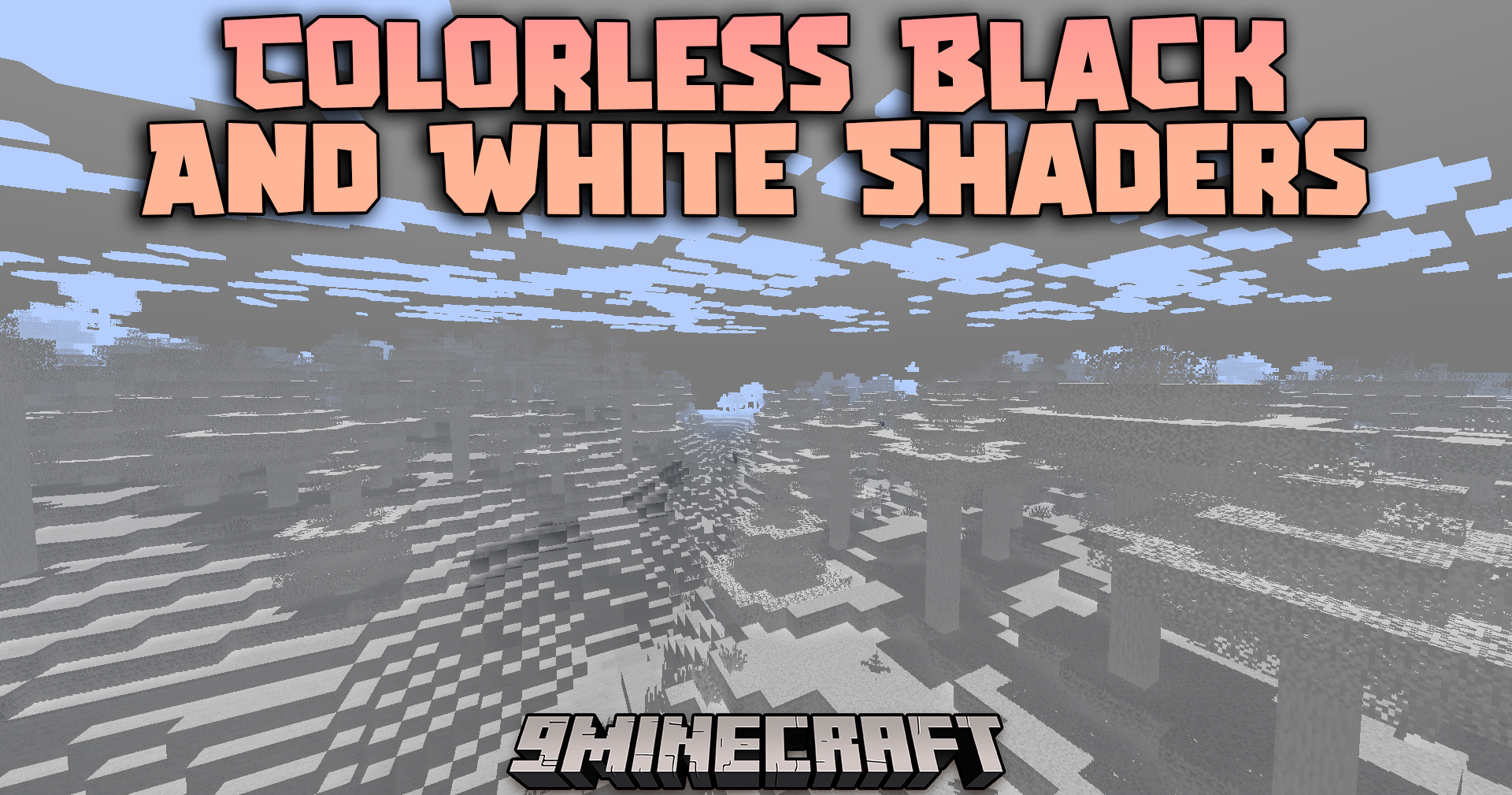
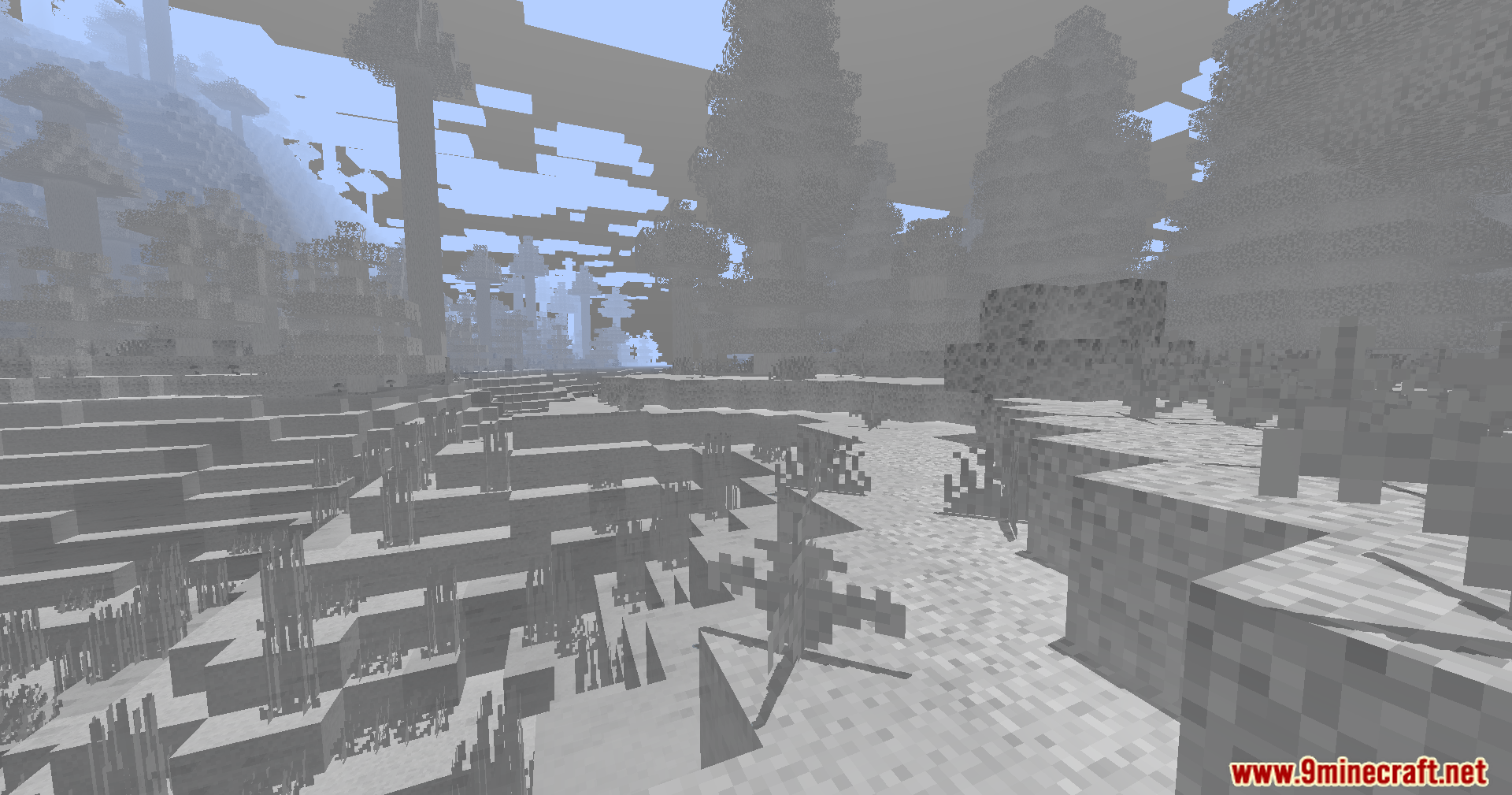
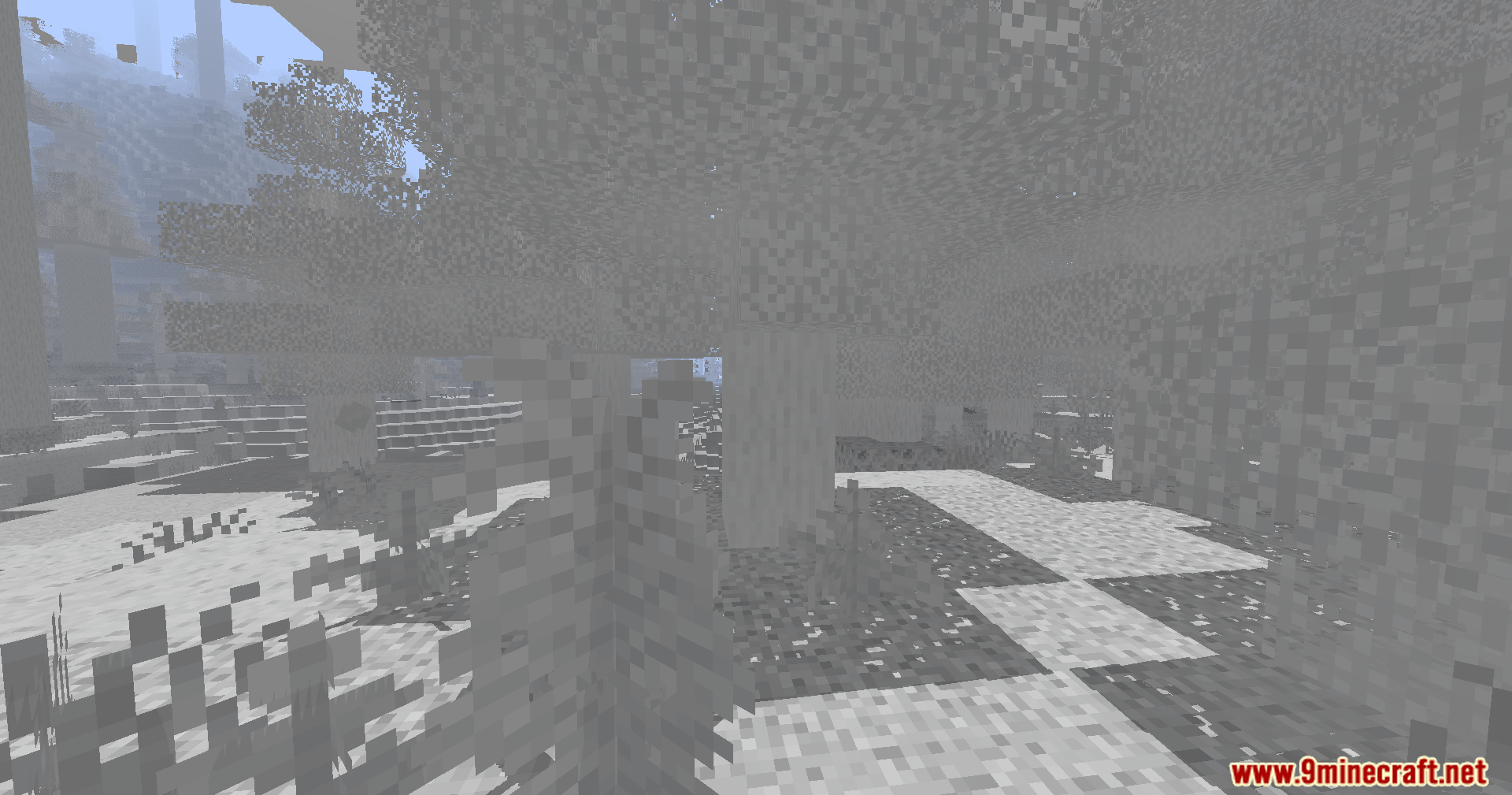
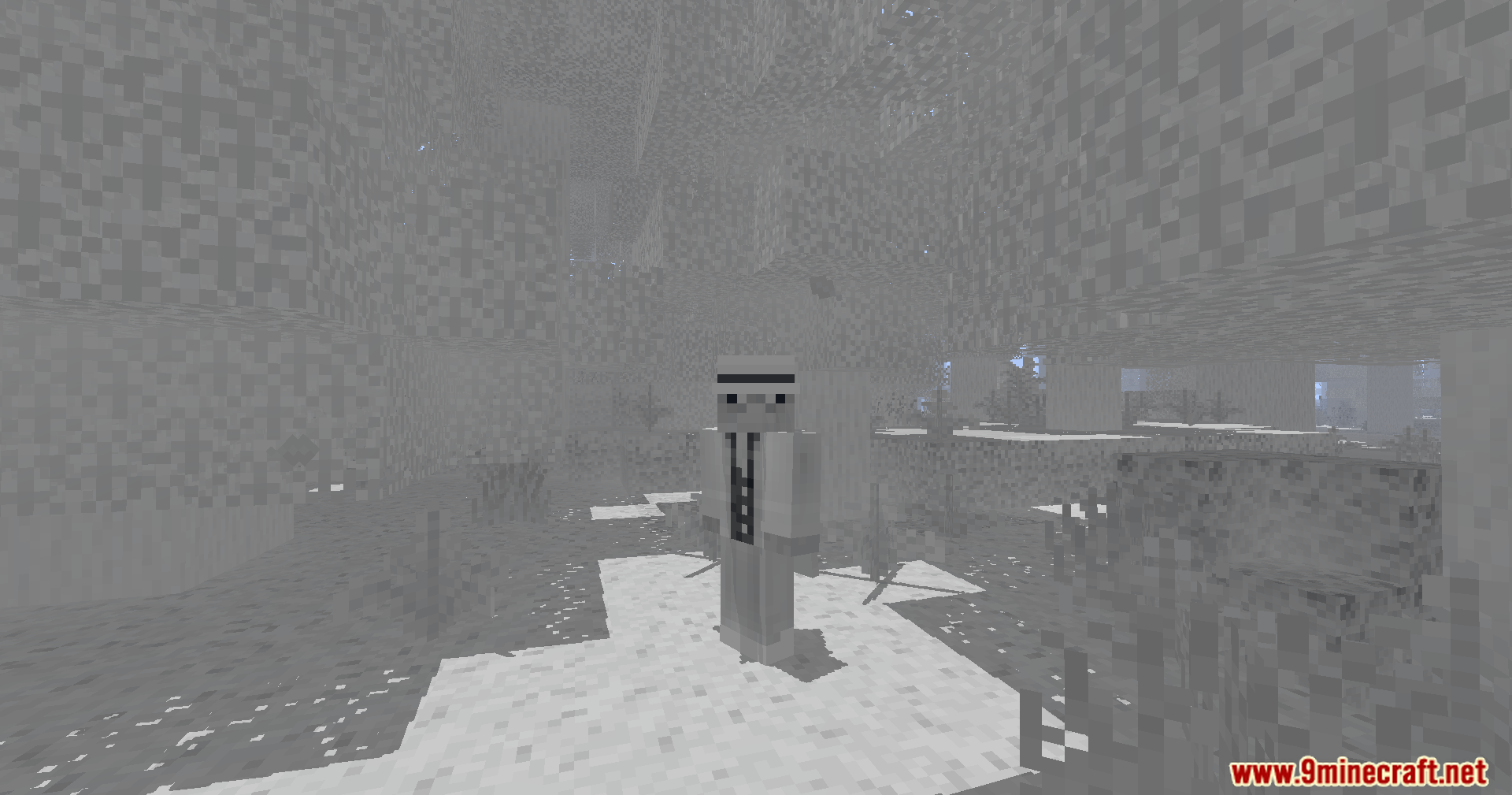
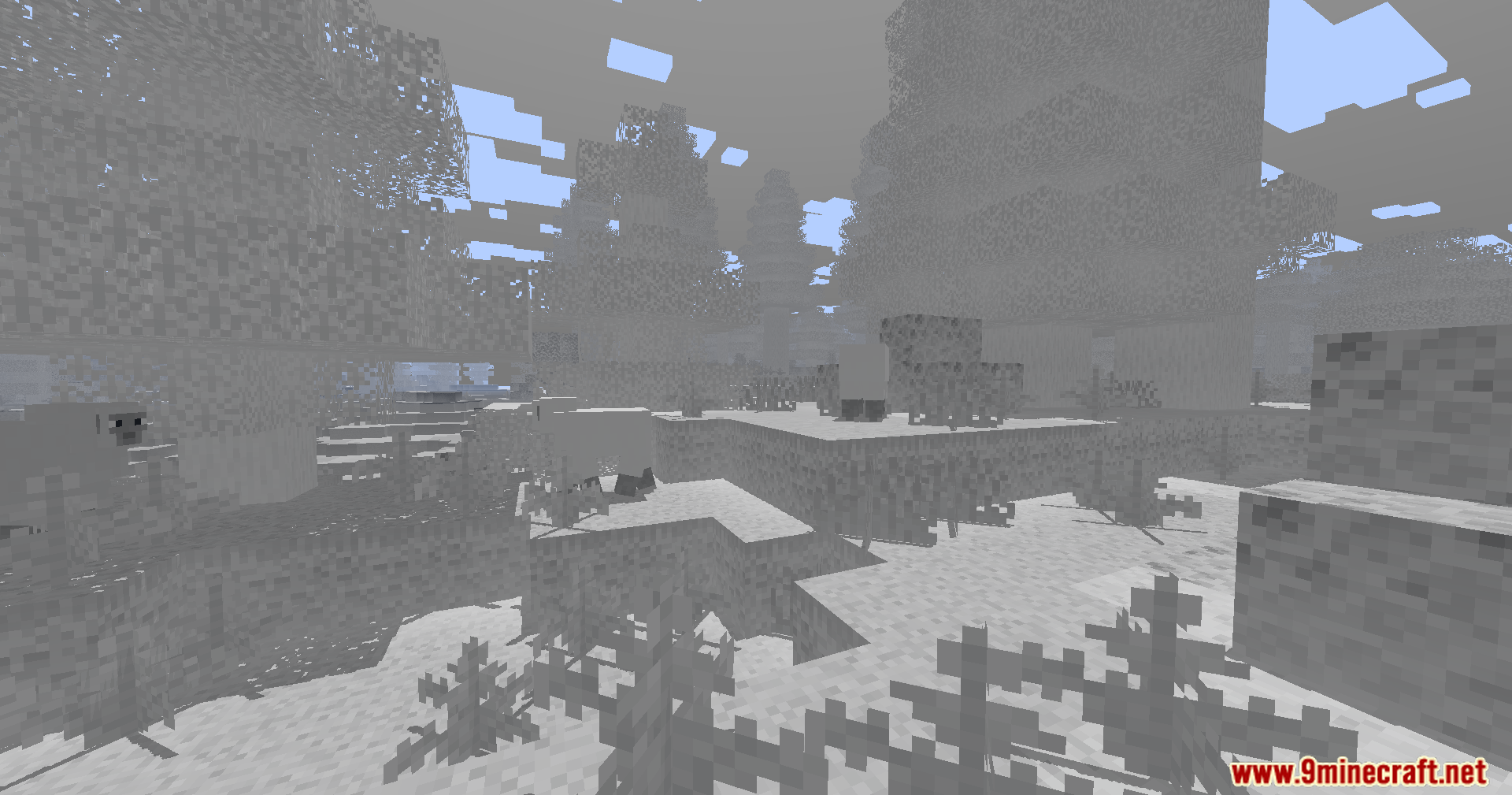
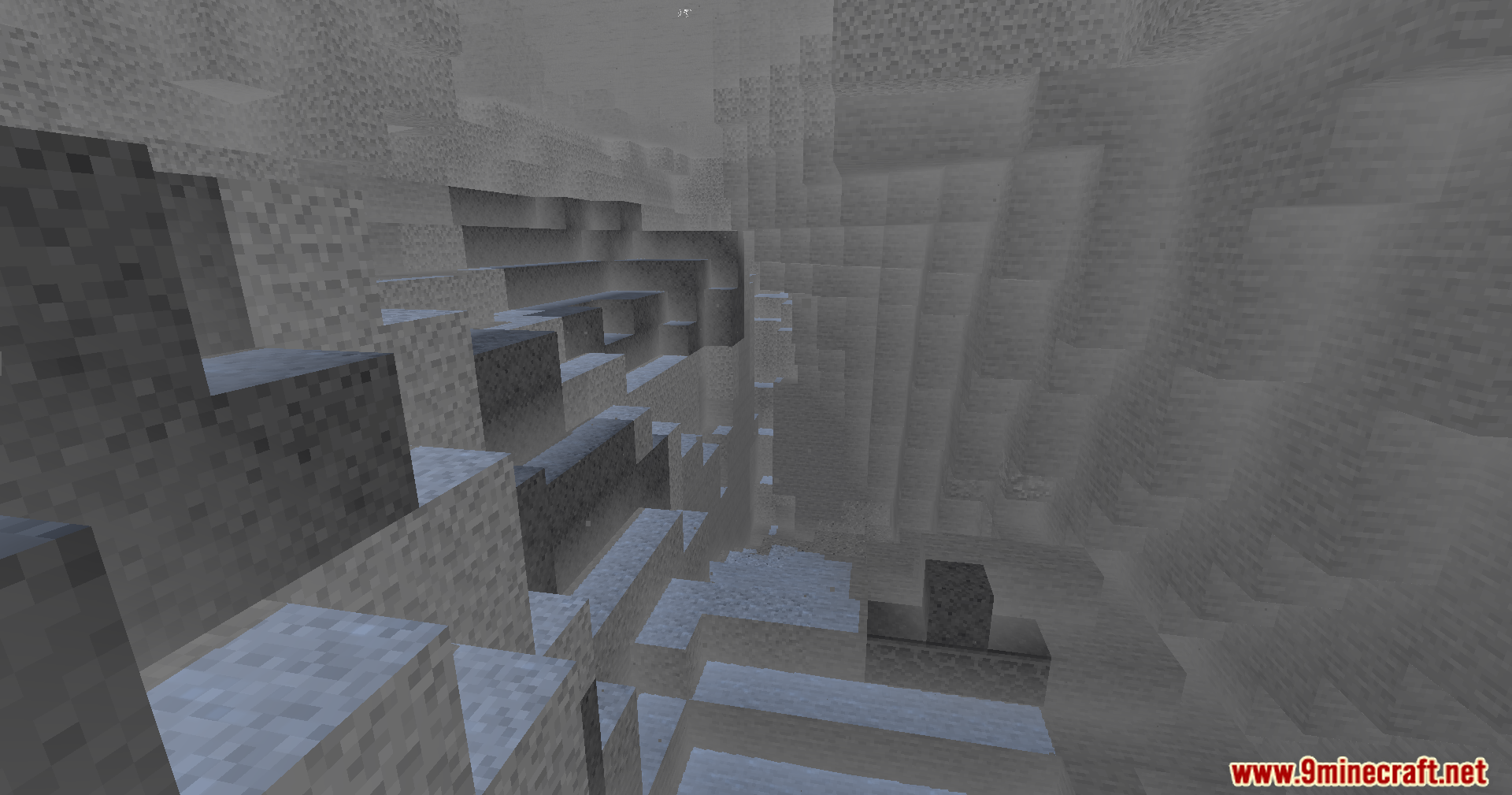
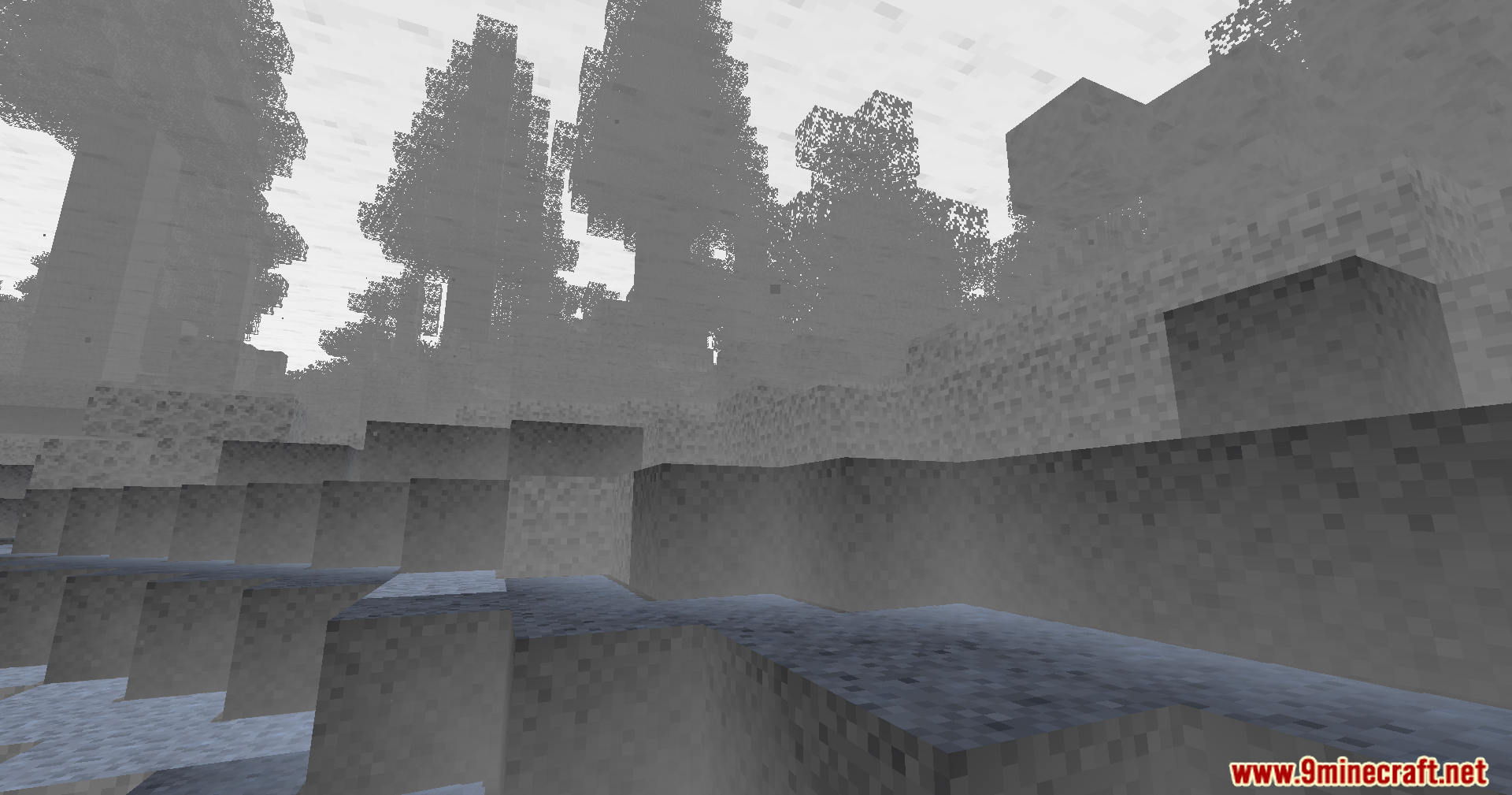
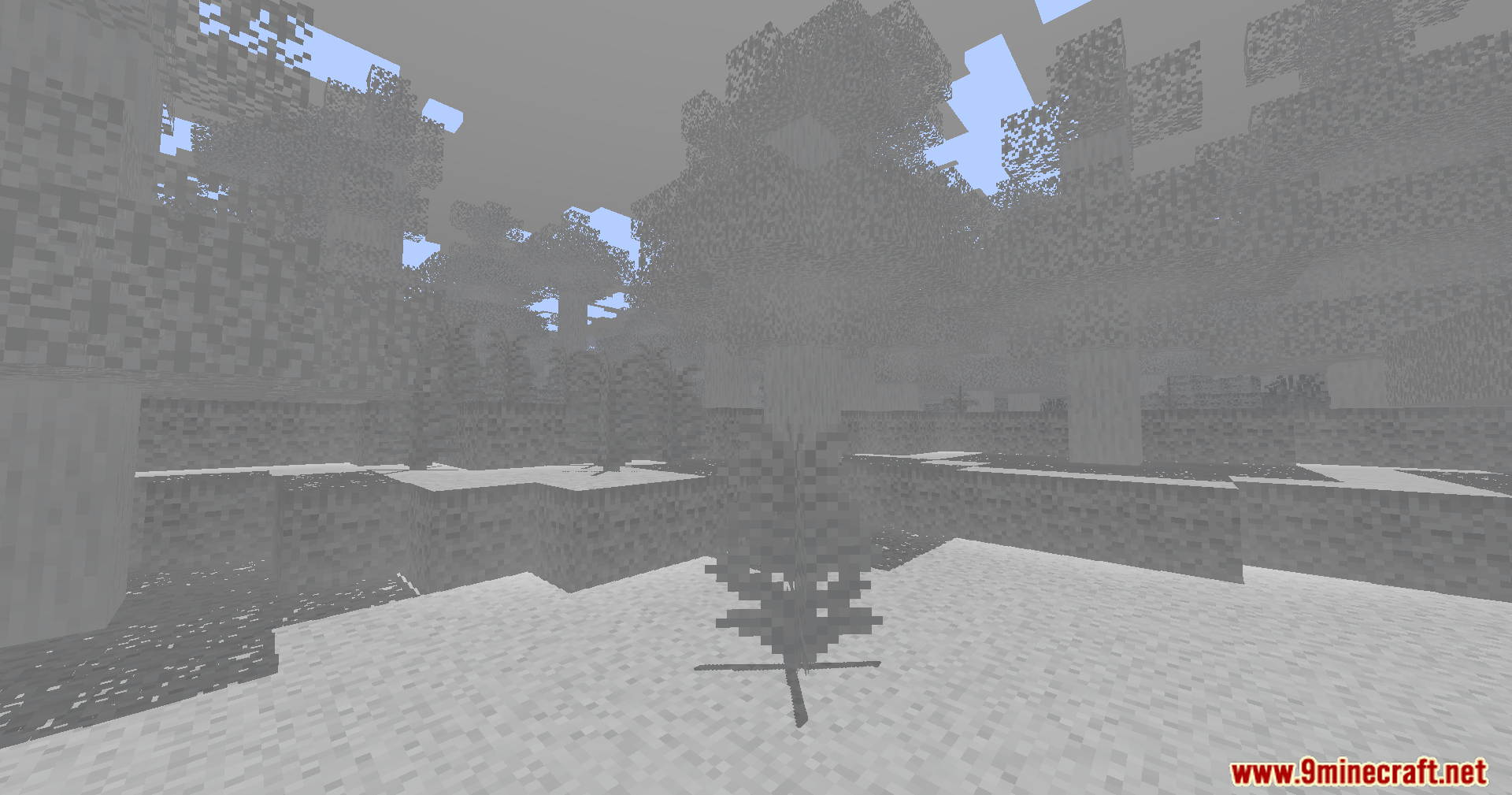
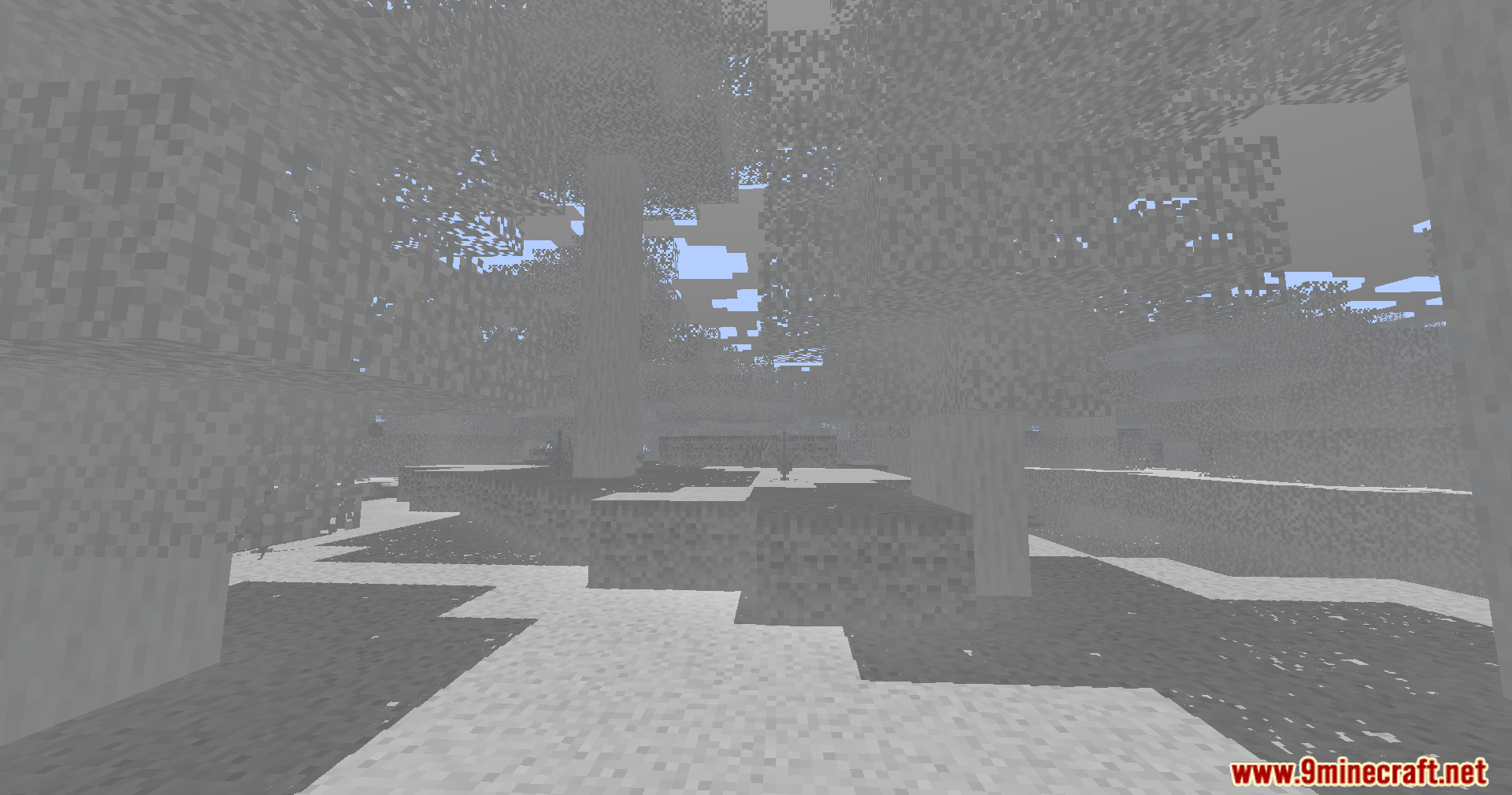
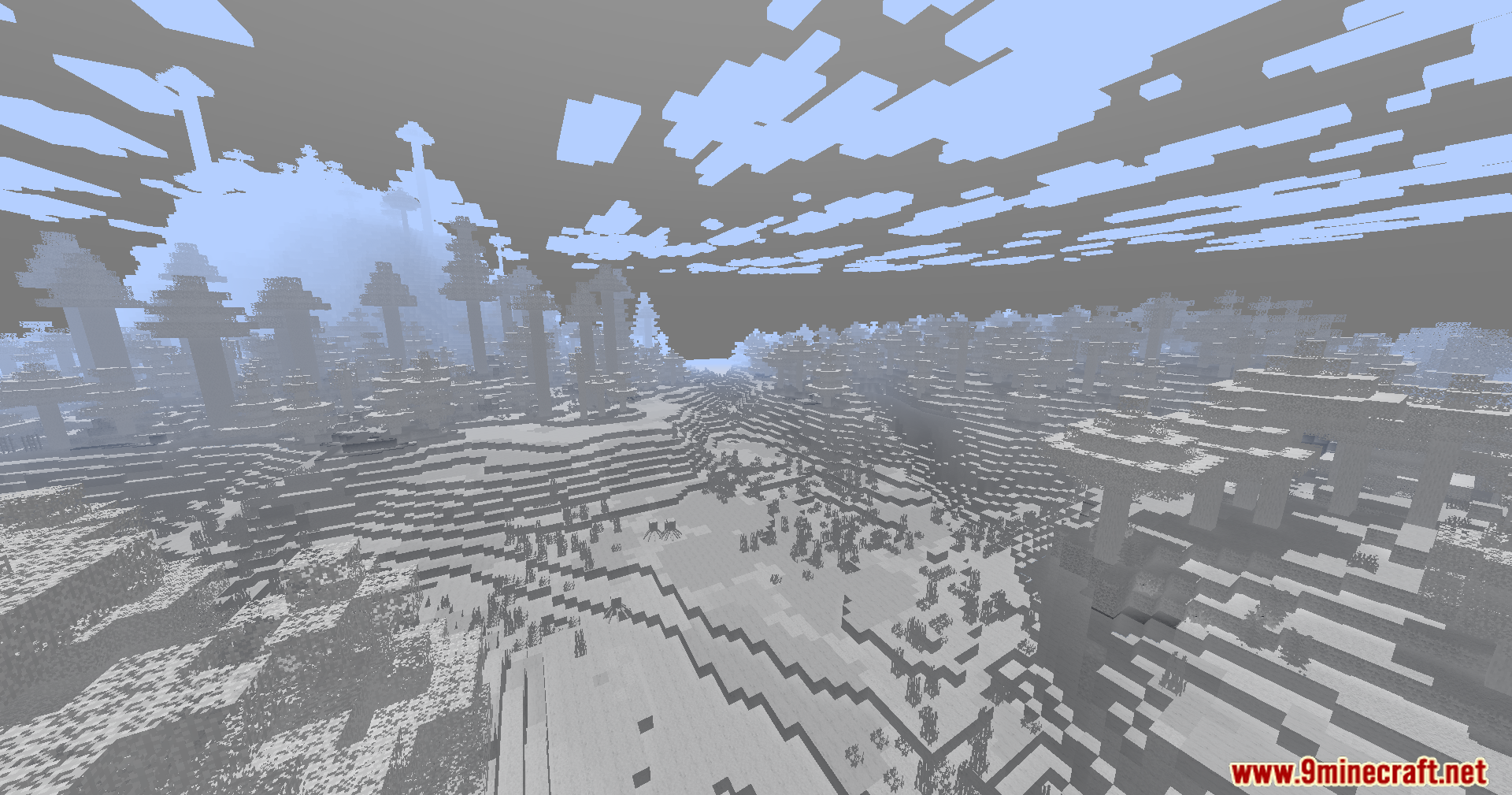
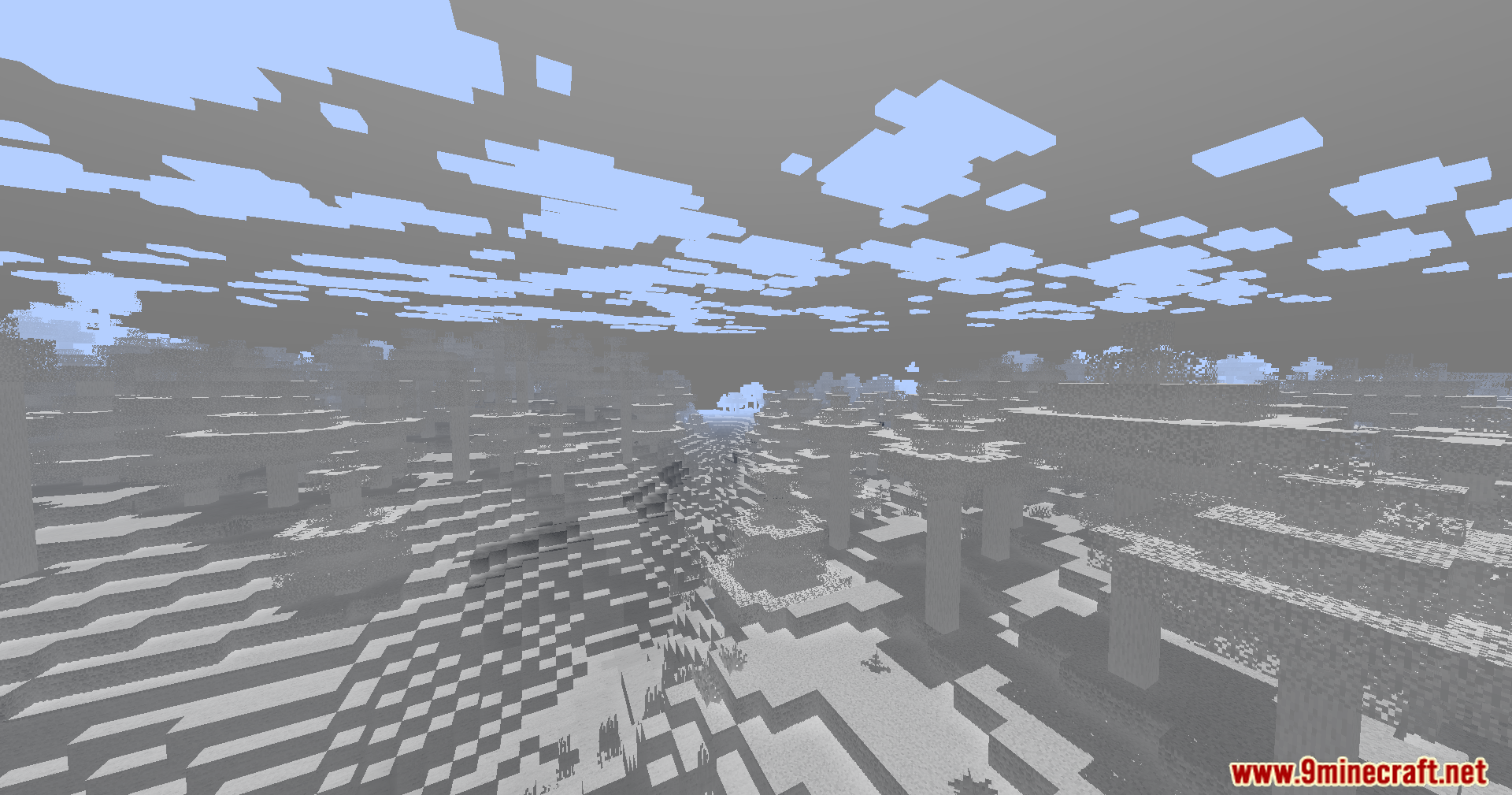
Colorless Black and White Shaders paints your Minecraft world in simple black and white colors. This shader removes the normal colors and turns everything into shades of gray. It runs smoothly on older computers that struggle with heavy graphics. You can still see special colored lights from torches or stained glass if you change the settings. For the best look, you should turn your in-game brightness down to zero percent. It gives the game a fun, old-movie style without causing lag.
Features:
- Black and White Mode: Turns your entire world into a classic black and white style.
- Low-End Friendly: Runs well on older PCs with low graphics power.
- Lets you hold a torch in your hand to light up the dark areas around you.
- Adds basic shadows and fog to make the world look nice.
- Gives you the choice to keep torch light gray or change it to a warm orange.
- Flashes a red light around your character when you take damage so you know you are hurt.
- Casts colored shadows on the ground when light shines through stained glass.
- Starts with inverted colors by default, but you can change this in the options menu.
Screenshots:
How to Install:
New to Minecraft? Follow our step-by-step guide to install Shaders on your PC.View Guide
Colorless Black and White Shaders Download Links
For Minecraft
26.1.2,
26.1.1,
26.1
All Versions Covered
26.1.2
26.1.1
26.1
1.21.11
1.21.10
1.21.9
1.21.8
1.21.7
1.21.6
1.21.5
1.21.4
1.21.3
1.21.2
1.21.1
1.21
1.20.6
1.20.5
1.20.4
1.20.3
1.20.2
1.20.1
1.20
1.19.4
1.19.3
1.19.2
1.19.1
1.19
1.18.2
1.18.1
1.18
All Versions Covered
26.1.2
26.1.1
26.1
1.21.11
1.21.10
1.21.9
1.21.8
1.21.7
1.21.6
1.21.5
1.21.4
1.21.3
1.21.2
1.21.1
1.21
1.20.6
1.20.5
1.20.4
1.20.3
1.20.2
1.20.1
1.20
1.19.4
1.19.3
1.19.2
1.19.1
1.19
1.18.2
1.18.1
1.18
Click to rate this post!
[Total: 3 Average: 4]
You May Also Like

This post has no comments yet. Be the first — your comment will appear here.