
WayGL Mod (26.1.2, 1.20.1) – Play Without Annoying Screen Glitches On Linux
 78
 0


WayGL Mod fixes annoying screen and window bugs for Linux players. It forces the game to run correctly on Wayland systems instead of using the older X11 methods. This mod stops weird graphical glitches from happening when you play.

Features:
- Wayland Mode: WayGL Mod forces the game window to load directly through Wayland on Linux.
- Keeps Your Icon: Shows the normal game icon on your taskbar without breaking it.
- Stops all the common Xwayland bugs that happen when playing on newer Linux setups.
- Switches platform settings automatically while the game runs so you do not have to mess with complicated files.
How to Use:
- Open your Prism Launcher and select your game instance.
- Click on Edit and go to the Version tab.
- Find LWJGL 3 in the list and click Change Version.
- Select version 3.3.2 and click Ok to save.
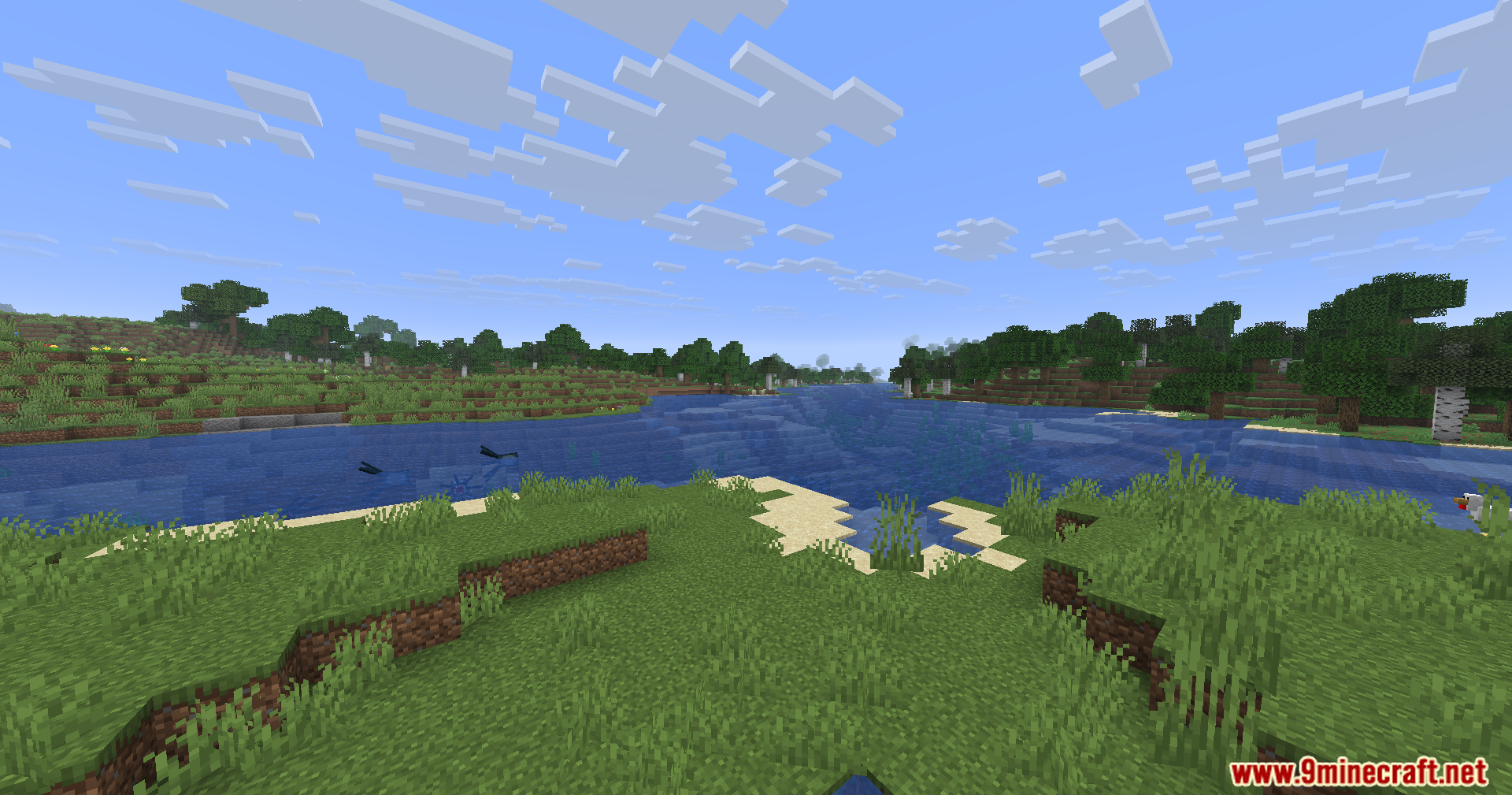
Screenshots:



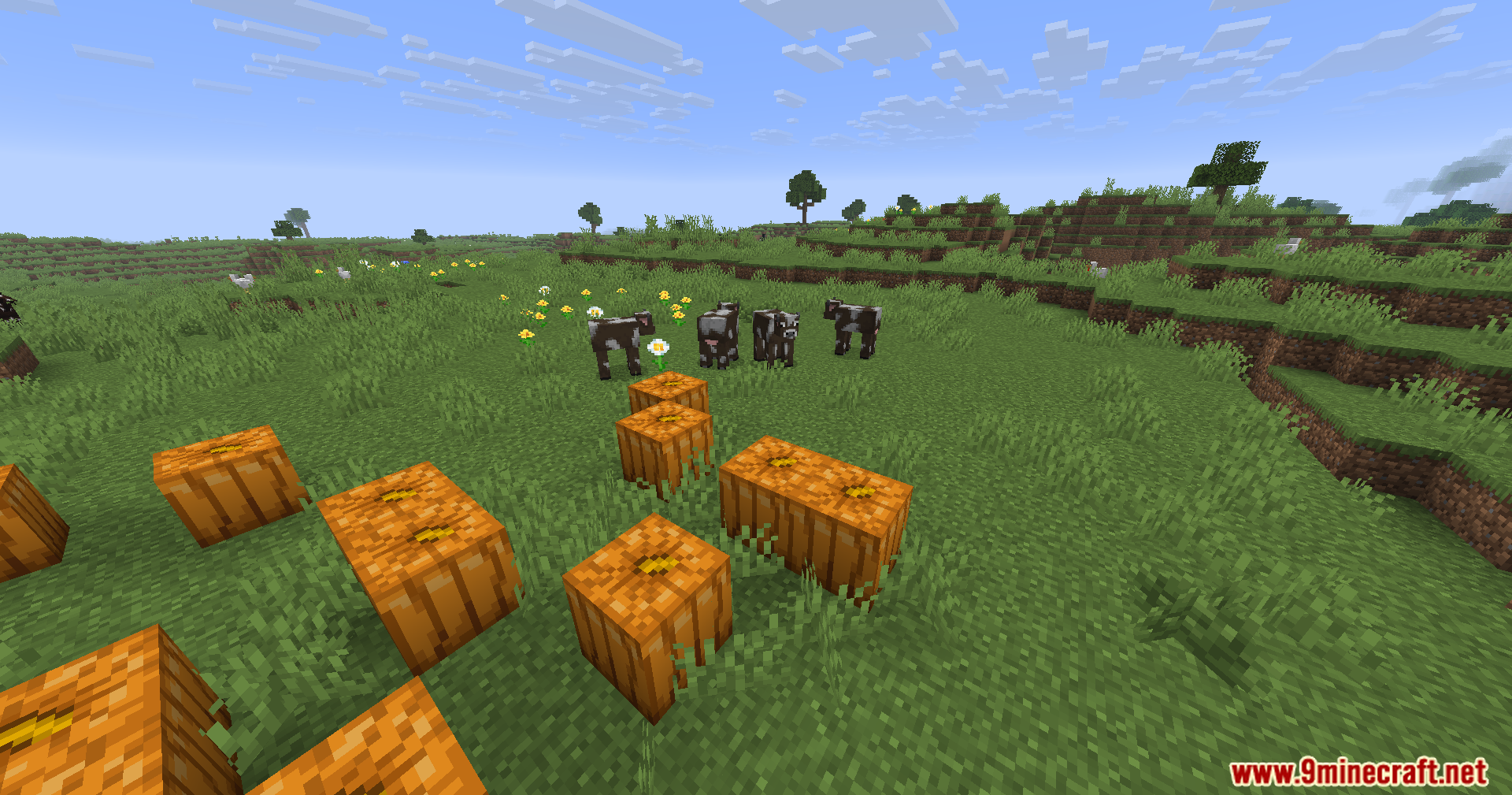


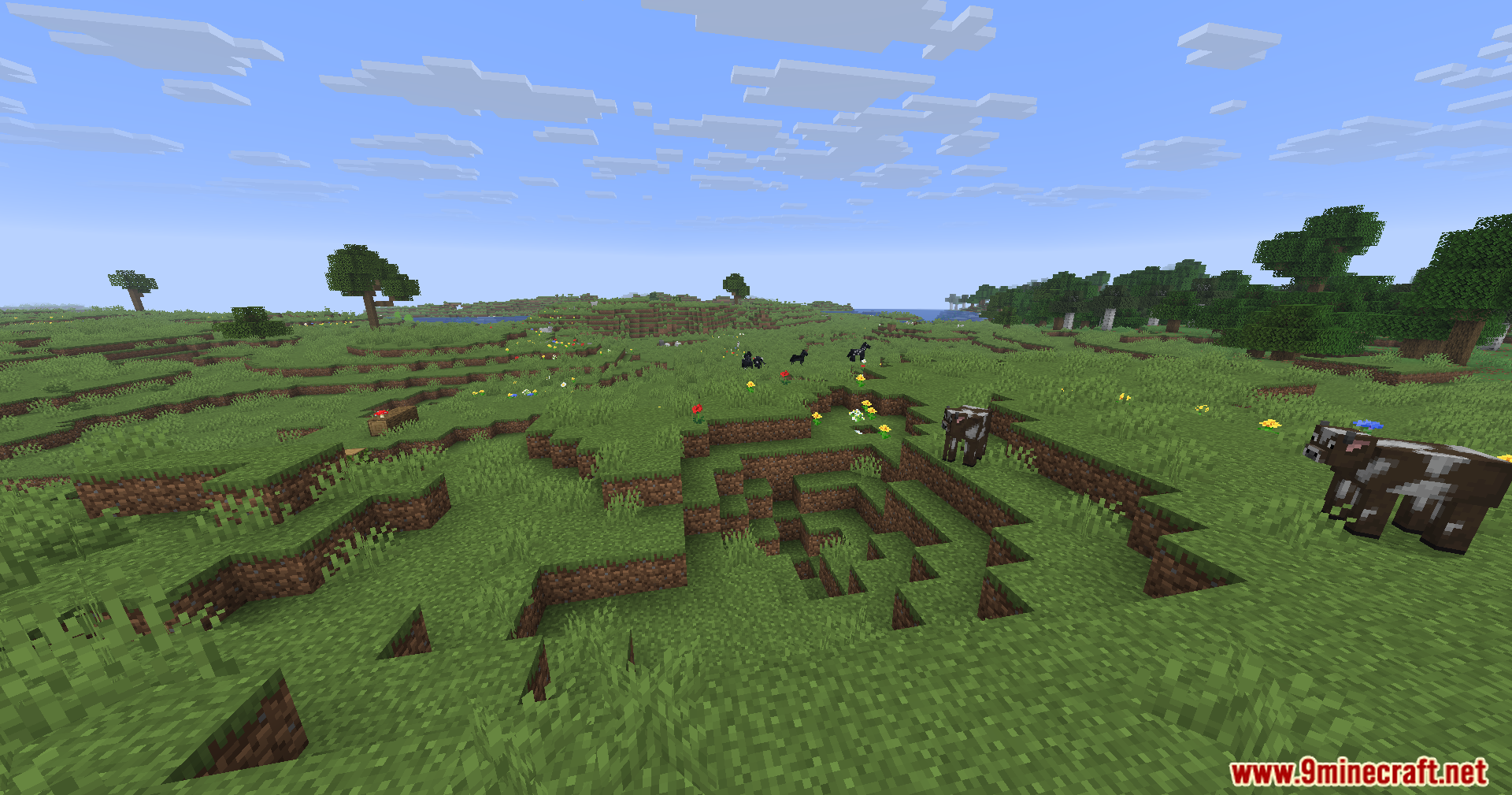
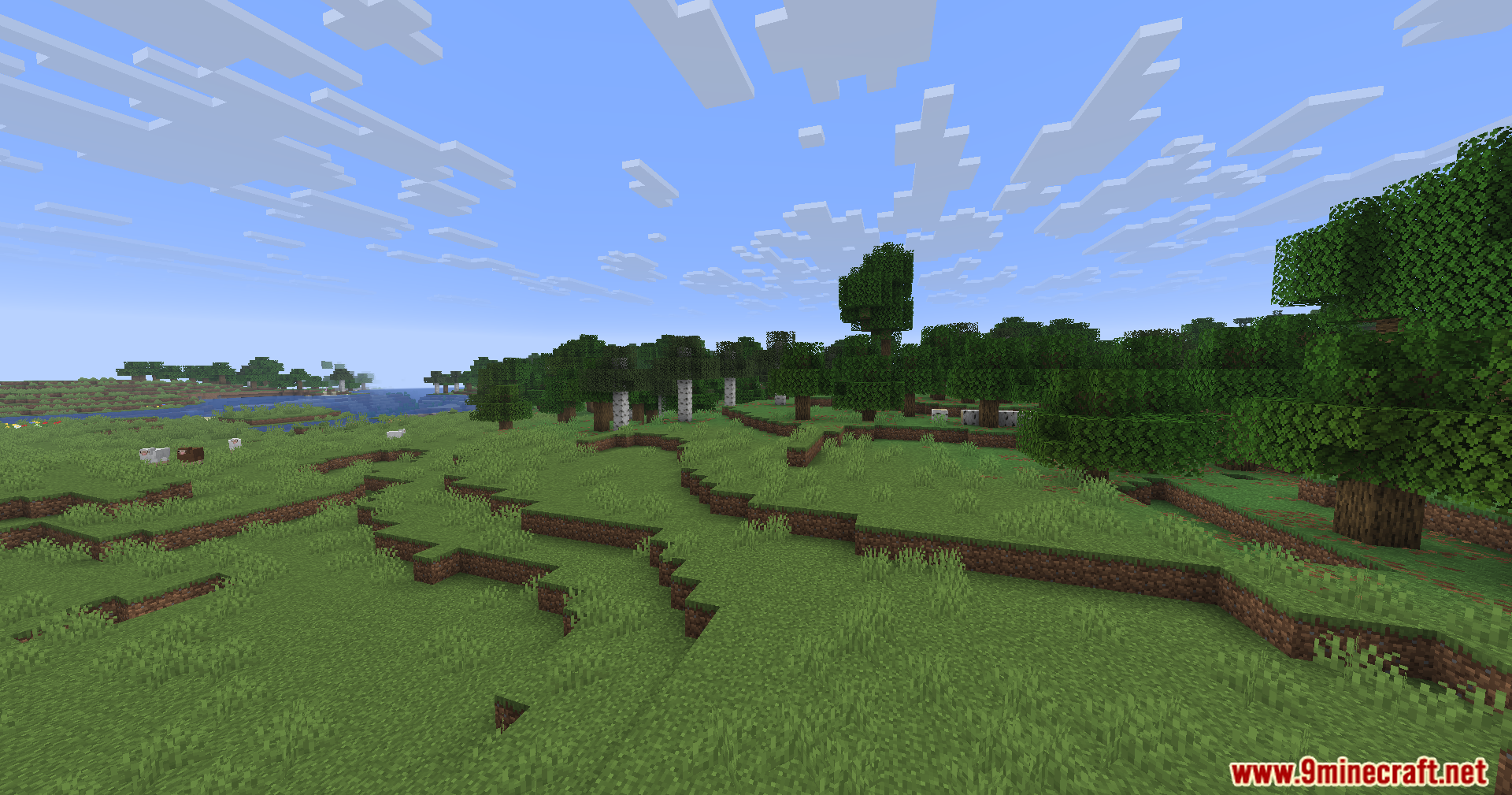
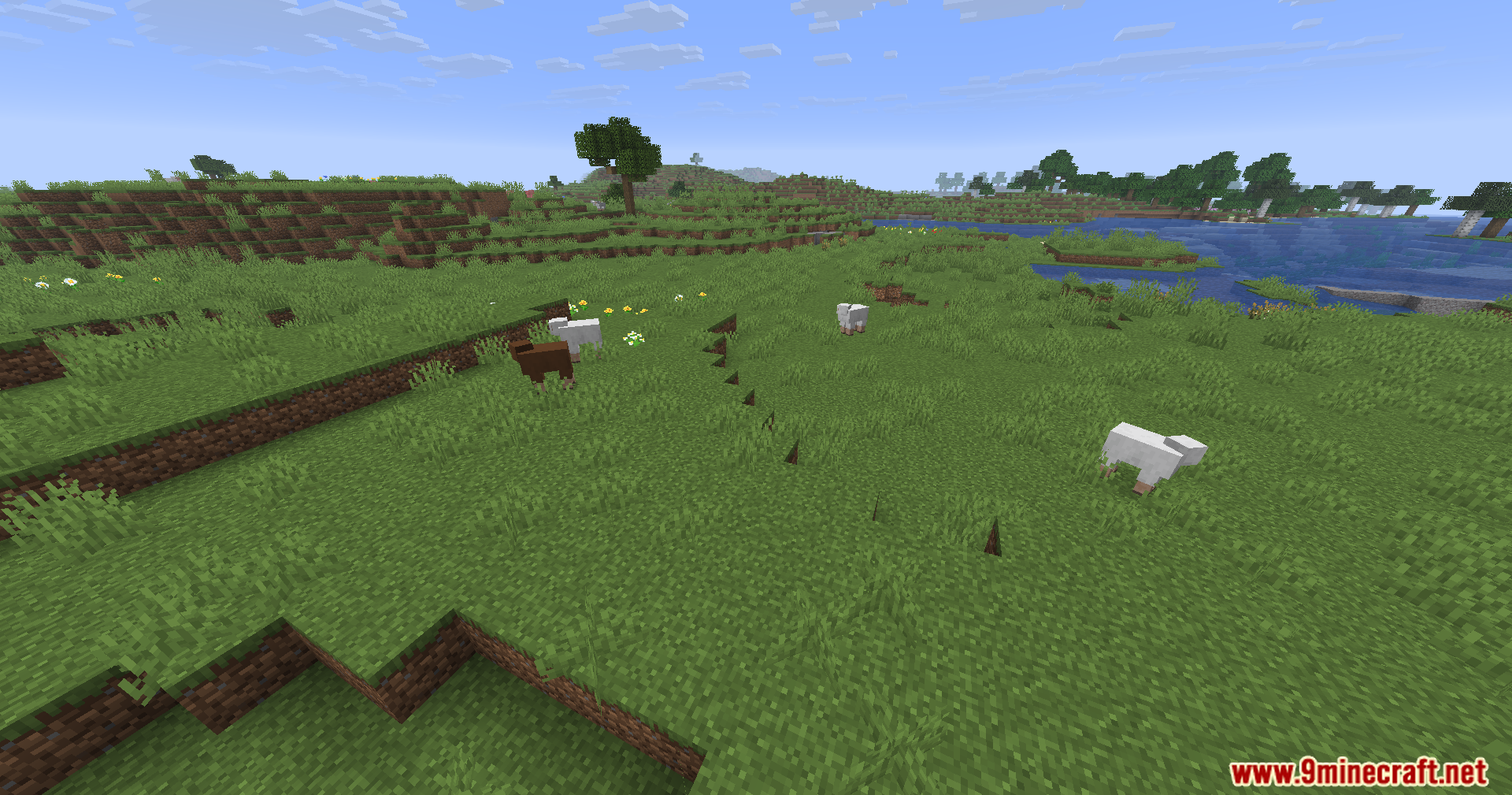
How to Install:
New to Minecraft? Follow our step-by-step guide to install Mods on your PC.View Guide
Requirements:








WayGL Mod Download Links
For Minecraft 26.1.2, 26.1.1, 26.1
For Minecraft
1.21.11,
1.21.10,
1.21.9
All Versions Covered
1.21.11
1.21.10
1.21.9
1.21.8
1.21.7
1.21.6
1.21.5
1.21.4
1.21.1
1.21
All Versions Covered
1.21.11
1.21.10
1.21.9
1.21.8
1.21.7
1.21.6
1.21.5
1.21.4
1.21.1
1.21
For Minecraft
1.20.6,
1.20.5,
1.20.4
All Versions Covered
1.20.6
1.20.5
1.20.4
1.20.3
1.20.2
1.20.1
1.20
All Versions Covered
1.20.6
1.20.5
1.20.4
1.20.3
1.20.2
1.20.1
1.20
For Minecraft
1.19.2,
1.19.1,
1.19
All Versions Covered
1.19.2
1.19.1
1.19
1.18.2
1.18.1
1.18
1.17.1
1.17
All Versions Covered
1.19.2
1.19.1
1.19
1.18.2
1.18.1
1.18
1.17.1
1.17
Click to rate this post!
[Total: 1 Average: 5]
QUICK MINECRAFT SURVEY · ONE TAP
Mods & Modpacks
Have you ever created your own Minecraft mod or modpack, even a simple one?
12 responses · See the full results →
You May Also Like
Picked for this page
 Replay Mod (26.3, 1.20.1) – Record, Relive, Share Your Experience
 Simple Voice Chat Mod (26.3, 1.20.1) – Hear Players Around You
 Healing Campfire Mod (26.3, 1.20.1) – Heal Players and Passive Mobs
 Nameless Trinkets Mod (26.1.2, 1.20.1) – More Powerful Trinkets
 Camera Utils Mod (26.3, 1.20.1) – Improved Camera Functionality
 Exordium Mod (26.1.2, 1.20.1) – Optimized GUI performance!
 Better Tridents Mod (26.3, 1.20.1) – Destroy Everything
 Particle Core Mod (26.3, 1.20.1) – Optimizing Particles Effects
 EnderPack Mod (26.1.2, 1.20.1) – Take Your Ender Storage Anywhere
 Calc Mod (26.2, 1.20.1) – A Calculator in Your Minecraft Chat
 More XP More Health Mod (26.3, 1.21.1) – Increases Maximum Health With XP Level
 MCMod Splashes Plus Plus Mod (26.1.2, 1.20.1) – Read Funny Chinese Memes
Most viewed in Mods over the last 7 days
 Ala Industrial Mod (26.3) – Run Electric Power Grids and Automated Factories
 PleasureCraft Mod (26.3, 1.21.1) – Jenny Mod Remake for Fabric
 Jennycraft Mod (26.3, 1.20.1) – Virtual Girlfriend in Minecraft
 Fapcraft Mod (26.3, 1.12.2) – Comprehensive and Detailed Content
 Jenny Mod (Fapcraft) Official Complete Guide – How to use, Tutorial
 BangCraft Mod (1.20.1) – Jenny, Ellie and Elliot
 Fabric Loader (26.3, 1.20.1) – Fabric Installer for All Minecraft Versions
 Meteor Client Mod (26.3, 1.20.1) – Xray, HUD, Fly
 The Shooting Star Demo Mod (26.3, 1.20.1) – Vaporize Terrain From Orbit
 OptiFine HD (26.3, 1.20.1) – Run Faster, FPS Boost, Shaders Support
 Aristois Client Mod (1.21.4, 1.20.1) – World Class Minecraft Utility
 Prestige Client Mod (1.21.11, 1.21.4) – Powerful Ghost Features for Crystal & Sword PvP
More from Mods
 Cherry Villages Mot’s Structures Mod (26.3, 1.21.11) – Find Fresh Settlements
 XinexLib Mod (1.21.1) – Keep Your Ultreon Studios Mods Running
 Libvulpes – Fixed Mod (1.12.2) – Launch Rockets with Fewer Bugs
 Freelook Perspective Mod (26.3, 1.21.1) – Watch Your Back While Sprinting
 FAUNA Engine Mod (1.21.1, 1.20.1) – Powering Legendary Dragons
 Avali Nexus Mod (26.3) – Settle Frozen Frontiers with High-Tech Bird Tribes
 Orient’s Hotpot Chronicles Mod (1.20.1) – Boil Fresh Hotpot Meals Over Open Flames
 Far Lands Traveler Mod (26.1.2) – Survive the Long Trek to the Edge of the World
 Beli’s SkyLyrics Mod (1.21.11) – Sing Along to Desktop Tracks Projected in the Night Sky
 Explainstone and Songmelyn Mod (1.21.1) – Broadcast Custom Music Across Your Base
 Rockstar Shaders Mod (26.3) – Cast Ray-Traced Light Across Vast Distant Horizons
 ERYDON Mod (1.20.1) – Design Grand Courtyards with Carved Marble Pillars

This post has no comments yet. Be the first — your comment will appear here.