


Lower Clouds Shaders (26.2, 1.20.1) – Adjustable Vanilla Cloud Height Settings
 0
0
 0
0

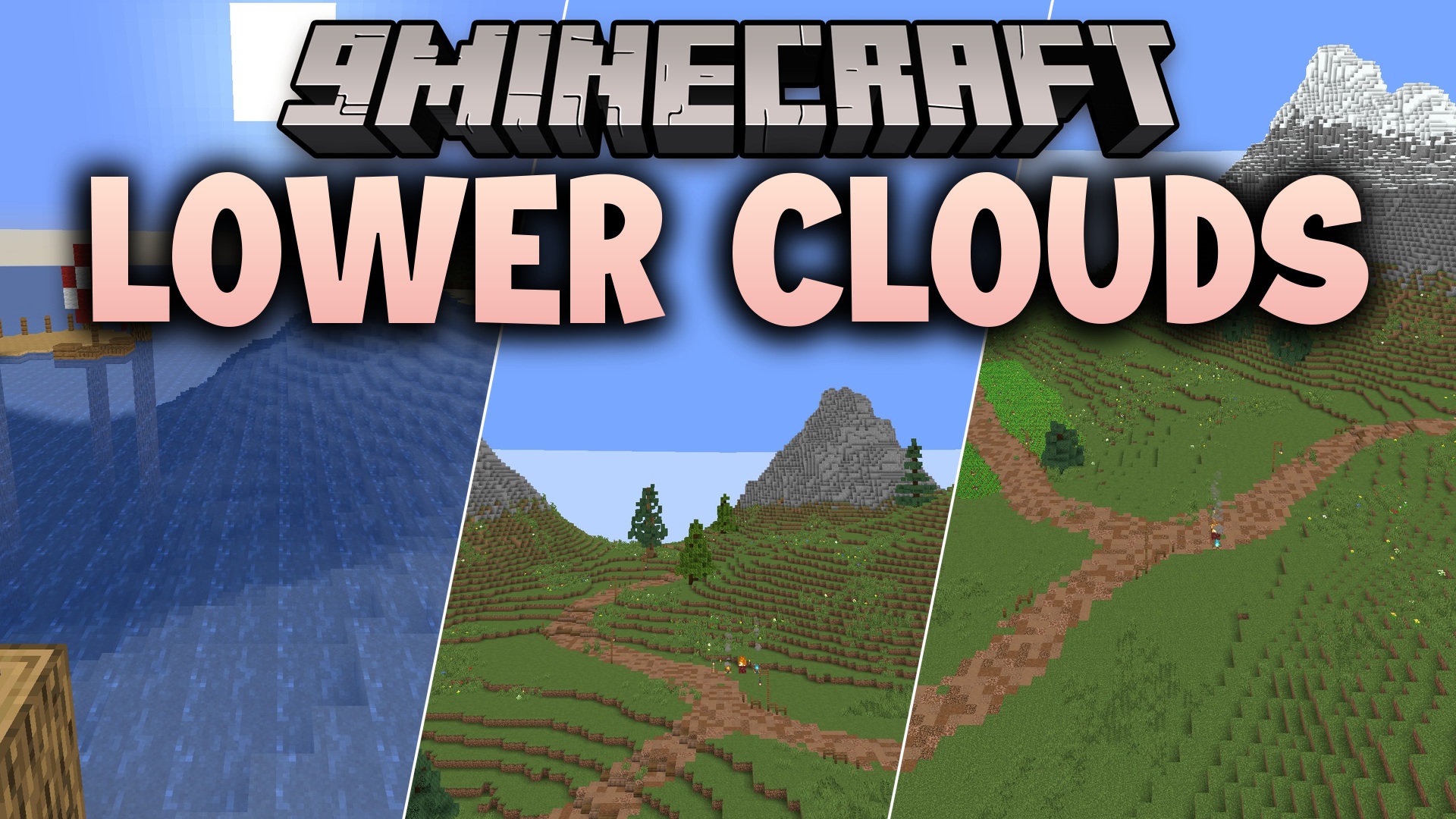
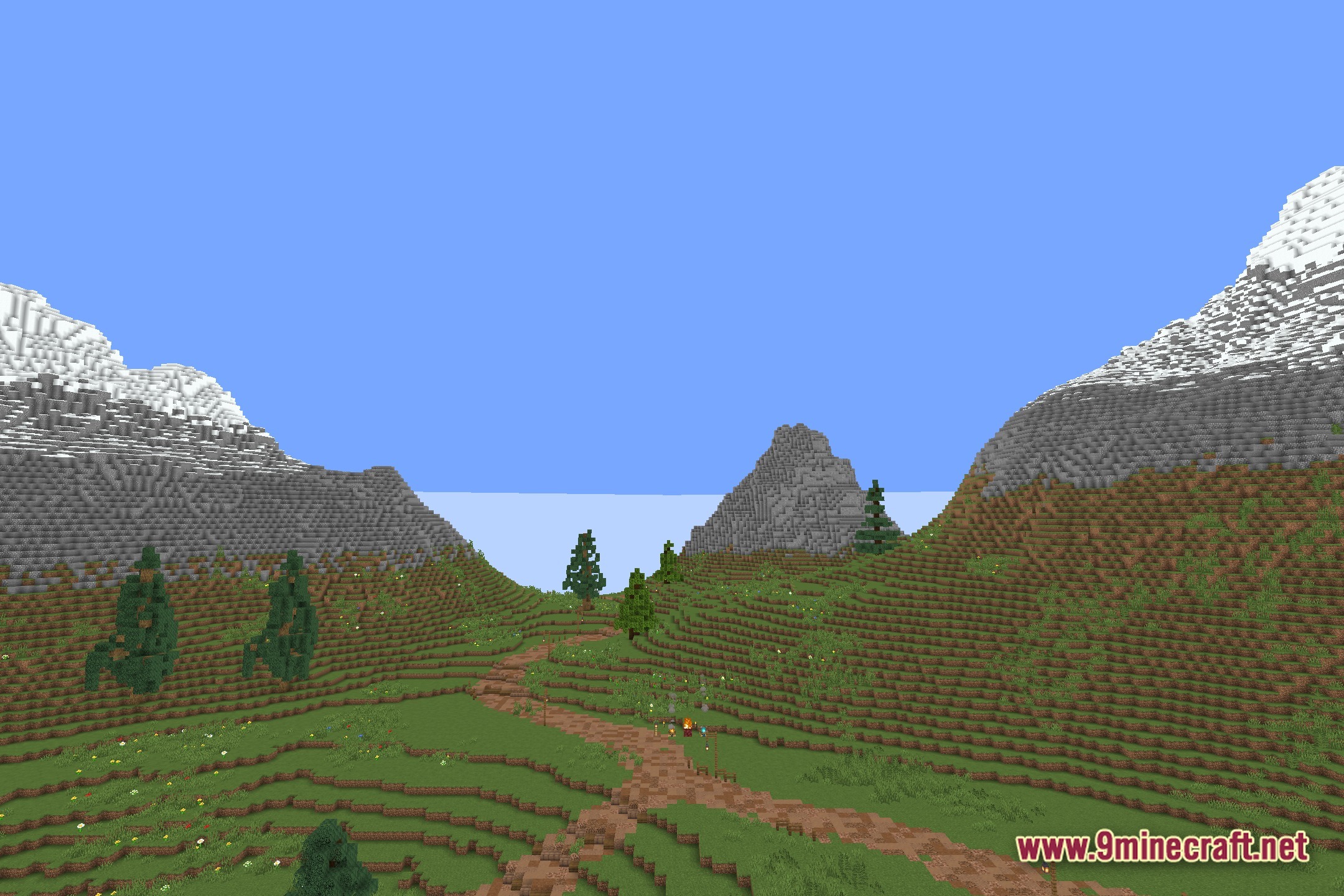
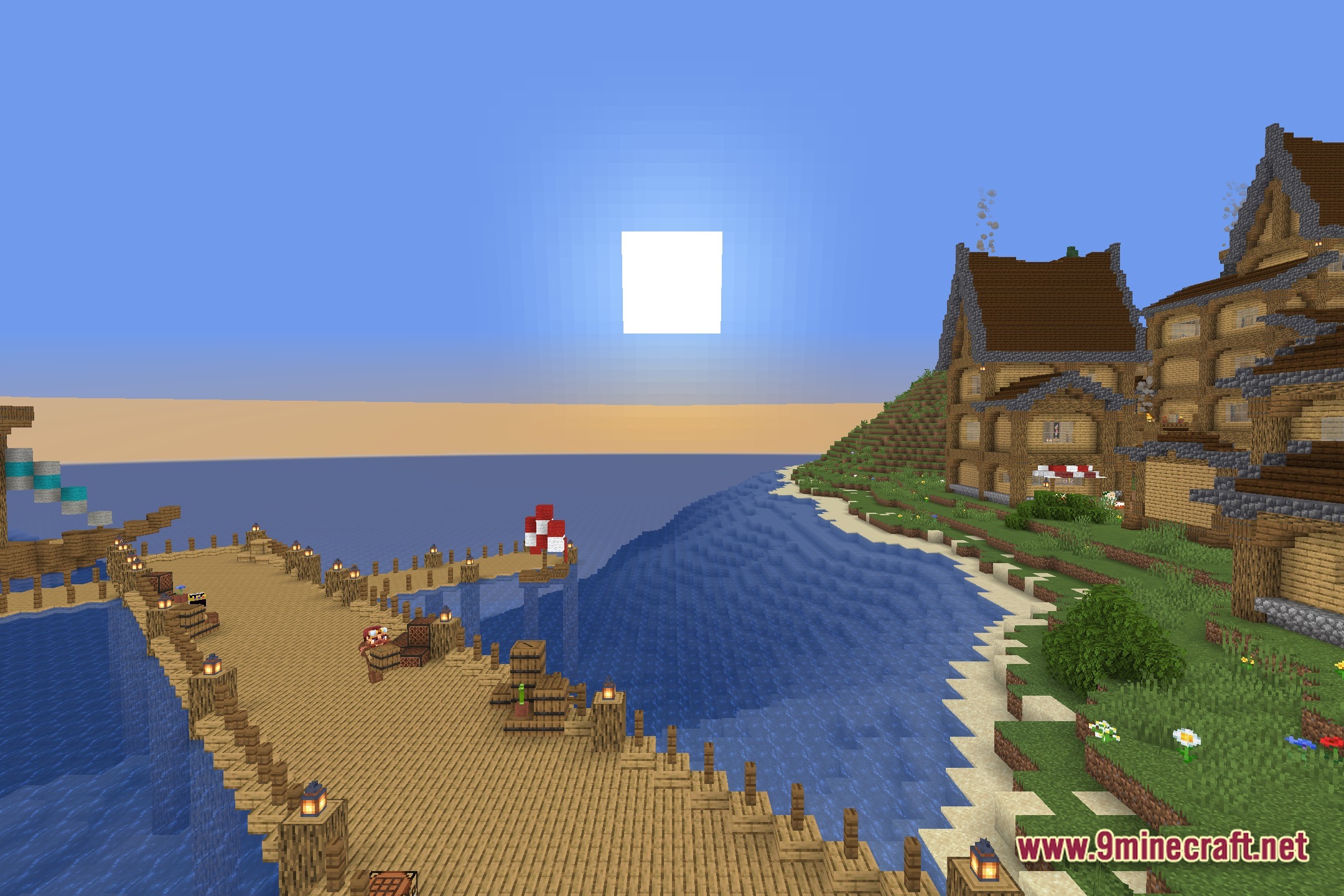
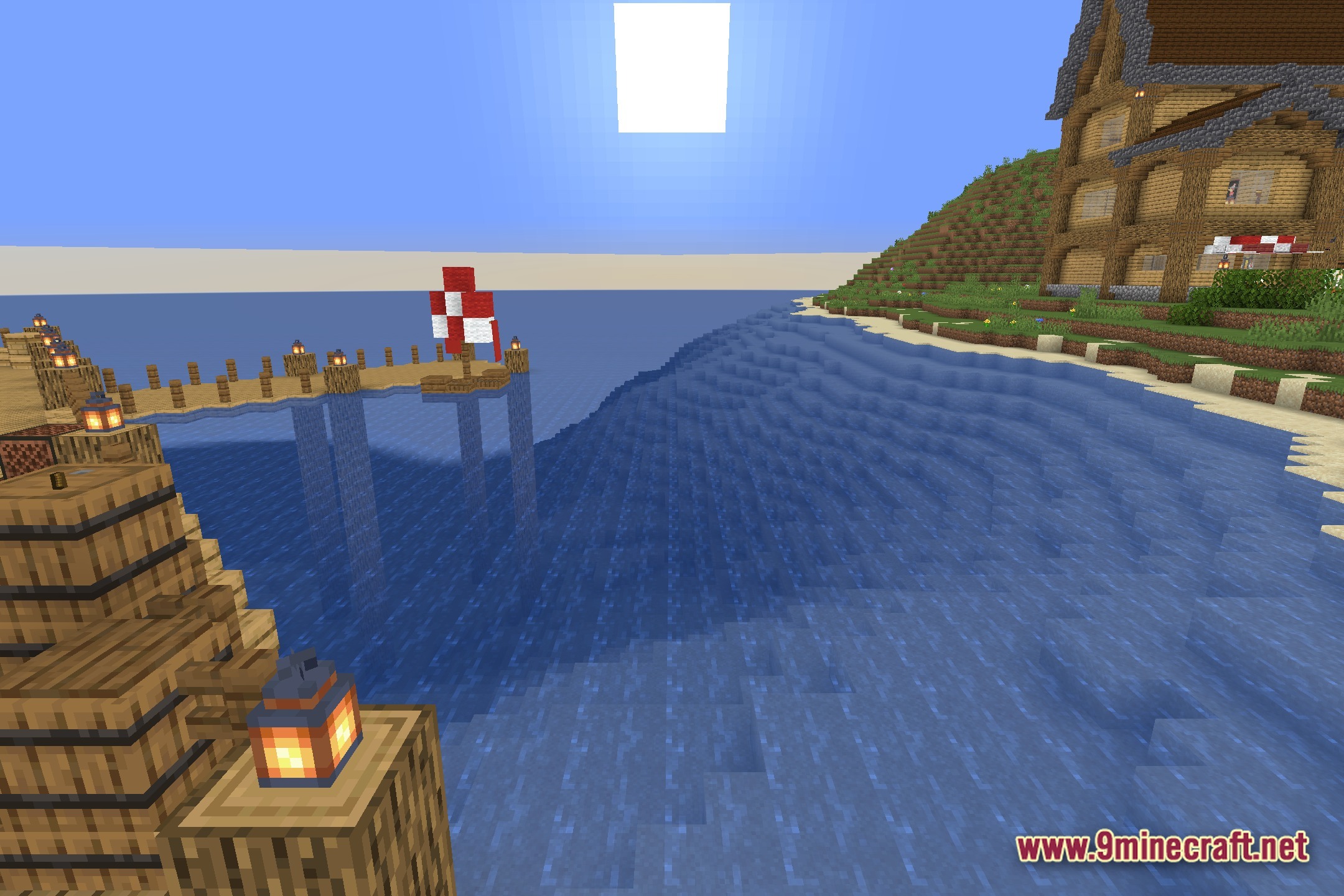
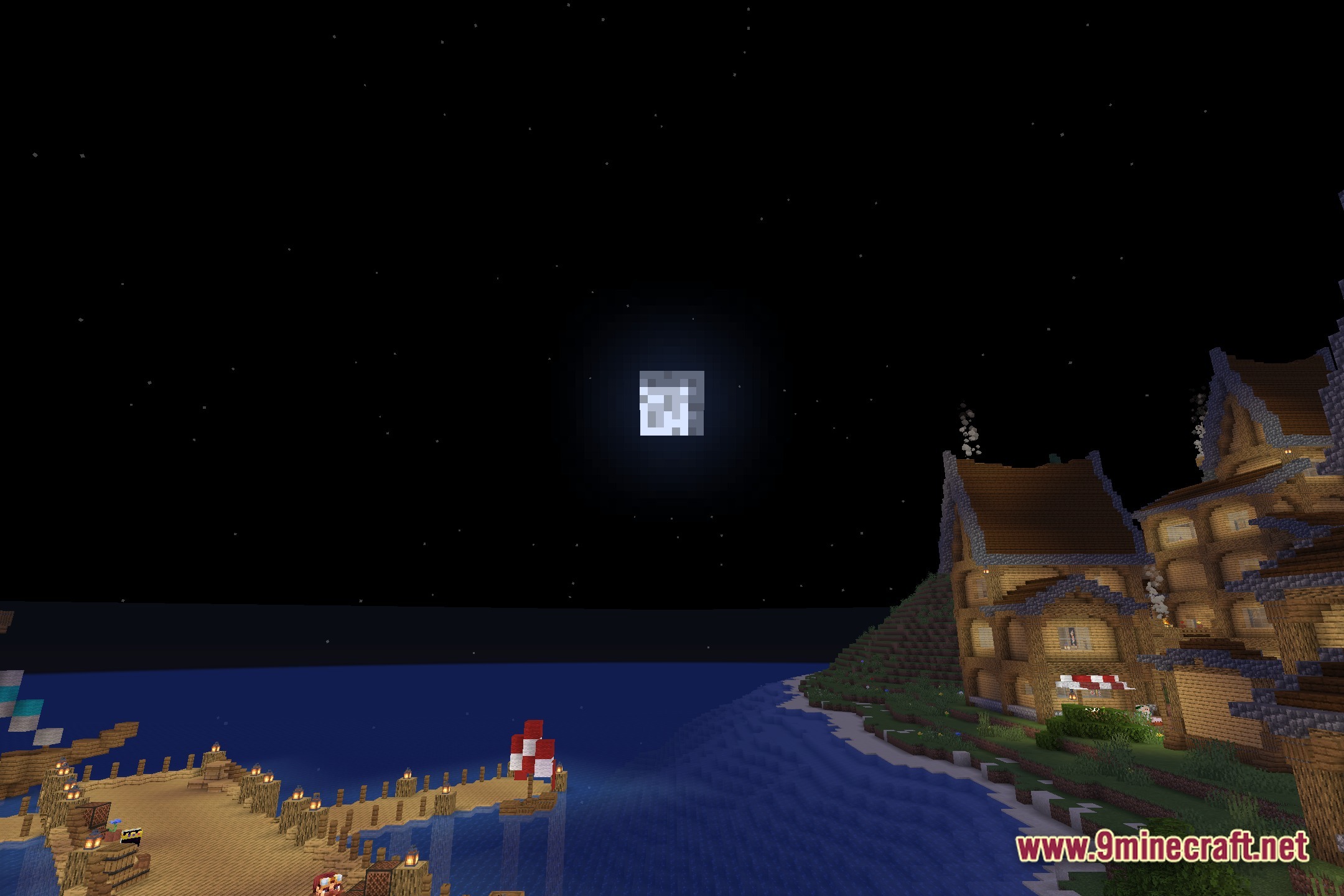
Lower Clouds Shaders changes the height of clouds in your Minecraft world. It brings the vanilla clouds down to height 128 or even lower. This gives the sky a different look and places clouds closer to tall mountains or buildings.
Features:
- Cloud Position: Lowers the default cloud level to height 128.
- Lets you push the clouds even closer to the ground if you prefer.
- Changes how the sky looks by bringing the clouds down to the level of tall terrain.
- Works as a simple core shader tweak for the game environment.
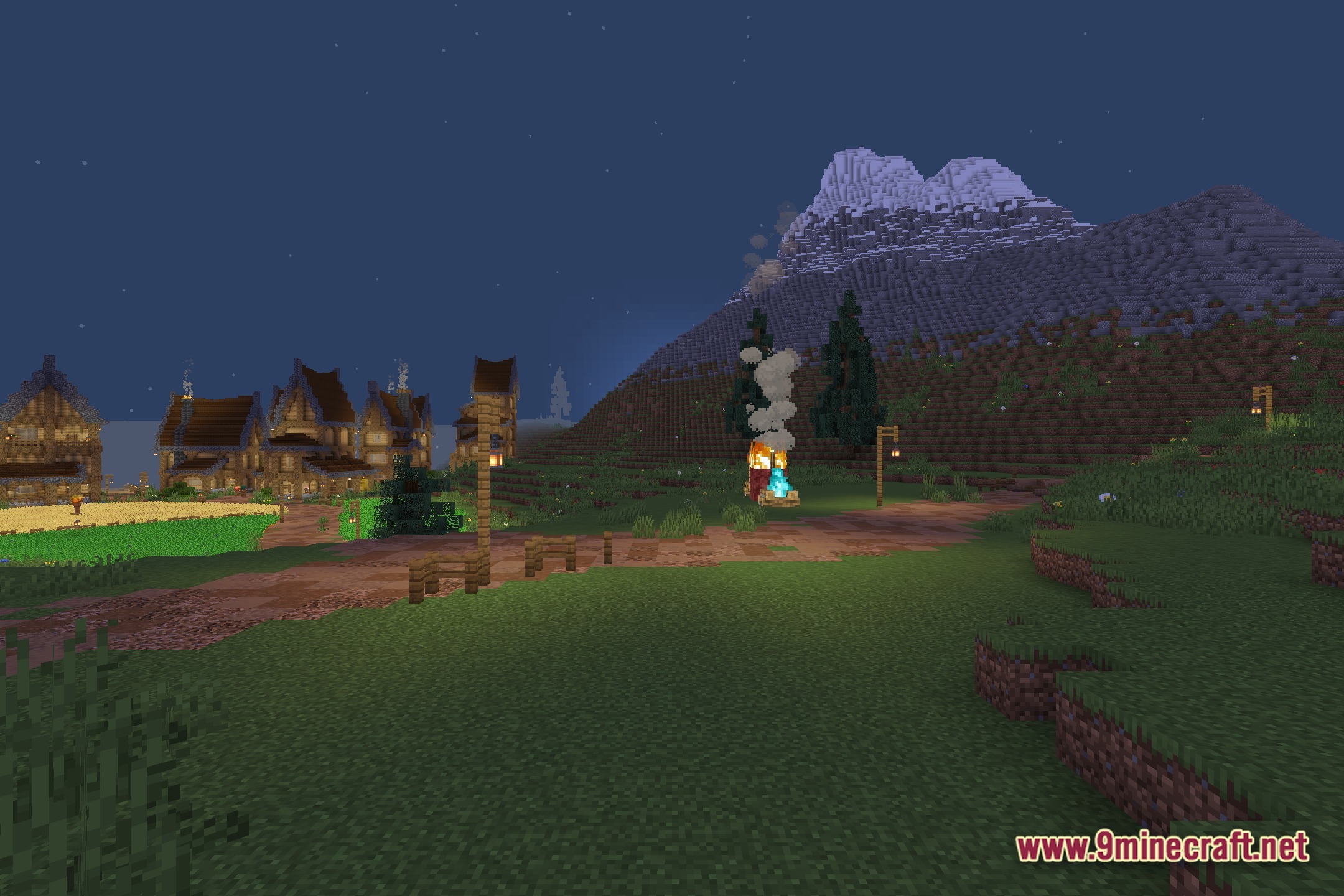
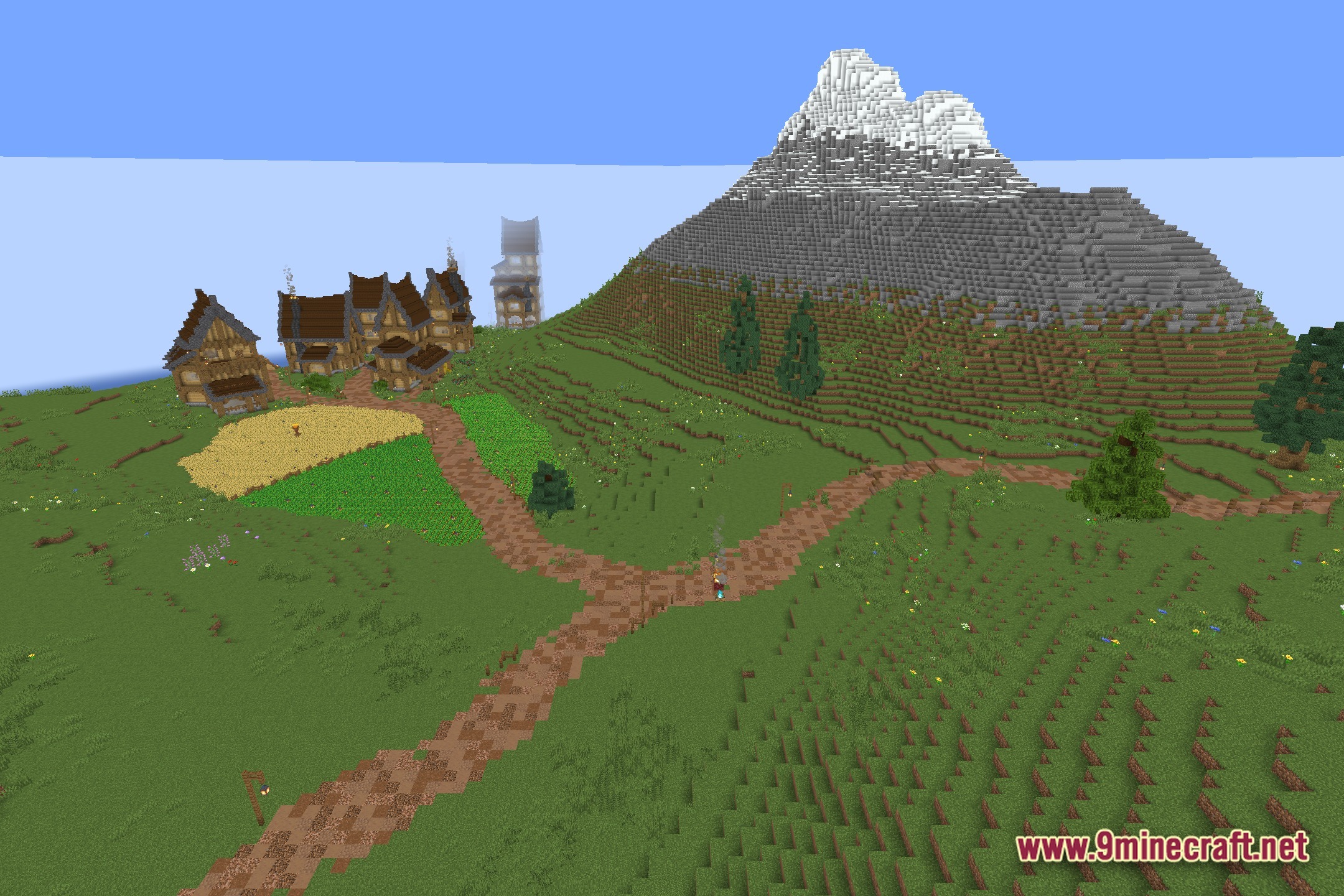
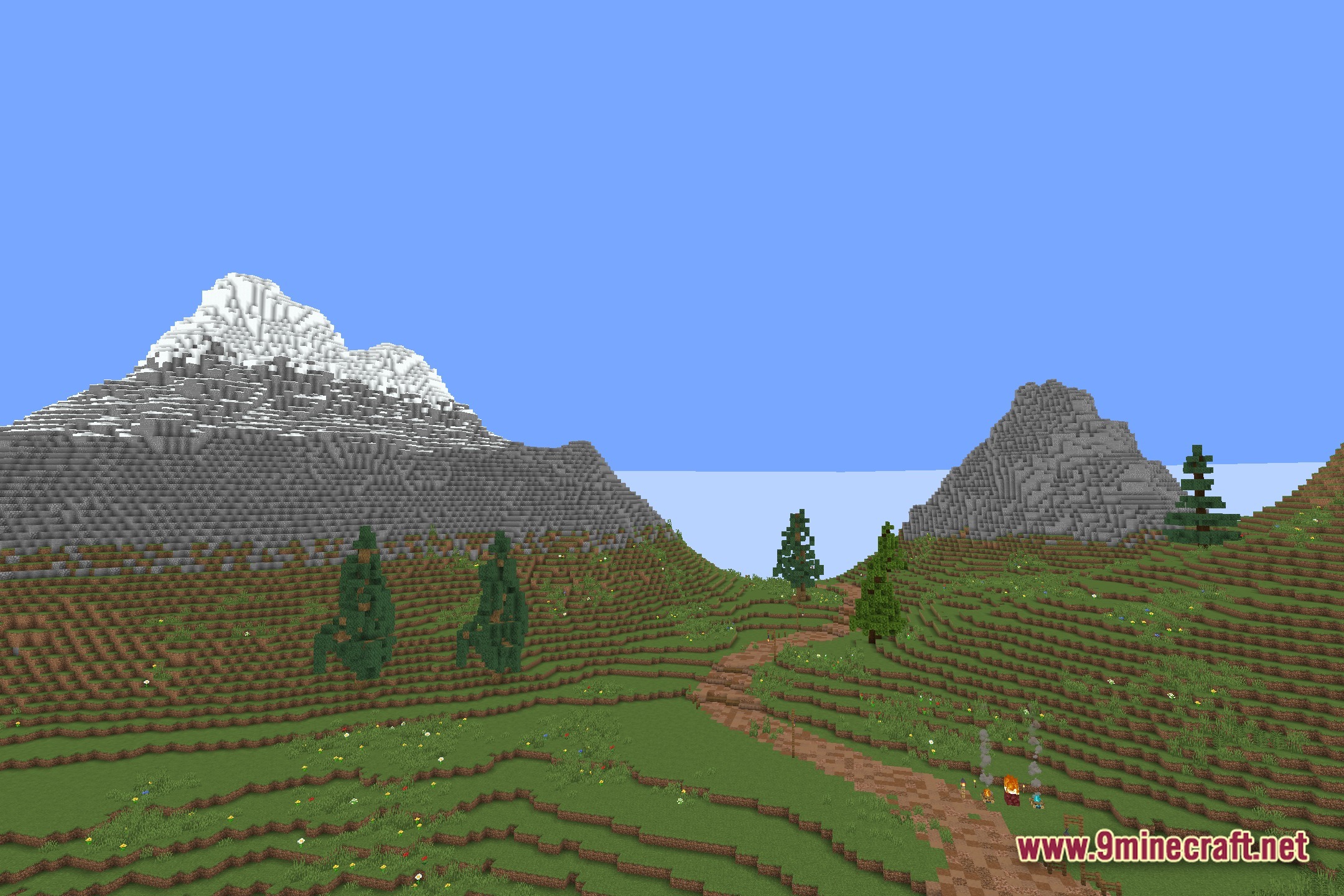
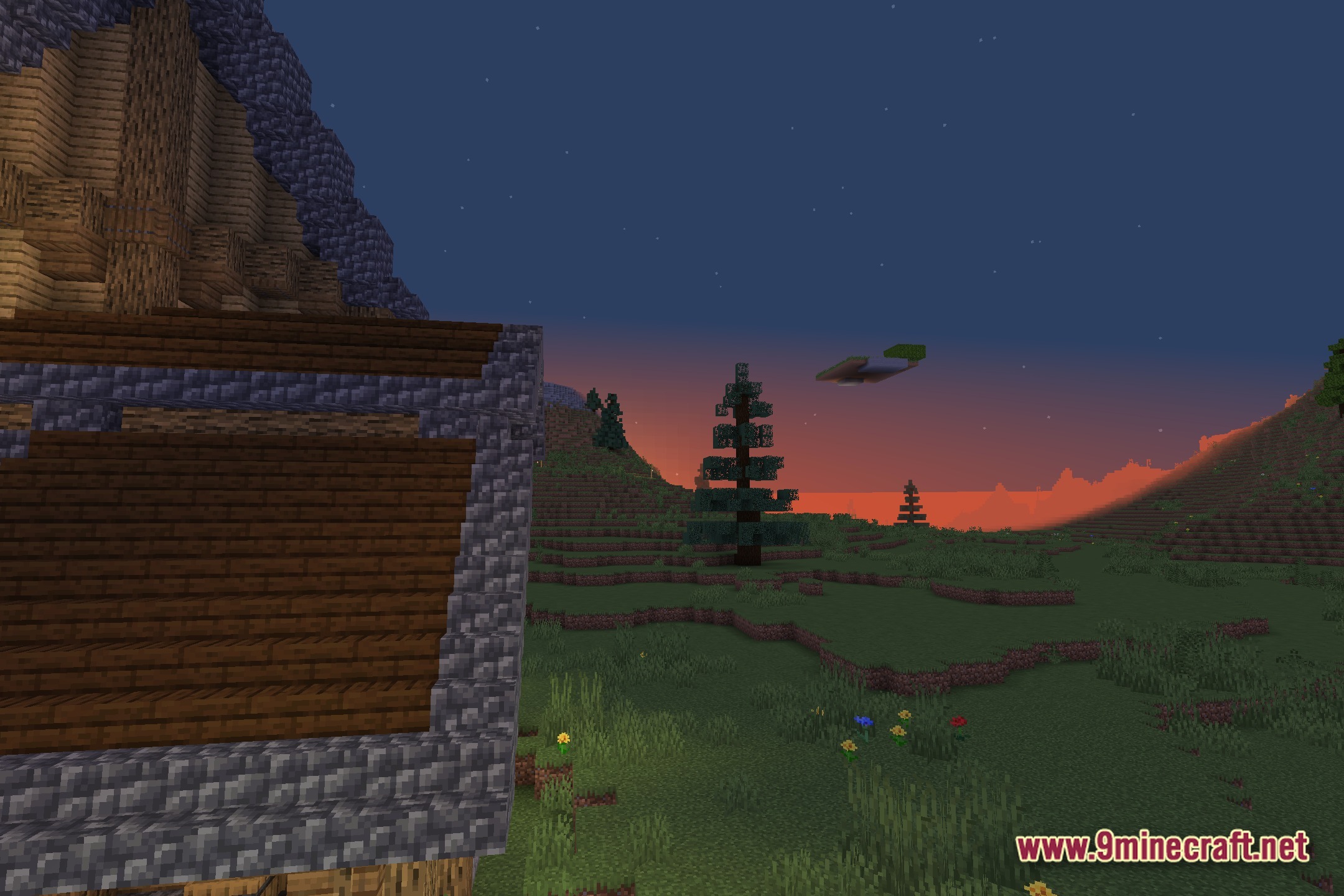
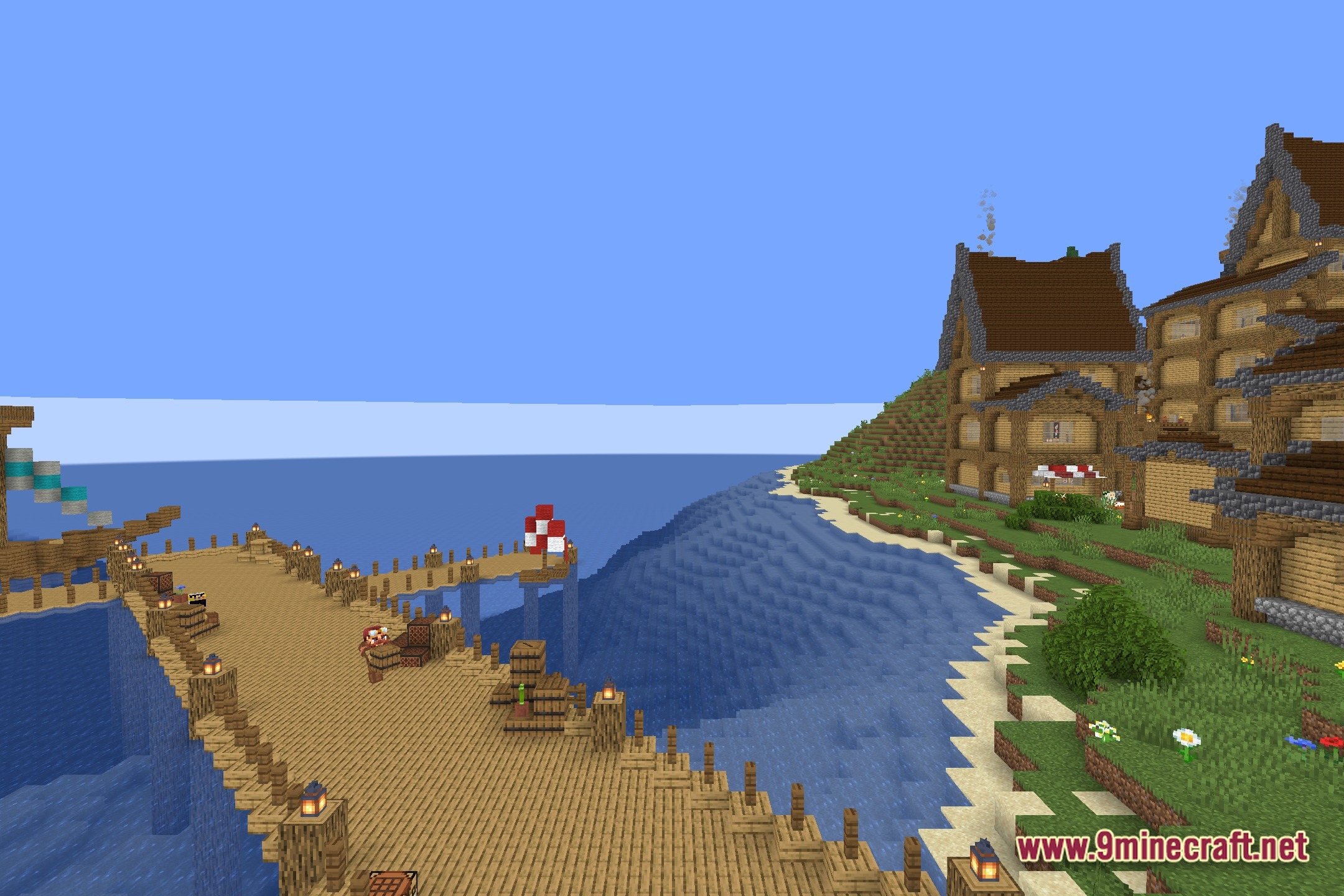
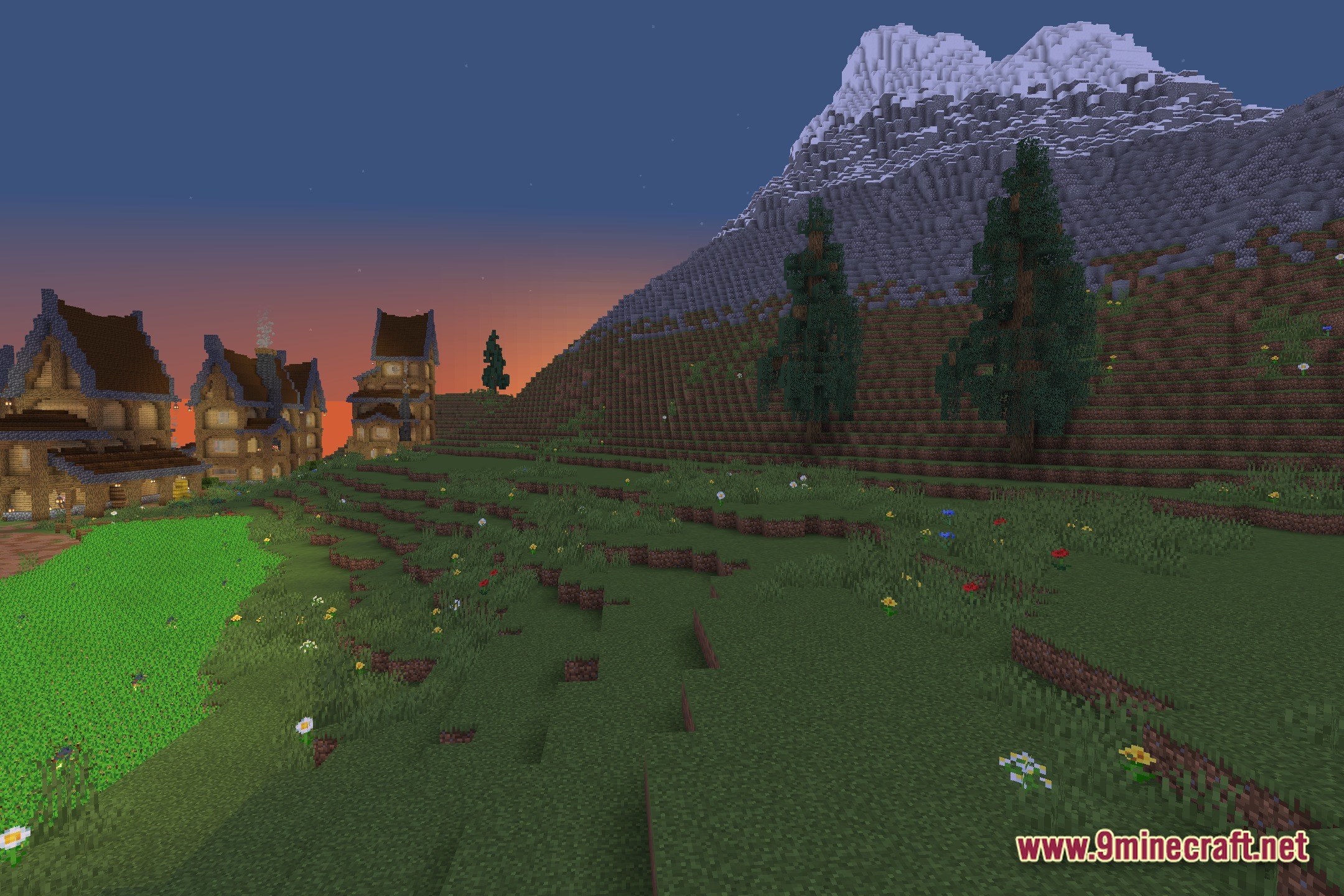
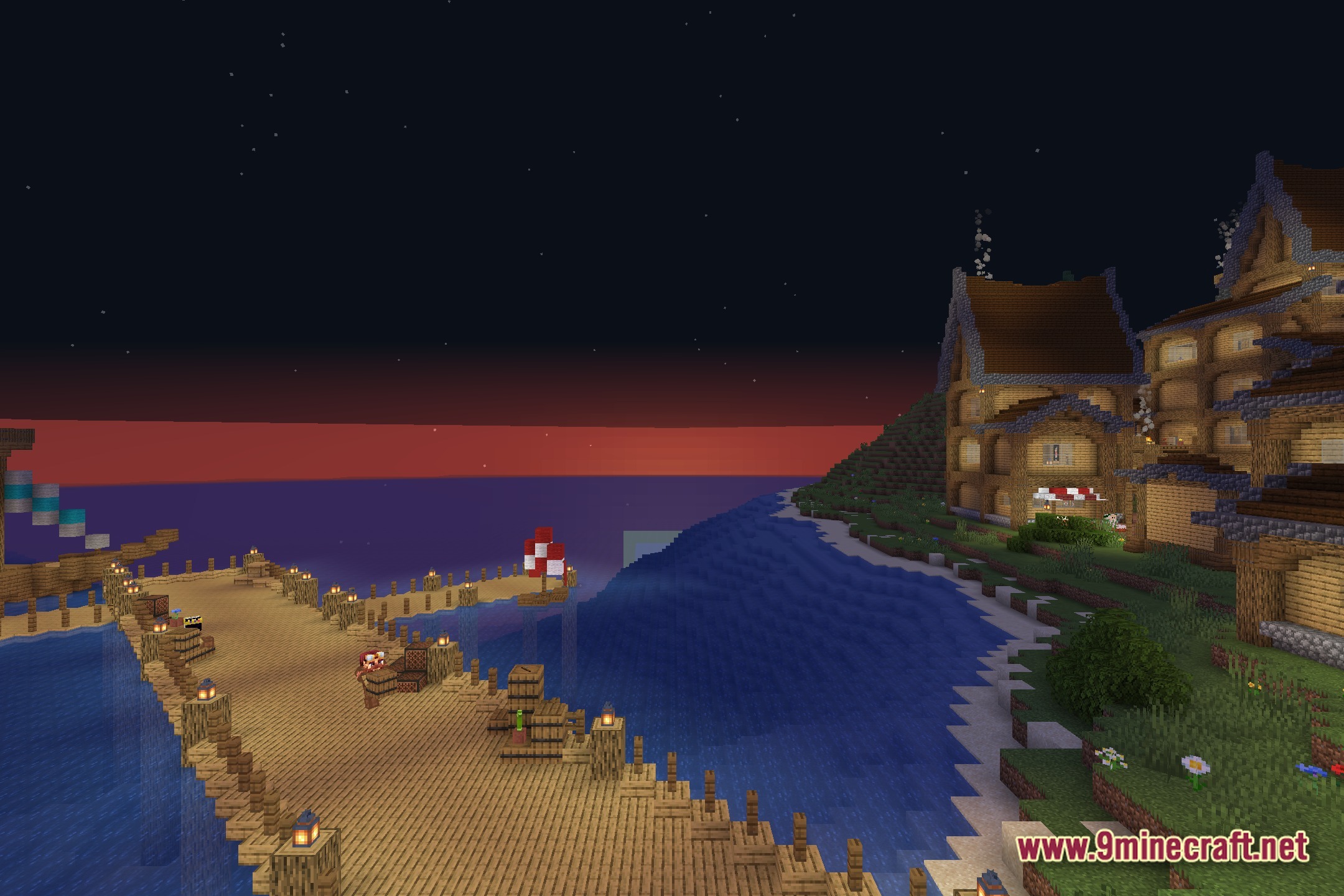
Screenshots:
How to Install:
New to Minecraft? Follow our step-by-step guide to install Shaders on your PC.View Guide
Lower Clouds Shaders Download Links
Click to rate this post!
[Total: 0 Average: 0]
You May Also Like

This post has no comments yet. Be the first — your comment will appear here.