


Streams Reflowing Mod (26.2, 1.20.1) – Ride Natural River Currents to the Ocean

 0
0 

🌐 Good news — we've translated this article into other languages!
Or pick the one you like:
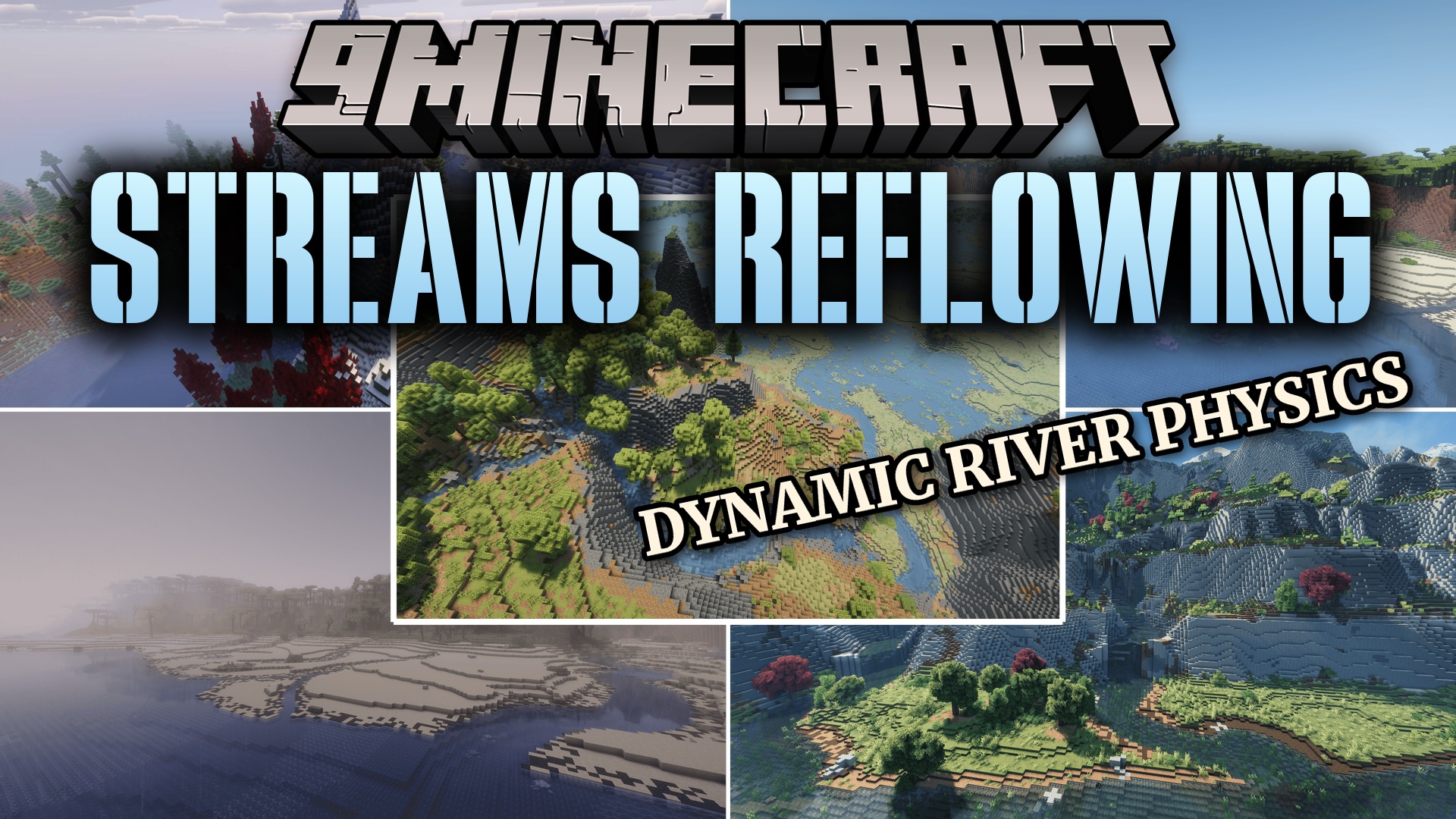
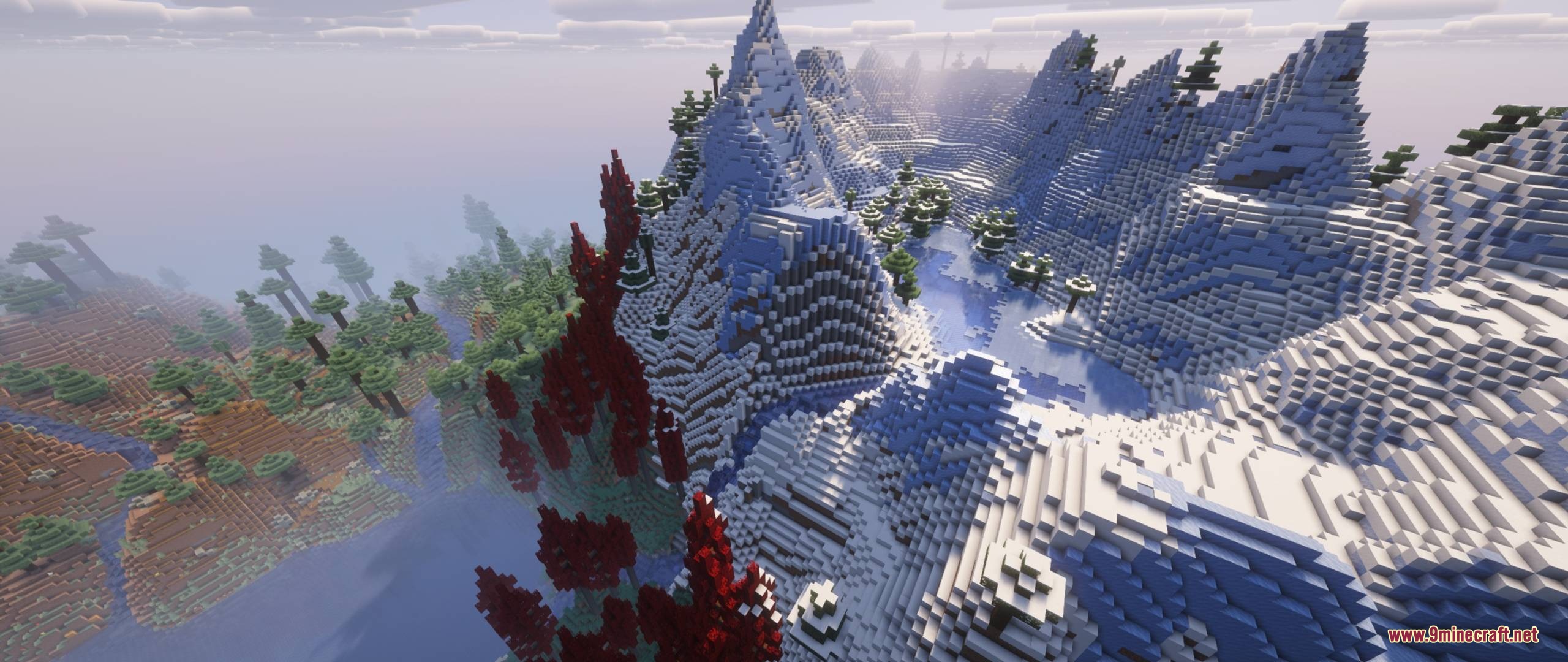
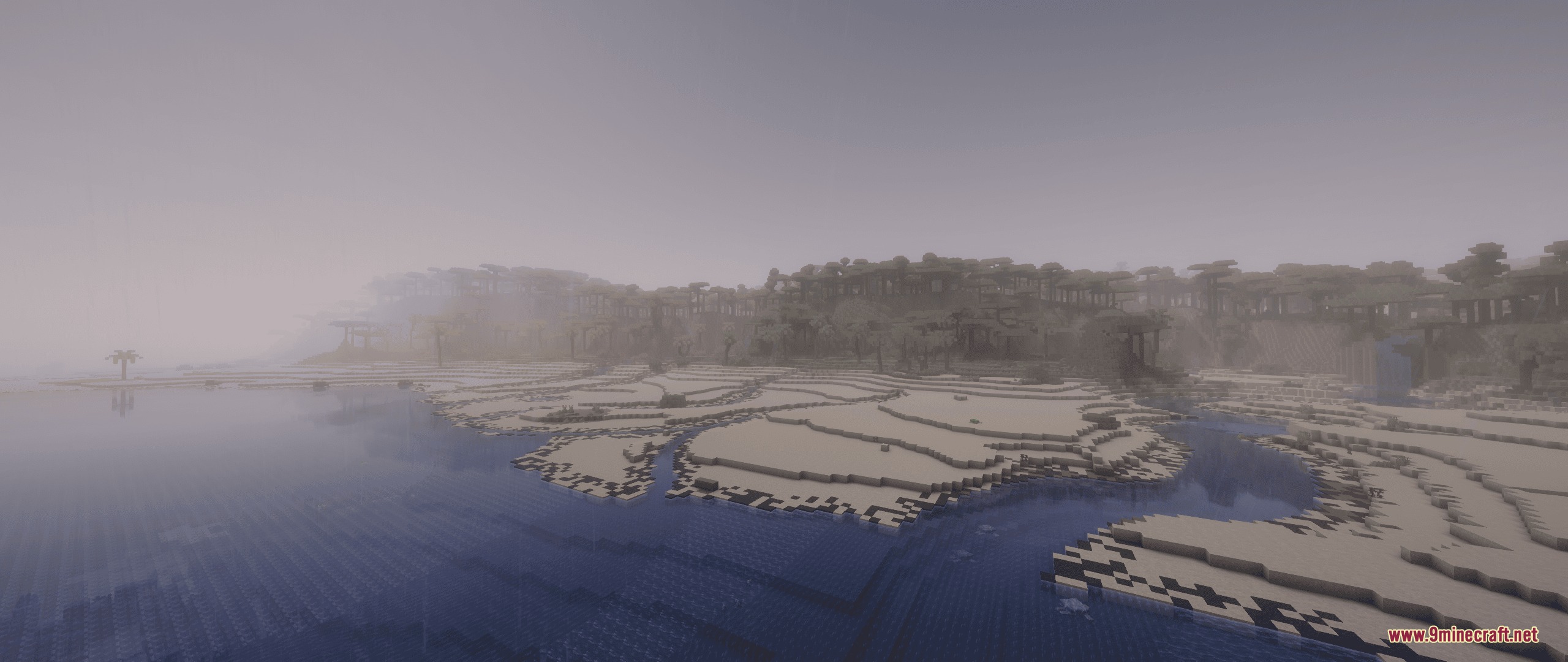
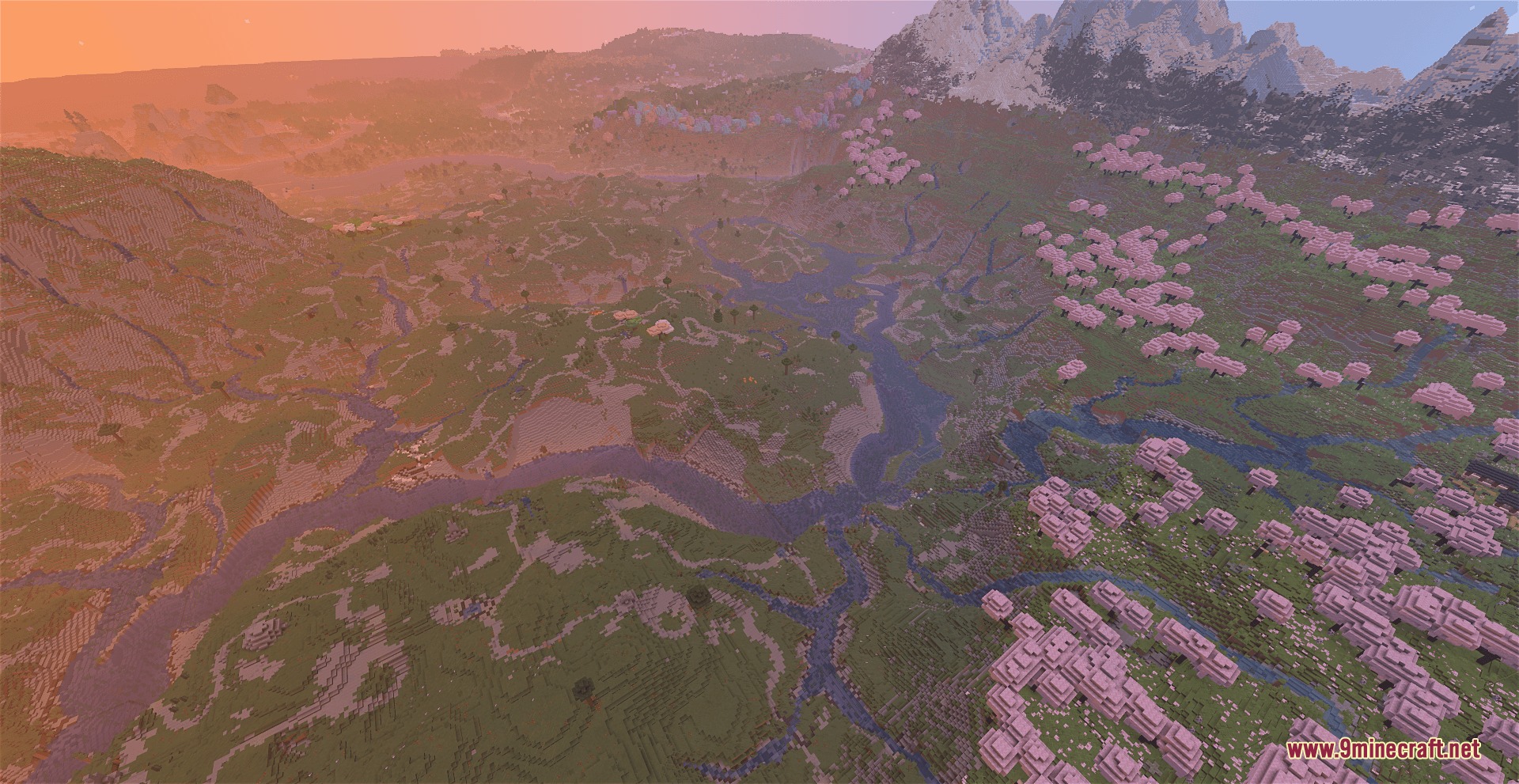
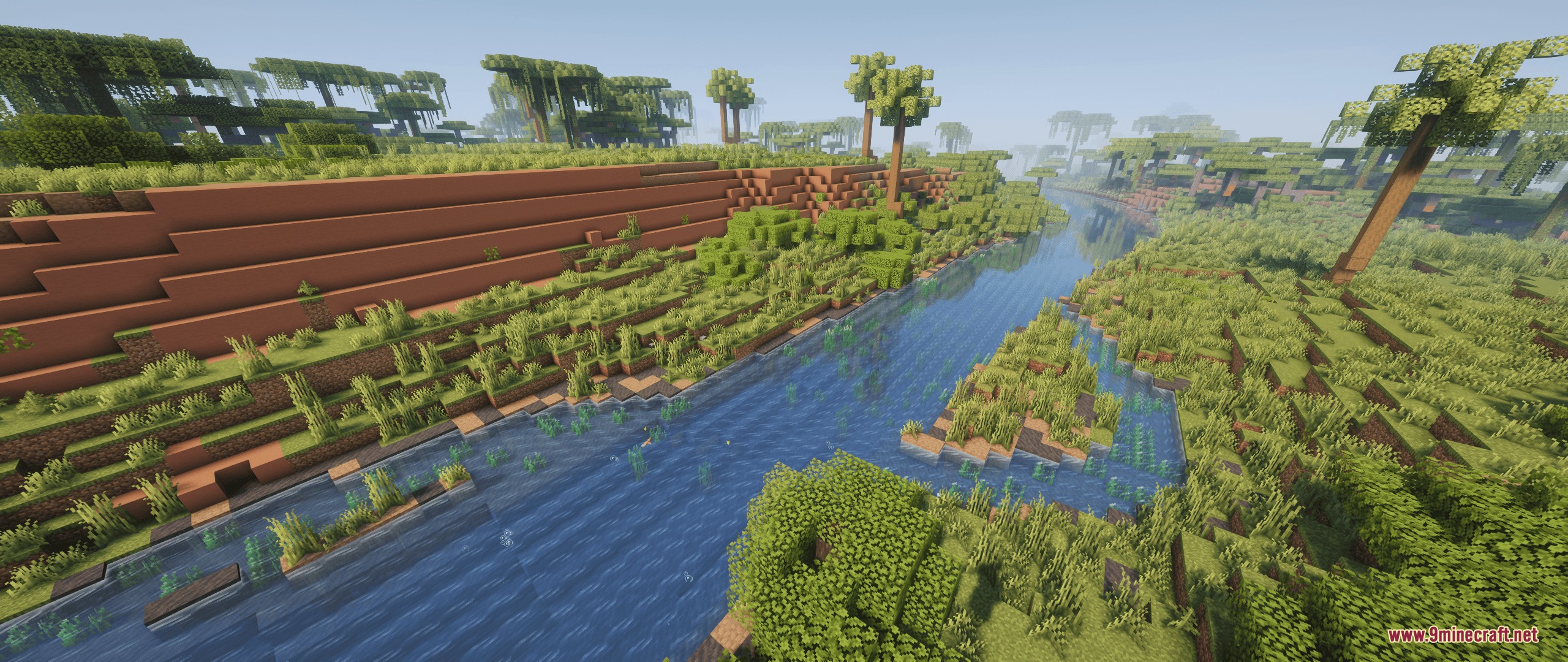
Streams Reflowing Mod adds realistic rivers and waterways to your Minecraft world. The water follows the shape of the land, flowing down hills and pooling into lakes at different heights. It changes how water moves so rivers naturally drain all the way out to the ocean. You can watch items and boats float downstream with the current. This mod works perfectly with most world generation add-ons to give you beautiful landscapes without breaking the game.
Features:
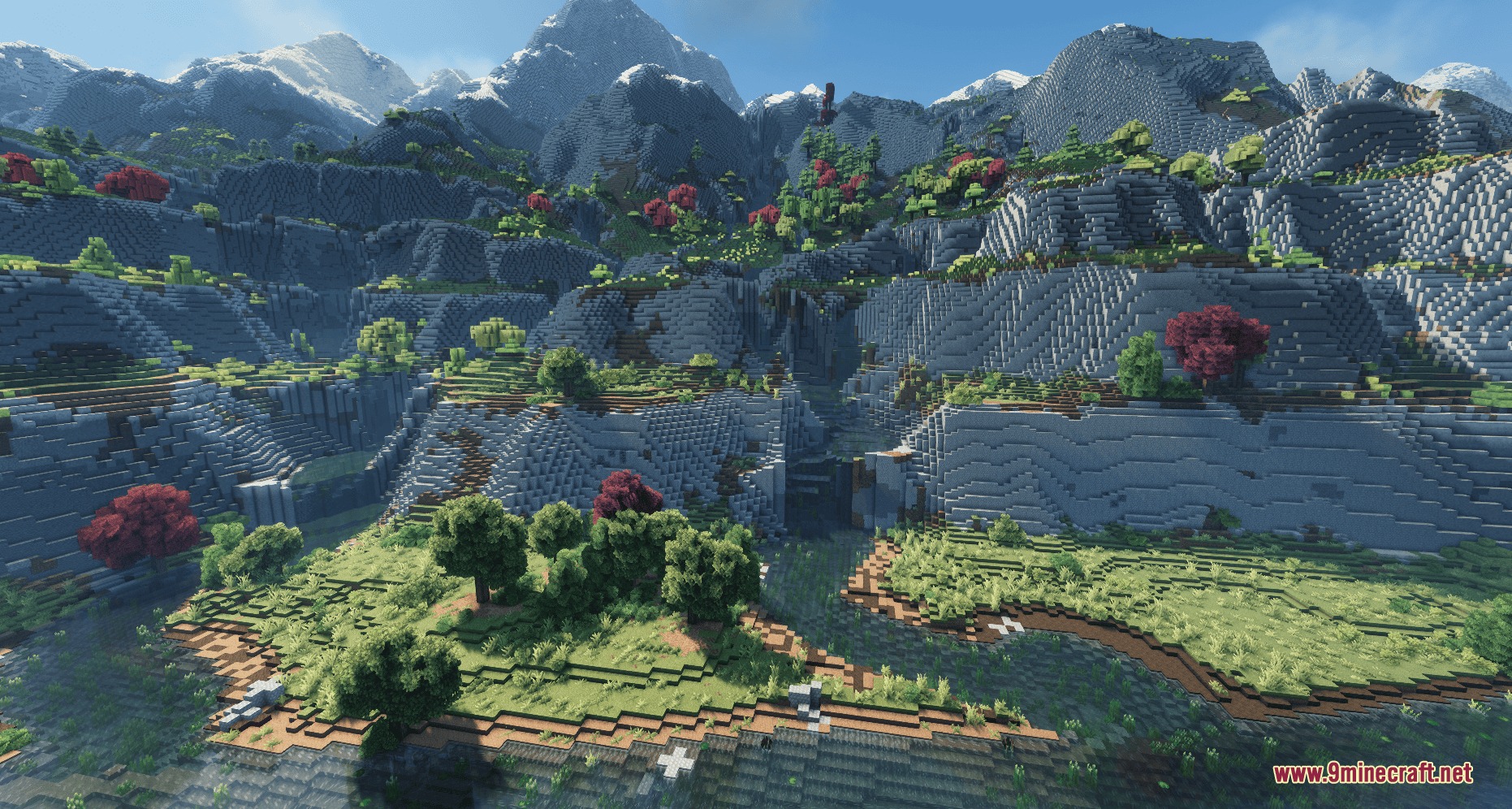
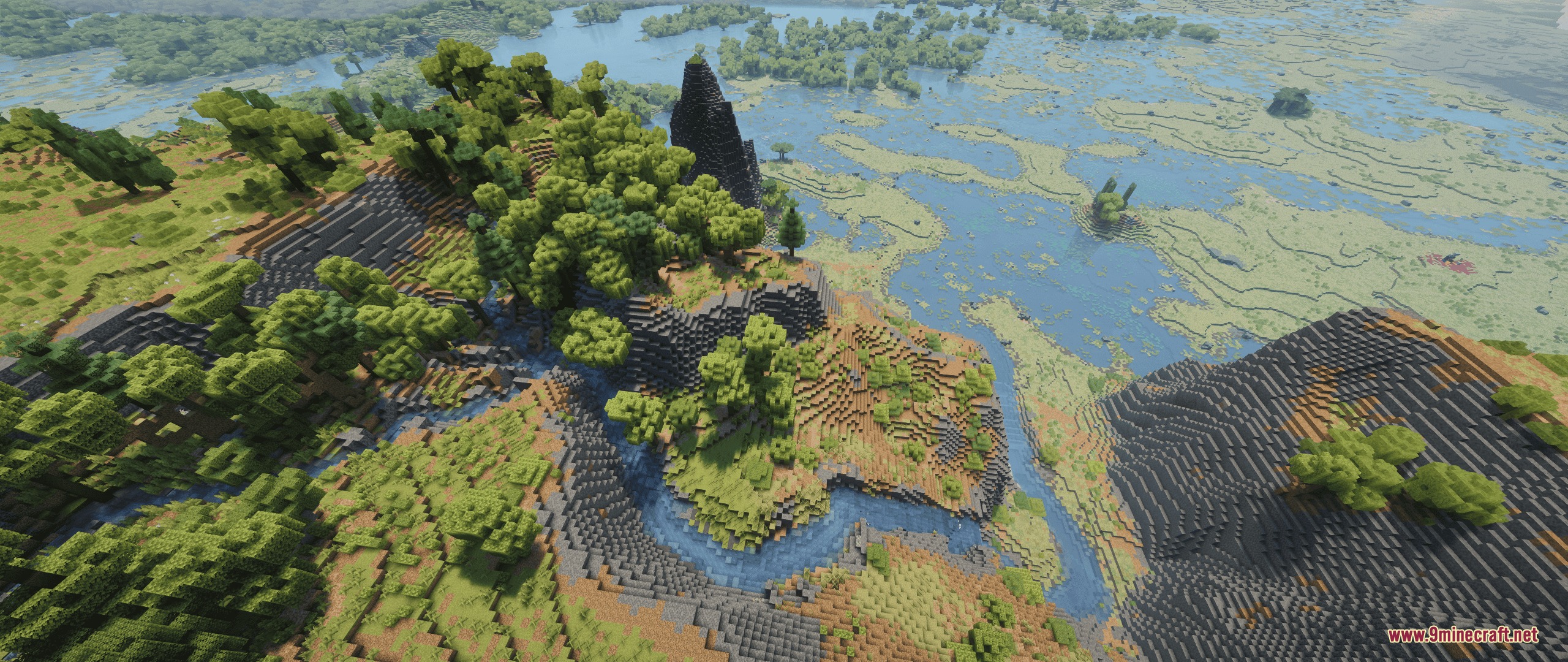
- Terrain-Following Water: Streams carve their own path through the land and flow down mountains naturally.
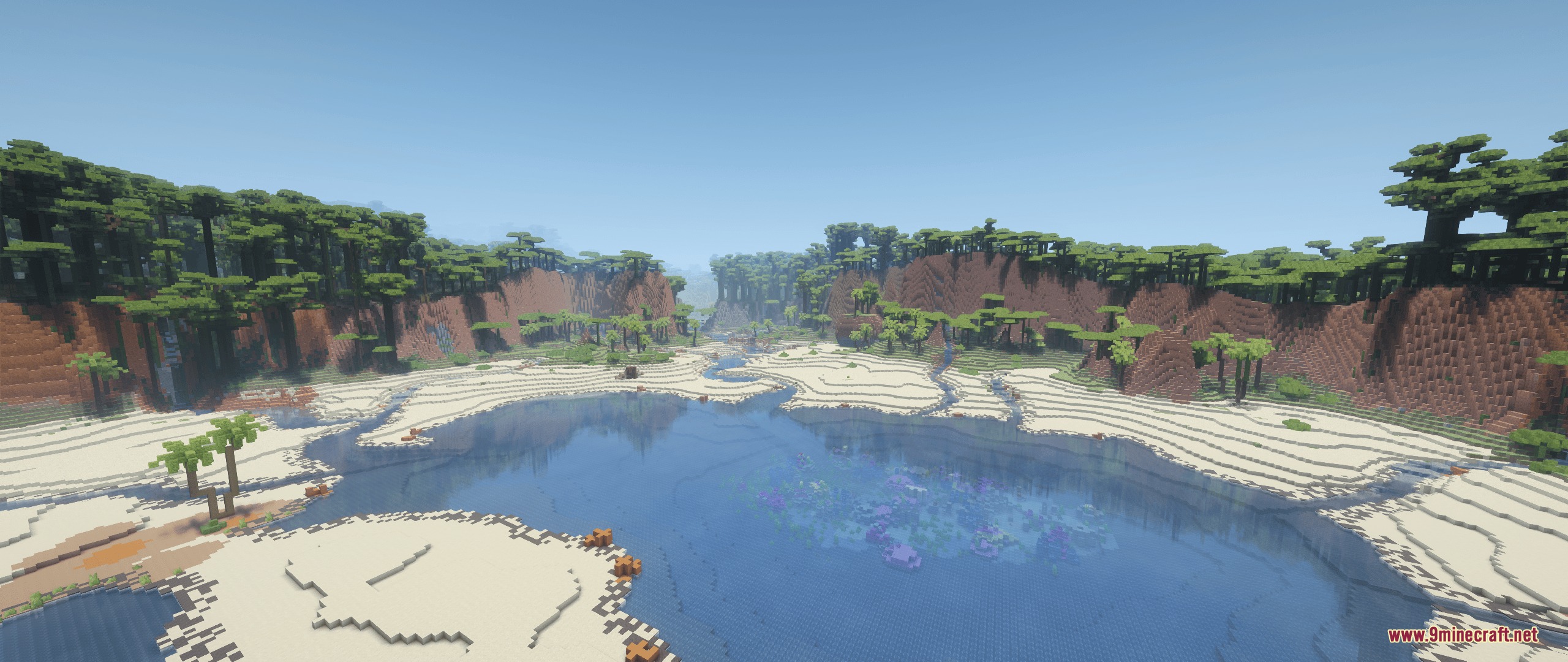
- Elevation Lakes: Ponds and lakes spawn at different heights, and dry biomes get shallow water instead of full lakes.
- Ocean Draining: Rivers have a real current that pushes water, items, and boats toward the nearest ocean.
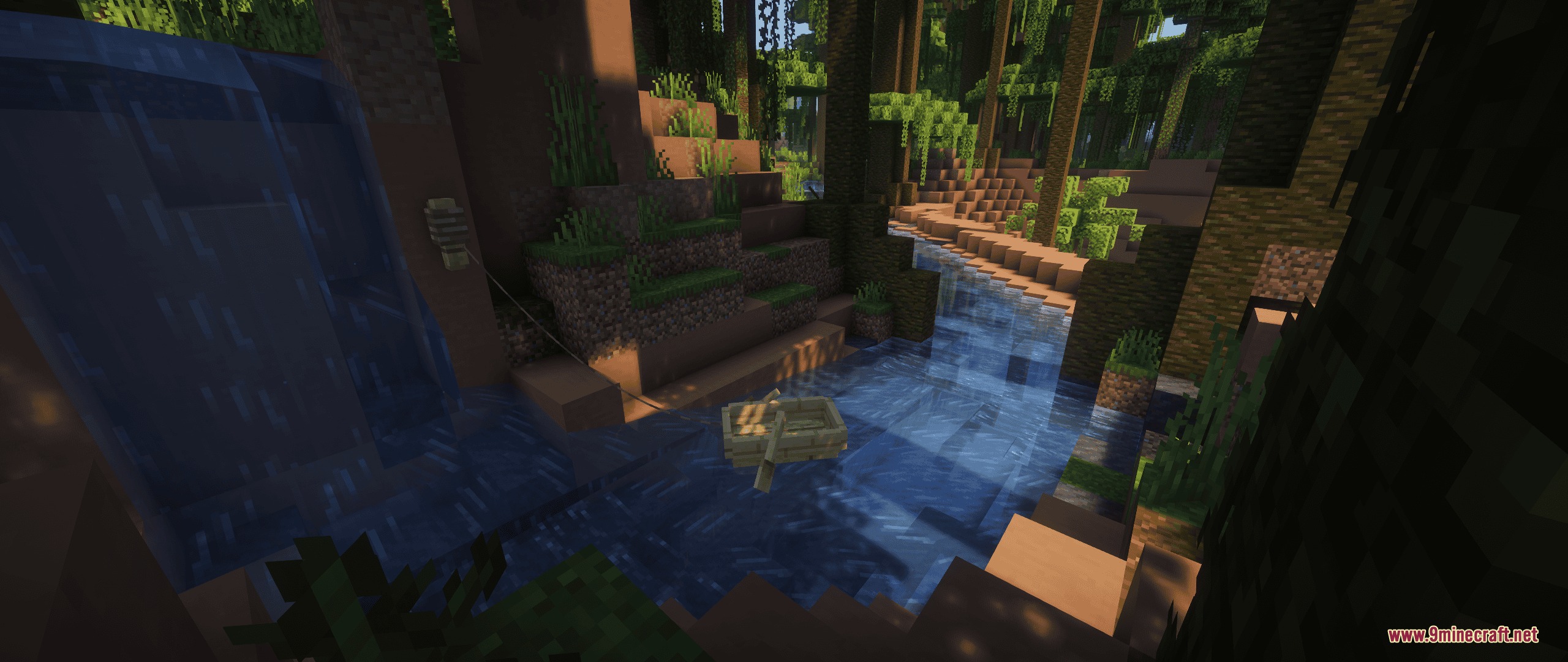
- Water keeps its speed when falling over blocks, creating beautiful cascades instead of flat pools.
- Players can drive boats against the current and even climb up small waterfalls without sinking.
- The edges of rivers change based on where you are, like sandy banks in deserts or rocky edges in mountains.
- Extra plants like ferns, flowers, and tall grass grow naturally along the water’s edge.
- Falling water creates white foam and spray particles, even on regular Minecraft waterfalls.
- Small leaves and wooden twigs float quietly down the rivers to make the world feel alive.
- The mod works nicely alongside almost all custom terrain generators.
River Banks:
- The bottom of the river uses gravel, while the sides match the local dirt or stone.
- You can change what blocks appear near the water using simple configuration files.
Water Effects:
- Waterfalls produce white mist that gets bigger depending on how far the water falls.
- You can see waterfall foam from very far away without slowing down your game.
- Little bubbles appear on the surface of calm water.
How to Use:
- Place a boat in a flowing river and steer against the current to travel upstream.
- Open the mod’s configuration file to turn on
rebiomeStreamsif you want the new streams to spawn river fish. - Turn off the
streamDebrissetting if you do not want leaves and twigs floating in the water. - Lower your graphics settings or turn off vanilla flowing water if your game runs slow in big modpacks.
Screenshots:
How to Install:
New to Minecraft? Follow our step-by-step guide to install Mods on your PC.View Guide




Streams Reflowing Mod Download Links
For Minecraft 26.2
For Minecraft 26.1.2, 26.1.1, 26.1
For Minecraft 1.21.11
For Minecraft 1.21.1, 1.21
For Minecraft 1.20.1, 1.20
Click to rate this post!
[Total: 1 Average: 2]
You May Also Like

















This post has no comments yet. Be the first — your comment will appear here.