
Fuzs’s Linked Chests Mod (26.3, 1.21.1) – Access Your Items Anywhere

 0


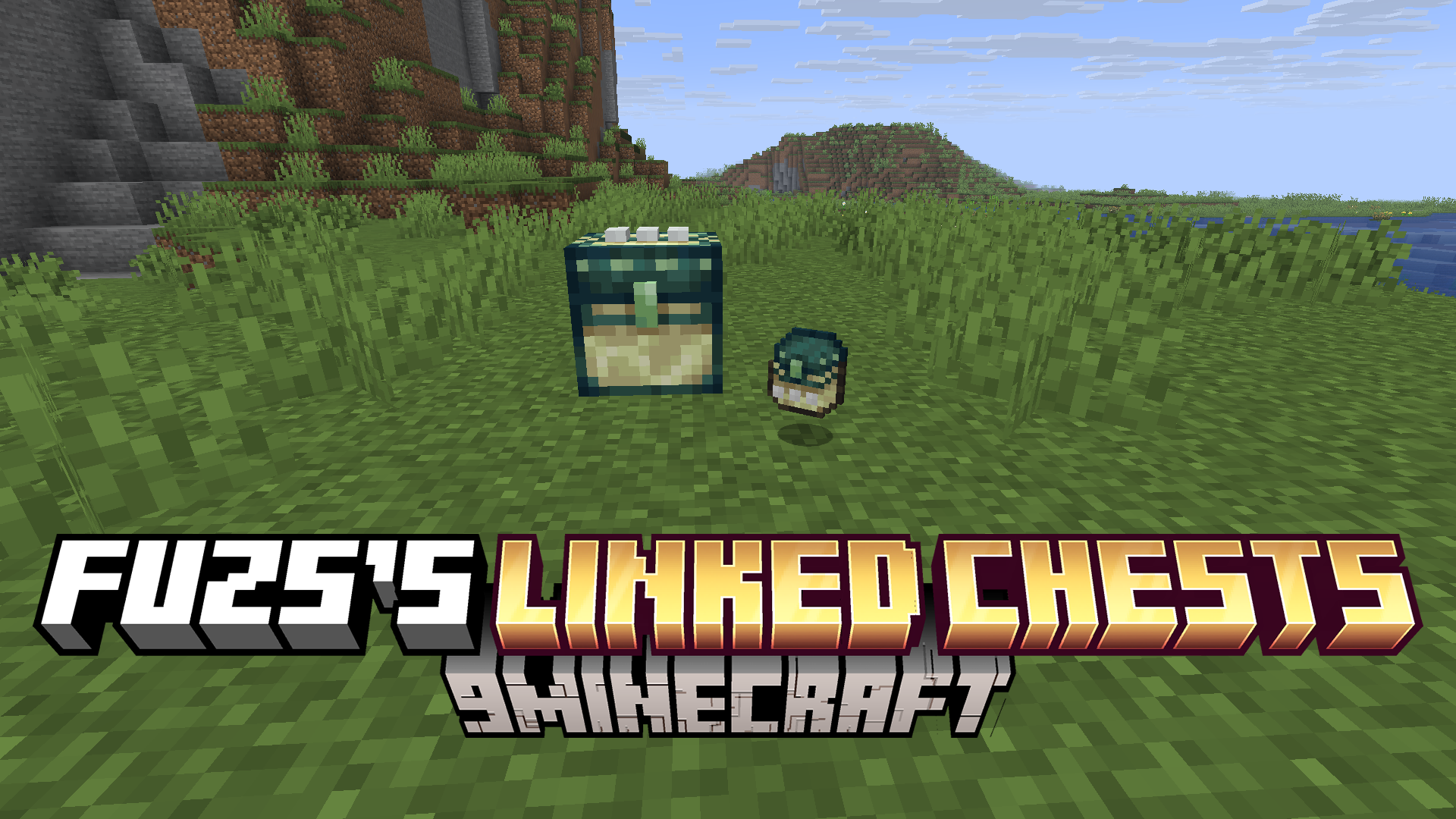
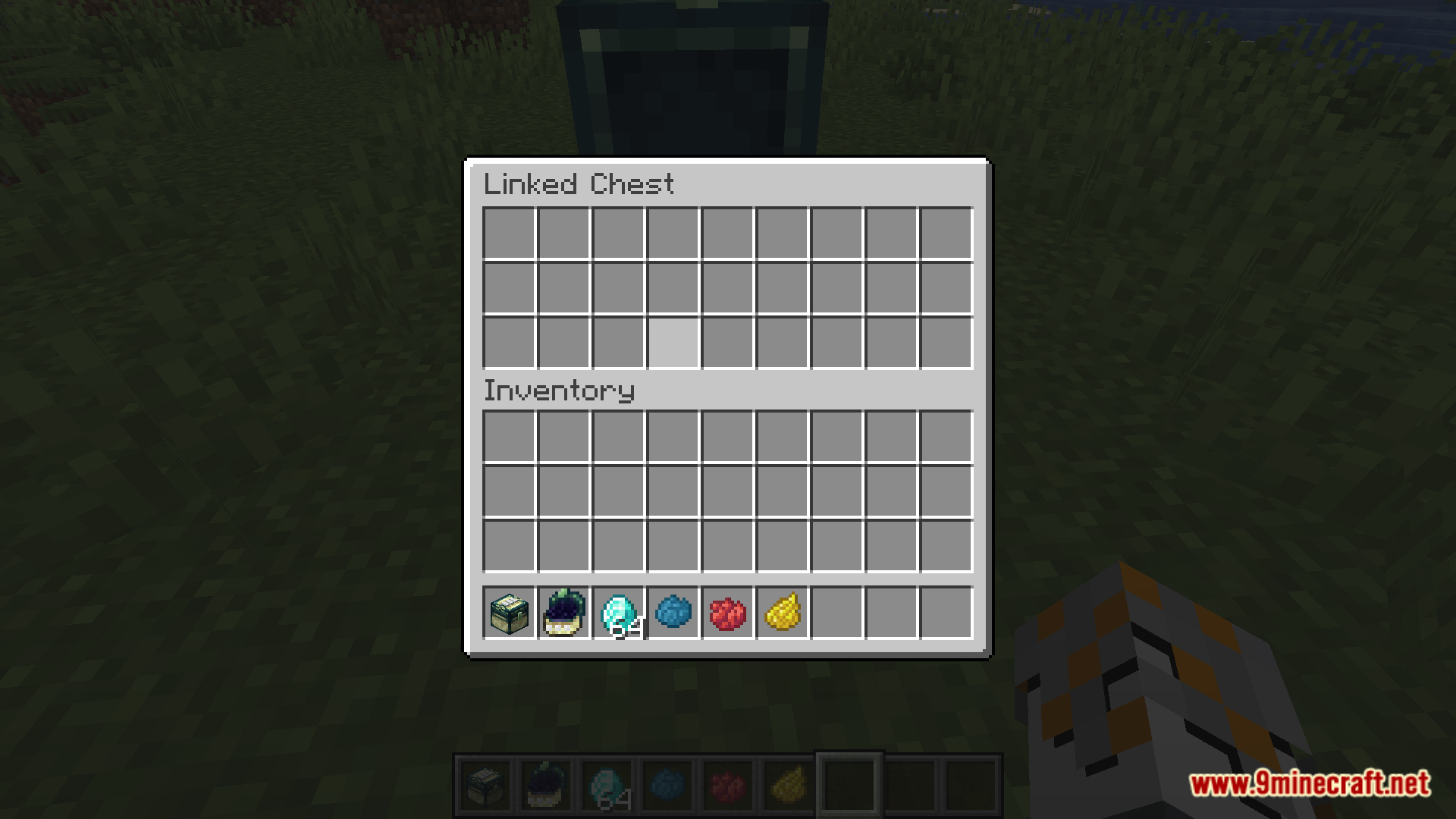
Linked Chests Mod lets you link multiple chests together into a single shared inventory that you can access from anywhere in the world. It uses simple dye combinations on top buttons to create unique storage channels so you never have to travel back to base for items. This mod works great for bases, mines, farms, and multiplayer storage setups.
Features:
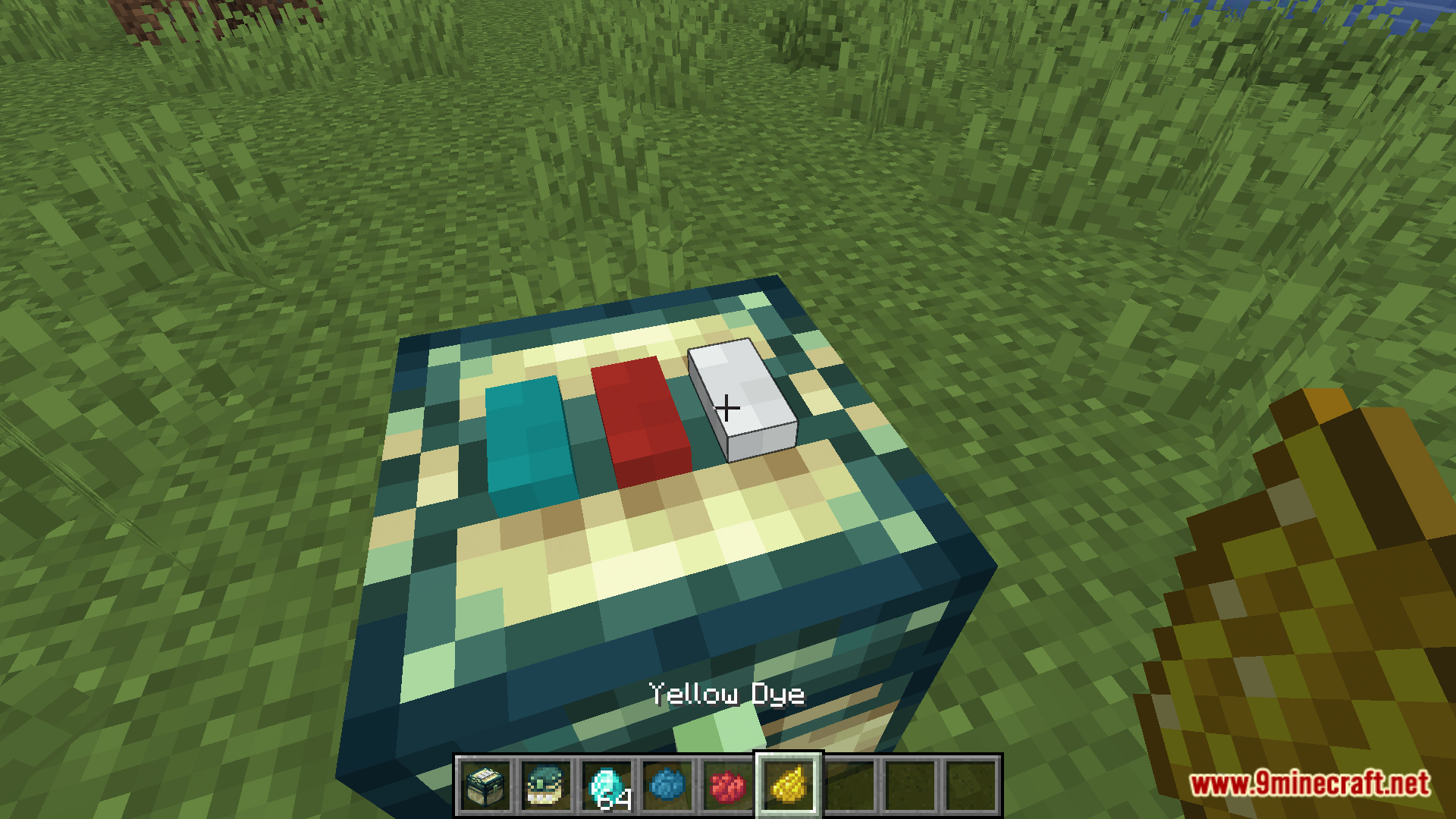
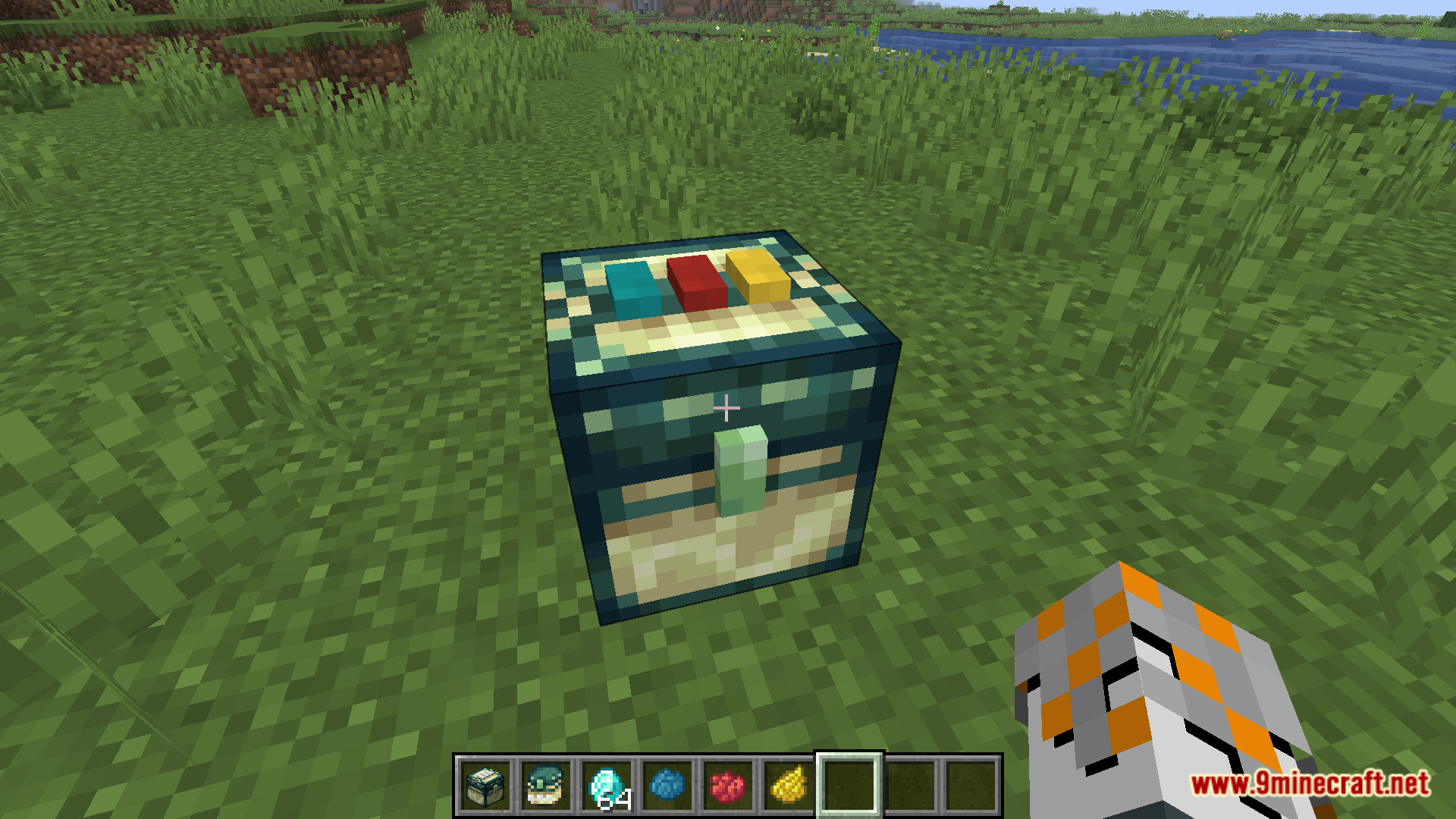
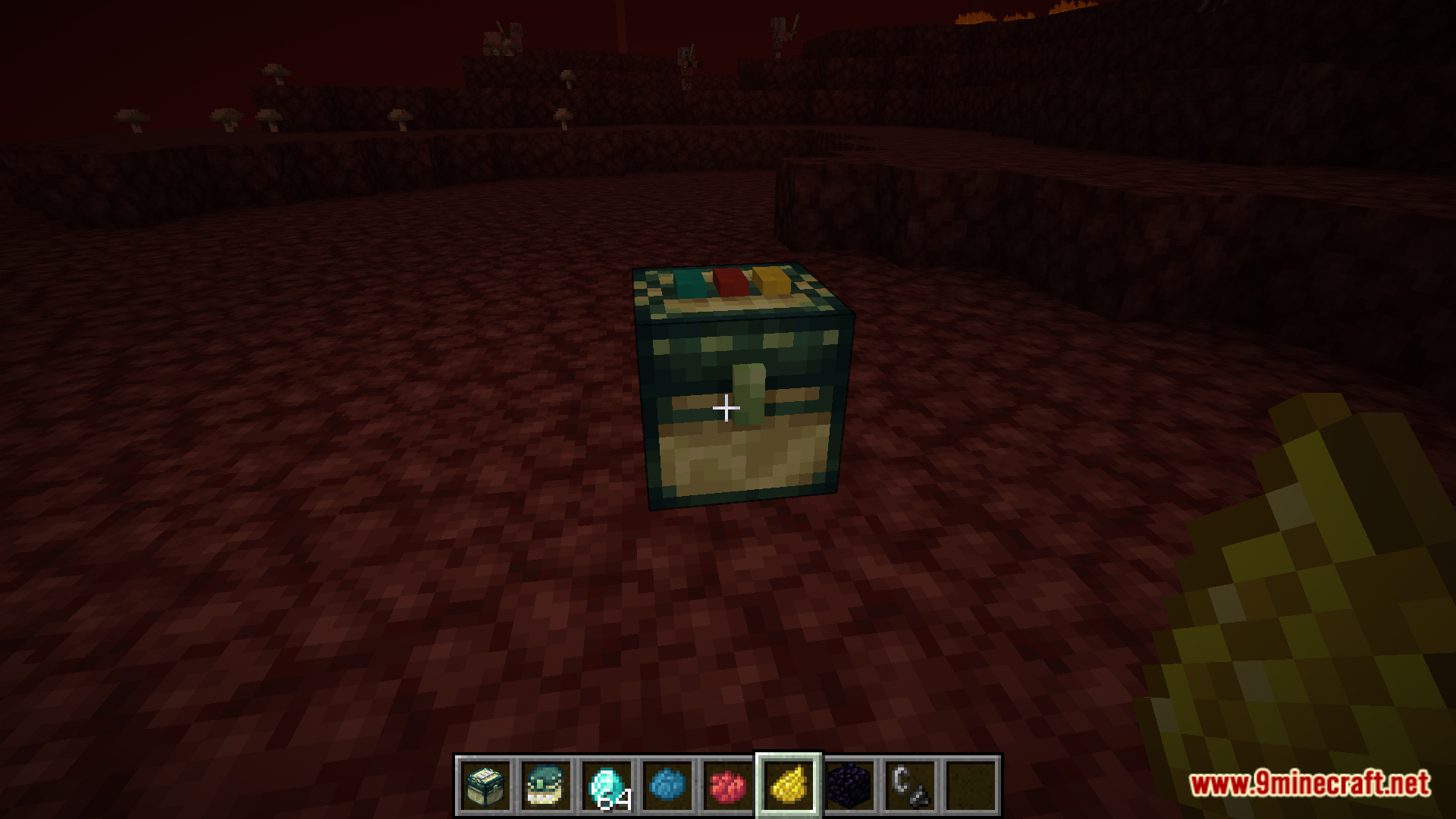
- Apply up to three dye colors to a chest’s top buttons to assign one of 4,096 unique channels for shared items.
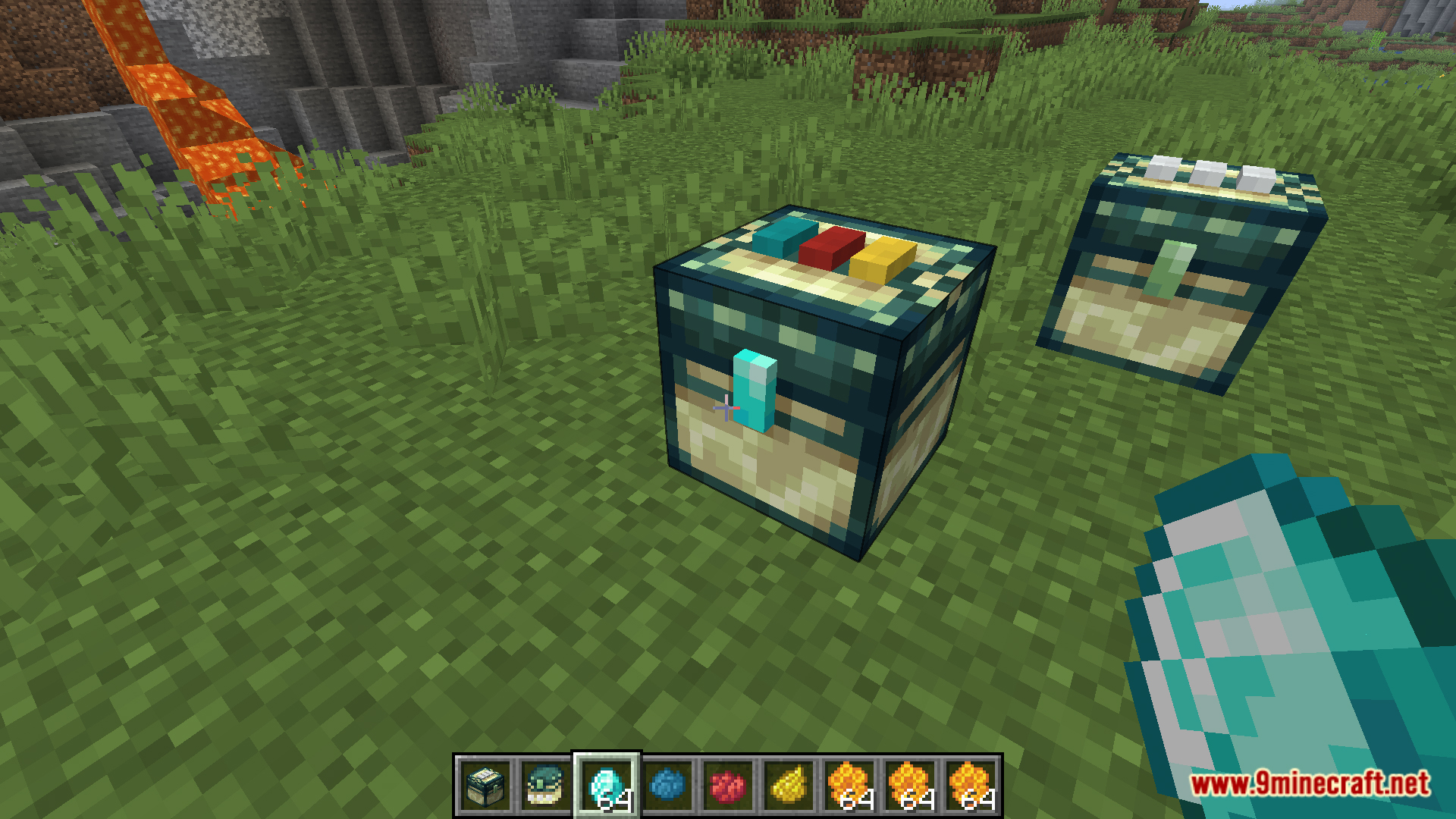
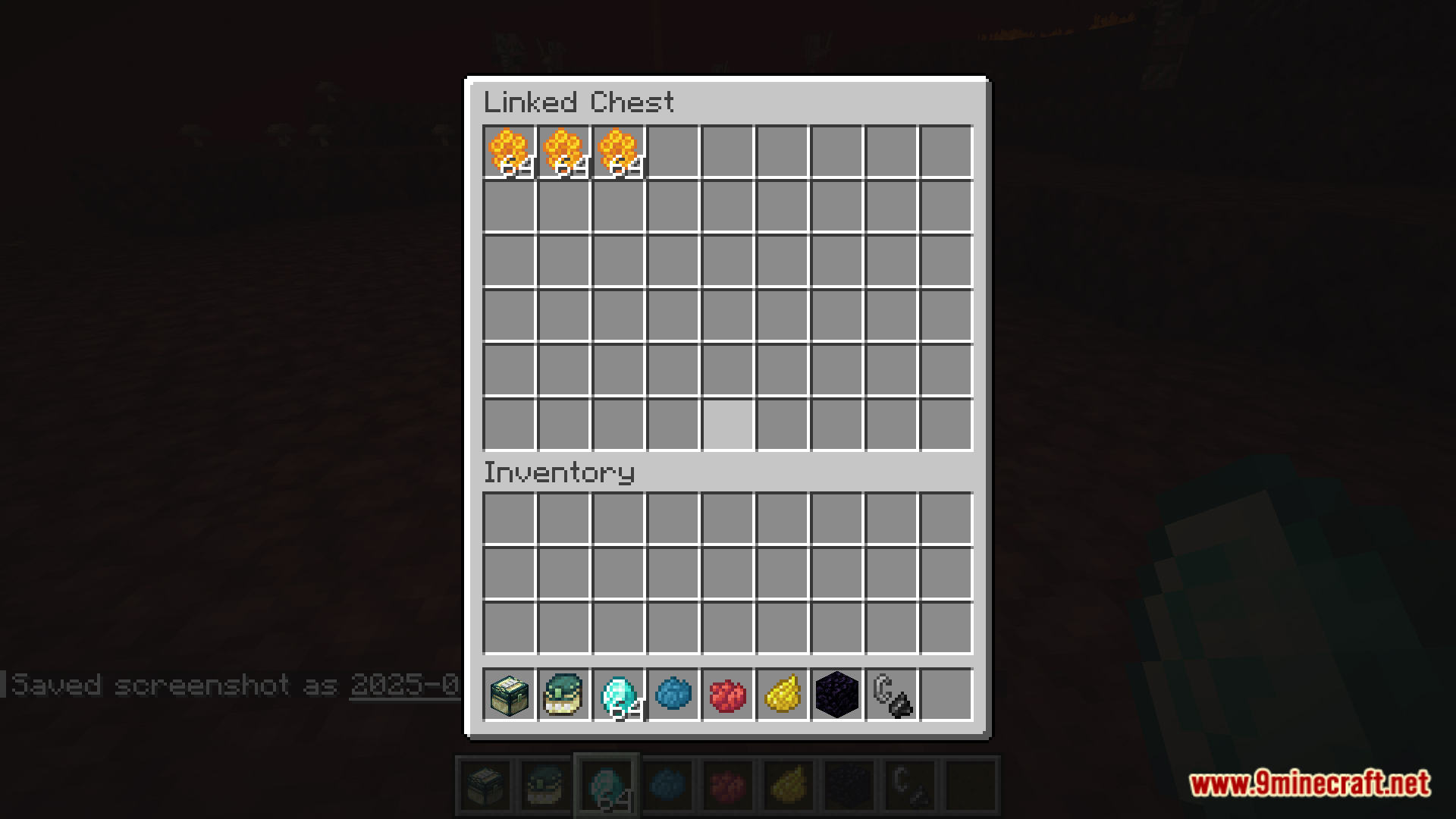
- Open any chest using the same color combination to instantly access the exact same inventory from anywhere.
- Right-click a chest lock with a diamond to make it private with double the storage capacity for its owner.
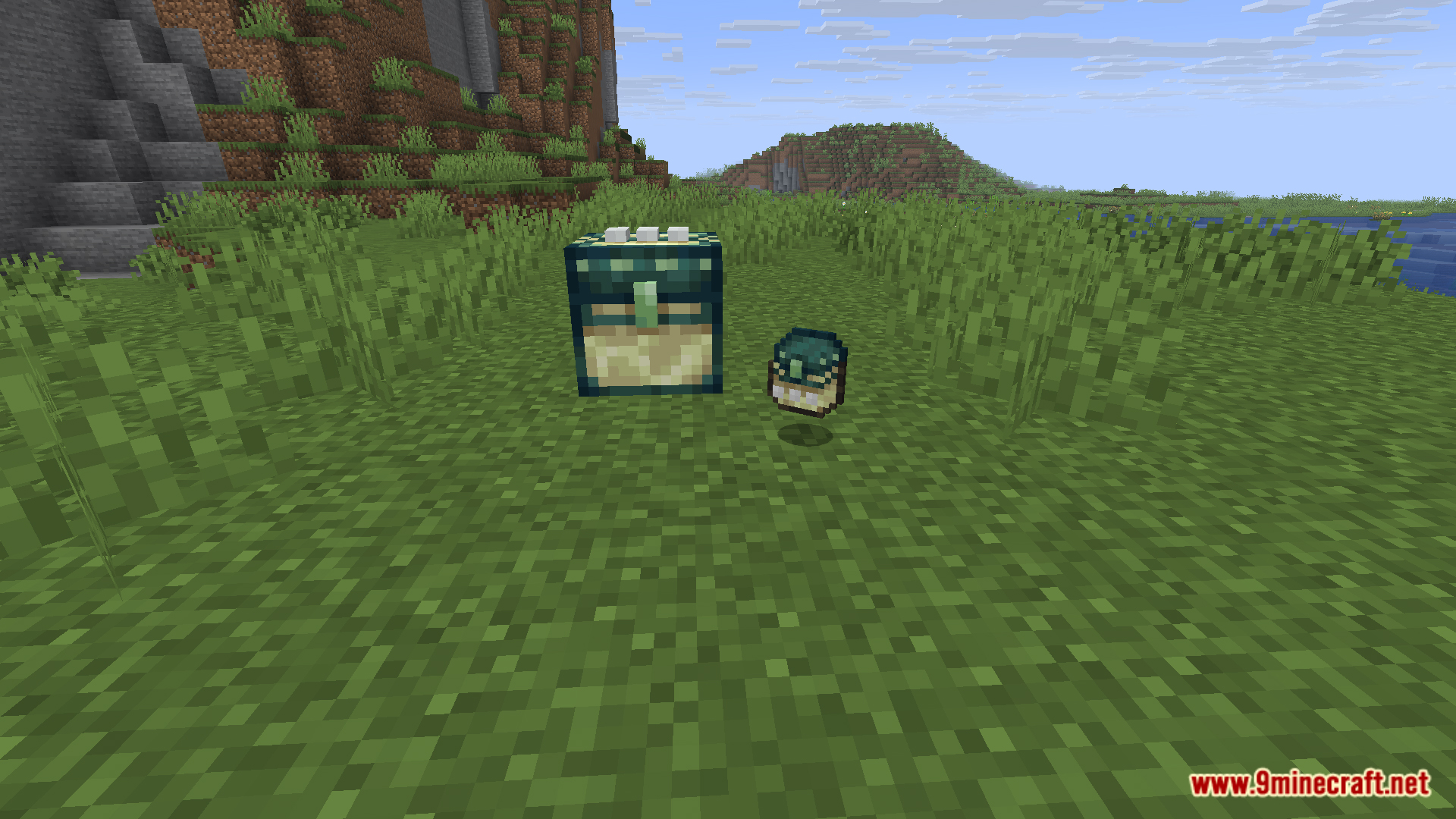
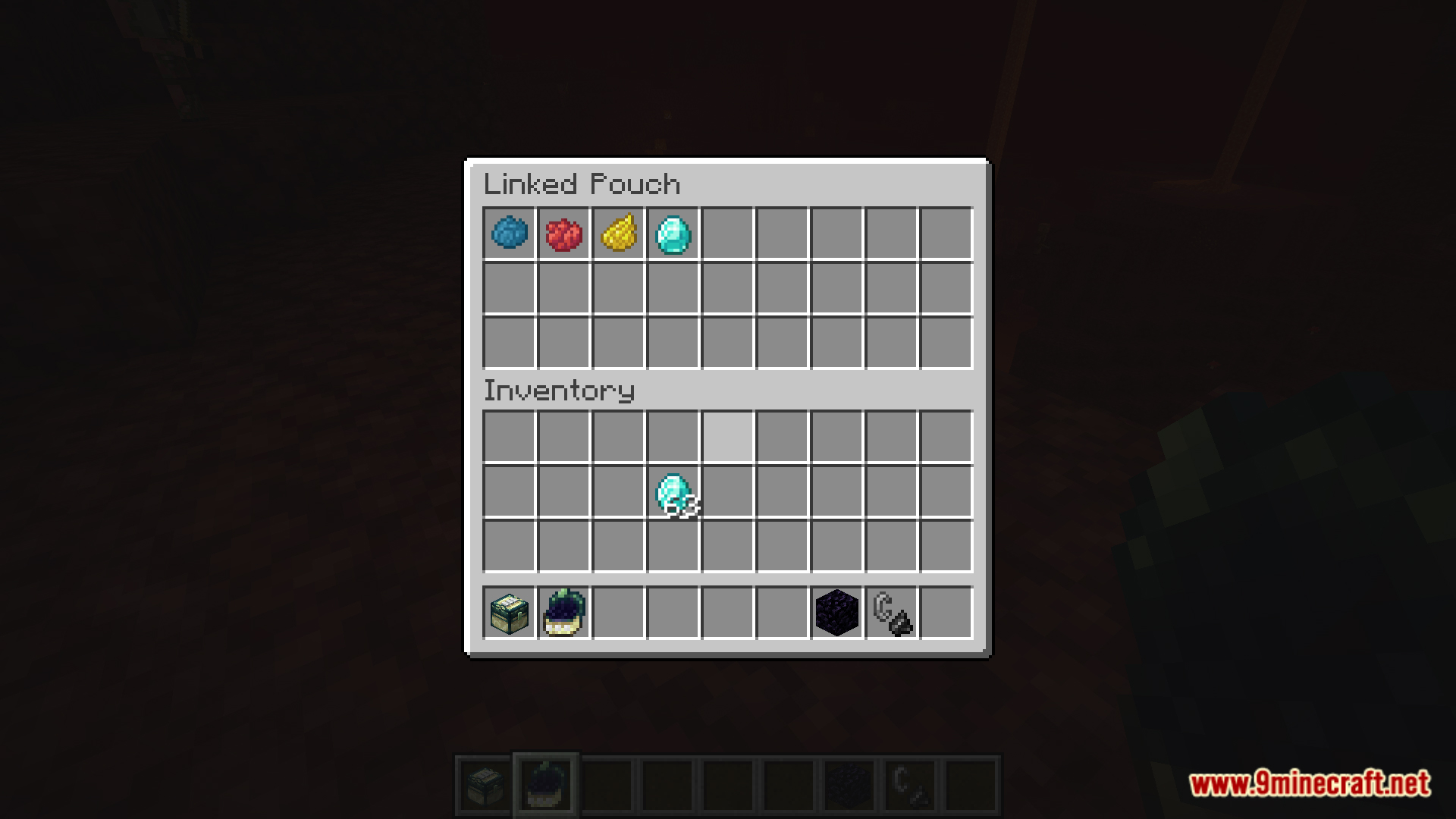
- Carry a linked pouch to access a chosen channel directly from your inventory while exploring or building.
- Sneak-use a linked pouch on a linked chest to quickly bind it to that chest’s specific channel.
- Support hoppers and other automation setups for easy item transport and storage systems.
- Display selected dye colors directly on chests and pouches so channels are easy to identify at a glance.
How to Use:
- Place a chest and apply up to three dye colors to its top buttons to set a storage channel.
- Place another chest anywhere else and apply the exact same dye colors to link their inventories together.
- Right-click a chest lock with a diamond if you want to make the storage channel private.
- Craft a linked pouch and sneak-use it on a linked chest to access your items on the go.
Screenshots:
How to Install:
New to Minecraft? Follow our step-by-step guide to install Mods on your PC.View Guide


Fuzs's Linked Chests Mod Download Links
For Minecraft 26.3
For Minecraft 26.2
For Minecraft 26.1.2, 26.1.1, 26.1
For Minecraft 1.21.11
For Minecraft 1.21.10, 1.21.9
For Minecraft 1.21.8, 1.21.7, 1.21.6
For Minecraft 1.21.5
For Minecraft 1.21.4
For Minecraft 1.21.3, 1.21.2
For Minecraft 1.21.1, 1.21
Click to rate this post!
[Total: 1 Average: 5]
QUICK MINECRAFT SURVEY · ONE TAP
Mods & Modpacks
What do you usually do when your modded game crashes on startup?
7 responses · See the full results →
You May Also Like
Picked for this page
 Skin Layers 3D Mod (26.3, 1.20.1) – Render The Player Skin Layer in 3D
 Tool Kit Mod (26.3, 1.20.1) – Improving the Vanilla Structure Blocks
 Advanced Finders Mod (26.3, 1.20.1) – New Compasses
 Tom’s Trading Network Mod (26.3, 1.20.1) – Making Player Trading Easier
 Wormhole Portals Mod (26.3, 1.20.1) – Interdimensional Portals of Any Size, Shape and Color
 New Slabs, Stairs & Walls Mod (1.21.11, 1.20.1) – Ultimate for Building
 No Fog Mod (26.3, 1.20.1) – Fog Removal For Clearer View
 Clearviews Mod (26.3, 1.20.1) – Remove Minecraft Overlays
 Head Name Fix Mod (1.21.11, 1.20.1) – Custom Mob Head Name Retaining
 Berezka Library Mod (26.3, 1.20.1) – Library That Has Loot Tables For Berezkas Mods
 Re-Dye Glass Mod (26.3, 1.20.1) – Allows The Recoloring Of Glass Blocks & Glass Panes
 Search Carefully Mod (1.20.1) – Slowly Reveal Chest Loot for a Tactical Challenge
Most viewed in Mods over the last 7 days
 Ala Industrial Mod (26.3) – Run Electric Power Grids and Automated Factories
 PleasureCraft Mod (26.3, 1.21.1) – Jenny Mod Remake for Fabric
 Jennycraft Mod (26.3, 1.20.1) – Virtual Girlfriend in Minecraft
 Fapcraft Mod (26.3, 1.12.2) – Comprehensive and Detailed Content
 Jenny Mod (Fapcraft) Official Complete Guide – How to use, Tutorial
 BangCraft Mod (1.20.1) – Jenny, Ellie and Elliot
 Fabric Loader (26.3, 1.20.1) – Fabric Installer for All Minecraft Versions
 Meteor Client Mod (26.3, 1.20.1) – Xray, HUD, Fly
 The Shooting Star Demo Mod (26.3, 1.20.1) – Vaporize Terrain From Orbit
 OptiFine HD (26.3, 1.20.1) – Run Faster, FPS Boost, Shaders Support
 Aristois Client Mod (1.21.4, 1.20.1) – World Class Minecraft Utility
 Prestige Client Mod (1.21.11, 1.21.4) – Powerful Ghost Features for Crystal & Sword PvP
More from Mods
 CinematicInteractions Mod (1.21.1) – Watch Your Hands Work at Every Crafting Table
 Earth Platform Mod (1.21.1) – Travel Across Real Continents in a True Scale World
 Taunahi Mod (26.1.2) – Automate Daily Farming and Slayers in Hypixel Skyblock
 HORROR Fake Join Leave Messages Mod (1.20.1) – Trigger Creepy Chat Scares
 Bons Voyage Mod (1.20.1) – Teleport Across Biomes Through Hidden Waystones
 Orbital Railgun UPDATED Mod (26.3) – Flatten Giant Landscapes From Space
 Automobility Autoradio Mod (26.3, 26.1.2) – Trade Custom Mixtapes with Friends
 Towers of the Wild 9minecraft Mod (26.3, 26.2) – Climb Tall Towers for Loot
 Ender Storage 9minecraft Mod (26.3, 26.2) – Send Loot Back Home From Any Dimension
 Snad 9minecraft Mod (26.3, 26.2) – Build Faster Sugar Cane and Nether Wart Farms
 Together Forever Unofficial Mod (1.12.2) – Share Team Advancements
 GroovyDuvet Mod (1.21.11, 1.20.1) – Run Groovy Scripted Addons Without Game

This post has no comments yet. Be the first — your comment will appear here.