


Visual Set Edit Mod (26.2, 1.20.1) – Add RPG-Style Set Bonuses

 0
0 

🌐 Good news — we've translated this article into other languages!
Or pick the one you like:
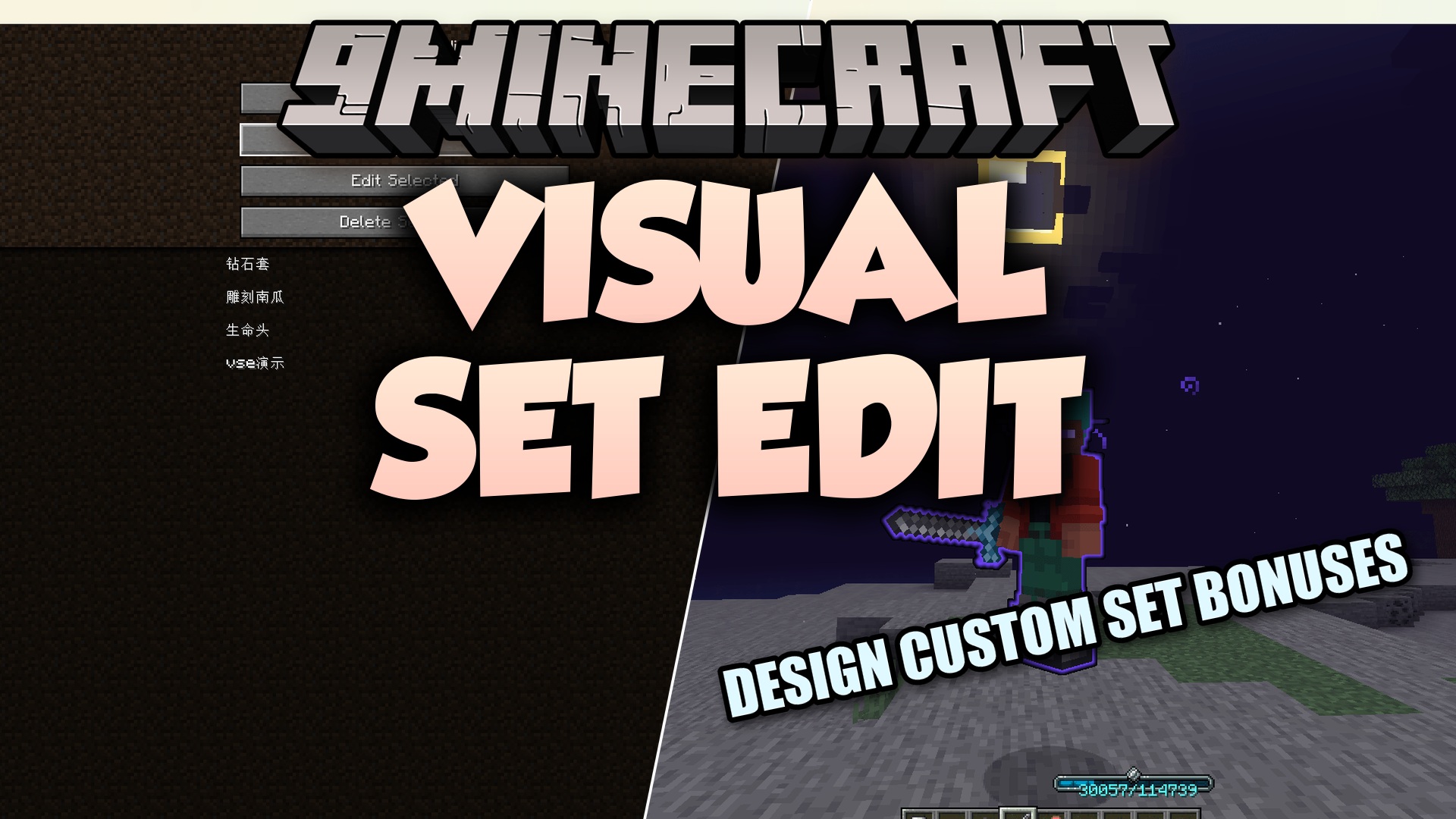
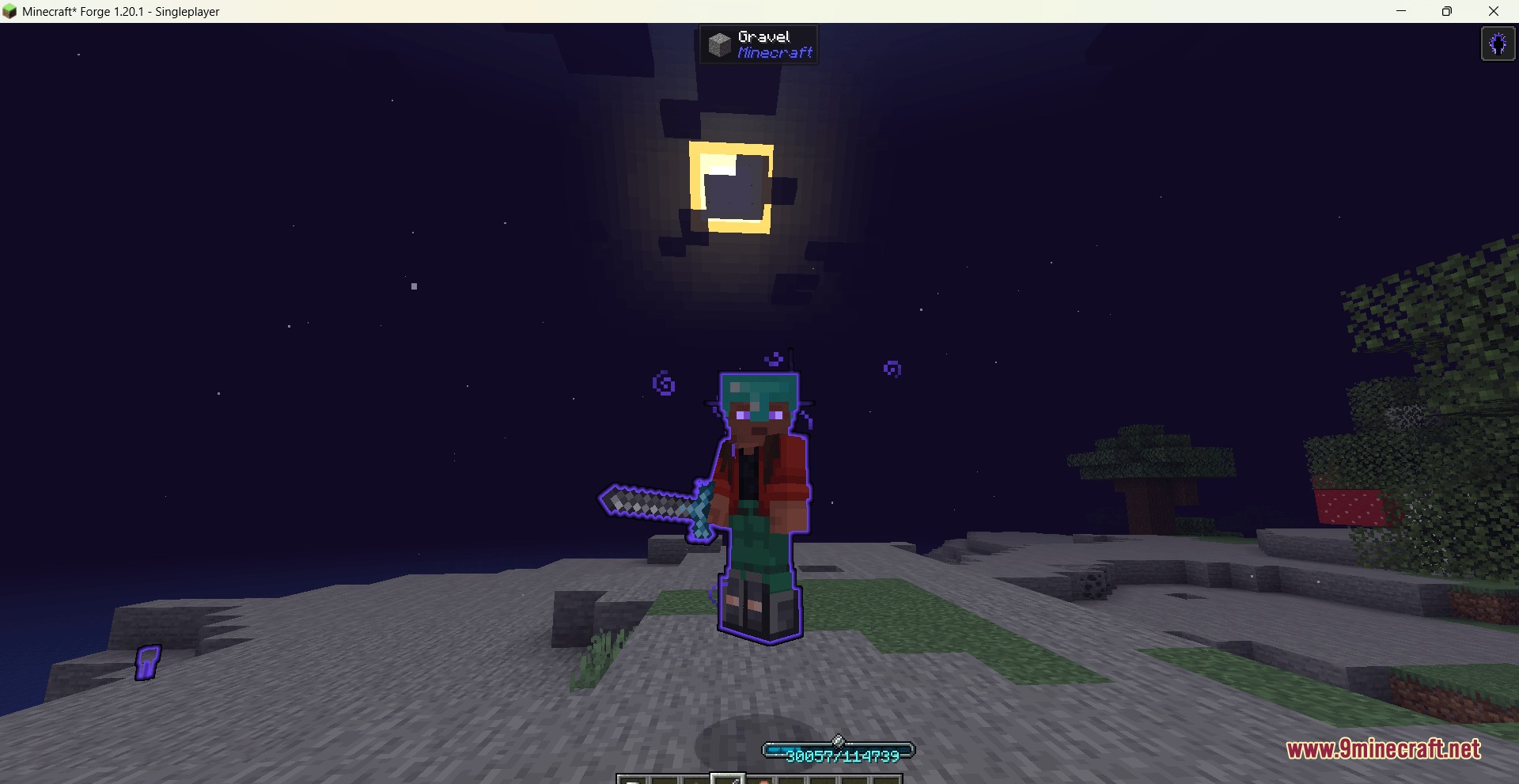
Visual Set Edit Mod lets you create custom gear set bonuses right inside the game. This mod gives you a simple menu to group items together and add special powers when players wear them at the same time. You can build rules for armor, tools, and accessories without writing any code.
Features:
- In-Game Menu: Lets you build and change set bonuses directly from your screen.
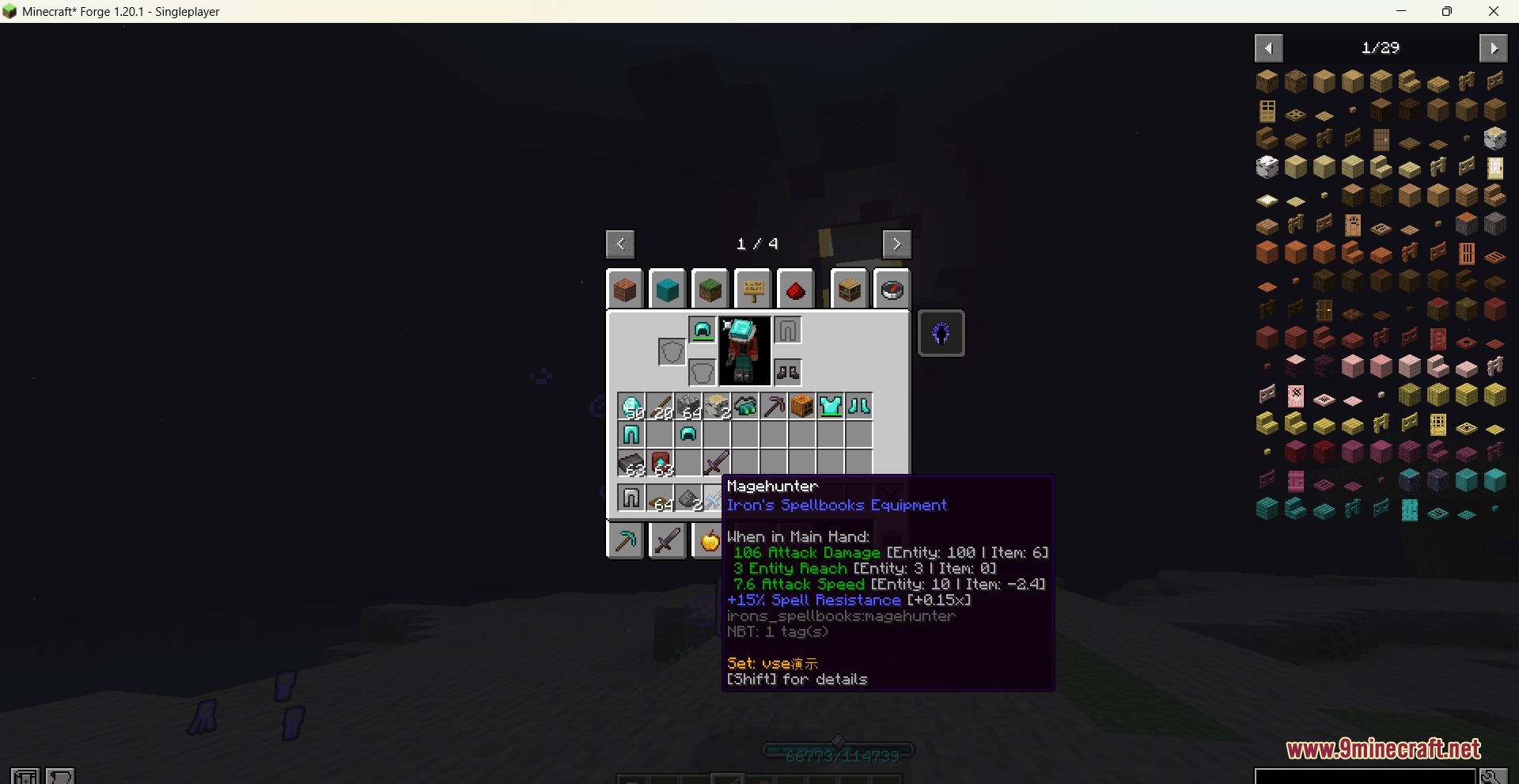
- Multiple Tiers: Allows you to set up different rewards for wearing two pieces, four pieces, or a full set of gear.
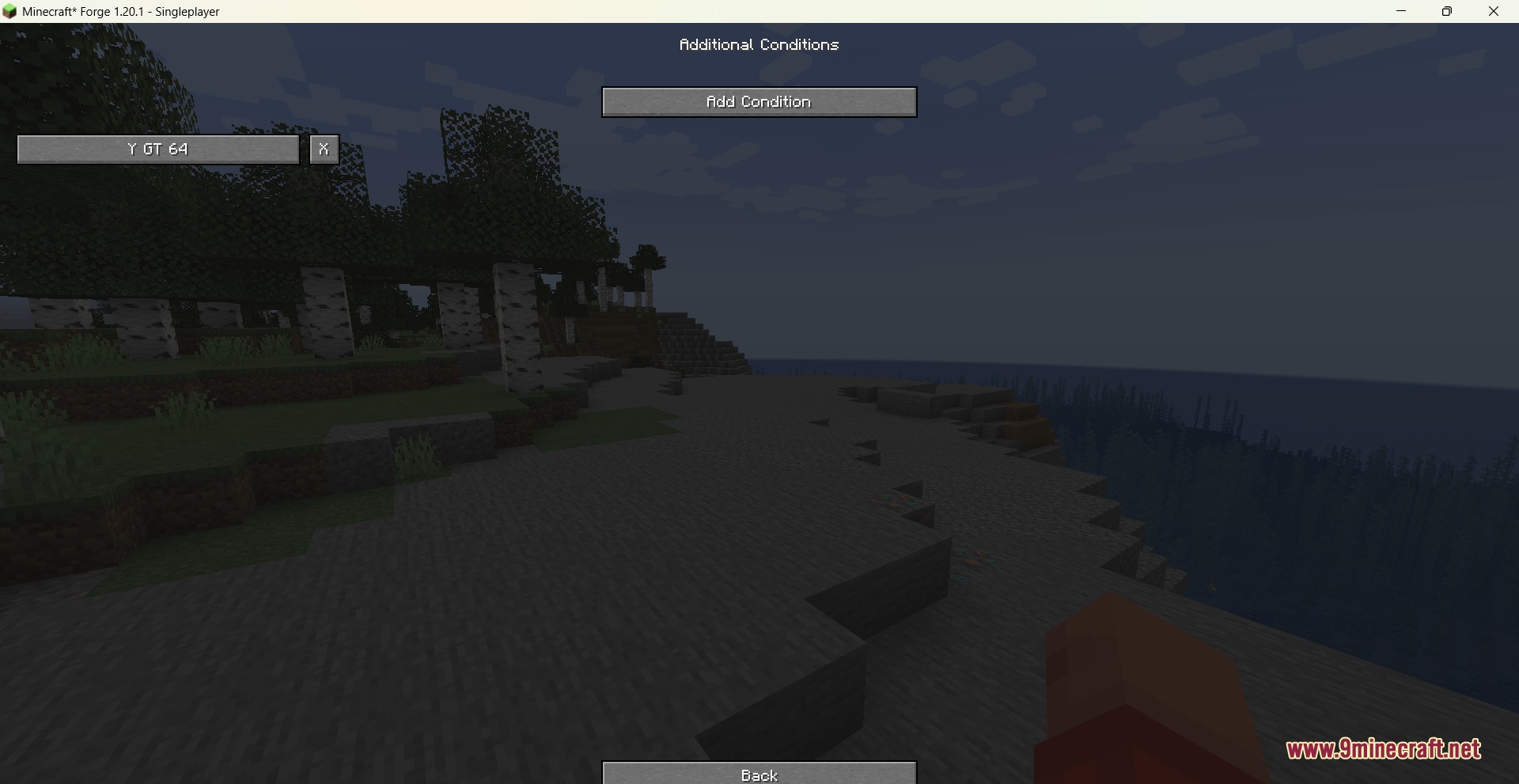
- Custom Conditions: Makes effects turn on only when specific things happen, like when health is low or when hiding in the dark.
- You can link items to any armor slot, your hands, or even special accessory slots.
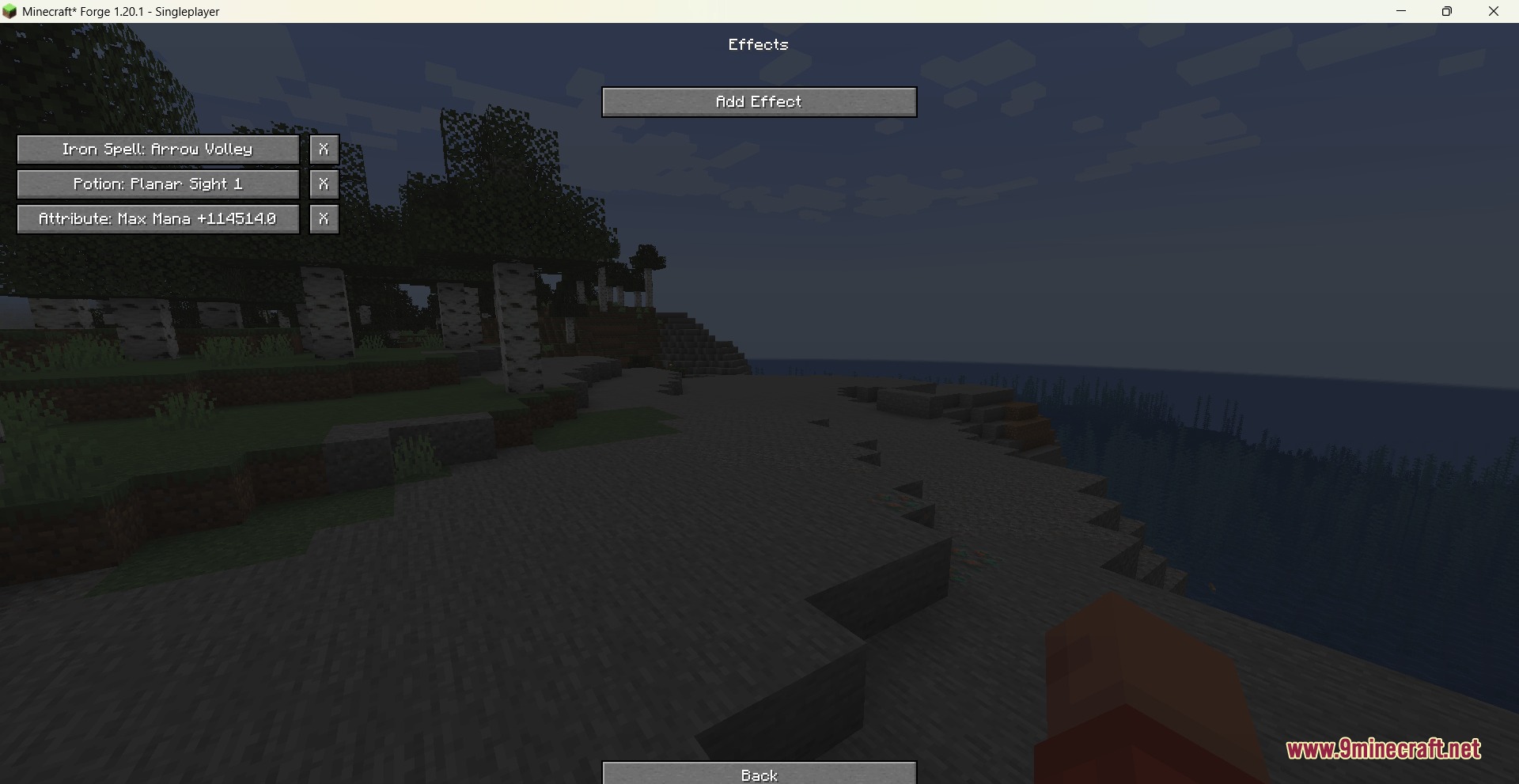
- Gives players potion effects, stat boosts, or powers like flying when they wear the right items.
- Adds helpful text when you hold the Shift key to show what set an item belongs to.
- Saves all your custom rules in a file and shares them with everyone playing on the server.
- Works well with other mods to let you cast magic spells or wear extra rings as part of a set.
Commands:
/vse gui: opens the main menu to build and change sets./vse reload: loads your saved files again to apply changes right away.
How to Use:
- Type
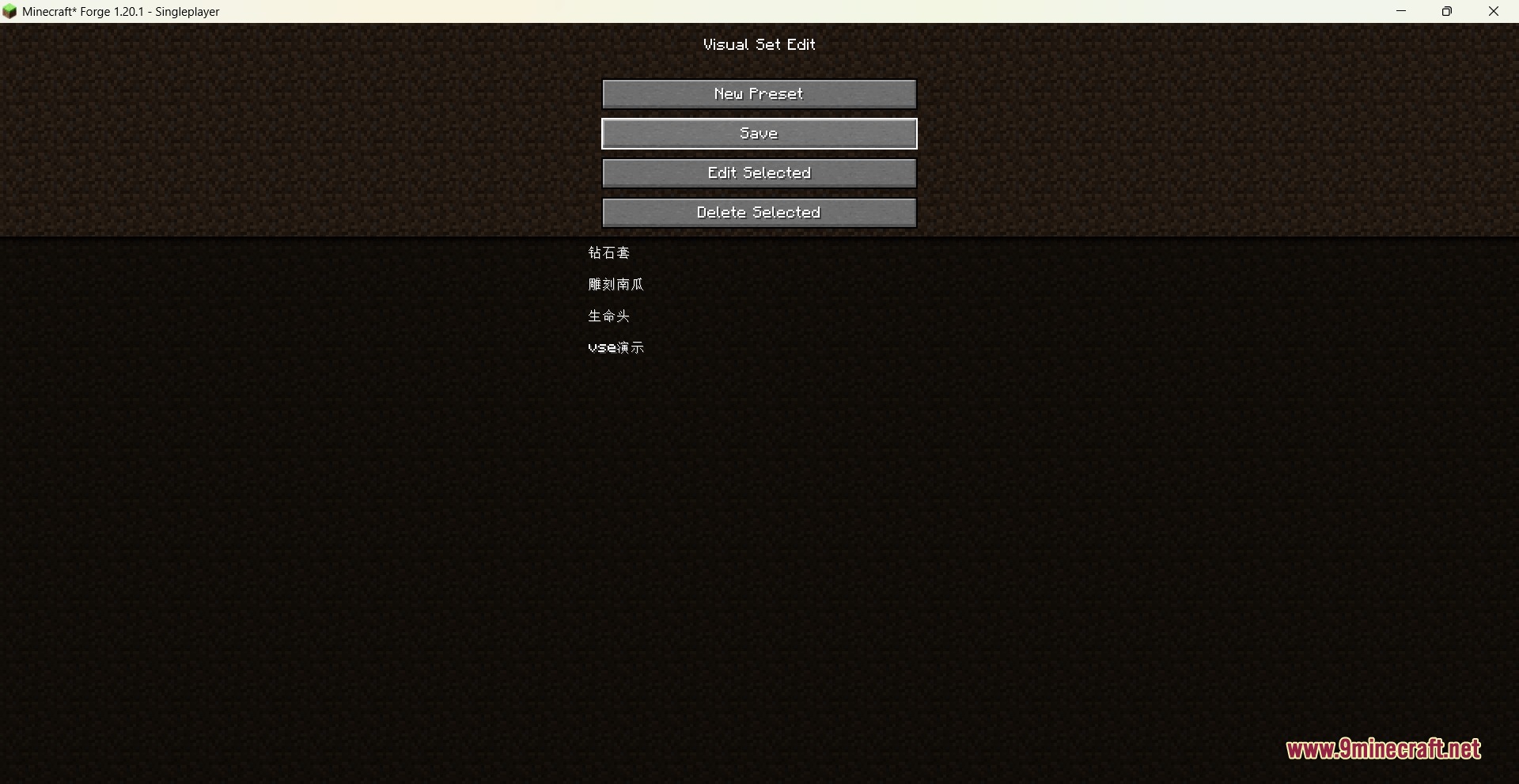
/vse guiin the chat to open the management screen. - Click to make a new preset or pick an old one from the list.
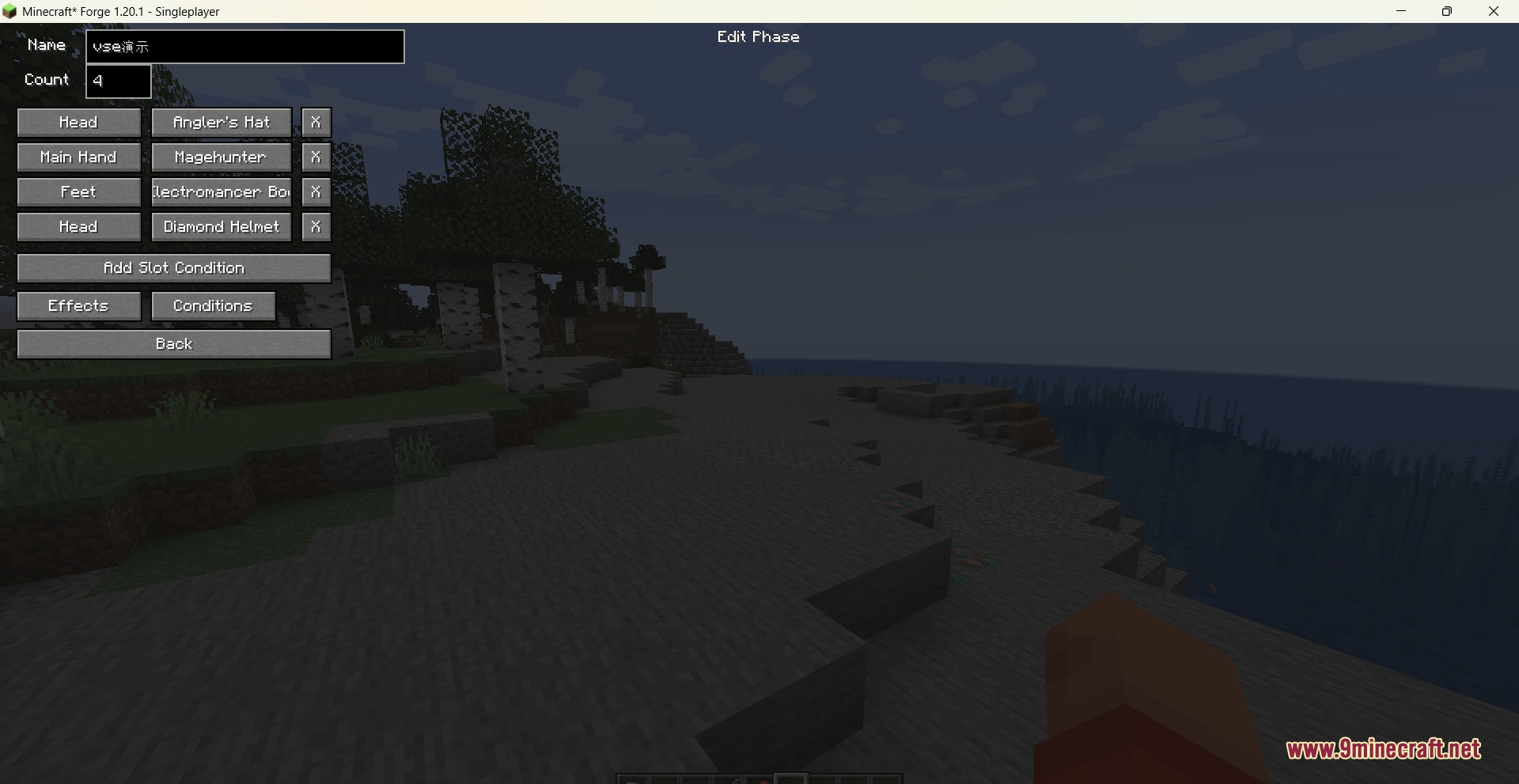
- Choose which items go into the head, chest, or hand slots for your set.
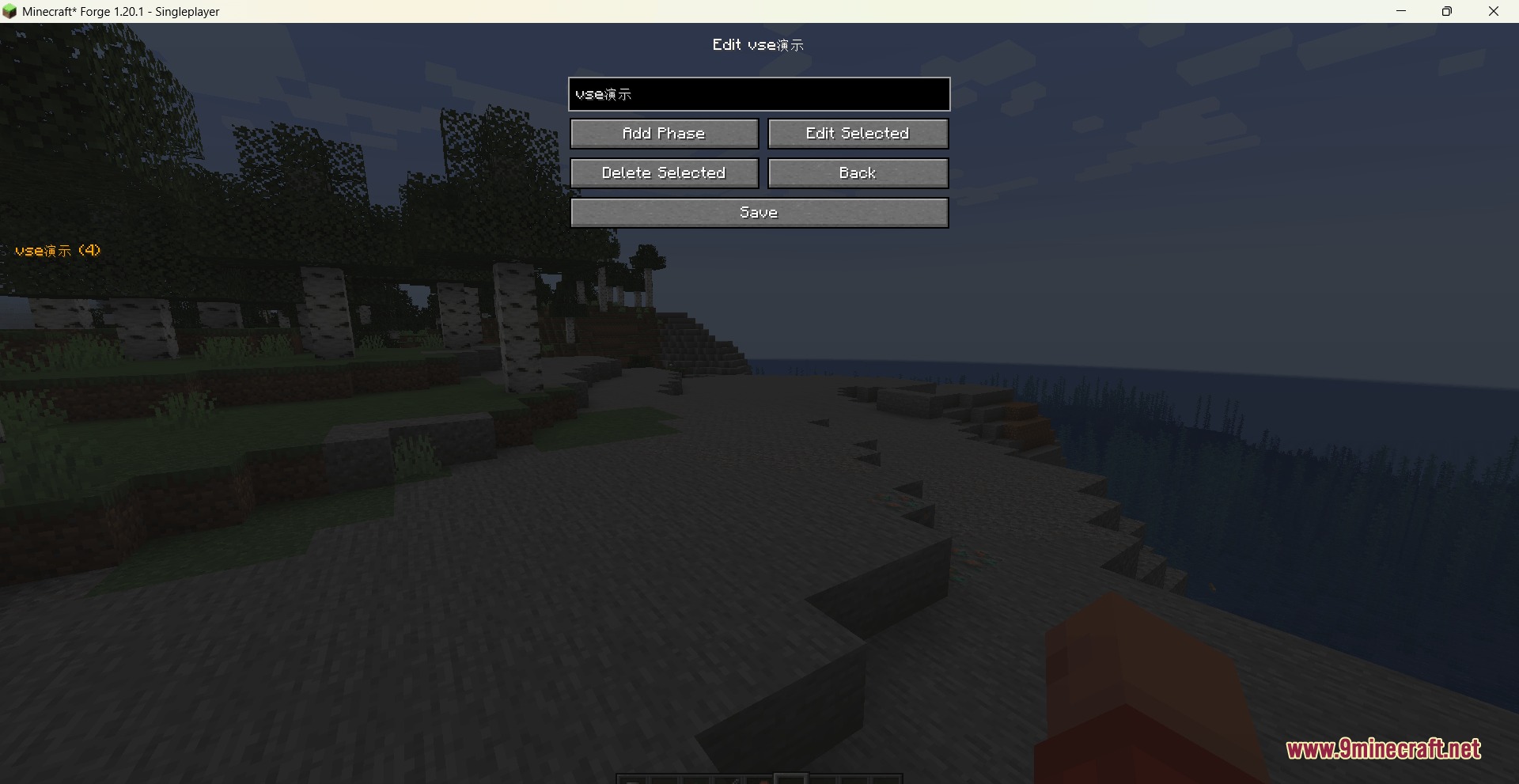
- Add a phase, like a 2-piece bonus, and pick what powers the player gets.
- Save your work, and the game will update the rules for all players on the server.
Screenshots:
How to Install:
New to Minecraft? Follow our step-by-step guide to install Mods on your PC.View Guide
Requirements:


Visual Set Edit Mod Download Links
For Minecraft 26.2
For Minecraft 26.1.2, 26.1.1, 26.1
For Minecraft 1.21.11
For Minecraft 1.21.10, 1.21.9
For Minecraft 1.21.1, 1.21
For Minecraft 1.20.1, 1.20
Click to rate this post!
[Total: 0 Average: 0]
You May Also Like


This post has no comments yet. Be the first — your comment will appear here.