
Ambience V2 Mod (26.3, 1.21.1) – Recolor Your Entire World

 0


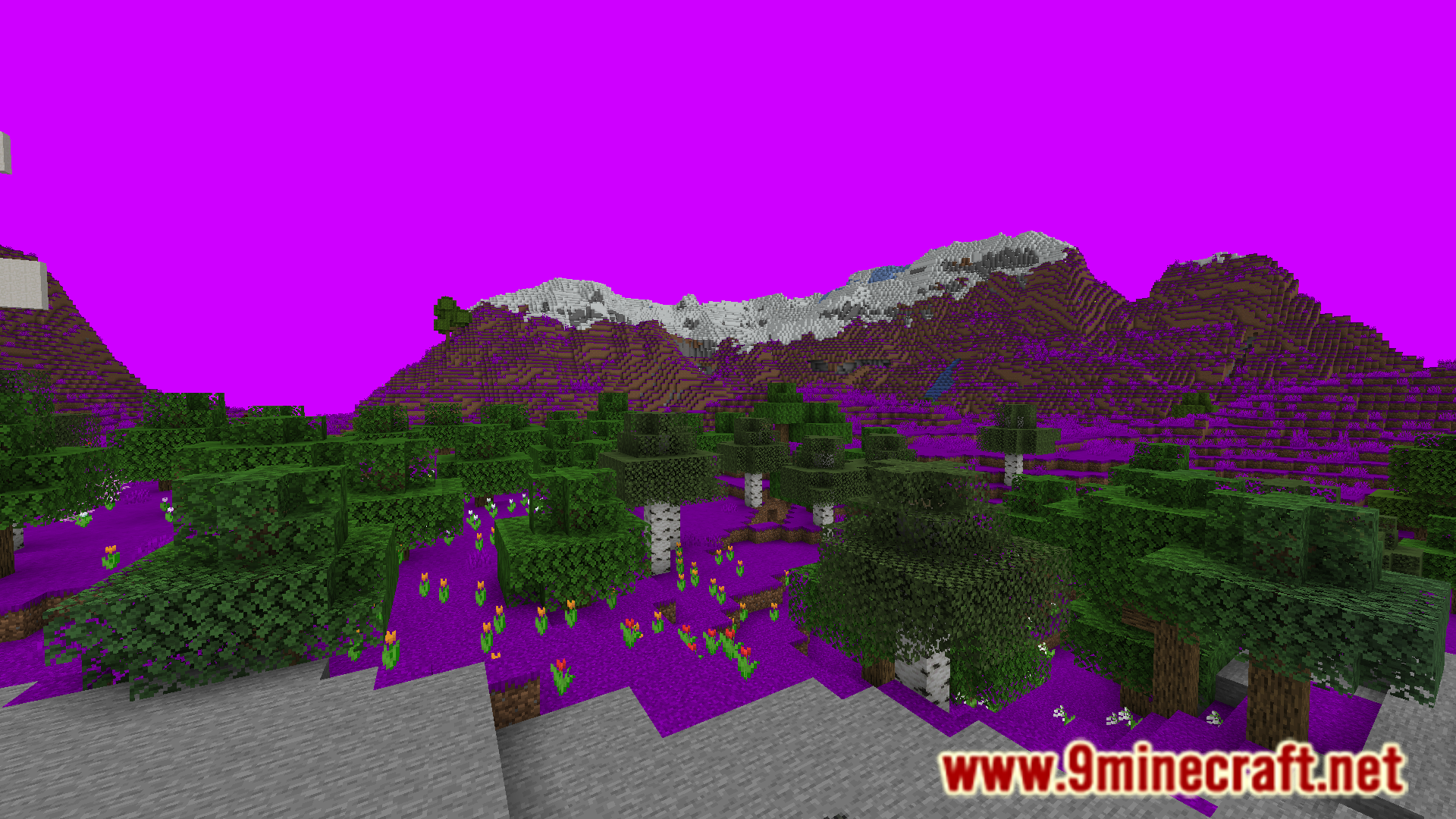
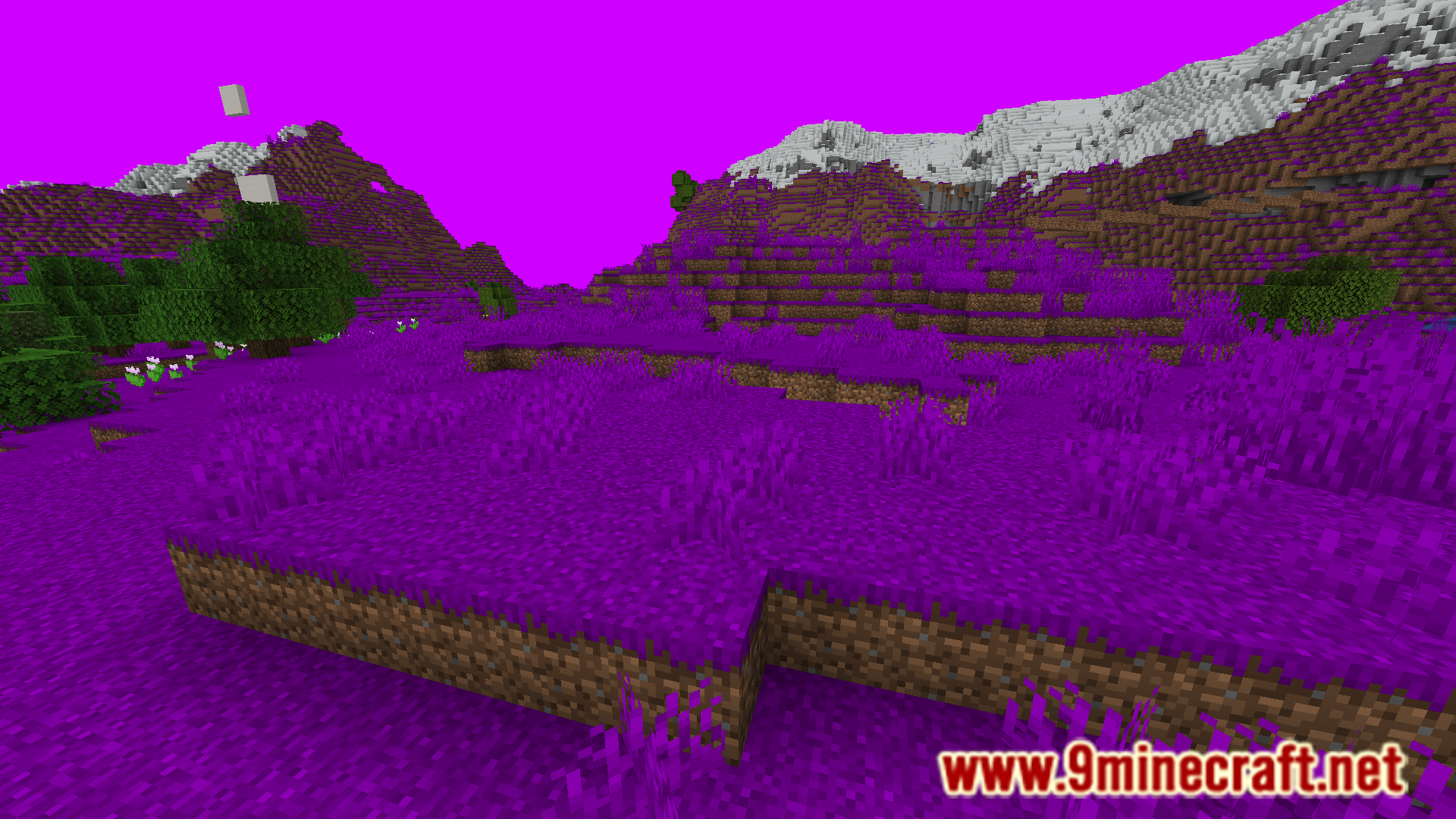
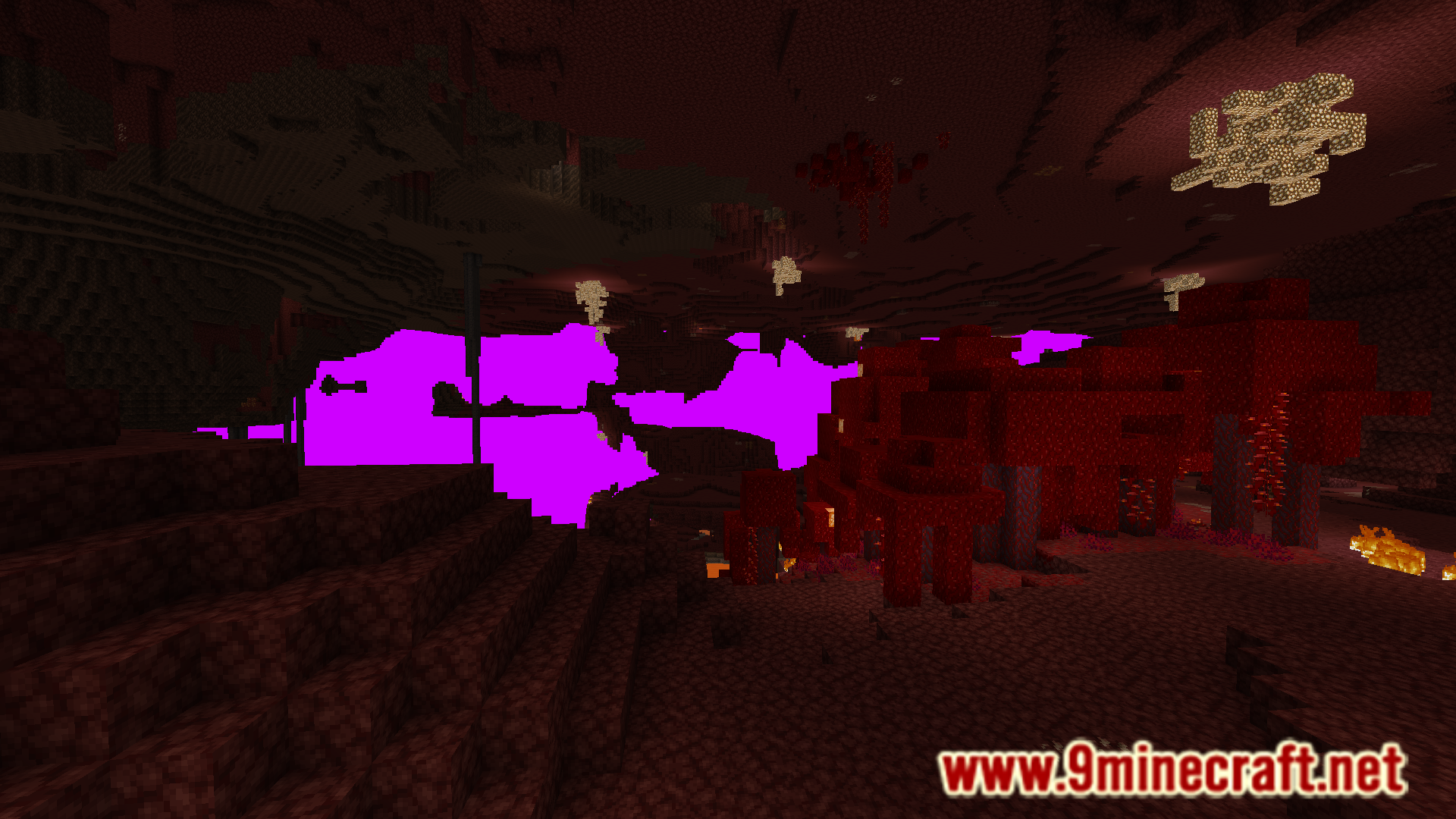
Ambience V2 Mod lets you change the colors of your world in Minecraft. Through its config menu, you can pick custom colors for the sky, clouds, water, lava, fire, and plants. This mod works across the Overworld, the Nether, and the End, and it also lets you add an Overworld sky gradient or override the in-game time. You can turn it on or off anytime to switch back to normal colors.
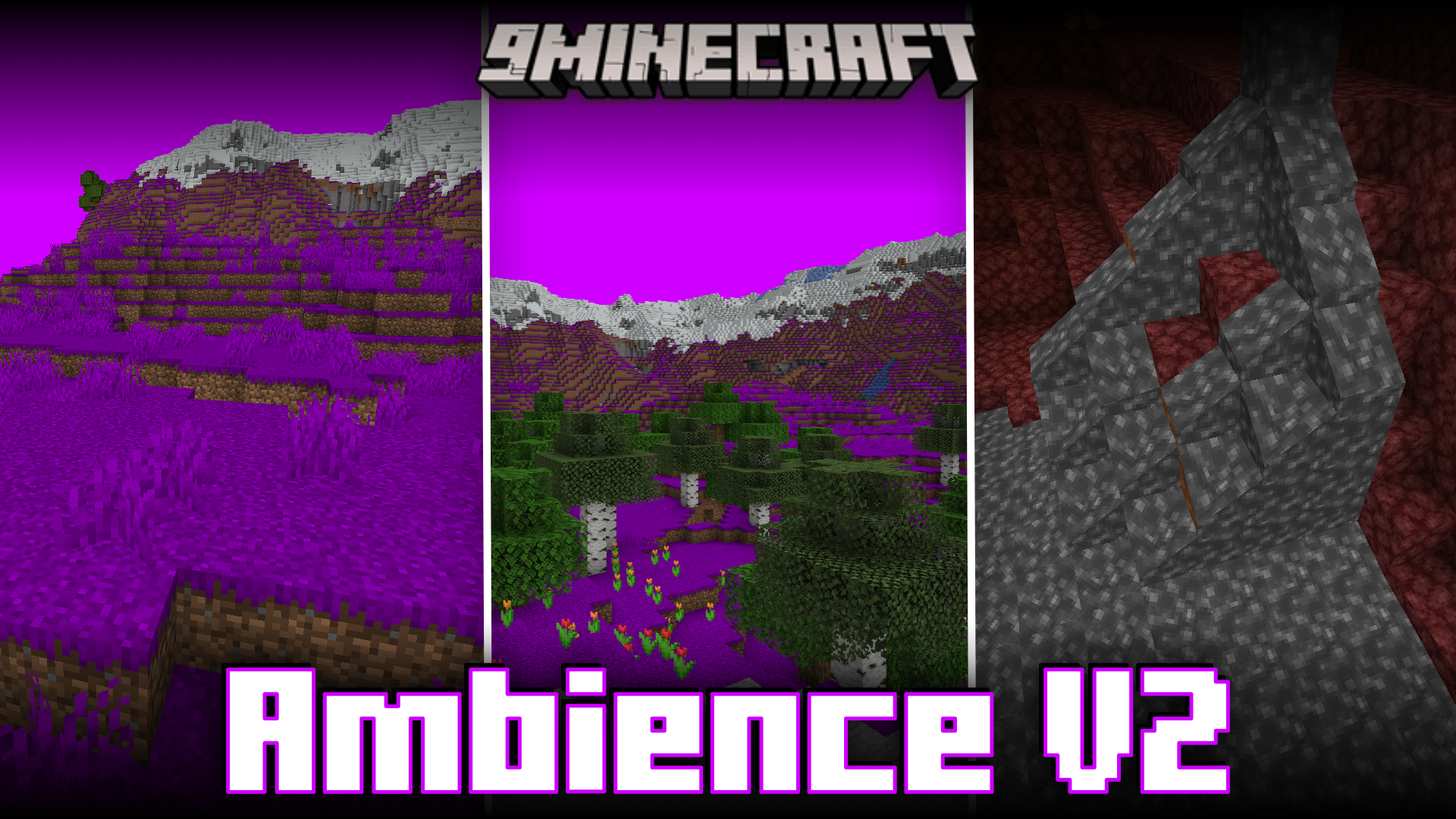
Ambience V2 Mod – Video Showcase
Features:
- Sky Customization: Lets you change the sky color separately in the Overworld, the Nether, and the End.
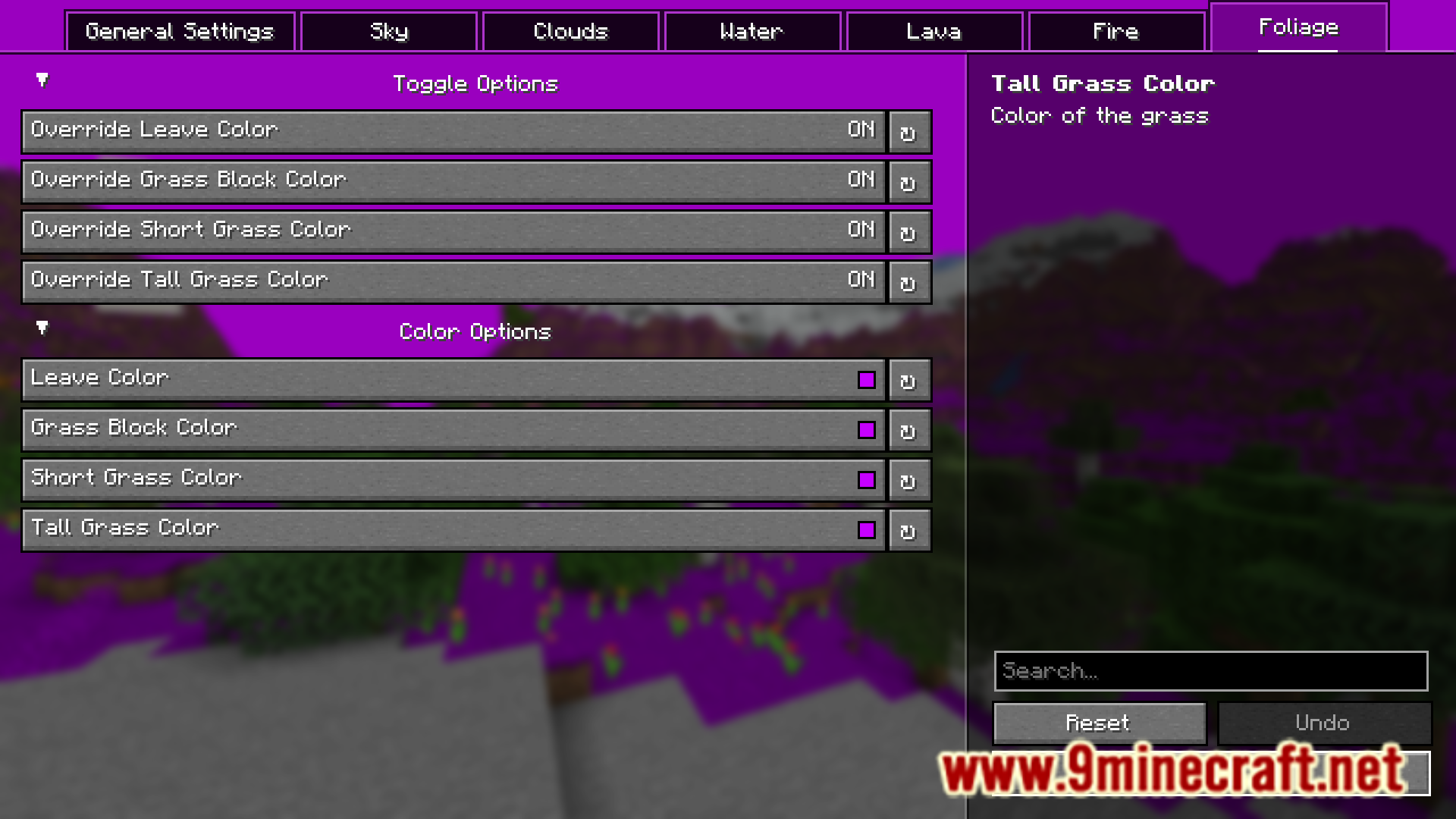
- Plant Recoloring: Lets you pick custom colors for leaves, grass blocks, short grass, and tall grass.
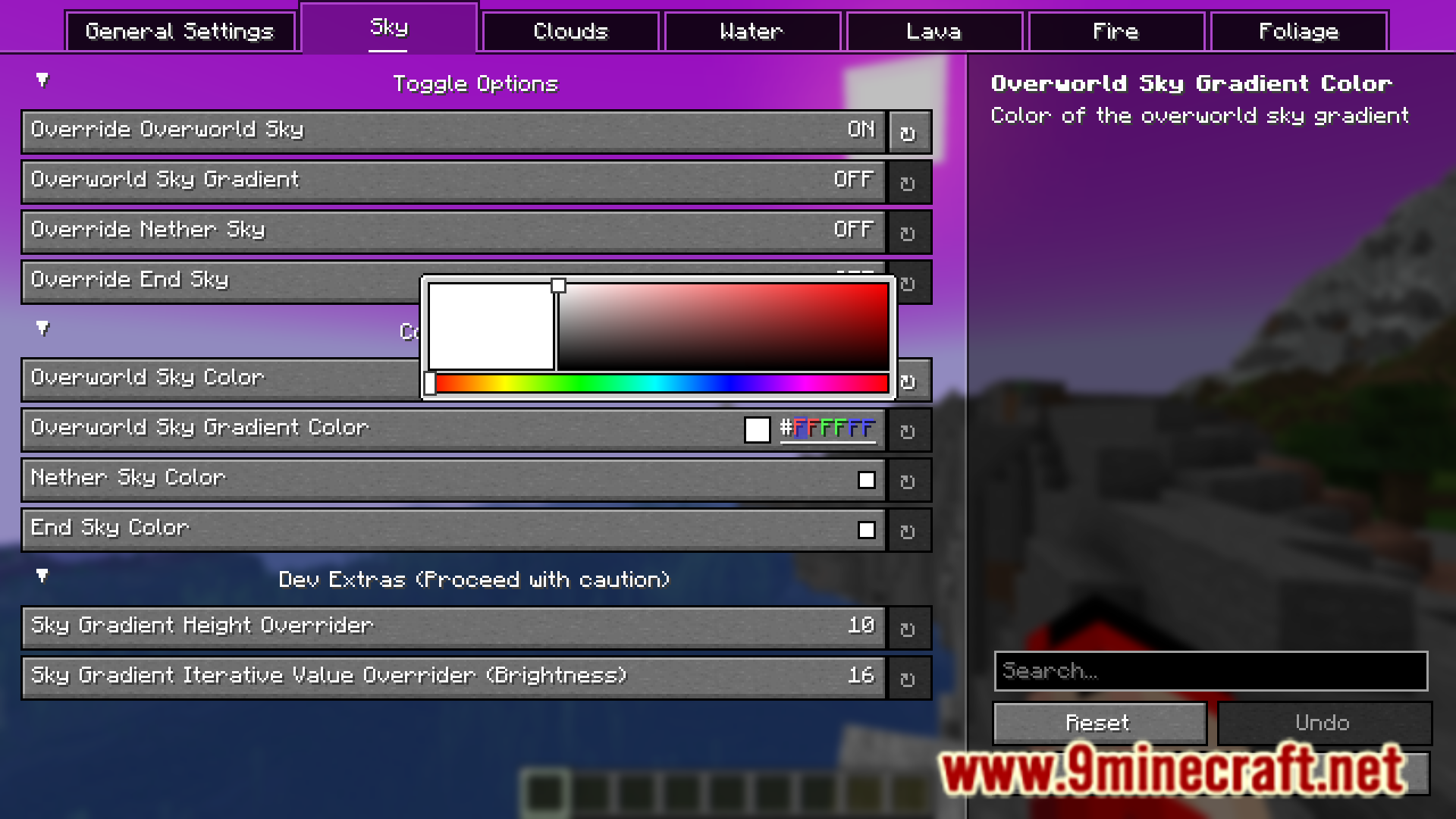
- Adds an Overworld sky gradient option with brightness and height controls so you can blend two sky colors together.
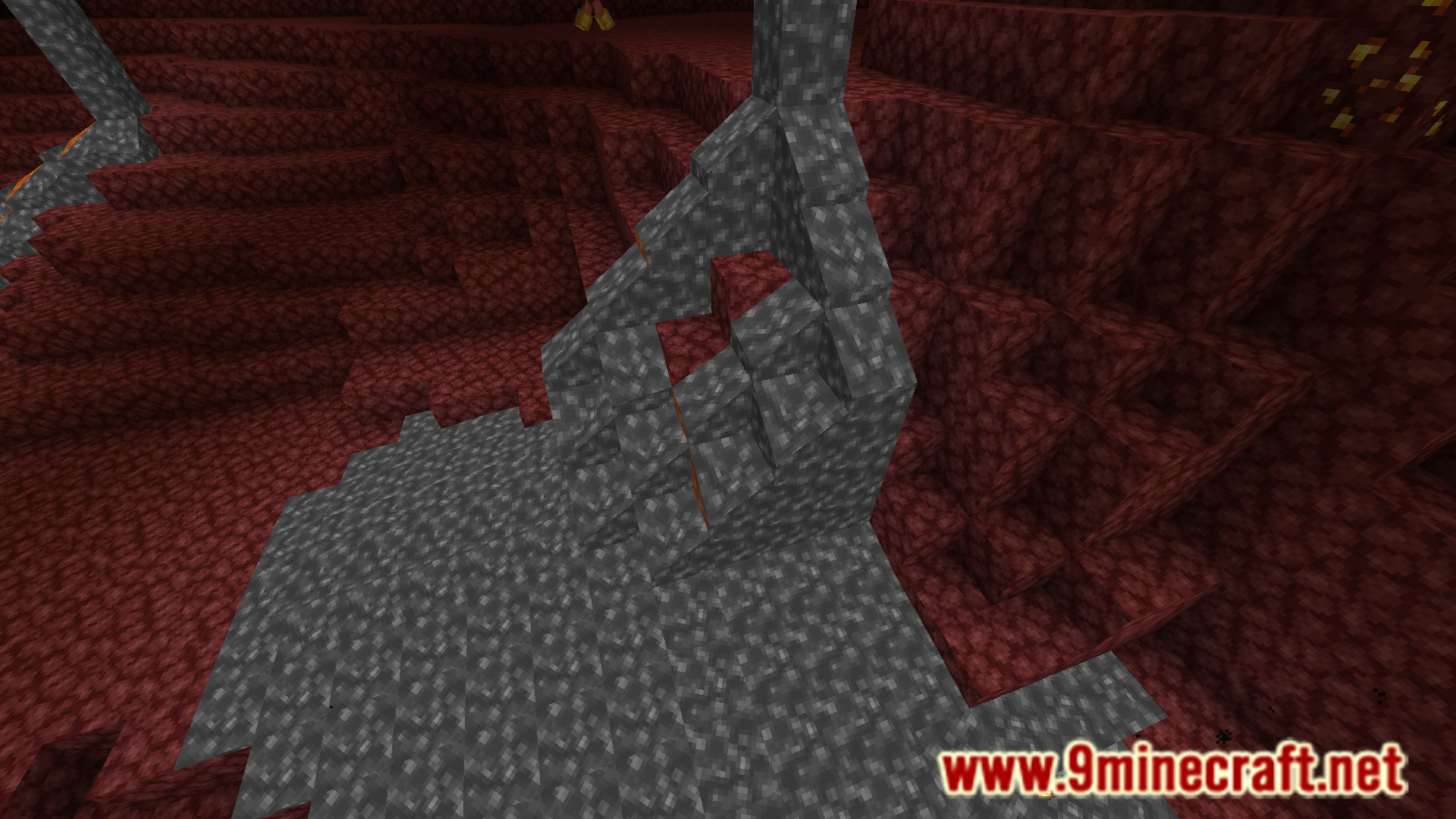
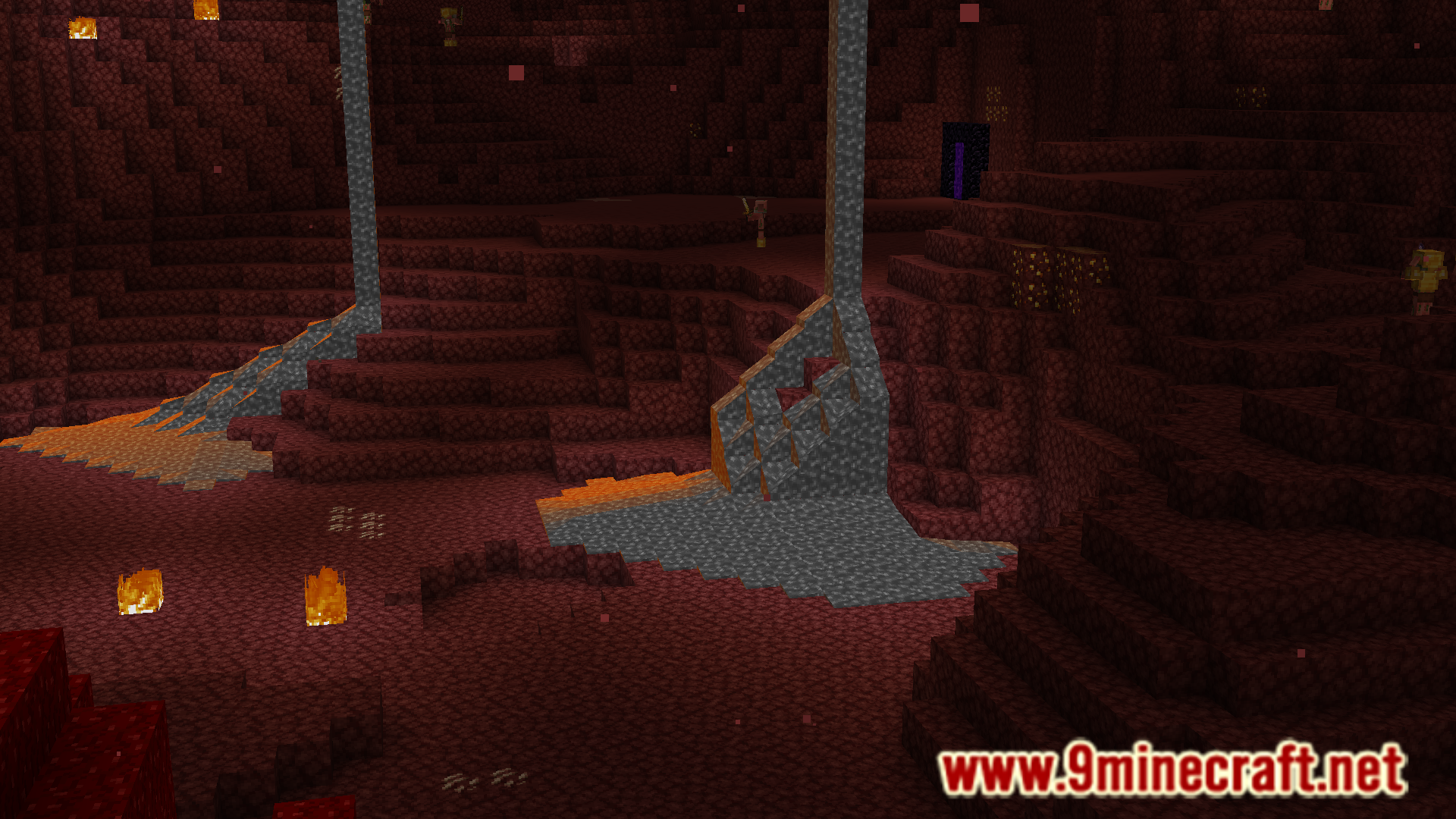
- Changes the colors of clouds, water, lava, and fire one by one using custom color values like hex codes.
- Lets you override the in-game time to keep your world at a specific time of day.
- Includes an enable toggle so you can turn all color changes on or off anytime from the settings menu.
Configuration:
Enable Mod: Turns this mod on or off under General Settings.Override in game time: Sets a custom in-game time, such as18,000, under General Settings.Override overworld, nether & end sky color: Changes the sky color in each dimension under Sky Settings.Overworld sky gradient: Enables a sky gradient in the Overworld with custom color values like#C600FForWhite.Brightness & height controller: Adjusts the brightness and height of the Overworld sky gradient.Clouds, Water, Lava & Fire Settings: Overrides the color of clouds, water, lava, and fire individually.Foliage Settings: Overrides the color of leaves, grass blocks, short grass, and tall grass.
Screenshots:
How to Install:
New to Minecraft? Follow our step-by-step guide to install Mods on your PC.View Guide

Ambience V2 Mod Download Links
For Minecraft 26.3
For Minecraft 26.2
For Minecraft 26.1.2, 26.1.1, 26.1
For Minecraft 1.21.11
For Minecraft 1.21.10, 1.21.9
For Minecraft 1.21.8, 1.21.7, 1.21.6
For Minecraft 1.21.5
For Minecraft 1.21.4
For Minecraft 1.21.3, 1.21.2
For Minecraft 1.21.1, 1.21
Click to rate this post!
[Total: 0 Average: 0]
You May Also Like
Picked for this page
 Mob Battle Mod (26.3, 1.20.1) – Create Easy Mob Fights
 Replay Mod (26.3, 1.20.1) – Record, Relive, Share Your Experience
 Promenade Mod (26.3, 1.20.1) – New Unique Biomes
 Elytra Chestplate Swapper Mod (26.3, 1.20.1) – Functionality to Keystroke
 Pufferfish’s Skills Mod (26.3, 1.20.1) – Level Up Your Abilities
 Zombie Horse Spawn Mod (26.3, 1.20.1) – Horses Spawn with Riders
 ItemLocks Mod (26.3, 1.20.1) – Lock Selected Inventory Slots
 ToolTip Fix Mod (26.1.2, 1.21.1) – Automatic Text Wrapping, Improves Readability
 GUI Compass Mod (26.3, 1.20.1) – Better Compass Tooltip
 Fabric Seasons Croptopia Compat Mod (26.2, 1.20.1) – Farm Crops By the Season
 Better Conduit Placement Mod (26.3, 1.20.1) – Placing Conduit Prismarine Blocks Easier
 Crystalix Mod (26.1.2, 1.20.1) – Crystalix Glass Mastery
Most viewed in Mods over the last 7 days
 Ala Industrial Mod (26.3) – Run Electric Power Grids and Automated Factories
 PleasureCraft Mod (26.3, 1.21.1) – Jenny Mod Remake for Fabric
 Jennycraft Mod (26.3, 1.20.1) – Virtual Girlfriend in Minecraft
 Fapcraft Mod (26.3, 1.12.2) – Comprehensive and Detailed Content
 Jenny Mod (Fapcraft) Official Complete Guide – How to use, Tutorial
 BangCraft Mod (1.20.1) – Jenny, Ellie and Elliot
 Fabric Loader (26.3, 1.20.1) – Fabric Installer for All Minecraft Versions
 The Shooting Star Demo Mod (26.3, 1.20.1) – Vaporize Terrain From Orbit
 Meteor Client Mod (26.3, 1.20.1) – Xray, HUD, Fly
 OptiFine HD (26.3, 1.20.1) – Run Faster, FPS Boost, Shaders Support
 Aristois Client Mod (1.21.4, 1.20.1) – World Class Minecraft Utility
 Prestige Client Mod (1.21.11, 1.21.4) – Powerful Ghost Features for Crystal & Sword PvP
More from Mods
 Better Nether 9minecraft Mod (26.3, 26.2) – Survive Forever in the Nether
 BCLib 9minecraft Mod (26.3, 26.2) – Power Custom Nether and End Overhauls
 ForgedLoaderAPI Mod (1.19.2, 1.18.2) – Bring Ported Fabric Creations
 Shield System Mod (1.21.1) – Tank Heavy Monster Hits Without Losing Hearts
 Shin’s Tensura Race Models Mod (1.19.2) – Play As Unique 3D Anime Race
 Offgrid Mod (26.3, 1.20.1) – Furnish Compact Interiors Without Strict Grid
 Tempest Almanac Iron’s Spells ‘n Spellbooks Mod (1.21.1, 1.20.1)
 Chat Guides Mod (26.3, 1.21.11) – Never Memorize Complex Server Commands Again
 TRMT Reimagined the Roads More Travelled Mod (26.3, 1.20.1)
 Morrowless Mod (1.21.1) – Defend Your Shelter From Nightmare Creatures
 THE SLOPSTROSITY Mod (1.21.1) – Battle a Ridiculous Slime Boss
 Decoween Mod (1.21.1, 1.20.1) – Transform Ordinary Survival Bases

This post has no comments yet. Be the first — your comment will appear here.