


Herobrine Companion Mod (1.21.1, 1.20.1) – Turn Minecraft’s Ghost

 0
0 

🌐 Good news — we've translated this article into other languages!
Or pick the one you like:
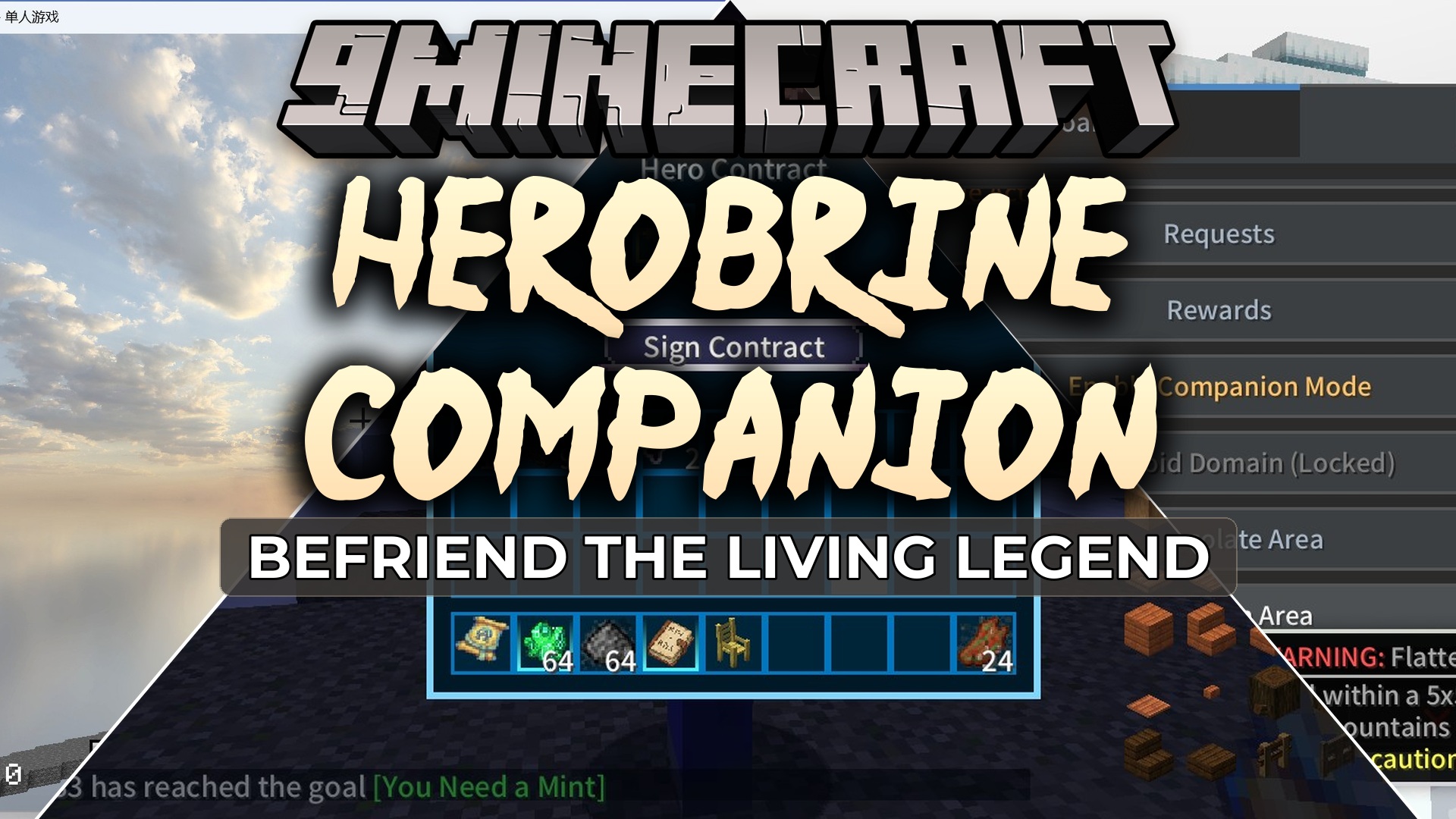
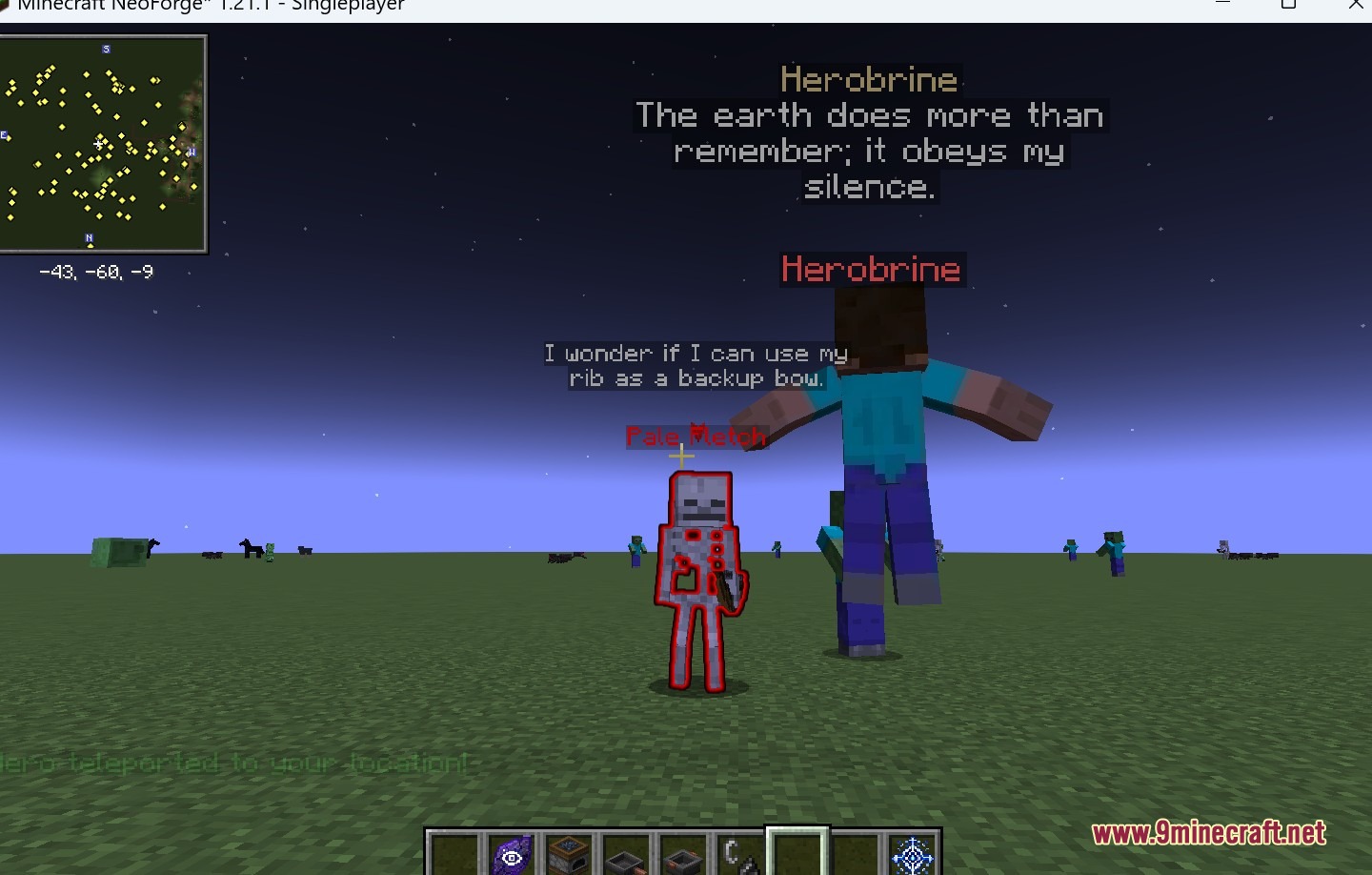
Herobrine Companion Mod turns the spooky ghost of Minecraft into a living, breathing friend. This mod gives him real emotions, full conversations, and a clear backstory. He watches what you do, remembers your chats, and changes his mood based on your actions. If you treat him well, he protects you from danger and gives you special items. You can trade with him, take on quests, and even ask him to build things or change the weather.
Features:
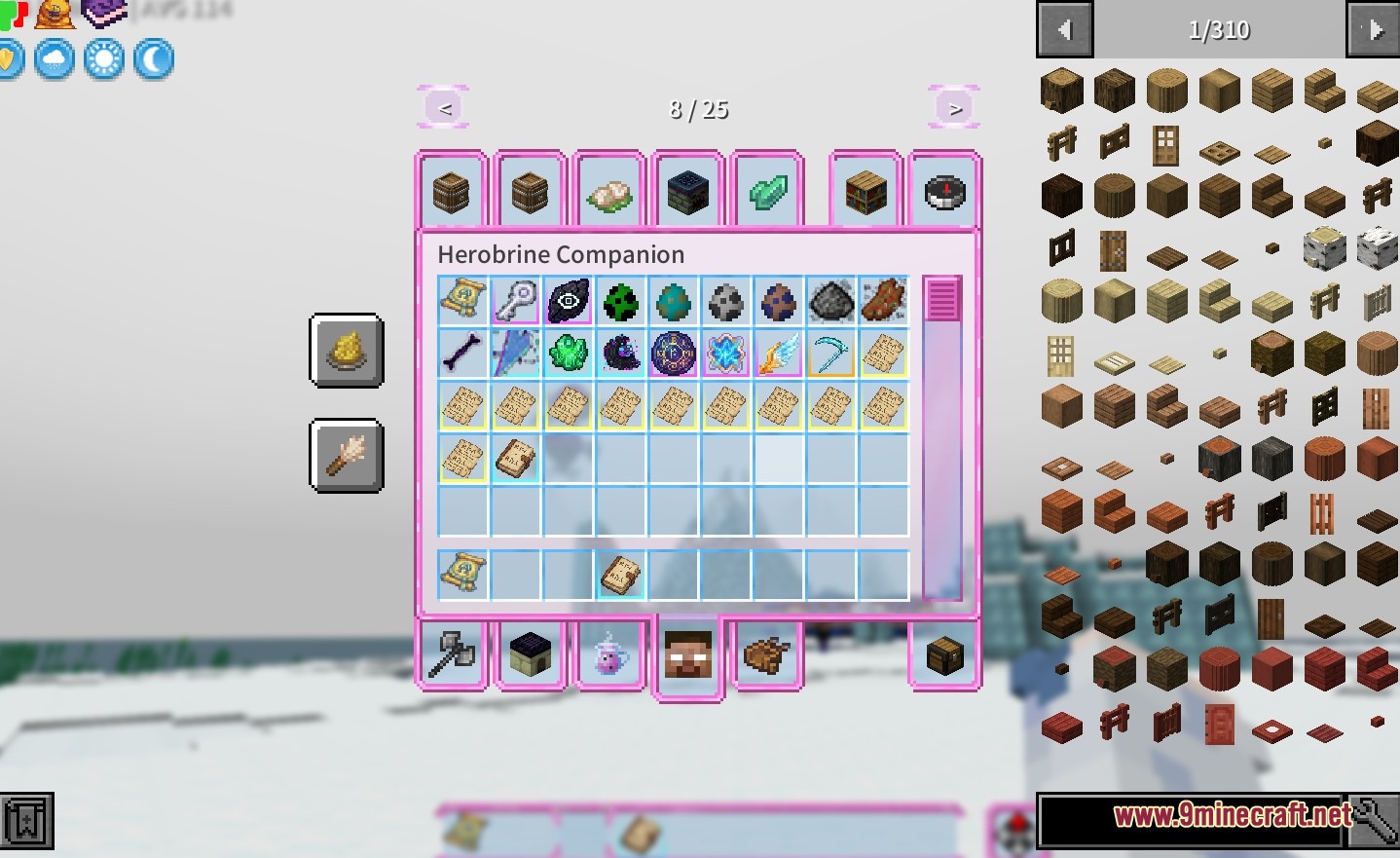
- Trust System: Earn his trust by trading, fighting together, or doing quests to unlock rewards like Totems or permanent night vision.
- Smart Conversations: Connects to language models so you can have real, free-form chats with him in the game.
- Fights alongside you and revives you, moving you to safety if you fall in battle.
- Wears armor and strikes different poses that you can save and change.
- Sits down on beds, boats, or chairs when you ask him to rest.
- Turns regular monsters into Awakened Monsters that talk and trade gifts instead of attacking.
Herobrine’s Moods:
- Observer: Watches from high up and leaves torches so you can see.
- Guardian: Gives you helpful magic effects like Regeneration.
- Judge: Ignores you completely if you attack him.
- Trickster: Plays pranks on you by placing fake chests or removing leaves.
- Maintainer: Cleans up dropped items and fixes blocks blown up by explosions.
- King of Monsters: Helps nearby enemies if you defeat too many mobs.
Awakened Monster Trades:
- Zombies trade iron nuggets for rotten flesh.
- Skeletons trade bones for arrows.
- Creepers trade TNT for gunpowder.
- Endermen trade ender pearls for chorus fruit.
Commands:
/hb: summons him right next to you (you can only use this once per world).
How to Use:
- Find him in dark areas of the Overworld or type the summon command to bring him to you.
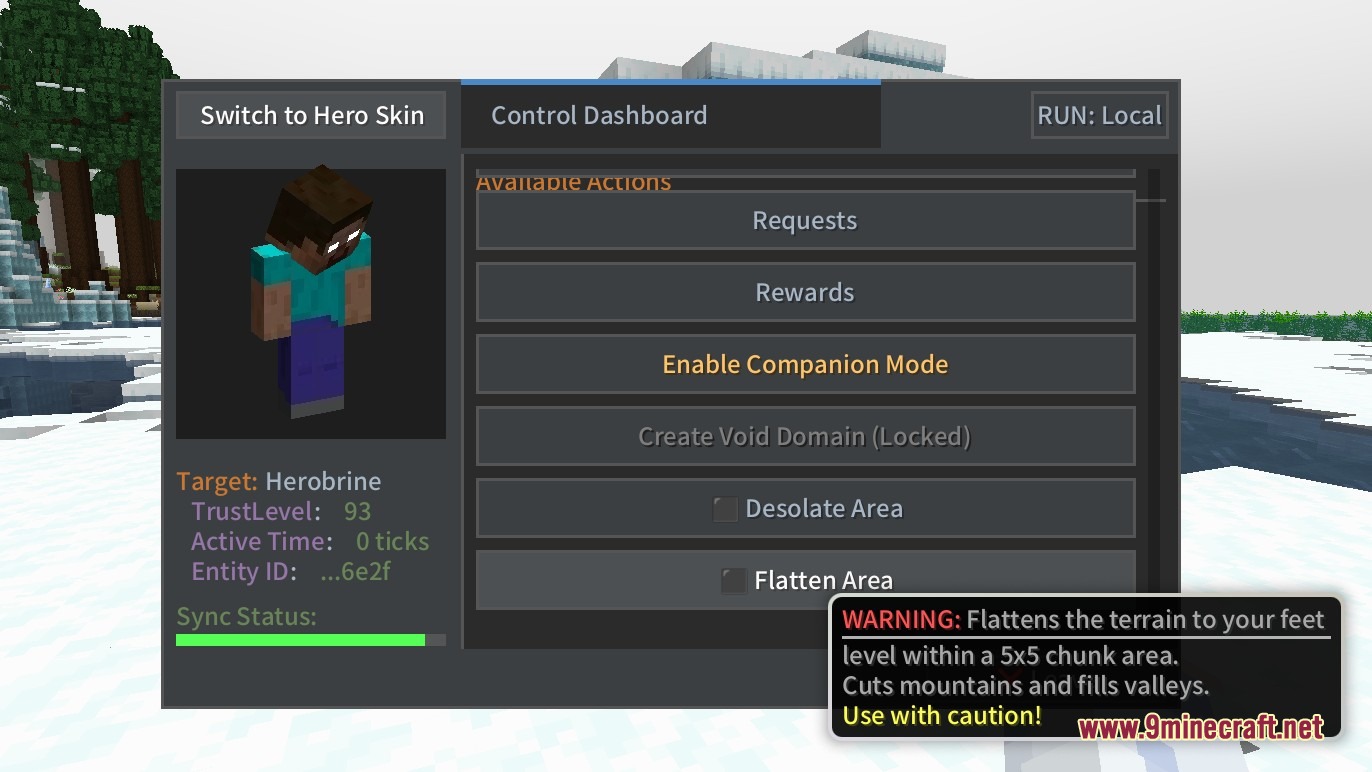
- Right-click him to open the main menu for trading and quests.
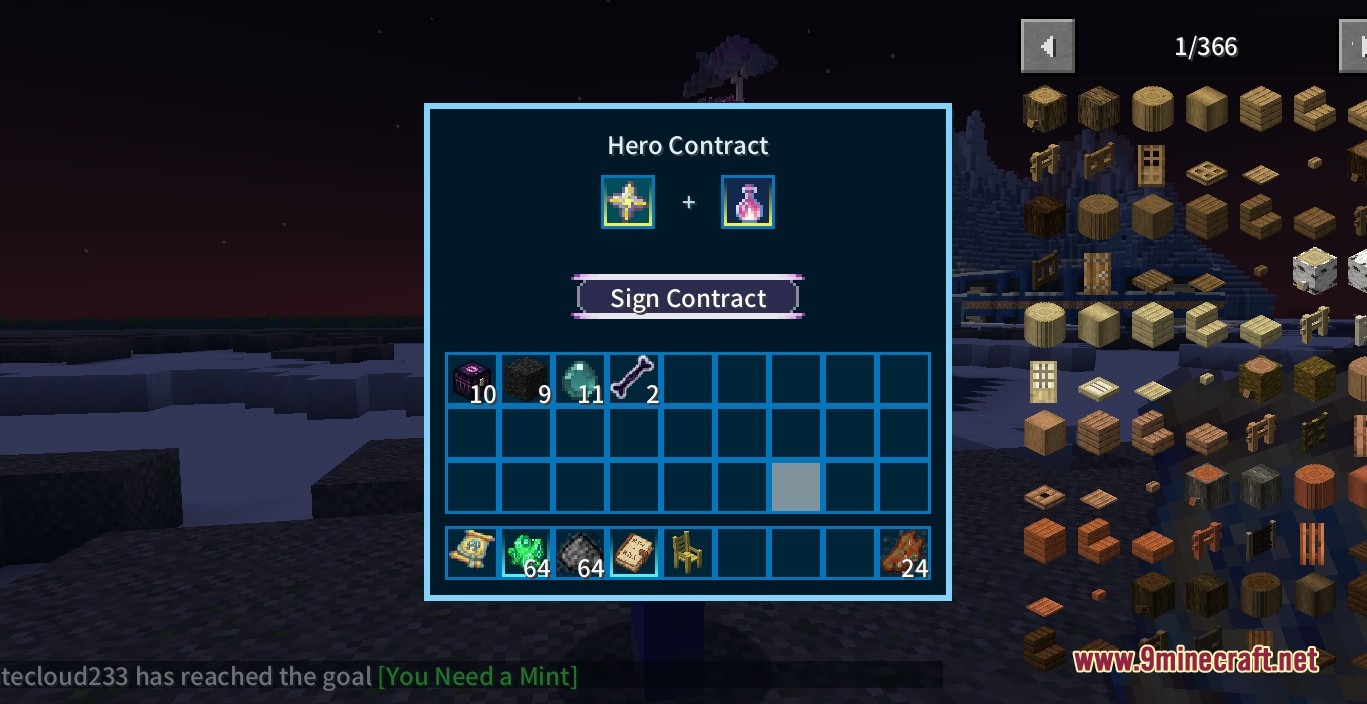
- Hold the Creator’s Contract and right-click him to give direct orders like guarding or resting.
- Hold the shelter of the creator and Shift+Right-click a bed or boat to make him sit down.
- Open the interaction page and click Dialogue Management to add your AI API key for real chats.
- Turn on game cheats so he can change the weather, spawn items, or teleport you when you ask him to.
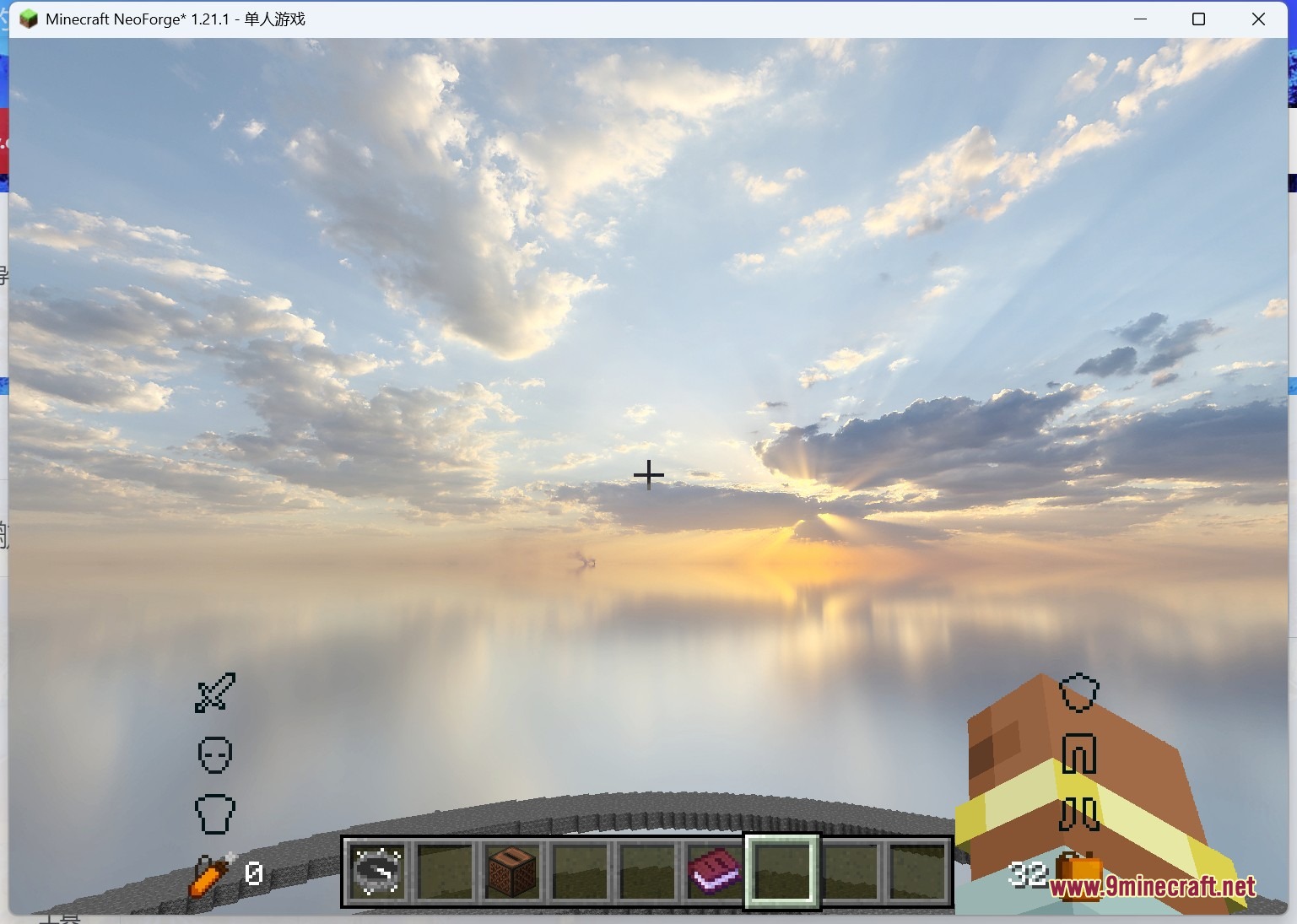
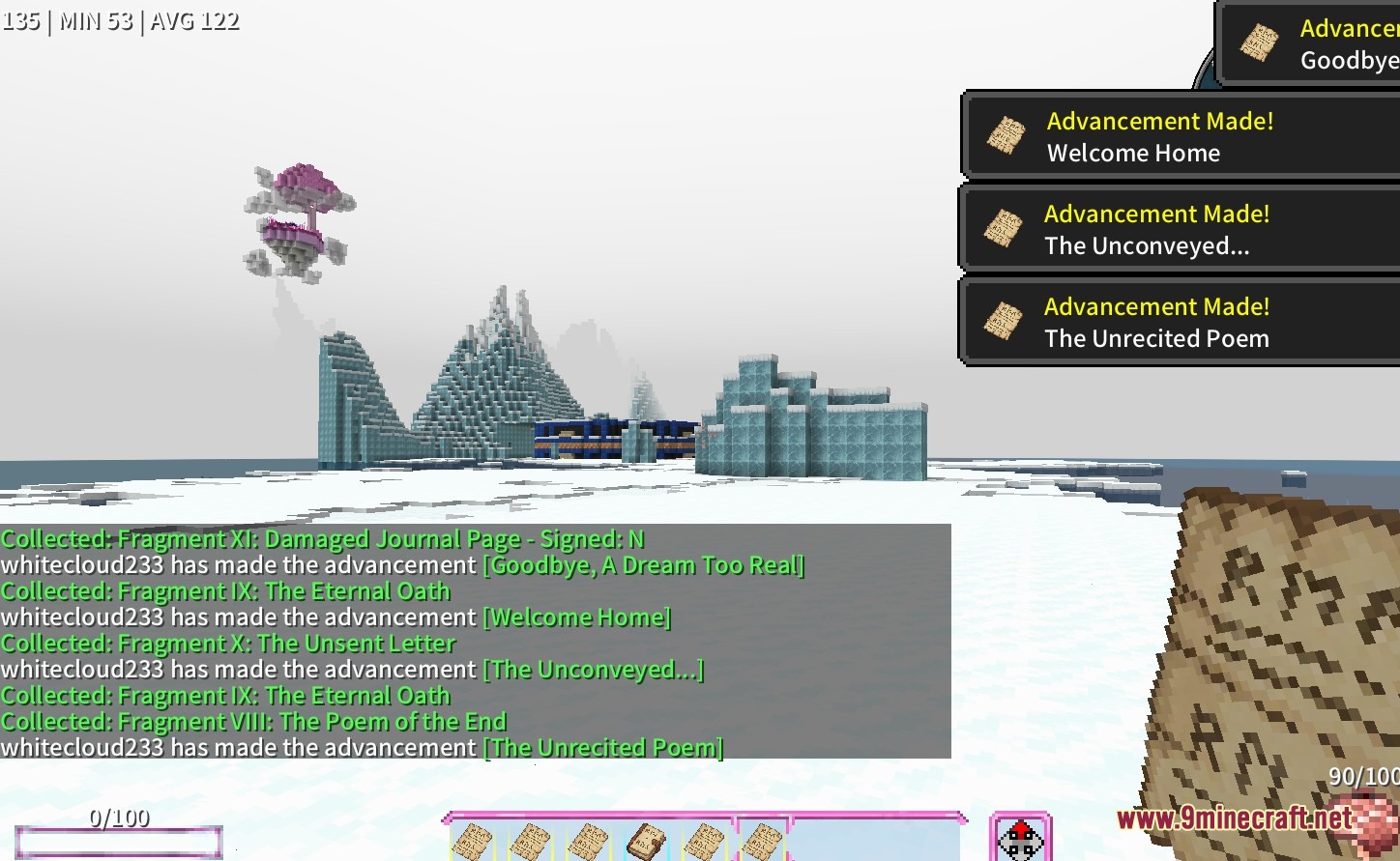
Screenshots:
How to Install:
New to Minecraft? Follow our step-by-step guide to install Mods on your PC.View Guide



Herobrine Companion Mod Download Links
For Minecraft 1.21.1, 1.21
For Minecraft 1.20.1, 1.20
Click to rate this post!
[Total: 0 Average: 0]
You May Also Like













This post has no comments yet. Be the first — your comment will appear here.