


Herobrine Companion Mod (1.21.1, 1.20.1) – Turn Minecraft’s Ghost
 115
115
 0
0


Herobrine Companion Mod turns the spooky ghost of Minecraft into a living, breathing friend. This mod gives him real emotions, full conversations, and a clear backstory. He watches what you do, remembers your chats, and changes his mood based on your actions. If you treat him well, he protects you from danger and gives you special items. You can trade with him, take on quests, and even ask him to build things or change the weather.
Features:
- Trust System: Earn his trust by trading, fighting together, or doing quests to unlock rewards like Totems or permanent night vision.
- Smart Conversations: Connects to language models so you can have real, free-form chats with him in the game.
- Fights alongside you and revives you, moving you to safety if you fall in battle.
- Wears armor and strikes different poses that you can save and change.
- Sits down on beds, boats, or chairs when you ask him to rest.
- Turns regular monsters into Awakened Monsters that talk and trade gifts instead of attacking.
Herobrine’s Moods:
- Observer: Watches from high up and leaves torches so you can see.
- Guardian: Gives you helpful magic effects like Regeneration.
- Judge: Ignores you completely if you attack him.
- Trickster: Plays pranks on you by placing fake chests or removing leaves.
- Maintainer: Cleans up dropped items and fixes blocks blown up by explosions.
- King of Monsters: Helps nearby enemies if you defeat too many mobs.
Awakened Monster Trades:
- Zombies trade iron nuggets for rotten flesh.
- Skeletons trade bones for arrows.
- Creepers trade TNT for gunpowder.
- Endermen trade ender pearls for chorus fruit.
Commands:
/hb: summons him right next to you (you can only use this once per world).
How to Use:
- Find him in dark areas of the Overworld or type the summon command to bring him to you.
- Right-click him to open the main menu for trading and quests.
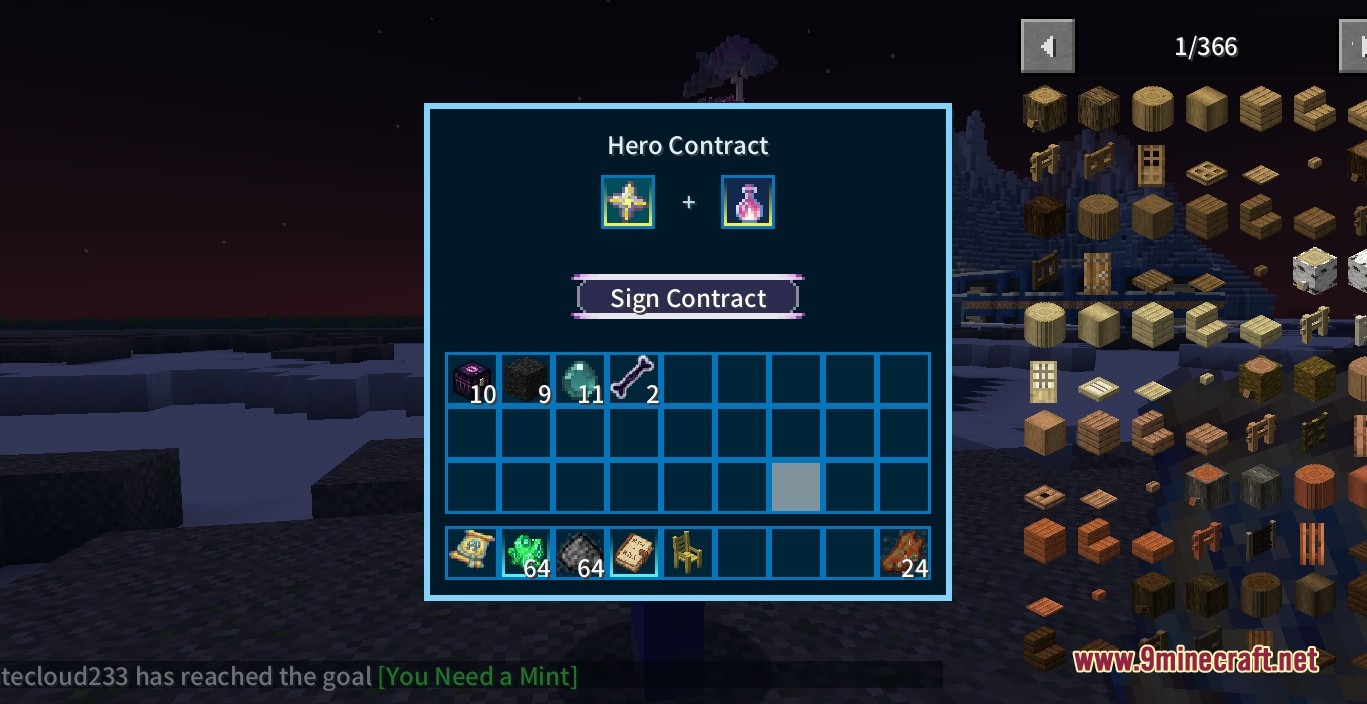
- Hold the Creator’s Contract and right-click him to give direct orders like guarding or resting.
- Hold the shelter of the creator and Shift+Right-click a bed or boat to make him sit down.
- Open the interaction page and click Dialogue Management to add your AI API key for real chats.
- Turn on game cheats so he can change the weather, spawn items, or teleport you when you ask him to.
Screenshots:
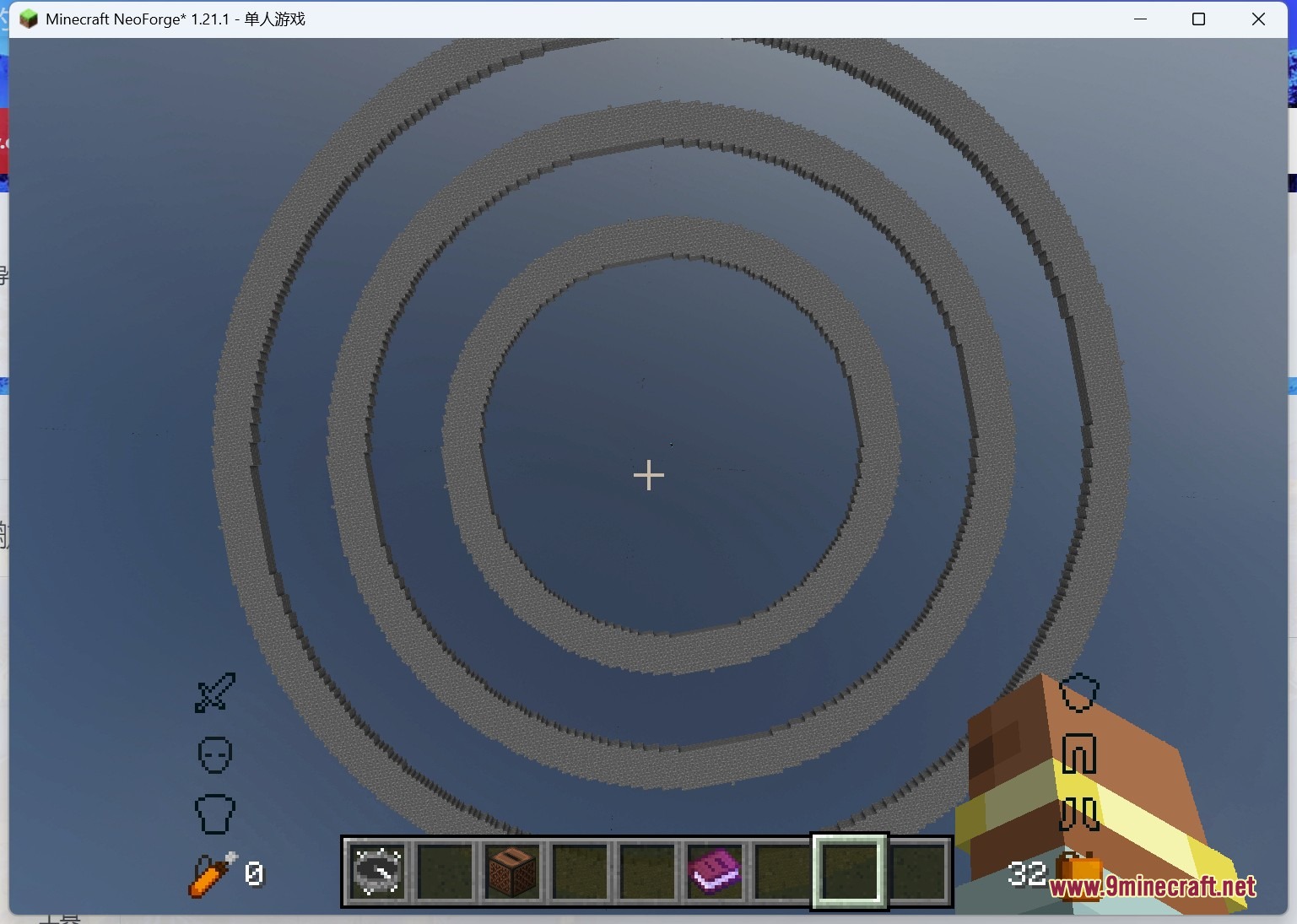
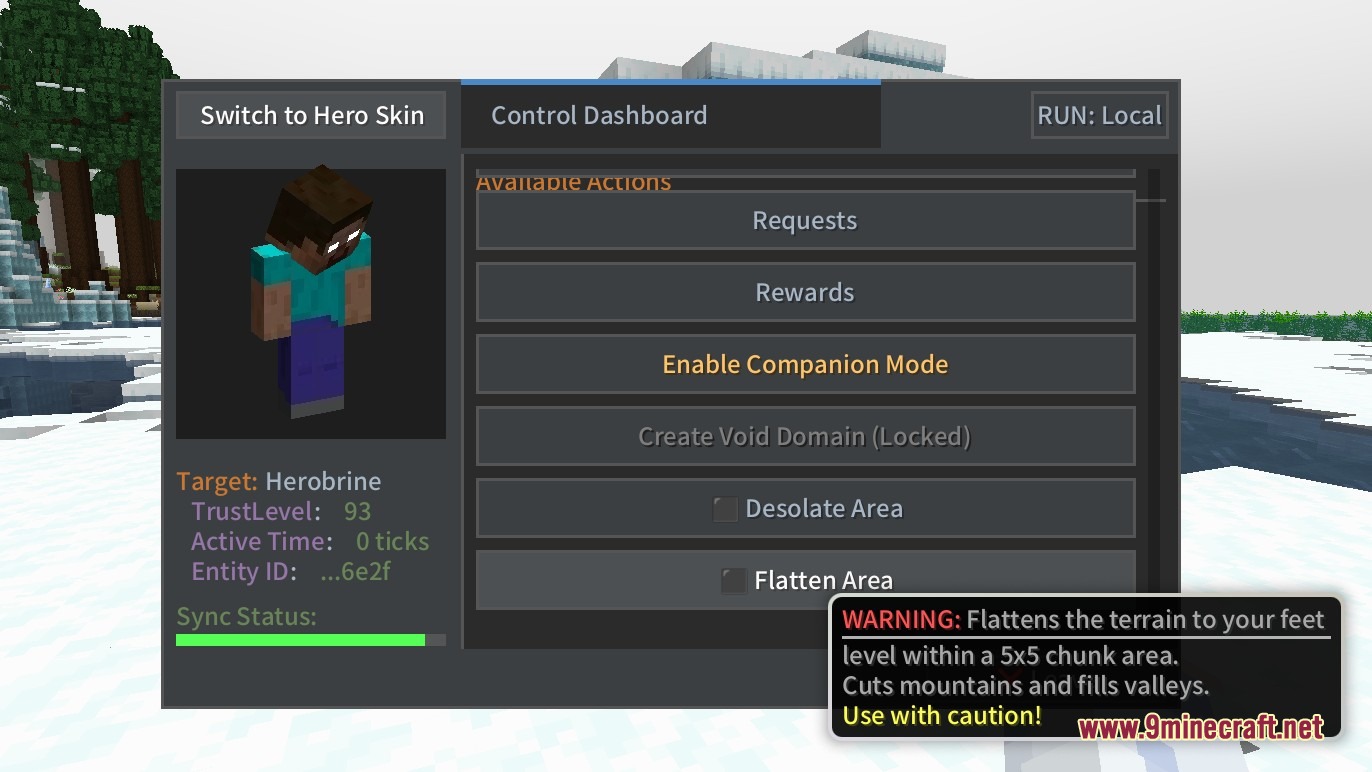
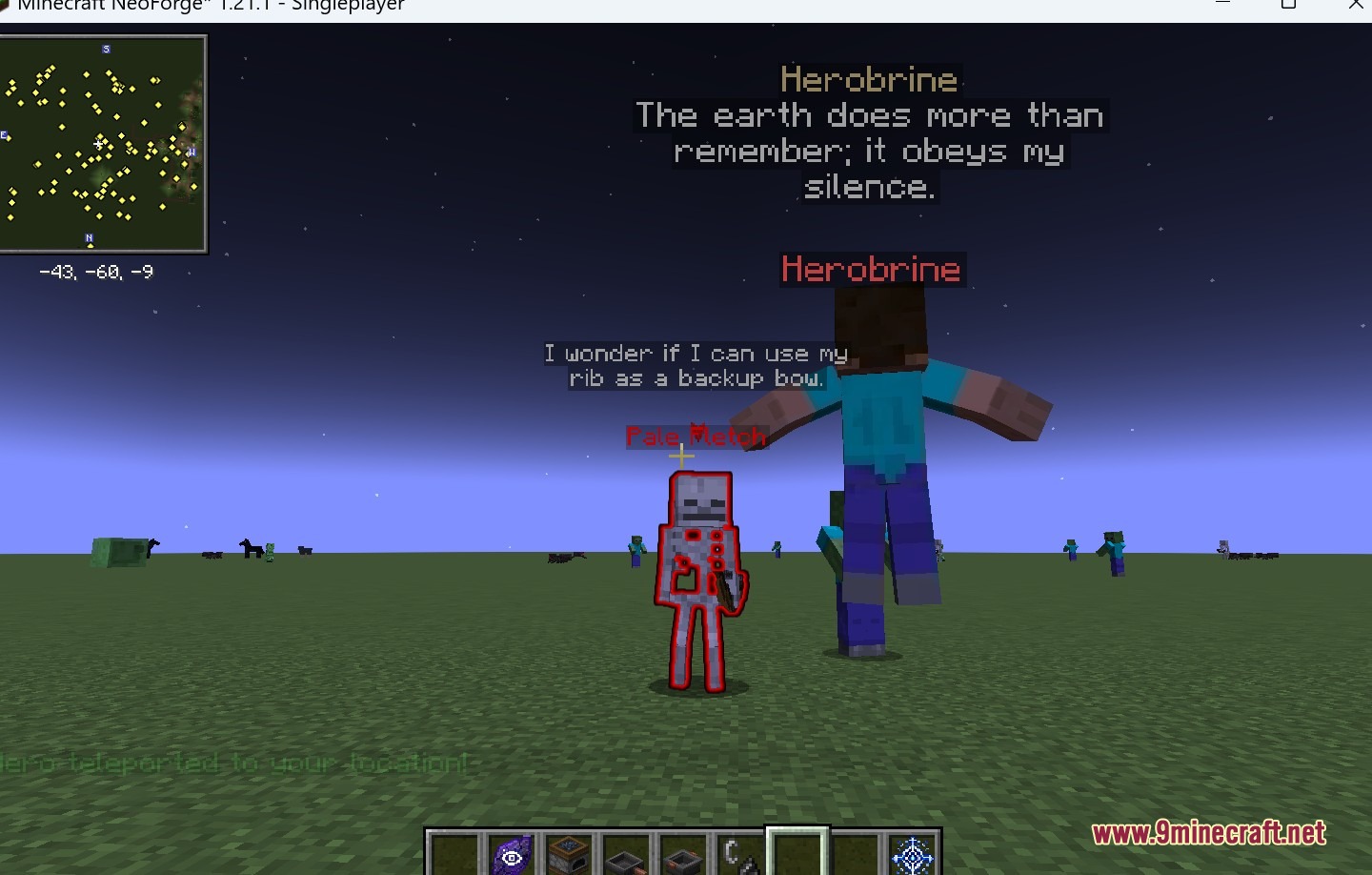
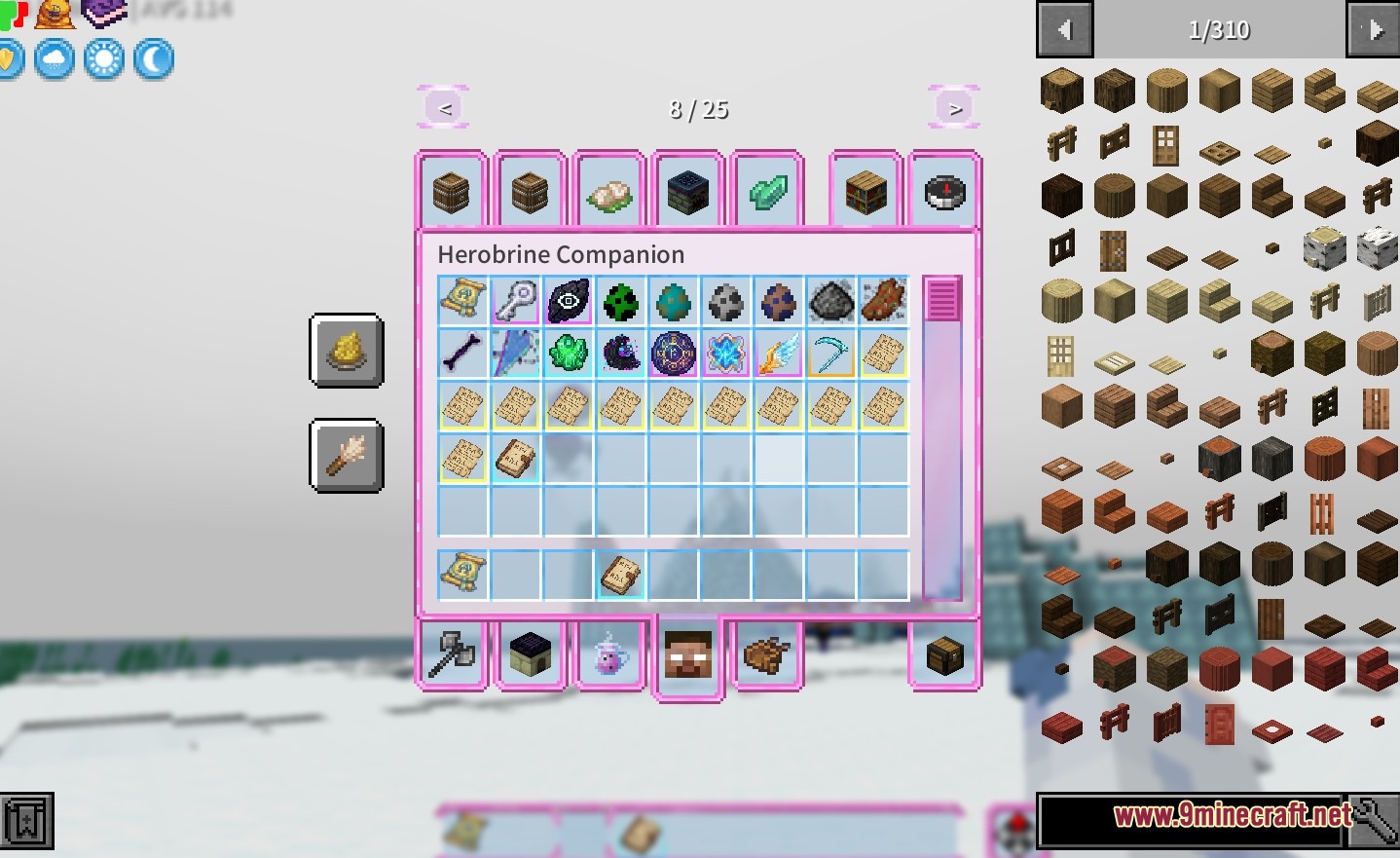
How to Install:
New to Minecraft? Follow our step-by-step guide to install Mods on your PC.View Guide



Herobrine Companion Mod Download Links
For Minecraft 1.21.1, 1.21
For Minecraft 1.20.1, 1.20
Click to rate this post!
[Total: 1 Average: 5]
You May Also Like
Picked for this page
 Chipped Mod (1.21.11, 1.20.1) – Every Block Deserves A Friend
 Animatica Mod (1.21.11, 1.20.1) – Infuse Motion into Minecraft
 Dimensional Doors Mod (1.21.1, 1.20.1) – Create Your Own Dimension
 Global XP Mod (26.3, 1.20.1) – Never Lose Your Levels Again When You Die
 Crafting Plus Mod (1.21.11, 1.20.1) – Quick Crafting Recipes
 Death Coordinates BC Mod (26.3, 1.20.1) – Death Location On Screen
 Alex’s Mobs Fabric Mod (26.3, 1.20.1) – Populate Every Biome with Exotic
 Godzilla Reborn Mod (1.21.8, 1.20.1) – Battle Giant Kaiju That Destroy
 Wiretap Mod (26.1.2, 1.20.1) – Adds A Microphone And A Speaker Block
 Cult of Azazel Mod (1.21.1, 1.20.1) – Battle New Bosses in a Massive Nether
 Notches Currency Mod (26.2, 1.20.1) – Run a Multiplayer Economy
 Clockwork by Joo5h Mod (1.21.11, 1.20.1) – Craft Steampunk Gadgets
Most viewed in Mods over the last 7 days
 Ala Industrial Mod (26.3) – Run Electric Power Grids and Automated Factories
 PleasureCraft Mod (26.3, 1.21.1) – Jenny Mod Remake for Fabric
 Jennycraft Mod (26.3, 1.20.1) – Virtual Girlfriend in Minecraft
 Fapcraft Mod (26.3, 1.12.2) – Comprehensive and Detailed Content
 Jenny Mod (Fapcraft) Official Complete Guide – How to use, Tutorial
 BangCraft Mod (1.20.1) – Jenny, Ellie and Elliot
 OptiFine HD (26.3, 1.20.1) – Run Faster, FPS Boost, Shaders Support
 Baritone 9minecraft Client Mod (26.3, 26.1.2) – Mine and Build Bases Hands-Free
 Meteor Client Mod (26.2, 1.20.1) – Xray, HUD, Fly
 SeedCrackerX Mod (26.3, 1.20.1) – Find Any World Seed
 Pretty Flesh Mod (1.16.5) – Create and Interact with Living Entities
 Mielon’s the Sift Mod (26.3, 1.20.1) – Awaken Ancient City Portals to New Worlds
More from Mods
 Simply Cave Biomes Mod (26.3, 1.20.1) – Transform Underground Mining
 VeinMiner Companion Mod (26.3, 1.20.1) – Client-side VeinMiner Visual Helper
 Legend Quest Re Forged Mod (26.3, 1.21.11) – Bring Tabletop RPG Progression
 Grox’s Villagers Mod (26.3, 1.20.1) – Unleash Hilarious Chaos in Villages
 Craft Saddles Mod (26.3, 1.20.1) – An Easy Way to Craft Saddles
 Craft The Totem Of Undying Mod (26.3, 1.20.1) – Unlock Craftable Totems
 Resource Pandas Mod (26.3, 1.20.1) – Unleash The Golden Potential Of Minecraft’s Pandas
 Pouch Perfected Mod (26.3) – Store Multiple Tools Inside One Inventory Slot
 Vivid Verdant Arsenal Mod (26.3, 1.20.1) – Forge Powerful Emerald Gear
 Lumen Finder Mod (26.3, 1.20.1) – Quickly Find Any Shader Setting
 Icy’s Better Horses Mod (26.3, 1.20.1) – Train Loyal Steeds for Travel
 Craftable Chainmail Armor Mod (26.3, 1.20.1) – Stronger Than Leather

This post has no comments yet. Be the first — your comment will appear here.