


Discontinued Shader Fixer Mod (1.7.10) – Enjoy Glitch-Free Shaders

 0
0 

🌐 Good news — we've translated this article into other languages!
Or pick the one you like:
Discontinued Shader Fixer Mod patches visual bugs in Vanilla Minecraft and several popular mods. It fixes lighting, shadows, and broken textures when you play with Angelica shaders, making sure everything looks right on your screen.
Features:
- Removes the 30 frames-per-second limit on the main menu so you can set your own speed.
- Fixes the black background bug on the experience bar when you hold items in your hotbar.
- Stops translucent items and particles from turning dark or black with Complementary shaders.
- Makes cosmic tools and armor from Avaritia cast proper shadows instead of looking broken.
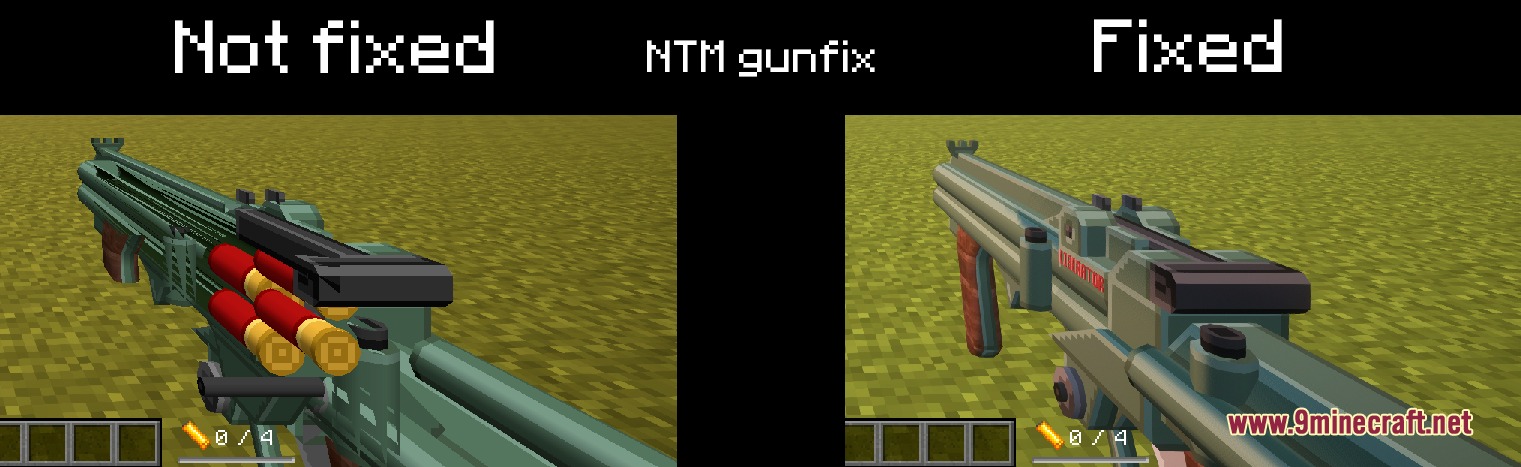
- Stops the game from crashing when you break a chest while playing with Techguns.
- Makes lasers and lightning attacks from Fisk Superheroes visible when shaders are turned on.
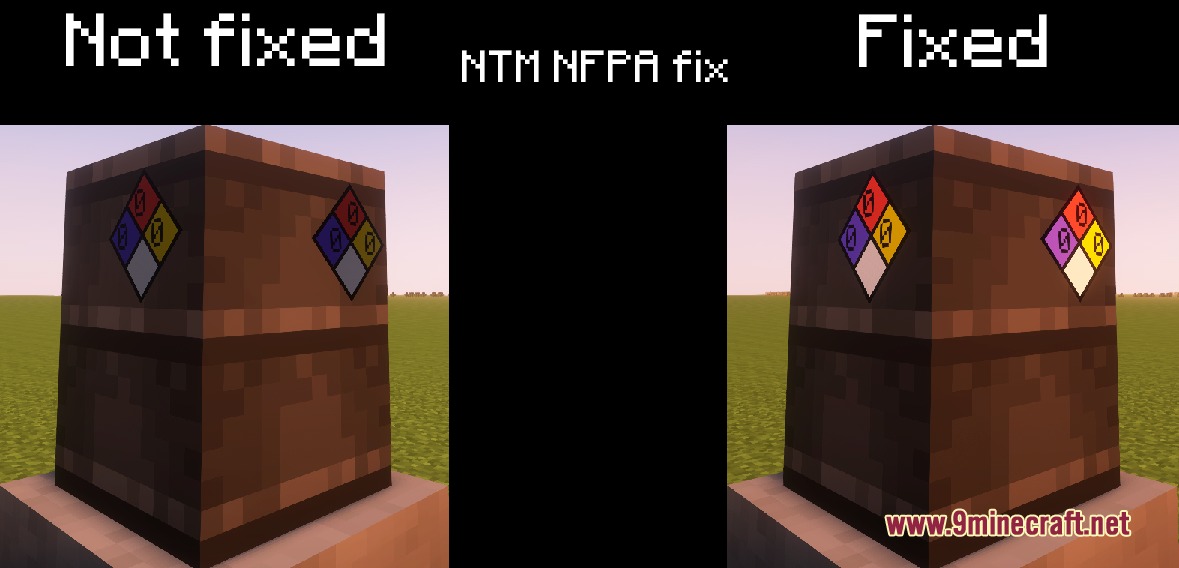
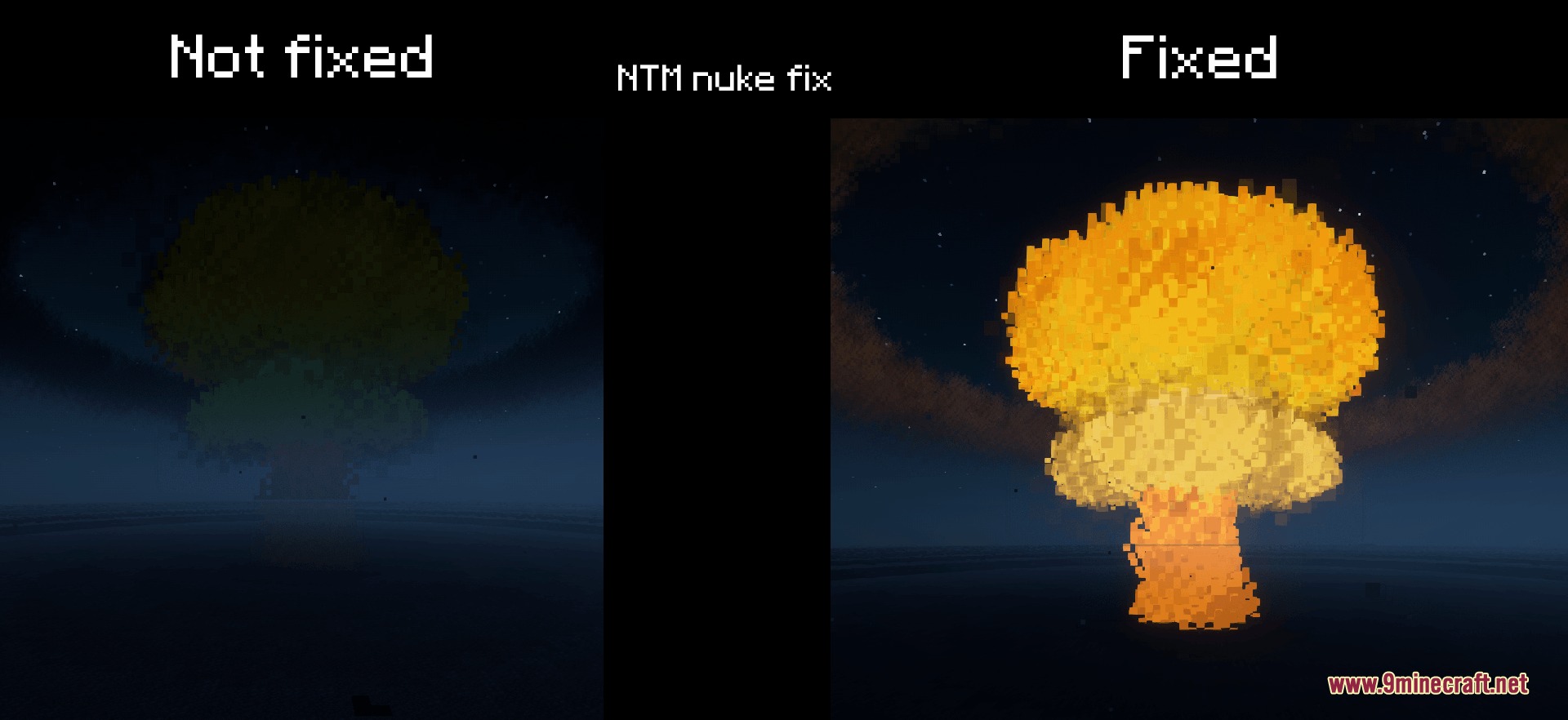
- Adds extra text to dangerous items in HBM’s NTM to tell you how big their explosion is.
- Fixes the night sky in Dynamic Surroundings so auroras show up correctly.
- Repairs your character’s arm rotation in first-person view when sitting down.
Configuration:
VANILLA_MAIN_MENU_FPS_BYPASS: turns off the main menu frame limit.VANILLA_XP_BAR_ALPHA_FIX: repairs the dark background on the experience bar.NTM_EXTENDED_HAZARD_DESCRIPTIONS: turns on extra details for dangerous items.TECHGUNS_TEXTURE_FIX: repairs black backgrounds on weapon particles.VANILLA_RIDING_HAND_ROTATION_FIX: turns off the broken arm rotation when sitting.
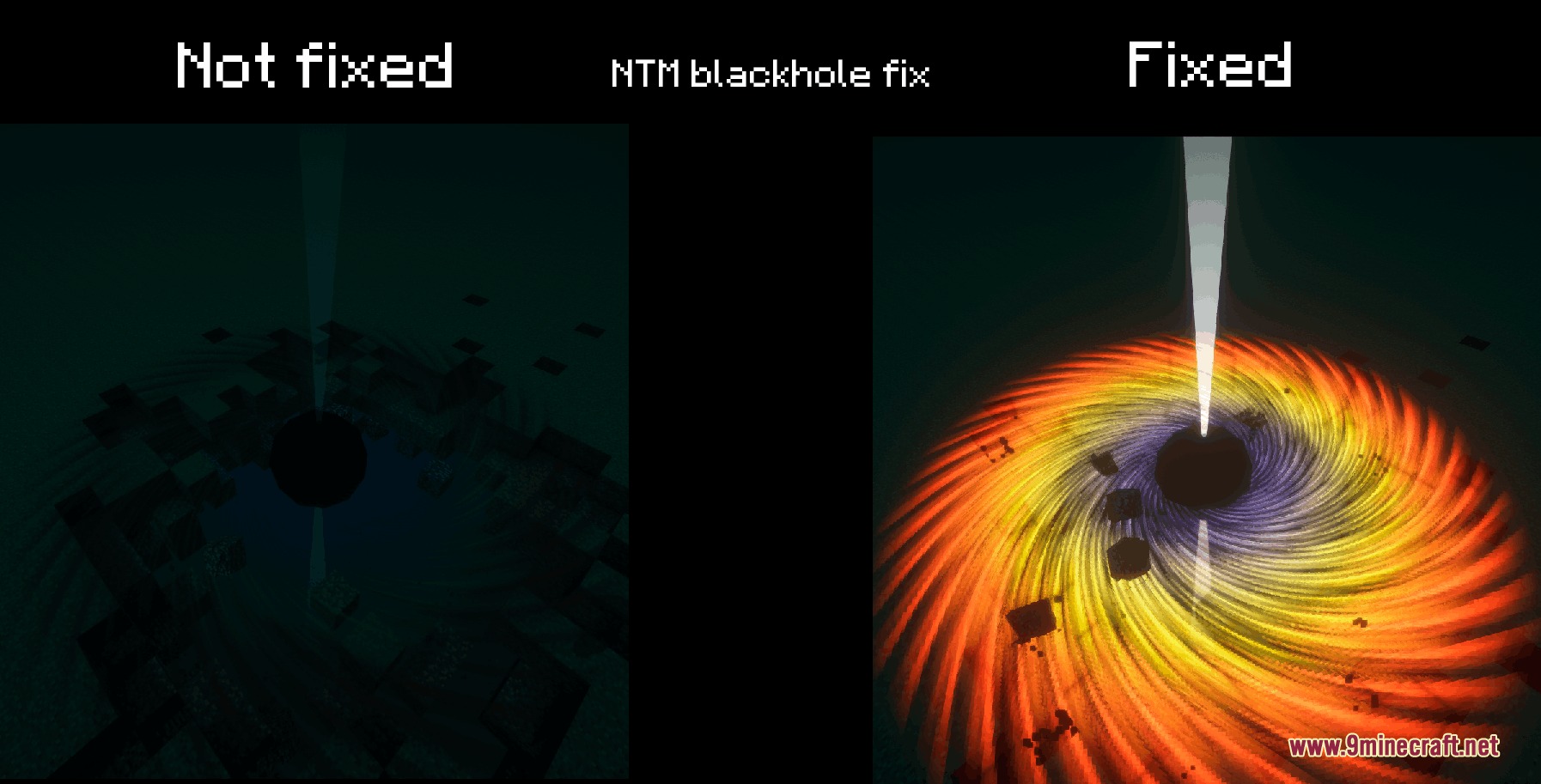
Screenshots:
How to Install:
New to Minecraft? Follow our step-by-step guide to install Mods on your PC.View Guide
Requirements:

Discontinued Shader Fixer Mod Download Links
For Minecraft 1.7.10
Click to rate this post!
[Total: 0 Average: 0]
You May Also Like


This post has no comments yet. Be the first — your comment will appear here.