


2D Projectiles Mod (26.2, 1.20.1) – A Classic 2D Archery Style
 476
476
 0
0


🌐 Good news — we've translated this article into other languages!
Or pick the one you like:
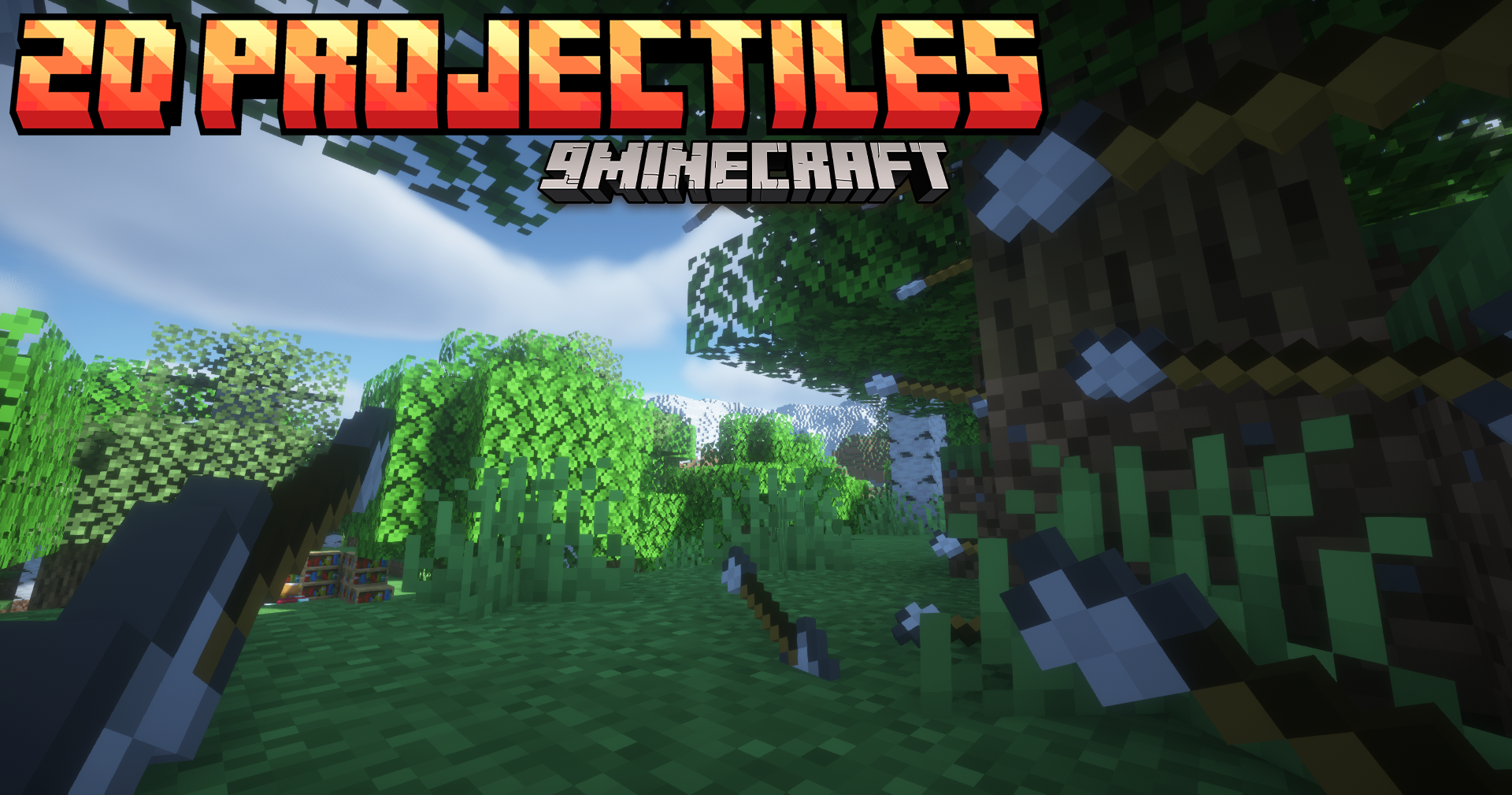
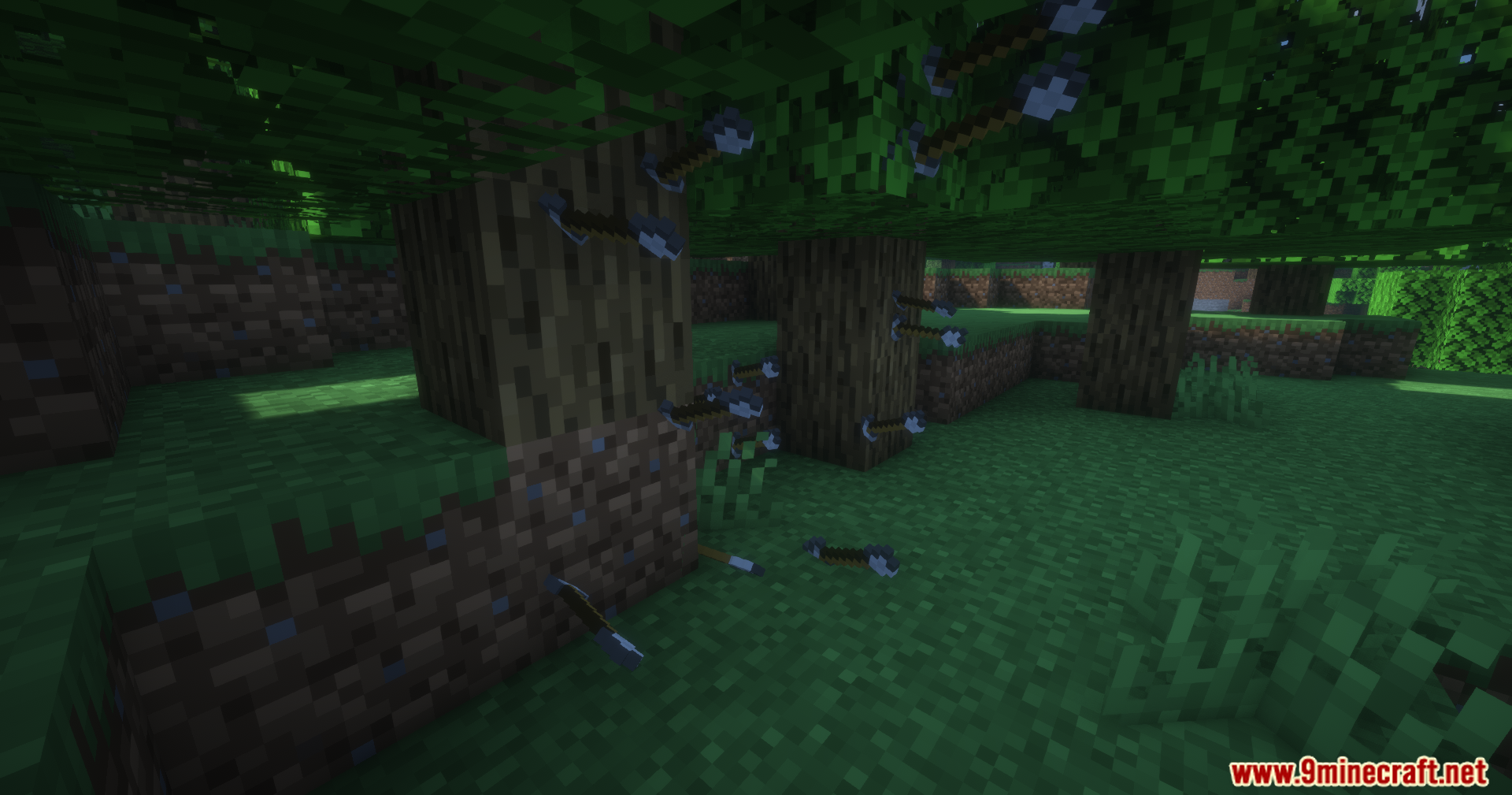
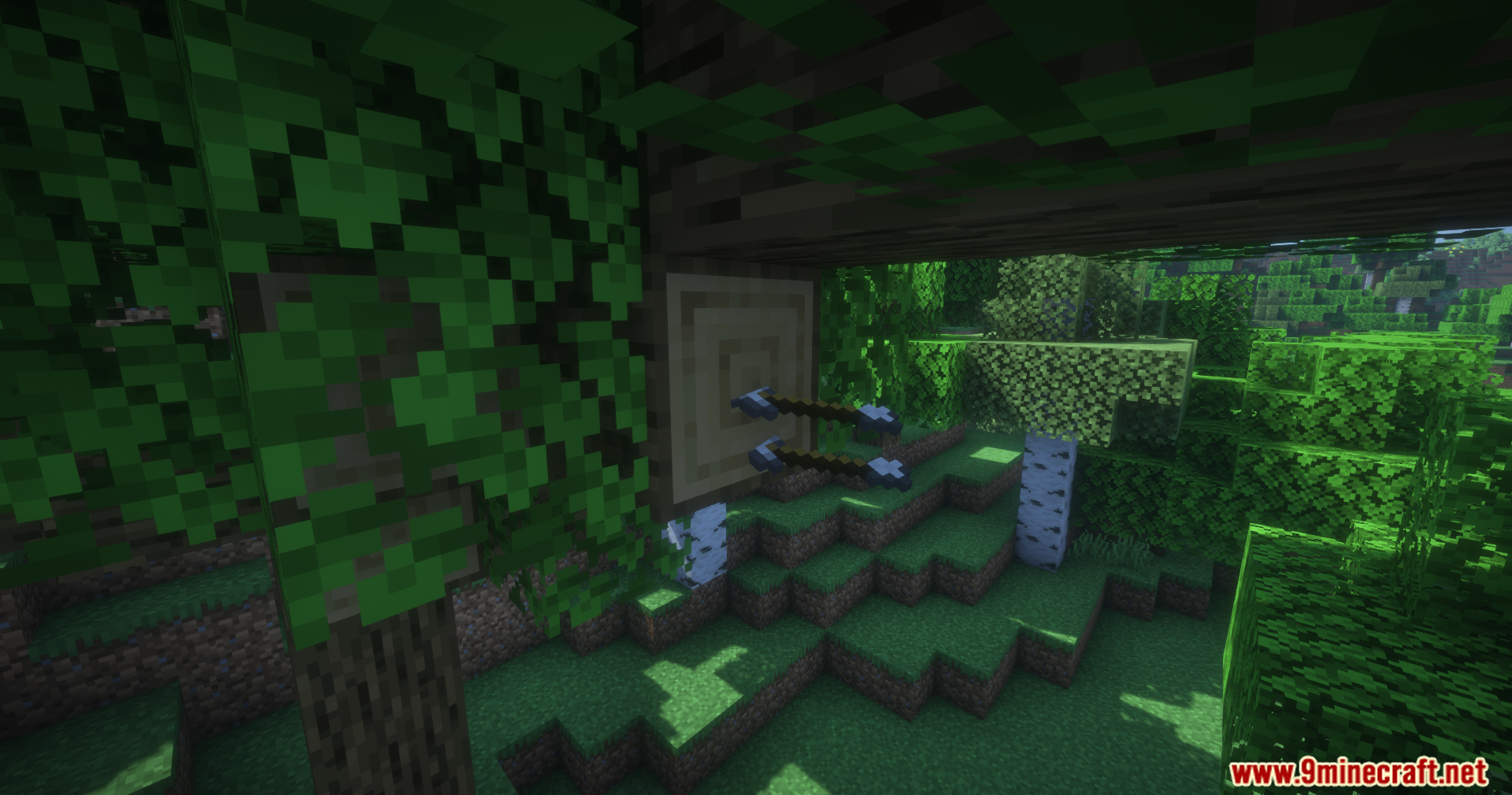
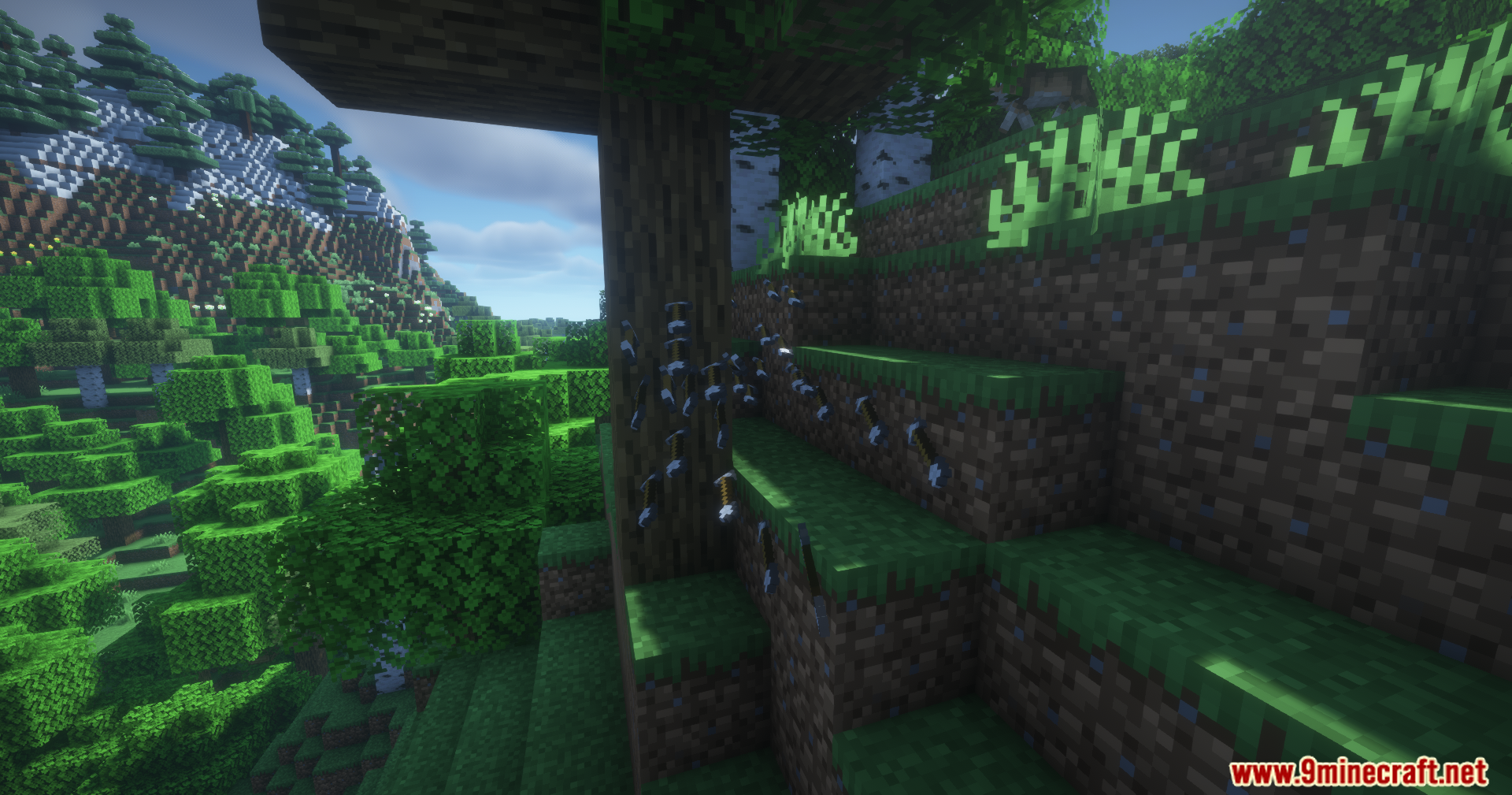
2D Projectiles Mod replaces the 3D models of arrows and other projectiles with their flat, 2D item textures. This mod also gives arrows and firework rockets a new rolling animation that changes based on how fast they are flying. For a cleaner look, it removes the particle effects that appear on critical hits.
Features:
- Changes 3D arrow models into their flat 2D item textures.
- Removes the particle effects from critical hits by default.
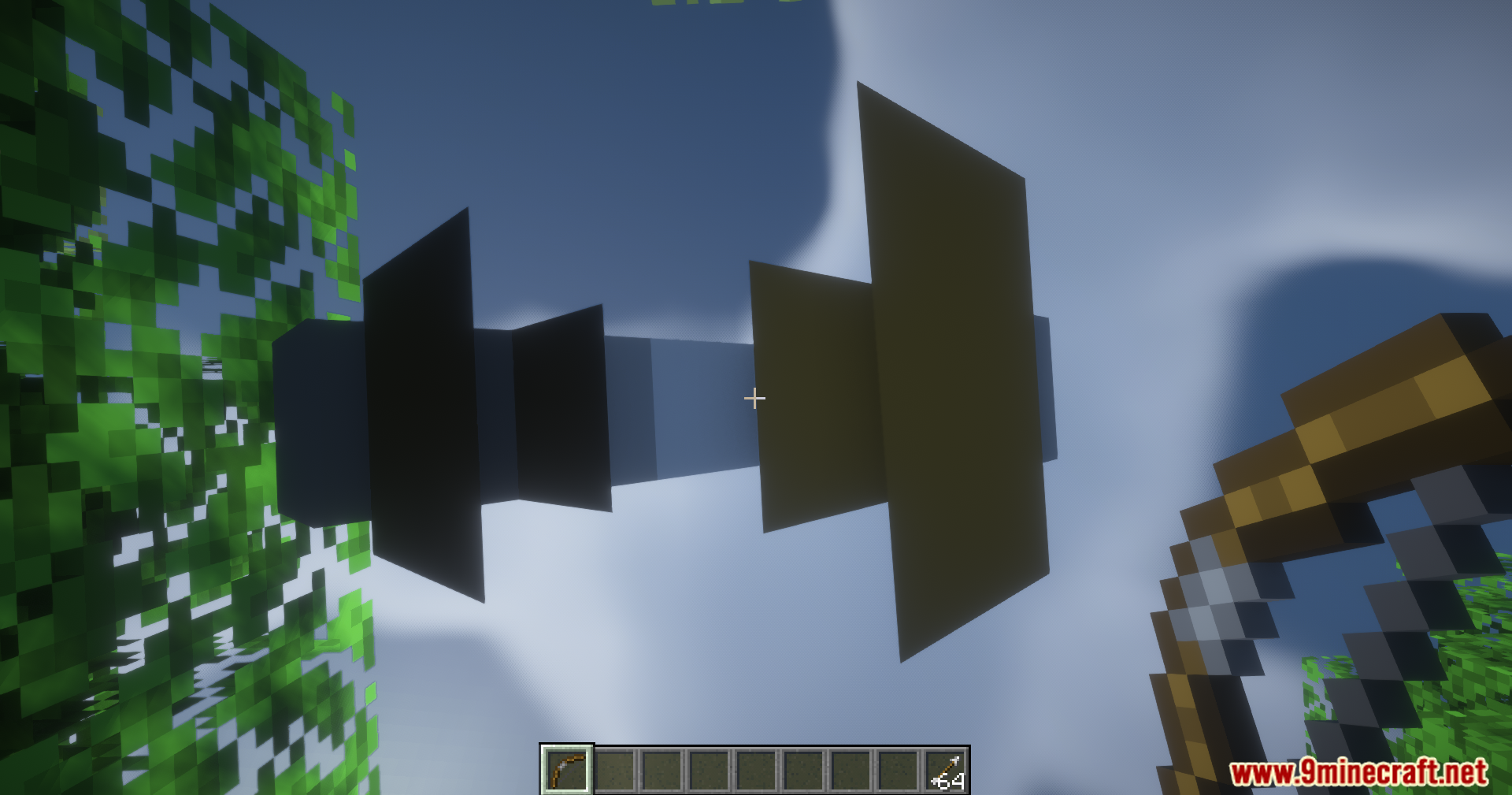
- Adds a rolling animation to arrows and firework rockets in flight.
- The speed of the roll depends on the projectile’s velocity.
- Firework rocket models are larger and appear flat when shot from a crossbow.
- Works with all texture packs, including vanilla.
Configuration:
- You can adjust the direction of different arrow types in the config file.
- This helps make sure arrows from texture packs or other mods point the right way.
Screenshots:
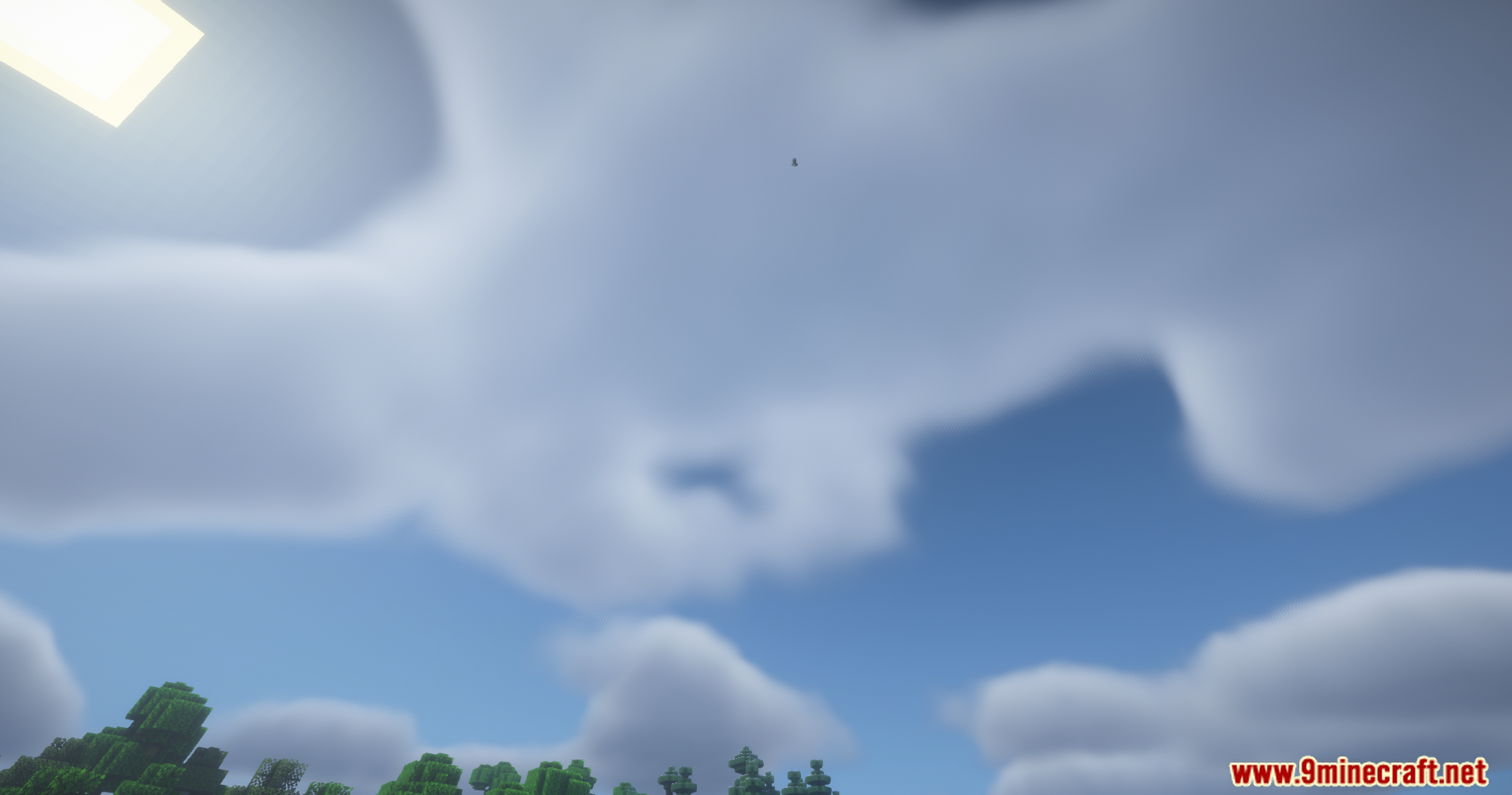
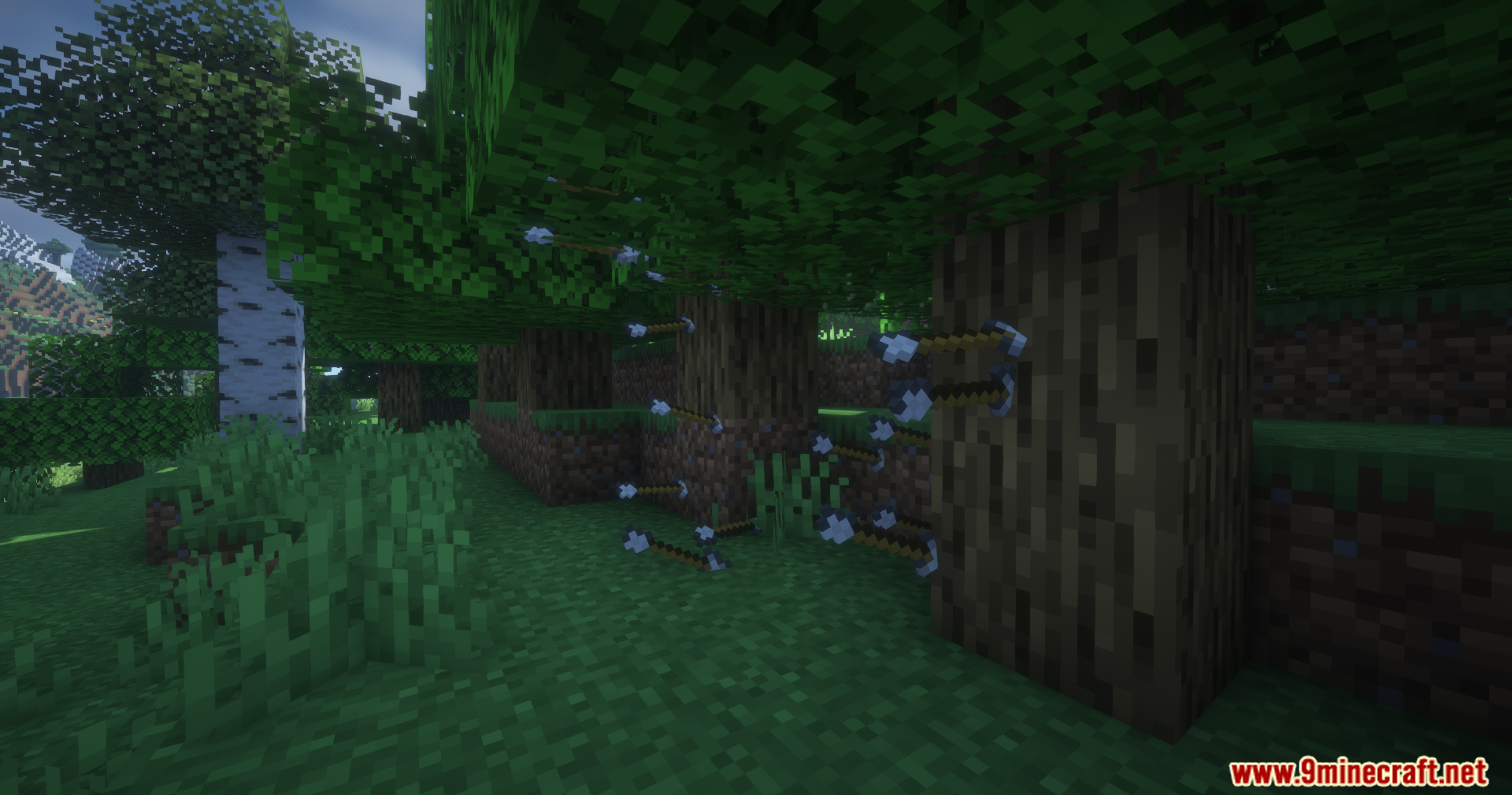
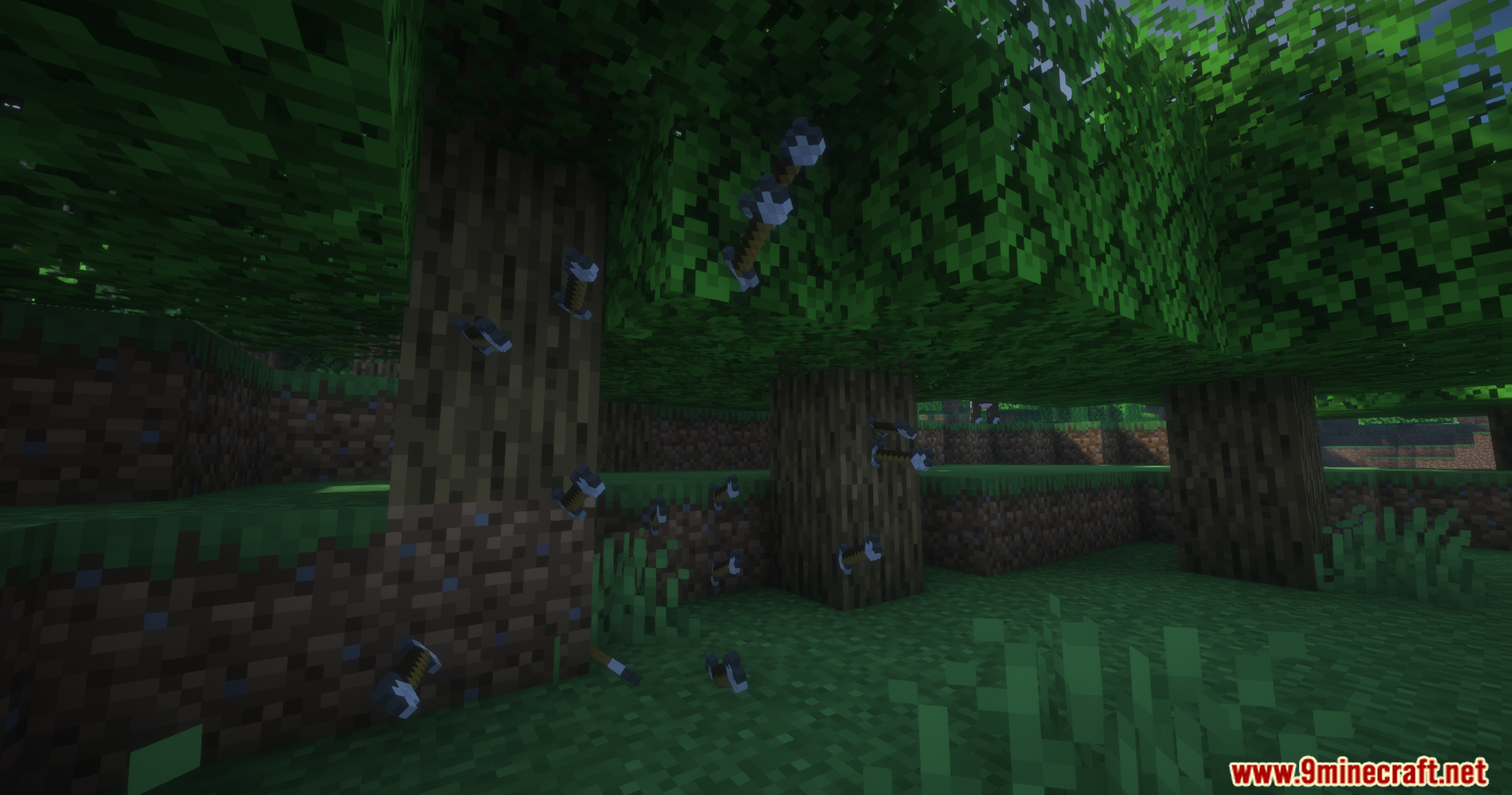
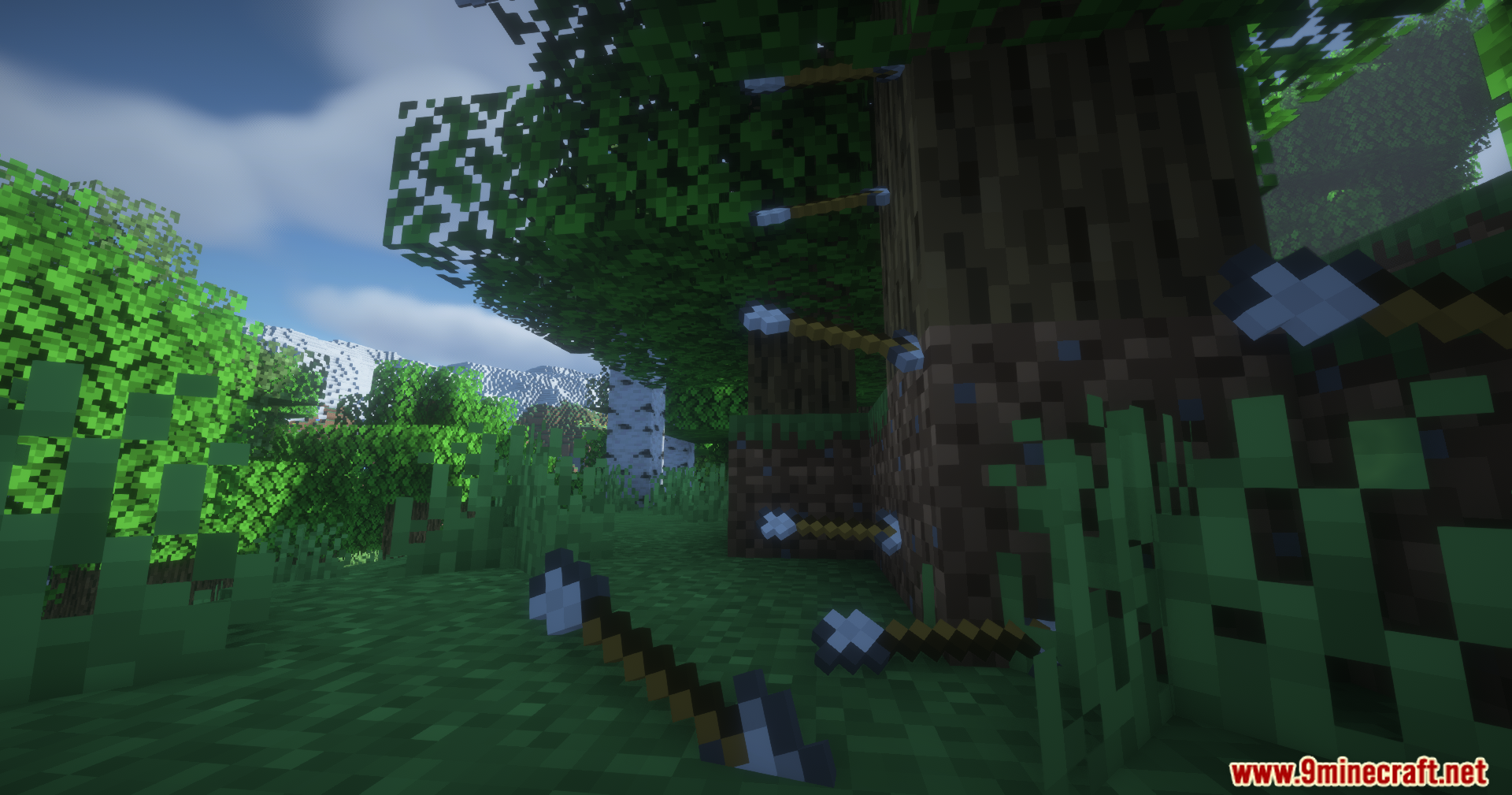
How to Install:
New to Minecraft? Follow our step-by-step guide to install Mods on your PC.View Guide
Requirements:







2D Projectiles Mod Download Links
For Minecraft 26.2
For Minecraft 26.1.2, 26.1.1, 26.1
For Minecraft 1.21.11
For Minecraft 1.21.10, 1.21.9
For Minecraft
1.21.8,
1.21.7,
1.21.6
All Versions Covered
1.21.8
1.21.7
1.21.6
1.21.5
All Versions Covered
1.21.8
1.21.7
1.21.6
1.21.5
For Minecraft 1.21.4
For Minecraft 1.21.3, 1.21.2
For Minecraft 1.21.1, 1.21
For Minecraft 1.20.6
For Minecraft 1.20.1, 1.20
Click to rate this post!
[Total: 2 Average: 5]
You May Also Like


This post has no comments yet. Be the first — your comment will appear here.