


Set Homes Two Plugin (26.2, 1.20.1) – Give Players a Safe Way Back

 0
0 

Set Homes Two Plugin lets you save different base locations and travel back to them anytime. This plugin helps players keep track of their houses across different worlds. Server owners can control how many homes people can save and block certain dimensions. It gives everyone an easy way to move around the server without getting lost.
Features:
- Custom Home Icons: Players pick a specific Minecraft item to show up as the picture for their saved home.
- Safe Travel: The plugin checks for lava or fall damage before moving you, placing you in a safe spot nearby if needed.
- Lets you save more than one home so you can keep bases in the Overworld, Nether, and End.
- Gives server owners the power to block specific dimensions, stopping players from saving locations there.
- Adds a waiting timer before a player travels, which cancels if they walk away.
- Allows you to change all chat messages so they fit your server style.
Commands:
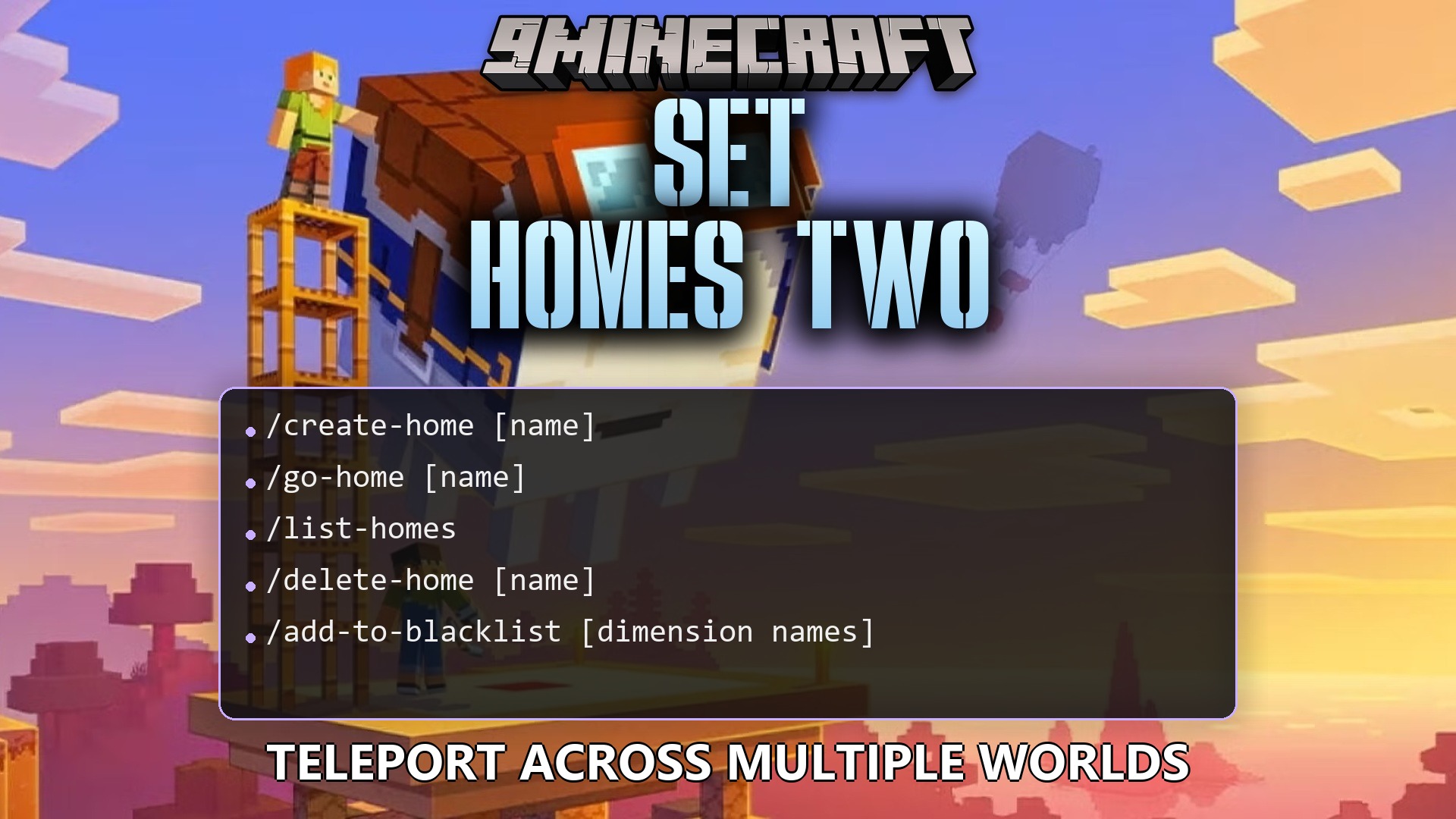
/create-home [name] [display_material | d | default] [description]: saves a new home where you stand with a custom name and icon./go-home [name]: moves you to the home you saved./list-homes: shows a list of your created homes in the chat./delete-home [name]: removes a saved home from your list./add-to-blacklist [dimension names]: stops players from saving homes in a specific dimension./remove-from-blacklist [dimension names]: allows players to save homes in that dimension again./get-blacklisted-dimensions: shows which dimensions are currently blocked./set-max-homes [group name] [number]: changes the maximum number of homes a player or group can save.
Configuration:
maxHomeEnabled: turns the home limit limit on or off.cancelOnMove: stops the travel timer if the player walks around.teleportSafety: finds a safe block to stand on if the saved home is dangerous.
# -- HOMES --
# The item the player will use when
# right-clicking to open the homes list.
OpenHomeItem: "compass"

# The default item when create-home command
# is only given a home name, or is only
# provided with the default material name.
DefaultHomeItem: "white_wool"

# The title of the inventory displaying the
# players home list.
InventoryTitle: "Your homes"

# Enabled maximum number of homes.
MaxHomeEnabled: false

# The maximum number of homes setup type.
# Choices are: singular | groups
maxHomesType: groups
maxHomes:
  admin: 5
  user: 4

# -- TELEPORTING --
teleportTitle: "Please stand still"
teleportSubtitle: "You will be teleported in %d..."
teleportSuccess: "Teleported to %s"
cancelOnMove: true
delay: 3
teleportSafety: true

# -- MESSAGES --
homeCreated: "%s has been created successfully."
homeDeleted: "%s has been deleted successfully."
dimensionAddedToBlacklist: "%s has been added to the blacklist."
How to Use:
- Stand in the spot where you want to save your base location.
- Type
/create-homefollowed by a name to save the spot. - Type
/list-homesto see a menu of all your saved places. - Click on a home name in the chat menu or type
/go-hometo travel back.
How to Install:
New to Minecraft? Follow our step-by-step guide to install Plugins on your PC.View Guide
Requirements:

Set Homes Two Plugin Download Links
For Minecraft
26.2,
26.1.2,
26.1.1
All Versions Covered
26.2
26.1.2
26.1.1
26.1
1.21.11
1.21.10
1.21.9
1.21.8
1.21.7
1.21.6
1.21.5
1.21.4
1.21.3
1.21.2
1.21.1
1.21
All Versions Covered
26.2
26.1.2
26.1.1
26.1
1.21.11
1.21.10
1.21.9
1.21.8
1.21.7
1.21.6
1.21.5
1.21.4
1.21.3
1.21.2
1.21.1
1.21
For Minecraft
1.20.4,
1.20.3,
1.20.2
All Versions Covered
1.20.4
1.20.3
1.20.2
1.20.1
1.20
1.19.4
1.19.3
1.19.2
1.19.1
1.19
All Versions Covered
1.20.4
1.20.3
1.20.2
1.20.1
1.20
1.19.4
1.19.3
1.19.2
1.19.1
1.19
Click to rate this post!
[Total: 0 Average: 0]
You May Also Like















This post has no comments yet. Be the first — your comment will appear here.