


Better Ban Plugin (26.2, 1.20.1) – Stop Trolls From Ruining the Server

 0
0 

Better Ban Plugin gives server owners a simple way to deal with rule-breakers. It adds new commands to kick, mute, or remove bad players from your world. You can stop them from typing in chat or talking in voice channels without kicking them out completely. It also connects straight to Discord so your staff team always knows who got punished and why.
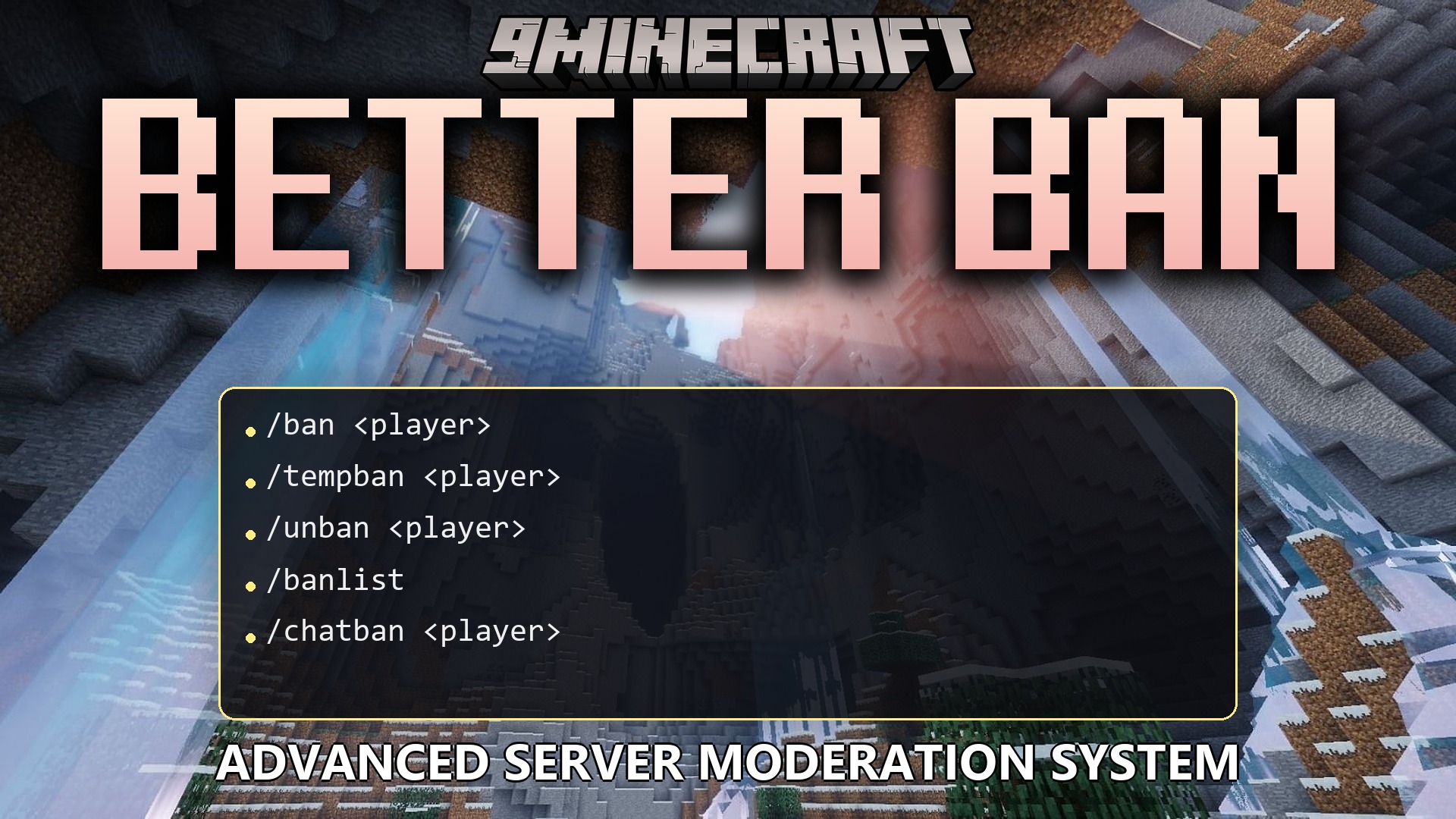
Features:
- Total Control: Lets you hand out permanent bans or short timeouts depending on what the player did wrong.
- Smart Muting: Stops players from sending chat messages while letting them keep playing in the world.
- Mutes rule-breakers in voice chat so others do not have to listen to them.
- Kicks players out instantly the moment a staff member types the command.
- Tracks players using their unique account ID, meaning they cannot just change their username to sneak back in.
- Sends automatic messages to a Discord channel every time someone gets kicked, muted, or banned.
- Lets you write a custom reason for the punishment so the player knows exactly what they did wrong.
- Clears out temporary bans automatically when the timer runs out.
Commands:
/ban <player> [reason]: removes a player from the server forever./tempban <player> <time> [reason]: removes a player for a set amount of time like 10m or 2h./unban <player>: lets a banned player join the server again./banlist: shows a list of everyone who is currently banned./chatban <player> [reason]: stops a player from typing in chat./chatunban <player>: lets a muted player type in chat again./chatbanlist: shows everyone who cannot use the chat./kick <player> [reason]: drops a player from the server right now, but they can rejoin./voiceban <player> [reason]: stops a player from talking in voice chat./voiceunban <player>: lets a player use voice chat again./voicebanlist: shows everyone who is muted in voice chat.
How to Use:
- Type the ban or kick command in your server console or in-game chat.
- Add a time limit like “10m” for 10 minutes or “1d” for one day if you want the punishment to end later.
- Type a reason at the end of your command so the player sees a message explaining why they got caught.
- Check your Discord channel to see the automatic log of the punishment.
How to Install:
New to Minecraft? Follow our step-by-step guide to install Plugins on your PC.View Guide
Better Ban Plugin Download Links
For Minecraft
26.2,
26.1.2,
26.1.1
All Versions Covered
26.2
26.1.2
26.1.1
26.1
1.21.11
1.21.10
1.21.9
1.21.8
1.21.7
1.21.6
1.21.5
1.21.4
1.21.3
1.21.2
1.21.1
1.21
1.20.6
1.20.5
1.20.4
1.20.3
1.20.2
1.20.1
1.20
1.19.4
1.19.3
1.19.2
1.19.1
1.19
1.18.2
1.18.1
1.18
1.17
1.16
1.15
1.14
1.13
1.12
1.11
1.10
1.9
1.8
All Versions Covered
26.2
26.1.2
26.1.1
26.1
1.21.11
1.21.10
1.21.9
1.21.8
1.21.7
1.21.6
1.21.5
1.21.4
1.21.3
1.21.2
1.21.1
1.21
1.20.6
1.20.5
1.20.4
1.20.3
1.20.2
1.20.1
1.20
1.19.4
1.19.3
1.19.2
1.19.1
1.19
1.18.2
1.18.1
1.18
1.17
1.16
1.15
1.14
1.13
1.12
1.11
1.10
1.9
1.8
Click to rate this post!
[Total: 0 Average: 0]
You May Also Like









This post has no comments yet. Be the first — your comment will appear here.