


Crafters Staff Plugin (1.21.11, 1.21.1) – Catch Rule Breakers Without Ruining

 0
0 

Crafters Staff Plugin brings a complete set of tools to help you run your Minecraft server. It gathers all the important jobs like hiding from players, stopping rule-breakers, and checking bags into one simple menu. You get a special mode that saves your items and gives you magic tools to check on others. It sets up private chats so helpers can talk without bothering the rest of the server. This setup keeps the game safe and fun for normal players while making the helper’s job much easier.
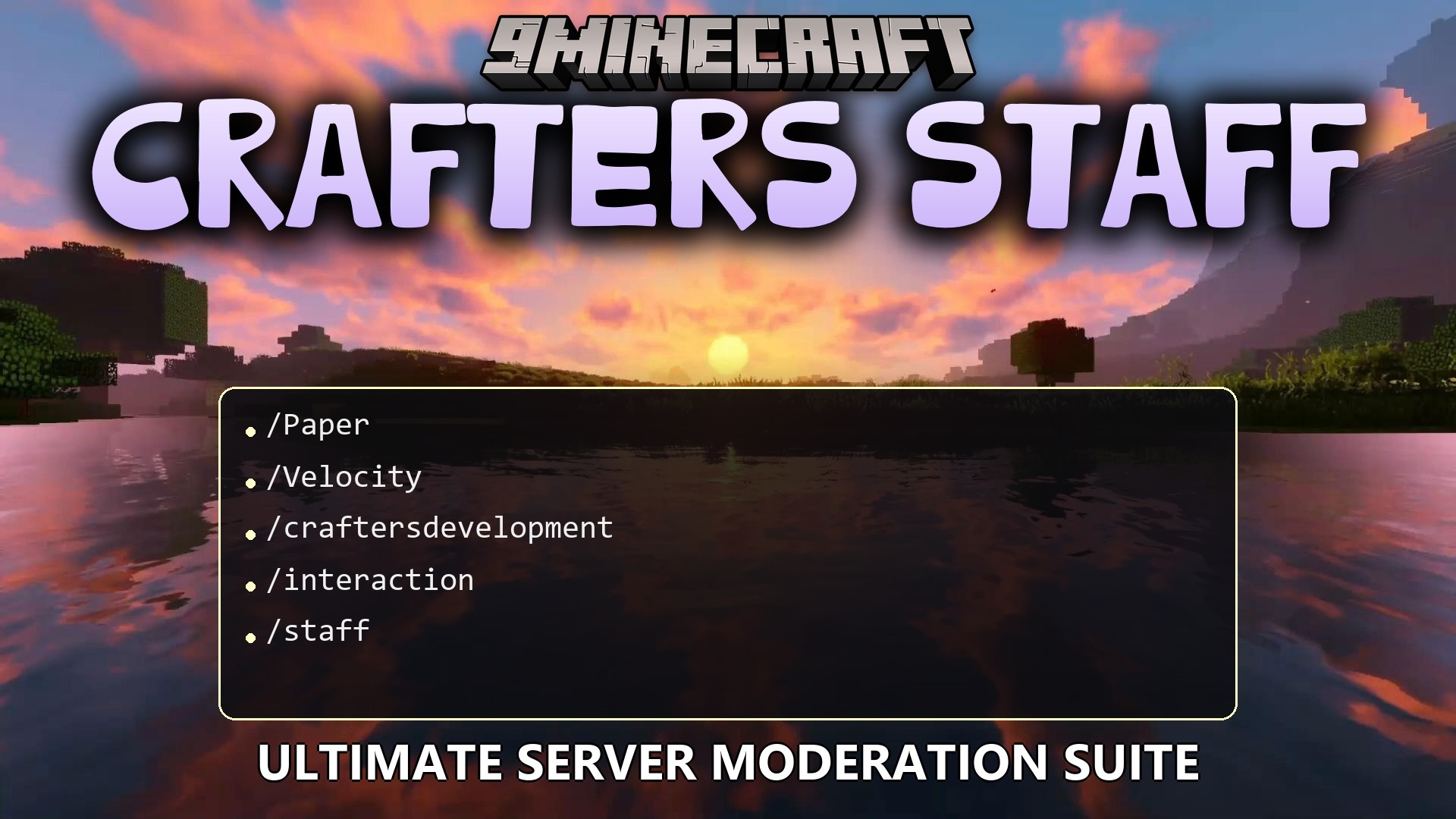
Features:
- Lets you enter a special helper mode that saves your normal items and gives you special tools.
- Hides you completely from normal players so you can watch them without being seen.
- Stops a player from moving or breaking blocks when you need to talk to them about the rules.
- Opens a private chat window between you and the stopped player to figure out problems calmly.
- Allows normal players to send reports when they see someone breaking the rules.
- Shows a menu with all online players and helpers so you know exactly who is on the server.
- Lets you leave notes on a player’s profile so other helpers know what happened in the past.
- Saves a list of everything helpers do so you can check their work later.
Commands:
/staff: Turns your special helper mode on or off./freeze <player>: Stops a player from moving or lets them go./vanish: Makes you invisible to regular players./clearchat: Wipes the public chat screen clean./inspect <player>: Opens a menu to check on a specific person./invsee <player>: Looks inside another player’s pockets and bags./report <player> <reason>: Sends a message to helpers about a bad player./staffchat: Turns on a private chat just for helpers./freezerchat: Opens a private chat with the person you stopped from moving.
Configuration:
craftersstaff.use: Lets a person turn on helper mode.craftersstaff.freeze: Gives the power to stop players from moving.craftersstaff.vanish: Allows a person to turn invisible.craftersstaff.chat: Lets a person read and type in the private helper chat.craftersstaff.note: Gives the ability to read and write notes about players.
How to Use:
- Type /staff in the chat to save your normal items and get your special tools.
- Type /vanish if you want to watch players without them seeing you.
- Use /freeze on a player if they are breaking blocks they shouldn’t be.
- Type /freezerchat to talk to that player privately and fix the problem.
- Type /staff again when you are done to get your normal items back.
How to Install:
New to Minecraft? Follow our step-by-step guide to install Plugins on your PC.View Guide
Crafters Staff Plugin Download Links
For Minecraft
1.21.11,
1.21.10,
1.21.9
All Versions Covered
1.21.11
1.21.10
1.21.9
1.21.8
1.21.7
1.21.6
1.21.5
1.21.4
1.21.1
1.21
All Versions Covered
1.21.11
1.21.10
1.21.9
1.21.8
1.21.7
1.21.6
1.21.5
1.21.4
1.21.1
1.21
Click to rate this post!
[Total: 0 Average: 0]
You May Also Like
















This post has no comments yet. Be the first — your comment will appear here.