


Create Xaero’s Map Mod (1.21.1) – Track Moving Contraptions on Your Minimap

 0
0 

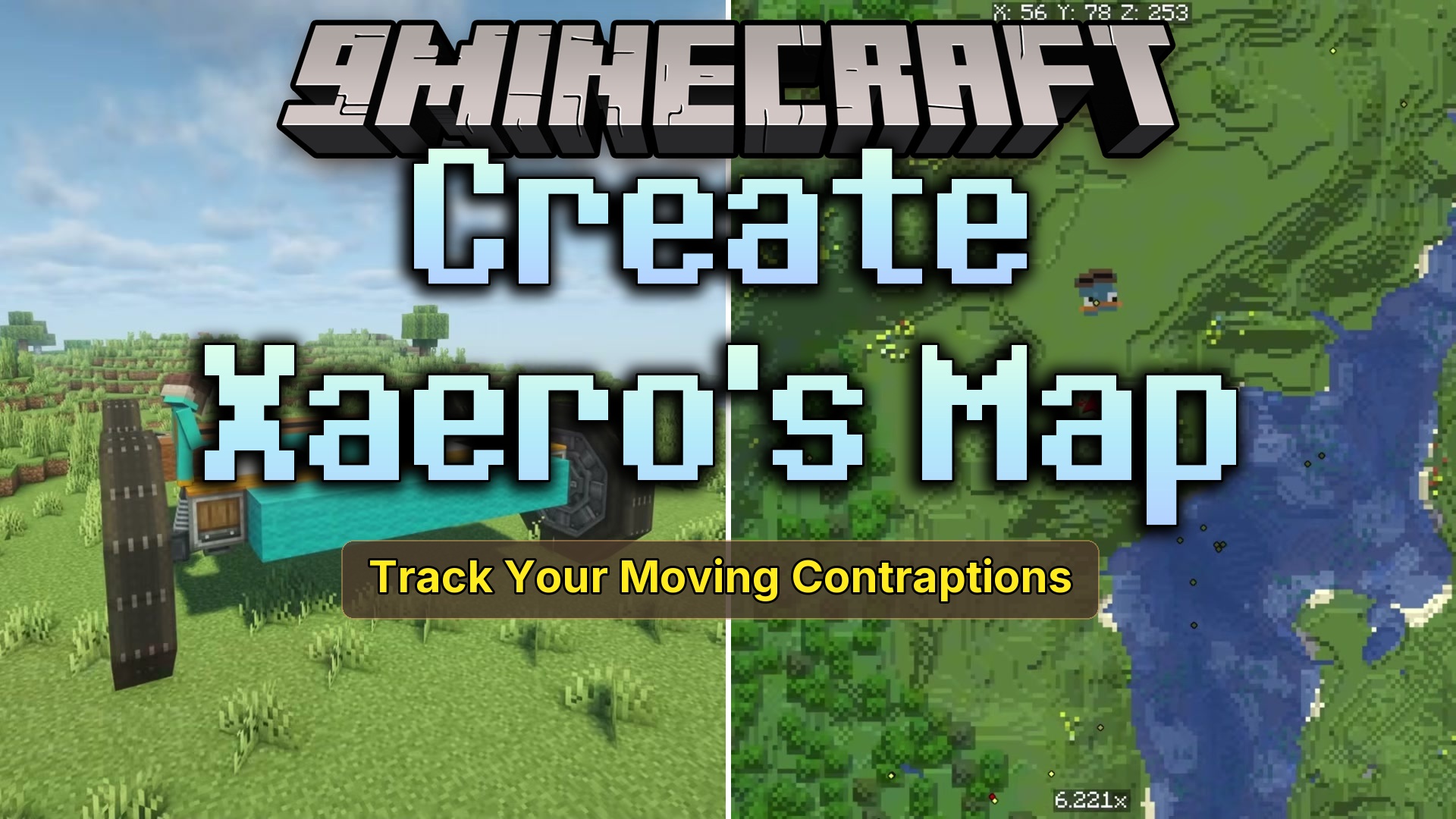
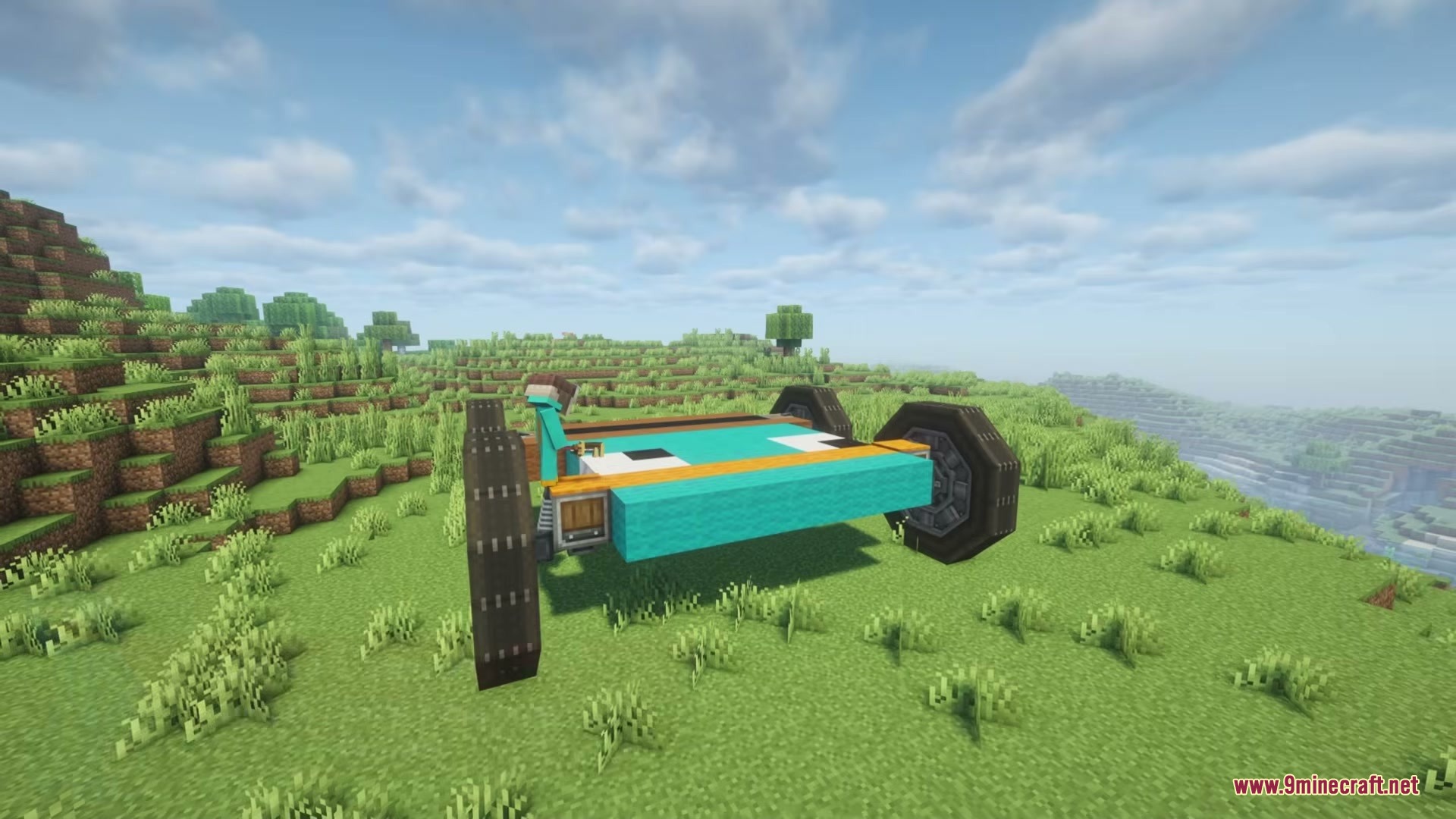
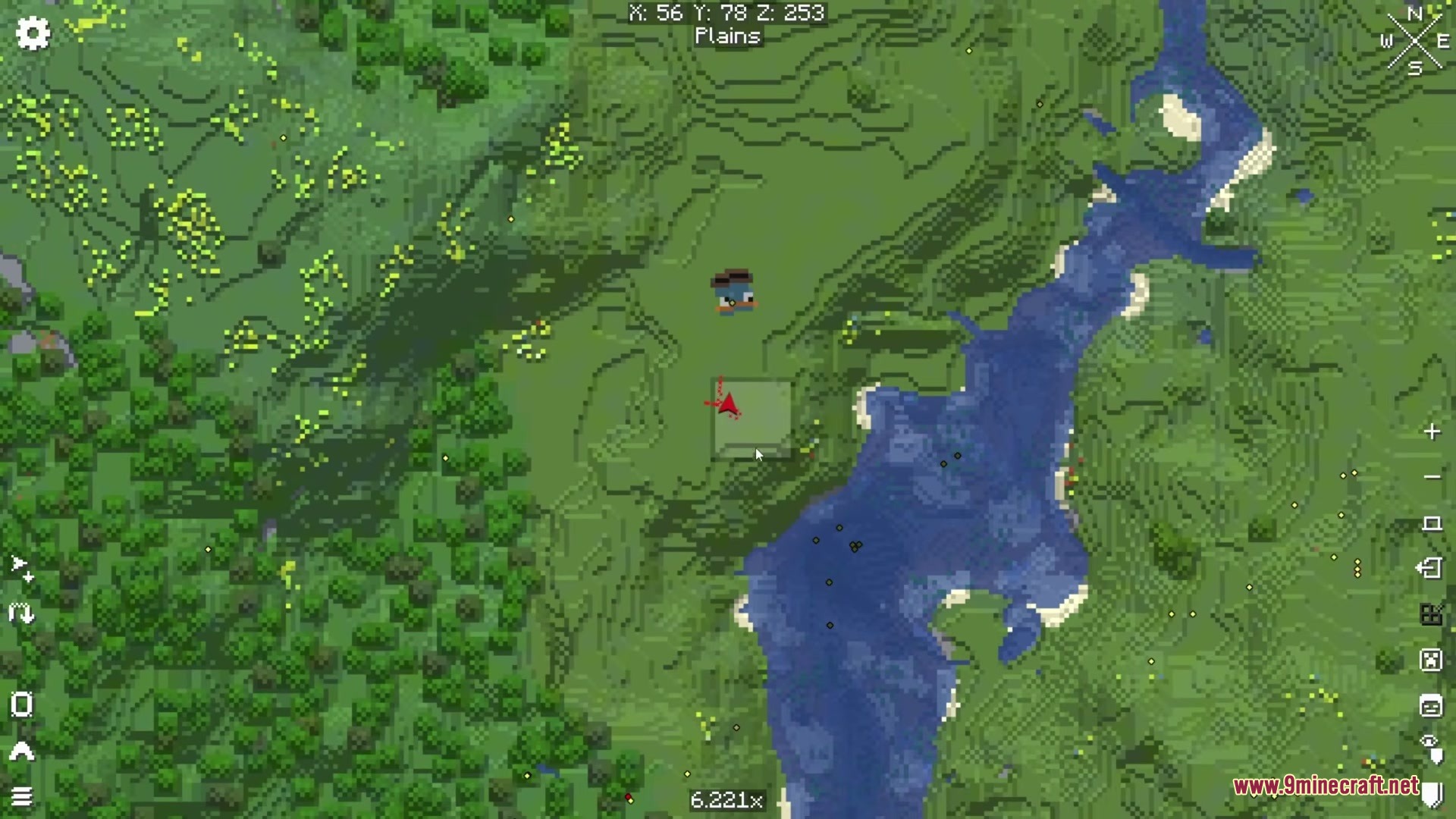
Create Xaero’s Map Mod adds live visual tracking for Create: Aeronautics airships onto Xaero’s Minimap and Xaero’s World Map. It updates the map in real-time as your custom flying machines move around the world. You can watch your planes, vehicles, and other moving structures turn and fly right from your map screen. The map shows the exact blocks you used to build your ship, making it look like a normal part of the world.
Features:
- Shows your moving ships live on both the small corner minimap and the large full-screen world map.
- Gives you a perfect top-down view of your craft based on how it tilts and turns in the 3D world.
- Updates your ship’s exact position and rotation instantly as you fly and steer through the sky.
- Colors your ship using standard Minecraft map colors and shadows so it blends nicely with the terrain below.
- Tracks any flying machine or moving structure that is close enough to you within your normal render distance.
- Runs smoothly even if you build massive contraptions or have many different ships flying at the same time.
Screenshots:
How to Install:
New to Minecraft? Follow our step-by-step guide to install Mods on your PC.View Guide
Requirements:



Create Xaero’s Map Mod Download Links
For Minecraft 1.21.1, 1.21
Click to rate this post!
[Total: 0 Average: 0]
You May Also Like


















This post has no comments yet. Be the first — your comment will appear here.