


Create Meta Logistics Mod (1.21.11, 1.21.1) – Order Factory Supplies

 0
0 

🌐 Good news — we've translated this article into other languages!
Or pick the one you like:
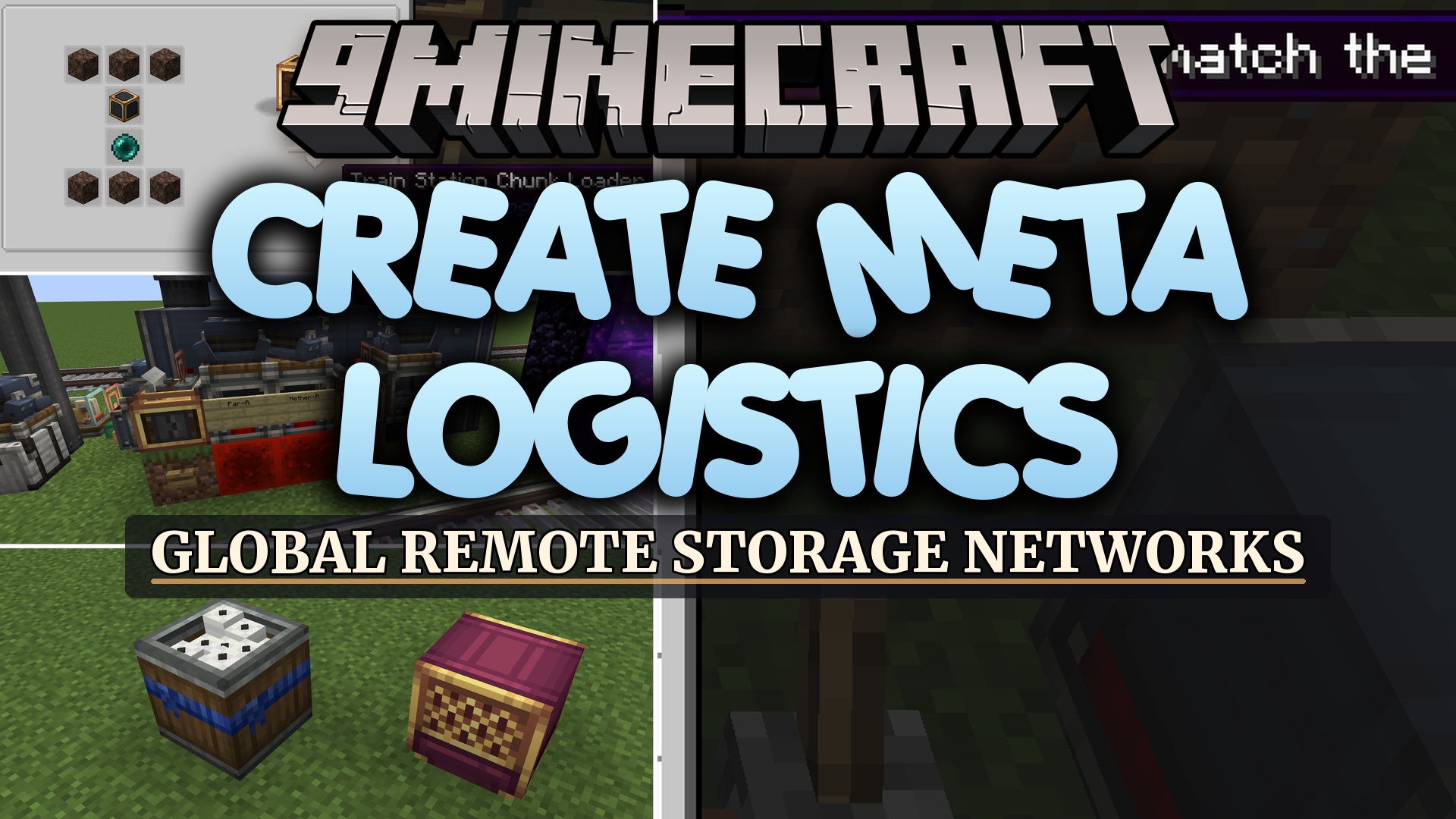
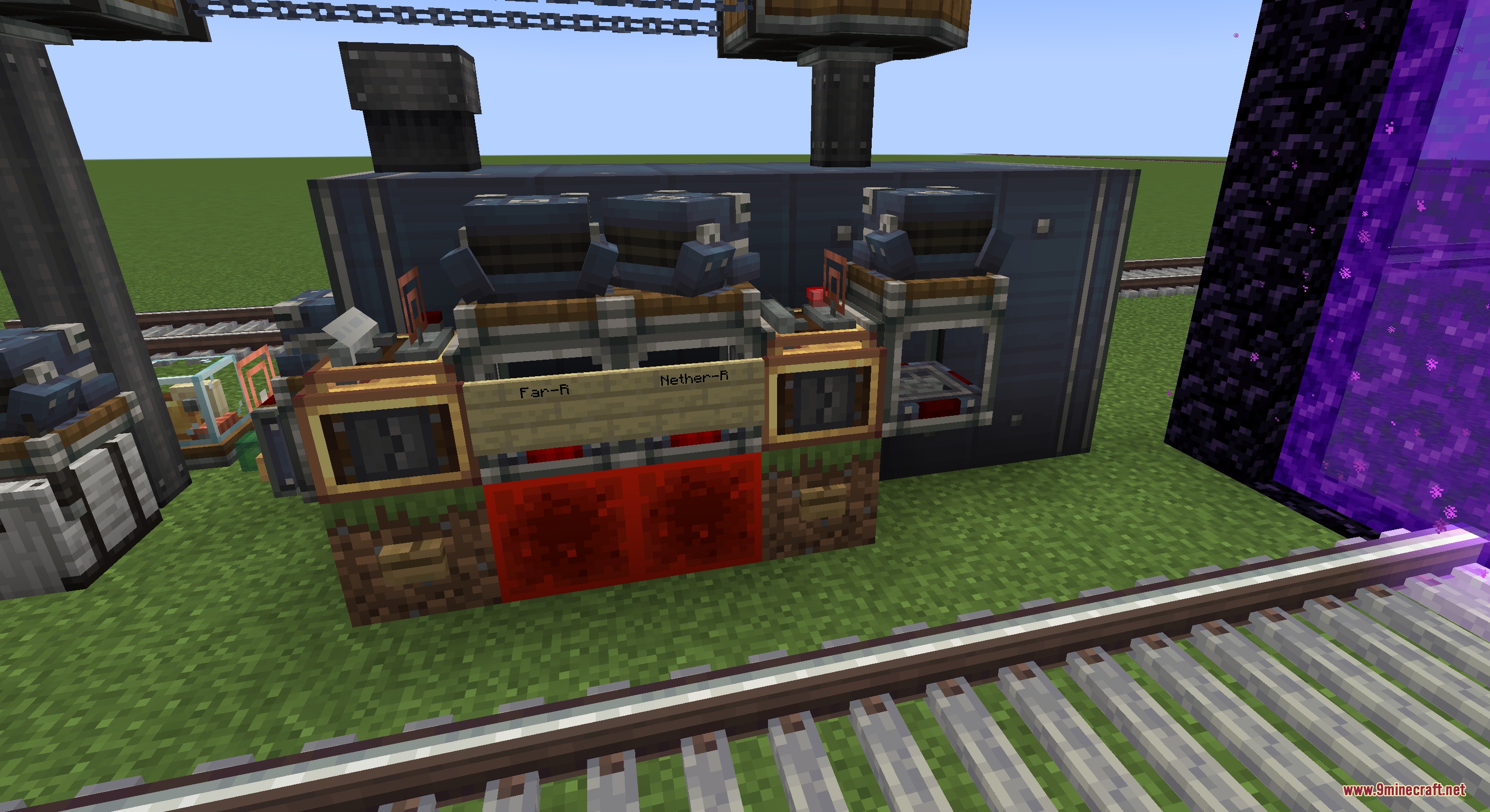
Create Meta Logistics Mod extends Create with offline logistics tools for unloaded storage networks. The mod lets you order items from distant vaults without keeping distant chunks loaded all day. It uses train schedules, written tickets, and manifest compilers to move goods across large distances. You can link multiple factory bases together while saving server resources.
Features:
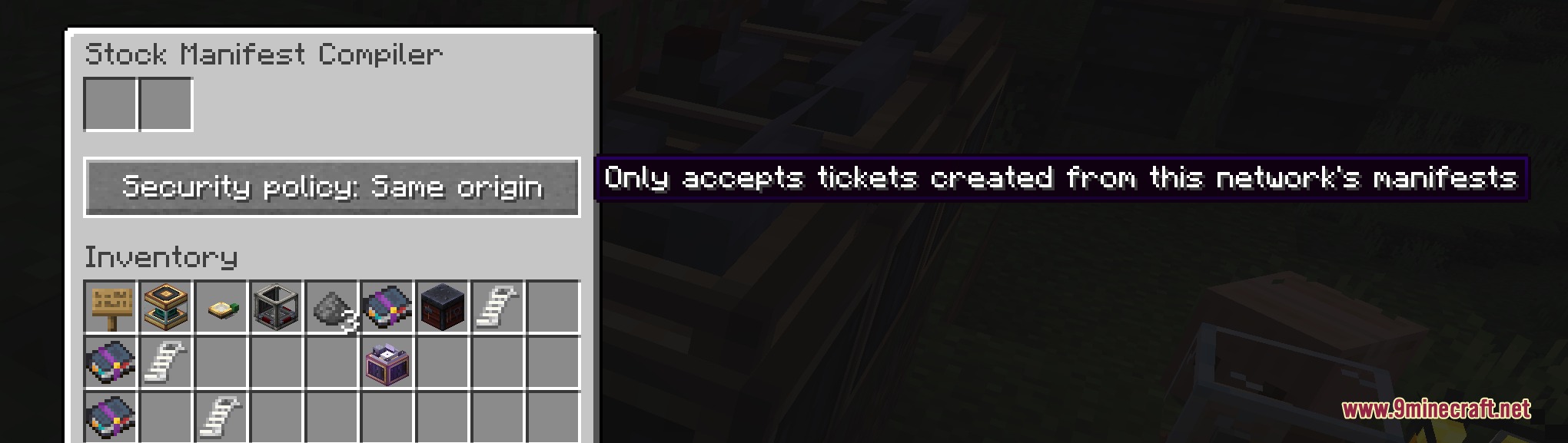
- Stock Manifest Compiler: Reads connected inventories, produces stock manifests when powered by redstone, and takes request tickets to fulfill orders.
- Stock Manifest Reader: Reads stock manifests and issues tickets to order items from distant storage systems.
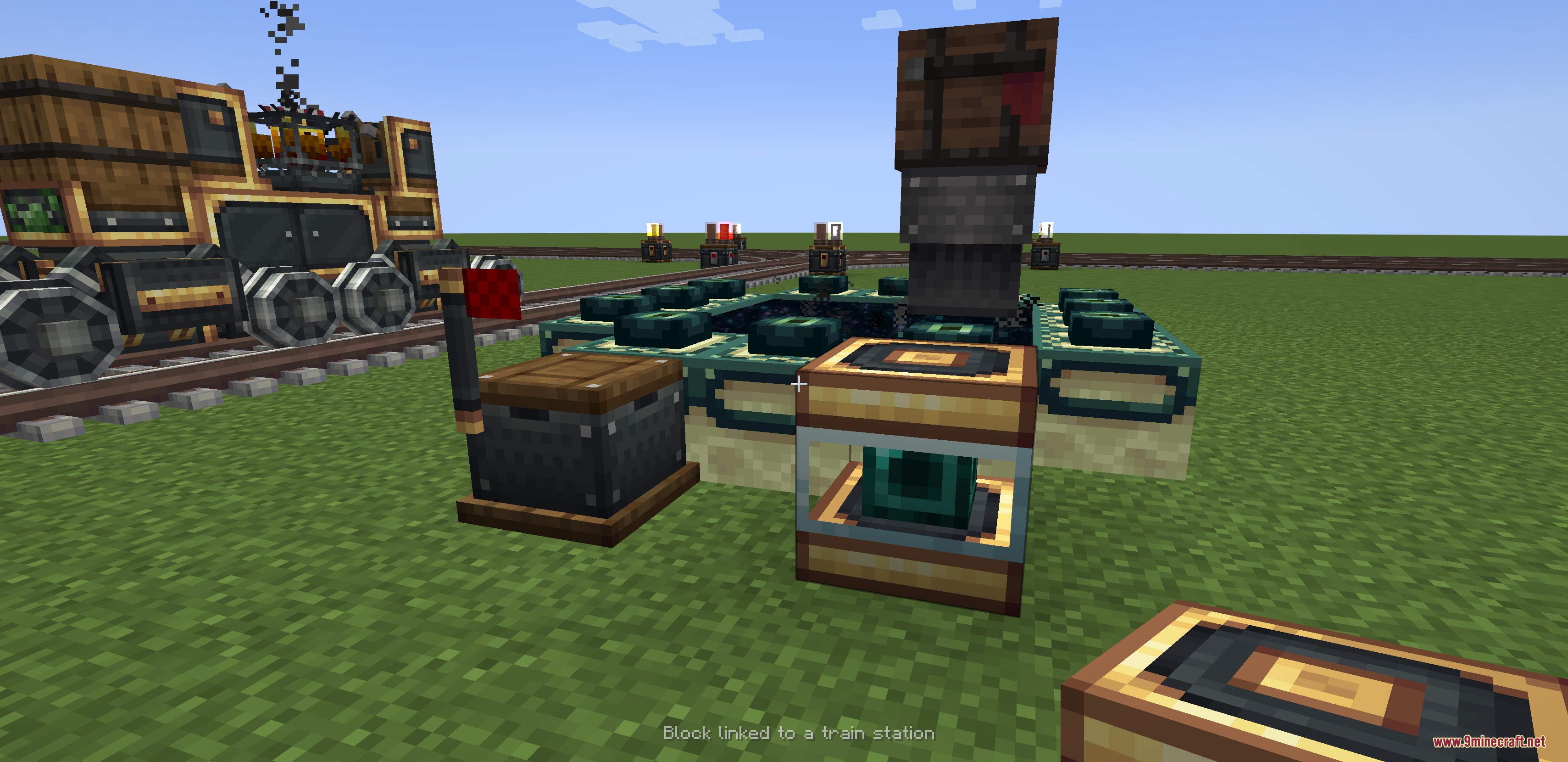
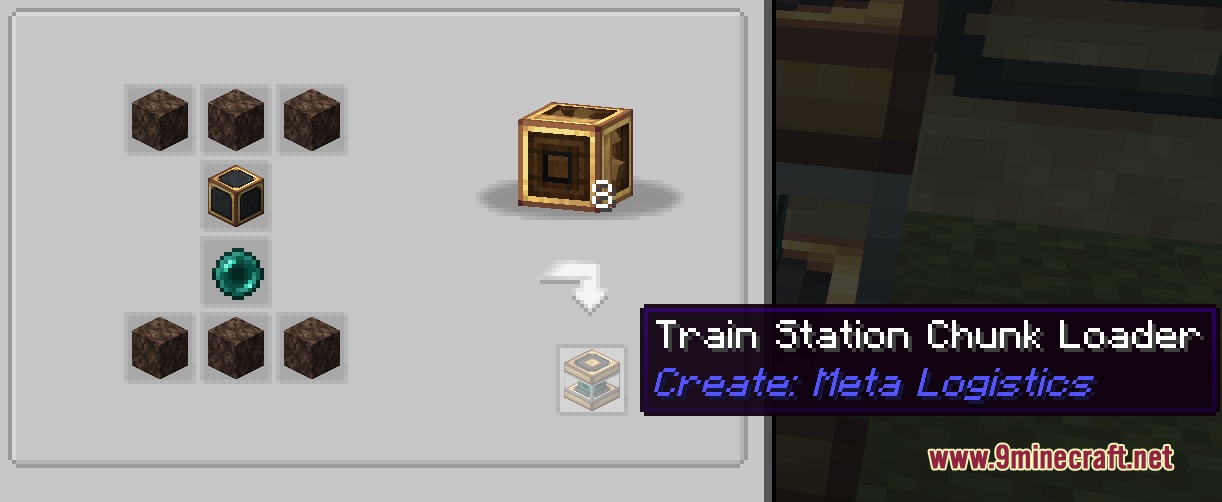
- Station Chunkloader: Keeps a 3×3 chunk area loaded for five minutes whenever a train pulls into the linked station.
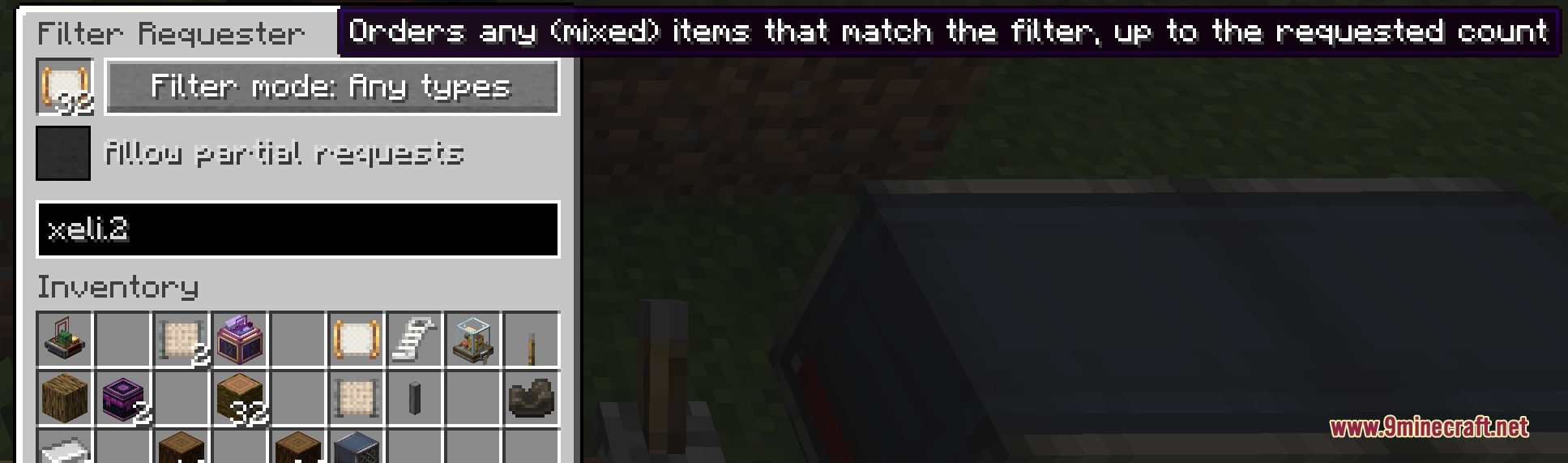
- Filter Requester: Orders up to 256 items matching a specific filter item.
- Compiler Expansion Module: Connects to manifest compilers to split huge lists of items across several manifest papers.
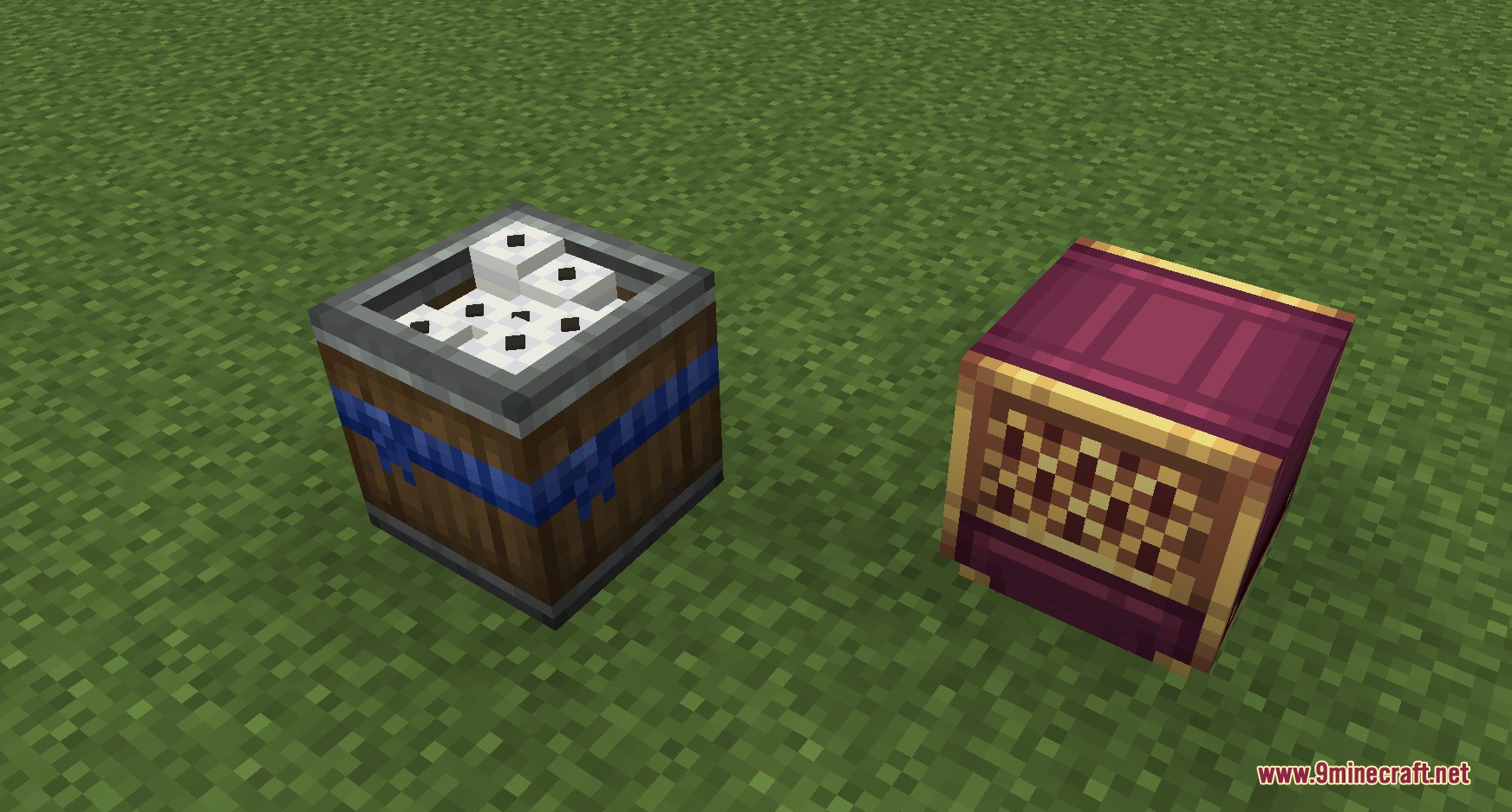
- Ticket Crate: Dispenses item tickets continuously for steady automated production lines.
- Players can rename package addresses using a standard name tag.
- Deployers can transfer materials checklist orders directly onto request tickets.
- Compilers feature permission controls to limit ticket sources by network origin or owner.
- Filters can sort tickets and manifests based on owner and origin tags.
Logistics Items:
- Stock Manifest: Stores inventory data from a storage hub so other stations can browse available items.
- Item Request Ticket: Stores specific order details for items requested from remote networks.
How to Use:
- Place a Stock Manifest Compiler next to your main storage network and power it with redstone to print a Stock Manifest.
- Take the printed Stock Manifest to a remote base and insert it into a Stock Manifest Reader.
- Connect the reader to your local requester to view the distant stock and generate an Item Request Ticket.
- Send the ticket back to the main base via train, mail, or packager.
- Place a Station Chunkloader at the delivery station so the area loads when the train arrives to pick up or drop off goods.
Screenshots:
How to Install:
New to Minecraft? Follow our step-by-step guide to install Mods on your PC.View Guide
Requirements:
 NeoForge Required
Create: Additional Logistics Required
Create Factory Logistics Required
Just Enough Items (JEI) Required
Create Required
 Distraction Free Recipes Mod Required
 Kotlin for Forge Mod Required
Create Meta Logistics Mod Download Links
For Minecraft
1.21.11,
1.21.10,
1.21.9
All Versions Covered
1.21.11
1.21.10
1.21.9
1.21.8
1.21.7
1.21.6
1.21.5
1.21.4
1.21.3
1.21.2
1.21.1
1.21
All Versions Covered
1.21.11
1.21.10
1.21.9
1.21.8
1.21.7
1.21.6
1.21.5
1.21.4
1.21.3
1.21.2
1.21.1
1.21
Click to rate this post!
[Total: 0 Average: 0]
You May Also Like








This post has no comments yet. Be the first — your comment will appear here.