


A Cargo Carrier Schematic (1.21.x) – Industrial Vehicle for Heavy Item Transport
 0
0
 0
0


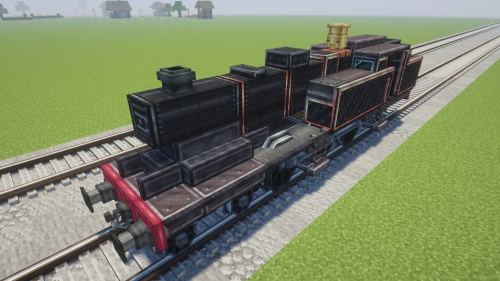
A Cargo Carrier Schematic offers a heavy-duty vehicle for moving goods across your Minecraft world. This schematic provides a detailed truck built for logistics and transport. It helps you organize your industrial zones with a realistic carrier. You can use this build to haul materials between your storage bases.
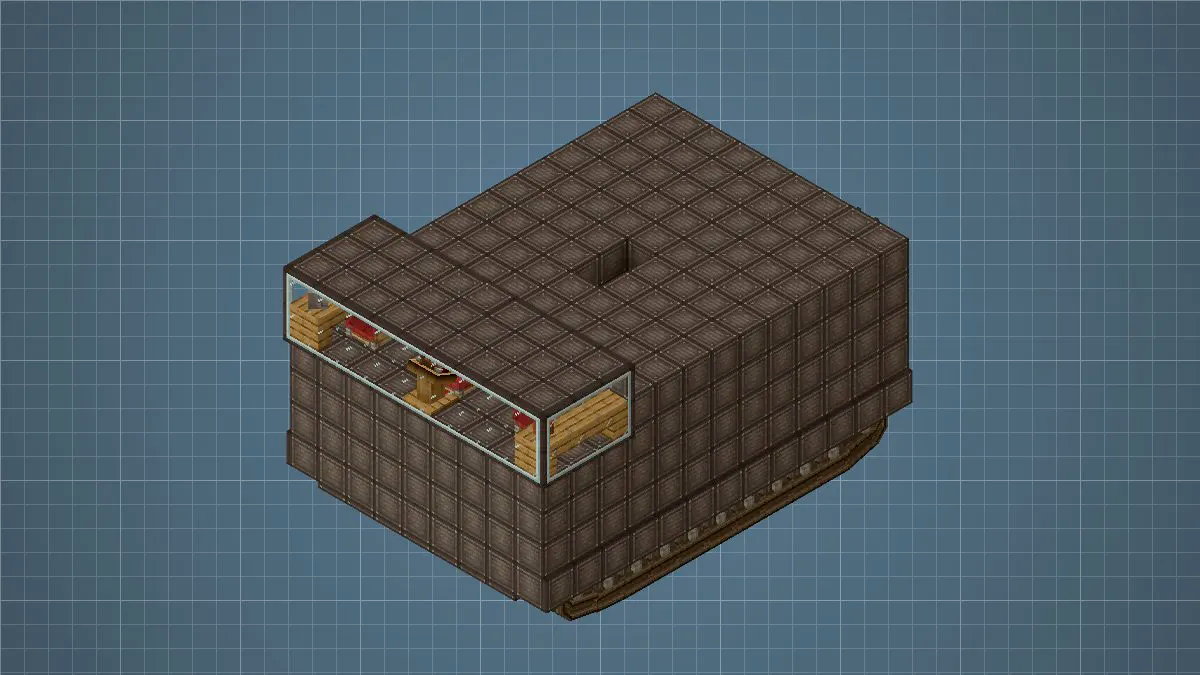
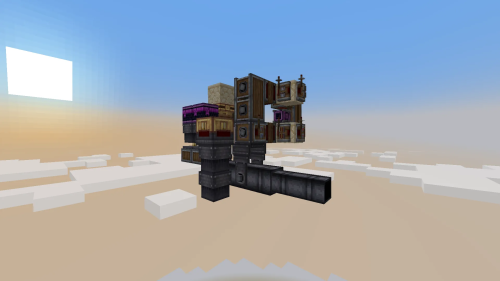
3D Preview:
Features:
- Logistics vehicle: Built specifically for hauling cargo and materials over land.
- Uses exactly 712 blocks to create a realistic industrial appearance.
- Fits into tight spaces with dimensions of 15 blocks by 9 blocks by 11 blocks.
- Requires several specific addons to show all the custom details and parts.
- Provides a great base for your own custom transport fleet.
Schematic Specs:


 Top Blocks Used
Industrial Iron Block 510Copycat Layer 97Copycat Panel 68Copycat Slice 42Framed Glass 36
How to Use:
- Download the schematic file and place it in your Minecraft schematics folder.
- Use a Schematicannon to build the carrier automatically in your world.
- Ensure you have all the required blocks from the addon mods in your inventory.
Requirements:
 Create Mod Required
Bits N Bobs Required
createdeco Required
vsfluidlink Required
copycats Required
tracks Required
createdieselgenerators Required
simulated Required
A Cargo Carrier Schematic Download Links
For Minecraft 1.21.x
Click to rate this post!
[Total: 0 Average: 0]
You May Also Like




This post has no comments yet. Be the first — your comment will appear here.