
Advancement JS Mod (1.20.1, 1.19.2) – Gate World Progress Behind New Goals
 493
 0


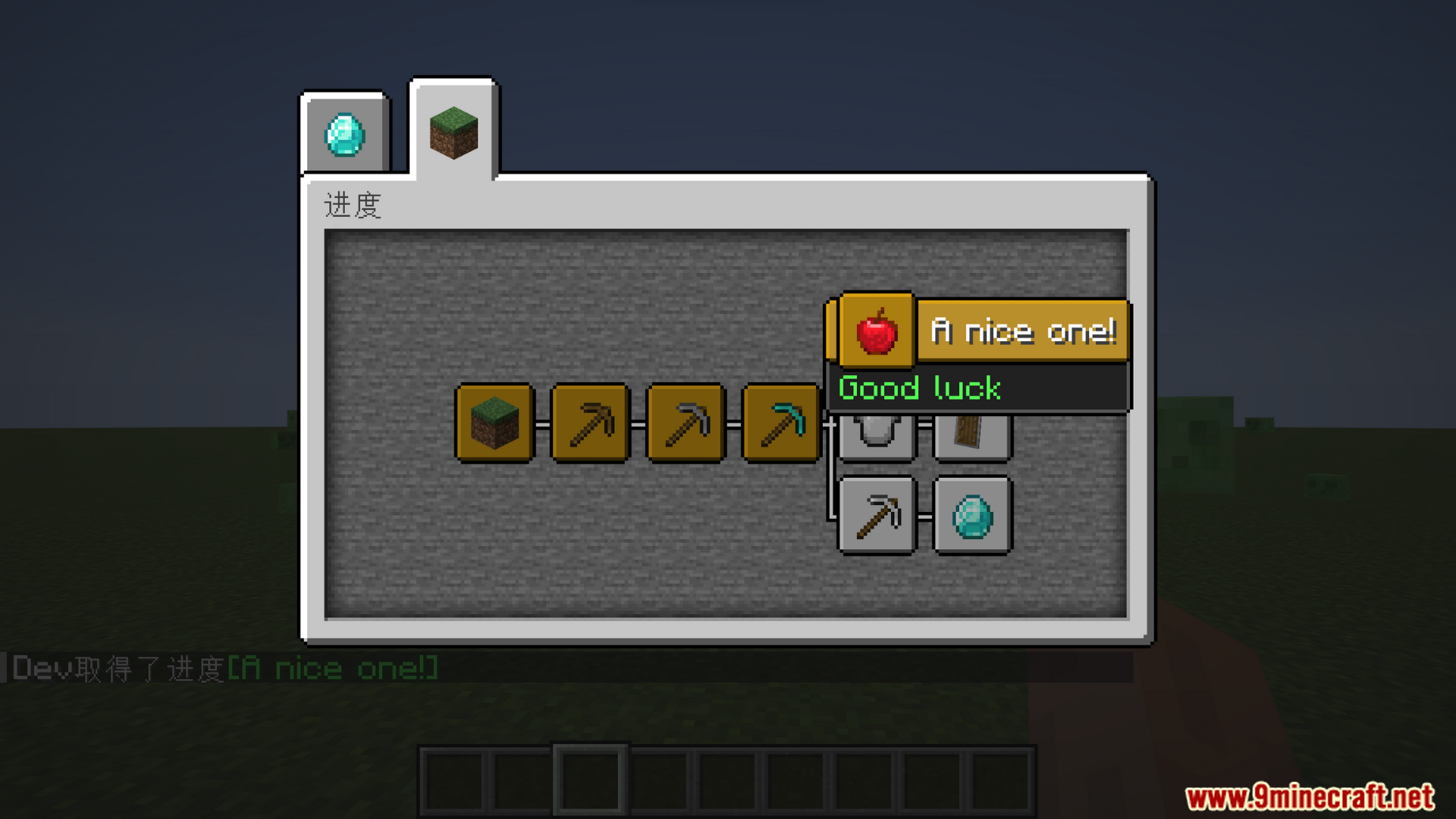
Advancement JS Mod extends KubeJS so you can build, edit, and remove custom advancements with JavaScript. This mod adds new ways to trigger goals, such as breaking blocks, touching mobs, joining boss fights, and getting kills, along with your own custom script triggers. You can also give status effect rewards, make repeatable advancements, shift icons on the screen, and require other advancements to finish first. It even lets you lock crafting results, items, blocks, and mob interactions until players unlock a chosen advancement. Built-in script examples help you get started fast, and the mod works with Better Advancements to fine-tune how your advancement tree looks.
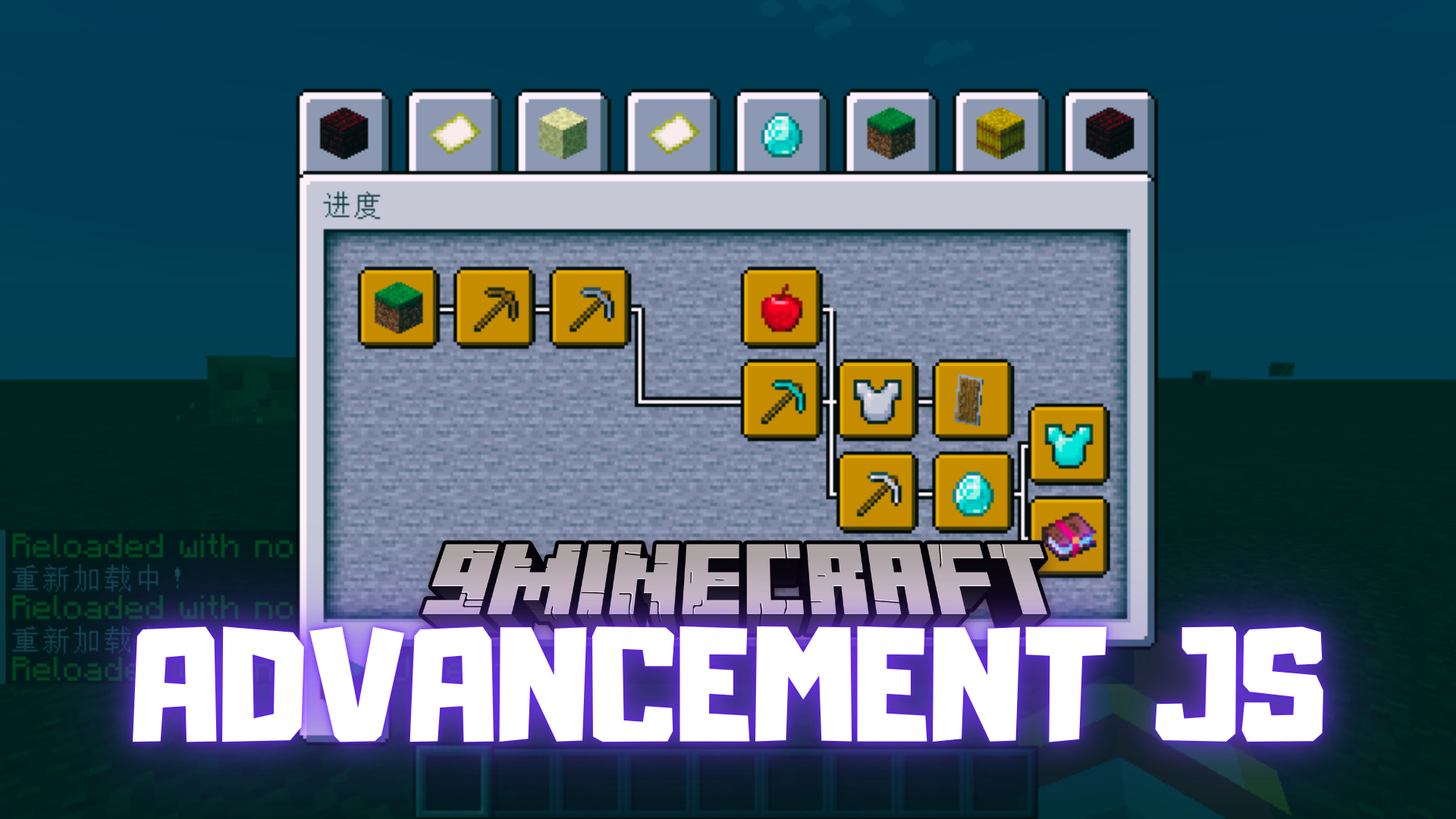
Features:
- Lets you create new root and child advancements in KubeJS server scripts with custom titles, descriptions, icons, criteria, and rewards.
- Allows you to build your own custom triggers in startup scripts with
AdvJSEvents.triggerusing match checks, then fire them in server scripts withCustomTriggers. - Supports JSON triggers via
TRIGGER.fromJson, player stat triggers, andORcriteria rules so players only need to match one condition out of several. - Adds the
addEffectcustom reward to give status effects (such as absorption) alongside standard experience and recipe rewards. - Makes advancements repeatable with
.repeatable()so players can complete them more than once. - Edits existing advancements to change their icons or add child branches, and removes unwanted ones by ID or by filter (mod, icon, or frame).
- Includes the
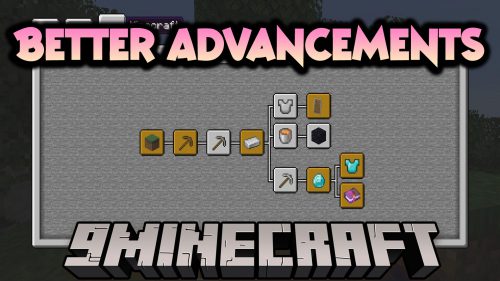
/advjscommand to generate built-in example scripts. - Works with Better Advancements through the
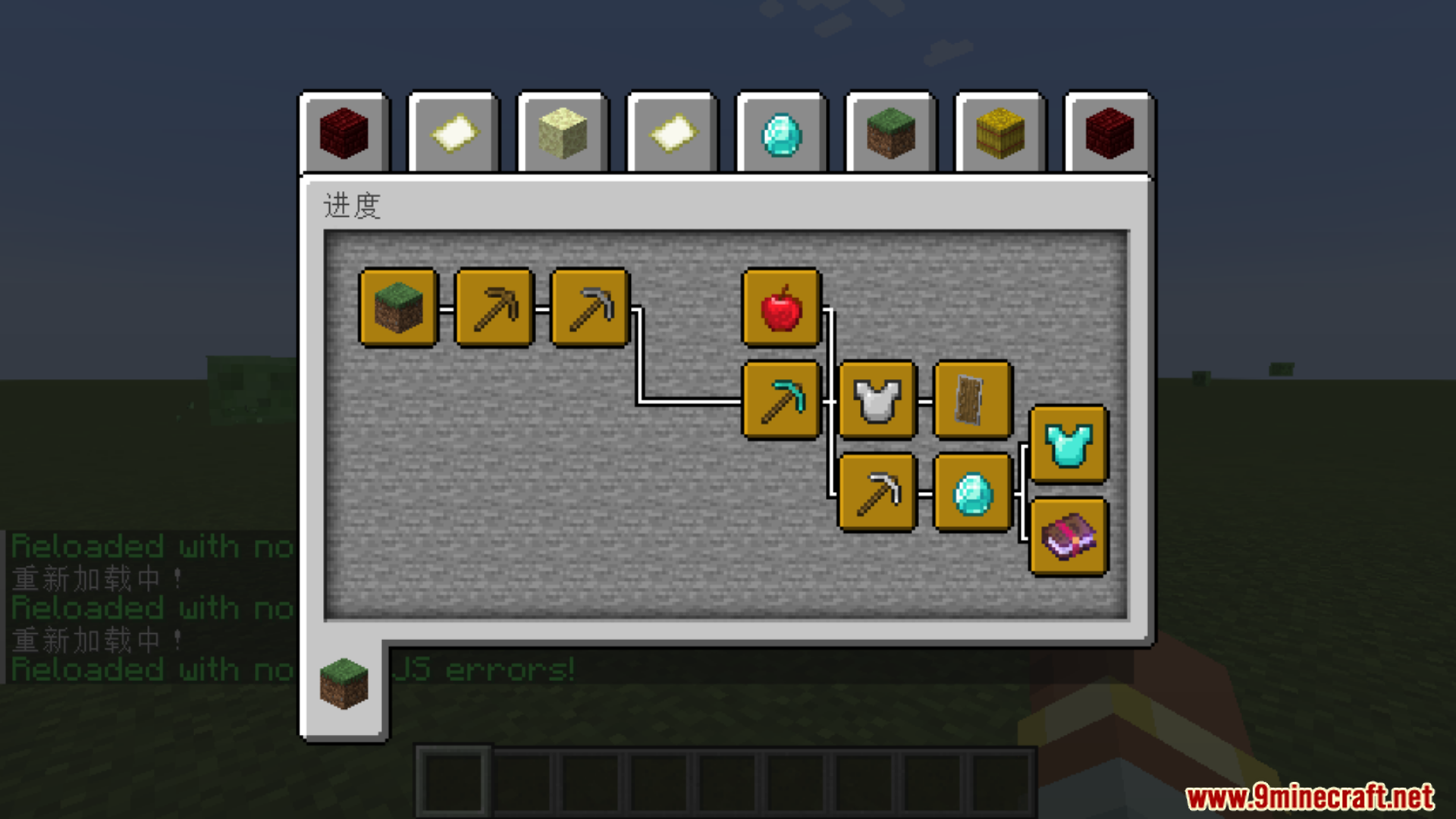
AdvJSEvents.betterAdvserver event to set X and Y positions and hide connecting lines.
Custom Triggers:
blockDestroyed: Triggers when a player breaks a block.playerTouch: Triggers when a player touches a mob.bossEvent: Triggers when a player joins a boss fight.increasedKillScore: Triggers when a player kills a mob.
Custom Display and Requirement Methods:
displayOffset(offsetX, offsetY, modifyChildren?): Moves an advancement on the screen by X and Y offsets, with an option to shift its child advancements too.requireParentDone(): Checks if the parent advancement is finished before allowing this advancement to complete.requireOthersDone(requires[]): Checks that every listed advancement is completed first.requireAnyDone(requires[]): Checks that at least one of the listed advancements is completed first.
Advancement Locks:
event.result: Locks a crafting result (such as a stone slab) until a chosen advancement is finished.event.itemUse: Locks using a specific item (such as a spyglass) behind an advancement.event.blockInteract: Locks interacting with a specific block (such as a chest) until an advancement is unlocked.event.entityInteract: Locks interacting with a specific mob (such as a villager) behind an advancement.
Commands:
/advjs: Generates built-in example scripts for custom advancements./reload: Reloads your script changes in the game.
How to Use:
- Type
/advjsin chat to generate built-in example scripts that show how custom advancements work. - Open a KubeJS startup script and use
AdvJSEvents.triggerwith.match()checks if you want to create your own custom trigger. - Open a KubeJS server script and use
AdvJSEvents.advancementto create root or child advancements, add triggers and rewards, set display offsets and requirements, or edit and remove existing advancements. - Call
CustomTriggers.of(...).trigger(...)inside a server script event (such asPlayerEvents.advancement) to activate any custom trigger made in your startup script. - Add an
AdvJSEvents.lockblock in your server script if you want to lock crafting results, item uses, block interactions, or mob interactions behind specific advancements. - Add an
AdvJSEvents.betterAdvblock when using Better Advancements to adjustposXandposYpositions or hide connecting lines withhideLines(). - Type
/reloadin chat to reload your script changes and apply them in your world.
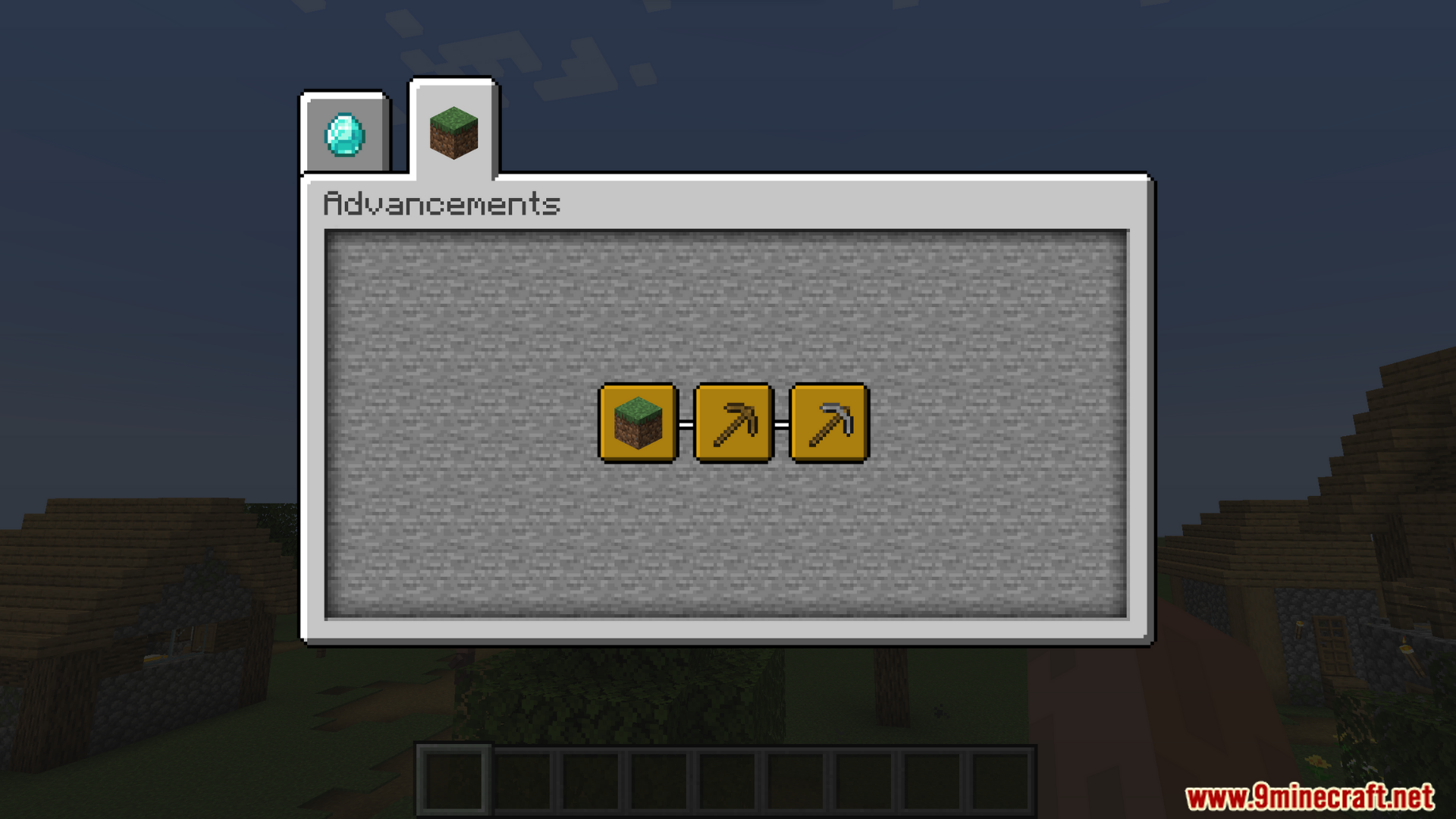
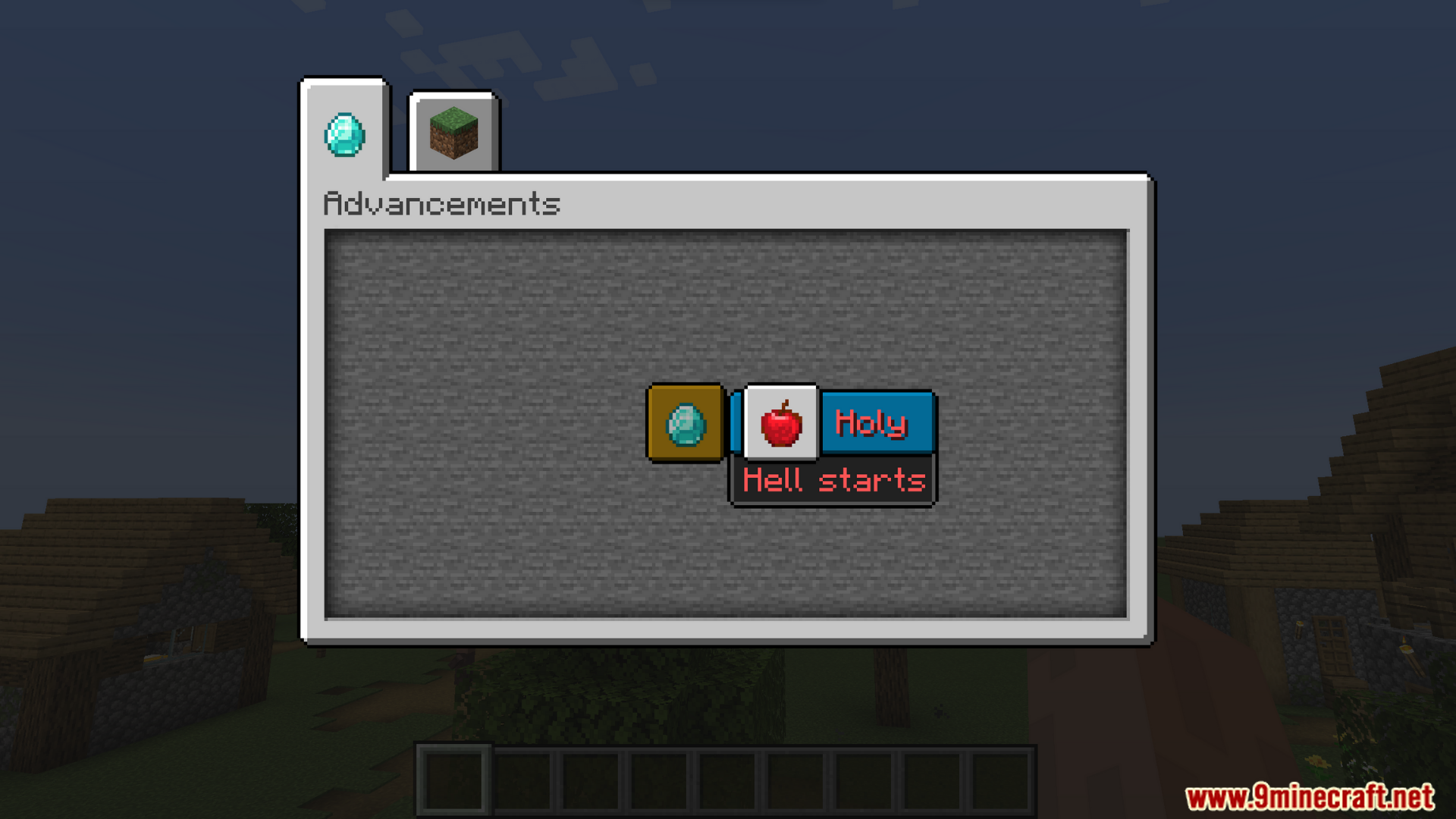
Screenshots:
How to Install:
New to Minecraft? Follow our step-by-step guide to install Mods on your PC.View Guide
Advancement JS Mod Download Links
For Minecraft 1.20.1
Forge Version: Download from Server 1 – Download from Server 2
Fabric Version: Download from Server 1 – Download from Server 2
For Minecraft 1.19.2
Forge Version: Download from Server 1 – Download from Server 2
Fabric Version: Download from Server 1 – Download from Server 2
For Minecraft 1.18.2
Forge Version: Download from Server 1 – Download from Server 2
Fabric Version: Download from Server 1 – Download from Server 2
You May Also Like
Picked for this page
 Fapcraft Mod (26.3, 1.12.2) – Comprehensive and Detailed Content
 Cloud Boots Mod (26.3, 1.20.1) – Jump Super High
 BackSlot Mod (1.21.11, 1.20.1) – Become a Hero like Dai in Dragon Quest
 Loot Integrations Mod (26.3, 1.20.1) – Improving Structure/Dungeon Chest Loot
 Tesseract Mod (26.3, 1.20.1) – Transporting Items Easily
 Mini Effects Mod (26.1.2, 1.20.1) – Minimize The Effect HUD
 BlueMap Mod (26.3, 1.20.1) – Explore Your World In 3D
 Unloaded Activity Mod (26.3, 1.20.1) – Persistent Farming And Smelting
 WITS Mod (26.3, 1.20.1) – Instantly ID Any Structure
 SpecSpoof Mod (26.3, 1.20.1) – Edit F3 Screen Content
 Ruins of Growsseth Mod (1.21.11, 1.21.1) – New Structures, Quests, Smart NPC
 ALL Death Messages Mod (26.3, 1.20.1) – Enable Death Message For All Entities
Most viewed in Mods over the last 7 days
 Ala Industrial Mod (26.3) – Run Electric Power Grids and Automated Factories
 PleasureCraft Mod (26.3, 1.21.1) – Jenny Mod Remake for Fabric
 Jennycraft Mod (26.3, 1.20.1) – Virtual Girlfriend in Minecraft
- Fapcraft Mod (26.3, 1.12.2) – Comprehensive and Detailed Content
 Jenny Mod (Fapcraft) Official Complete Guide – How to use, Tutorial
 BangCraft Mod (1.20.1) – Jenny, Ellie and Elliot
 Fabric Loader (26.3, 1.20.1) – Fabric Installer for All Minecraft Versions
 Meteor Client Mod (26.3, 1.20.1) – Xray, HUD, Fly
 The Shooting Star Demo Mod (26.3, 1.20.1) – Vaporize Terrain From Orbit
 OptiFine HD (26.3, 1.20.1) – Run Faster, FPS Boost, Shaders Support
 Aristois Client Mod (1.21.4, 1.20.1) – World Class Minecraft Utility
 Prestige Client Mod (1.21.11, 1.21.4) – Powerful Ghost Features for Crystal & Sword PvP
More from Mods
 Multitools and More Mod (26.3, 1.20.1) – Clear Your Hotbar and Travel
 Luxium Let There Be Light Mod (1.20.1) – Stunning Lighting on Low-End Computers
 Soulscraft Tarnished Legacy Mod (1.21.1) – Hunt Relics to Forge Dark Fantasy
 Fetzi’s Displays Mod (26.1.2, 1.20.1) – Turn Rare Gear and Weapons
 Primal Plushies Paleo Pals Mod (1.21.1, 1.20.1) – Decorate Your Base
 Ipla Mod (26.3, 1.20.1) – Showcase Your Favorite Items
 MesdagPortLib Mod (1.20.1) – Run Modern Minecraft Mechanics on Older Versions
 Hellion’s API Mod (1.21.11, 1.21.1) – Play Hellion Series Addons Without Crashes
 Terrestria Mod (26.3, 1.20.1) – Highly Detailed Biomes
 Tre’s Tack Library Mod (1.20.1) – Outfit Your Horses with Fully Detailed Tack
 YDM’s coreX Library Mod (1.20.1) – Loot RPG Gear with Random Names
 Gunpowder Recipe Mod (26.3, 1.20.1) – Gunpowder is Craftable

This post has no comments yet. Be the first — your comment will appear here.