
Alternate 3D Bow Resource Pack (1.21.1, 1.20.1) – Detailed Archery Gear
 2,813
 0

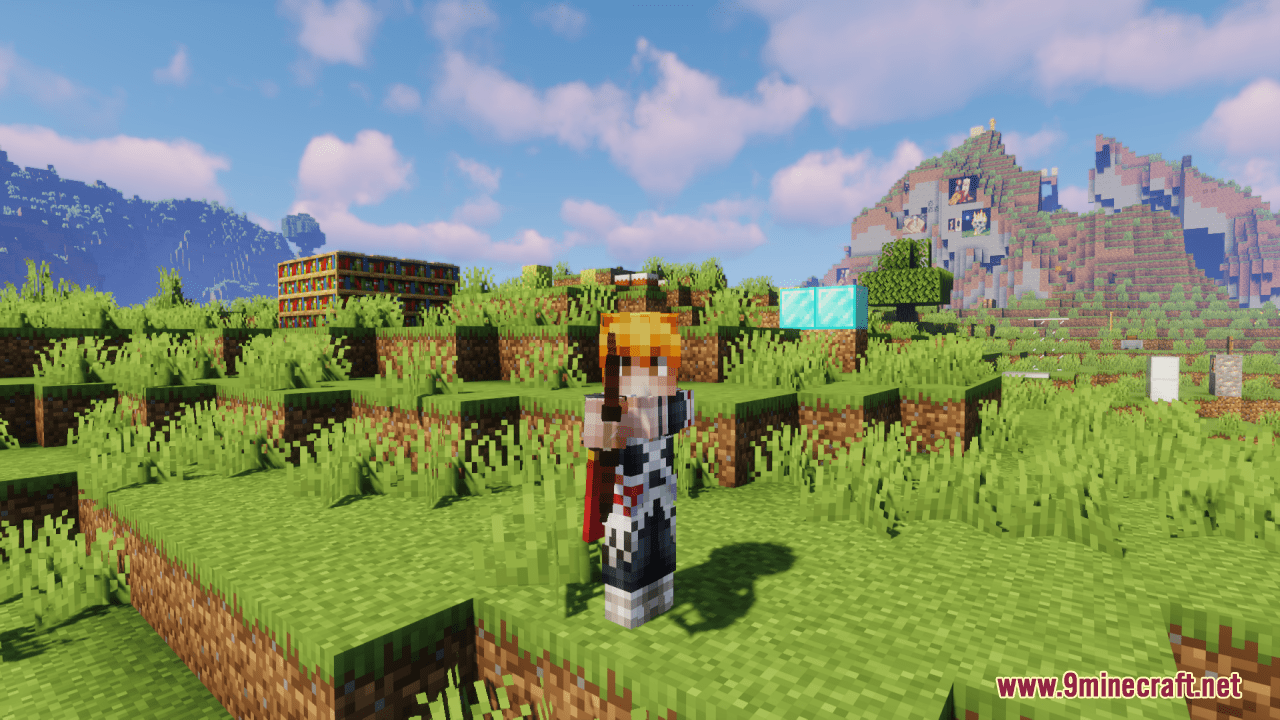
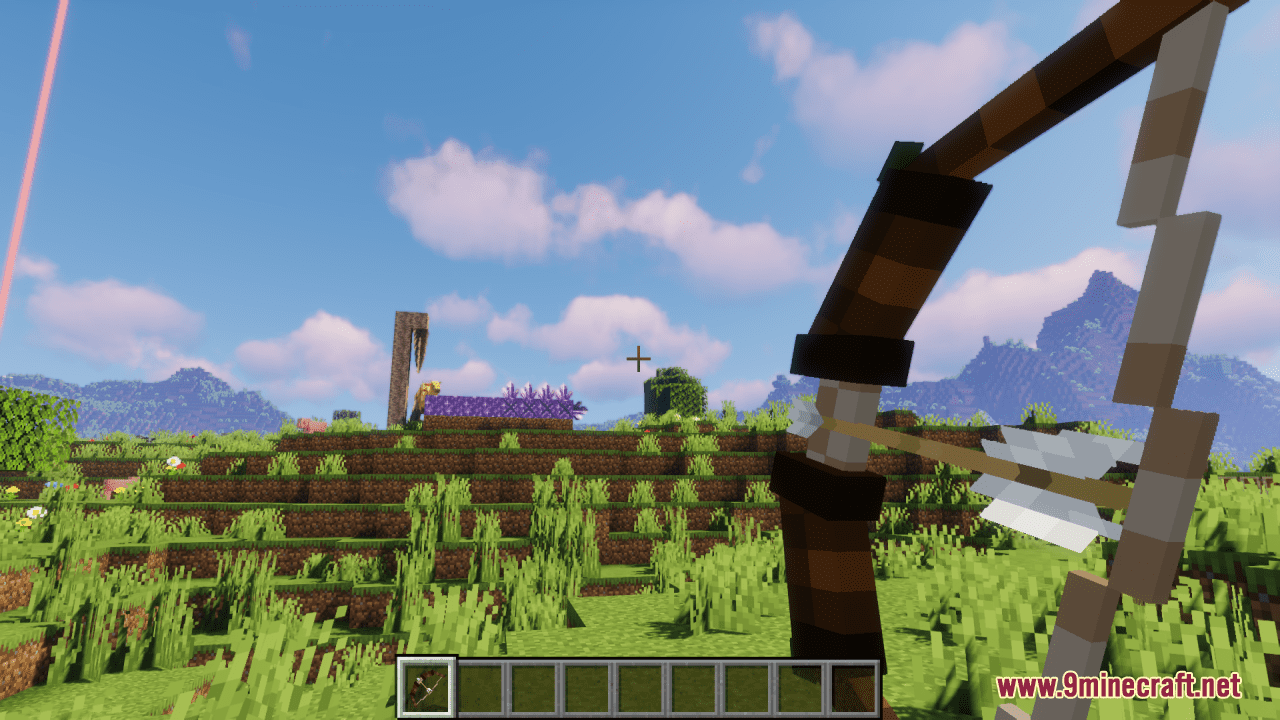
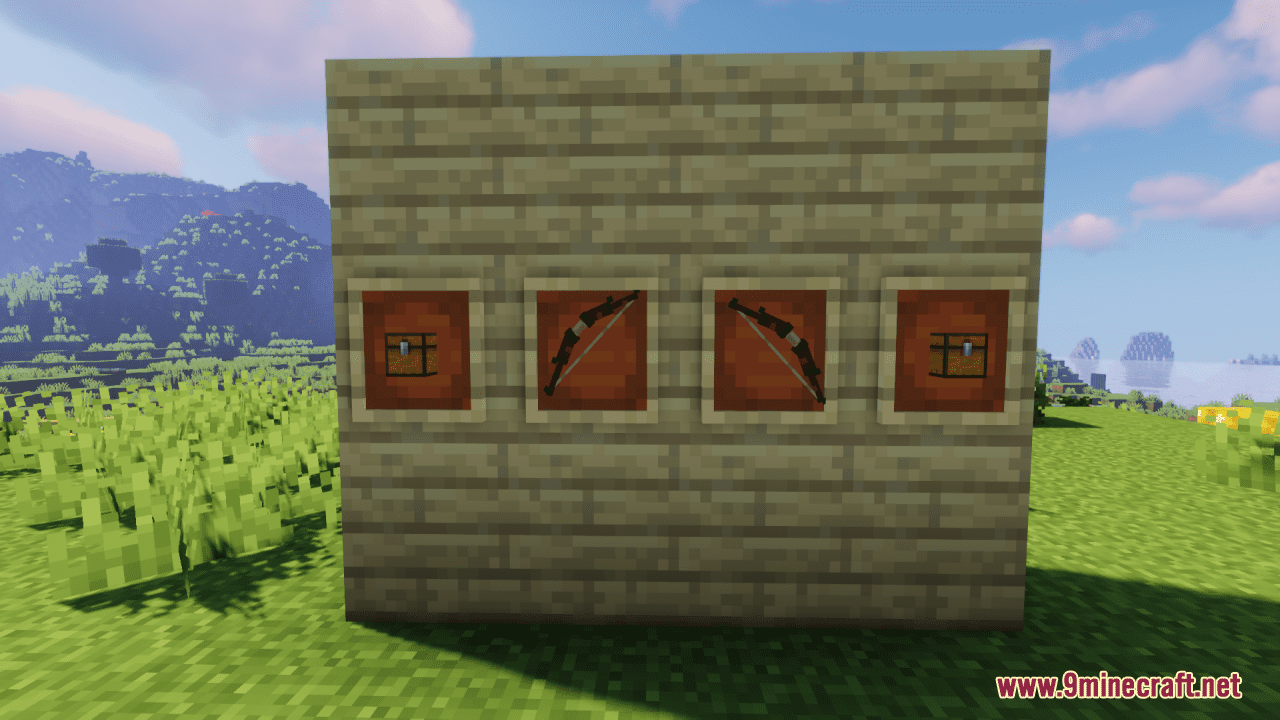
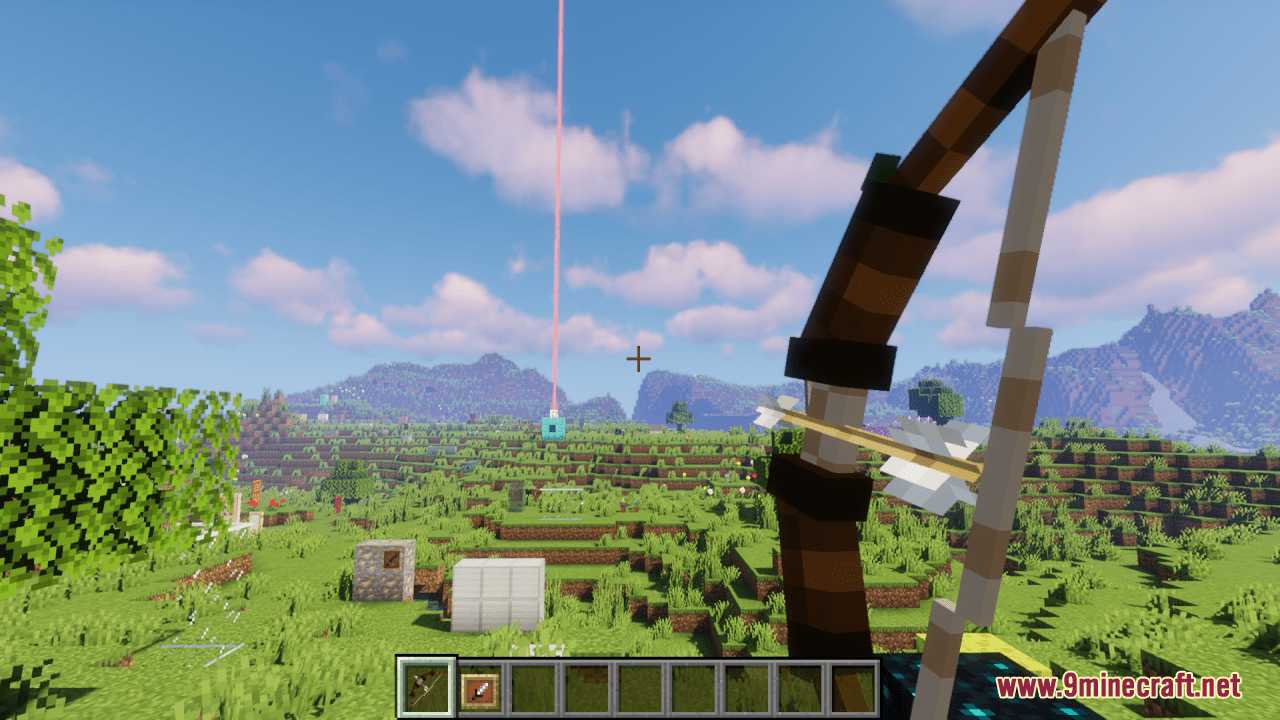
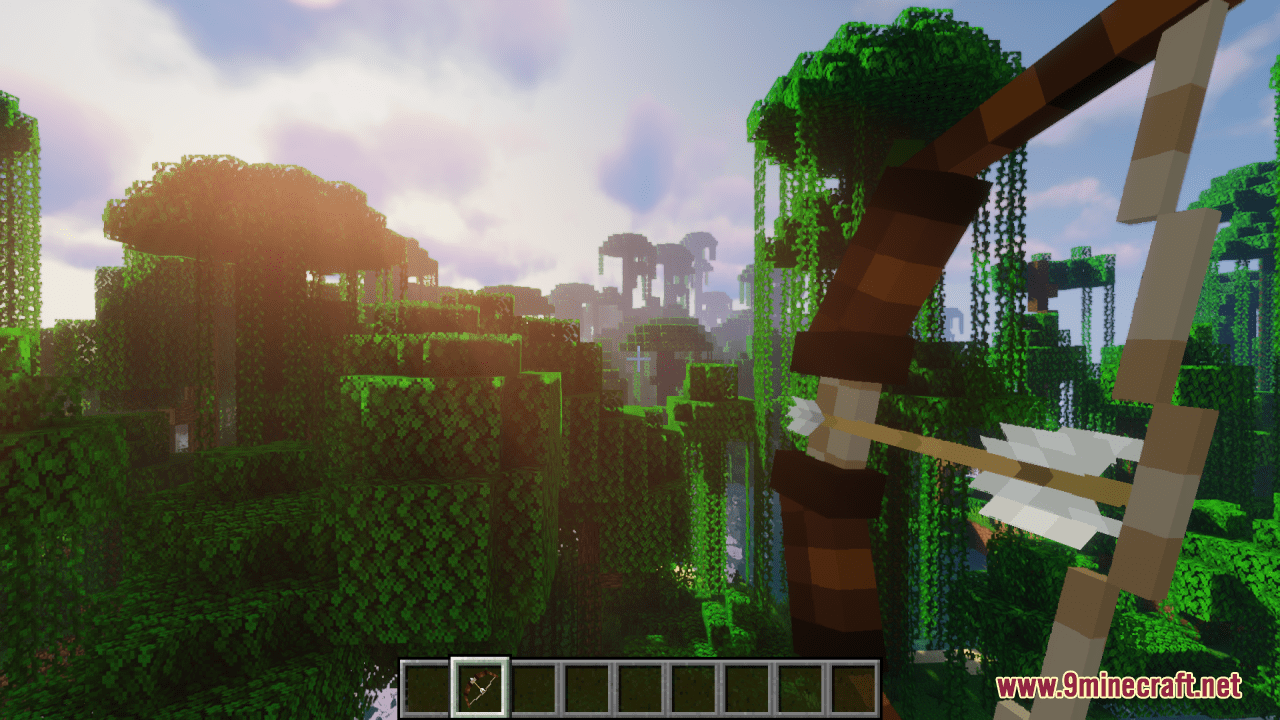
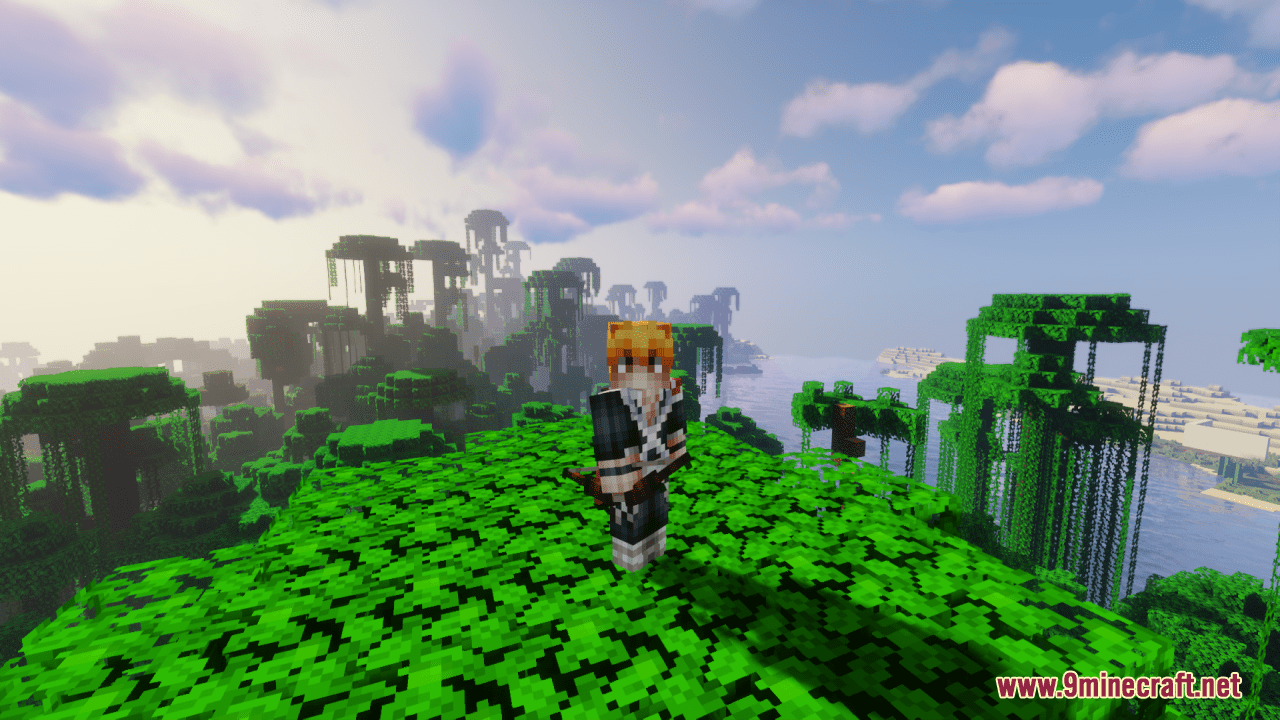
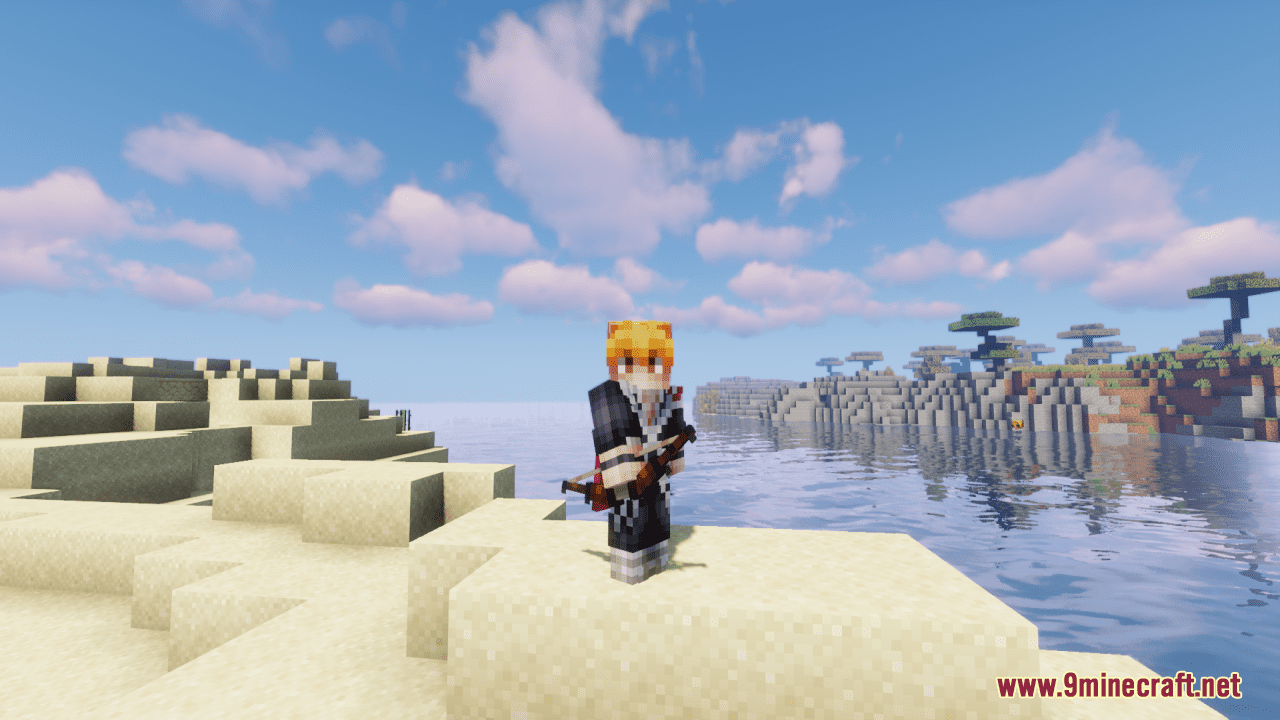
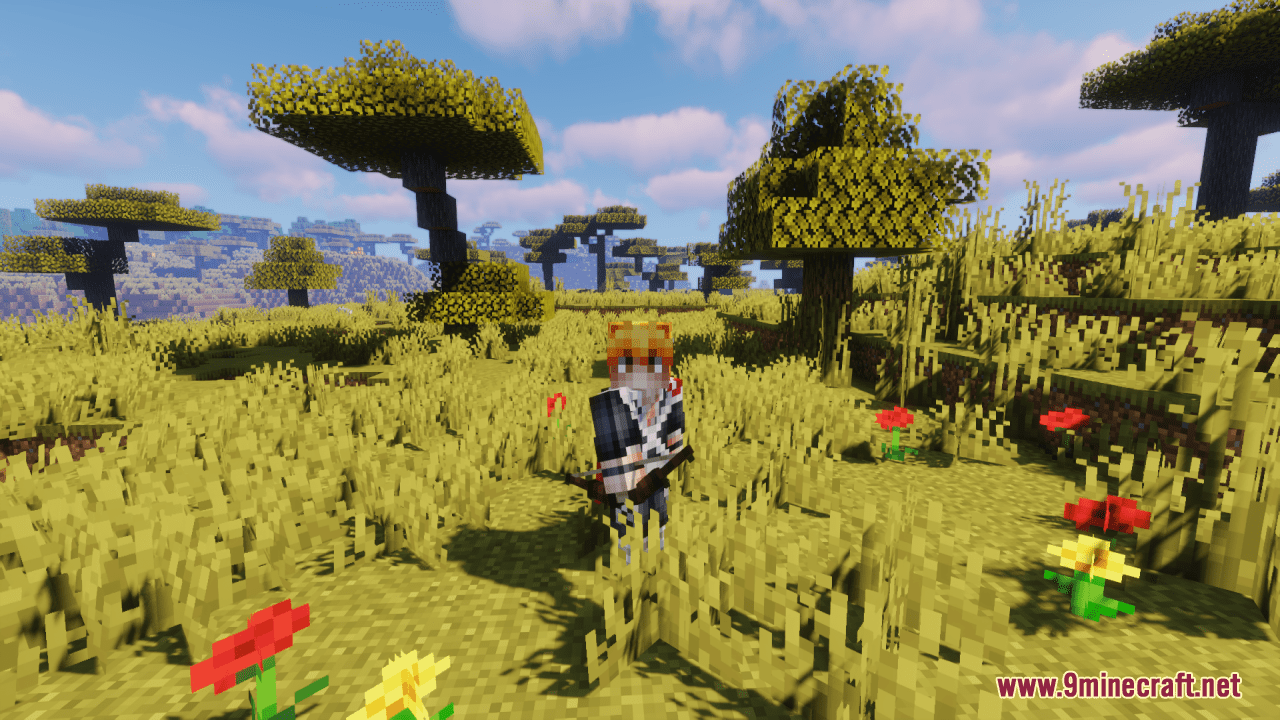
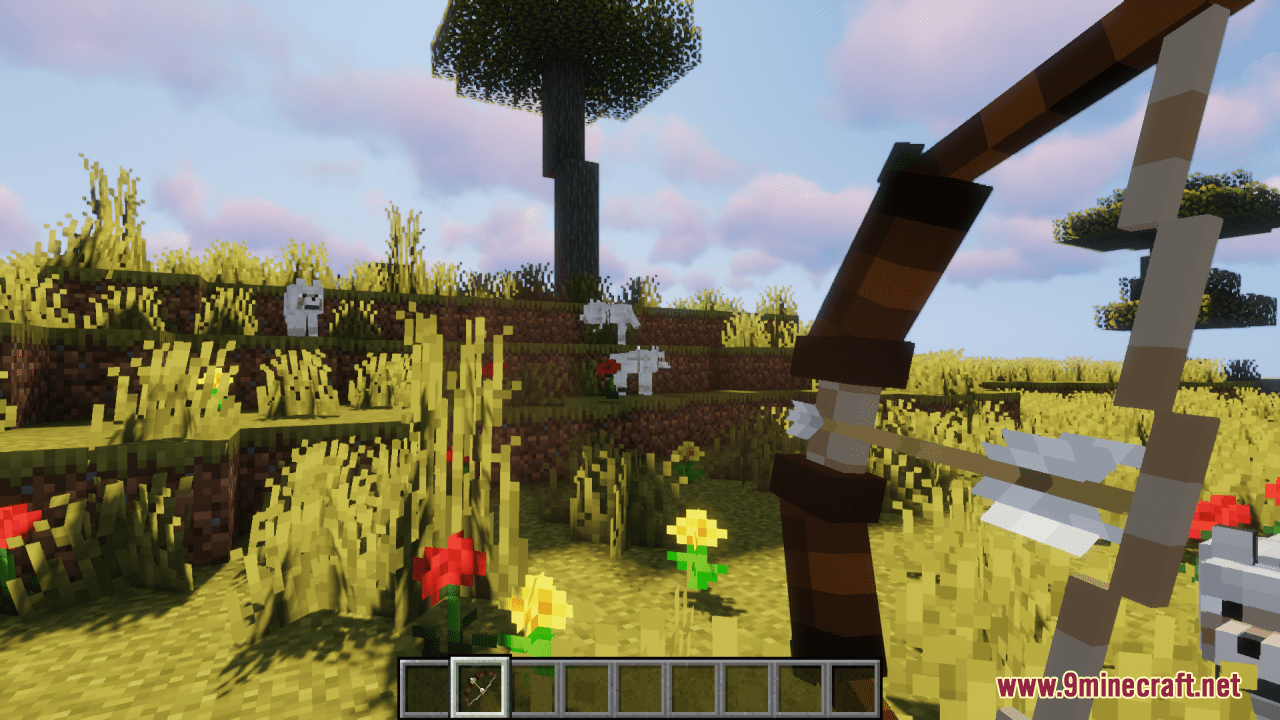
Alternate 3D Bow Resource Pack gives your bows some 3D flair with custom models for the weapon. This simple pack brings added depth and detail to your archery gear in Minecraft. It works completely without mods, changing only the bow textures so it runs smoothly alongside your standard game setup.
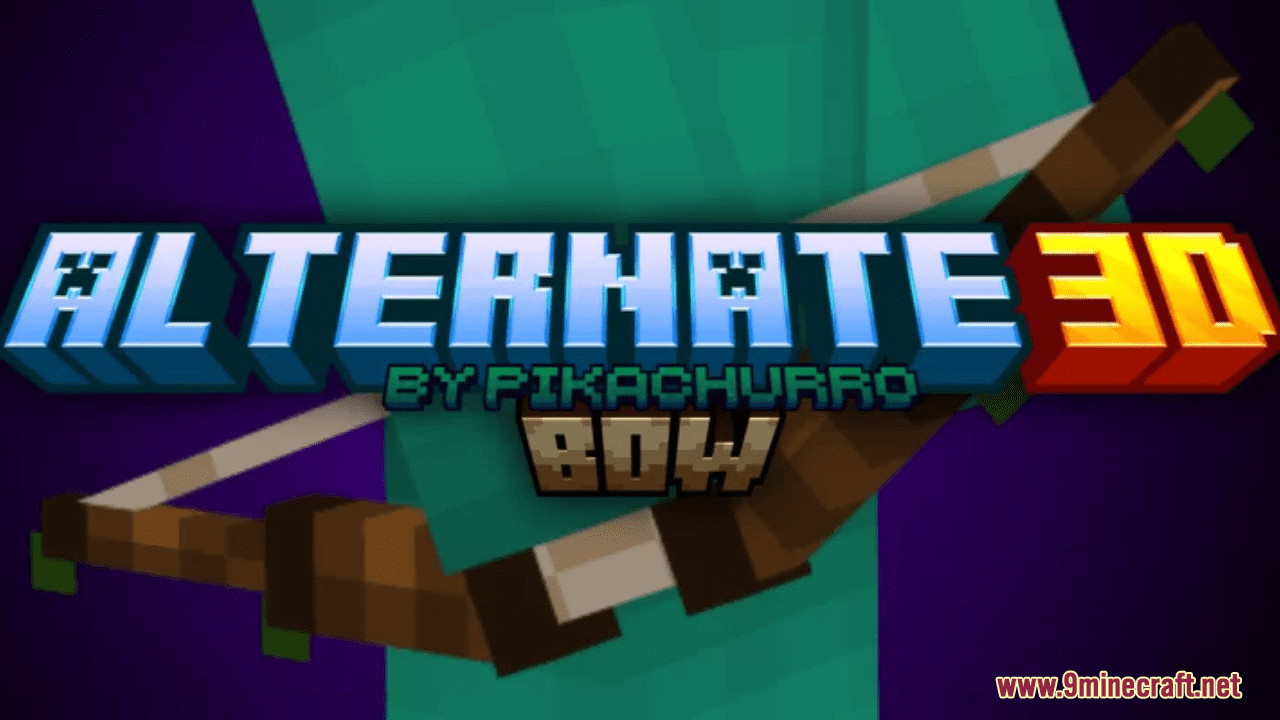
Features:
- Adds custom 3D models and textures specifically for bows to give them extra depth.
- Works completely without any external mods installed.
- Contains only bow textures so it combines easily with any other resource pack.
How to Use:
- Download and place this pack into your Minecraft resource packs folder.
- Open the resource pack menu in-game and activate this pack.
- Ensure this pack sits on top of any other active resource packs in the menu for proper display.
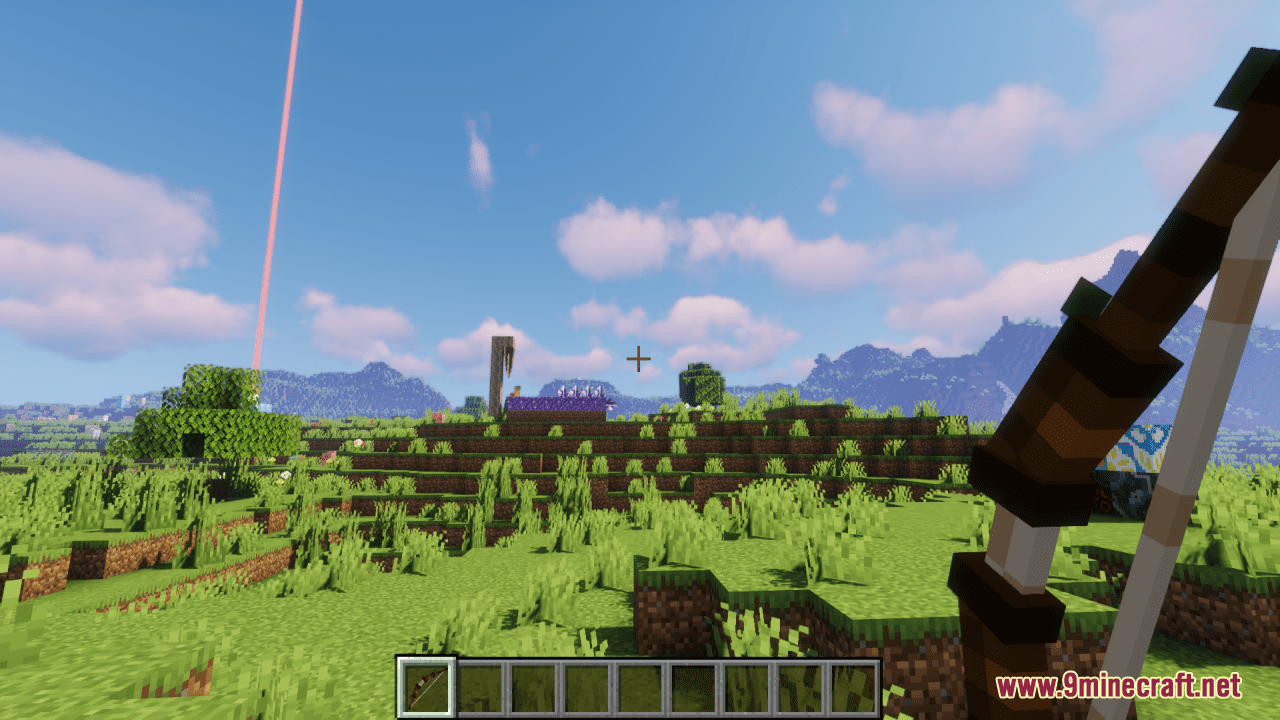
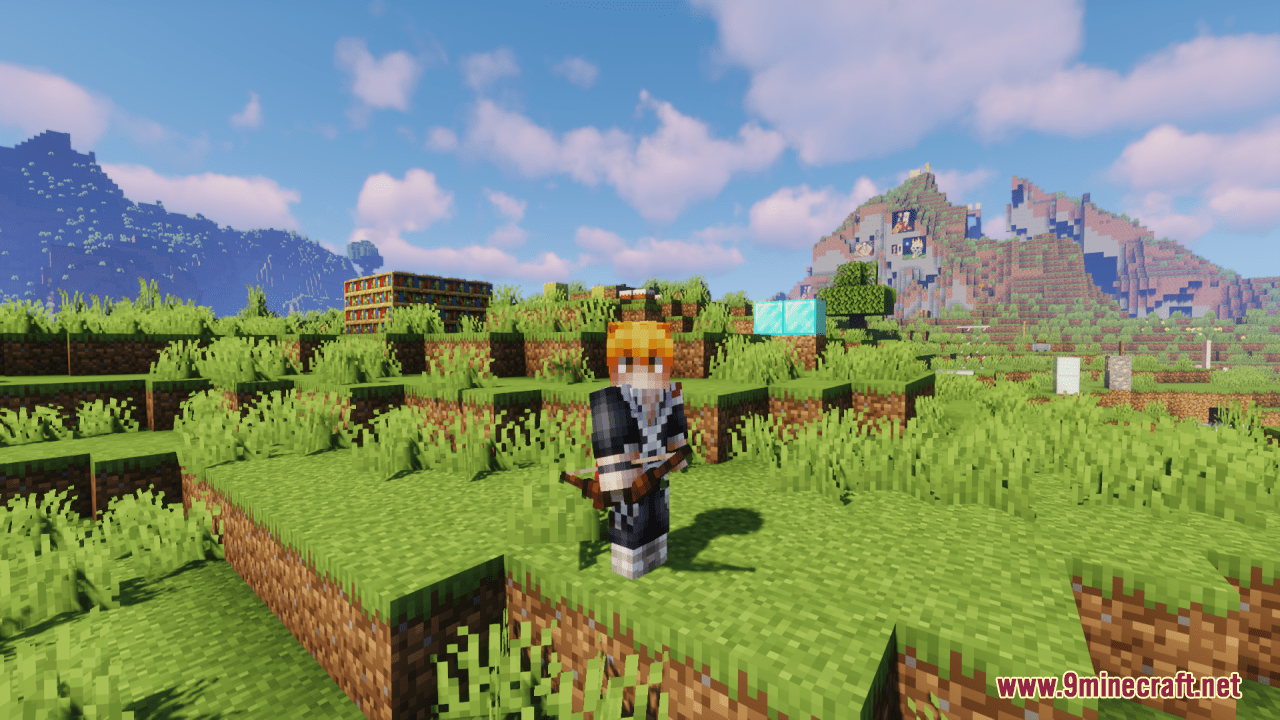
Screenshots:
How to Install:
New to Minecraft? Follow our step-by-step guide to install Resource Packs on your PC.View Guide
Requirements:

Alternate 3D Bow Resource Pack Download Links
For Minecraft 1.21.x
For Minecraft 1.20.6, 1.20.4, 1.20.2, 1.20.1, 1.19.4
Click to rate this post!
[Total: 2 Average: 4]
QUICK MINECRAFT SURVEY · ONE TAP
Shaders & Resource Packs
How often do you tweak the internal settings of a shader pack?
0 responses · See the full results →
You May Also Like
Picked for this page
 New Glowing Ores Resource Pack (26.3, 1.20.1) – Texture Pack
 Motschen’s Better Leaves Resource Pack (26.3, 1.20.1) – Texture Pack
 Default Dark Mode Resource Pack (26.3, 1.20.1) – Texture Pack
 Simple Hotbar Resource Pack (26.3, 1.20.1) – Texture Pack
 Stellar 3D Resource Pack (26.1.2, 1.20.1) – Texture Pack
 3D Vanilla Resource Pack (1.21.1, 1.20.1) – Texture Pack
 Cubic Stars Resource Pack (26.1.2, 1.20.1) – Texture Pack
Most viewed in Resource Packs over the last 7 days
 Jenny Mod Skins Resource Pack (1.12.2) – Uzaki, Klee, Mita, and More
 Jenny Mod Skin Pack Mega Collection – 310+ Characters
 Jennycraft Resource Pack (1.20.1) – Skins for Jennycraft Mod
 Dewier’s 20k Resource Pack (1.8.9) – Texture Pack
 Animation Collection for Jenny Mod – 60+ Animations, Updated Regularly
 750 Models Addon for Yes Steve Model Mod
 Patrix Resource Pack (26.3, 1.20.1) – The Peak of Photorealism
 Vanilla+ 3D Crystal Resource Pack (1.21.1, 1.20.1) – Texture Pack
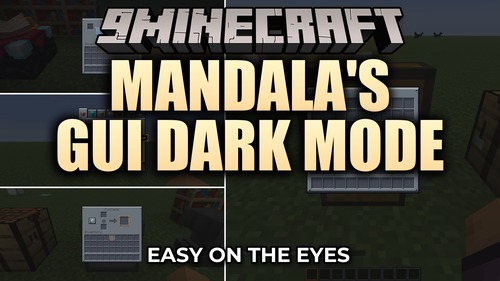 Mandala’s GUI Dark Mode 9minecraft Resource Pack (26.3) – Eye-Soothing Dark Mode Menus
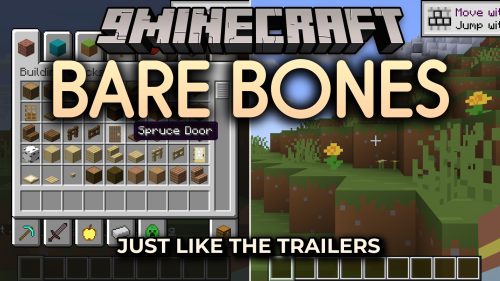 Bare Bones 9minecraft Resource Pack (26.3) – Official Cinematic Trailer Look
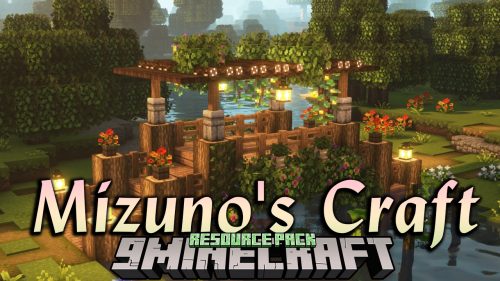 Mizuno’s Craft 9minecraft Resource Pack (26.3) – A Cozy Handpainted Storybook World
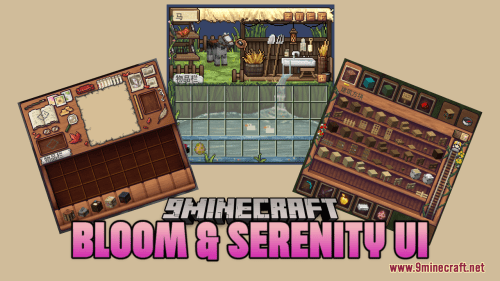 Bloom & Serenity UI Resource Pack (1.21.1, 1.20.1) – Cozy Room-Themed GUI
More from Resource Packs
 Nightvision HD Resource Pack (26.3, 1.21.11) – Crisp Glowing Highlights
 Torches Reimagined Resource Pack (26.3, 1.20.1) – Texture Pack
 Serified Font Resource Pack (26.3, 1.20.1) – Texture Pack
 Reforged Armors Java Resource Pack (26.3, 1.20.1) – Heroic Battle Gear
 Reimagined Resource Pack (26.3, 1.20.1) – Texture Pack
 Onion Industrialization Resource Pack (1.21.1) – High Tech Machinery Brought
 Bee’s Fancy Crops Resource Pack (26.3, 1.20.1) – Texture Pack
 Blockier Goat Horn Resource Pack (26.3, 1.20.1) – Texture Pack
 Banner Pattern Clarity Resource Pack (26.3, 1.20.1) – Texture Pack
 Fluffy Carpets Resource Pack (26.3, 1.20.1) – Ultra Cozy Plush
 Enhanced Boss Bars Resource Pack (26.3, 1.20.1) – Texture Pack
 BnC Coaster Compat Resource Pack (1.20.1) – Cozy Rustic Dining for Modded Meals

This post has no comments yet. Be the first — your comment will appear here.