


Ambient Music Player Music Controller Mod (1.20.1) – Create Your Own In-Game

 0
0 

🌐 Good news — we've translated this article into other languages!
Or pick the one you like:
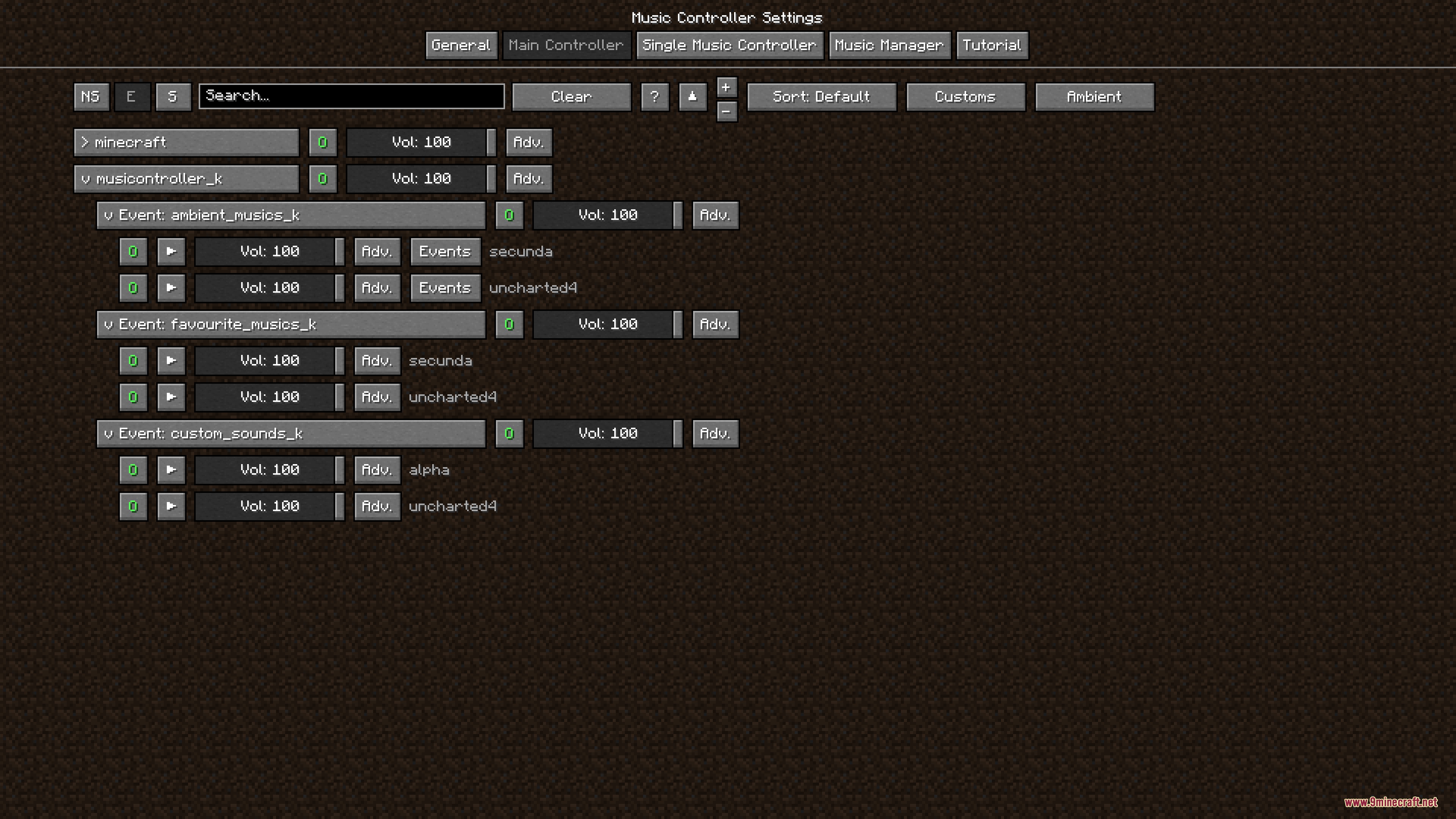
Ambient Music Player Music Controller Mod gives you full control over the music and sounds in your game. It adds an ambient music system that plays songs based on what you are doing in the world. You can set up your own playlists just like a real music app on a phone. The mod works right alongside the normal Minecraft music without causing any overlaps. It uses helpful screen menus so you can change settings without messing with confusing game files.
Features:
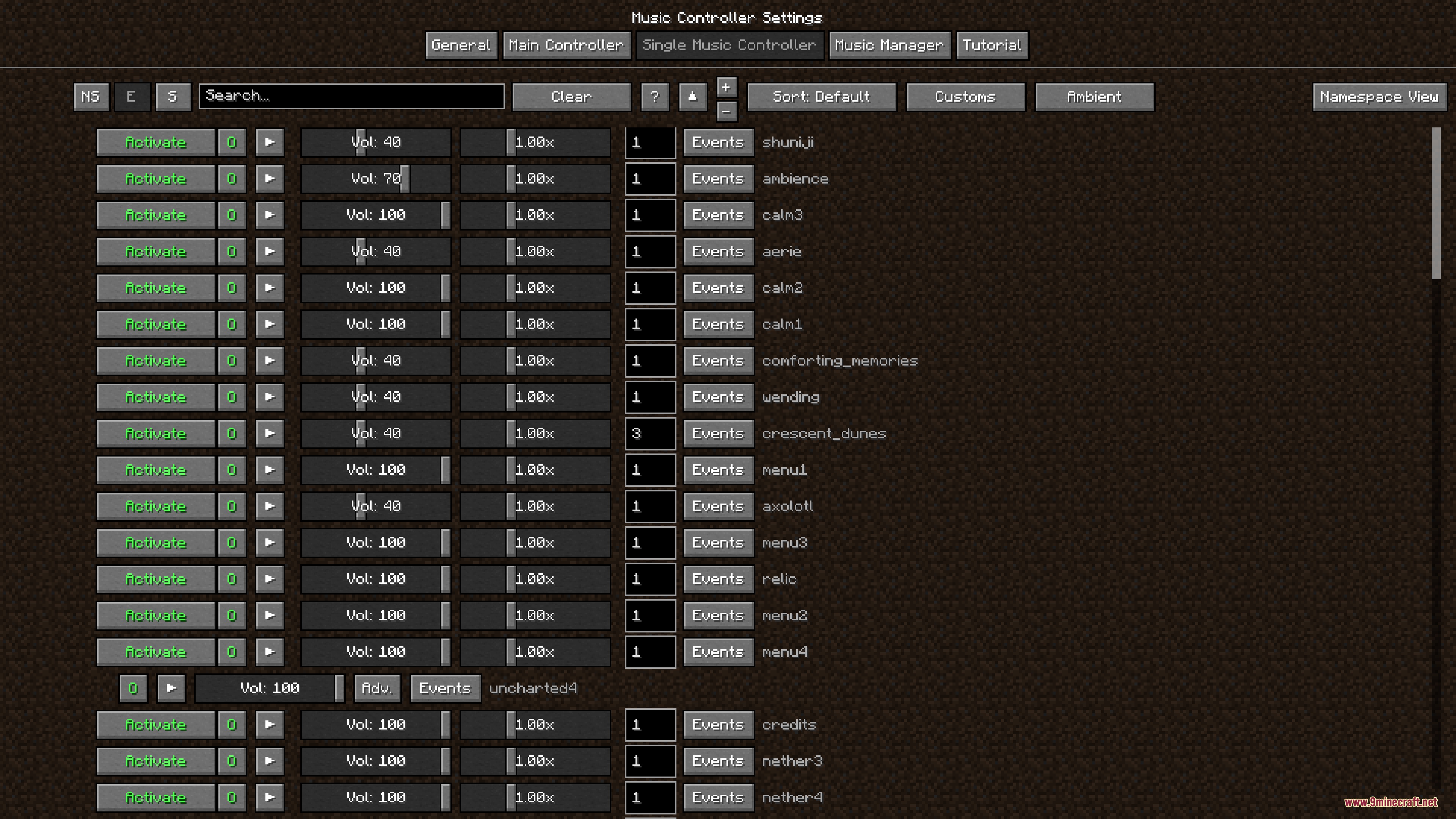
- Custom Playlists: Lets you build your own music playlists directly inside the game.
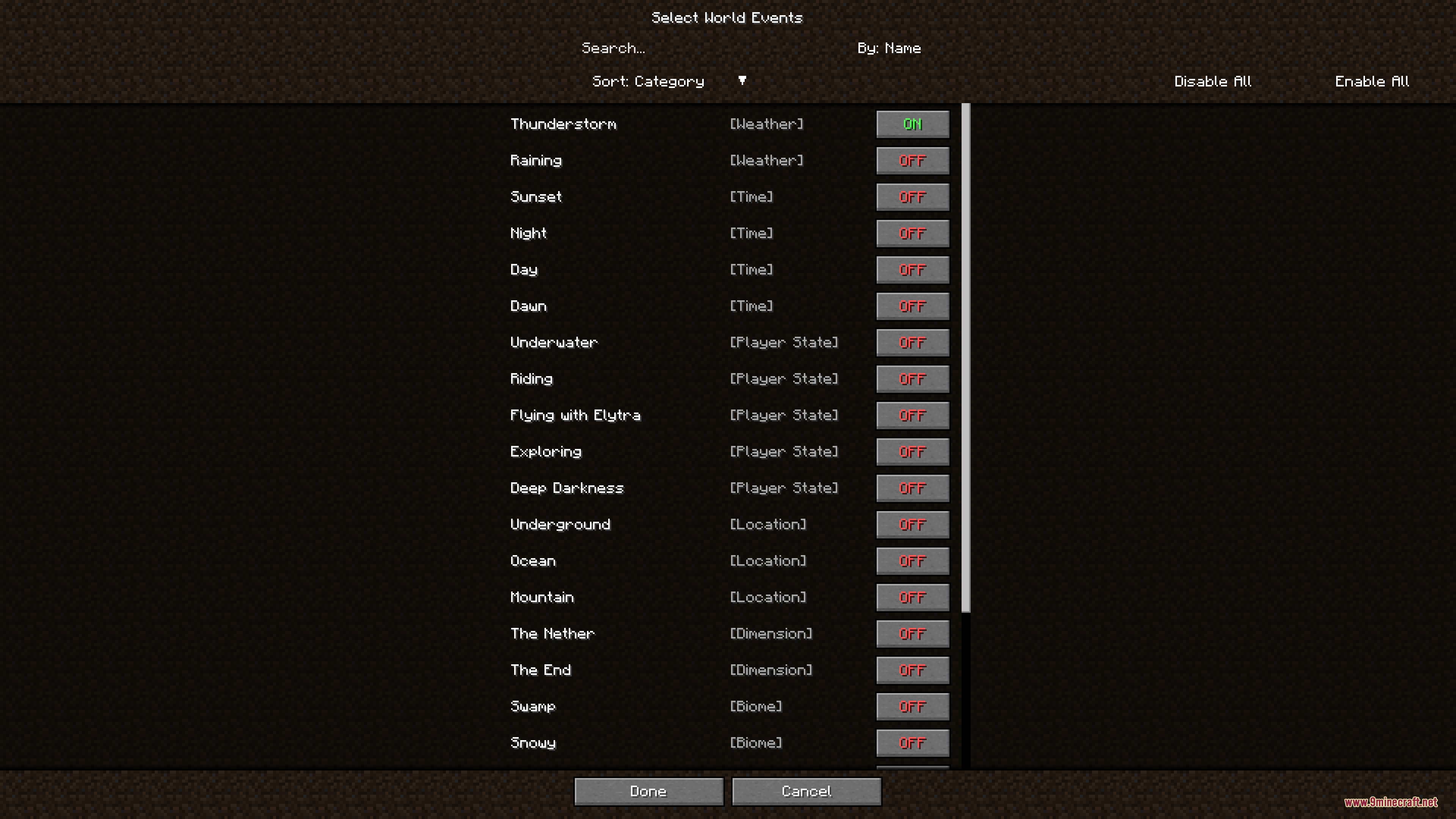
- Adds an ambient player that listens to your actions and plays music to match the current mood.
- Plays specific music when you go exploring while holding a fully filled map.
- Changes the background tunes when you mine deep underground below Y level -10.
- Detects dark areas like deep caves or the night sky and plays special dark sounds.
- Uses a priority list so important events like bad weather or changing dimensions play music first.
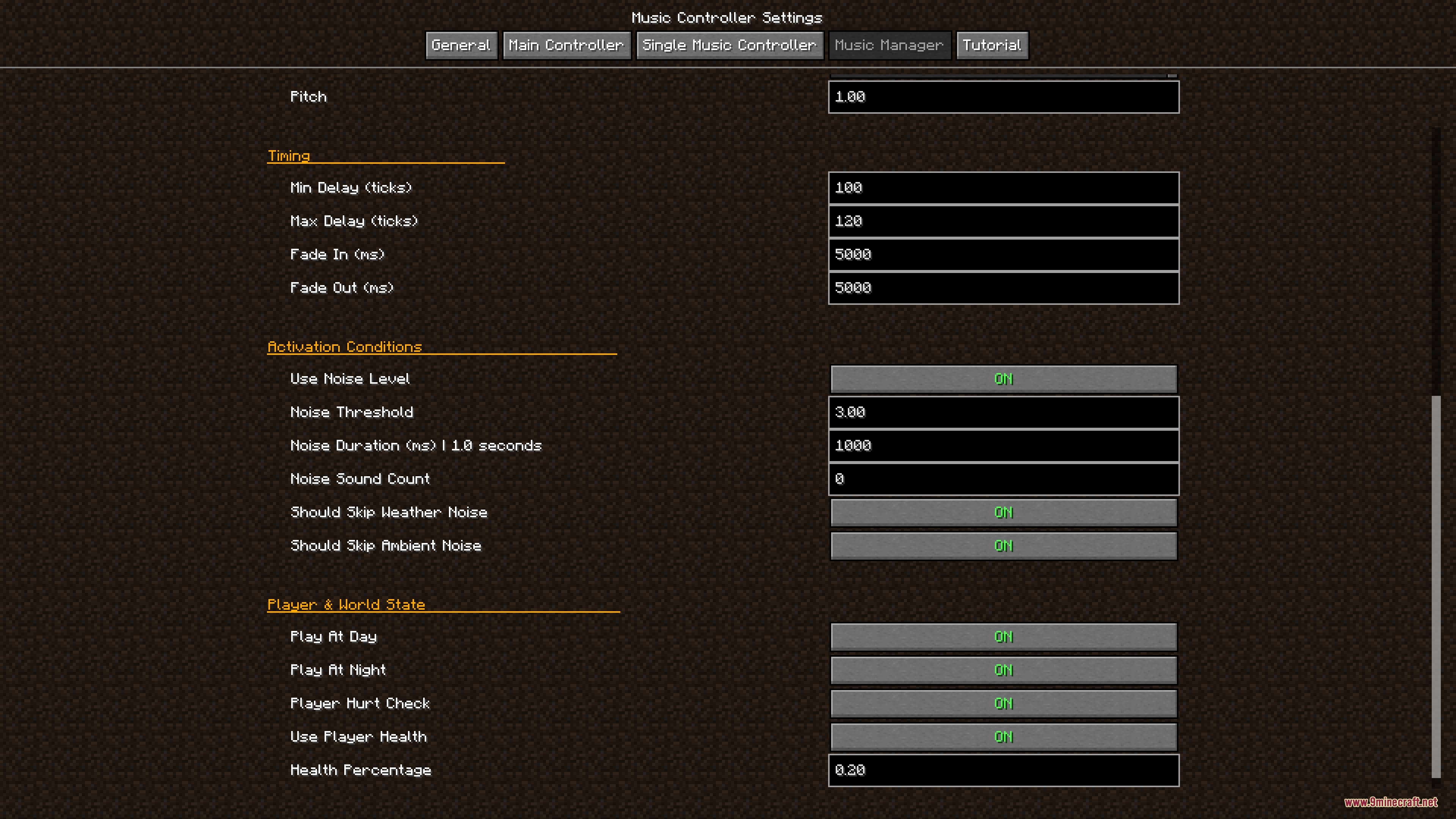
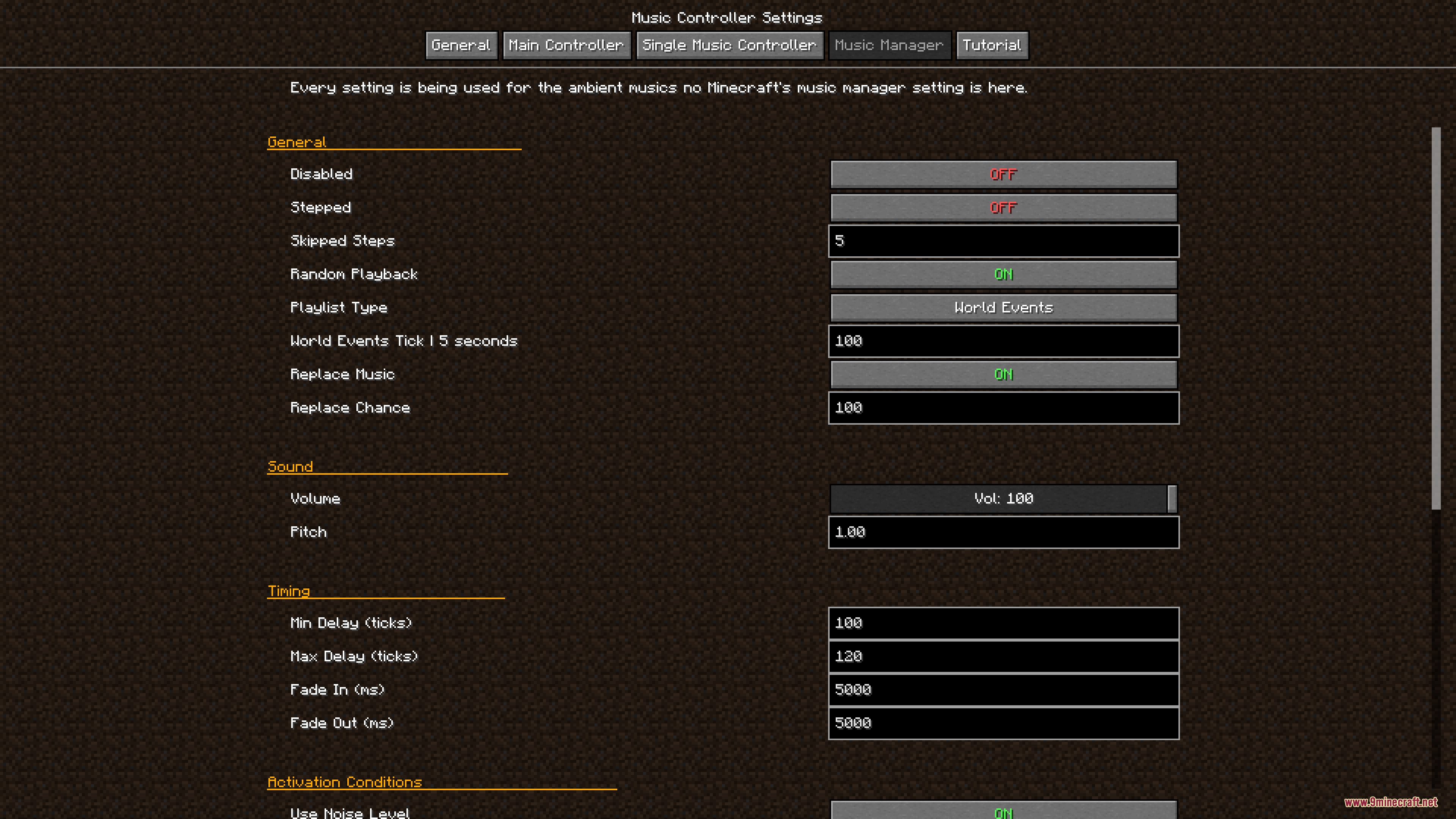
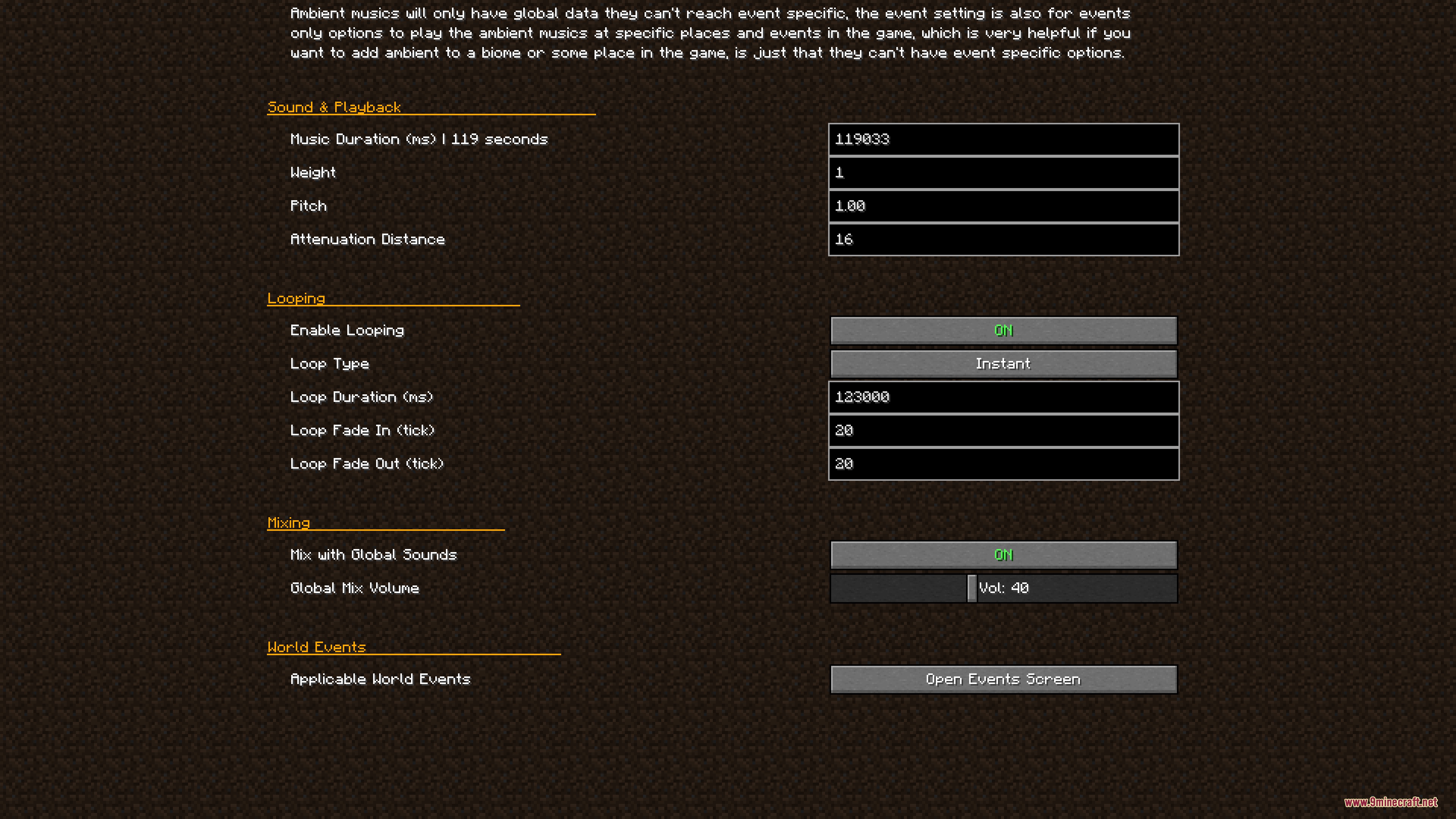
- Allows you to set the exact minimum and maximum delay between songs.
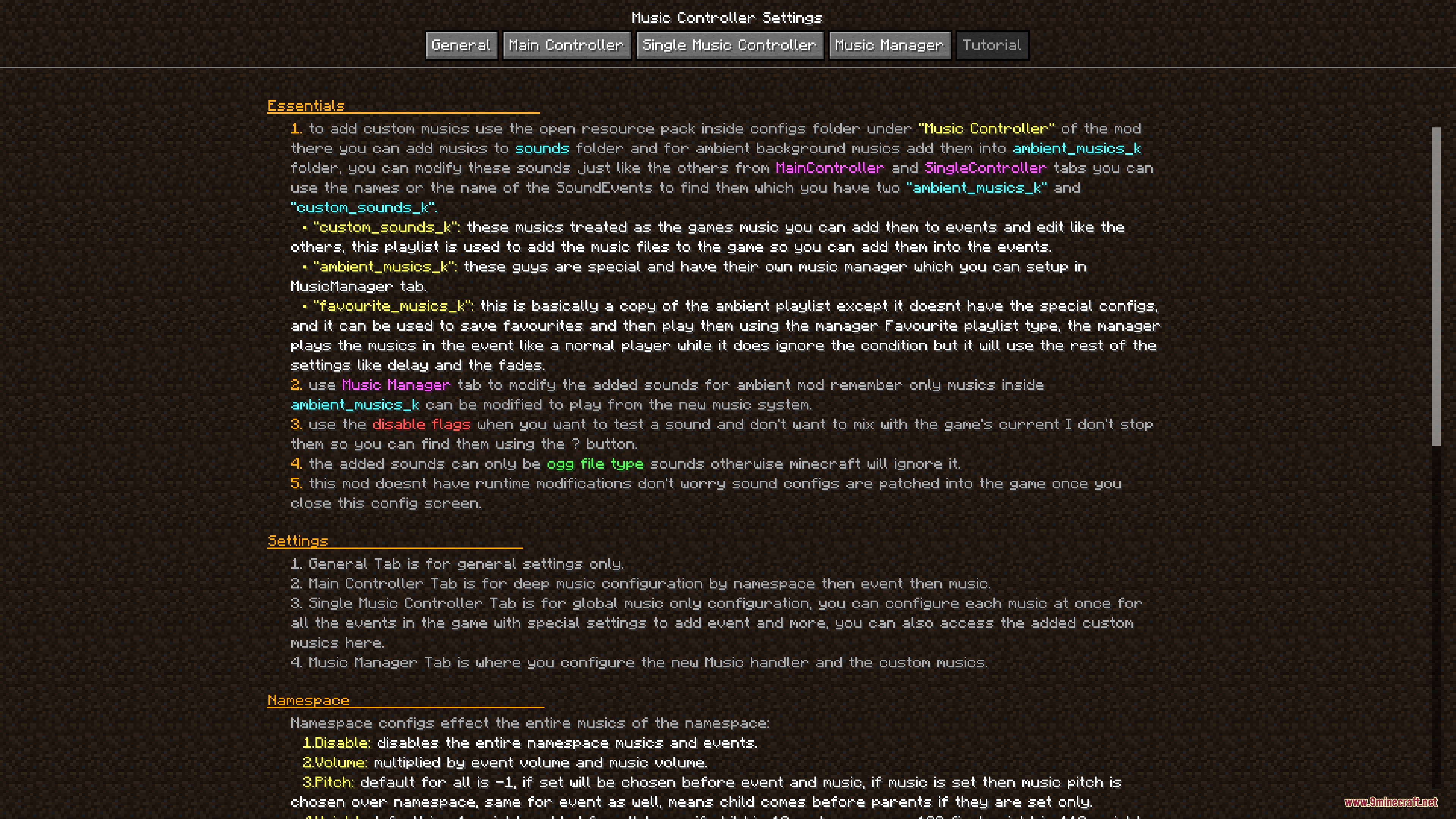
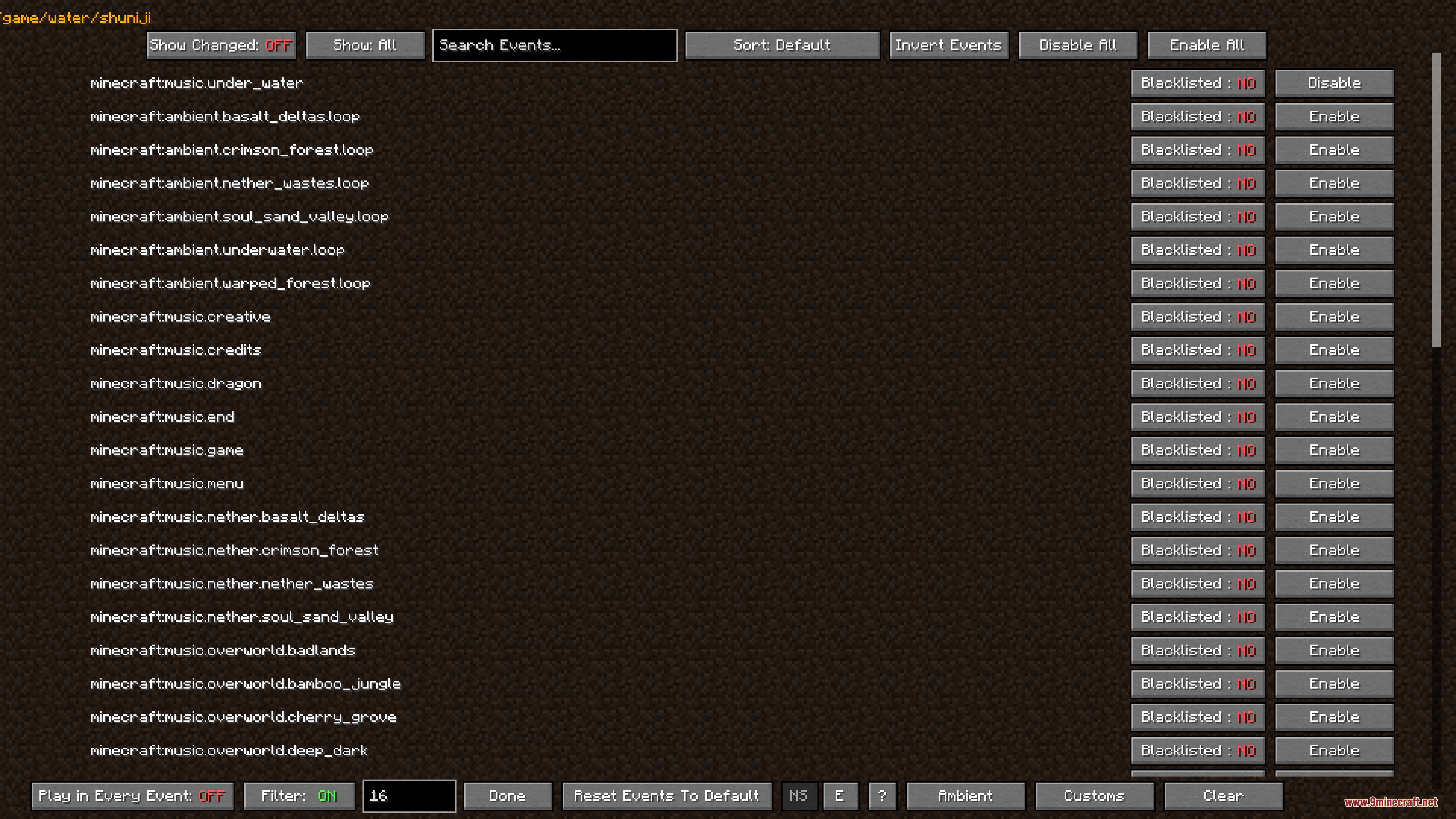
- Includes a screen menu to change all settings easily without leaving the game.
- Keeps the main menu music working normally.
How to Use:
- Open the mod’s configuration menu to set up your music choices.
- Create a playlist by adding your favorite tracks in the new playlist section.
- Hold a fully filled map in your hand to trigger the exploring music event.
- Dig down below Y -10 to hear the special underground soundtrack.
- Walk into dark caves or wait for nightfall to turn on the deep darkness music.
Screenshots:
How to Install:
New to Minecraft? Follow our step-by-step guide to install Mods on your PC.View Guide
Requirements:
 Minecraft Forge Required
Kozhin's Lib Required
Ambient Music Player Music Controller Mod Download Links
For Minecraft 1.20.1, 1.20
Click to rate this post!
[Total: 0 Average: 0]
You May Also Like




This post has no comments yet. Be the first — your comment will appear here.