
Animated Doors Mod (26.3, 1.20.1) – Walk Through Double Doors Without Redstone
 29,489
 0


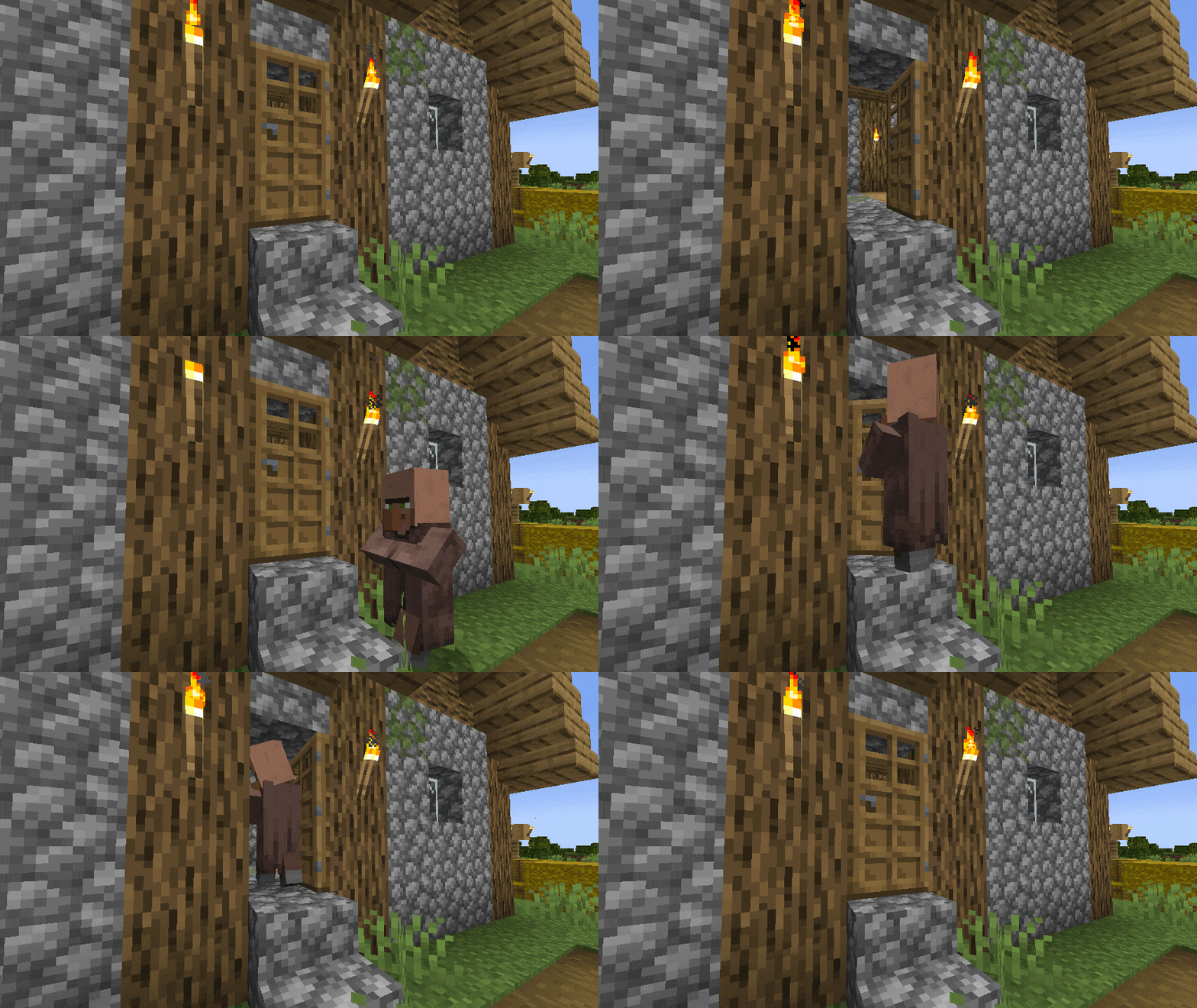
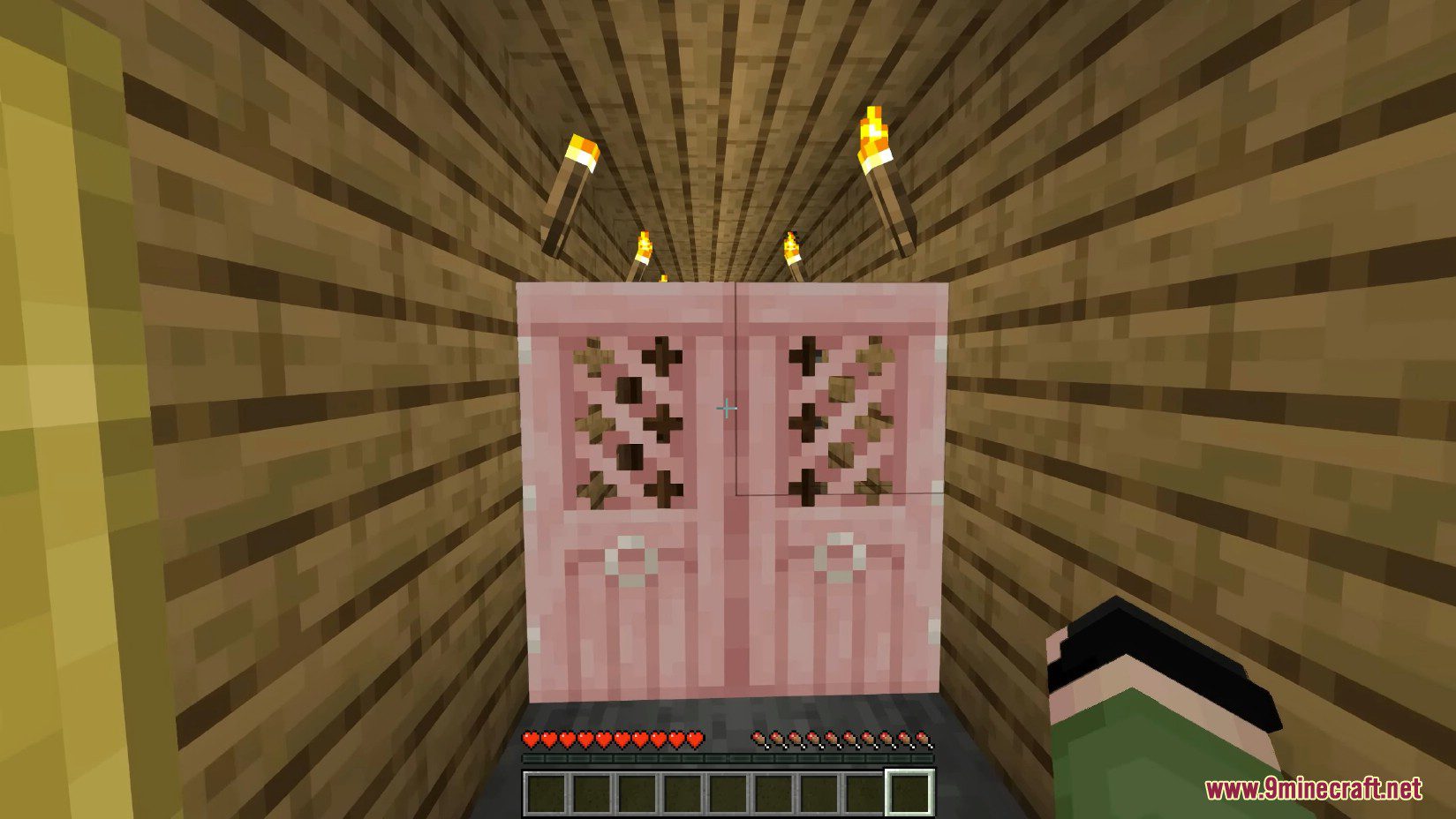
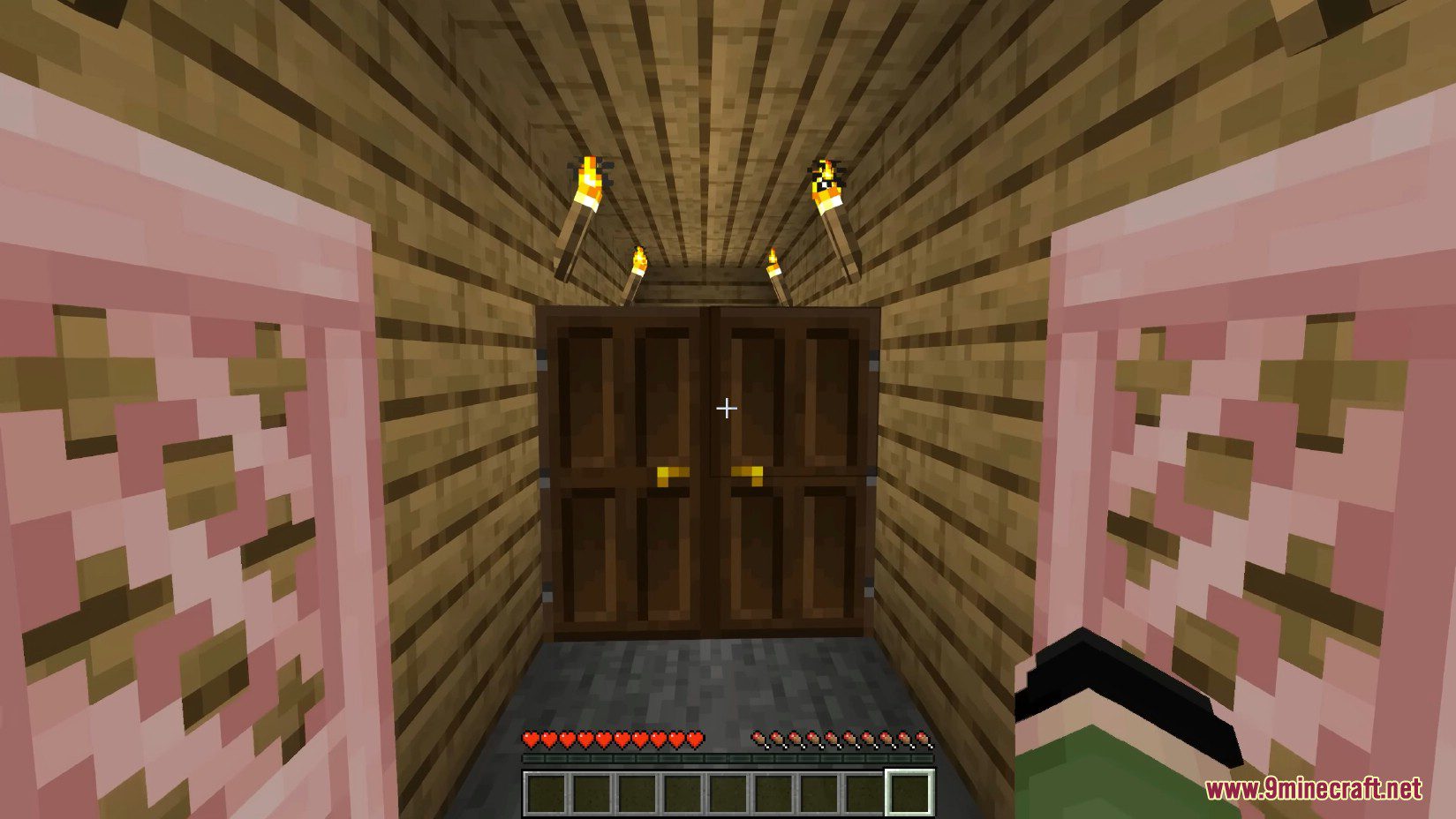
Animated Doors Mod brings smooth opening and closing animations to doors, trapdoors, and fence gates. When two of these blocks stand next to each other, both open and close together as soon as you use one side. All animations and manual links work on the client side, and when a server has this mod, redstone signals trigger paired blocks at the same time too. It also fixes vanilla door models to stop jumping pixels during movement, and it runs smoothly alongside Sodium, Iris, custom models, and other mods.
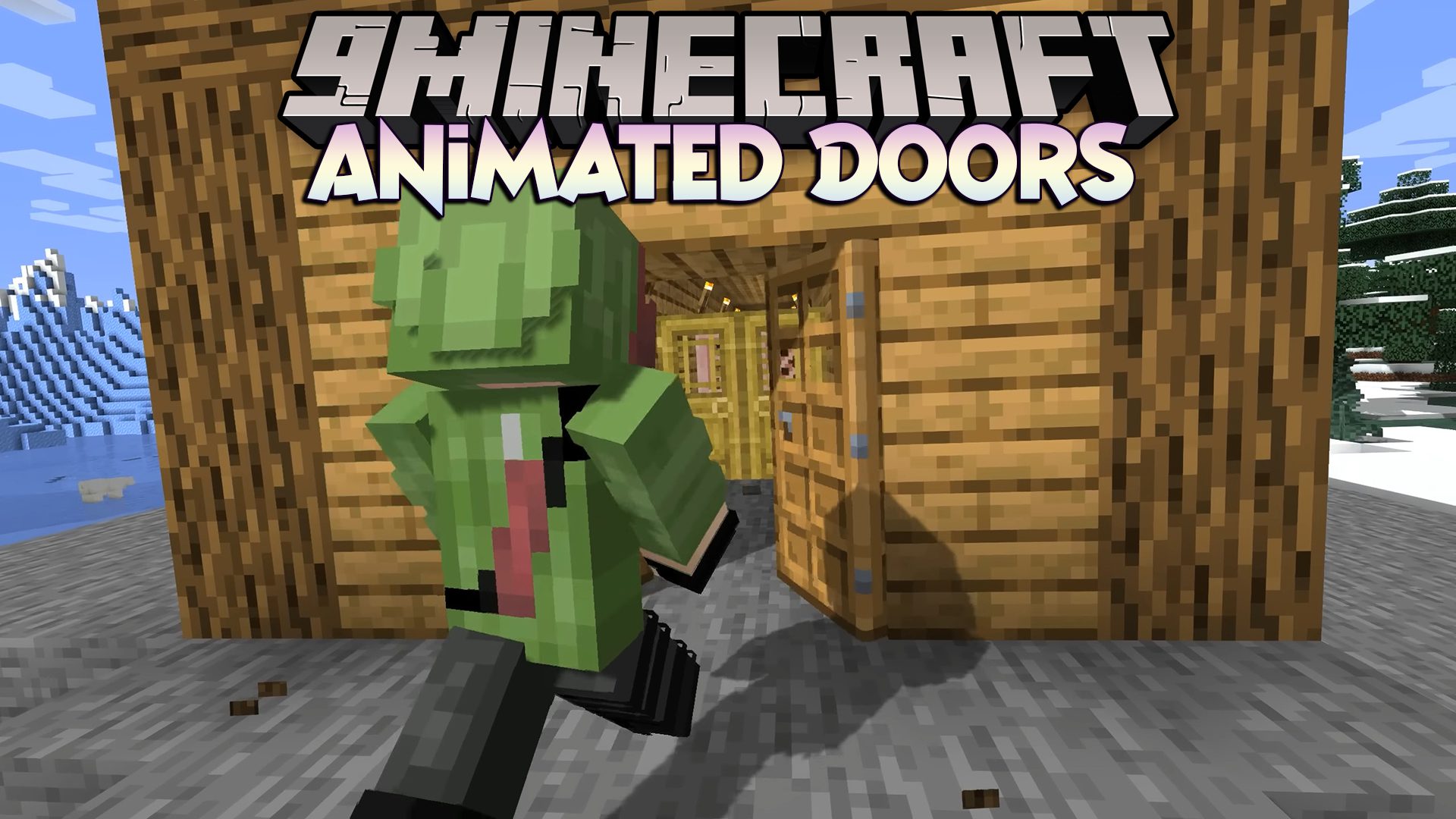
Features:
- Smooth Animations: Adds fluid opening and closing movement to doors, trapdoors, and fence gates instead of instant snapping.
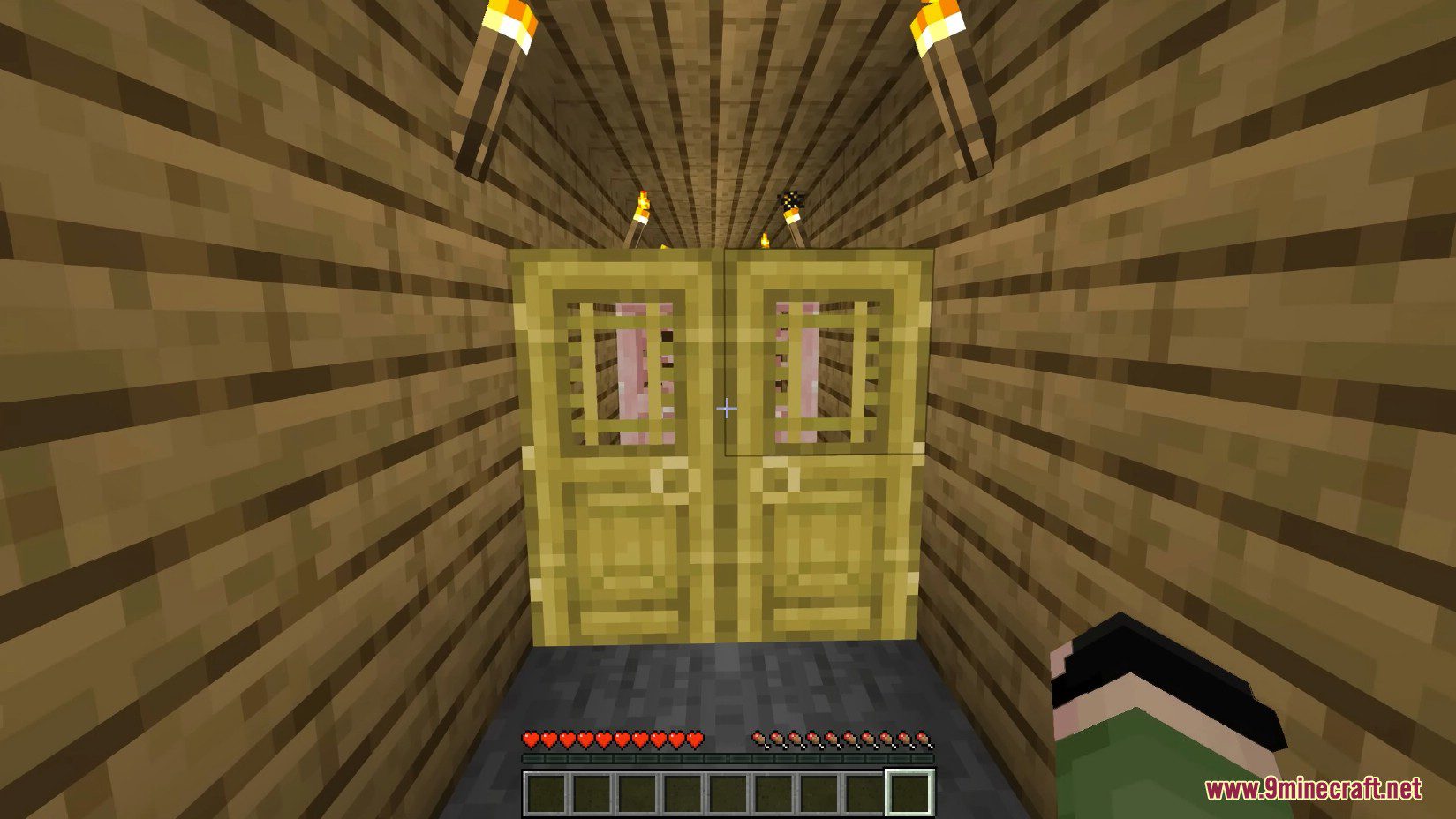
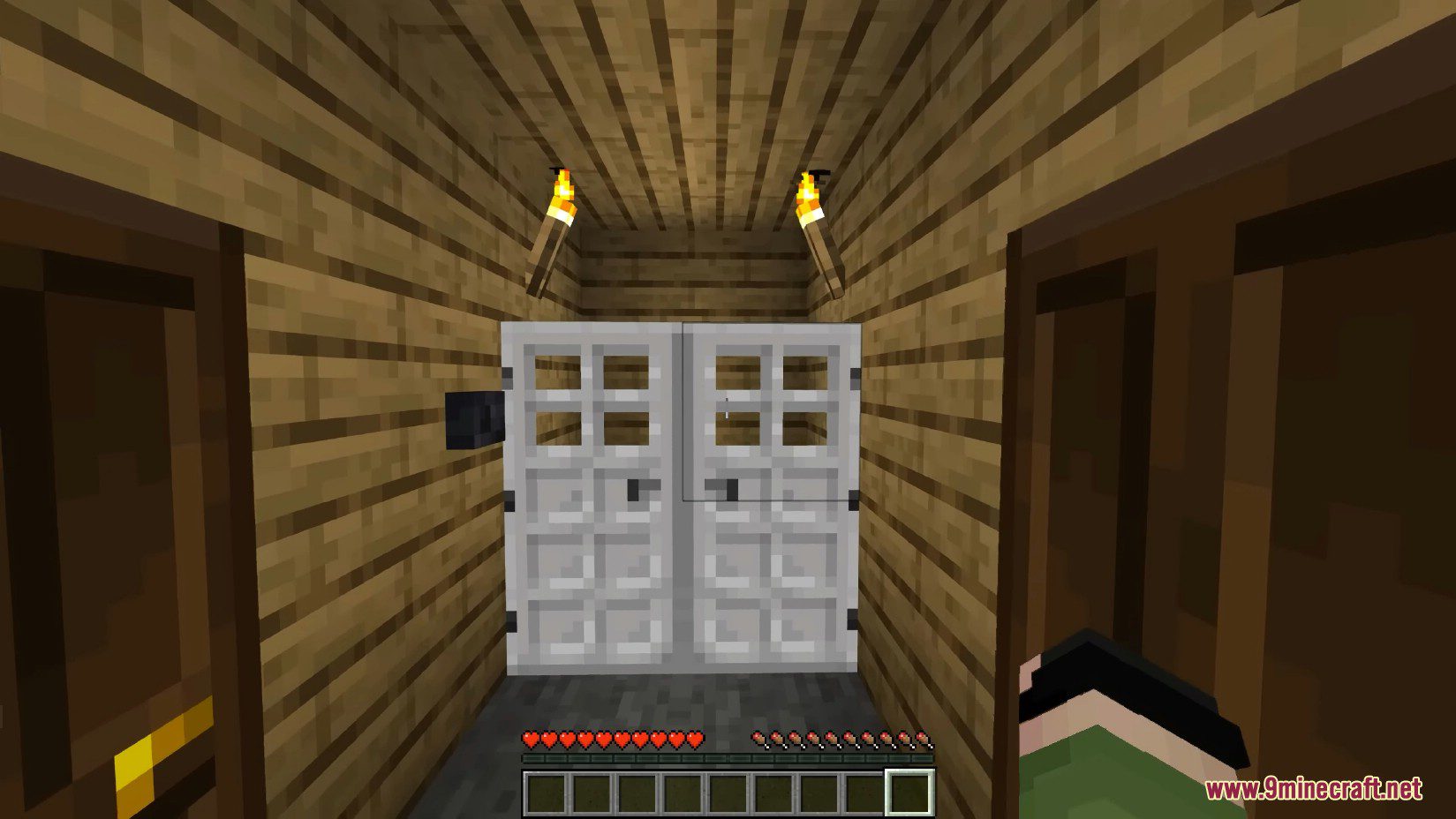
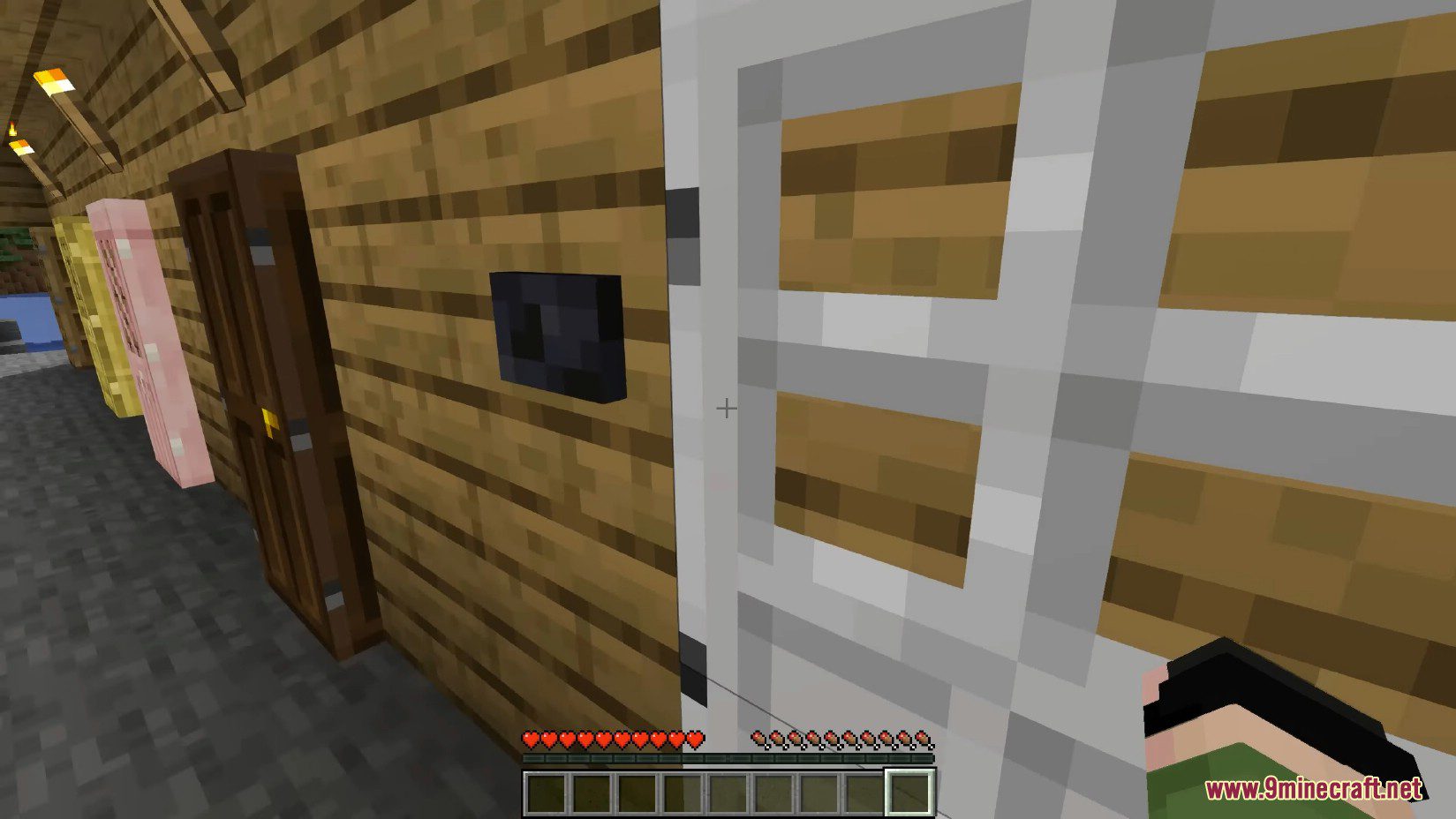
- Paired Block Linking: Opens and closes two connected doors, trapdoors, or fence gates together whenever you use one side.
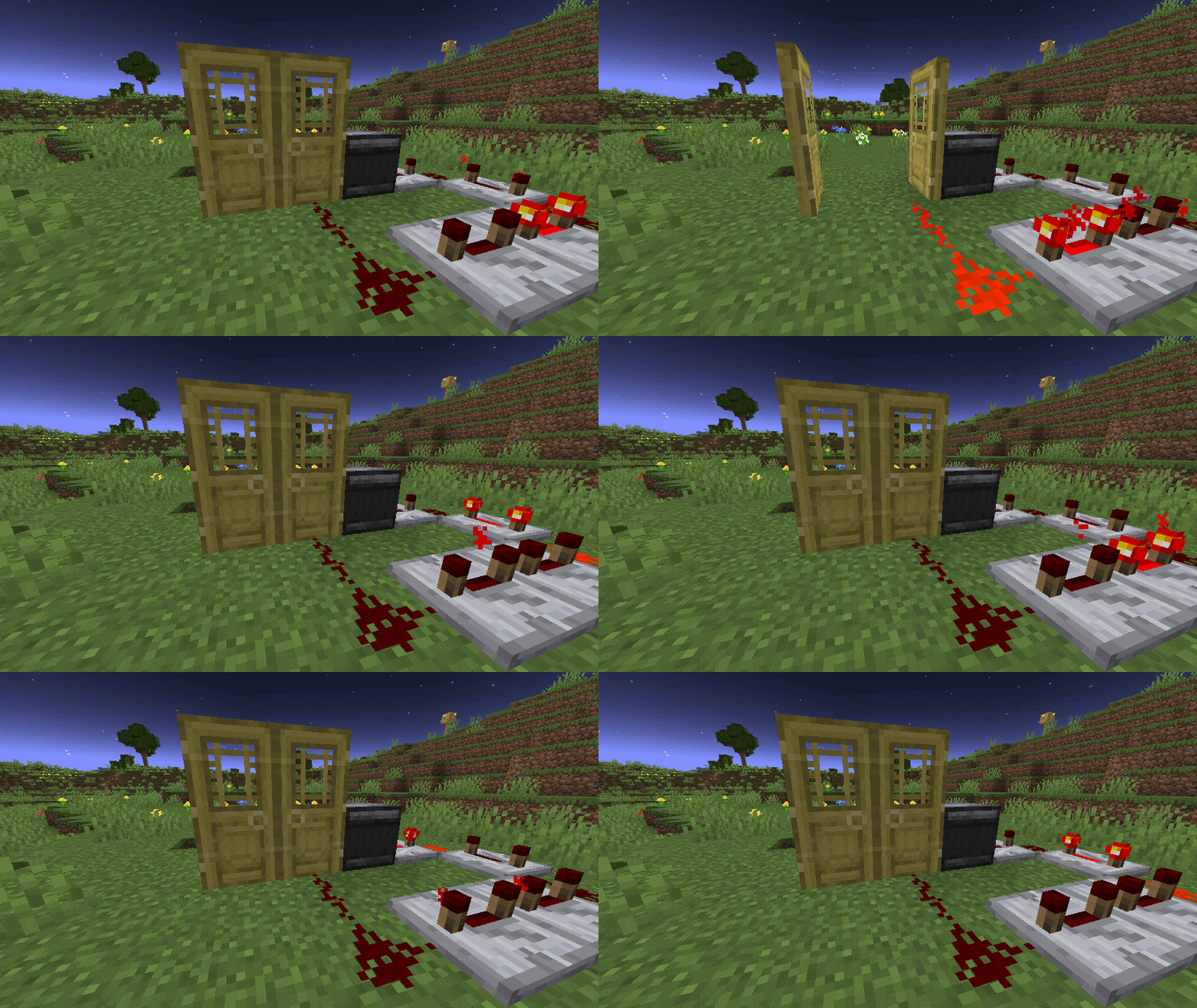
- Redstone Support: Triggers linked blocks, including double iron doors, with a single redstone input like a button or pressure plate when the mod is also on the server.
- Steady Block Textures: Overrides vanilla door, trapdoor, and fence gate models to keep textures lined up and stop jumping pixels as they move.
- Runs completely on the client side for animations and manual linking, so no server setup is needed for normal play.
- Works alongside Sodium, Iris, custom models, and other mods, though shaders may show odd shadows on doors and custom resource pack models can still show small pixel jumps.
- Lets you open the settings screen through Mod Menu on Fabric (requires ModMenu) to customize animation speed, smoothing, and block toggles.
Configuration:
Animation Speed: Changes how fast doors, trapdoors, and fence gates open and close (default:0.3). Slower speeds work well for edits or story videos.Easing: Changes how the animation smooths out, or switches toLinearto turn off smoothing (default:Ease In/Out).Block Toggle: Turns animations on or off separately for doors, trapdoors, and fence gates (default: all enabled).Server Linking: Turns client-side linking on or off on multiplayer servers to help avoid false anti-cheat flags (default:Enabled).Linking Toggle: Turns paired linking on or off separately for doors, trapdoors, and fence gates (default: all enabled).
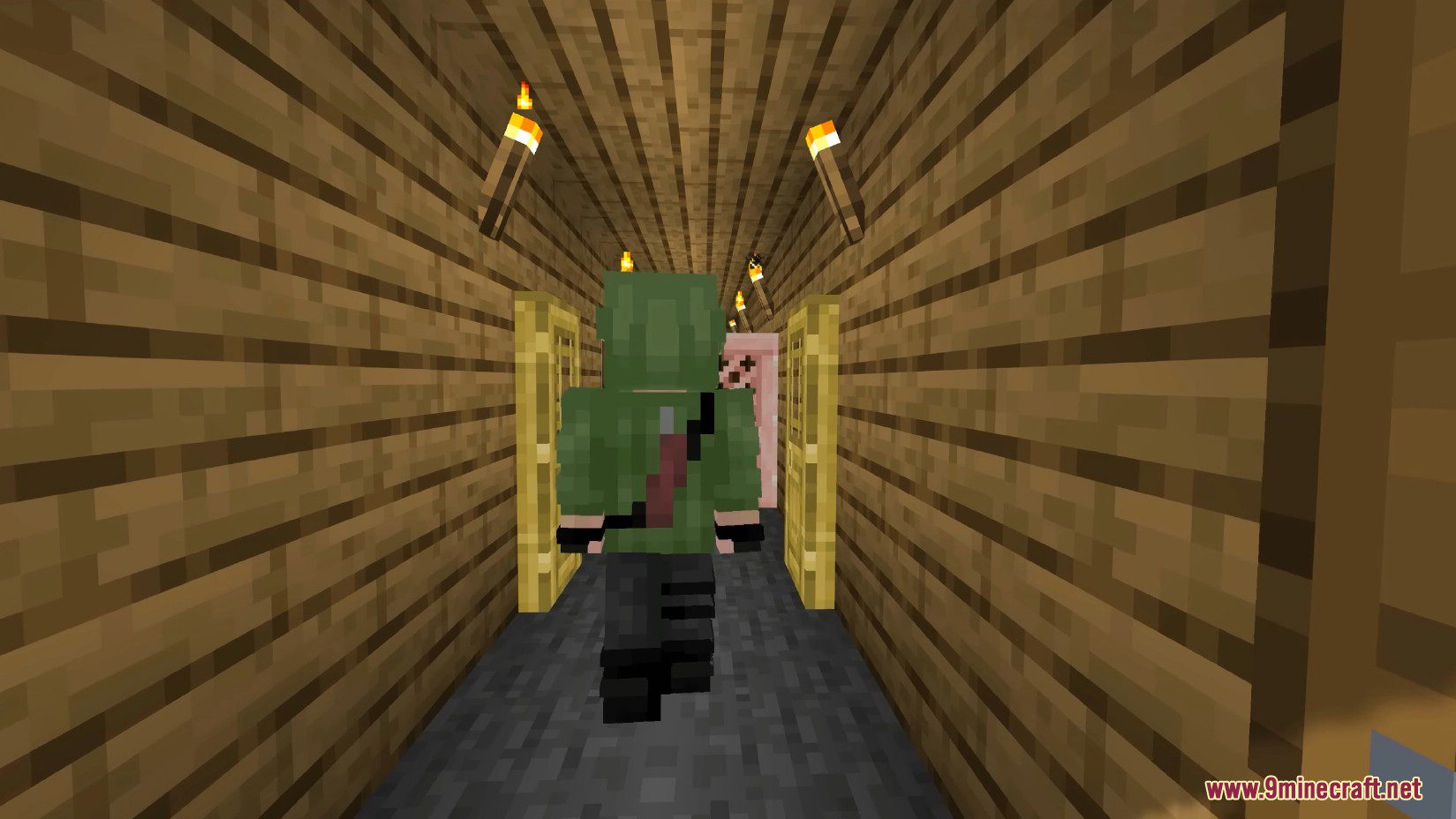
Screenshots:
How to Install:
New to Minecraft? Follow our step-by-step guide to install Mods on your PC.View Guide
Requirements:
 Fabric Loader Required
 Fabric API Required
 Minecraft Forge Required
 Quilt Installer Required
 NeoForge Required
Animated Doors RP Required
Animated Doors Mod Download Links
For Minecraft 26.3
For Minecraft 26.2
For Minecraft 26.1.2, 26.1.1, 26.1
For Minecraft
1.21.11,
1.21.10,
1.21.9
All Versions Covered
1.21.11
1.21.10
1.21.9
1.21.8
1.21.7
1.21.6
1.21.5
1.21.4
1.21.1
1.21
All Versions Covered
1.21.11
1.21.10
1.21.9
1.21.8
1.21.7
1.21.6
1.21.5
1.21.4
1.21.1
1.21
For Minecraft 1.21.10, 1.21.9
For Minecraft 1.21.8, 1.21.7, 1.21.6
For Minecraft 1.21.5, 1.21.4, 1.21.3
For Minecraft 1.20.6
For Minecraft
1.20.4,
1.20.3,
1.20.2
All Versions Covered
1.20.4
1.20.3
1.20.2
1.20.1
1.20
All Versions Covered
1.20.4
1.20.3
1.20.2
1.20.1
1.20
For Minecraft
1.19.4,
1.19.3,
1.19.2
All Versions Covered
1.19.4
1.19.3
1.19.2
1.19.1
1.19
All Versions Covered
1.19.4
1.19.3
1.19.2
1.19.1
1.19
Click to rate this post!
[Total: 12 Average: 3.3]
You May Also Like
Picked for this page
 Gamma Utils Mod (26.3, 1.21.1) – Fully Client Side Gamma, Brightness, Night Vision
 Earth Mobs Mod (26.3, 1.20.1) – Content From Minecraft’s Spinoff Game
 FastChest Mod (26.1, 1.20.1) – Make Chests Use Static Models
 Easy Diamond Mod (26.3, 1.20.1) – Easy Way to Craft Diamonds
 XP Tome Mod (26.3, 1.20.1) – Store and Withdraw XP Easily
 Smooth Gui Mod (26.3, 1.20.1) – Smooth Animation When Opening GUI
 Enchantment Level Break Mod (26.3, 1.20.1) – Break The Limits
 Trash Cans Mod (26.3, 1.20.1) – Declutter Your Automation
 Actually Harvest Mod (26.3, 1.20.1) – Customizable Harvesting Mechanics
 AFKFish Mod (26.3, 1.20.1) – Effortless Fishing
 Jump Reset Indicator Mod (26.2, 1.20.1) – Displays How Close The Player Was To Performing A Jump Reset
 Unnamed Sea Mod (1.21.11, 1.20.1) – Sail Across Oceans Filled with Ships
Most viewed in Mods over the last 7 days
 Ala Industrial Mod (26.3) – Run Electric Power Grids and Automated Factories
 PleasureCraft Mod (26.3, 1.21.1) – Jenny Mod Remake for Fabric
 Jennycraft Mod (26.3, 1.20.1) – Virtual Girlfriend in Minecraft
 Fapcraft Mod (26.3, 1.12.2) – Comprehensive and Detailed Content
 Jenny Mod (Fapcraft) Official Complete Guide – How to use, Tutorial
 BangCraft Mod (1.20.1) – Jenny, Ellie and Elliot
- Fabric Loader (26.3, 1.20.1) – Fabric Installer for All Minecraft Versions
 The Shooting Star Demo Mod (26.3, 1.20.1) – Vaporize Terrain From Orbit
 Meteor Client Mod (26.3, 1.20.1) – Xray, HUD, Fly
 OptiFine HD (26.3, 1.20.1) – Run Faster, FPS Boost, Shaders Support
 Aristois Client Mod (1.21.4, 1.20.1) – World Class Minecraft Utility
 Prestige Client Mod (1.21.11, 1.21.4) – Powerful Ghost Features for Crystal & Sword PvP
More from Mods
 HandLib Mod (26.3, 1.21.1) – Keep Your Multiplayer World Stable
 Happy Ghasts Boost Mod (26.1.2, 1.20.1) – Fly Across Vast Distances at Top Speed
 LiquidBounce Client Mod (26.3, 1.20.1) – LiquidLauncher, A Free Client
 Create Hand Made Mod (1.21.1) – Craft Create Recipes By Hand in Your Workshop
 Seed Map for Xaero Mod (26.1) – See Rare Biomes and Dungeons Before You Travel
 MCPersist Mod (26.3) – Keep Your World Online for Friends Even After Logging Off
 Minecraft Java MCP Server Mod (1.21.11) – Command Your World Through External AI Tools
 Arcanism Mod (26.2) – Build Magic Factories and Program Custom Spells
 Archangel Client Mod (1.21.11) – Master Every PvP Duel with Clean Screen Stats
 Block Front Survival Patch Mod (1.21.1) – Wage Tactical Warfare in Survival
 Better Enchantment Bookshelf Placement Mod (26.2, 1.20.1)
 SimpleRPGCore Mod (1.21.4, 1.21.1) – Fight with Classic RPG Stats

This post has no comments yet. Be the first — your comment will appear here.