


AnimatedFrames Plugin (1.17) – Spigot
 823
823
 0
0


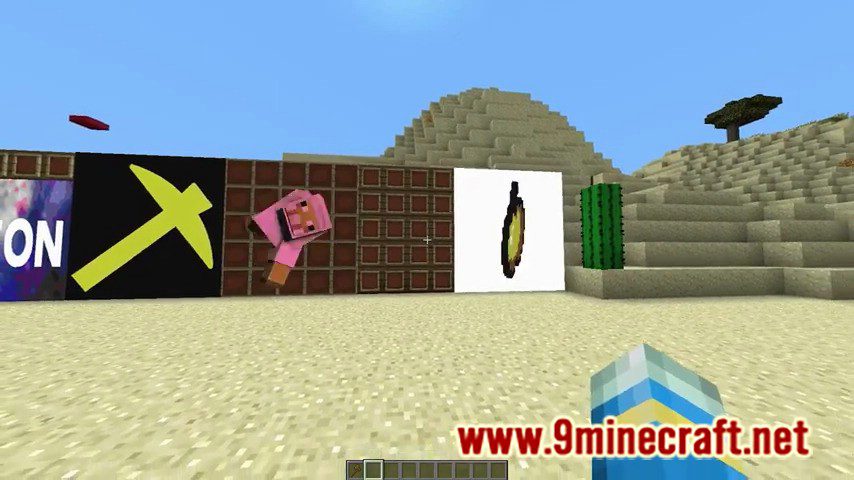
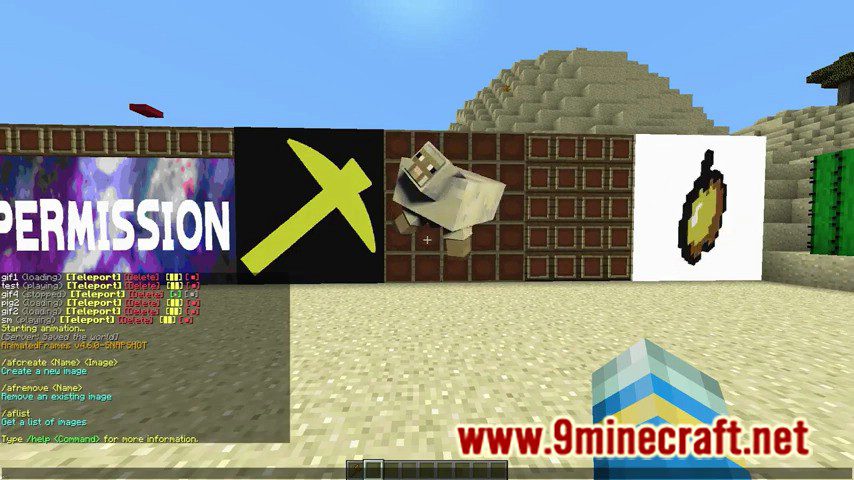
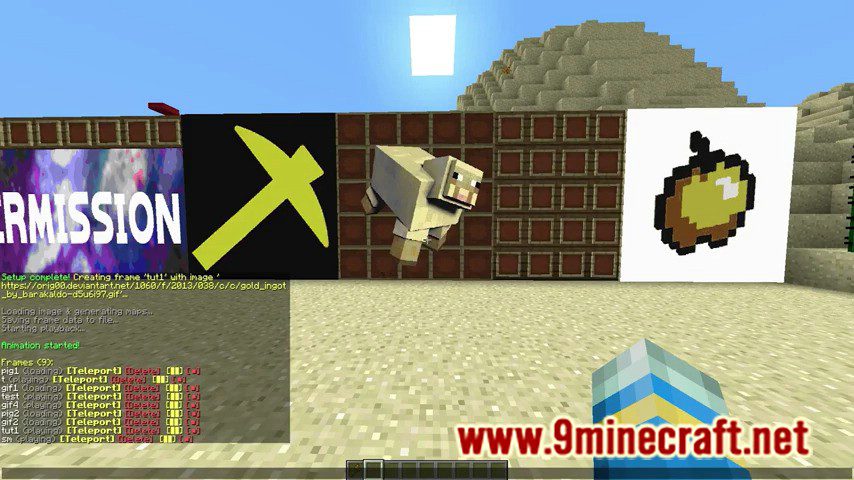
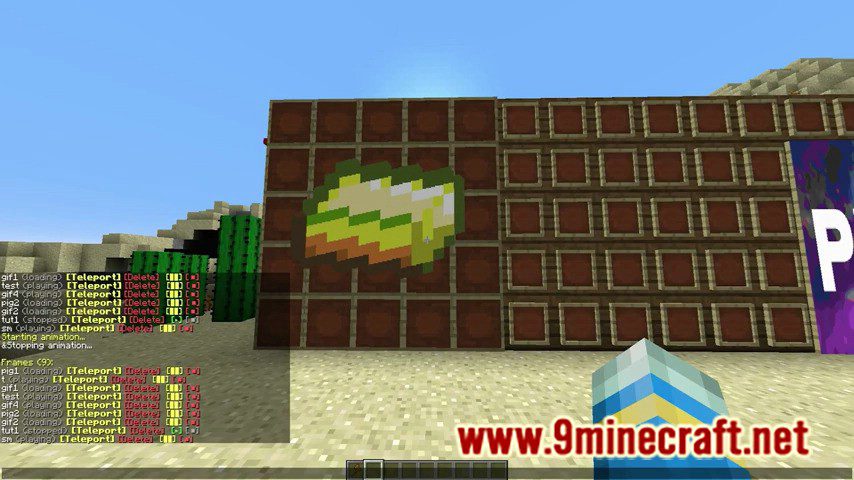
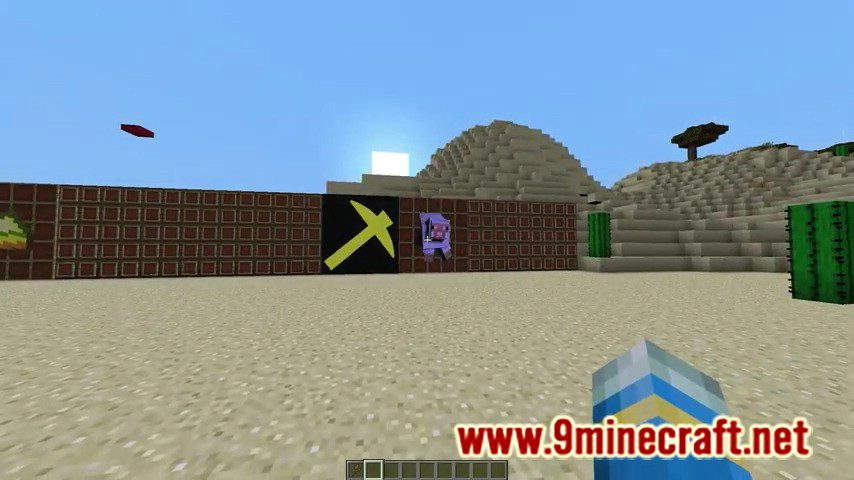
AnimatedFrames Plugin allows you to play animations on item frames!

Commands:
- /afhelp – Get a list of the commands below
- /afcreate <Name> <Image> – Creates a new image with the specified name
- /afremove <Name> – Removes the specified image
- /aflist – Get a list of already created images
- /afplace – Command to place down multiple item frames for you
- /afpause – pauses a running frame
- /afstop – stops a running frame (same as pause, but resets to first image of the animation)
- /afplay – starts/resumes a stopped/paused frame
Permissions:
- animatedframes.create – Permission to create images
- animatedframes.remove – Permission to remove images
- animatedframes.list – Permission to list images
- animatedframes.pause – Permission to pause frames
- animatedframes.stop – Permission to stop frames
- animatedframes.play – Permission to play frames
Screenshots:
How to Install:
New to Minecraft? Follow our step-by-step guide to install Plugins on your PC.View Guide
AnimatedFrames Plugin Download Links
For Minecraft Spigot 1.17
Click to rate this post!
[Total: 0 Average: 0]
You May Also Like














This post has no comments yet. Be the first — your comment will appear here.