
Antigravity Mod (26.3, 1.21.1) – Fall Upwards and Float Away

 0


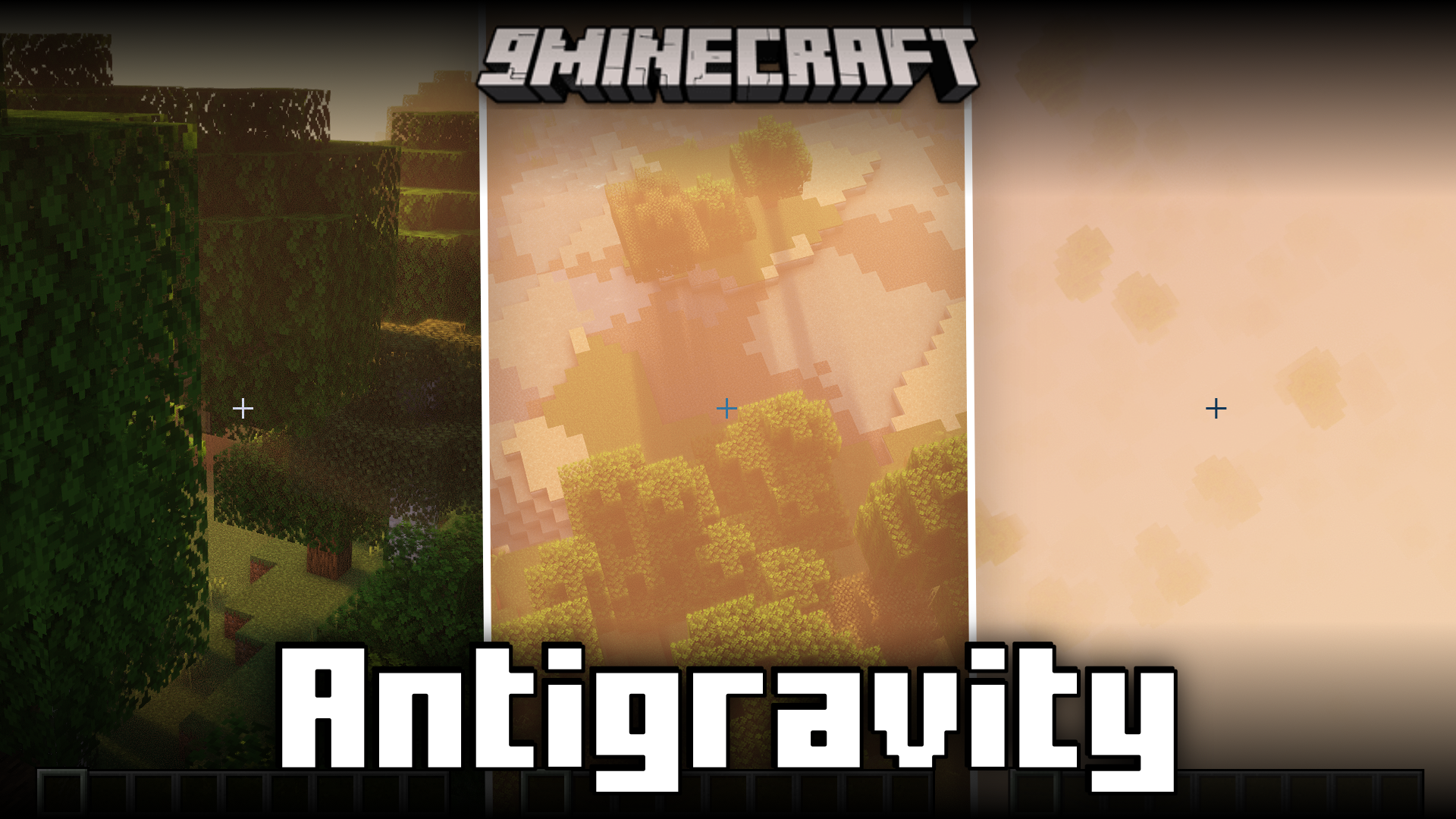
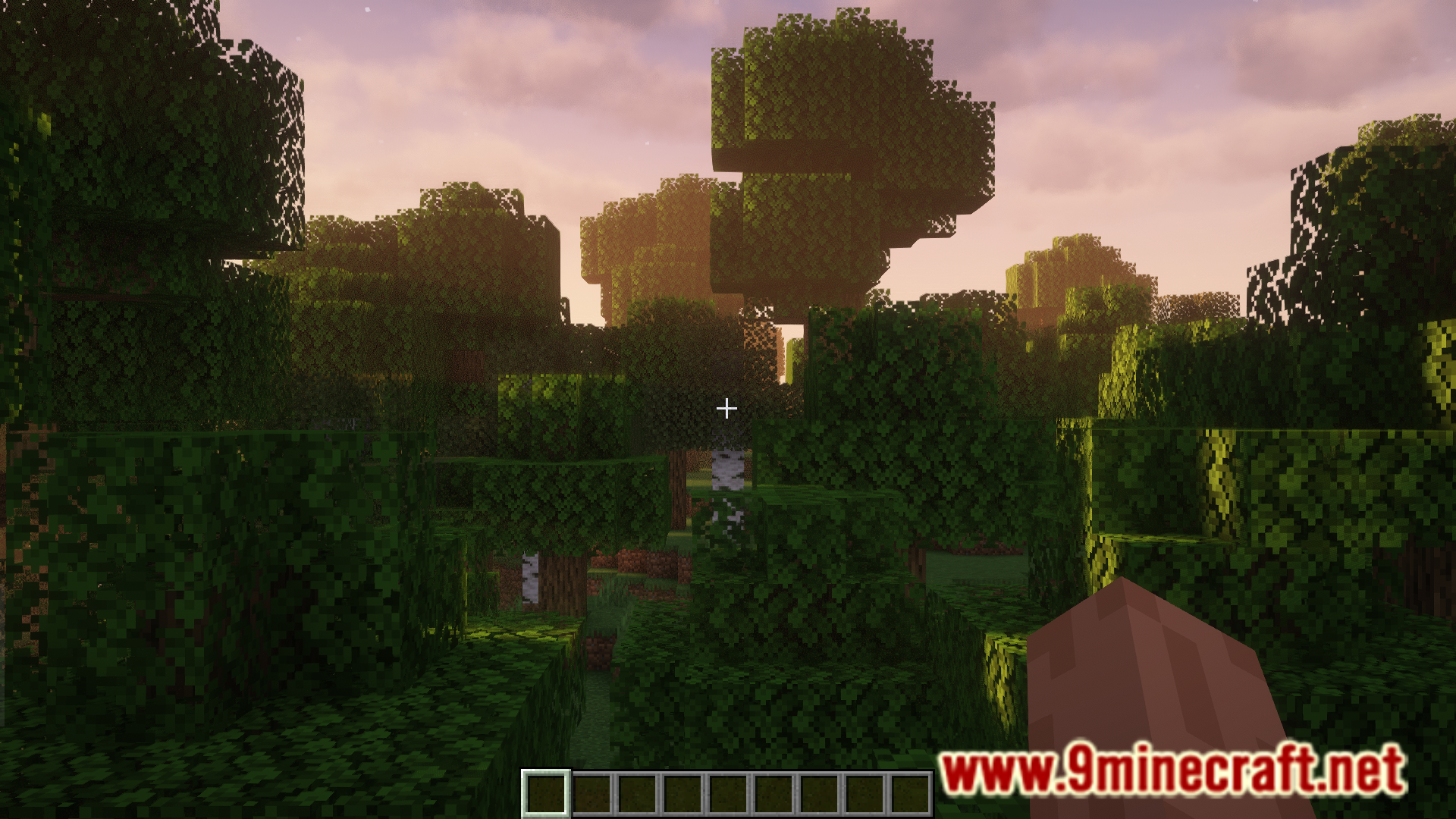
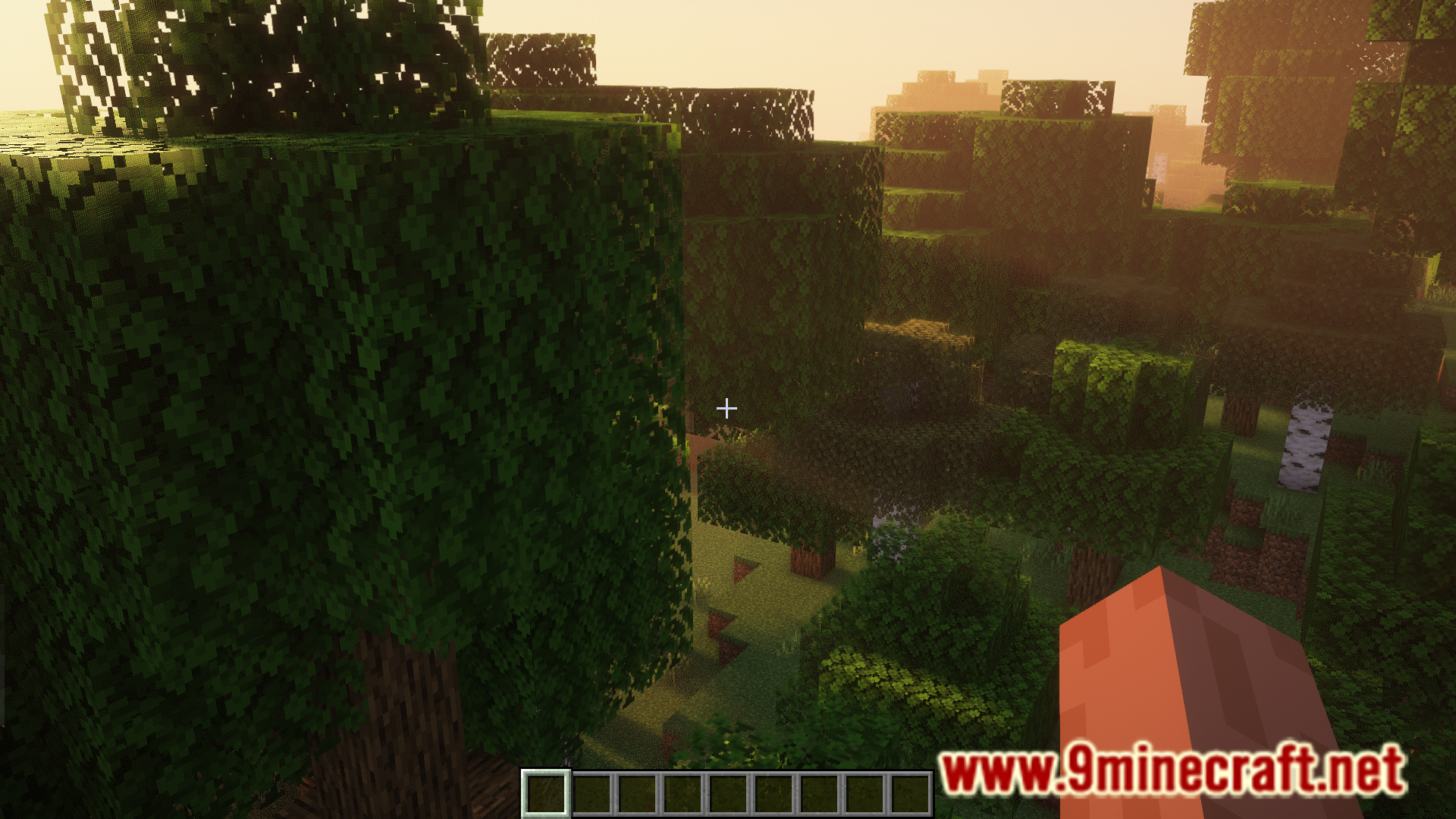
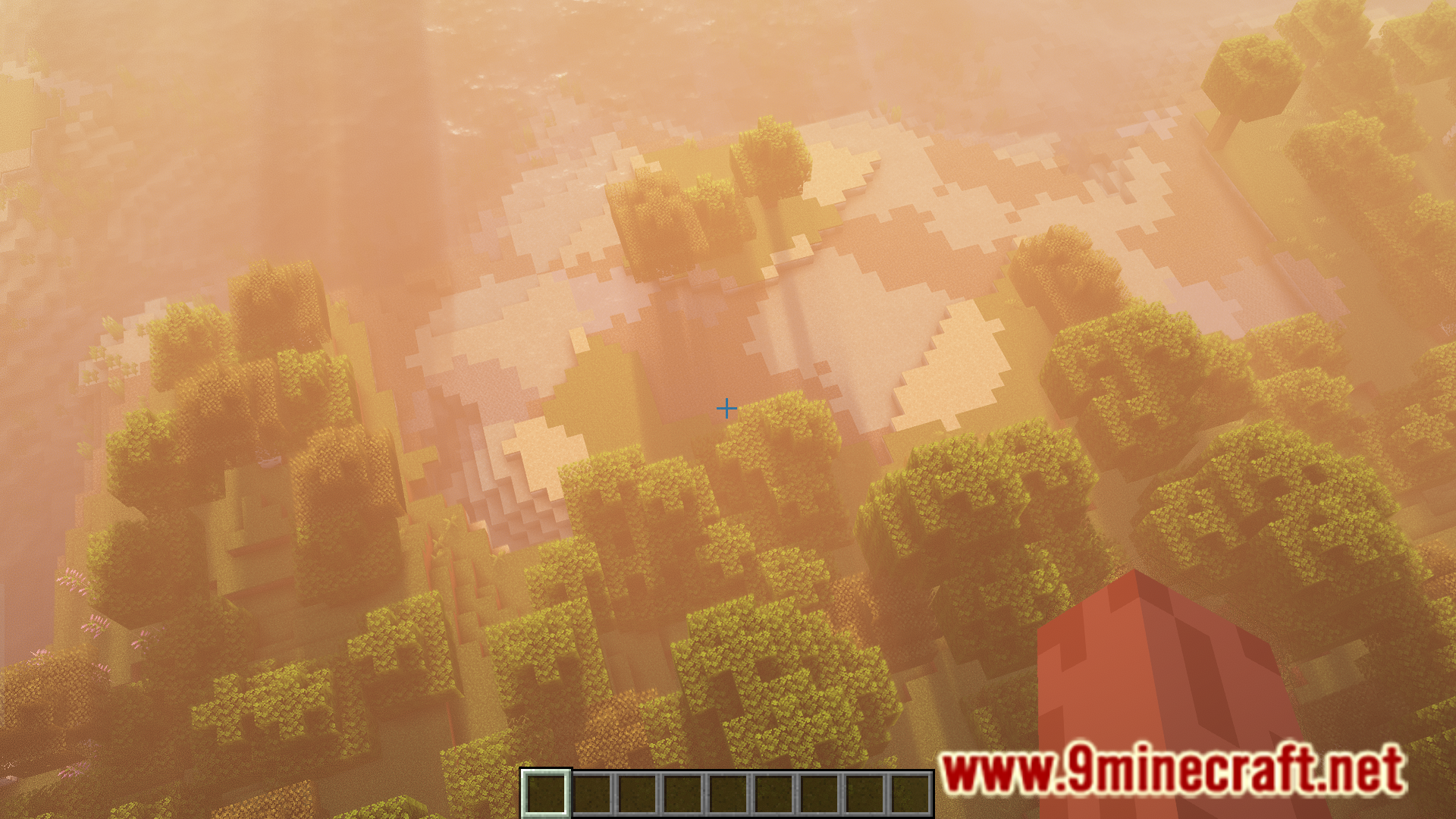
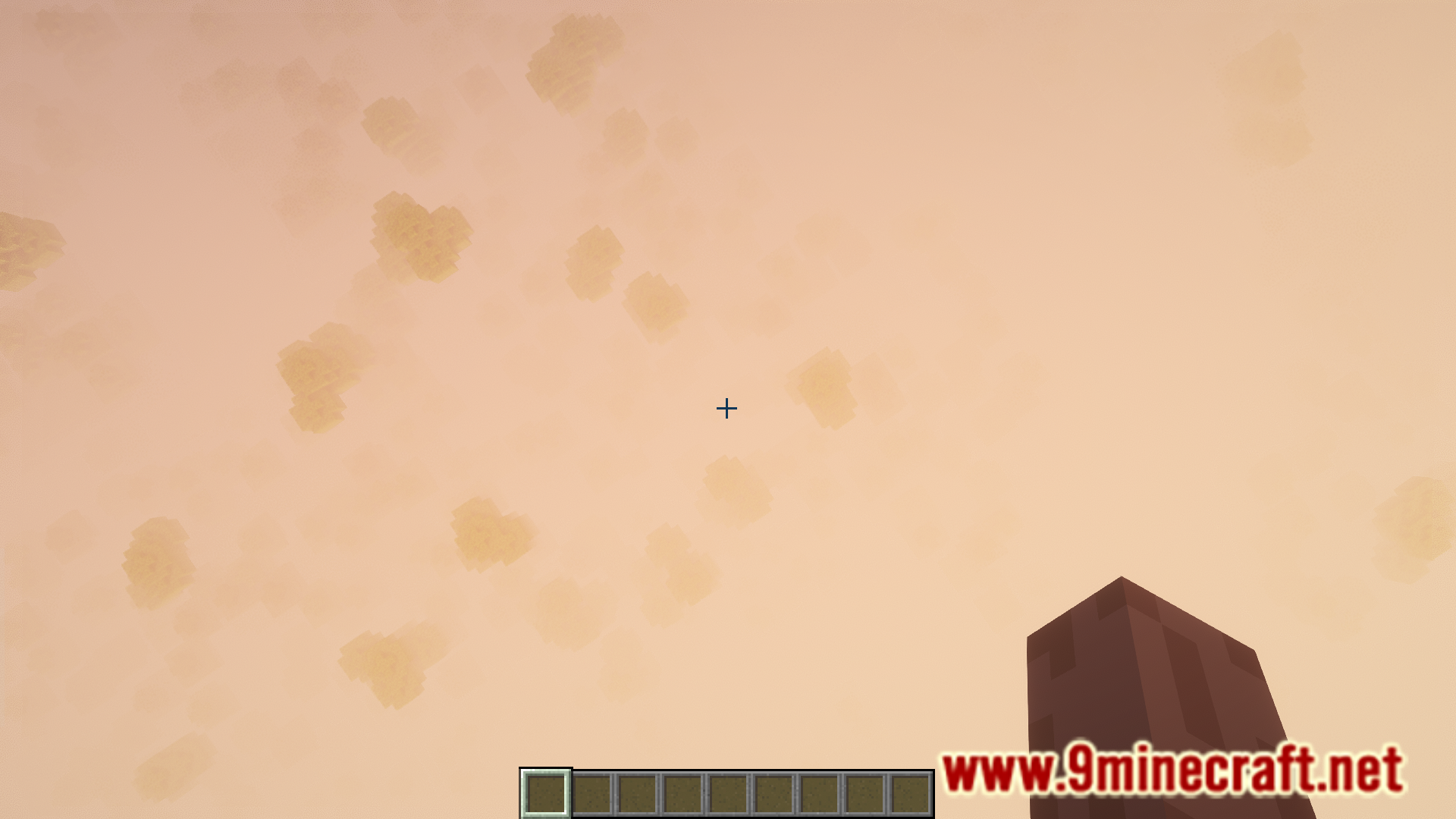
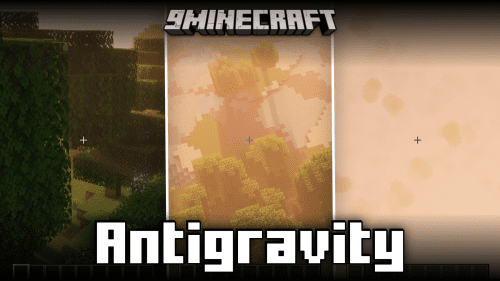
Antigravity Mod reverses world gravity so you fall upwards instead of downwards. This change removes standard fall damage while introducing a brand-new danger of floating away into the sky. You must grab onto the underside of blocks quickly or get lost in the clouds.
Features:
- Reverses world gravity across the entire game.
- Makes players fall upwards as soon as they spawn into a world.
- Forces you to catch onto the underside of blocks to avoid floating away.
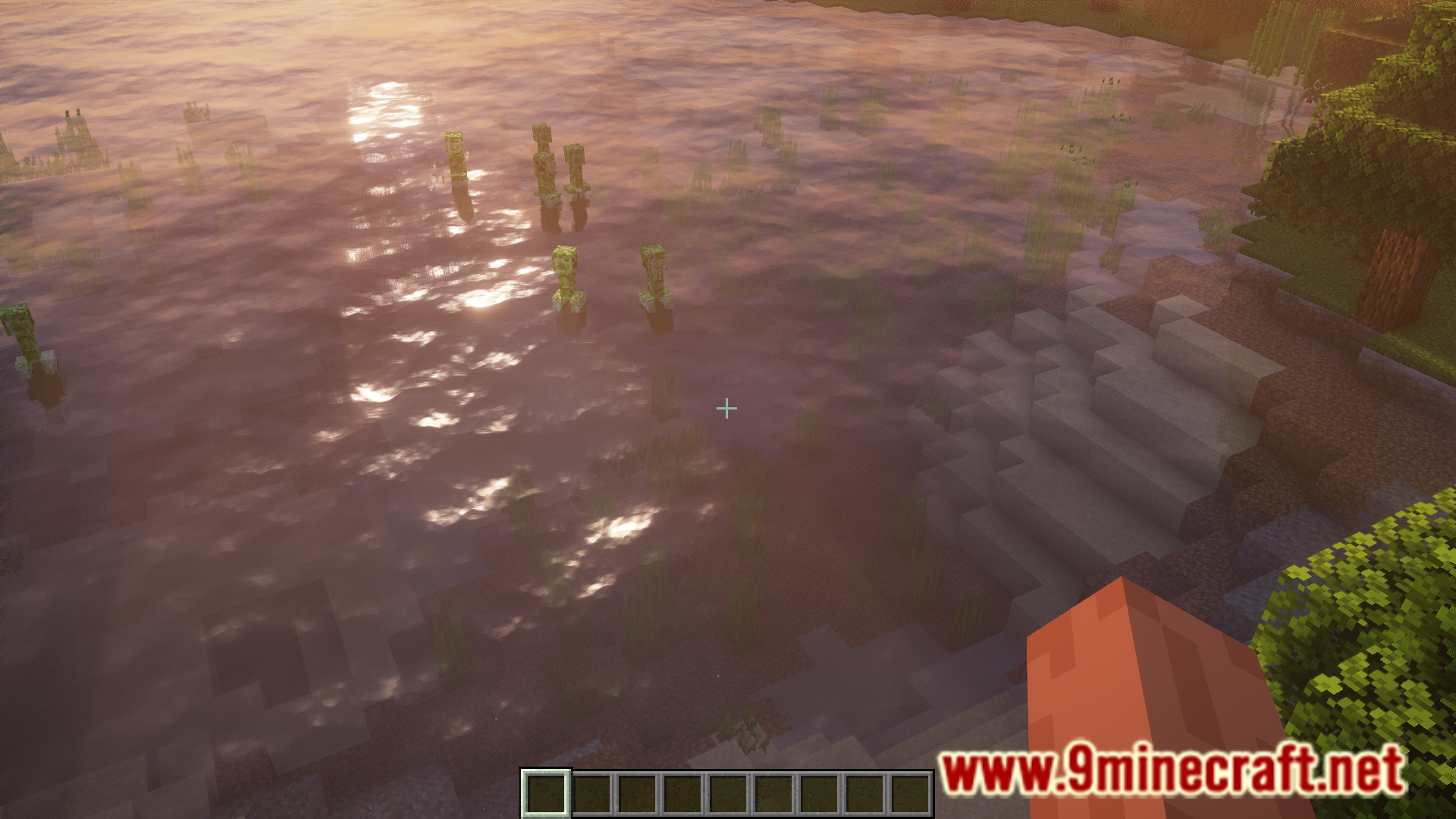
Screenshots:

How to Install:
New to Minecraft? Follow our step-by-step guide to install Mods on your PC.View Guide
Requirements:




Antigravity Mod Download Links
For Minecraft
26.3,
26.2,
26.1.2
All Versions Covered
26.3
26.2
26.1.2
26.1.1
26.1
1.21.11
1.21.10
1.21.9
1.21.8
1.21.7
1.21.6
1.21.5
1.21.4
1.21.3
1.21.2
1.21.1
1.21
1.20.6
1.20.5
All Versions Covered
26.3
26.2
26.1.2
26.1.1
26.1
1.21.11
1.21.10
1.21.9
1.21.8
1.21.7
1.21.6
1.21.5
1.21.4
1.21.3
1.21.2
1.21.1
1.21
1.20.6
1.20.5
For Minecraft
26.2,
1.21.11,
1.21.5
All Versions Covered
26.2
1.21.11
1.21.5
1.21.4
1.20.6
1.20.5
All Versions Covered
26.2
1.21.11
1.21.5
1.21.4
1.20.6
1.20.5
For Minecraft
26.1.2,
26.1.1,
26.1
All Versions Covered
26.1.2
26.1.1
26.1
1.21.11
1.21.10
1.21.9
1.21.8
1.21.7
1.21.6
1.21.5
1.21.4
1.21.3
1.21.2
1.21.1
1.21
1.20.6
1.20.5
All Versions Covered
26.1.2
26.1.1
26.1
1.21.11
1.21.10
1.21.9
1.21.8
1.21.7
1.21.6
1.21.5
1.21.4
1.21.3
1.21.2
1.21.1
1.21
1.20.6
1.20.5
For Minecraft
1.21.11,
1.21.10,
1.21.9
All Versions Covered
1.21.11
1.21.10
1.21.9
1.21.8
1.21.7
1.21.6
1.21.5
1.21.4
1.21.1
1.21
All Versions Covered
1.21.11
1.21.10
1.21.9
1.21.8
1.21.7
1.21.6
1.21.5
1.21.4
1.21.1
1.21
For Minecraft 1.20.6 –> 1.21.8
Click to rate this post!
[Total: 0 Average: 0]
QUICK MINECRAFT SURVEY · ONE TAP
Mods & Modpacks
How often do you tweak mod configuration files (.cfg or .toml)?
10 responses · See the full results →
You May Also Like
Picked for this page
 WTHIT Mod (26.2, 1.20.1) – What The Hell Is That?
 Forge Config API Port Mod (26.3, 1.20.1) – Bring Forge Mods to Fabric
 GlitchCore (26.3, 1.20.1) – Library for Glitchfiend’s Mods
 Macaw’s Fences and Walls Mod (26.3, 1.20.1) – New Vanila Styled Gates
 Guide-API Village and Pillage Mod (26.1.2, 1.20.1) – Simple Mod Guide Creation
 Weaker Spiderwebs Mod (26.3, 1.20.1) – Easier to Break Spiderwebs
 Formations Nether Mod (26.3, 1.20.1) – New Structures for The Nether
 Everlasting Abilities Mod (26.3, 1.20.1) – Discover Abilities That Stick
 Rain Be Gone Ritual Mod (26.3, 1.20.1) – Rain-Stopping Ritual
 Always Sprint Mod (26.3, 1.20.1) – Sprinting Is Always On
 Anvil Too Expensive Mod (26.1.2, 1.20.1) – Removes the “Too Expensive” text
 Lio’s Hobbit Hill Village Mod (26.3, 1.20.1) – A Peaceful Escape In Minecraft
Most viewed in Mods over the last 7 days
 Ala Industrial Mod (26.3) – Run Electric Power Grids and Automated Factories
 PleasureCraft Mod (26.3, 1.21.1) – Jenny Mod Remake for Fabric
 Jennycraft Mod (26.3, 1.20.1) – Virtual Girlfriend in Minecraft
 Fapcraft Mod (26.3, 1.12.2) – Comprehensive and Detailed Content
 Jenny Mod (Fapcraft) Official Complete Guide – How to use, Tutorial
 BangCraft Mod (1.20.1) – Jenny, Ellie and Elliot
 Fabric Loader (26.3, 1.20.1) – Fabric Installer for All Minecraft Versions
 The Shooting Star Demo Mod (26.3, 1.20.1) – Vaporize Terrain From Orbit
 Meteor Client Mod (26.3, 1.20.1) – Xray, HUD, Fly
 OptiFine HD (26.3, 1.20.1) – Run Faster, FPS Boost, Shaders Support
 Aristois Client Mod (1.21.4, 1.20.1) – World Class Minecraft Utility
 Prestige Client Mod (1.21.11, 1.21.4) – Powerful Ghost Features for Crystal & Sword PvP
More from Mods
 Villagers Plus Mod (26.3, 1.20.1) – Expanded Villager Types and Villages
 Ore Excavation 9minecraft Mod (26.3) – Mine Ores and Chop Trees in a Single Swing
 Dirigo Mod (26.1.2, 1.21.1) – Walk Across Nether Lava Seas and Automate Animal
 HandLib Mod (26.3, 1.21.1) – Keep Your Multiplayer World Stable
 Happy Ghasts Boost Mod (26.1.2, 1.20.1) – Fly Across Vast Distances at Top Speed
 LiquidBounce Client Mod (26.3, 1.20.1) – LiquidLauncher, A Free Client
 Create Hand Made Mod (1.21.1) – Craft Create Recipes By Hand in Your Workshop
 Seed Map for Xaero Mod (26.1) – See Rare Biomes and Dungeons Before You Travel
 MCPersist Mod (26.3) – Keep Your World Online for Friends Even After Logging Off
 Minecraft Java MCP Server Mod (1.21.11) – Command Your World Through External AI Tools
 Arcanism Mod (26.2) – Build Magic Factories and Program Custom Spells
 Archangel Client Mod (1.21.11) – Master Every PvP Duel with Clean Screen Stats

This post has no comments yet. Be the first — your comment will appear here.