


Argon Launcher (26.1.1, 1.20.1) – A Feature-Rich Minecraft Launcher Built in Python

 January 6, 2026
Argon Launcher is a modern Minecraft launcher designed to be simple, fast, and beginner-friendly. It helps players manage Minecraft versions and mods easily without complicated setup.
Features:
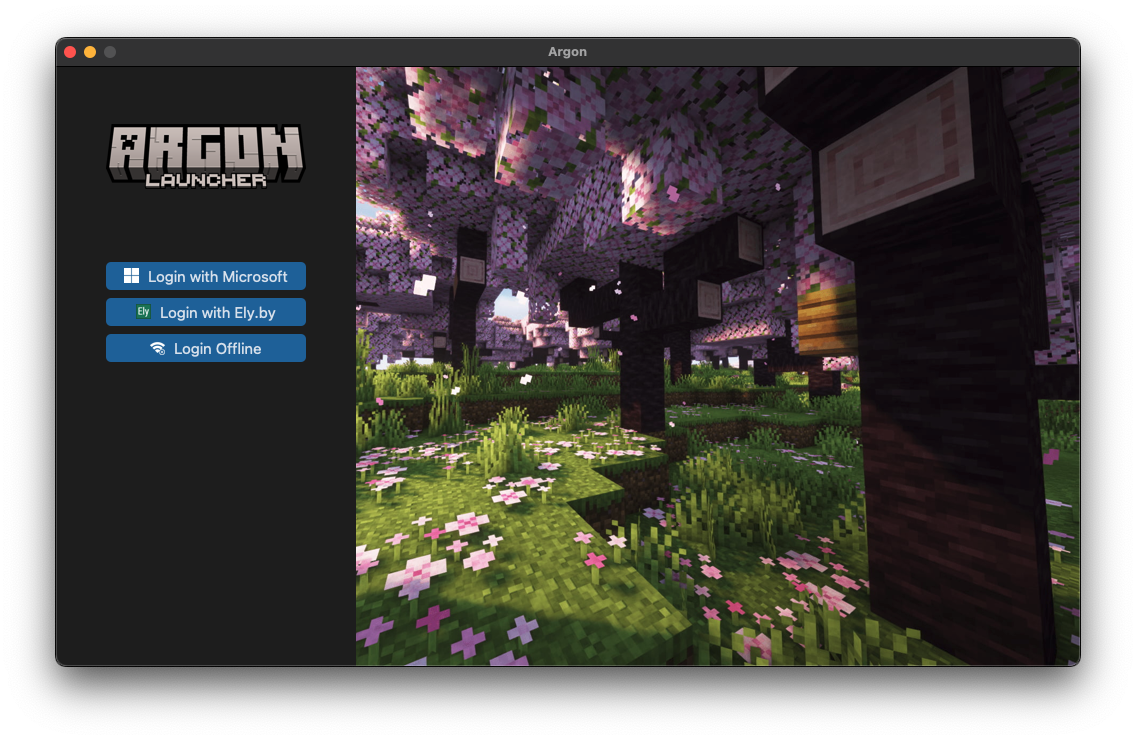
- Easy Modloader Switching
- Supports both
Forge,Fabric,QuiltandNeoForge - Switch modloaders without reinstalling the game
- Supports both
- Built-in Mod Installation
- Integrated
Modrinthsupport - Search, download, and install mods directly from the launcher
- No manual file copying required
- Integrated
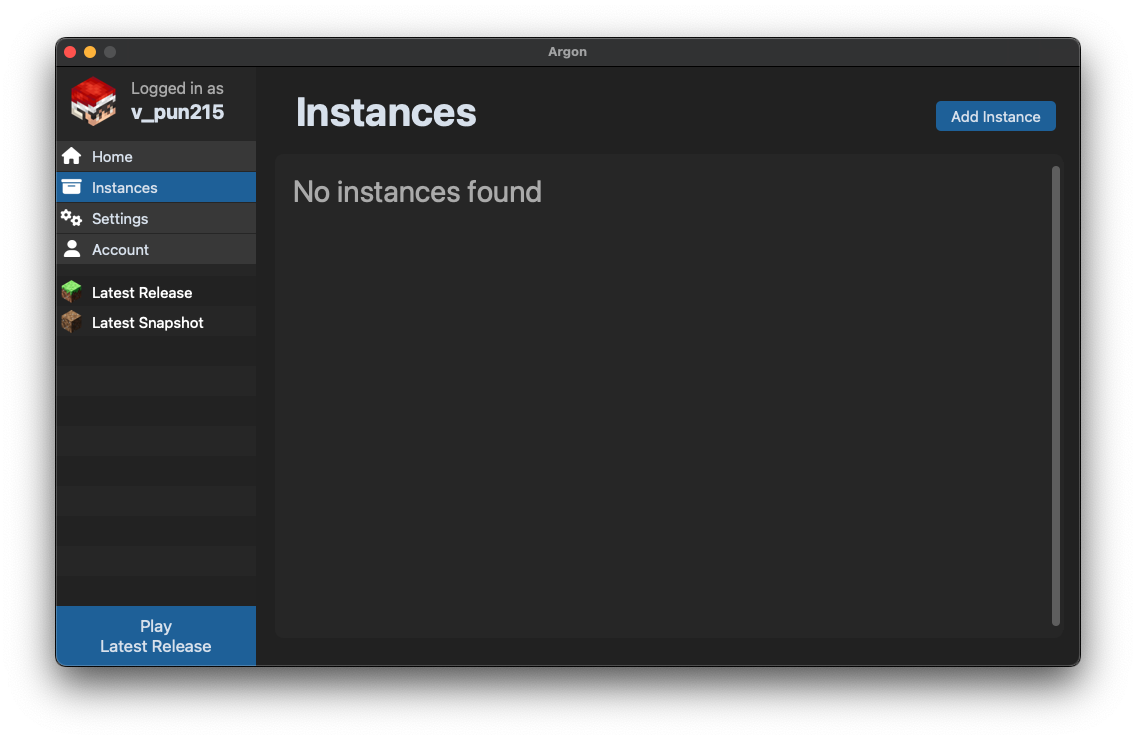
- Minecraft Version Management
- Play the latest releases
- Access snapshots for testing new features
- Run older Minecraft versions when needed
- Performance & Convenience
- Optimized for smooth gameplay
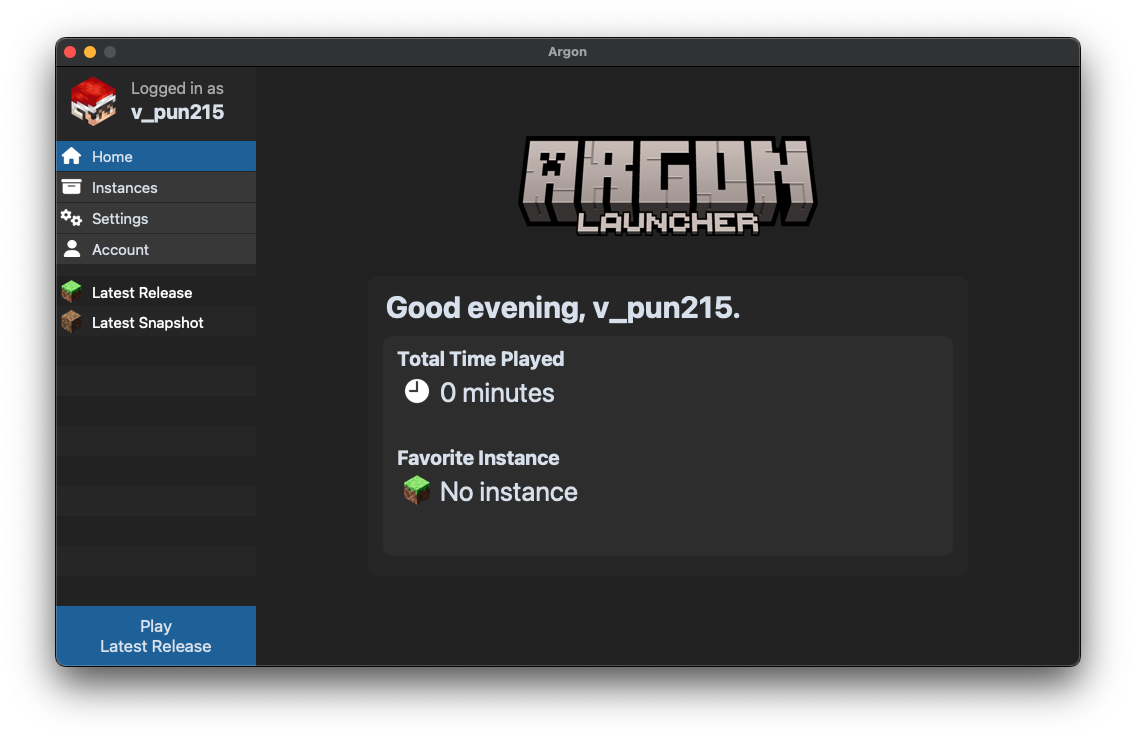
- Clean interface, easy to understand for new players
- Quick setup and fast launching
Screenshots:
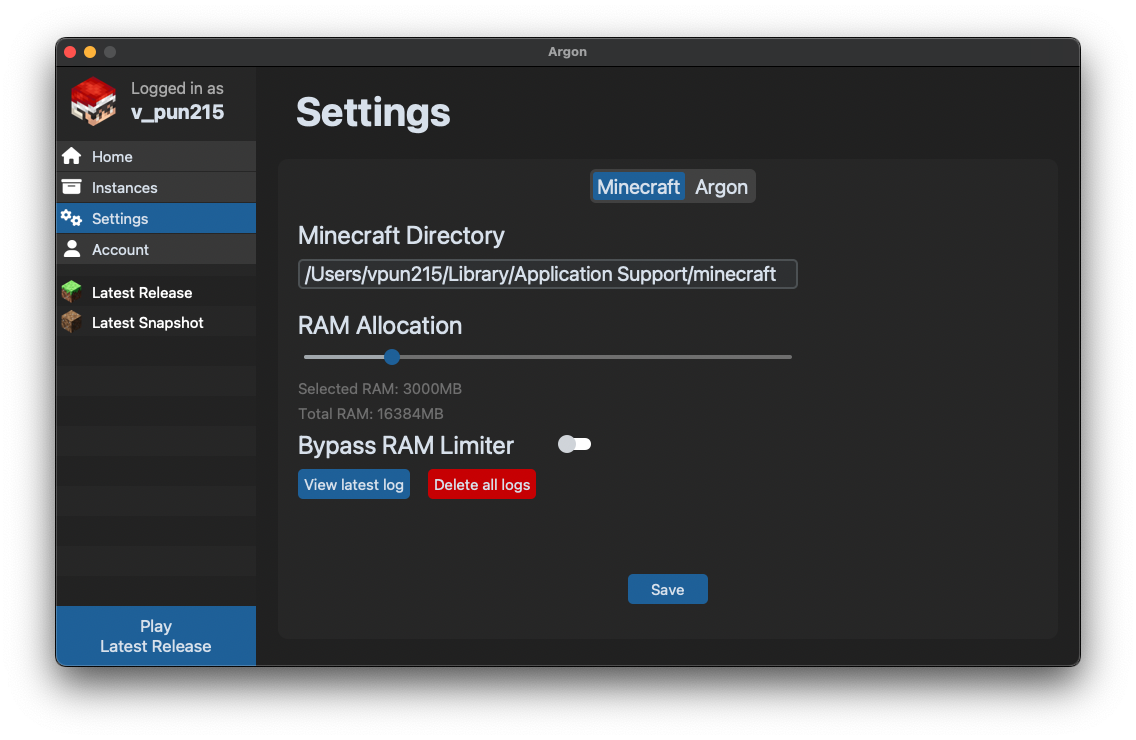
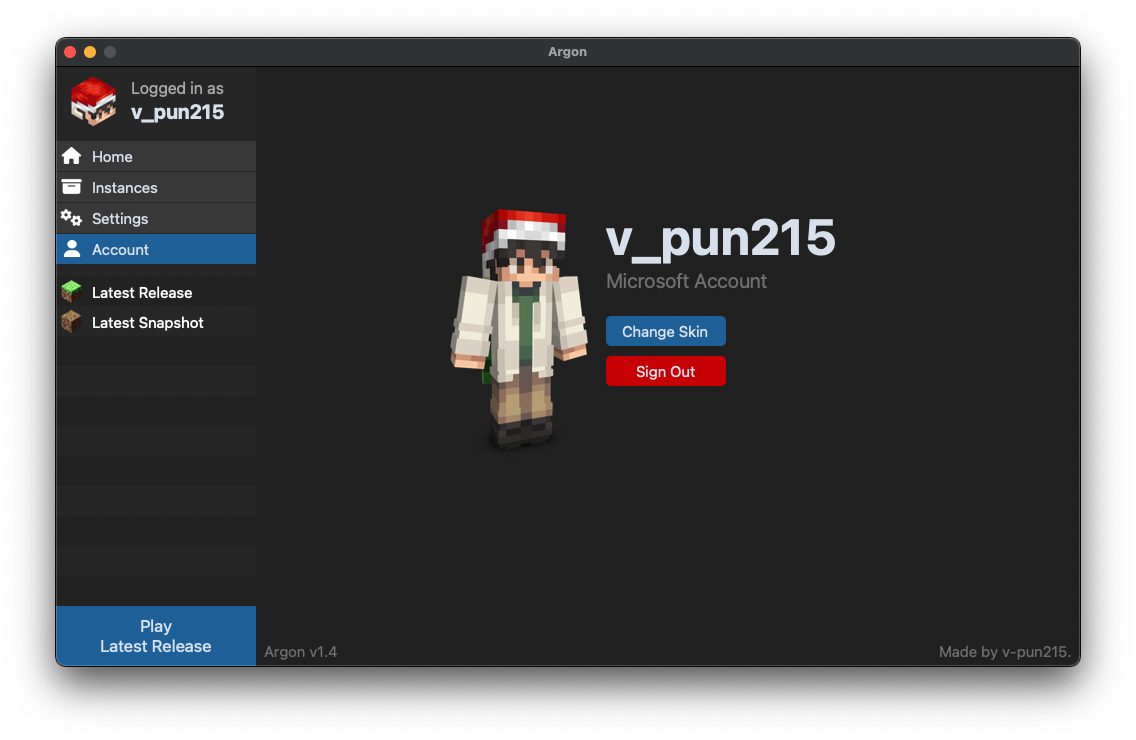
How to install:
- Windows
- Download the Windows installer
.exebelow - Run the installer (a false virus warning may appear)
- The installer will:
- Install Argon and required dependencies
- Create Start Menu and Desktop shortcuts
- Download the Windows installer
- macOS
- Requires
Python(usually pre-installed on macOS) - If issues occur, report them on Argon’s Issues page
- Download
Argon-Launcher-MACOS.shbelow - Open
Terminaland navigate to the downloaded file location - Run the command:
sh ArgonMac.sh - The installer will download and start automatically
- After installation:
- Open
Finder - Go to the mounted disk Argon Installer
- Drag the Argon app into the Applications folder
- Open
- Launch Argon using Finder, Launchpad, or Spotlight Search
- Requires
- Manual Installation
- Install dependencies:
- Run
install.pyor - Use
pip install -r requirements.txt
- Run
- Start Argon by running:
python main.py
- Install dependencies:
Argon Launcher Download Links
For All Versions of Minecraft
Windows Installer version (Exe file): Download from Server 1 – Download from Server 2
MACOS version (Sh file): Download from Server 1 – Download from Server 2
Zip version: Download from Server 1 – Download from Server 2
Click to rate this post!
[Total: 7 Average: 4.7]

1 Comment
What do you think? Your opinion means a lot — we'd love to hear from you.
You May Also Like














minecraft