


Automatic Lodestone Tracking System Schematic (1.21.x) – Automated Directional Lodestone Pointer

 0
0 

Automatic Lodestone Tracking System Schematic adds a mechanical contraption that points directly toward a linked lodestone block. This build uses two navigation tables to track both pitch and yaw angles automatically. You can use this setup as a foundation for direction pointers, automated compasses, or targeting equipment in your worlds. It keeps the indicator needle locked onto target coordinates across your map.
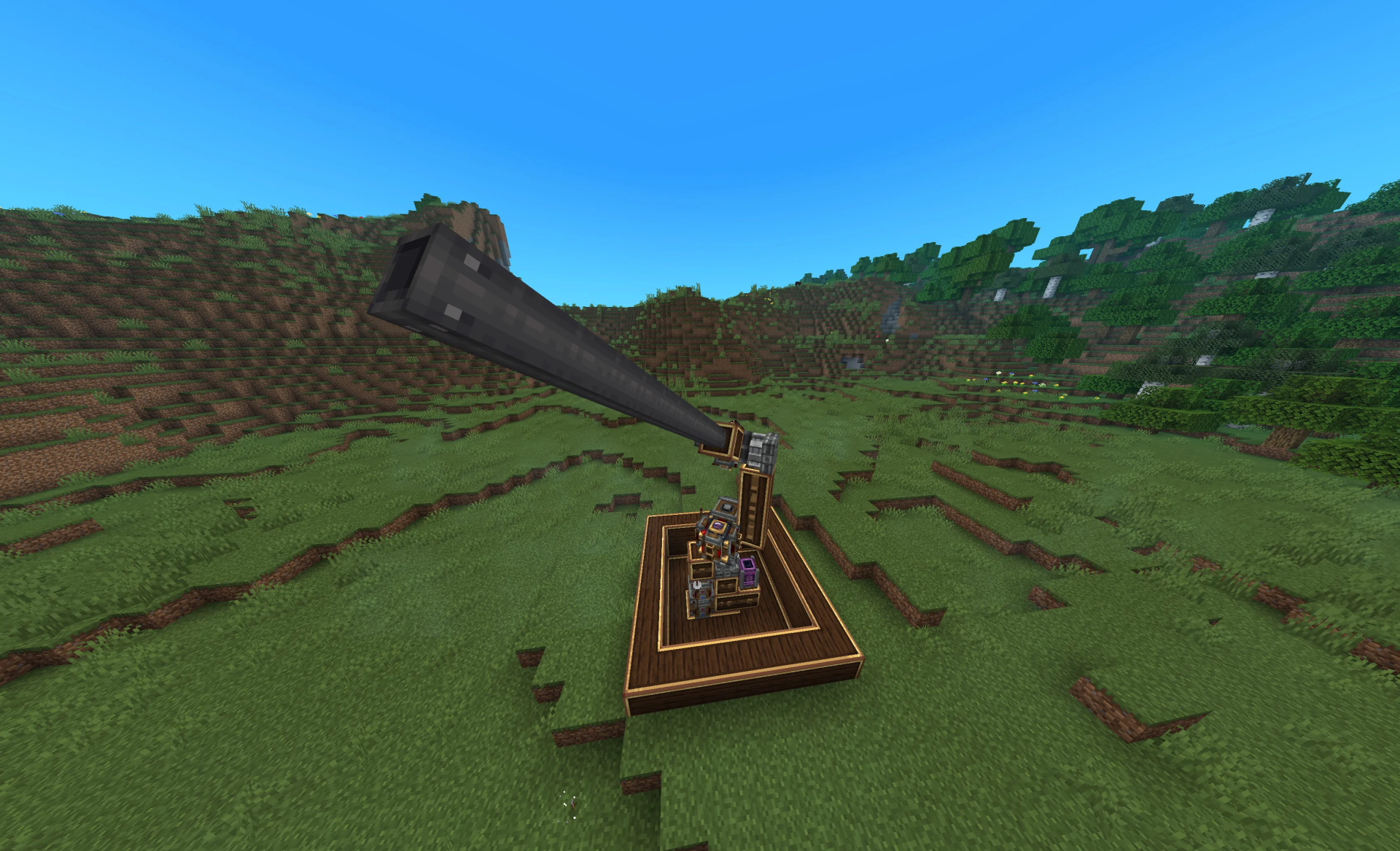
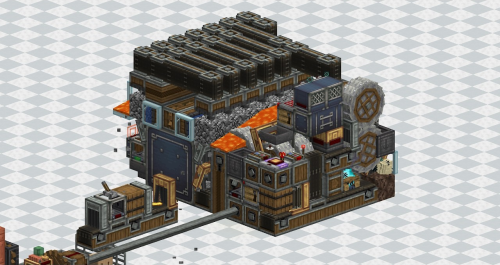
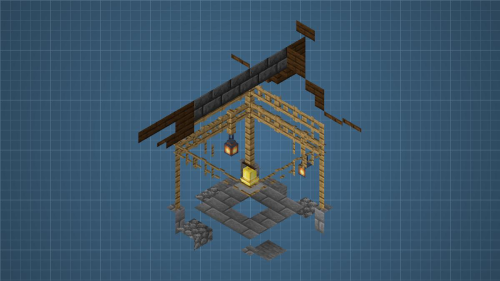
3D Preview:
Features:
- Uses two navigation tables to monitor both horizontal yaw and vertical pitch.
- Points a mechanical needle directly toward any linked lodestone compass.
- Serves as a reliable base for building custom targeting rigs and compass towers.
- Fits into a compact footprint measuring 7 blocks wide, 16 blocks tall, and 7 blocks long.
- Runs on rotational power and stabilizes when running at lower motor speeds.
Schematic Specs:


 Top Blocks Used
Brass Casing 104Redstone Link 12Brass Encased Cogwheel 9Metal Girder 6Directional Gearshift 2
How to Use:
- Paste the build into your world using a schematicannon or creative tools.
- Place a linked lodestone compass inside the navigation tables.
- Connect rotational power to start the mechanical tracking arm.
- Lower the motor RPM if the needle wobbles instead of locking onto the target.
Requirements:
 Create Mod Required
simulated Required
Automatic Lodestone Tracking System Schematic Download Links
For Minecraft 1.21.x
Click to rate this post!
[Total: 0 Average: 0]
You May Also Like






This post has no comments yet. Be the first — your comment will appear here.