


Automatic Memories Mod (1.21.11, 1.20.1) – Relive Your World’s History

 0
0 

🌐 Read this article in your language! Choose your preferred language below.
Or pick the one you like:
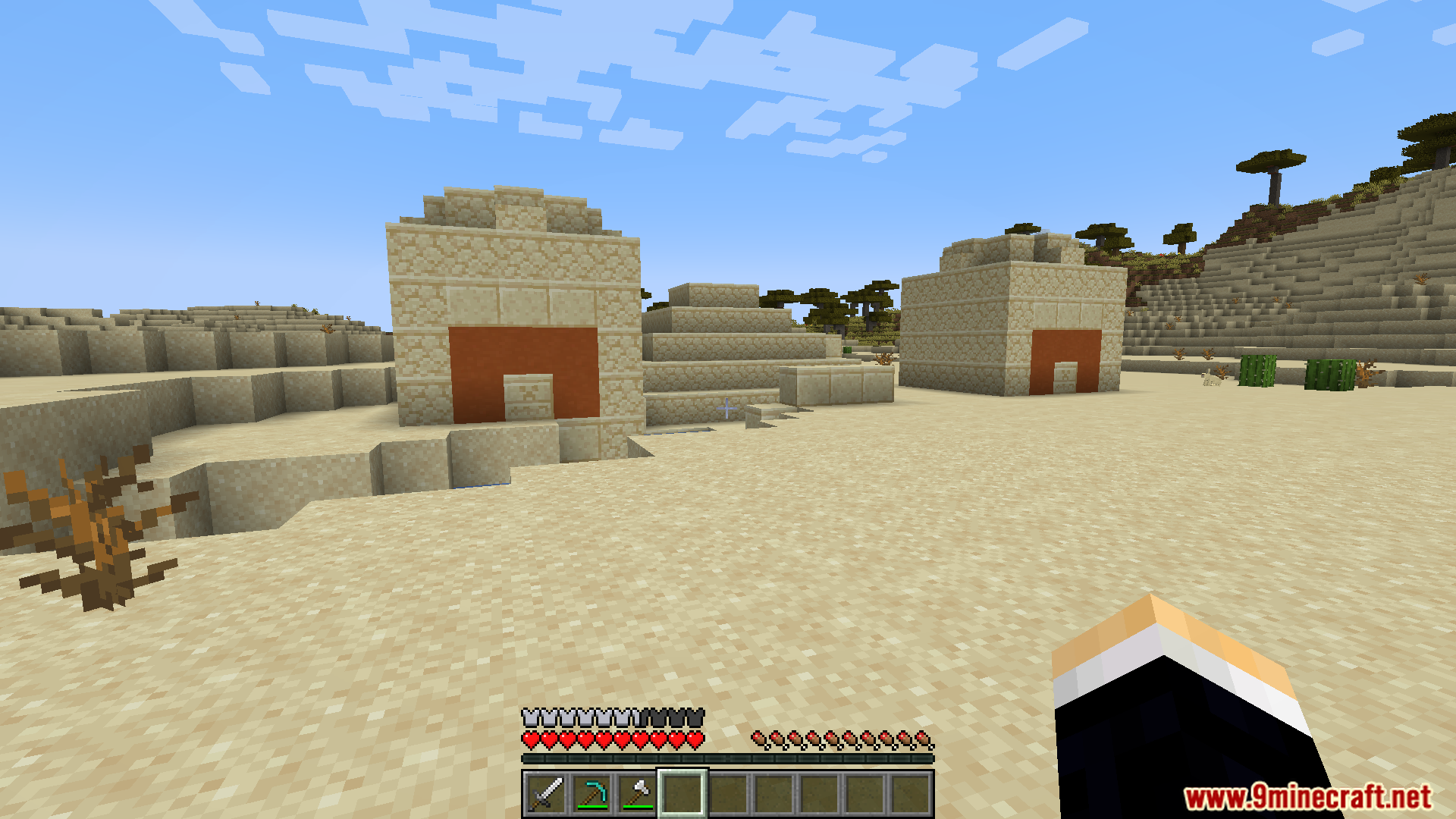
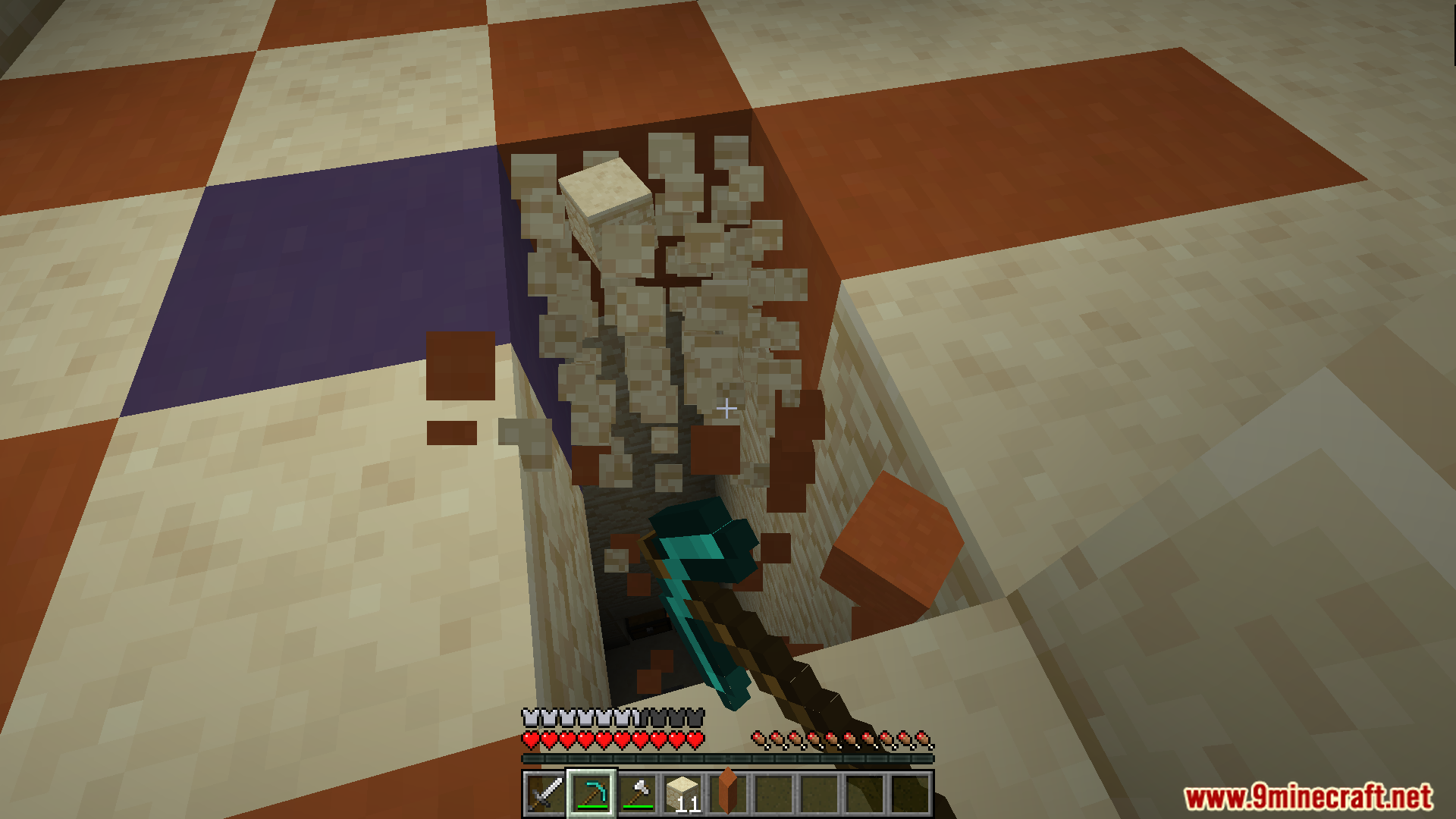
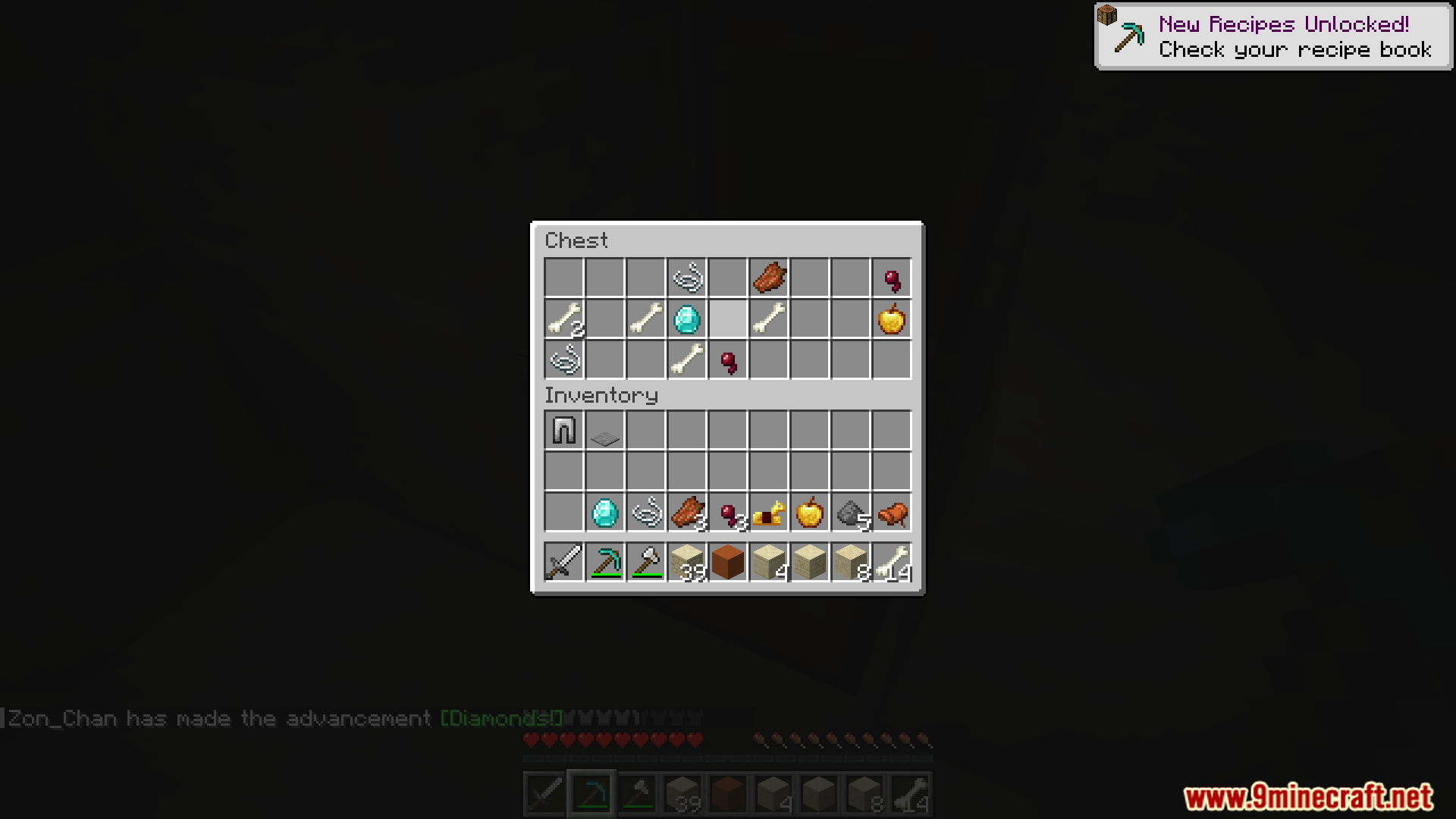
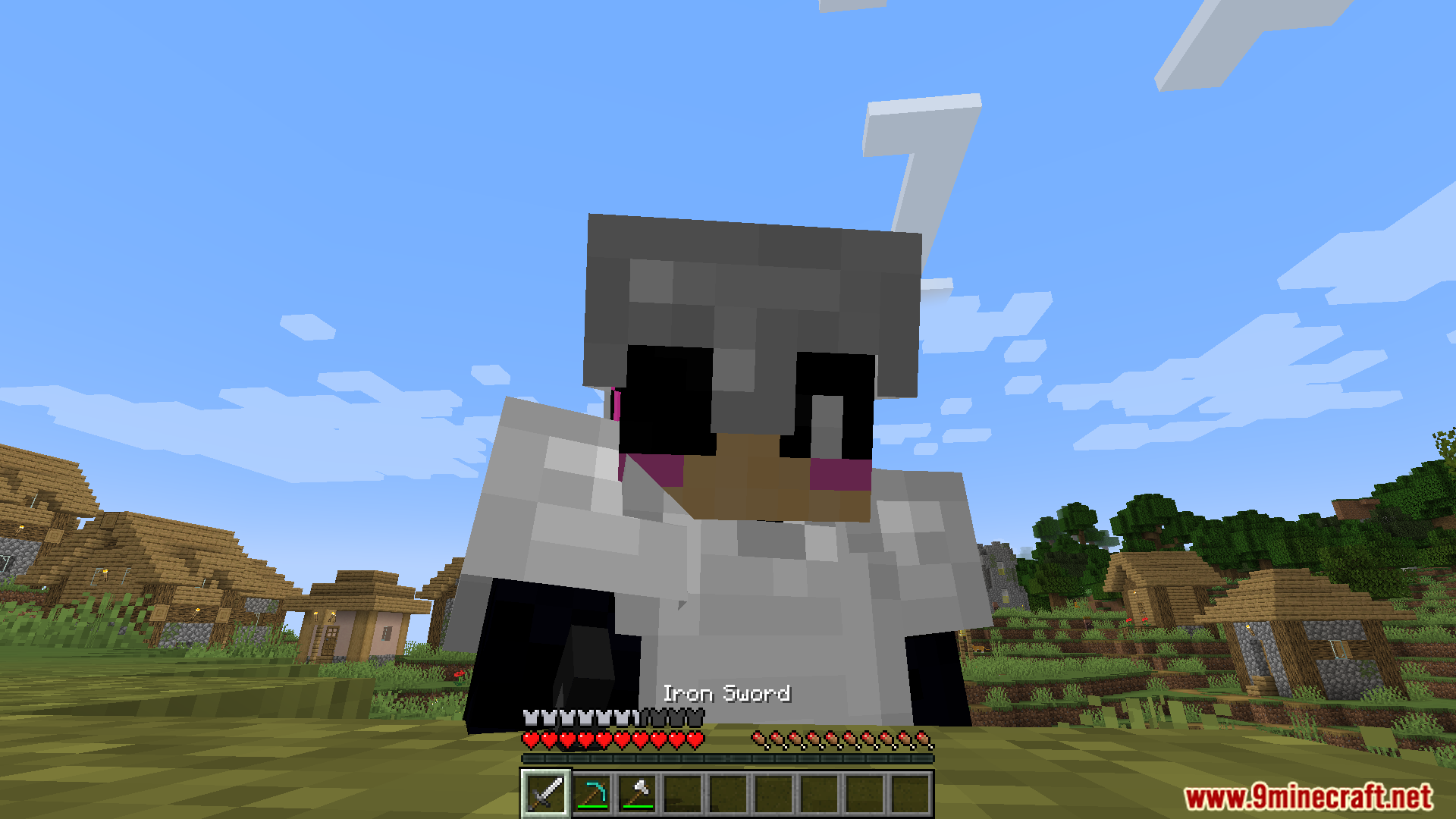
Automatic Memories Mod saves pictures of your game automatically so you don’t have to. It takes a screenshot every few hours, building a timeline of your journey without you doing anything. This way, you can look back at all the things you built and places you explored. You will have a collection of surprise photos that capture moments you might have forgotten.
Features:
- Automatically takes a picture of your game every few hours, creating a timeline of your world.
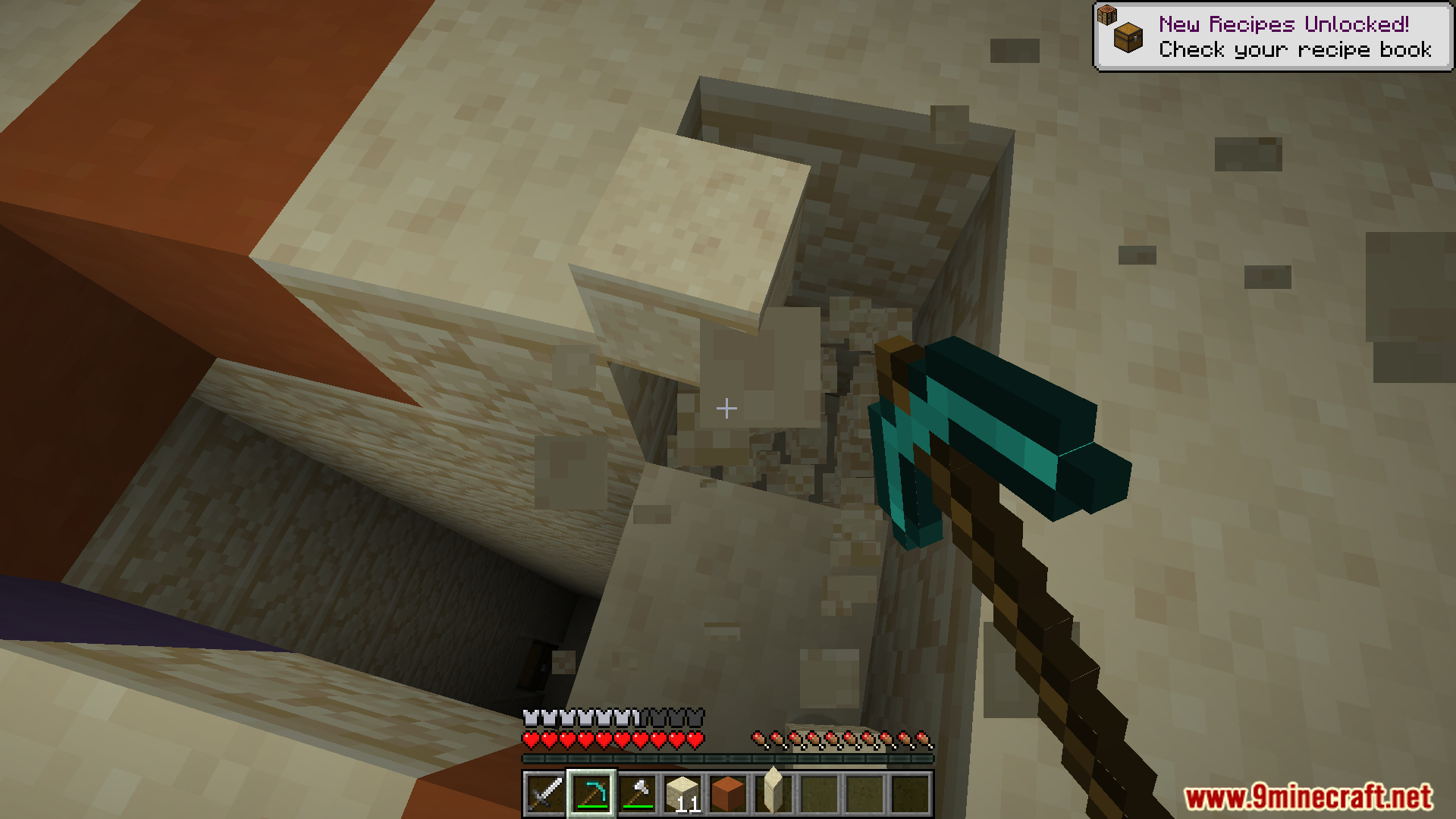
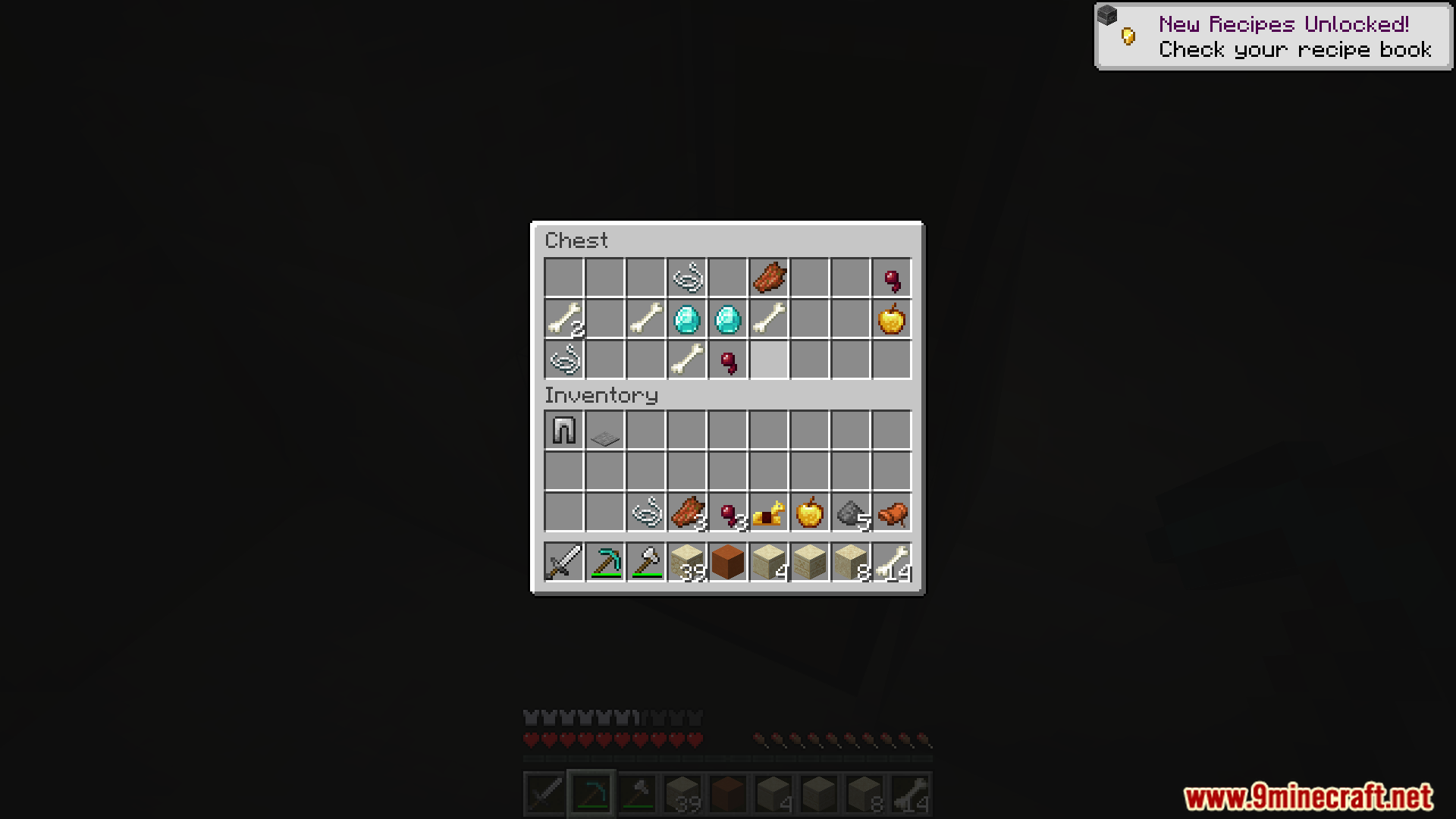
- Snaps a photo the moment you unlock a new advancement, saving your biggest accomplishments.
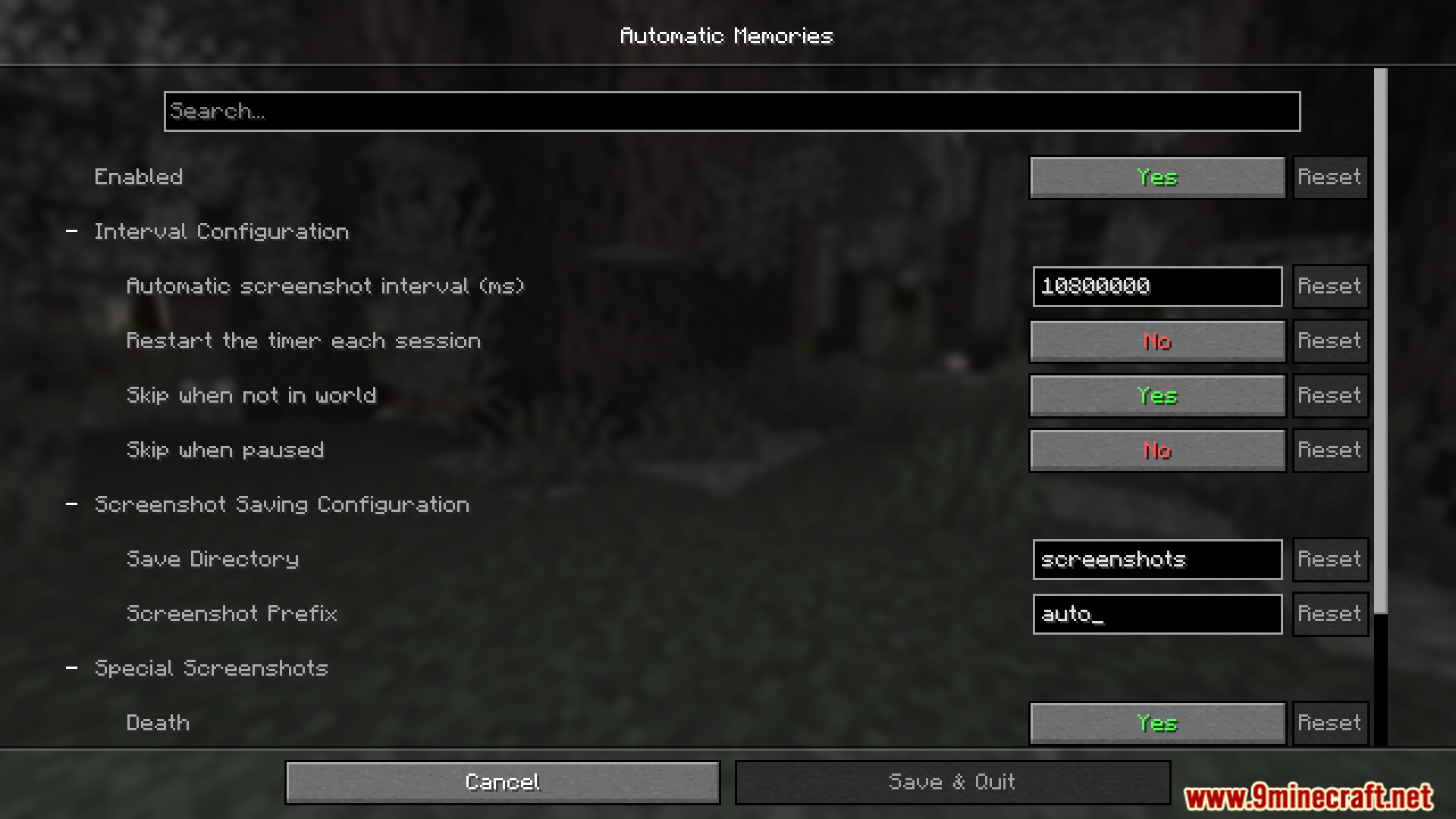
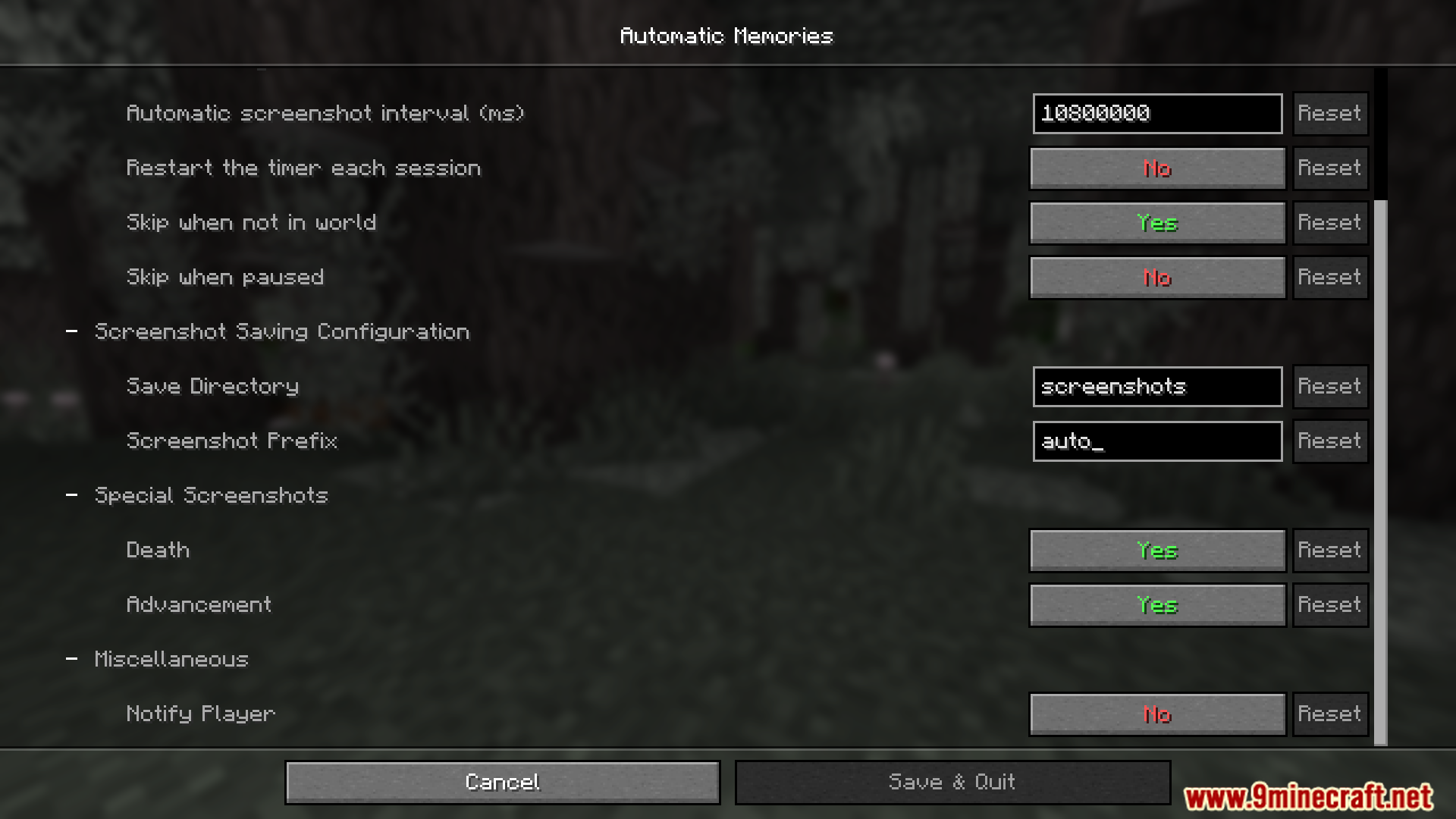
- You can change how often pictures are taken in the settings menu.
- The timer for the next photo doesn’t reset when you log out. It continues counting down the next time you play.
- Lets you choose a specific folder to save all your automatic screenshots.
- Includes an option to automatically take a picture every time you die.
How to Use:
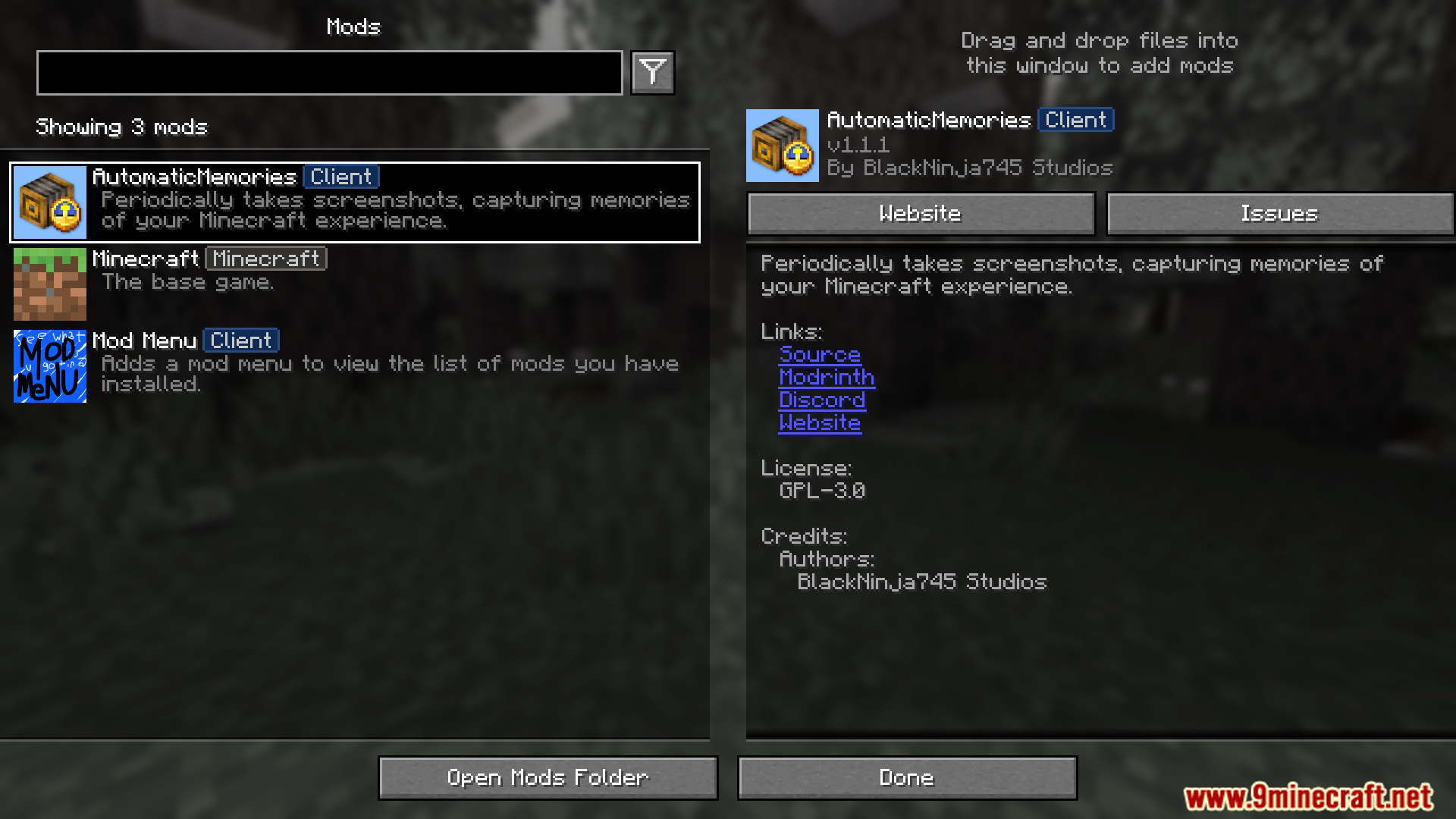
- To change the mod’s settings, you will need ModMenu.
- From the main menu or pause screen, open your list of mods.
- Find Automatic Memories and open its configuration screen.
- Here, you can set the time between each automatic screenshot.
- You can also turn on options to take a picture whenever you get an advancement or when you die.
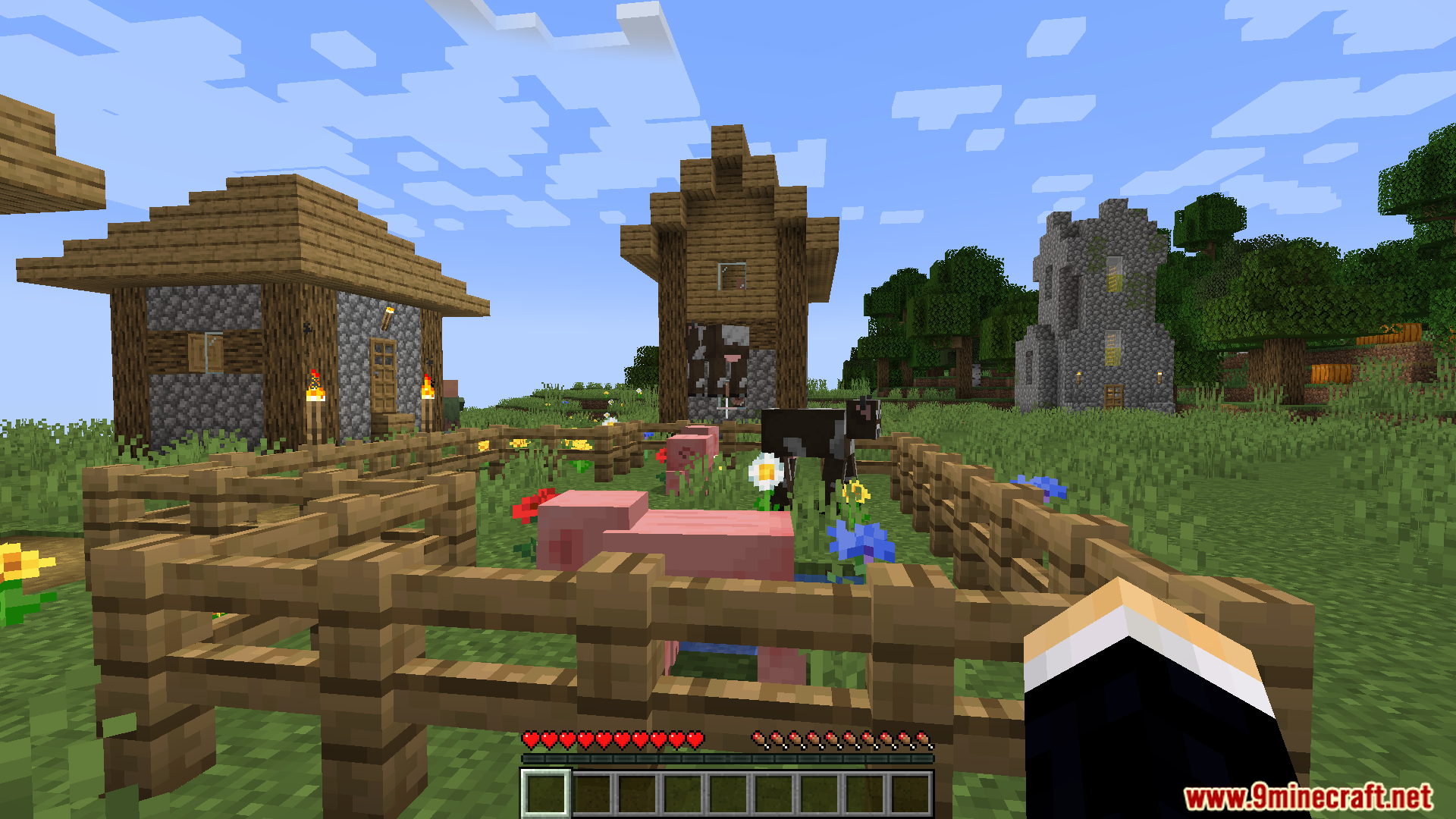
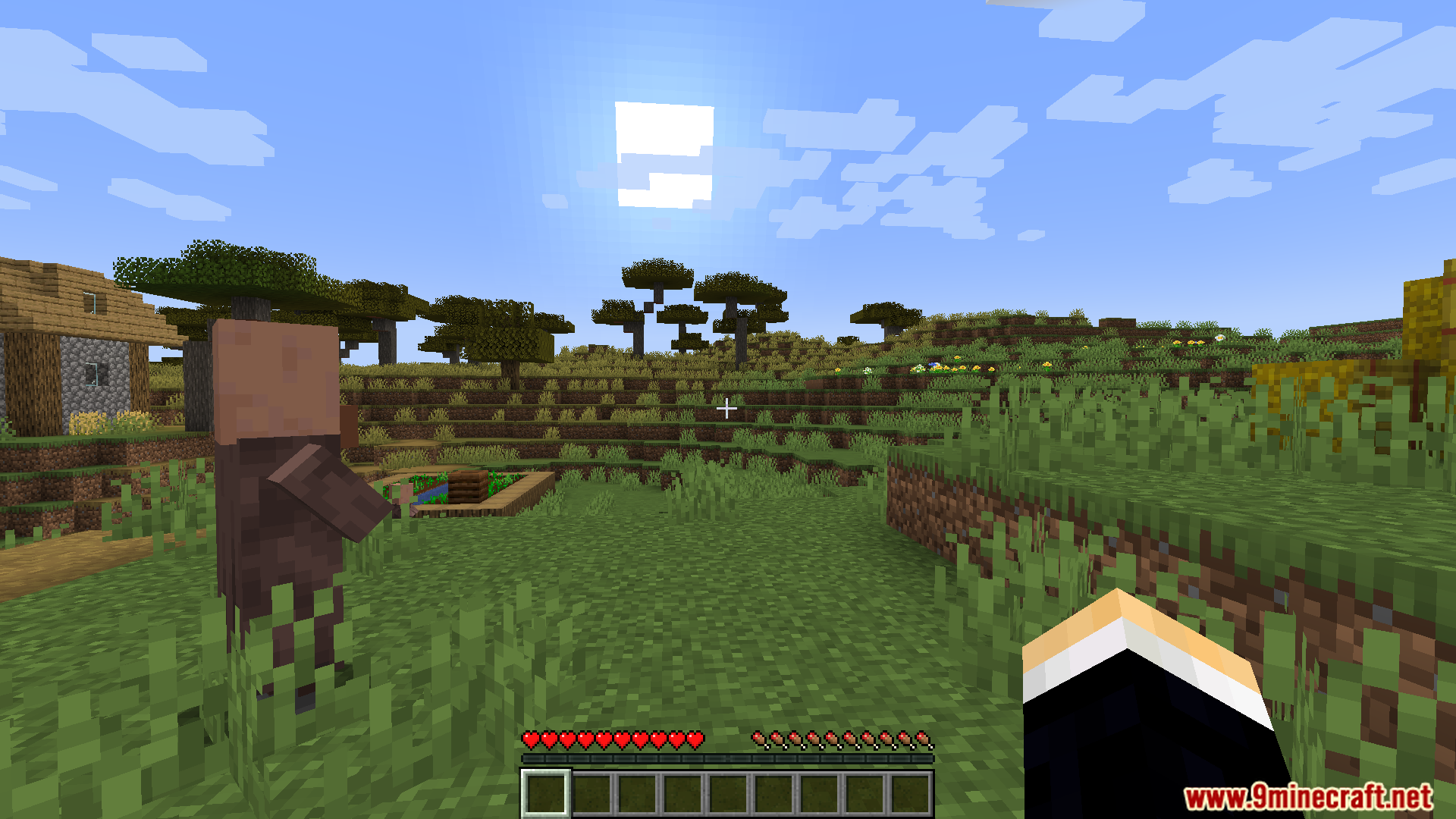
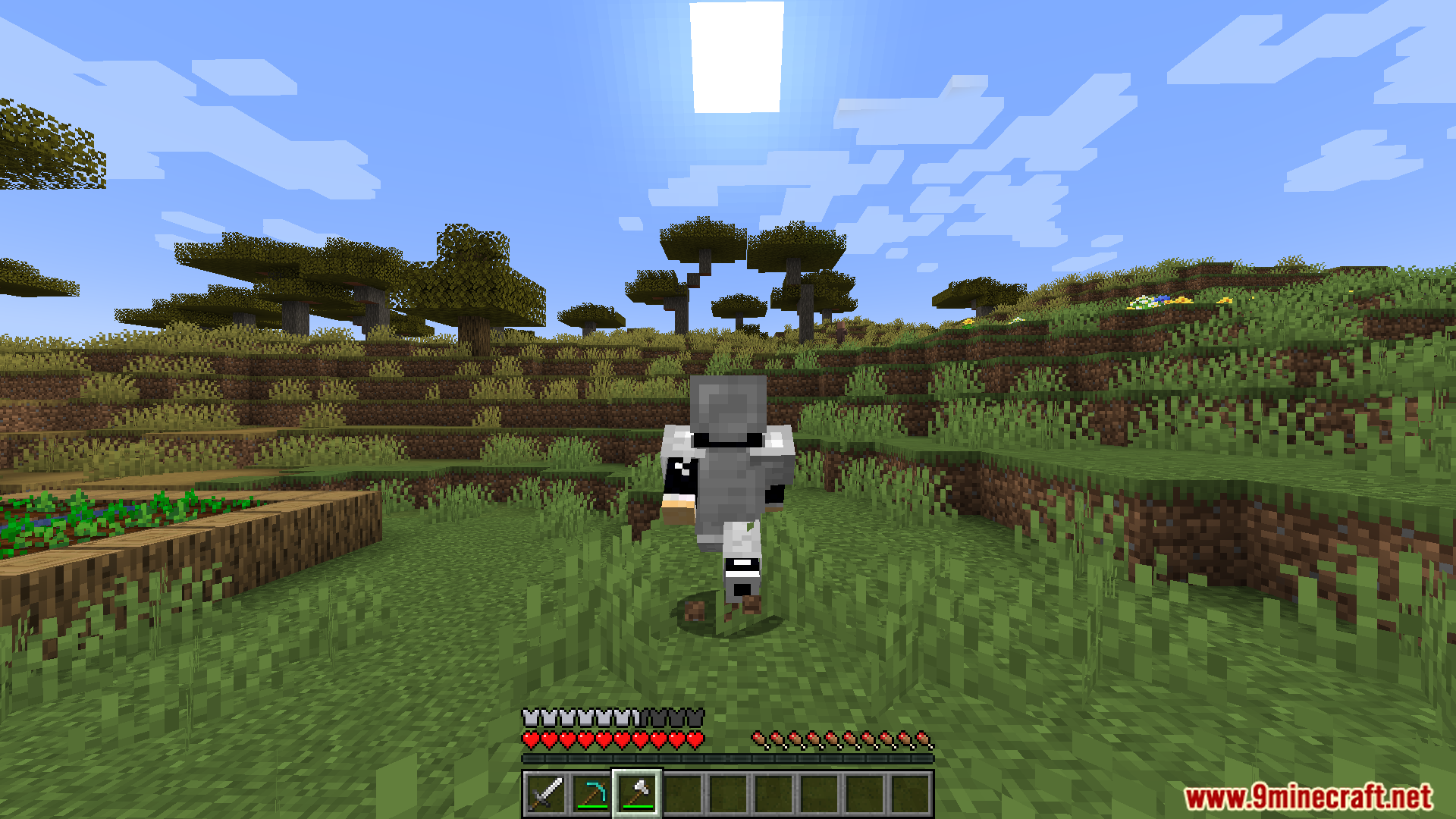
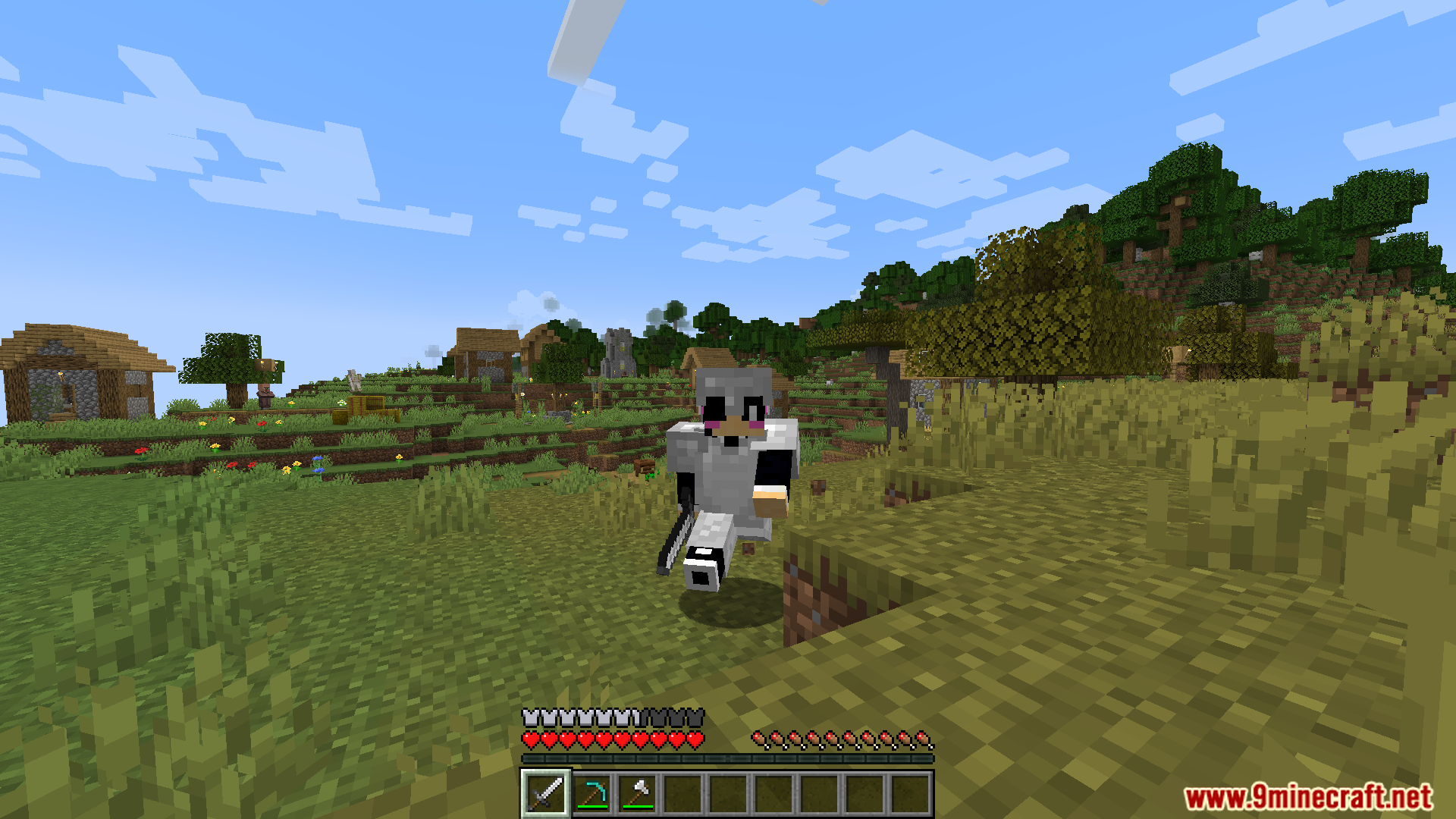
Screenshots:
How to Install:
New to Minecraft? Follow our step-by-step guide to install Mods on your PC.View Guide
Requirements:
Automatic Memories Mod Download Links
For Minecraft 1.21.11
Fabric version: Download from Server 1 – Download from Server 2
For Minecraft 1.21.10, 1.21.9, 1.21.8, 1.21.7, 1.21.6, 1.21.5
Fabric version: Download from Server 1 – Download from Server 2
For All Versions from Minecraft 1.19.3 to Minecraft 1.21.4
Fabric version: Download from Server 1 – Download from Server 2
Click to rate this post!
[Total: 2 Average: 5]
You May Also Like


This post has no comments yet. Be the first — your comment will appear here.