Axio Client Launcher – Adds Cheat Menu to Bedrock
 14
14
 0
0
 2 hours ago
 MCPE Over HD
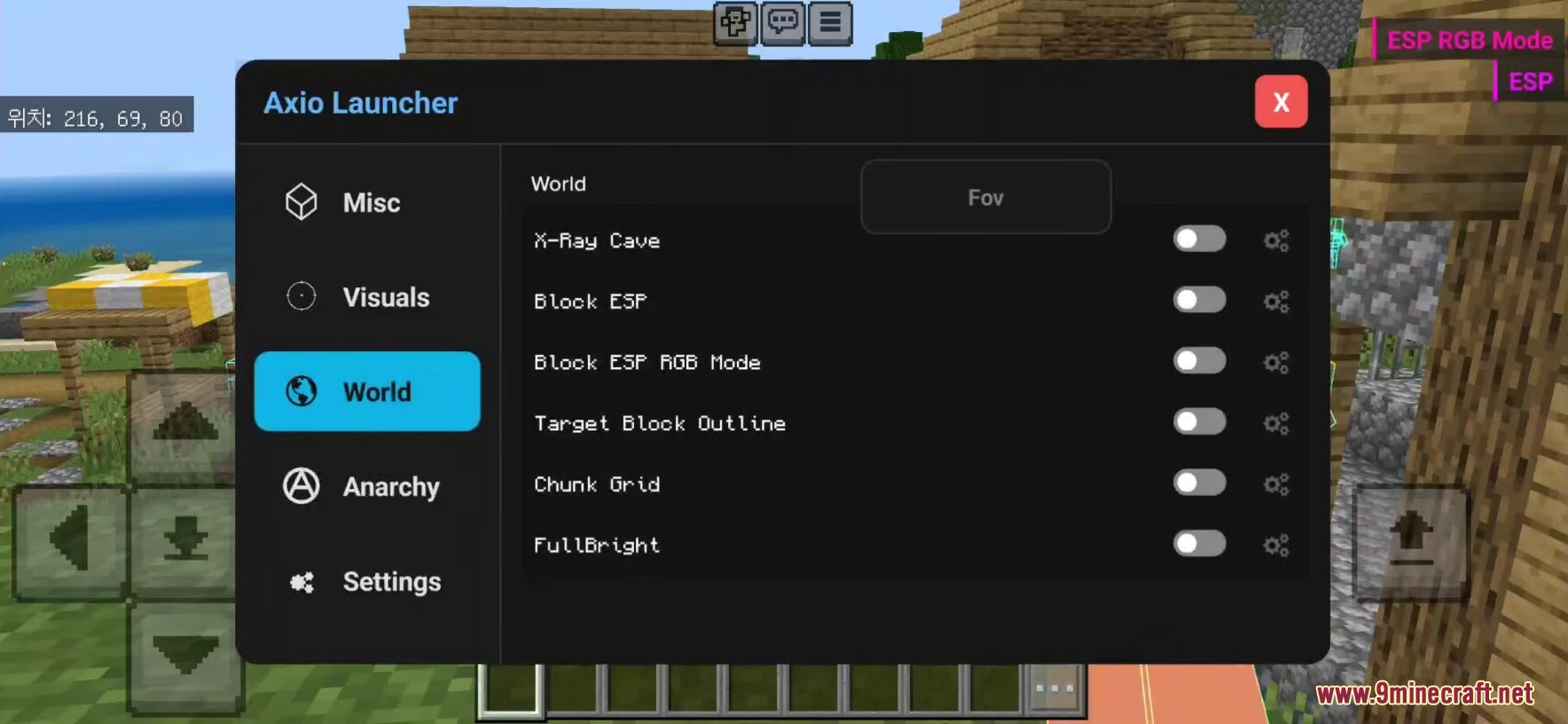
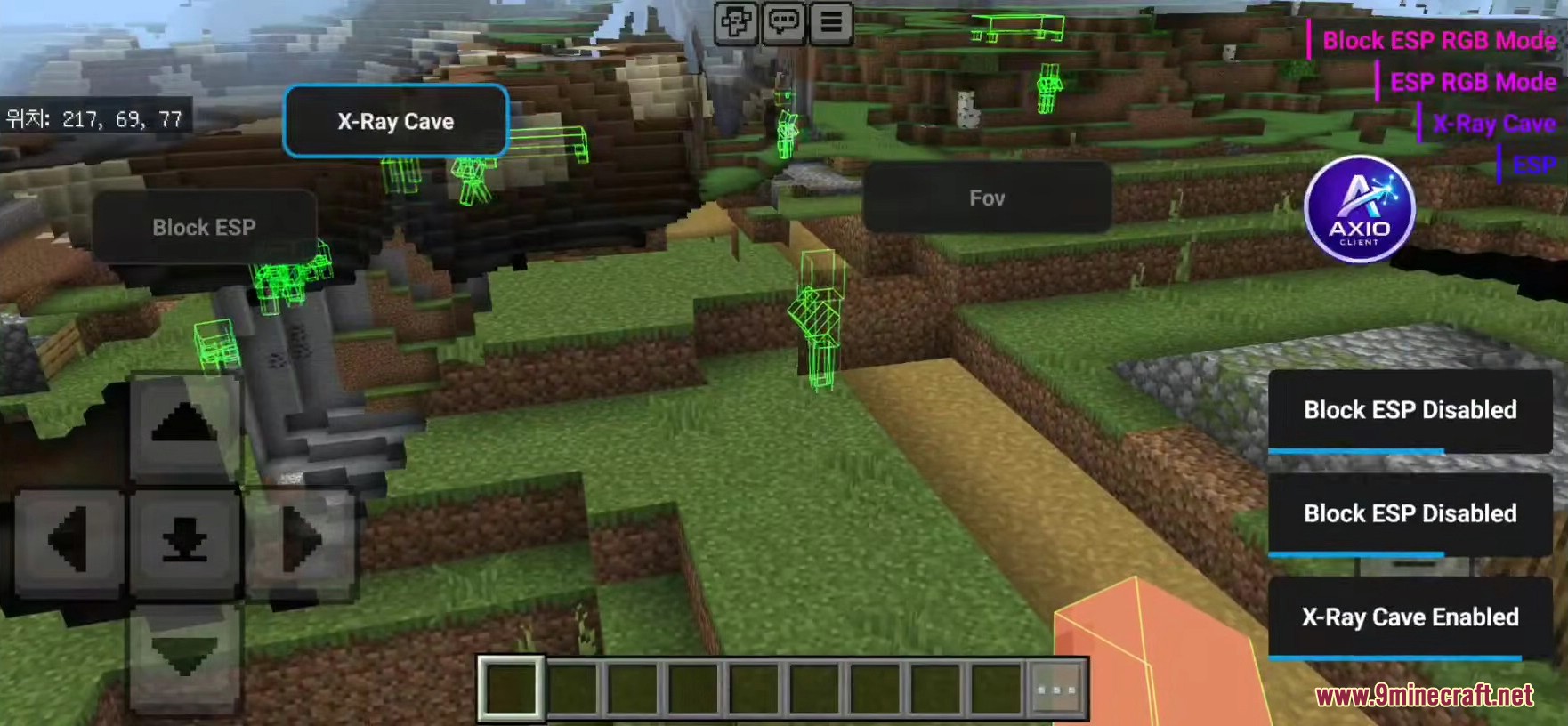
Axio Client Launcher gives you a special menu with many helpful ghost utilities for Minecraft Bedrock Edition on Android. It lets you see things through walls, hit blocks faster, and fight better. You can open the game from this app and log into your Microsoft account normally.

Features:
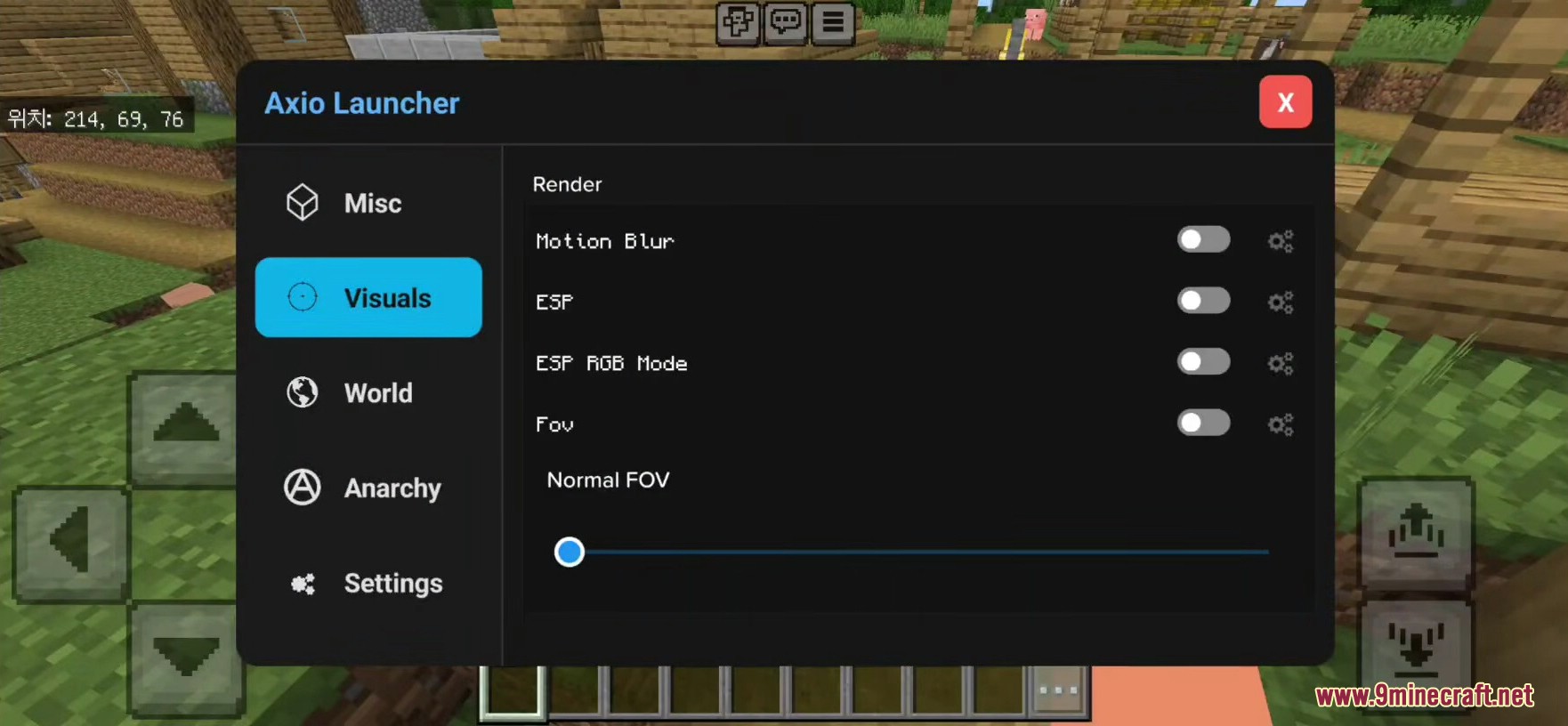
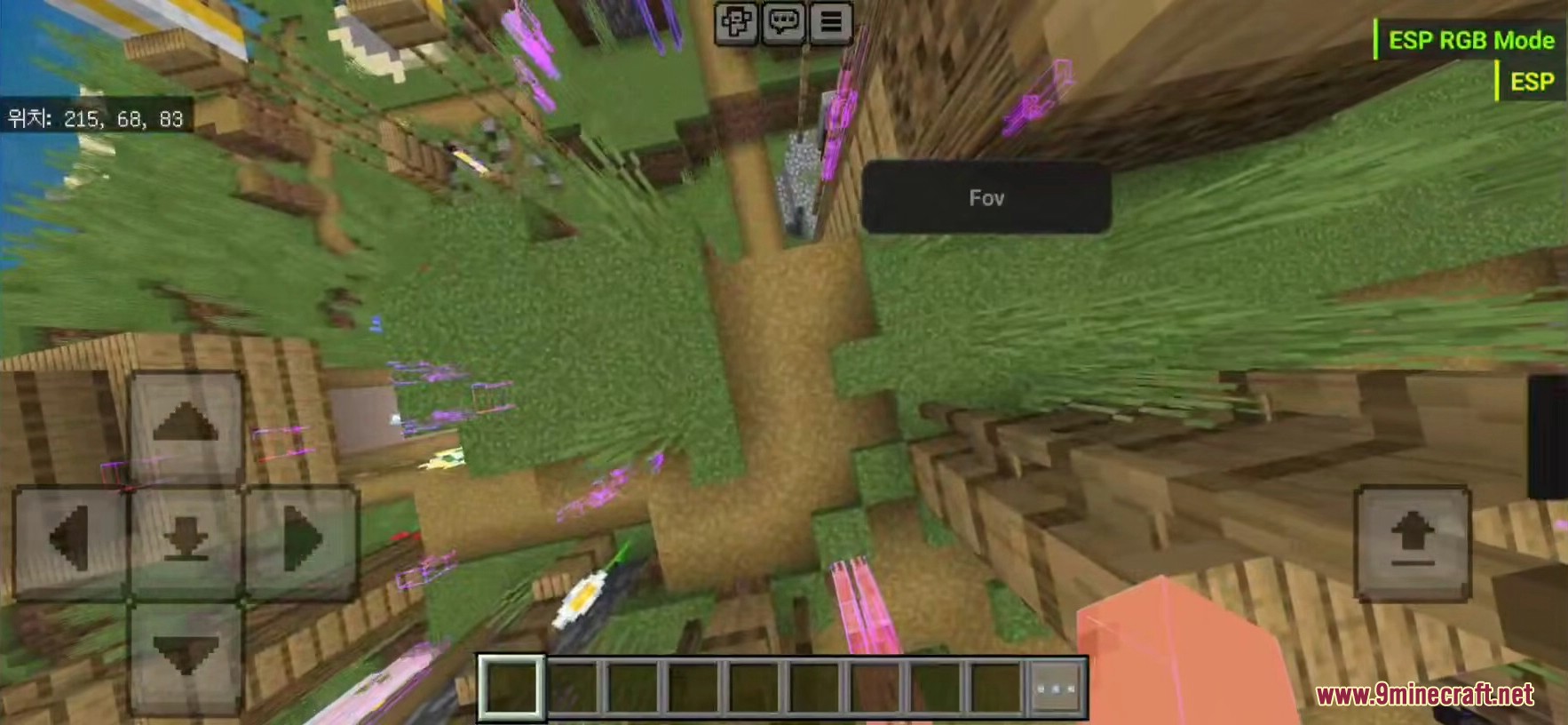
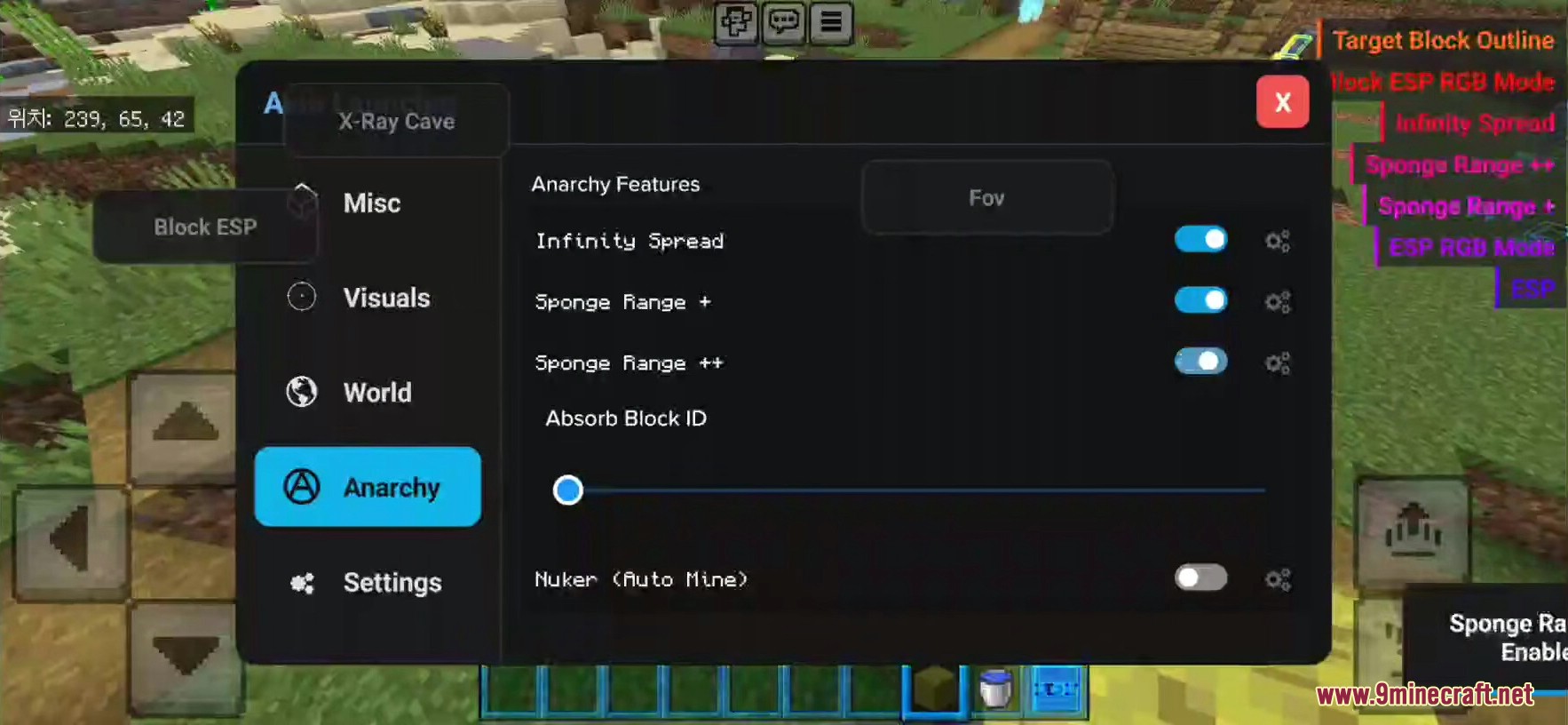
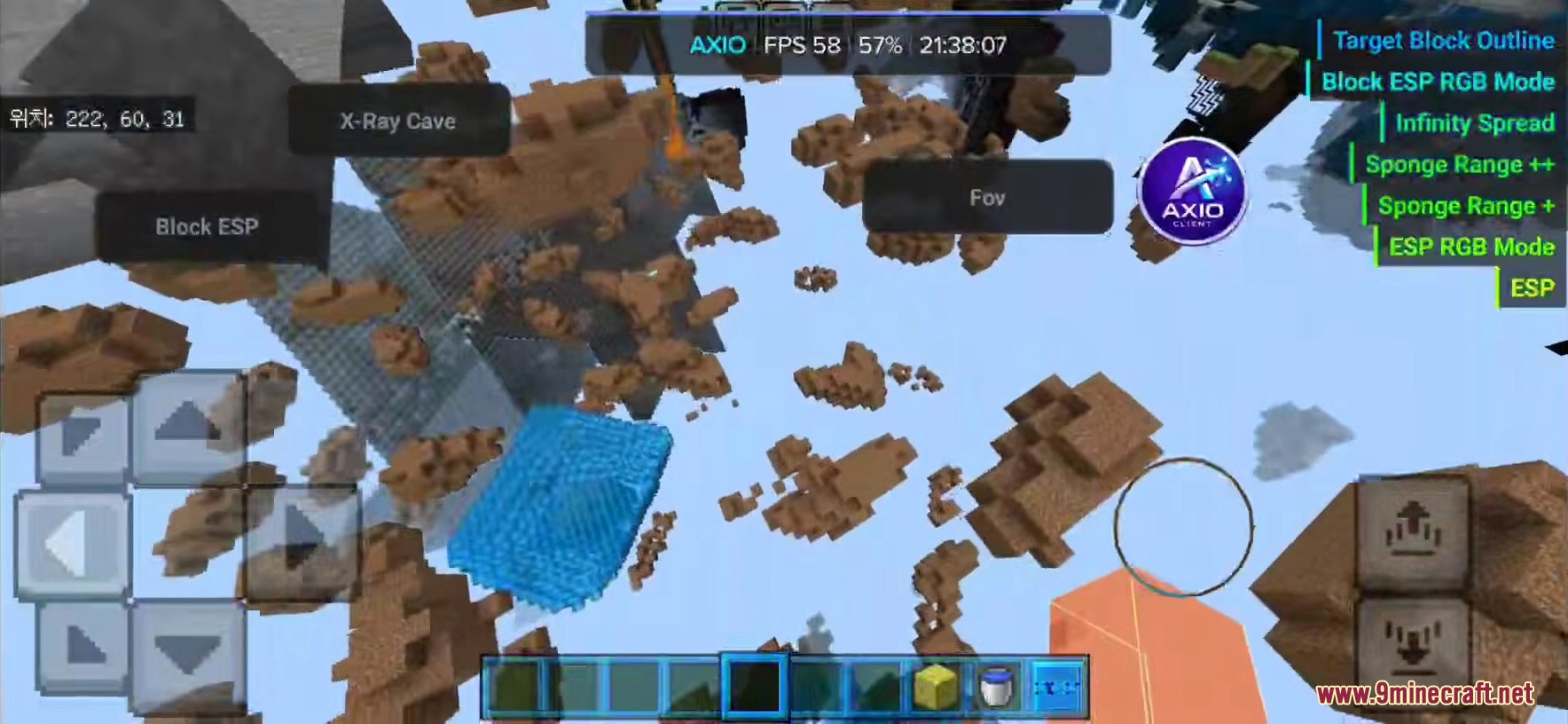
- ESP and Xray: Shows blocks and mobs through solid walls.
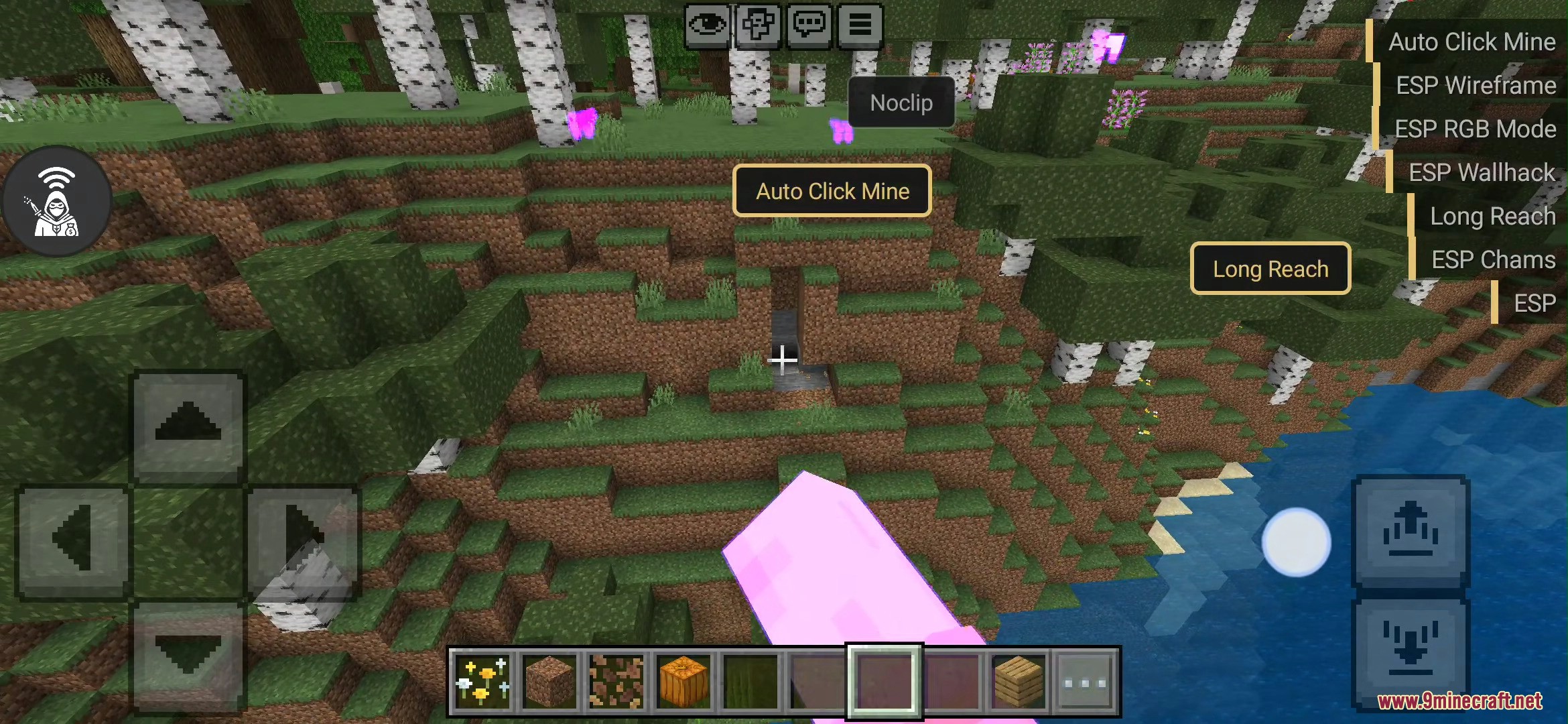
- Taps the screen automatically for fast attacks or mining.
- Hits nearby enemies around you without aiming.
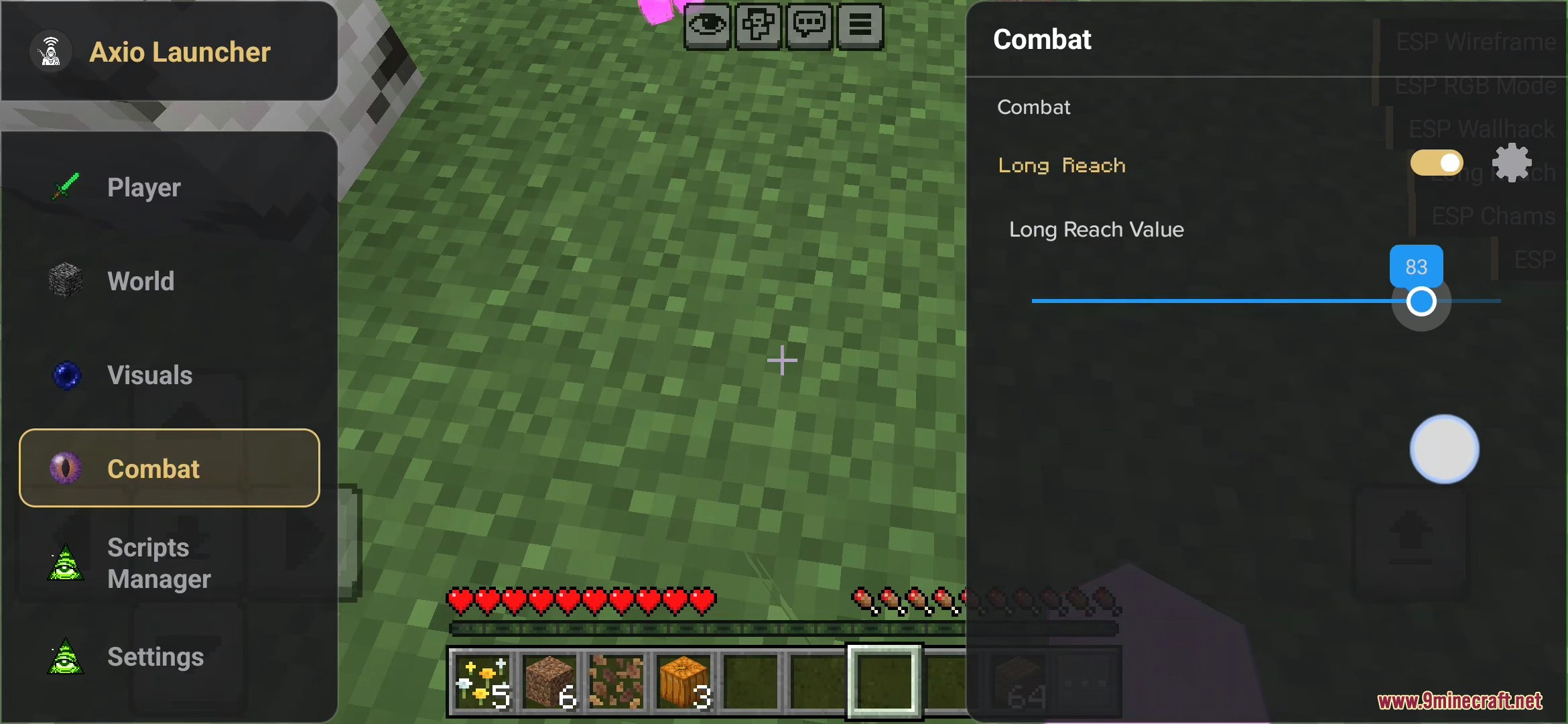
- Lets you hit enemies from much farther away than normal.
- Breaks many blocks around you all at once.
- Lets you walk straight through solid walls and floors.
- Makes the game run faster on your phone.
- Changes how far sponges can soak up water.
- Lets you change how wide your screen looks.
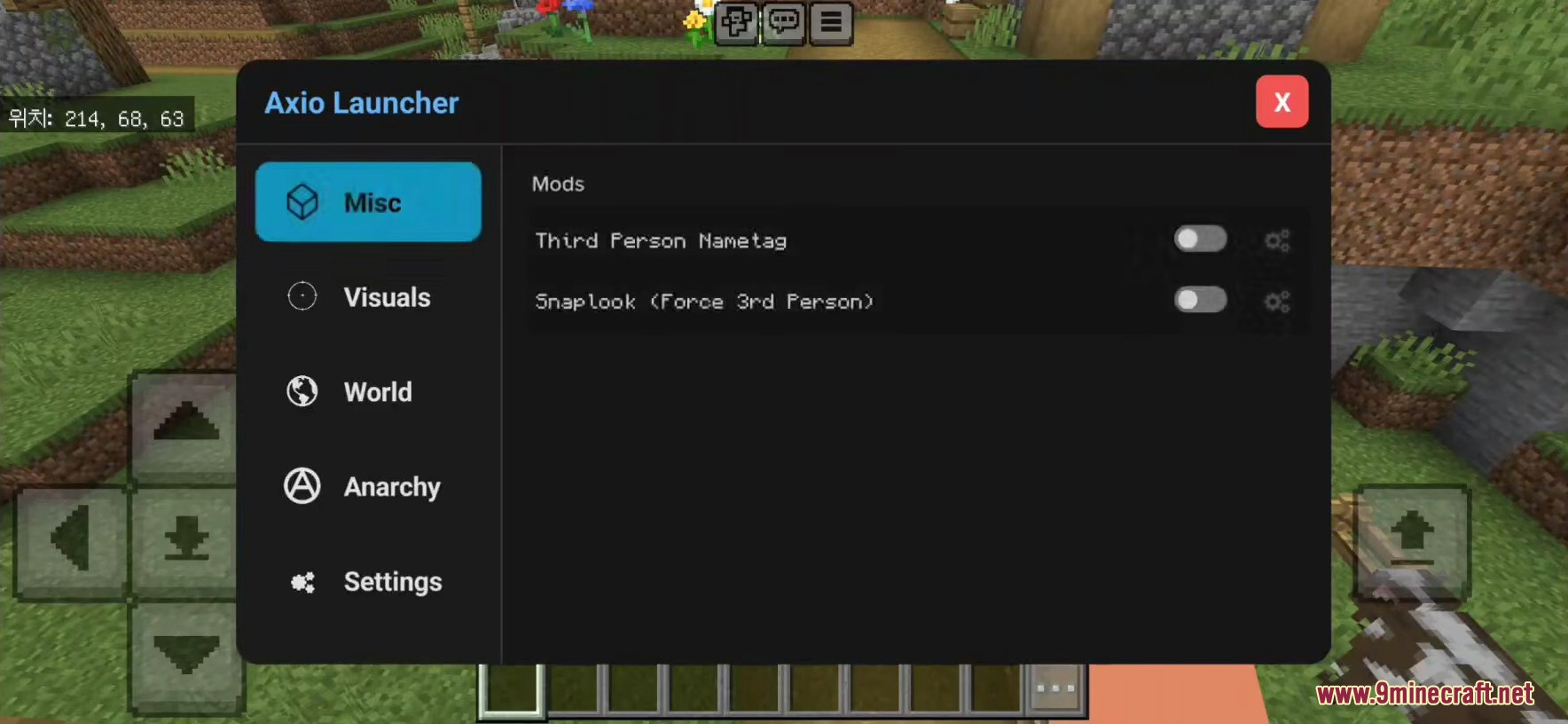
- Gives you extra camera options for looking at your character.
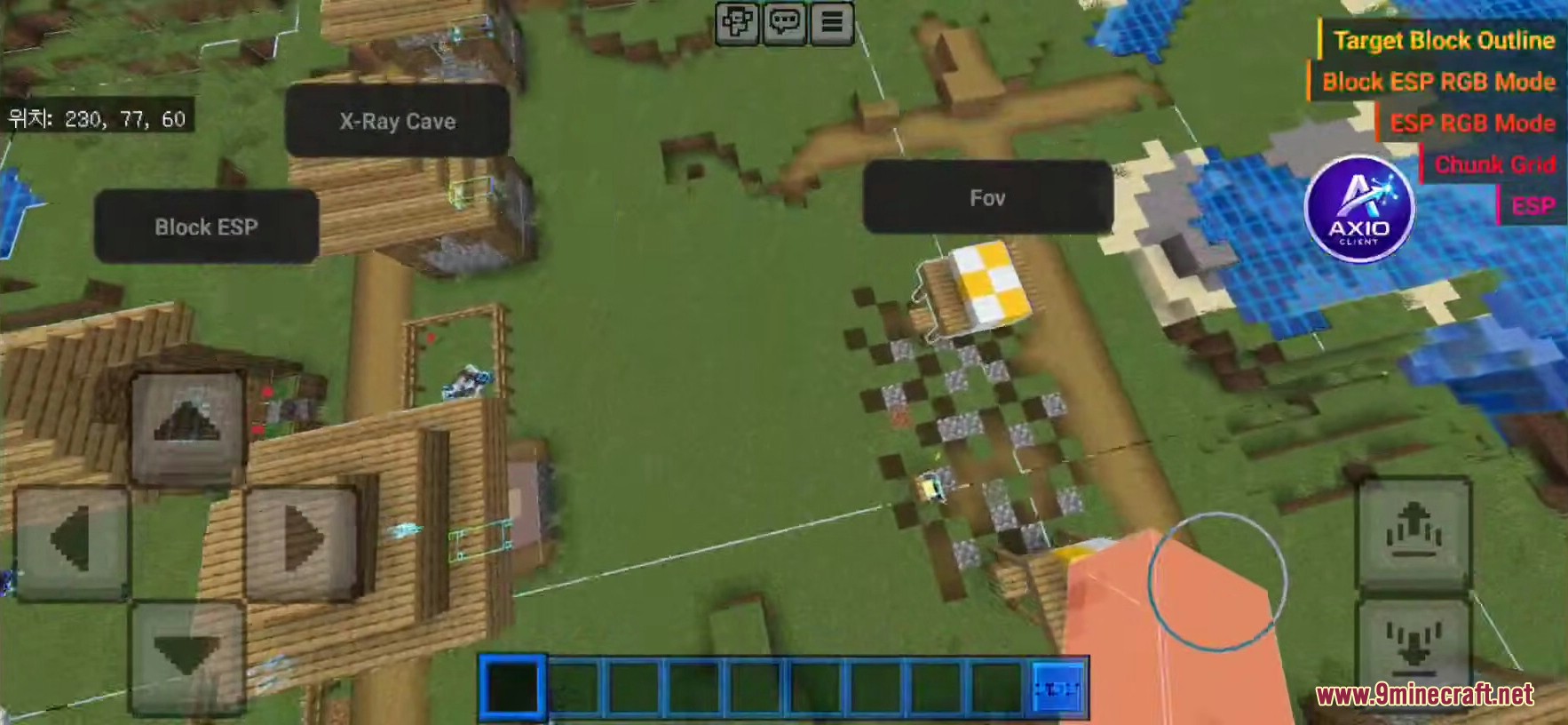
- Adds a button on your screen to change settings quickly.
How to Use:
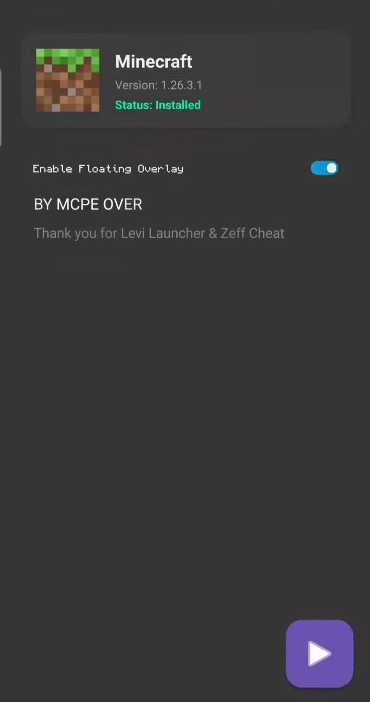
- Open the launcher app on your Android device.
- Log in with your normal Microsoft account.
- Tap the play button to start the game.
- Tap the floating menu button to turn on cheats.
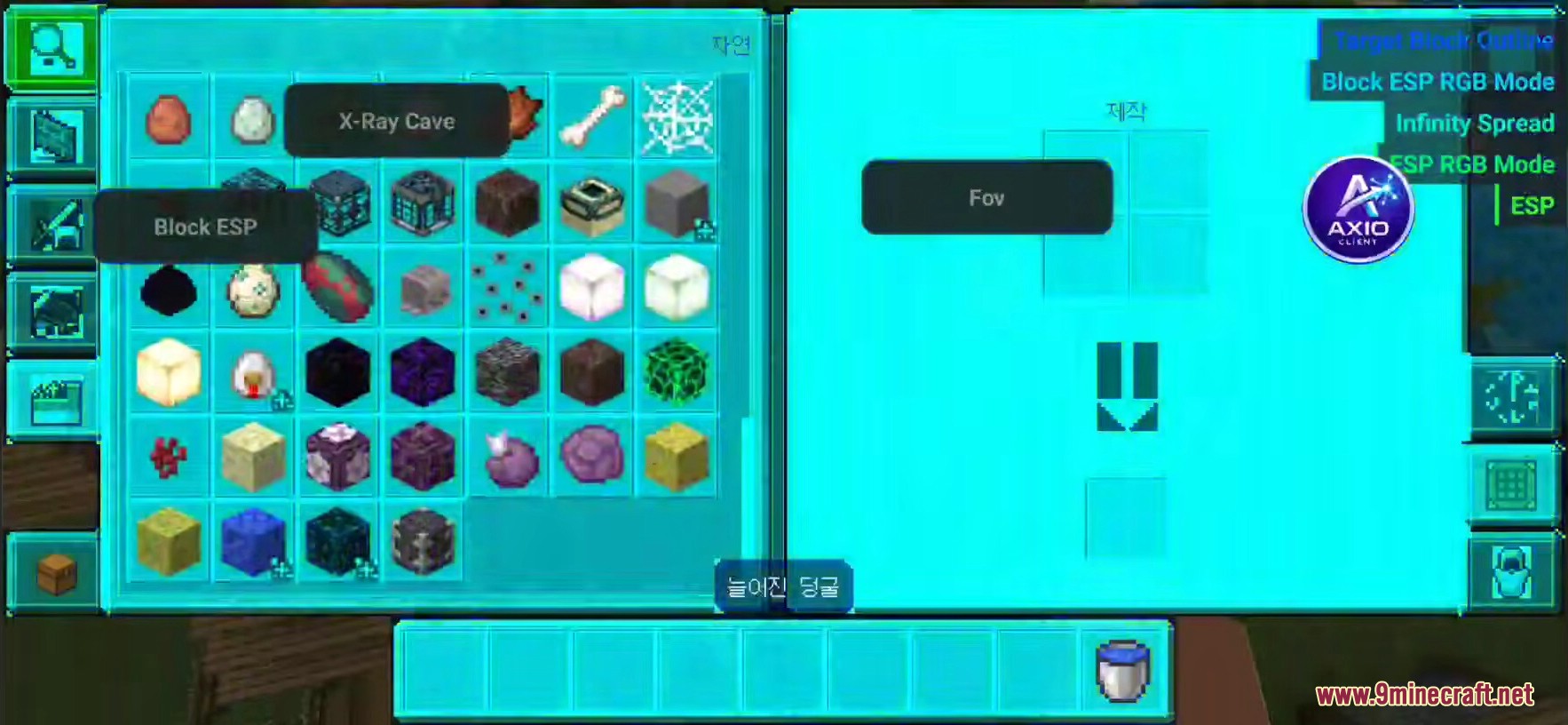
Screenshots:
Axio Client Launcher Download Links
All Files
1
| Version | Sub Versions | Format | File Name | Size | Date | Download |
|---|---|---|---|---|---|---|
| 26.x | 26.1326.1026.0.0226.0 | — | Axio-Client-Launcher.apk | Apr 13, 2026 |
1 file available
Click to rate this post!
[Total: 0 Average: 0]
You May Also Like