


Bedrock Skins Mod (26.2, 1.21.11) – Wear Custom 3D Bedrock Outfits

 0
0 

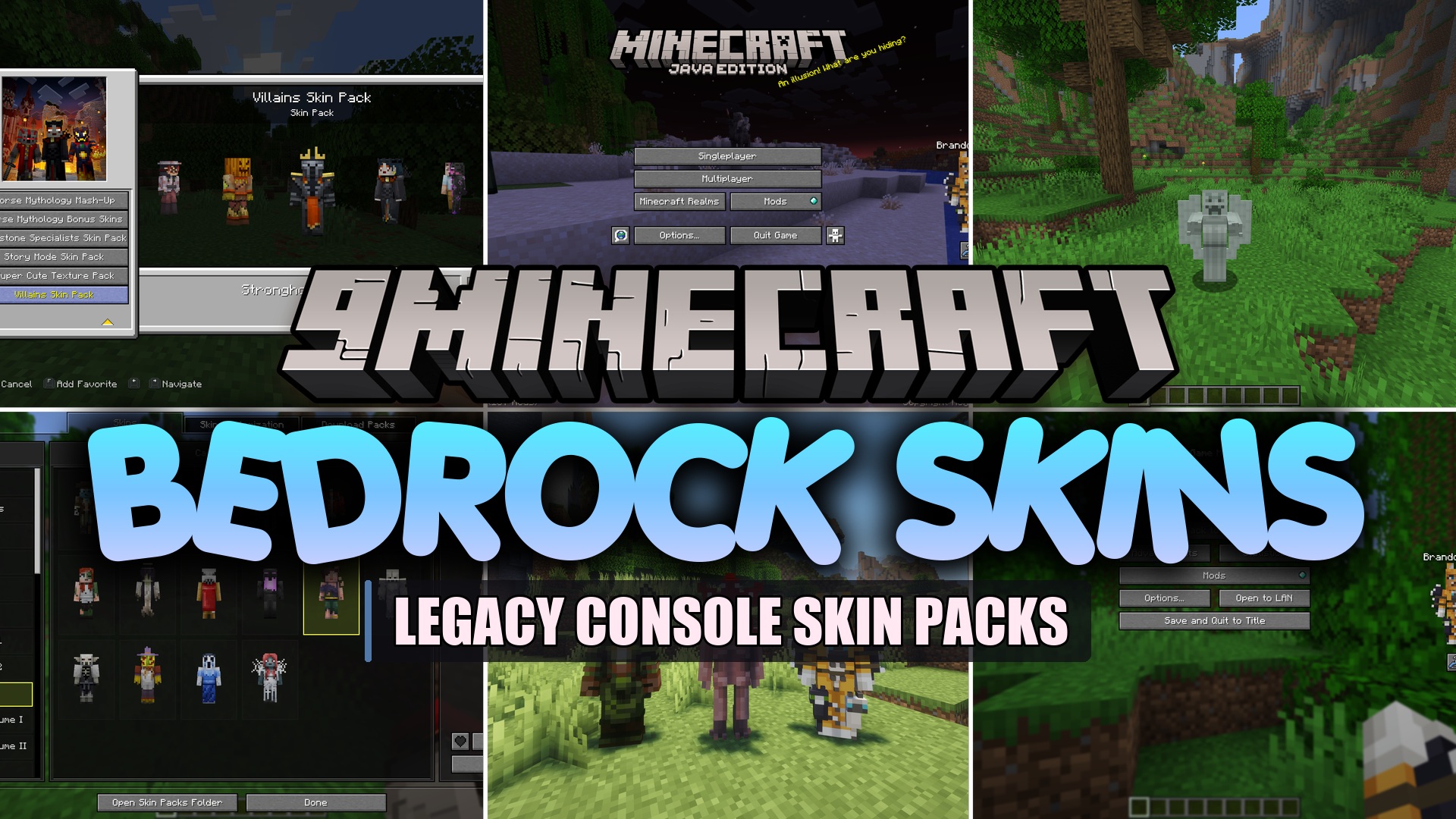
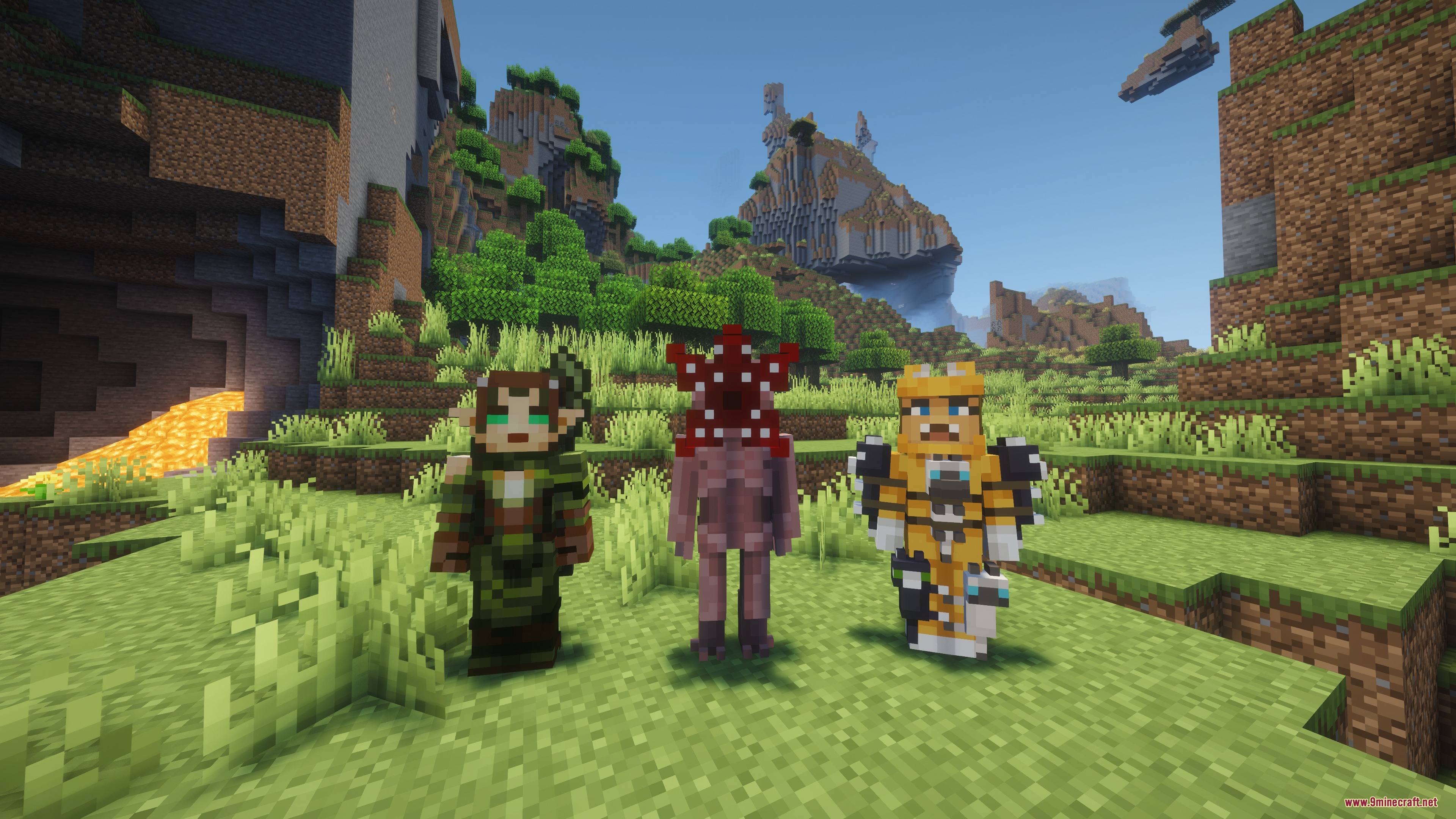
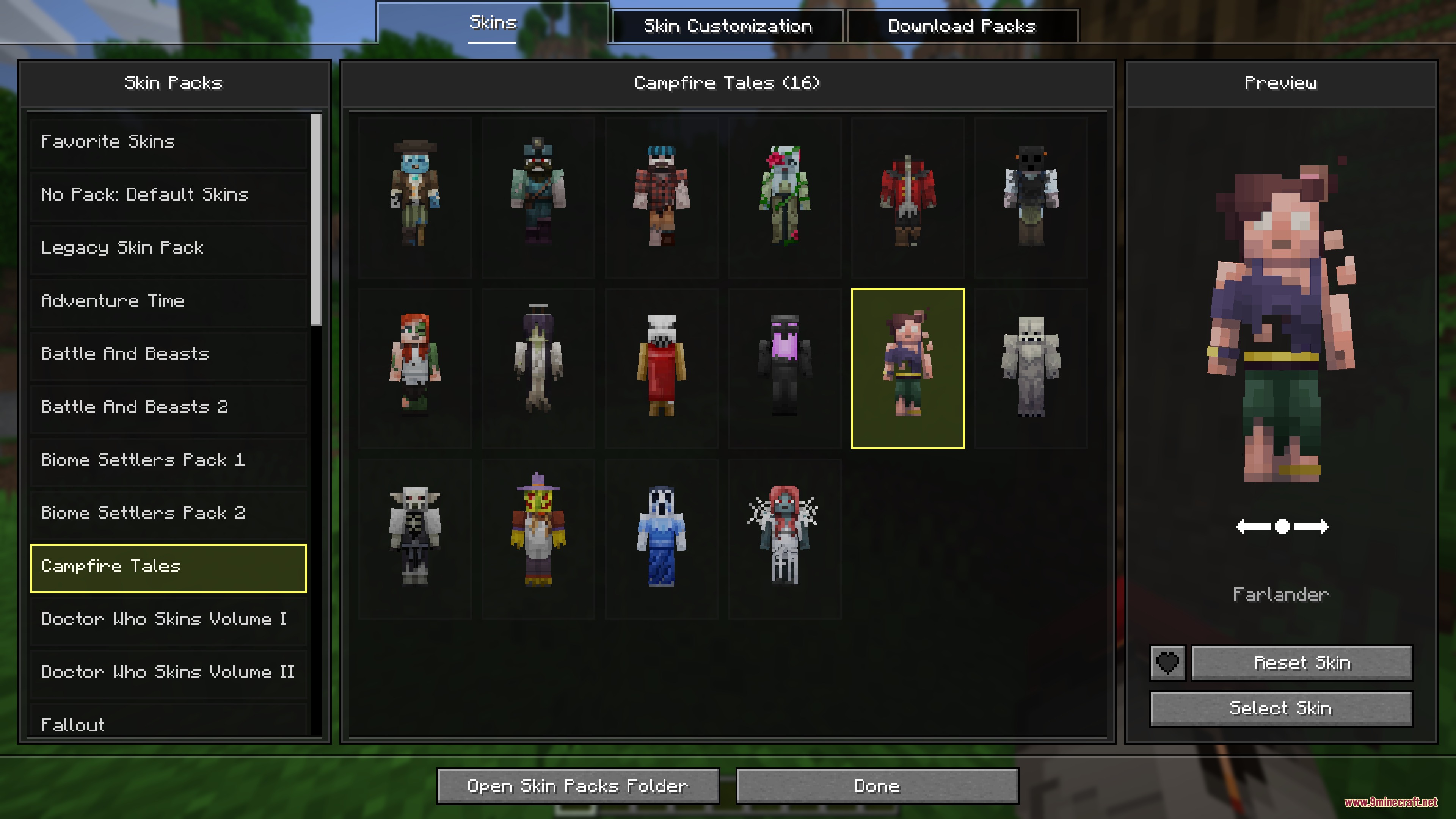
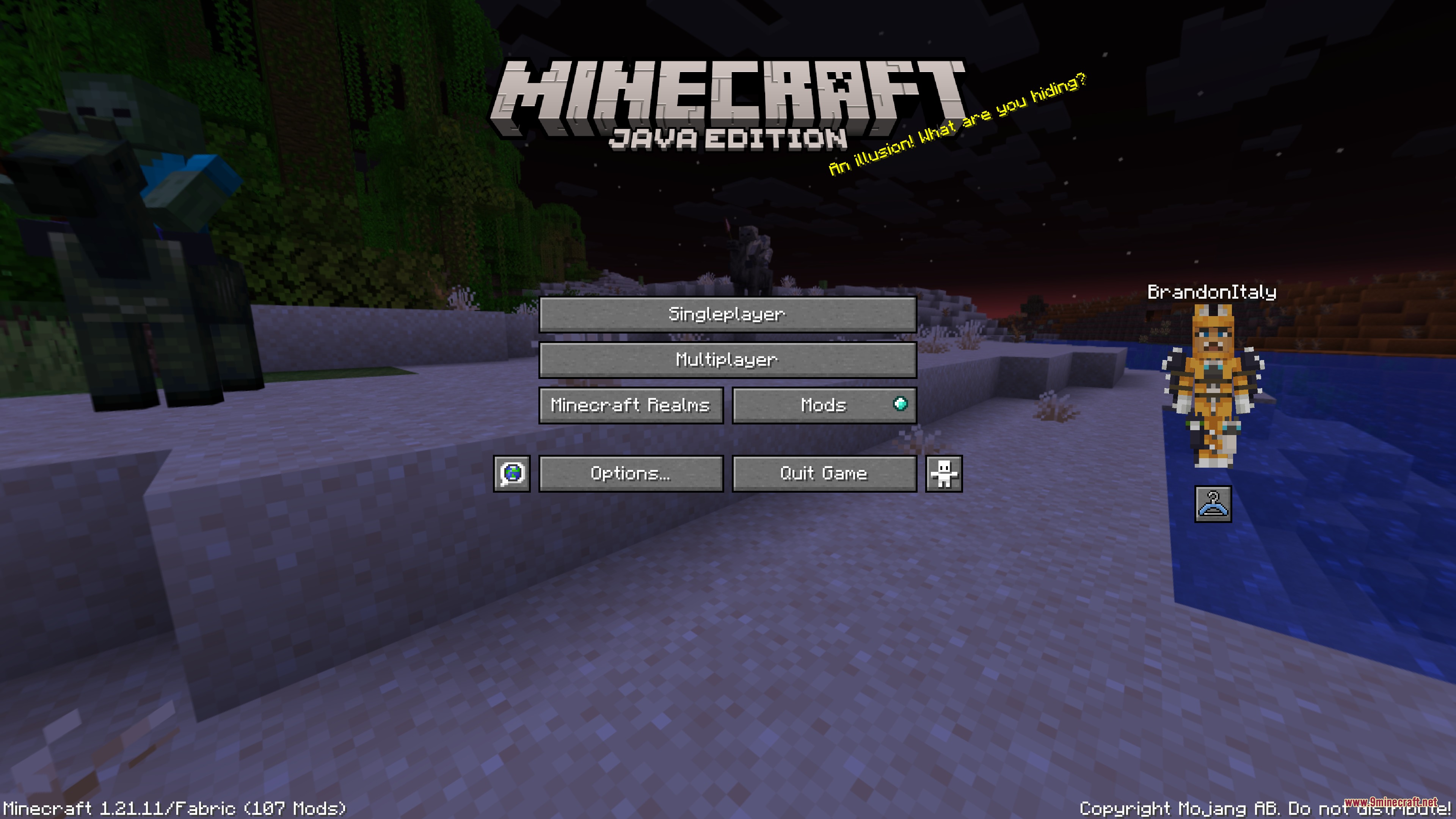
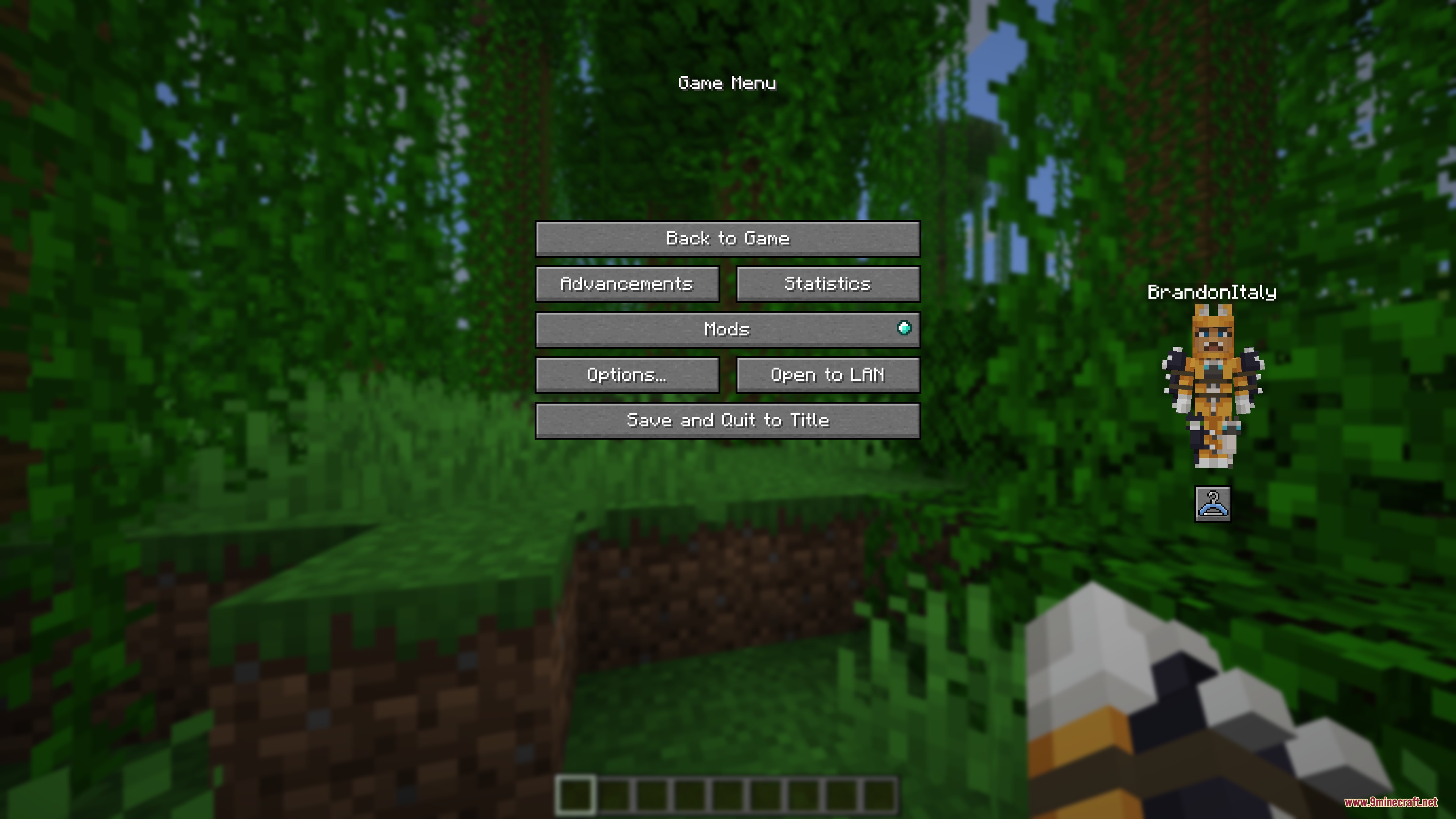
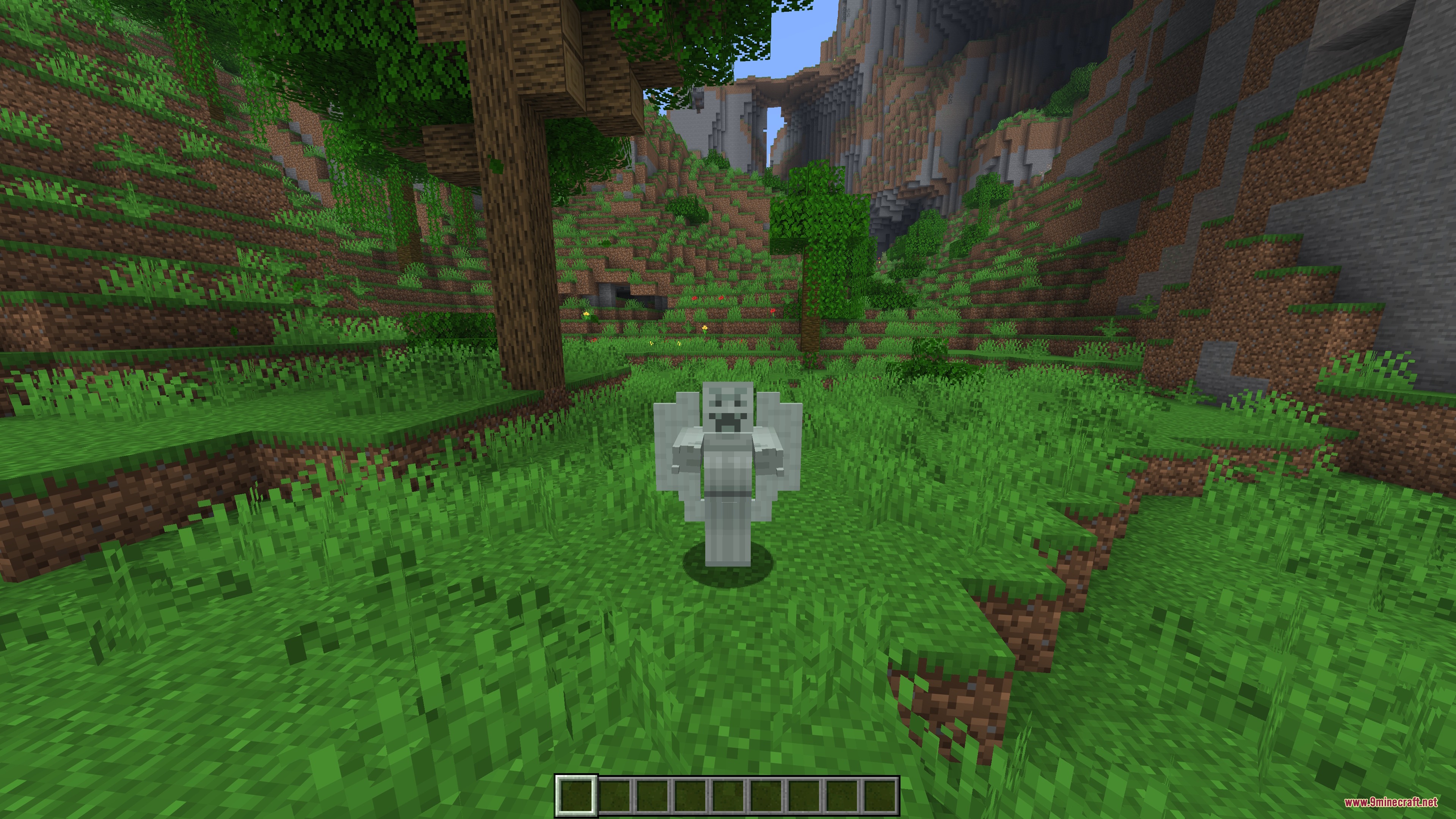
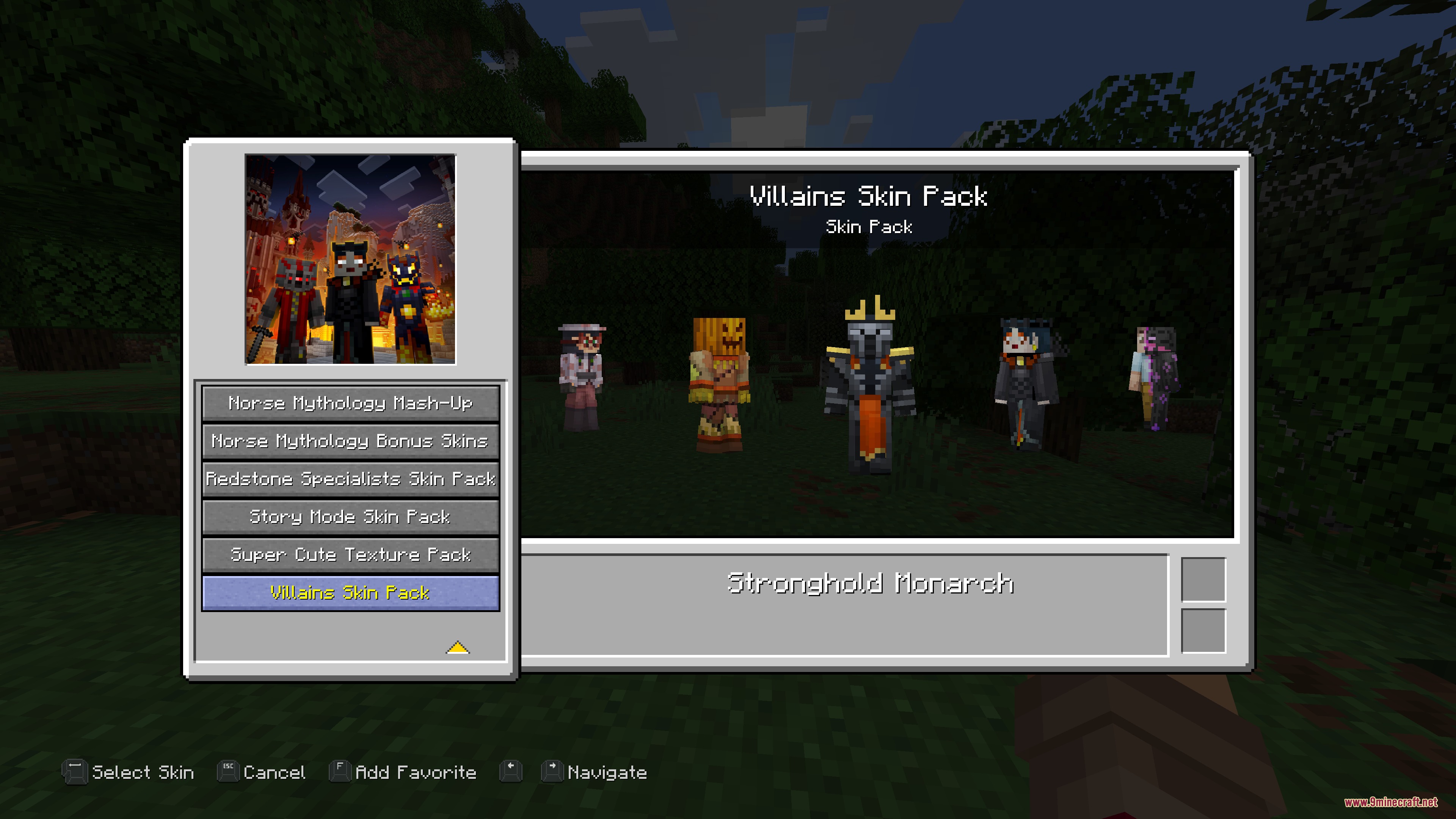
Bedrock Skins Mod brings skin packs from Bedrock Edition and Legacy Console Edition to Java Edition. You can wear skins with custom 3D models, smooth movement animations, and high-definition textures. The mod adds a skin picker menu directly into the game so you can switch looks anytime. It also displays a mini paper doll of your character in the main menu and pause screen.
Features:
- Native Bedrock Geometry: Loads standard Bedrock JSON model files to display custom 3D parts on your character.
- Animations and HD Textures: Plays unique character animations and loads high-resolution textures included in skin packs.
- Press K in-game to open the skin chooser menu or click the buttons on the main menu and pause screen.
- Displays an animated paper doll model of your current character on the menu screens.
- Lets you mark and manage favorite skins for quick access.
- Works directly alongside the Legacy4J mod interface.
How to Use:
- Start the game once to create the
skin_packsfolder inside your.minecraftdirectory. - Place your Bedrock skin pack folders into the
.minecraft/skin_packsfolder. - Make sure each pack folder contains a
skins.jsonfile and ageometry.jsonfile if the skins use 3D models. - Press K in-game or click the skin button on the pause screen to equip your skin.
Screenshots:
How to Install:
New to Minecraft? Follow our step-by-step guide to install Mods on your PC.View Guide
Requirements:




Bedrock Skins Mod Download Links
For Minecraft 26.2
For Minecraft 26.1.2, 26.1.1, 26.1
For Minecraft 1.21.11
For Minecraft 1.21.10, 1.21.9
Click to rate this post!
[Total: 0 Average: 0]
You May Also Like


This post has no comments yet. Be the first — your comment will appear here.