
Better Modlist Mod (26.3, 1.20.1) – Browse Your Installed Addons Clearly

 0


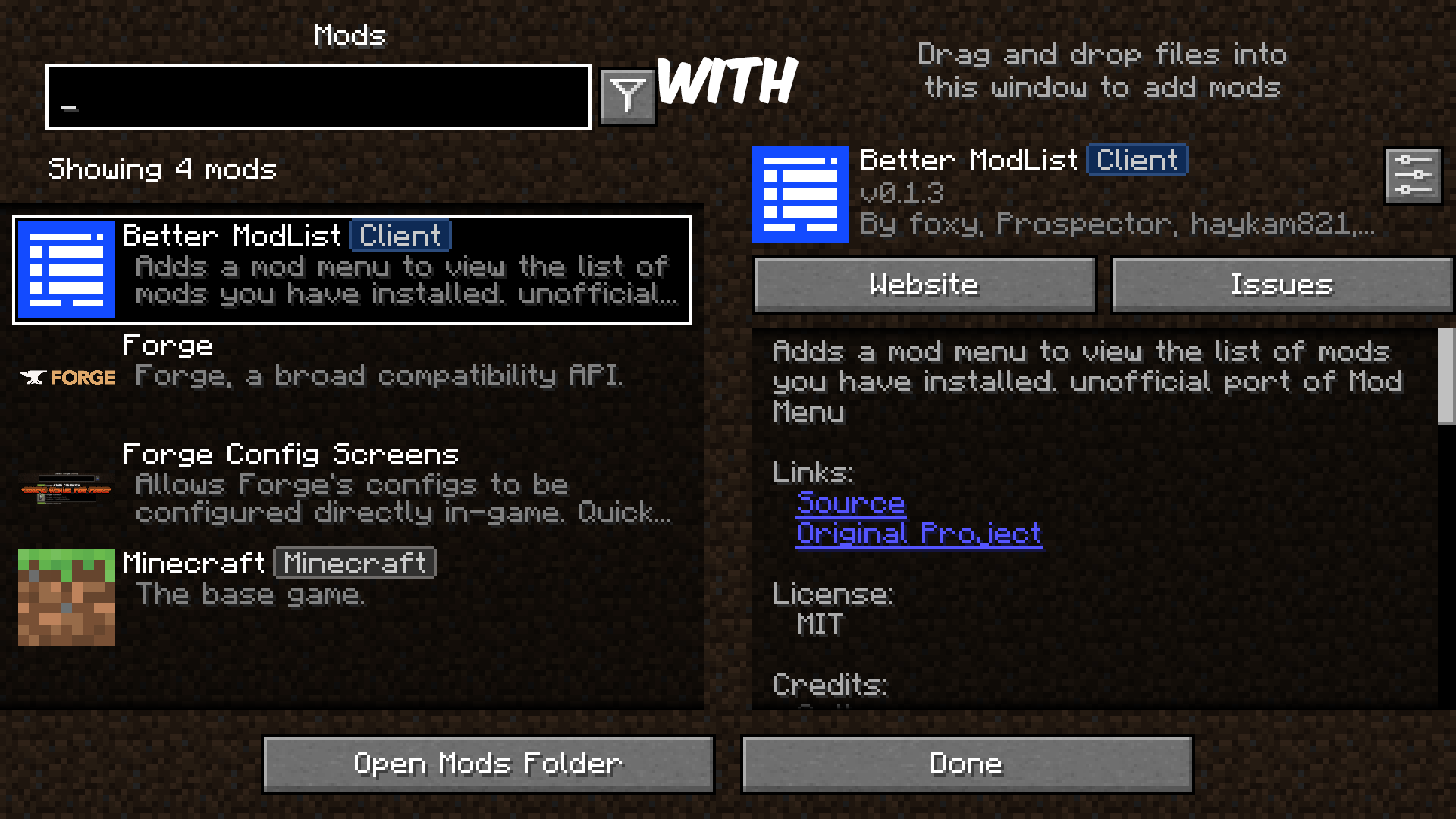
Better Modlist Mod brings the popular Mod Menu interface to NeoForge. It serves as an unofficial port that works smoothly with Synitra Connector and Fabric mods that rely on ModMenu.

Features:
- Brings the familiar Mod Menu layout to the NeoForge loader.
- Works with Synitra Connector and supports Fabric mods that use ModMenu.
- Provides a clear and organized interface for viewing all installed modifications.
How to Use:
- Install the mod on the NeoForge loader.
- Open the main menu inside the game to see the updated mod list interface.
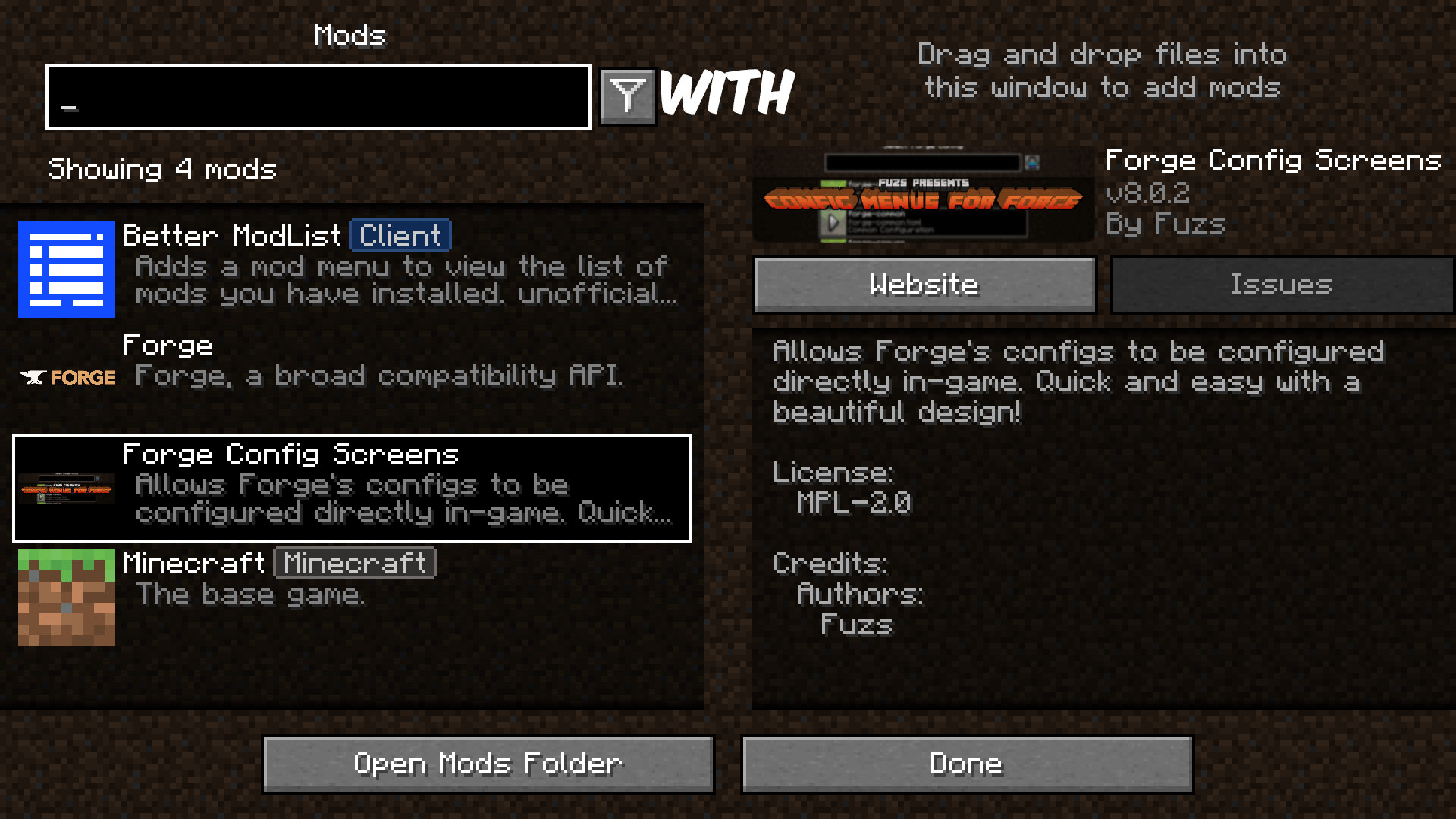
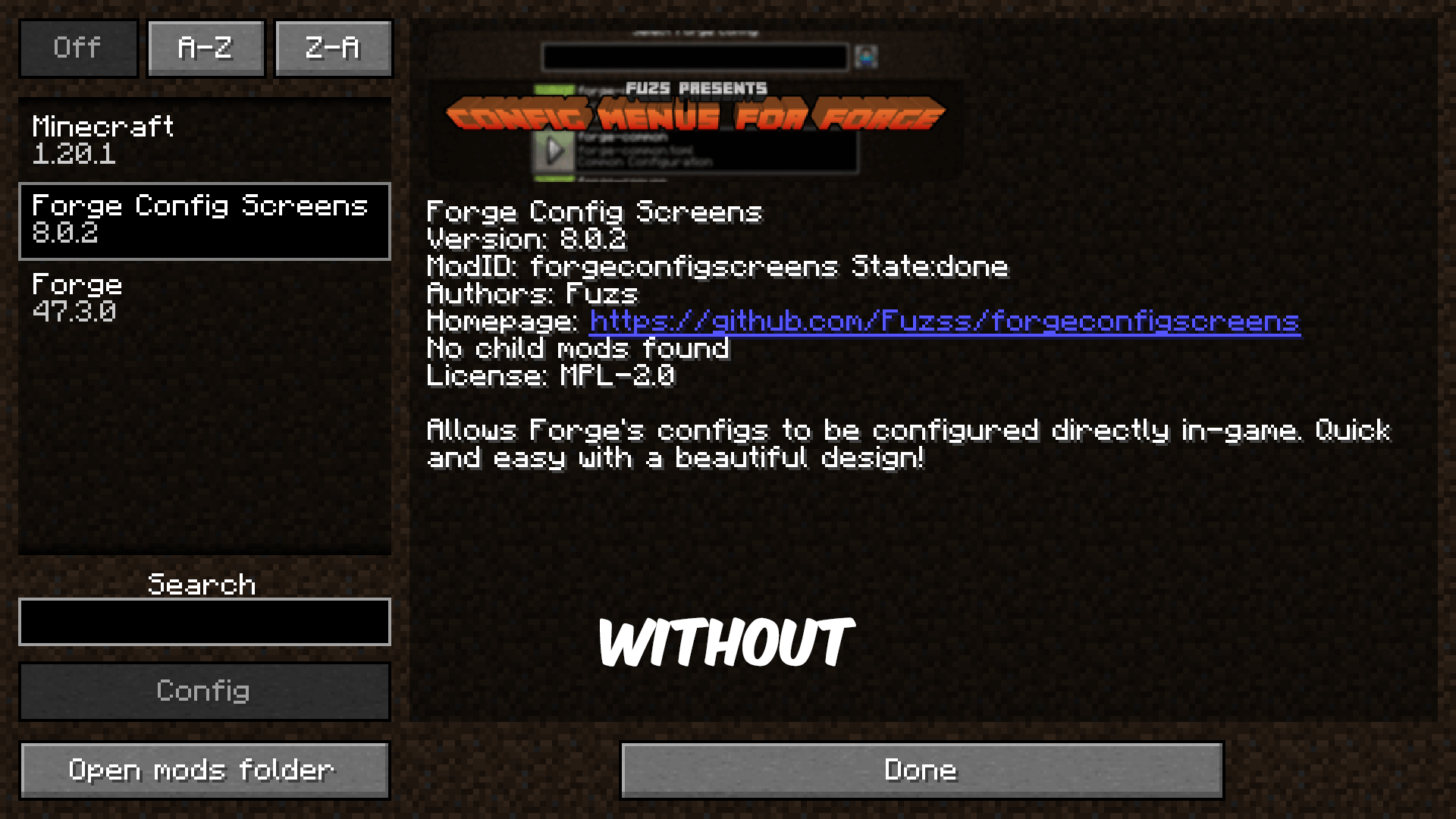
- Use Forge Config Screen on version 1.20.1 if you want the mod configuration menus to work properly in the game.
Screenshots:
How to Install:
New to Minecraft? Follow our step-by-step guide to install Mods on your PC.View Guide



Better Modlist Mod Download Links
For Minecraft 26.3
For Minecraft 26.2
For Minecraft 26.1.2, 26.1.1, 26.1
For Minecraft 1.21.11
For Minecraft 1.21.10, 1.21.9
For Minecraft 1.21.8, 1.21.7, 1.21.6
For Minecraft 1.21.5
For Minecraft 1.21.4
For Minecraft 1.21.3, 1.21.2
For Minecraft 1.21.1, 1.21
For Minecraft 1.20.1, 1.20
Click to rate this post!
[Total: 0 Average: 0]
QUICK MINECRAFT SURVEY · ONE TAP
Mods & Modpacks
What is the longest real-time wait you will tolerate for a heavily modded game to load to the main menu?
11 responses · See the full results →
You May Also Like
Picked for this page
 Xaero’s Minimap Mod (26.3, 1.20.1) – Radar, Waypoint, Zoom
 Continuity Mod (26.3, 1.20.1) – Efficient Connected Textures
 Jade Mod (26.3, 1.20.1) – Hwyla/WAILA Fork
 Sodium Options Mod (26.3, 1.20.1) – Replace Sodium’s Options Screen
 Structory Towers Mod (26.3, 1.20.1) – Biome-Specific Towers
 Pistorder Mod (26.2, 1.20.1) – Easily Functioning Pistol
 NarrusYeetus Mod (26.1.2, 1.20.1) – No More Narrator Disturbance
 Ube’s Delight Mod (26.3, 1.20.1) – A Taste Of The Philippines
 No Animal Tempt Delay Mod (26.3, 1.20.1) – Better Mob Luring
 Compat Datapacks Mod (26.2, 1.21.1) – Backward Compatibility For Datapacks
 Swinging Lanterns Mod (26.3, 1.20.1) – Living, Breathing Bases
 LPCTools Mod (26.3, 1.20.1) – Auto Filler, Liquid Cleaner
Most viewed in Mods over the last 7 days
 Ala Industrial Mod (26.3) – Run Electric Power Grids and Automated Factories
 PleasureCraft Mod (26.3, 1.21.1) – Jenny Mod Remake for Fabric
 Jennycraft Mod (26.3, 1.20.1) – Virtual Girlfriend in Minecraft
 Fapcraft Mod (26.3, 1.12.2) – Comprehensive and Detailed Content
 Jenny Mod (Fapcraft) Official Complete Guide – How to use, Tutorial
 BangCraft Mod (1.20.1) – Jenny, Ellie and Elliot
 Fabric Loader (26.3, 1.20.1) – Fabric Installer for All Minecraft Versions
 Meteor Client Mod (26.3, 1.20.1) – Xray, HUD, Fly
 The Shooting Star Demo Mod (26.3, 1.20.1) – Vaporize Terrain From Orbit
 OptiFine HD (26.3, 1.20.1) – Run Faster, FPS Boost, Shaders Support
 Aristois Client Mod (1.21.4, 1.20.1) – World Class Minecraft Utility
 SchnurriTV Mod (1.12.2) – Characters and Features
More from Mods
 Shin’s Tensura Race Models Mod (1.19.2) – Play As Unique 3D Anime Race
 Offgrid Mod (26.3, 1.20.1) – Furnish Compact Interiors Without Strict Grid
 Tempest Almanac Iron’s Spells ‘n Spellbooks Mod (1.21.1, 1.20.1)
 Chat Guides Mod (26.3, 1.21.11) – Never Memorize Complex Server Commands Again
 TRMT Reimagined the Roads More Travelled Mod (26.3, 1.20.1)
 Morrowless Mod (1.21.1) – Defend Your Shelter From Nightmare Creatures
 THE SLOPSTROSITY Mod (1.21.1) – Battle a Ridiculous Slime Boss
 Decoween Mod (1.21.1, 1.20.1) – Transform Ordinary Survival Bases
 Simply Light 9minecraft Mod (26.3) – Decorate Builds Without Torches
 Alex’s Caves Continued Mod (26.3, 1.20.1) – Conquer Six Massive Underground
 Anvil Uses Mod (26.3, 1.20.1) – Track Item Anvil Usage
 Animal Info Mod (26.3, 1.21.11) – Quick Stats For Your Animals

This post has no comments yet. Be the first — your comment will appear here.