


Better RTP Plugin (26.2, 1.21.11) – Safe Wilderness Teleports Without Any

 0
0 

Better RTP Plugin gives players a fast and safe way to teleport into the wilderness. Chunks load in the background so the server stays fast without stuttering. Players can pick specific biomes from a clean menu or look at past locations to travel back anytime. It also adds warmups and cooldowns to keep teleporting fair during survival gameplay.
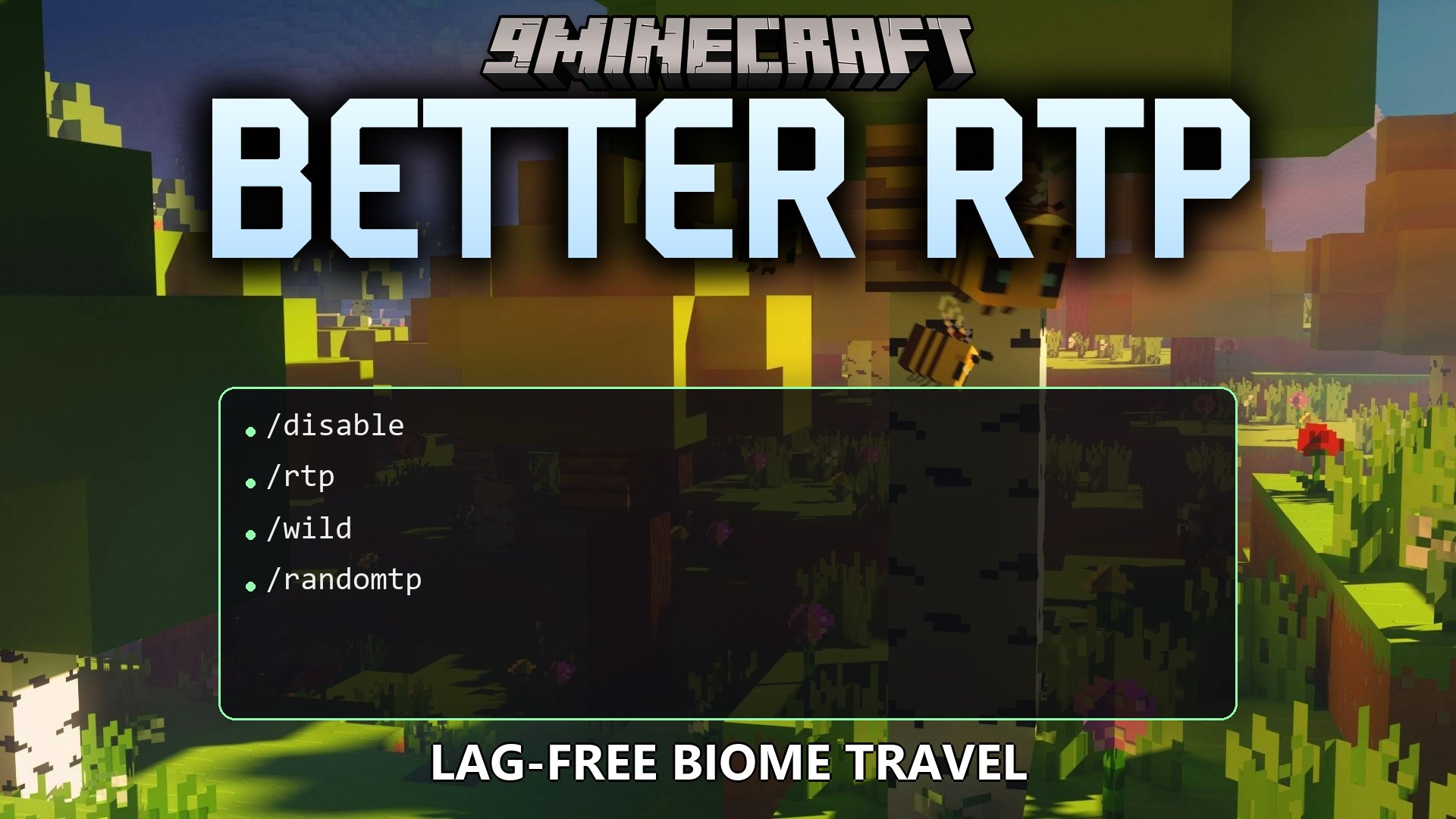
Features:
- Safe Location Search: Loads chunks in the background to prevent server lag when players teleport.
- Biome Selector Menu: Shows a list of biomes across the Overworld, Nether, and End for targeted travel.
- Teleport History: Saves recent teleport spots so players can return to previous locations even after server restarts.
- Menus include clean gradients, item tooltips, and click sound effects.
- Adds cooldown timers and standing-still warmups that cancel if you move or take damage.
- Allows per-world setups with custom teleport radius and world border checks.
- Includes a biome blacklist to stop random jumps into dangerous or protected zones.
- Works with custom datapack biomes alongside standard vanilla areas.
Commands:
/rtp: opens the menu or teleports you to a random spot./rtp now: teleports you immediately without opening the menu./rtp biome [biome]: opens the biome menu or teleports you straight to a chosen biome./rtp history: opens your list of recent teleport locations./rtp world <world>: teleports you randomly within a specific world./rtp player <name> [world]: sends another player to a random spot./rtp reload: reloads the plugin files and applies changes right away.- Aliases include
/wildand/randomtp.
Configuration:
rtp.use: grants access to use the main teleport command.rtp.biome: lets players open and choose locations from the biome menu.rtp.history: allows players to view past teleport spots.rtp.history.teleport: allows players to jump back to past teleport spots.rtp.others: lets staff teleport other players.rtp.world: grants permission to teleport into other dimensions or worlds.rtp.admin: grants access to reload settings.rtp.bypass.cooldown: skips the cooldown delay between teleports.rtp.bypass.warmup: skips the standing-still warmup timer.
How to Use:
- Type
/rtpin the chat window to open the main teleport menu. - Click on a biome icon or choose random teleport to begin finding a safe location.
- Stand still during the countdown timer without taking damage.
- Arrive at your new location and start gathering resources.
- Use
/rtp historylater if you want to jump back to an earlier spot.
How to Install:
New to Minecraft? Follow our step-by-step guide to install Plugins on your PC.View Guide
Better RTP Plugin Download Links
For Minecraft
26.2,
26.1.2,
26.1.1
All Versions Covered
26.2
26.1.2
26.1.1
26.1
1.21.11
All Versions Covered
26.2
26.1.2
26.1.1
26.1
1.21.11
Click to rate this post!
[Total: 0 Average: 0]
You May Also Like

















This post has no comments yet. Be the first — your comment will appear here.