
Blaze Client Mod (1.21.4, 1.20.1) – Dominate Every Fast PvP Match



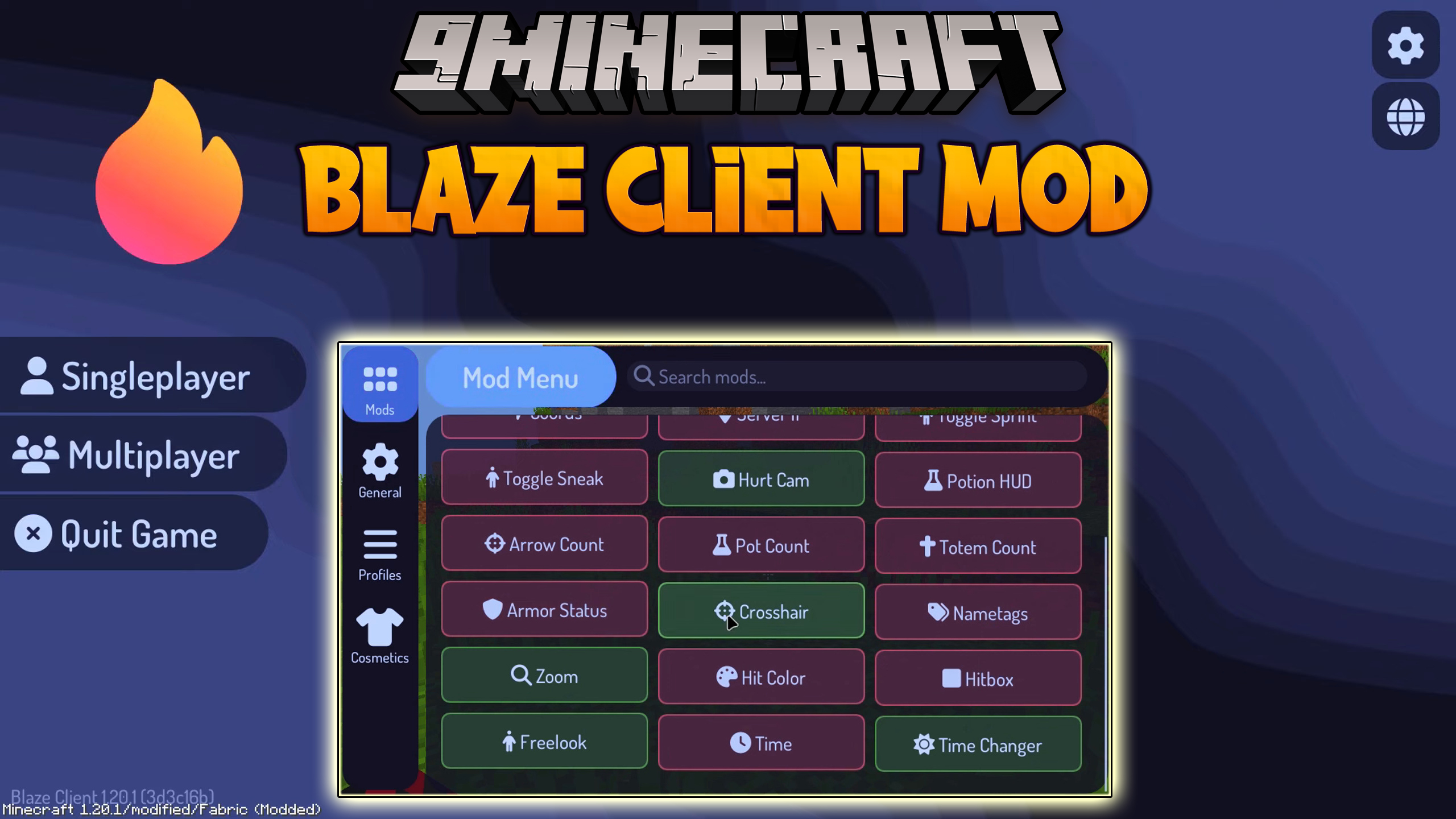
Blaze Client Mod brings customizable, lightweight utility tools to PvP servers and everyday Minecraft play. It serves as an easy-to-use alternative to clients like Lunar, Feather, and Badlion. This mod packs over 20 built-in tools that show live stats, track gear, help with movement, and adjust in-game visuals. It also adds Discord RPC, player badges, cosmetics, and a custom launcher. The mod requires Fabric API and runs on Windows and Linux.
Features:
- Works as an open-source, customizable, and lightweight utility mod for PvP servers and more.
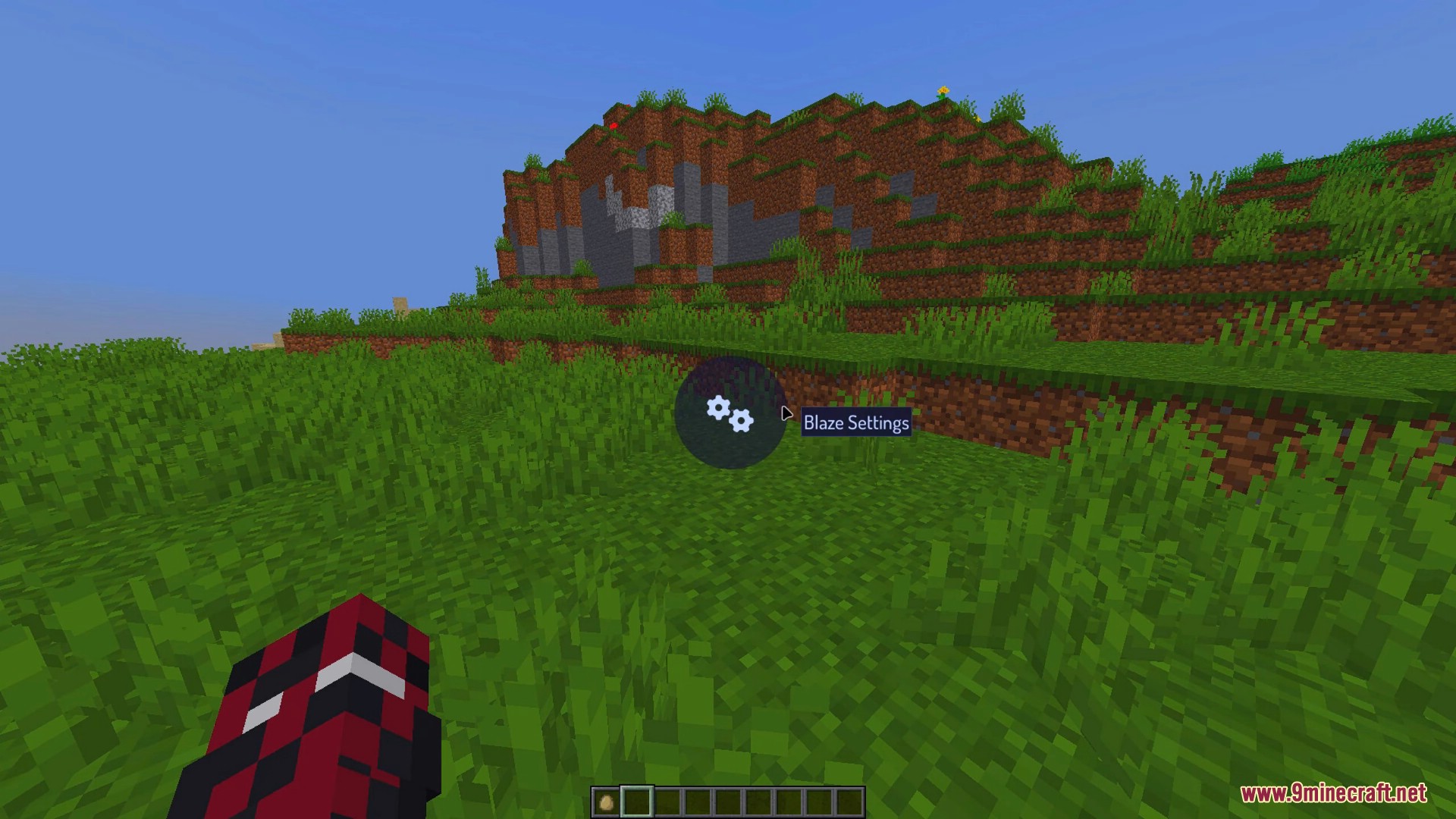
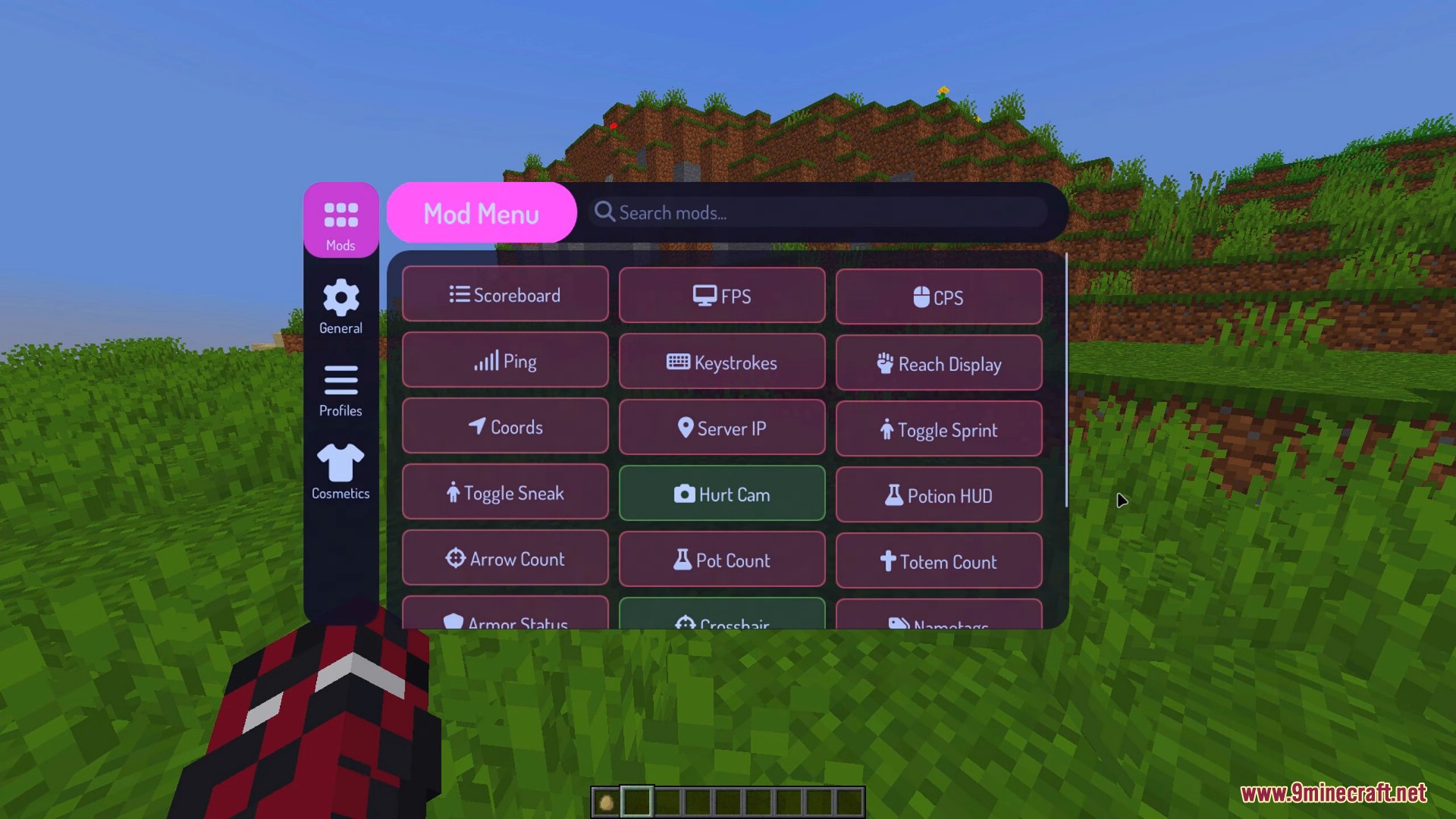
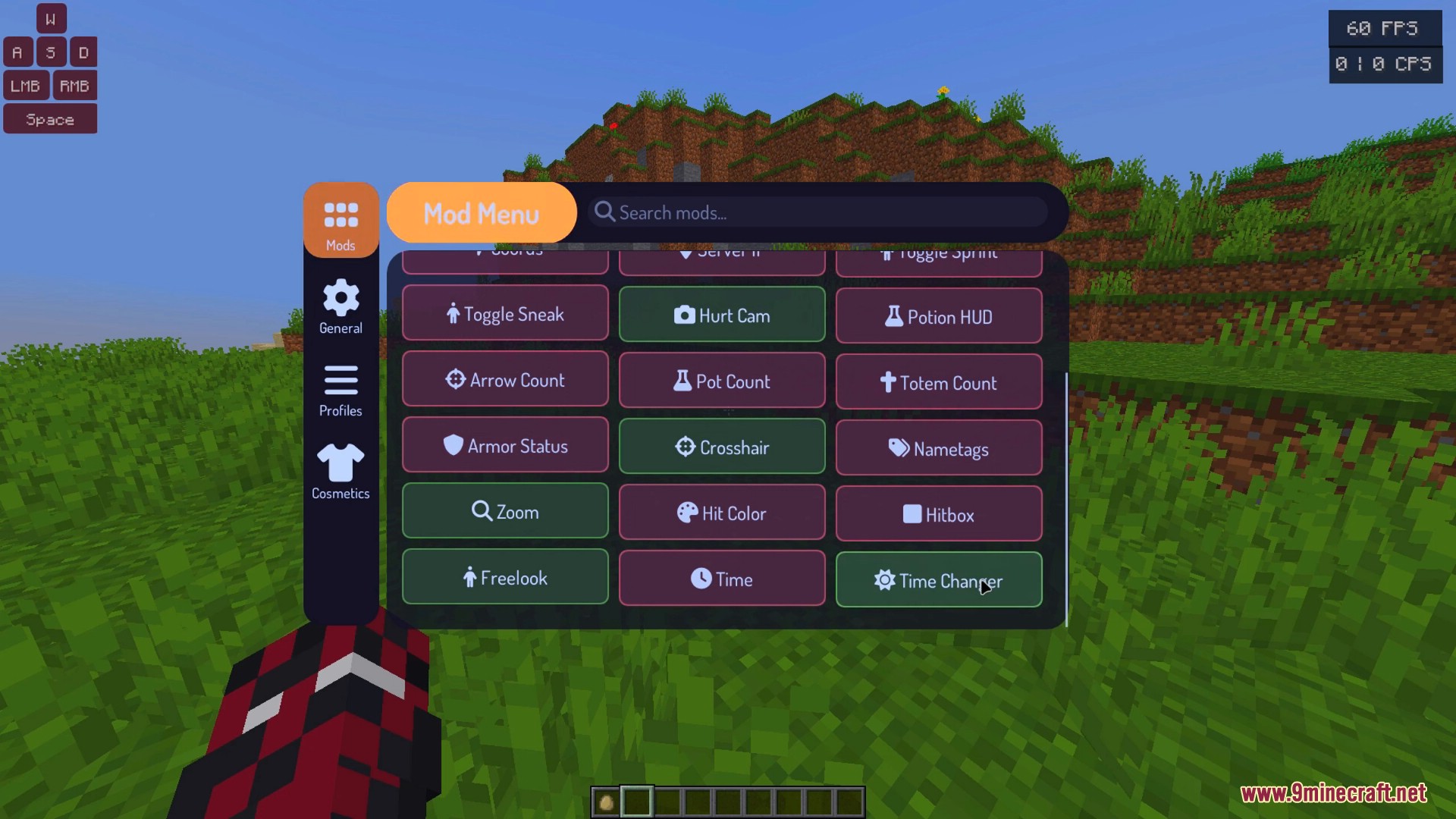
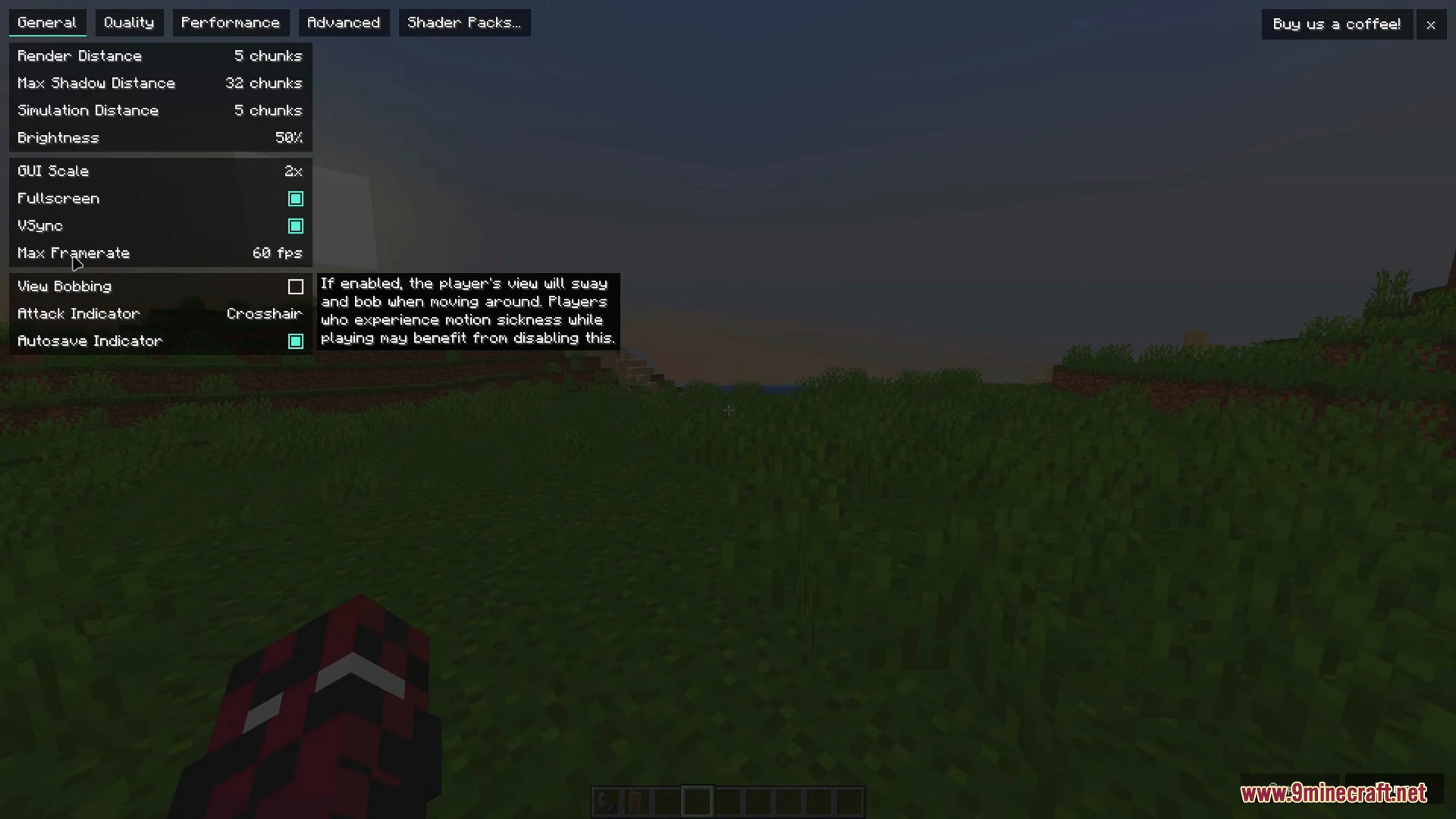
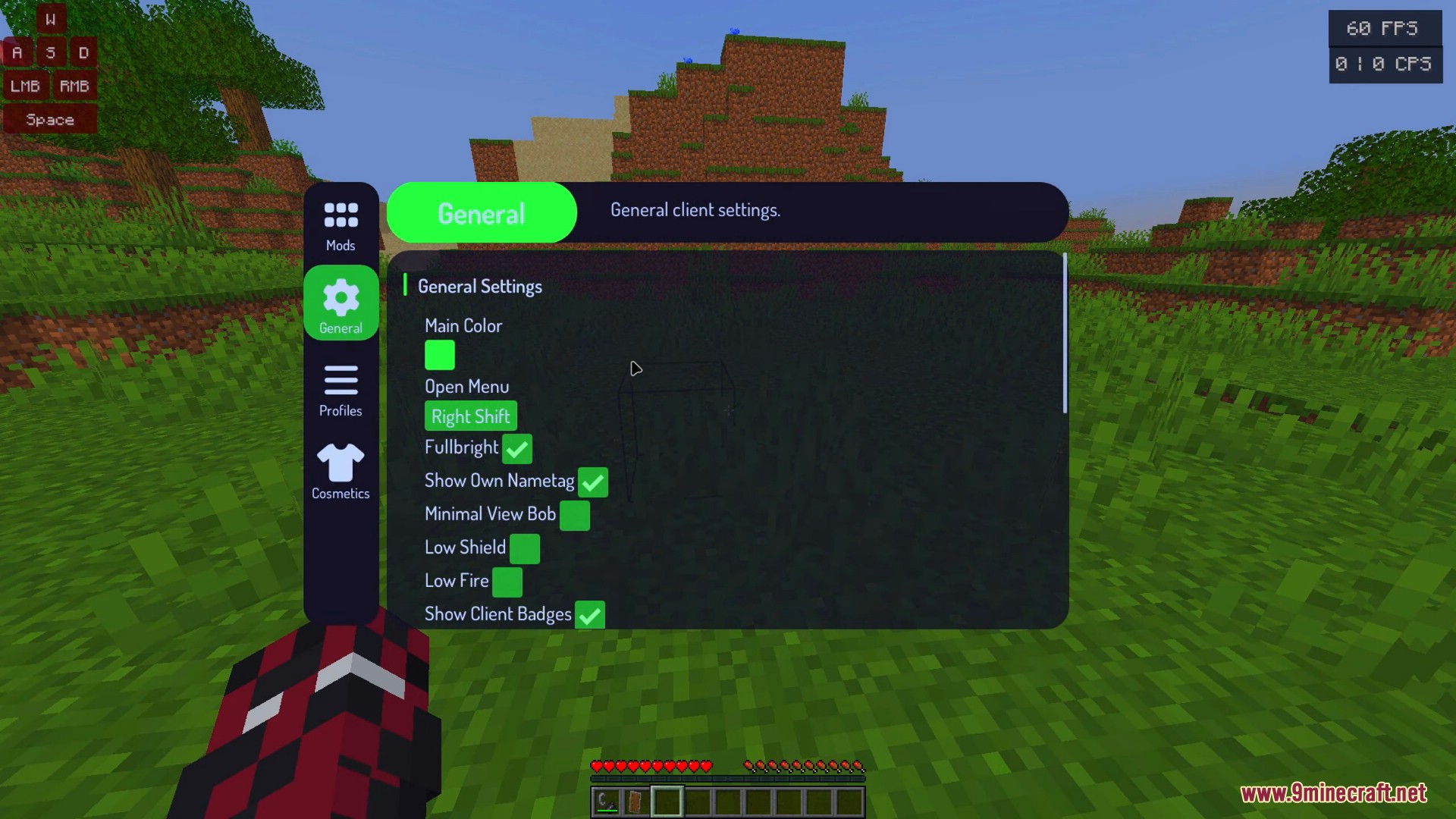
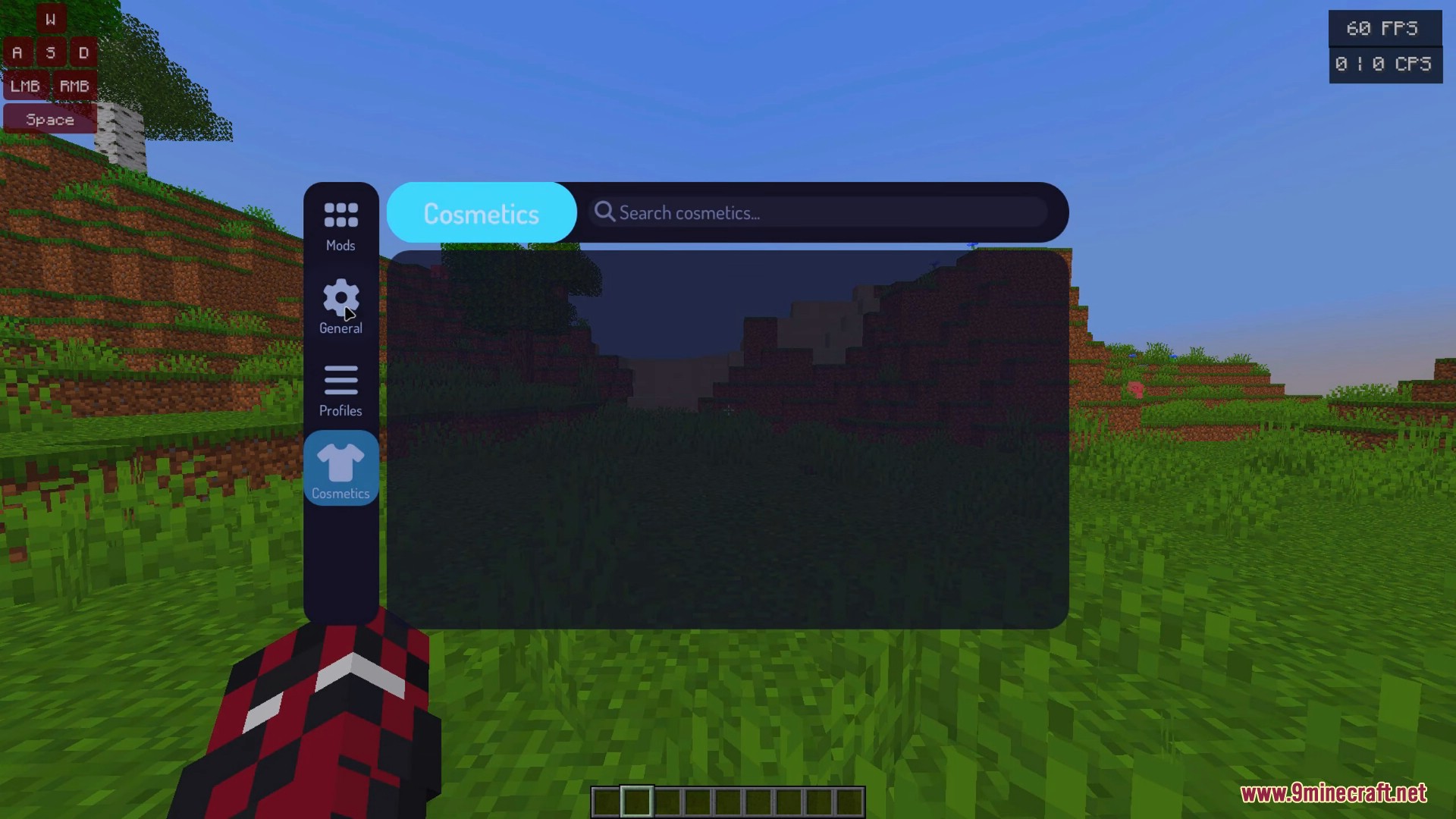
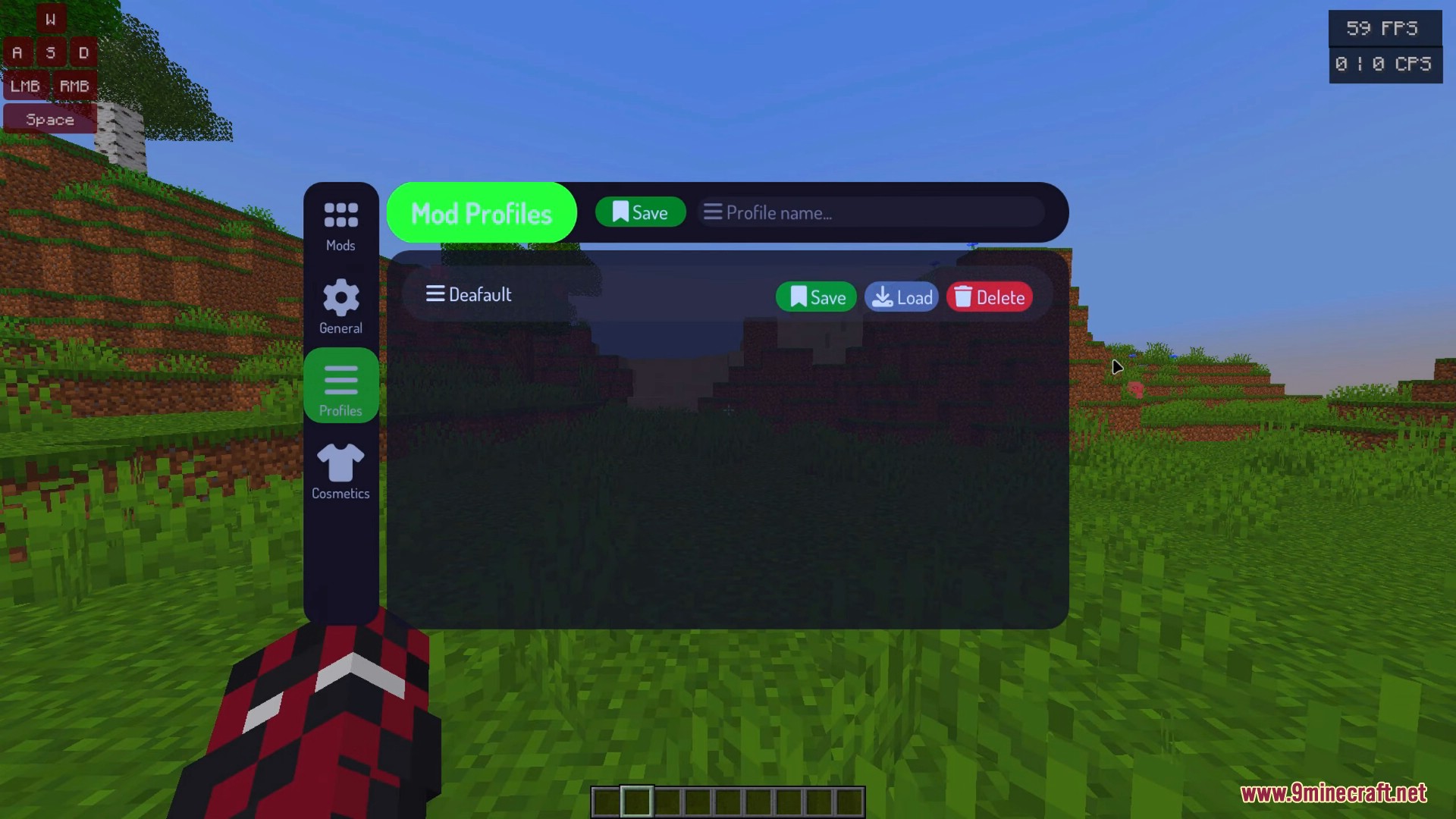
- Provides an easy-to-use menu where you can toggle built-in tools, change settings, pick cosmetics, and manage mod profiles.
- Comes with a custom launcher made for this mod.
- Adds Discord RPC support.
- Shows special badges for other players who also use this mod.
- Uses network requests to load cosmetics, display user badges, and check for updates.
- Supports Windows and Linux, and requires Fabric API.
Info and HUD Tools:
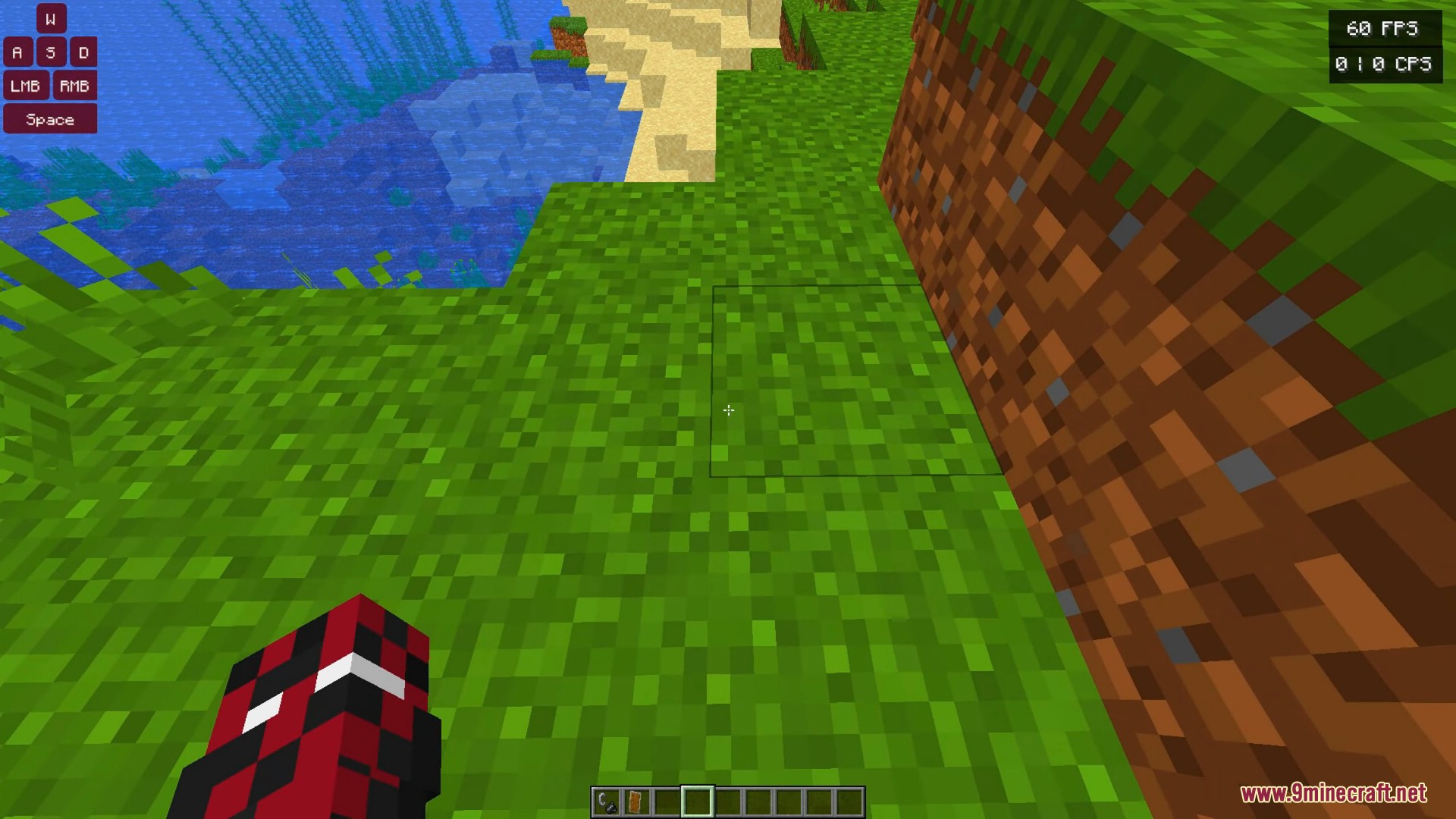
- FPS shows your frames per second on screen.
- CPS tracks your clicks per second.
- Ping displays your server connection ping.
- Reach Display shows your hit reach distance.
- Coordinates show your current location in the world.
- Server IP displays the address of your current server.
- Time shows the time on your screen.
Combat and Gear Trackers:
- Armor Status tracks your equipped armor.
- Potion Status displays your active potion effects.
- Arrow Count tracks how many arrows you carry.
- Pot Count tracks how many potions you carry.
- Totem Count tracks how many totems you carry.
Movement and Controls:
- Keystrokes display your pressed keys on screen.
- Toggle Sprint lets you switch sprinting on and off.
- Toggle Sneak lets you switch sneaking on and off.
Visual and Camera Tools:
- Hurt Cam adjusts the camera shake when you take damage.
- Crosshair lets you adjust your crosshair look.
- Nametags adjust how nametags appear in-game.
- Zoom lets you zoom in your view.
- Hit Color changes the flash color on hits.
- Hitbox displays hitboxes in the world.
- Freelook lets you look around freely while moving.
- Time Changer lets you change the visual time of day.
Screenshots:
How to Install:
New to Minecraft? Follow our step-by-step guide to install Mods on your PC.View Guide
Blaze Client Mod Download Links
For Minecraft 1.21.4
Fabric version: Download from Server 1 – Download from Server 2
For Minecraft 1.21.1, 1.21
Fabric version: Download from Server 1 – Download from Server 2
For Minecraft 1.20.6
Fabric version: Download from Server 1 – Download from Server 2
For Minecraft 1.20.4
Fabric version: Download from Server 1 – Download from Server 2
For Minecraft 1.20.2
Fabric version: Download from Server 1 – Download from Server 2
For Minecraft 1.20.1, 1.20
Fabric version: Download from Server 1 – Download from Server 2
For Minecraft 1.19.4
Fabric version: Download from Server 1 – Download from Server 2

1 Comment
 What do you think?
Your opinion means a lot - we'd love to hear from you.
You May Also Like
Picked for this page
 Meteor Client Mod (26.3, 1.20.1) – Xray, HUD, Fly
 Wurst Client Mod (26.3, 1.20.1) – The Best Bypass for Minecraft
 Prestige Client Mod (1.21.11, 1.21.4) – Powerful Ghost Features for Crystal & Sword PvP
 Right-Click Harvest Mod (26.3, 1.20.1) – Harvest Crops Quickly and Easily
 Crystals Overhauled Mod (26.3, 1.20.1) – A Minecraft Mod Revolution
 More Beautiful Stairs Mod (26.3, 1.20.1) – 100+ New Stairs!
 Mooshroom Tweaks Mod (26.3, 1.20.1) – Natural Brown Mooshroom Spawns
 Custom Names Mod (1.21.11, 1.20.6) – Add Custom Names For Players
 Six Seven Client Mod (1.21.10) – Move Faster, Hit Harder
 Ethane Client Mod (1.21.1) – Destroying CubeCraft
 NullPoint Client Mod (1.20.4) – Skidded Ghost PvP Client
 NonConflictKeys Mod (1.20.1) – Trigger Multiple Actions with a Single Keybind
Most viewed in Clients over the last 7 days
- Meteor Client Mod (26.3, 1.20.1) – Xray, HUD, Fly
 Lunar Patcher (v10) – Using Lunar Client for Free
 Aristois Client Mod (1.21.4, 1.20.1) – World Class Minecraft Utility
- Prestige Client Mod (1.21.11, 1.21.4) – Powerful Ghost Features for Crystal & Sword PvP
 Baritone 9minecraft Client Mod (26.3, 26.1.2) – Mine and Build Bases Hands-Free
 CatLean Client Mod (26.2, 1.21.11) – ThunderHack Recode Alternatives
 OptiFine HD 9minecraft (26.3) – Run Smooth Shaders Without the Lag
- Baritone Client Mod (26.3, 1.20.1) – Autominer, Build with AI, Xray
 9minecraft Xray Client (26.3, 1.20.1) – The #1 Ore Finder of 2026
 LiquidBounce Client Mod (26.3, 1.20.1) – LiquidLauncher, A Free Client
 DoomsDay Client (26.1.2, 1.20.1) – Best Free Injectable Client
 Meteor Client Addons (26.2, 1.20.1) – Modify Almost Anything in Meteor
More from Clients
 Winter Client Mod (1.21.11) – Survive Ruthless PvP on Anarchy Servers
 LARP Client Mod (1.21.11) – Dominate Crystal PvP on Anarchy Servers
 Berlin Client Mod (1.21.11) – Hunt Stashes and Win Crystal Fights
 Combatant Client Mod (26.3) – Outplay Opponents in Fast Multiplayer Fights
 Glacium Client Mod (1.21.11) – Run Casino Minigames on Economy Servers
 Vie Client Mod (1.21.11) – Automate Grinding and Dominate SMP Servers
 Kryzel Client Mod (1.21.11) – Dominate Intense Crystal PvP Server Battles
 Kollegen Client Mod (26.2) – Test Early Client Features Directly in Game
 Nova Patched Client Mod (1.21.11) – Donut SMP Ghost Utility
 Soup Visuals Client Mod (1.21.11) – Custom Combat Trails and Target Outlines
 Pulse Scanner Client Mod (1.21.11) – Hunt Hidden Bases Across Anarchy Servers
 Nexon Client Mod (1.21.11) – Dominate Economy Servers and Crystal PvP

there is no 1.21.6 version here