
Glacium Client Mod (1.21.11) – Run Casino Minigames on Economy Servers
 8
8
 0
0

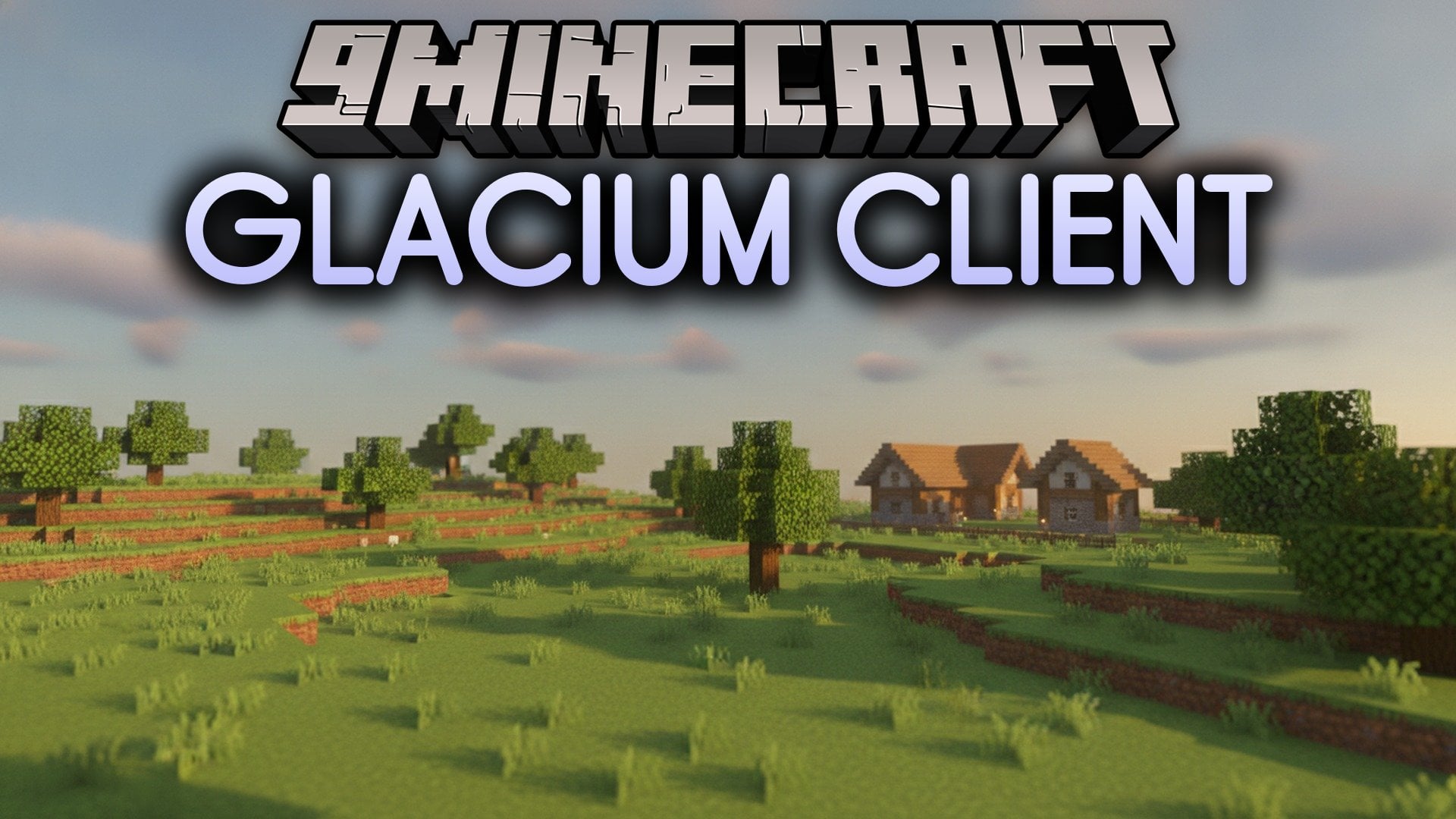
Glacium Client Mod provides dedicated tools to manage casino and gambling minigames on Donut-SMP-style economy servers. It runs in a separate overlay window outside the main game screen so your field of view stays clear while playing. You can control game setups, switch sides, and change modes using custom hotkeys. The client also includes visual tools to adjust what appears on your own screen.
Features:
- Minigame Modules: Includes dedicated tools for Blackjack, Baccarat, Fifty-Fifty, 45-10, and Russian Roulette.
- External Overlay: Runs outside the regular game screen and toggles open with the default O key.
- Visual Spoofing: Modifies your personal screen display using Fake Pay, Fake Scoreboard, and Fake Skeleton Spawner modules.
- Lets you store separate profiles and item lists for each individual minigame.
- Allows you to cycle through modes and switch sides quickly while in the middle of a game.
- Provides customizable keybinds for every individual module in the system.
- Keeps your game controls in a clean extra window rather than a crowded in-game interface.
Best Used For:
- Playing casino and gambling minigames on economy servers.
- Keeping a tidy external overlay instead of an in-game menu.
- Saving and swapping whole setups for different server events.
- Managing several minigames at the same time.
- Binding every tool and feature to your own preferred keys.
How to Use:
- Press O on your keyboard to open the external overlay window.
- Select a minigame module like Blackjack, Baccarat, or Fifty-Fifty from the overlay menu.
- Use your assigned hotkeys to cycle through modes or switch sides during play.
- Configure and save your settings into profiles for easy switching later.
How to use:
- Open the Glacium overlay with the O key (default), then turn modules on and configure them from that overlay window.
- Because the interface is a separate overlay rather than an in-game menu, it does not show up in ordinary in-game screenshots.
How to Install:
New to Minecraft? Follow our step-by-step guide to install Mods on your PC.View Guide
Requirements:


Glacium Client Mod Download Links
For Minecraft 1.21.11
Click to rate this post!
[Total: 0 Average: 0]
You May Also Like
Picked for this page
 Wurst Client Mod (26.3, 1.20.1) – The Best Bypass for Minecraft
 Prestige Client Mod (1.21.11, 1.21.4) – Powerful Ghost Features for Crystal & Sword PvP
 Pat Pat Mod (26.3, 1.20.1) – Allows You Pat Mobs
 System Client Mod (1.21.11, 1.21.1) – Powerful CPVP Ghost Client
 4E Client Mod (1.21.11, 1.21.1) – ChunkFinder, Base Finding for DonutSMP
 Client Crafting Mod (26.3, 1.20.1) – Instant Crafting
 Dqrkis Client Mod (1.21.11, 1.21.4) – Undetectable Ghost Client
 Cartcore Client Mod (1.21.11, 1.21.1) – Faster Cart Tech Execution
 Radon Client Mod (1.21.11) – Donut’s Most OP, Fork of Krypton Client
 Xiu Client Mod (1.21.11) – Crystal PvP Ghost Client
 SmushyTaco’s Solar Apocalypse Mod (1.21.11, 1.20.1) – Surviving The Solar Apocalypse
 Six Seven Client Mod (1.21.10) – Move Faster, Hit Harder
Most viewed in Clients over the last 7 days
 Meteor Client Mod (26.3, 1.20.1) – Xray, HUD, Fly
 Baritone Client Mod (26.3, 1.20.1) – Autominer, Build with AI, Xray
 Aristois Client Mod (1.21.4, 1.20.1) – World Class Minecraft Utility
 Lunar Patcher (v10) – Using Lunar Client for Free
- Baritone 9minecraft Client Mod (26.3, 26.1.2) – Mine and Build Bases Hands-Free
 CatLean Client Mod (26.2, 1.21.11) – ThunderHack Recode Alternatives
- 4E Client Mod (1.21.11, 1.21.1) – ChunkFinder, Base Finding for DonutSMP
- Prestige Client Mod (1.21.11, 1.21.4) – Powerful Ghost Features for Crystal & Sword PvP
 LiquidBounce Client Mod (26.3, 1.20.1) – LiquidLauncher, A Free Client
 OptiFine HD 9minecraft (26.3) – Run Smooth Shaders Without the Lag
 9minecraft Xray Client (26.3, 1.20.1) – The #1 Ore Finder of 2026
 DoomsDay Client (26.1.2, 1.20.1) – Best Free Injectable Client
More from Clients
 Amethyst Client Mod (1.21.11) – Dominate Crystal PvP on Anarchy Servers
 Fake Client Mod (1.21.11, 1.21.4) – Pull Hilarious Visual Pranks on Friends
 LARP Client Mod (1.21.11) – Dominate Crystal PvP on Anarchy Servers
 Lumi Client Mod (1.21.11) – Smooth Vector Menus and Live Spotify HUD
 67 Client Mod (1.21.11) – Survive Anarchy Servers with Custom PvP Tools
 Zyron Client Mod (1.21.11) – Scout Hidden Caves and Rare Geodes
 Water v6 Client Mod (1.21.11) – Read Fast Server Chat Without Clutter
 Core Client Mod (1.21.11) – Win Anarchy Battles with Clean Combat Overlays
 Polar Client Mod (1.21.4) – Dominate Anarchy Servers and Crystal Duels
 NoRisk Client Launcher (26.3, 1.8.9) – Super Boost FPS, Free Cosmetics
 Void Strike Client Mod (1.21.4) – Dominate Competitive Crystal PvP Battles
 LuneX Client Mod (1.21.11) – Win Crystal Fights on Anarchy Servers

This post has no comments yet. Be the first — your comment will appear here.