
Block Swap Mod (1.20.1, 1.19.2) – Unify All Duplicate Modded Blocks
 3,143
 0


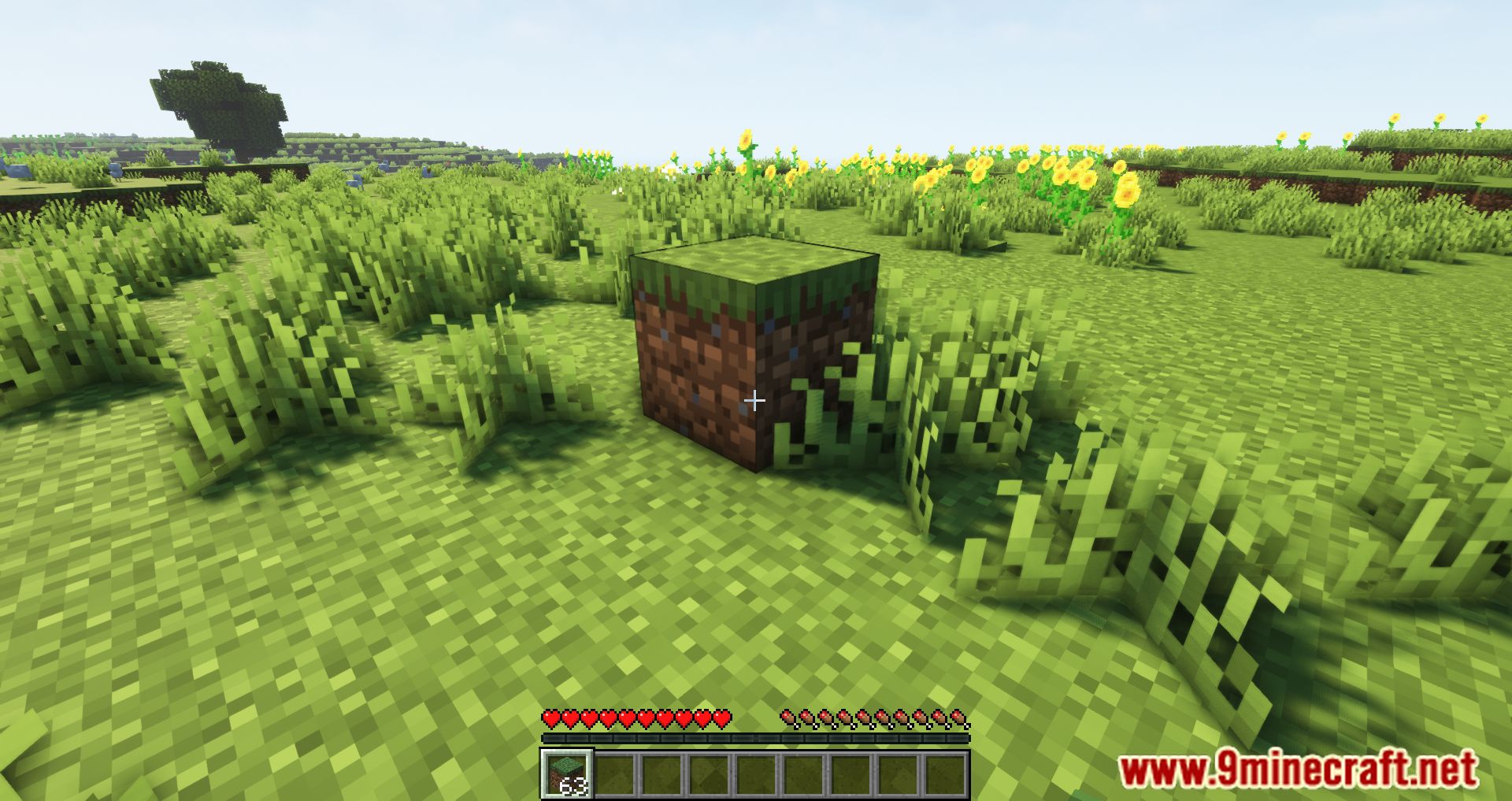
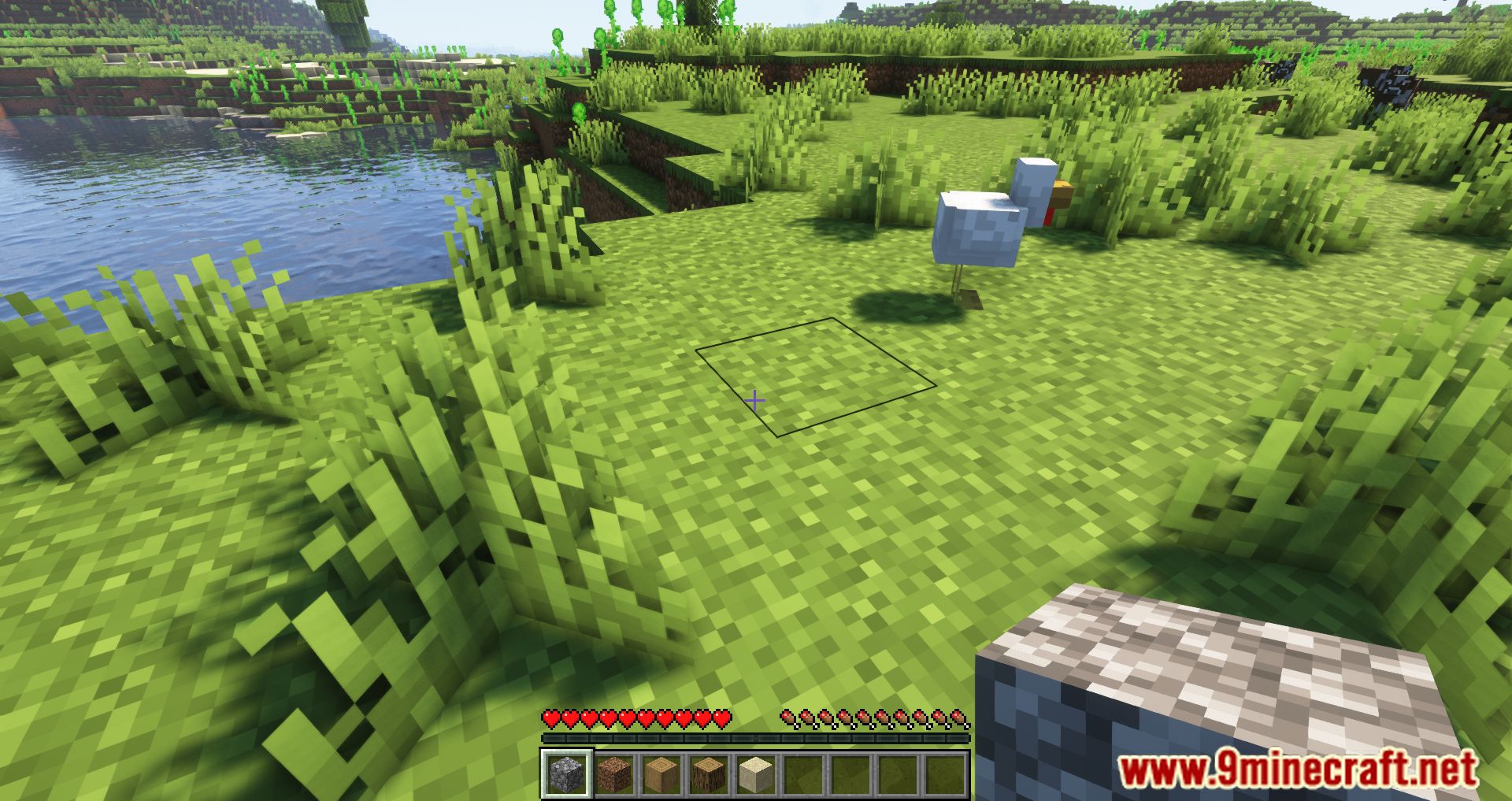
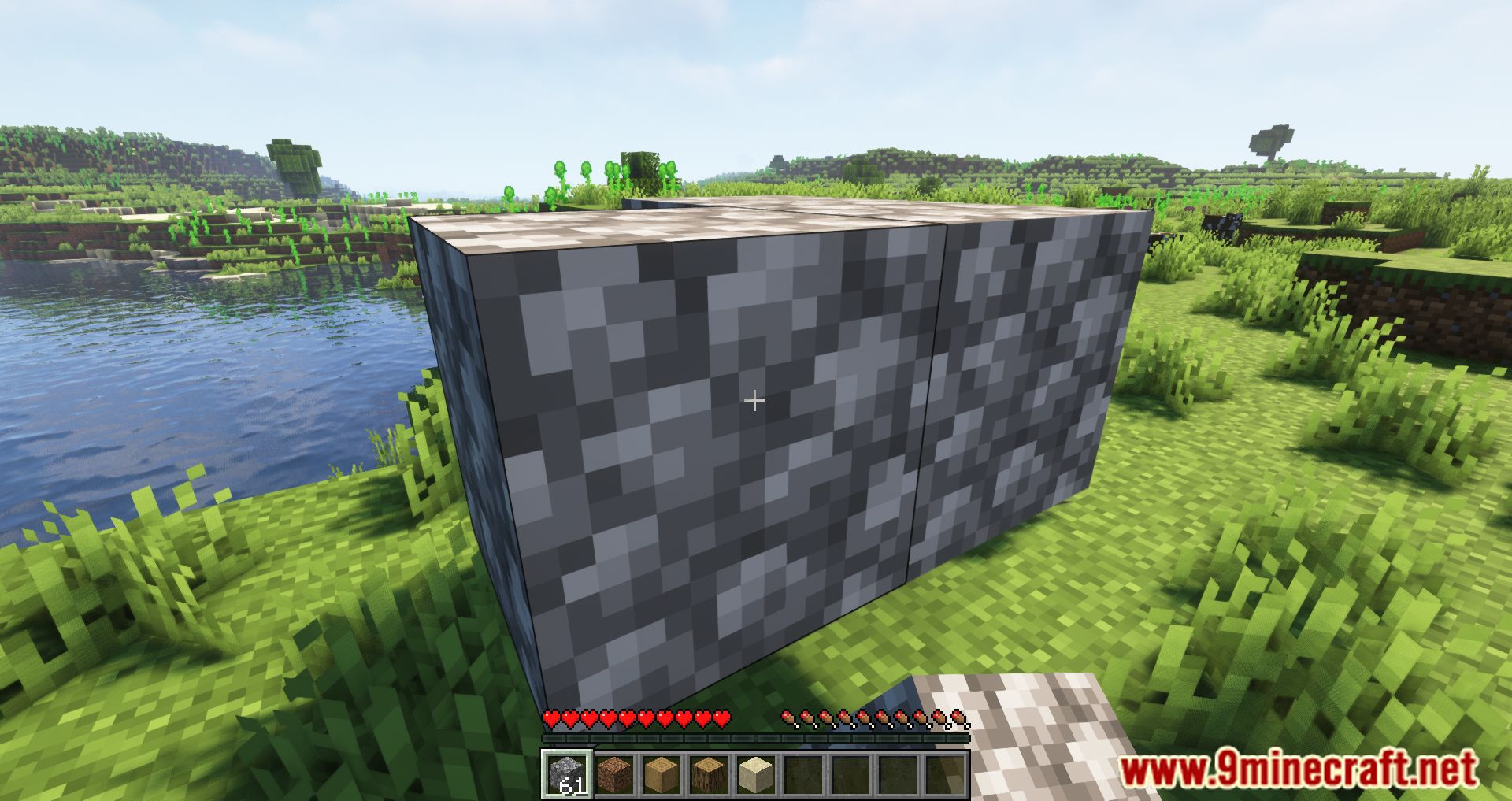
Block Swap Mod lets you replace one block with another through a simple config file. When you play with multiple tech or biome mods, it turns duplicate blocks like tin, copper, uranium, lead, and silver ores or redwood logs into a single block. This mod works during world generation and when you place blocks in an existing world. It runs smoothly with no performance hit.
Features:
- Replaces one block with another to combine duplicate blocks from different mods, such as extra ores or matching redwood logs, into a single block.
- Works during world generation and when you place blocks in an already generated world.
- Lets you pair an old block with a replacement block inside the config file.
- Remaps block state properties from the original block to the new block if that property is present.
- Runs with no performance hit while you play.
- Reloads the config file automatically each time a world loads.
How to Use:
- Open the config file for this mod in your game files.
- Add the block you want to replace and choose the new block you want to use instead.
- Save the config file and load your world so the mod reloads the file and applies your block swaps.
Screenshots:
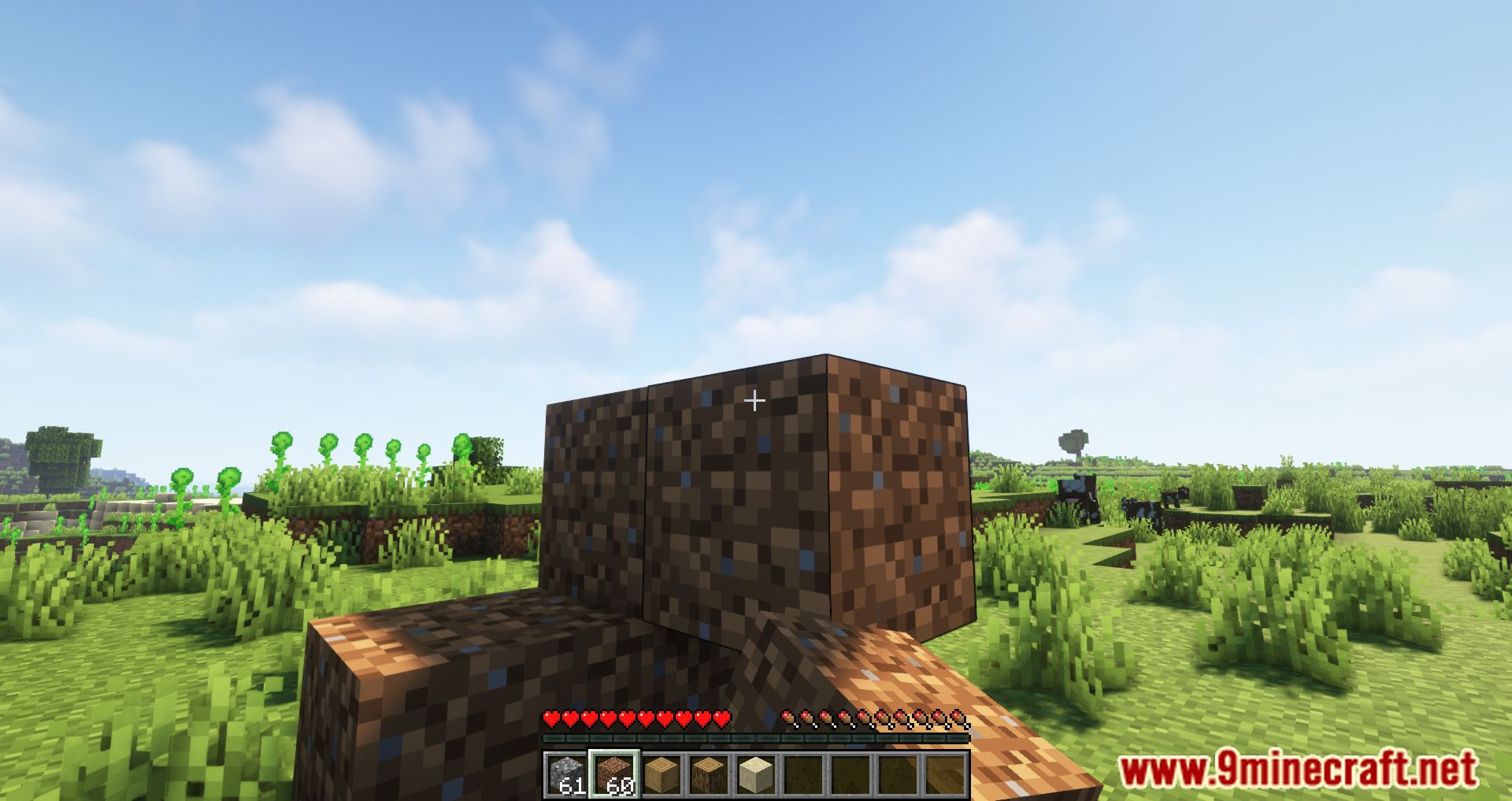
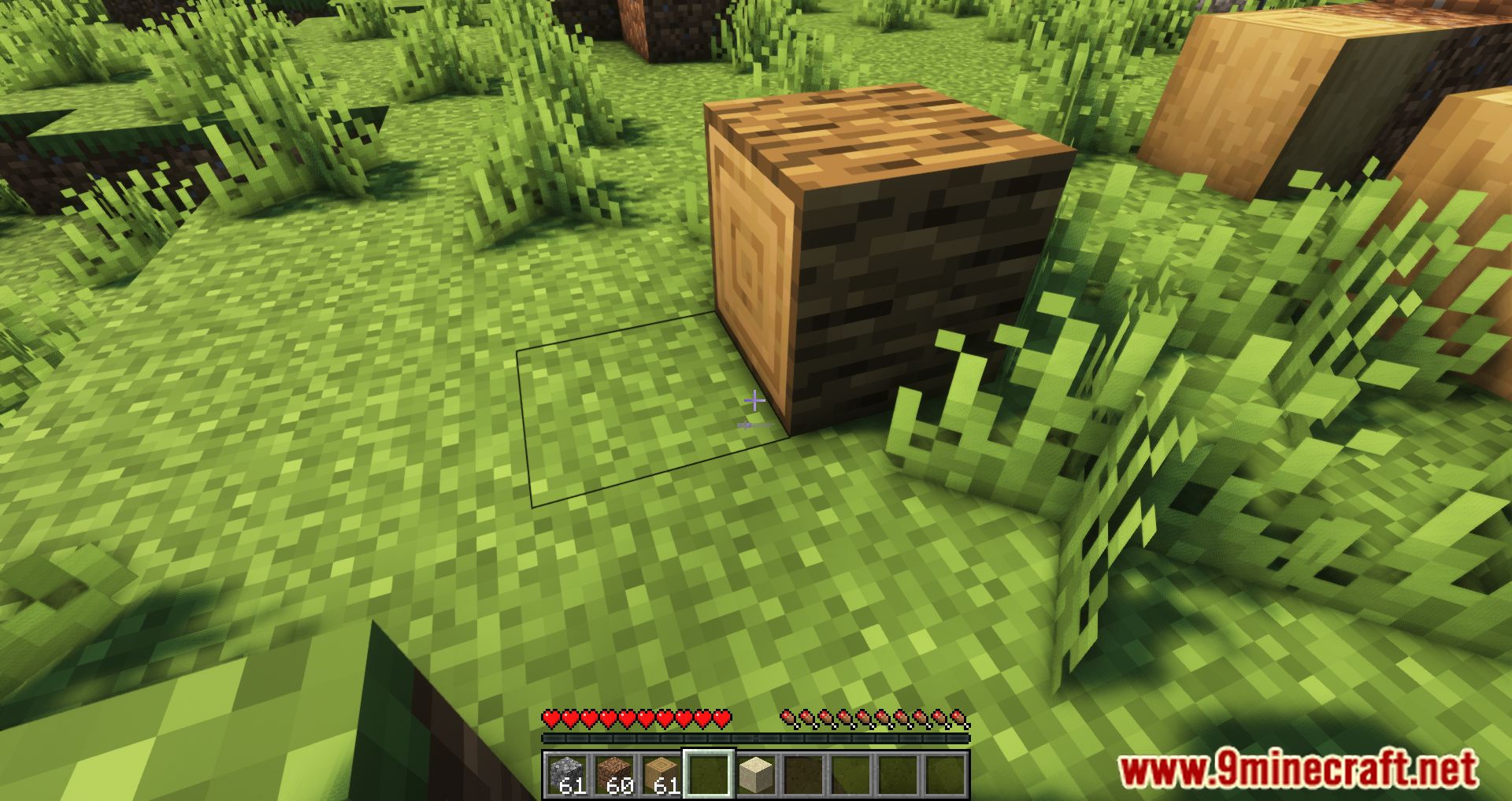
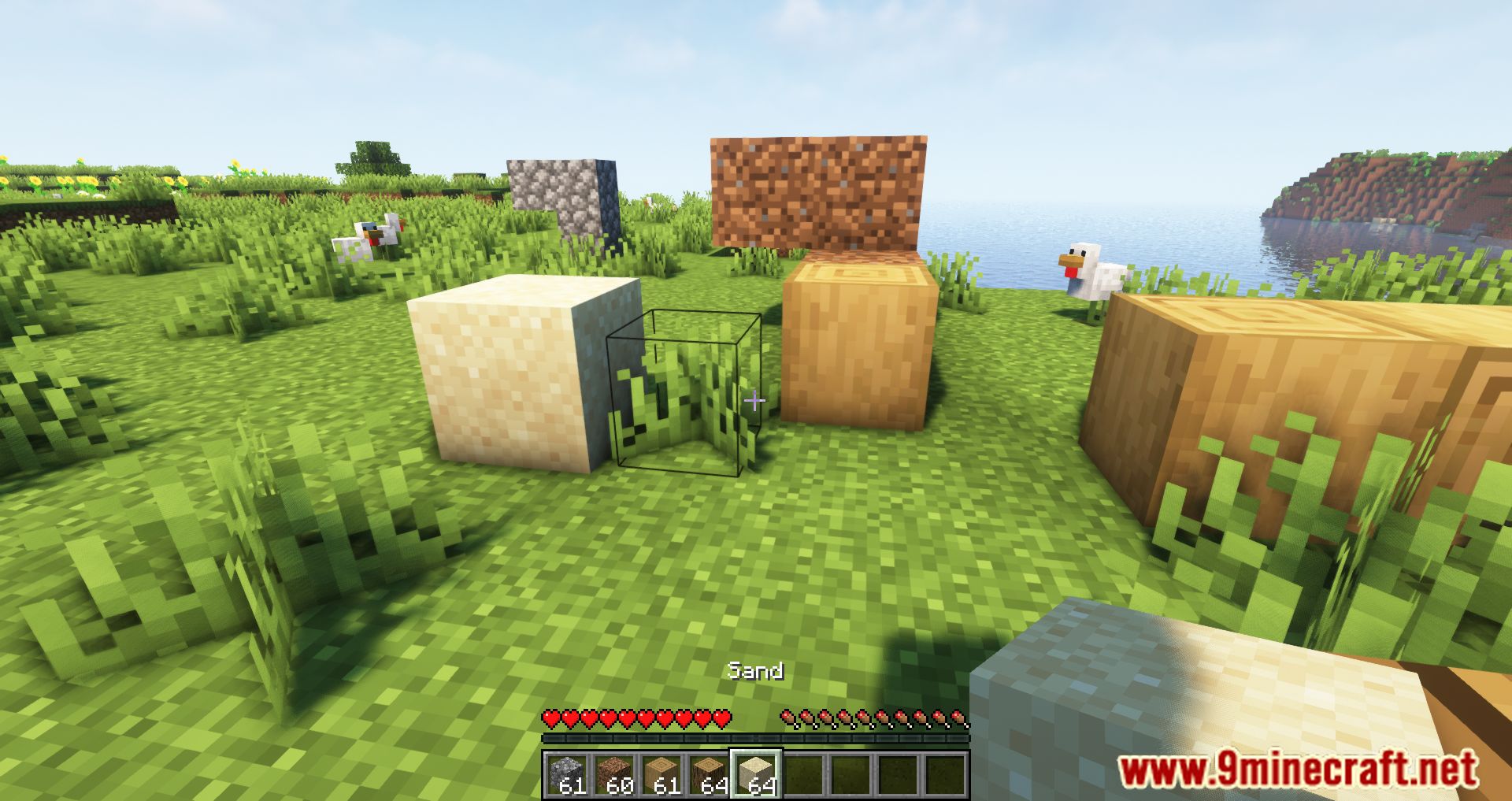
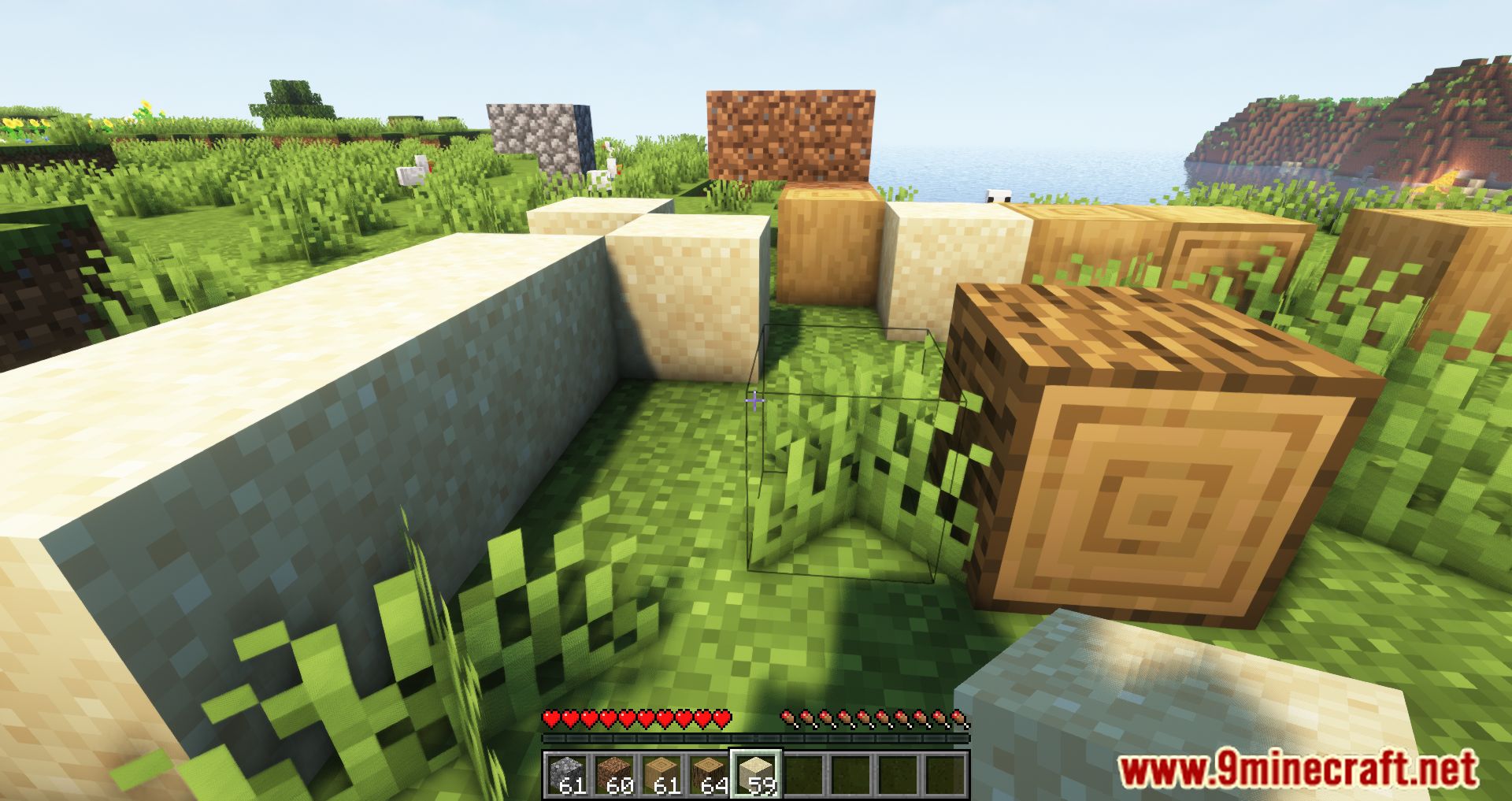
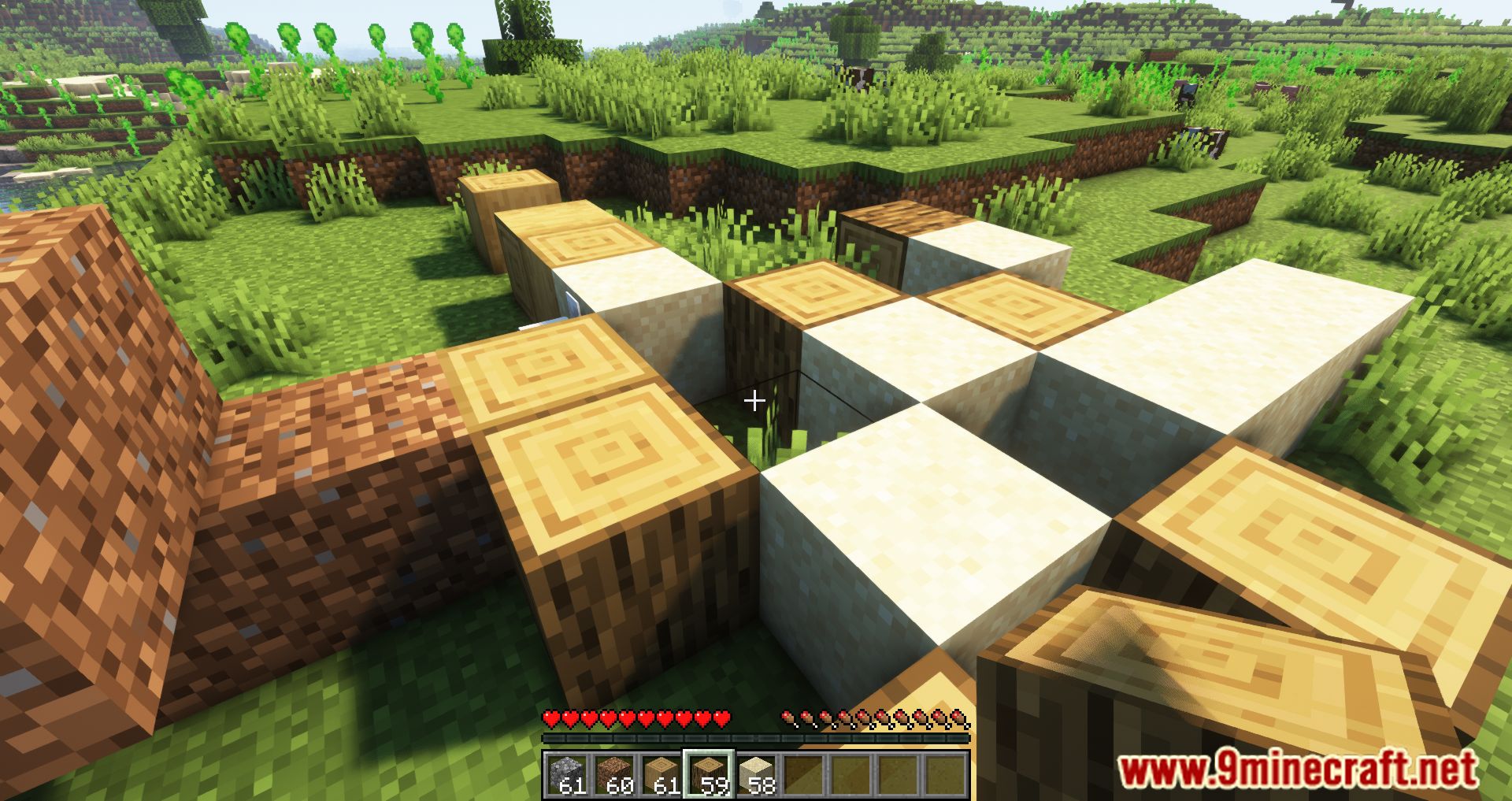
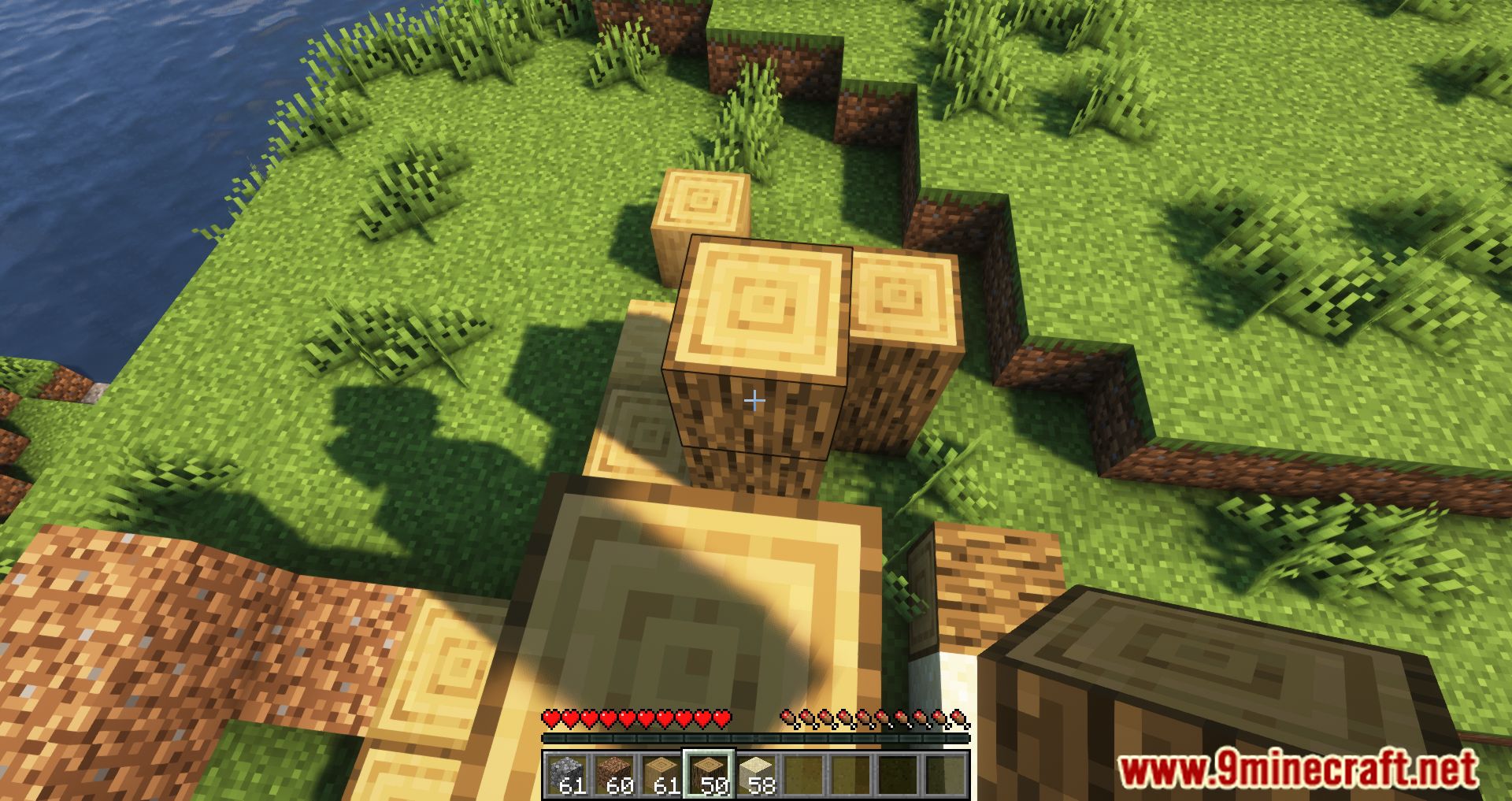
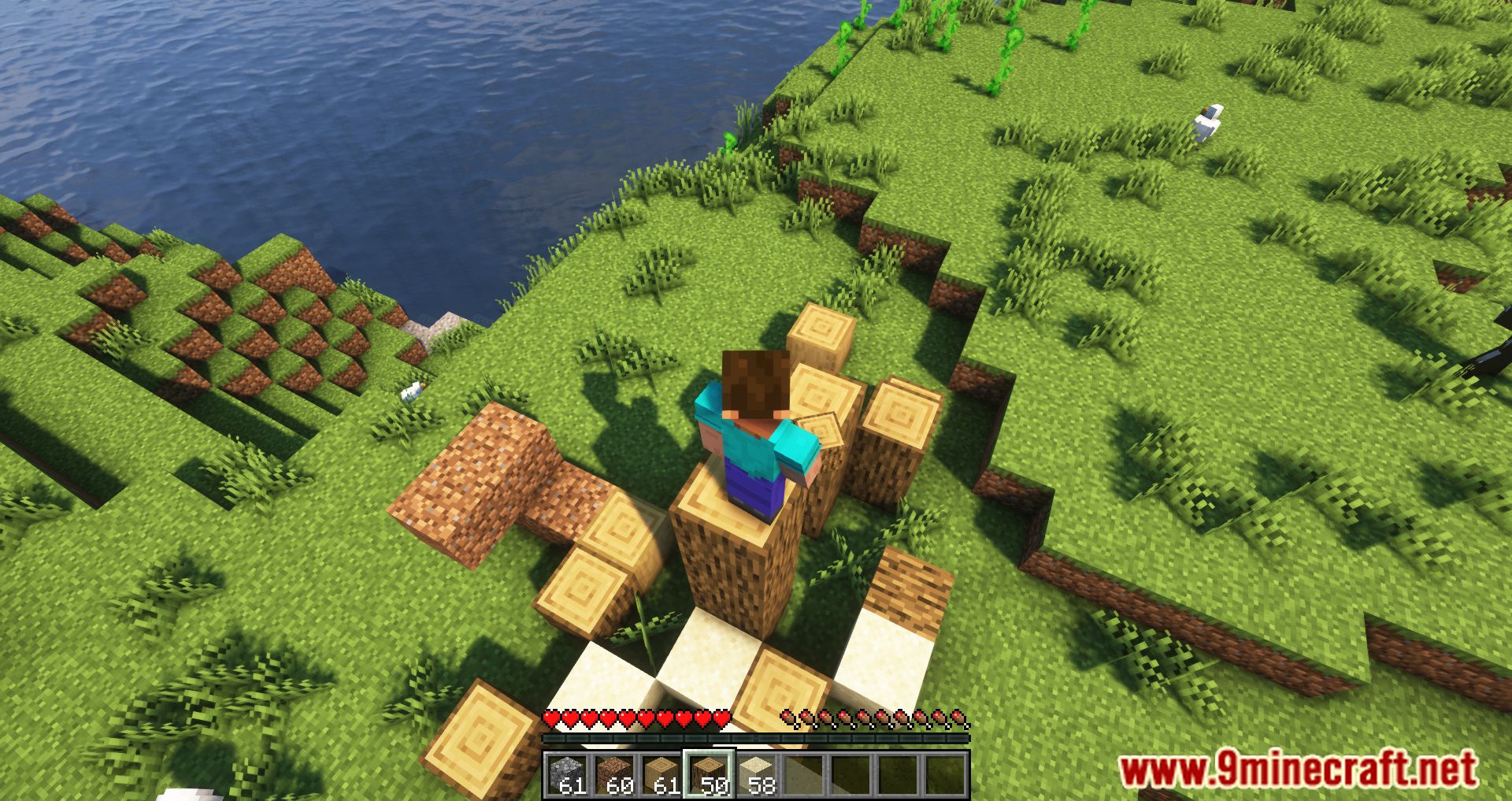
How to Install:
New to Minecraft? Follow our step-by-step guide to install Mods on your PC.View Guide
Block Swap Mod Download Links
For Minecraft 1.20.1, 1.20
Forge Version: Download from Server 1 – Download from Server 2
Fabric Version: Download from Server 1 – Download from Server 2
For Minecraft 1.19.4
Forge Version: Download from Server 1 – Download from Server 2
Fabric Version: Download from Server 1 – Download from Server 2
For Minecraft 1.19.2, 1.19.1, 1.19
Forge Version: Download from Server 1 – Download from Server 2
Fabric Version: Download from Server 1
For Minecraft 1.18.2
Forge Version: Download from Server 1 – Download from Server 2
Fabric Version: Download from Server 1
For Minecraft 1.16.5
Forge Version: Download from Server 1 – Download from Server 2
Which item and recipe viewer mod do you prefer to have in your game?
28 responses · See the full results →
You May Also Like
Picked for this page
 Kiwi Library (26.1.2, 1.20.1) – Make Modding No Longer Cumbersome
 Stone Chest Mod (26.2, 1.20.1) – Stone Variations Vanilla Chests
 Dimensional Doors Mod (1.21.1, 1.20.1) – Create Your Own Dimension
 Global XP Mod (26.3, 1.20.1) – Never Lose Your Levels Again When You Die
 Coords Mod (26.3, 1.20.1) – Shows Player Coordinates In Overlay
 Reborn Core Mod (26.3, 1.20.1) – Library for Some Tech Mods
 Junk Drawers Mod (1.21.11, 1.20.1) – Infinite Storage With Added Randomness
 Crafting Plus Mod (1.21.11, 1.20.1) – Quick Crafting Recipes
 Ribbits Croaks Mod (1.20.1, 1.20) – Fight in Frog Raids to Protect Your Village
 Classic Farlands Mod (26.3, 1.21.1) – Bring Back the Famous Broken Terrain
 MaLiLib API Mod (26.3, 1.20.1) – Run Big Mod Option Menus Without Crashing
 Realm RPG Treasure Balloons Mod (1.21.8, 1.20.1) – Shoot Down Flying Loot Balloons
Most viewed in Mods over the last 7 days
 Ala Industrial Mod (26.3) – Run Electric Power Grids and Automated Factories
 PleasureCraft Mod (26.3, 1.21.1) – Jenny Mod Remake for Fabric
 Jennycraft Mod (26.3, 1.20.1) – Virtual Girlfriend in Minecraft
 Fapcraft Mod (26.3, 1.12.2) – Comprehensive and Detailed Content
 Jenny Mod (Fapcraft) Official Complete Guide – How to use, Tutorial
 BangCraft Mod (1.20.1) – Jenny, Ellie and Elliot
 Fabric Loader (26.3, 1.20.1) – Fabric Installer for All Minecraft Versions
 Meteor Client Mod (26.3, 1.20.1) – Xray, HUD, Fly
 The Shooting Star Demo Mod (26.3, 1.20.1) – Vaporize Terrain From Orbit
 OptiFine HD (26.3, 1.20.1) – Run Faster, FPS Boost, Shaders Support
 Aristois Client Mod (1.21.4, 1.20.1) – World Class Minecraft Utility
 Prestige Client Mod (1.21.11, 1.21.4) – Powerful Ghost Features for Crystal & Sword PvP
More from Mods
 Enhanced Overlay Mod (26.3, 1.21.11) – Remove Screen Clutter
 Flint Mod (1.21.11) – Run DiamondFire Community Addons Without Crashing
 Not Just Sandwich Mod (26.3, 1.20.1) – Edibles, Sandwiches
 Waddles Mod (26.3, 1.20.1) – Make Icy Biomes Feel Alive
 Artemis’ Thin Logs Mod (26.3, 1.20.1) – Build Custom Trees and Detailed Wood
 Asterion Mod (26.3, 1.20.1) – Survive Ancient Mazes and Slay the Legendary Minotaur
 Passthrough Signs Mod (26.3, 1.20.1) – Right-Click Through Wall Signs
 Packing Tape Mod (26.3, 1.20.1) – Move Chests, Machines
 No XP Anvils Mod (26.3, 1.20.1) – Repair And Enchant Without XP
 Naruto Shippuden Mod (26.3, 1.16.5) – Immerse Yourself in The World of Ninja
 Araxer’s Bestiary Mod (26.3, 1.20.1) – Build an In-Game Encyclopedia of Every Mob
 Villagers Plus Mod (26.3, 1.20.1) – Expanded Villager Types and Villages

This post has no comments yet. Be the first — your comment will appear here.