Boosted FPS Pack (1.21) – MCPE/Bedrock Optimized Performance

 0
0  2 days ago
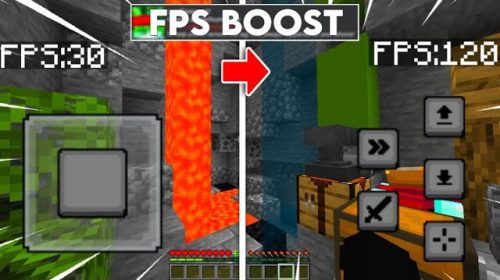
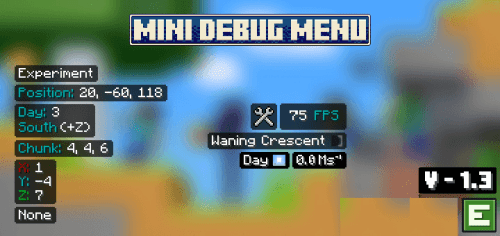
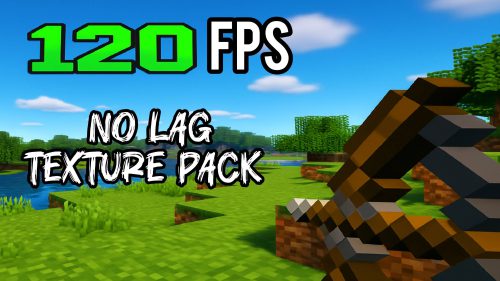
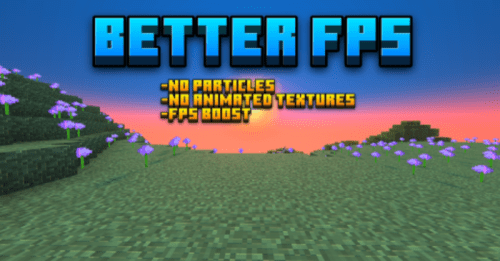
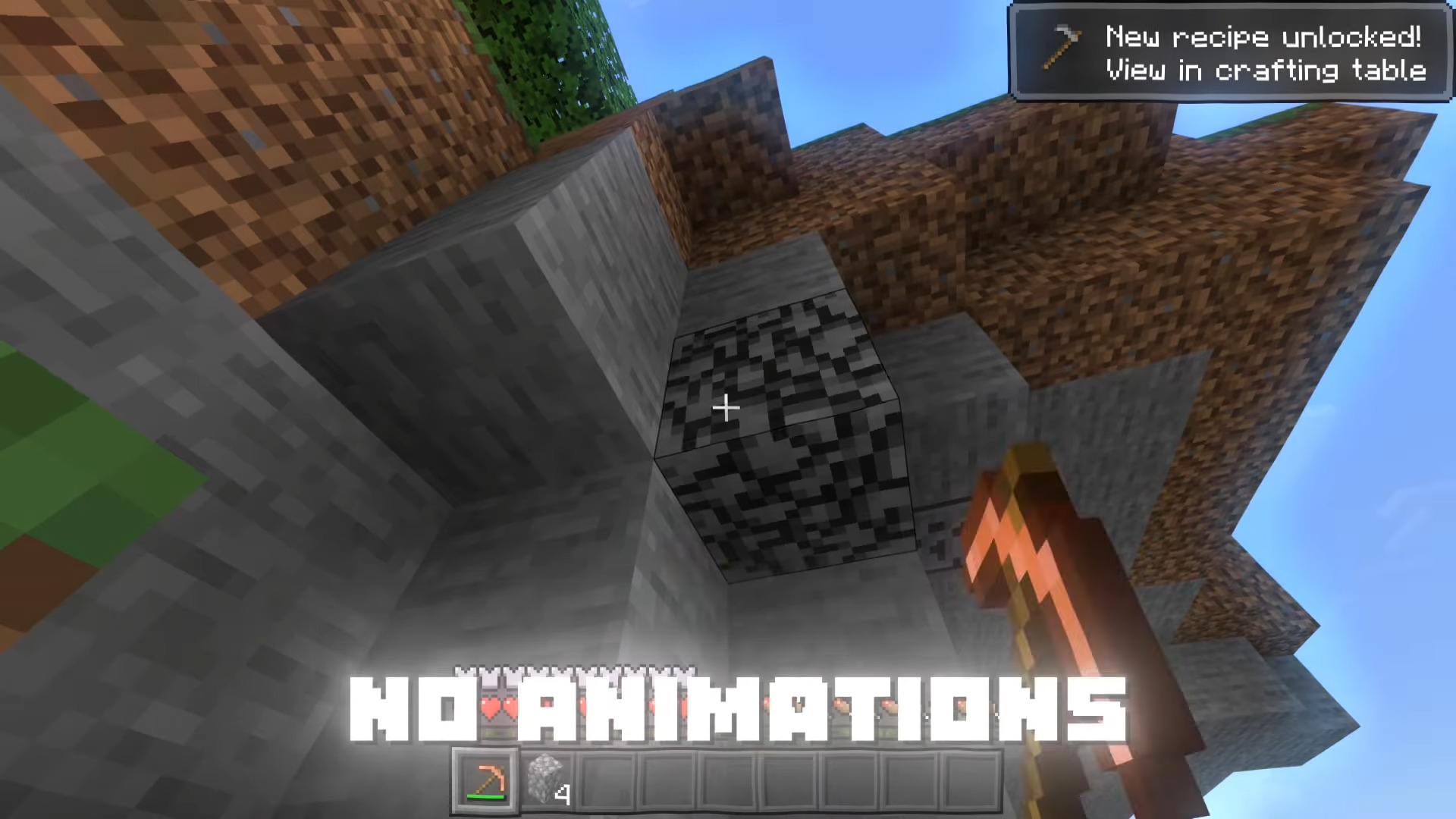
Boosted FPS Pack (1.21) optimizes performance by simplifying 16× textures, reducing rendering load (e.g., clear water, less visual clutter), and minimizing GPU/CPU usage-boosting FPS, cutting lag/stutter/heating, and enabling smooth gameplay on low-end phones, mid-range devices, or even high-end setups, all while preserving Minecraft’s clean vanilla look.
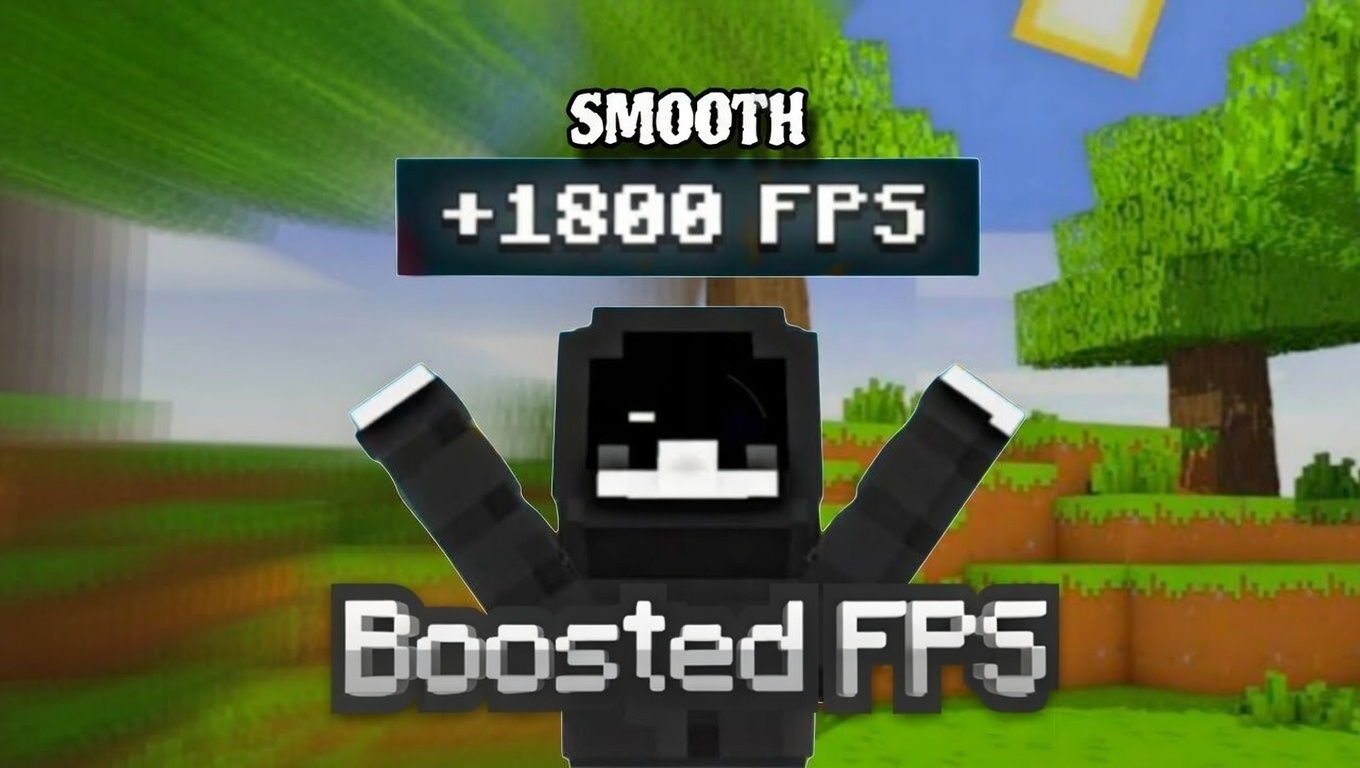
Features:
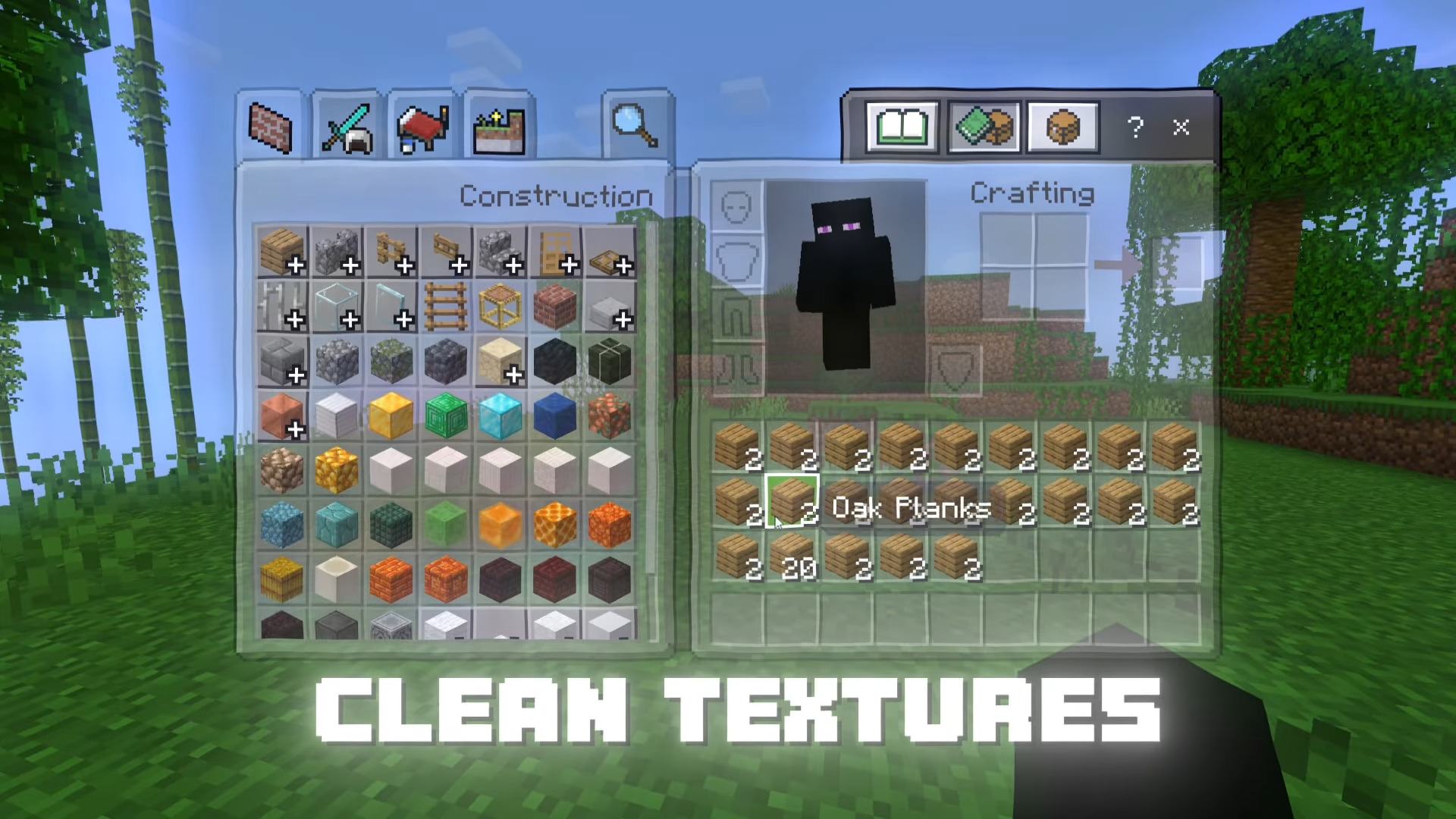
- Clean and simplified 16× textures for better performance
- Clear Water with reduced visual clutter
- Optimized for Render Dragon (MCPE 1.21 )
- Lightweight design with minimal GPU & CPU load
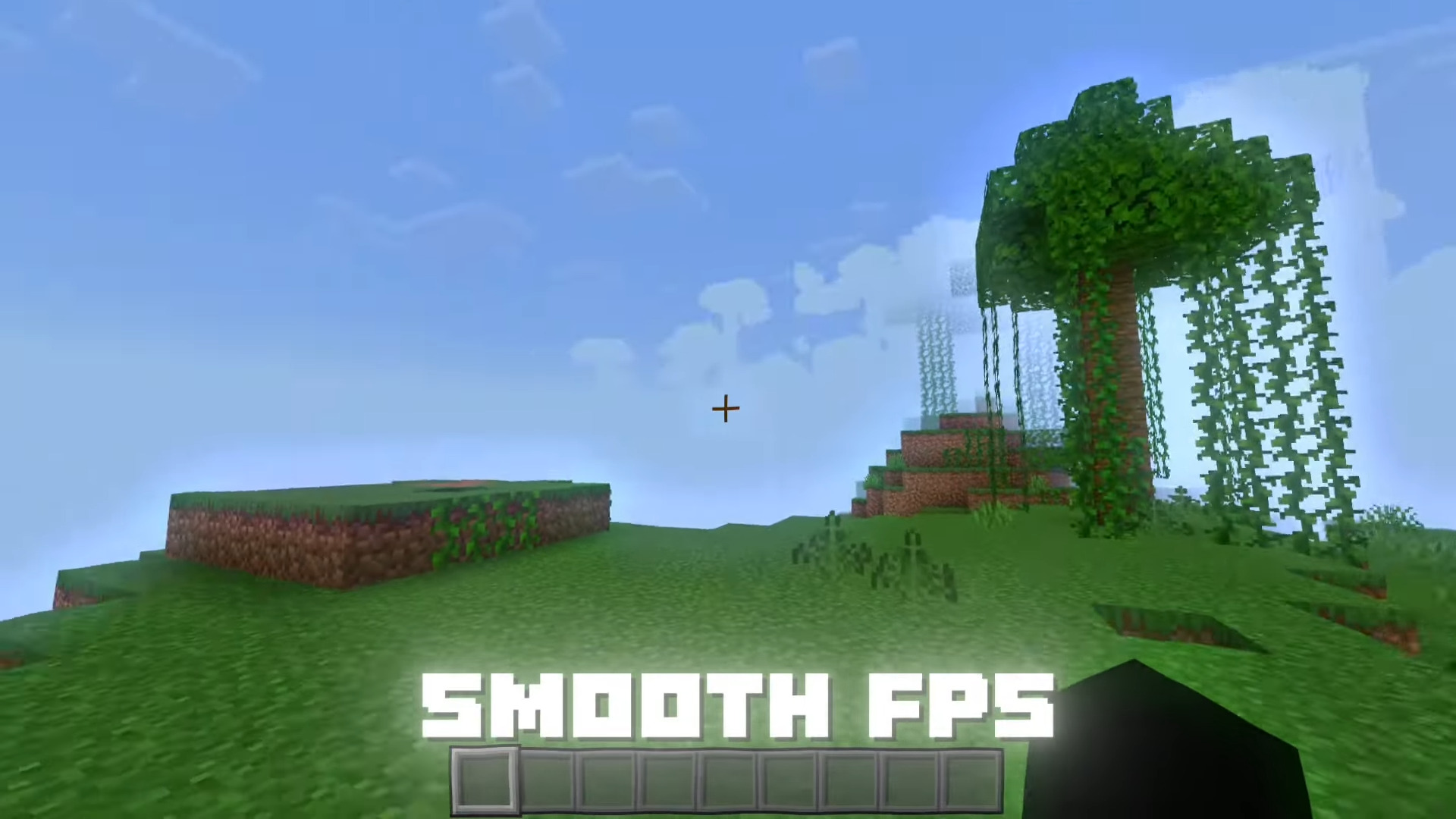
- Improved FPS on low-end and mid-range devices
- Maintains a vanilla-style look without heavy visual changes
- Designed for stable, lag-free gameplay
Best Use Cases:
- Maximum FPS boost
- Low-end phones, tablets & PCs
- Older hardware or weak GPUs
- Survival, PvP, and long gameplay sessions
- Reduced device heating & stutter
Compatibility:
- Supports Pocket Edition, Bedrock Edition
- Supported Versions: 1.21
- Works on single-player & servers
- Compatible with most resource packs & shaders
- Supports Pocket Edition
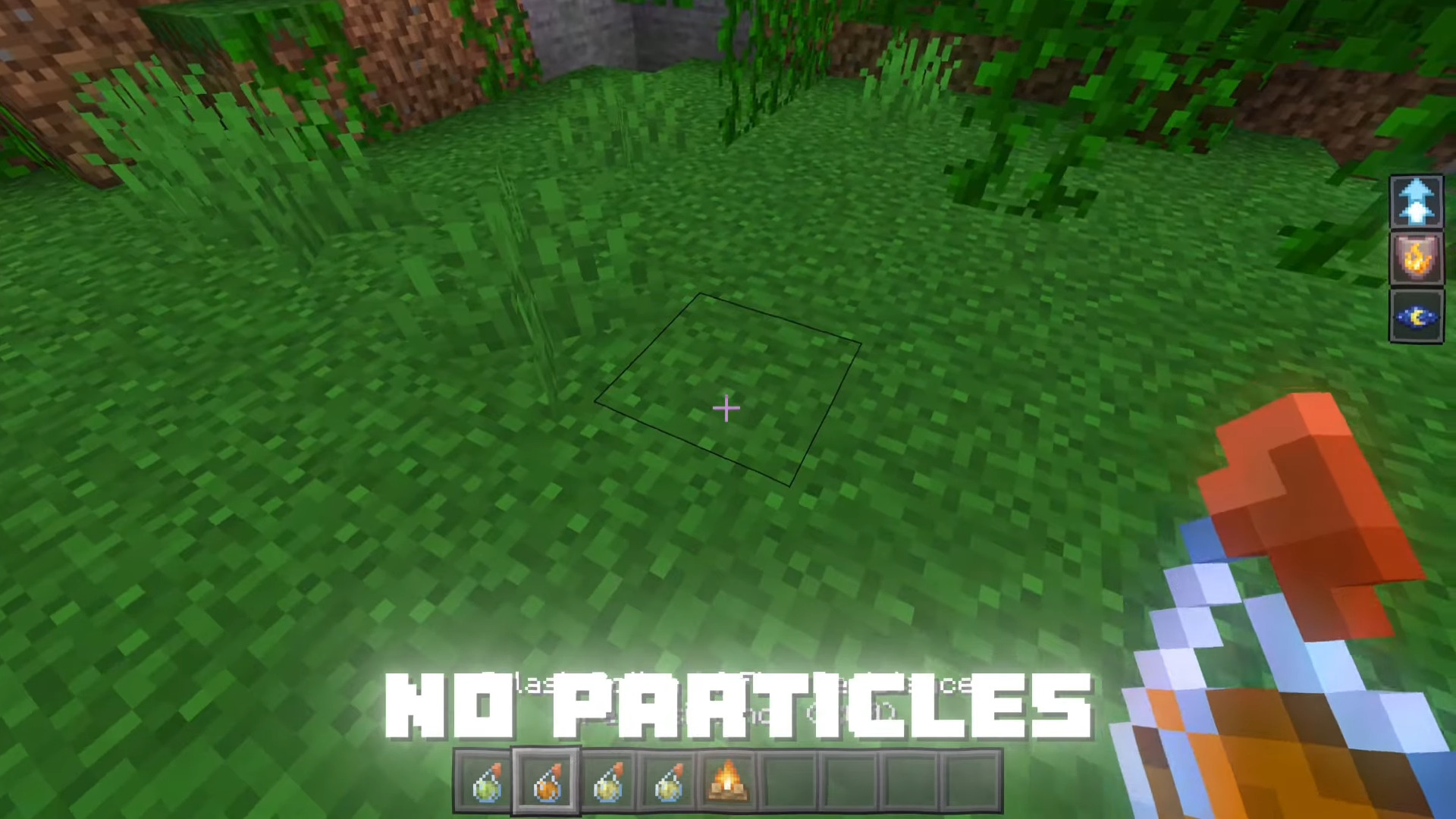
Screenshots:
Installation:
- 1. Download the .mcpack file.
- 2. Open the file – Minecraft will import it automatically.
- 3. Go to Settings → Resource Packs → Active the Packs.
Boosted FPS Pack (1.21) Download Links
For Minecraft PE/Bedrock 1.21
mcpack: Download from Server 1 – Download from Server 2
Click to rate this post!
[Total: 0 Average: 0]
You May Also Like