Button in Disguise Texture Pack (1.21, 1.20) – MCPE/Bedrock
 256
256
 0
0
 February 5, 2026
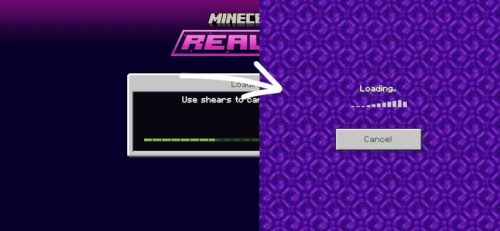
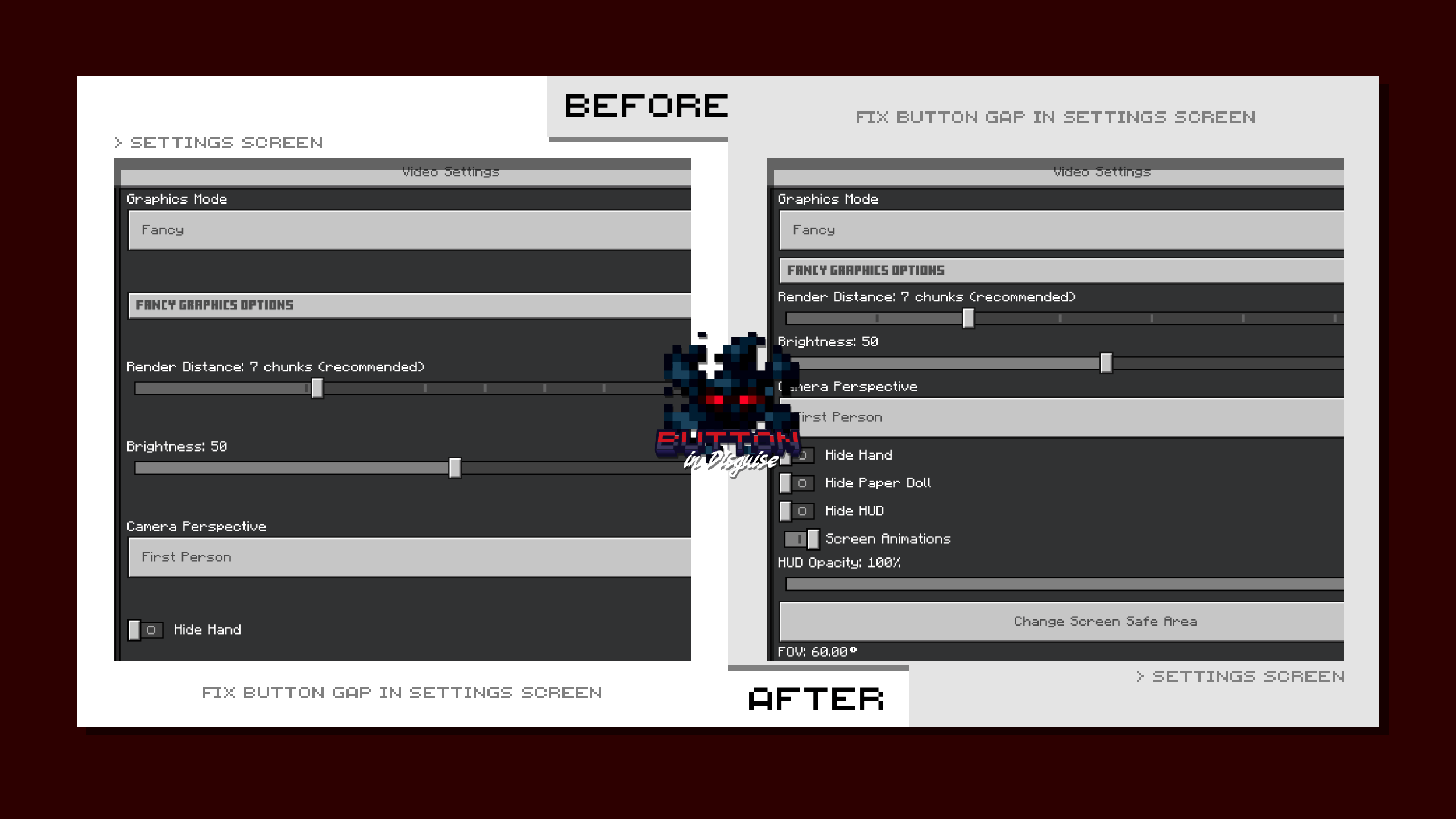
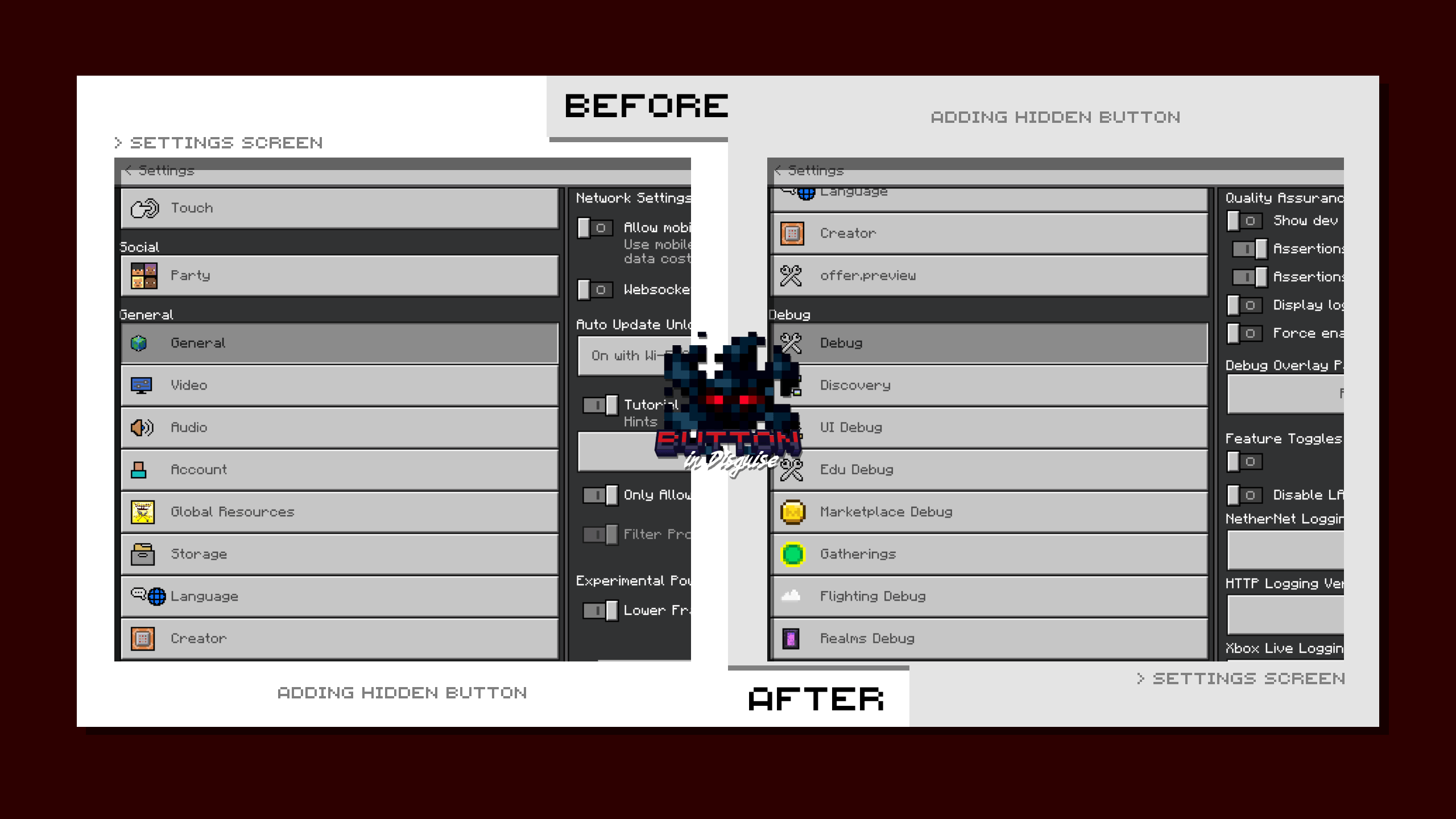
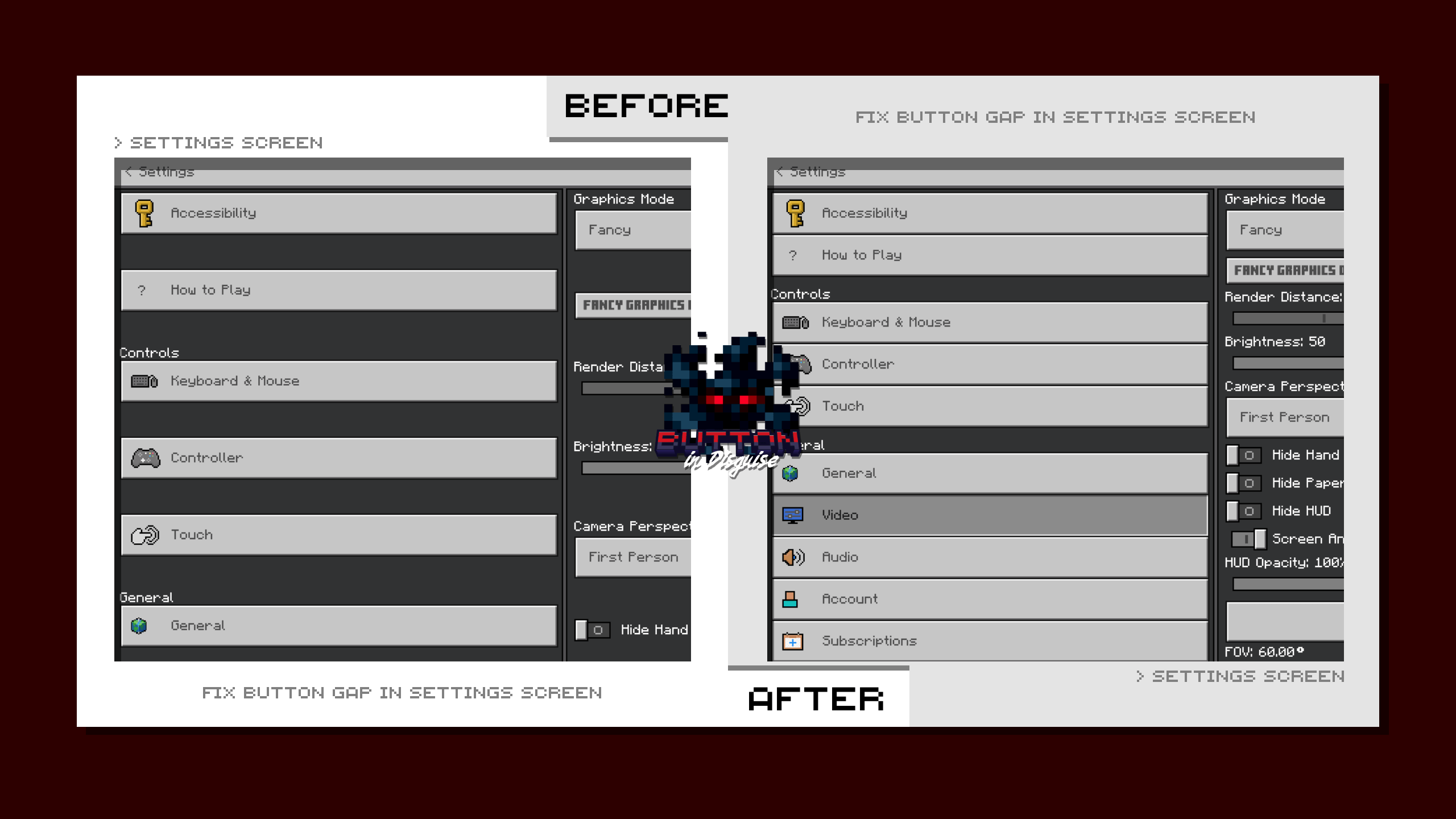
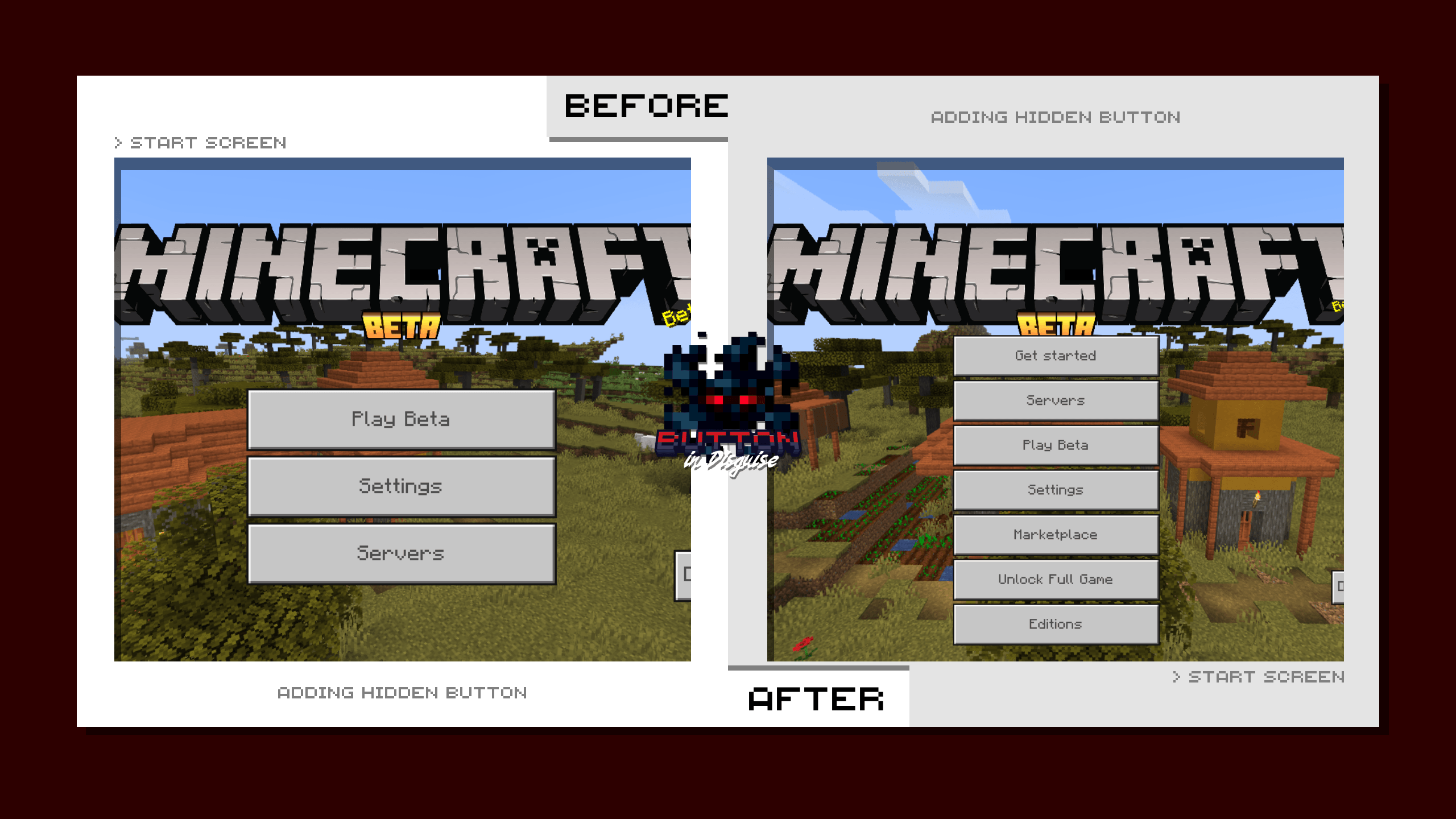
Button in Disguise Texture Pack focuses on changing the buttons in the game interface. Resource packages are broken down to reduce storage space. Key features include restoring the old settings interface, fixing button spacing, and displaying hidden buttons. Players can return to the control interface, tap, or save a previous version using the corresponding buttons.
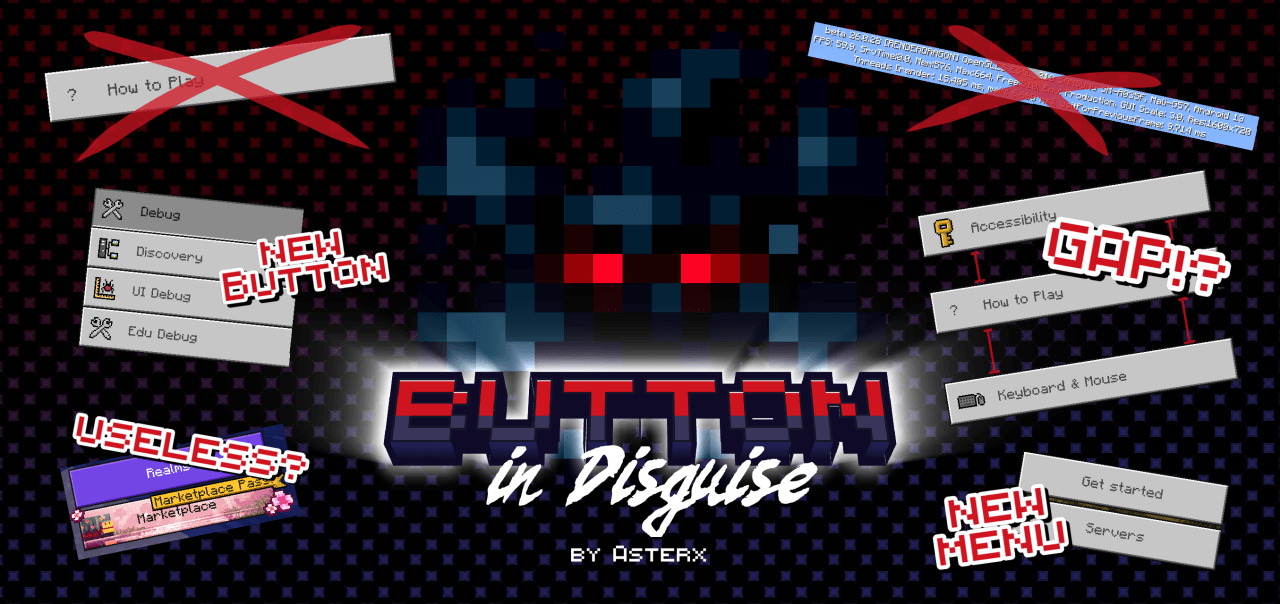
Screenshots:
How to install:
How To Install Mod / Addon on Minecraft PE
How To Install Texture Packs on Minecraft PE
How To Install Map on Minecraft PE
Button in Disguise Texture Pack Download Links
For Minecraft PE/Bedrock 1.21, 1.20
mcpack: Download from Server 1 – Download from Server 2
Click to rate this post!
[Total: 1 Average: 5]
You May Also Like