A MCPE texture pack (or resource pack) is a collection of files that change the appearance of blocks, items, and other elements in Minecraft Pocket Edition (MCPE). These packs can alter textures, colors, and other visual aspects to create a different look and feel for the game. Resource packs can also include changes to sounds, models, and other game assets.
By using a texture pack, you can customize your Minecraft world to better match your aesthetic preferences, whether you want a more realistic look, a cartoonish style, or something entirely unique.
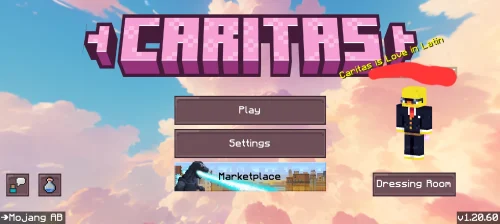
Caritas Texture Pack (1.21) changes the visuals to a Valentine’s Day theme with a pastel pink color scheme. The 16x resolution details create a simple interface and square blocks. The…
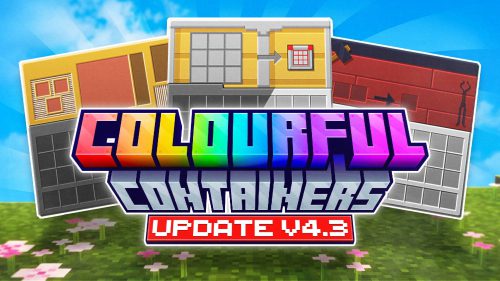
Colourful Containers BE Texture Pack (1.21) changes the visuals of the container slots. The old interfaces are replaced with new designs that match the colors of each container type. The…
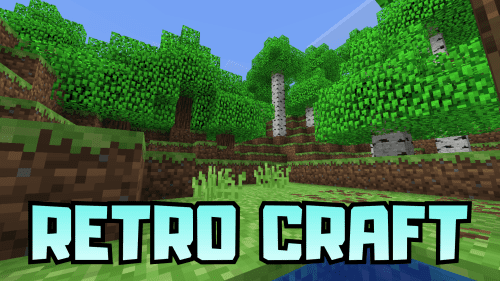
Retro Craft Texture Pack (1.21, 1.20) reverts the visuals and sounds to the old version. The cobblestones, ore, wood, and trees are reused in their original style. The sound effects…
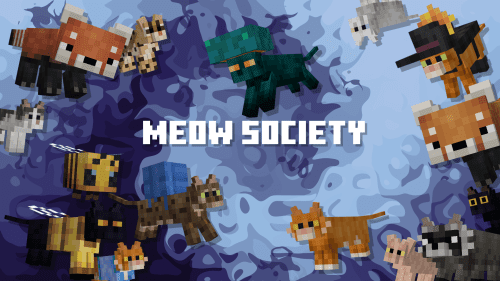
Meow Society Texture Pack (1.21) changes the appearance of cats and ocelots to match real-life species. The system adds many new variations, including red pandas and raccoons. Many cat types…
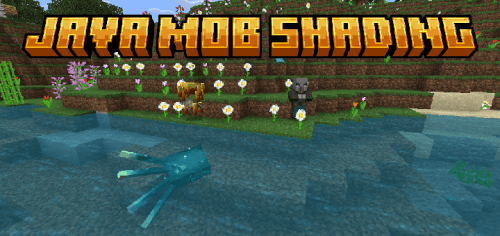
Java Mob Shading Texture Pack (1.21) changes the appearance of the creatures to resemble the older console versions. The system applies bolder directional shadows and changes the effects when injured…
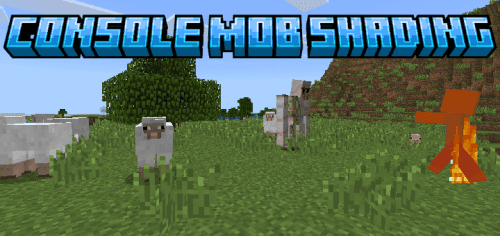
Console Mob Shading Texture Pack (1.21) changes the appearance of the creatures to resemble the older console versions. The system applies bolder directional shadows and changes the effects when injured…
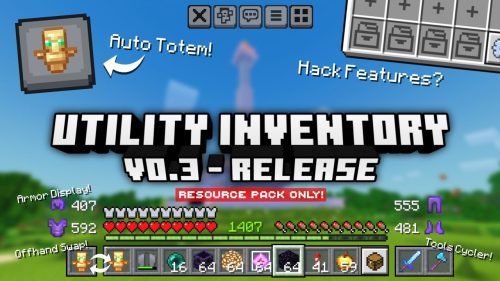
Utility Inventory Pack (1.21) enhances the inventory system with practical utility features to make managing items easier and more informative, especially in survival or PvP scenarios. Features: Like-Hack Features Auto…
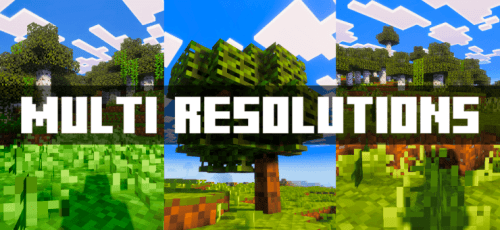
Multi Resolutions Texture Pack (1.21) offers low-resolution image options, from 16x down to 1×1. Reducing the resolution helps minimize lag on low-spec machines. Users can switch between four different resolutions:…
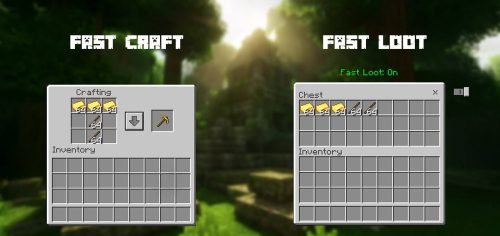
Fast Craft and Fast Loot Texture Pack (1.21, 1.20) adds features that help players perform actions faster in the game. With this feature, players can craft multiple items at once…
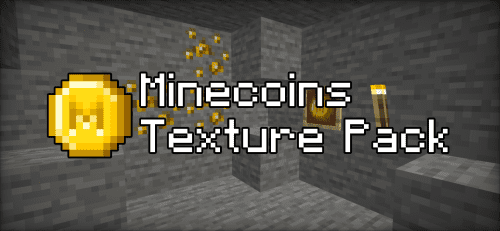
Minecoins Texture Pack (1.21) replaces emeralds with Minecoins. Screenshots: How to install: How To Install Mod / Addon on Minecraft PE How To Install Texture Packs on Minecraft PE How…
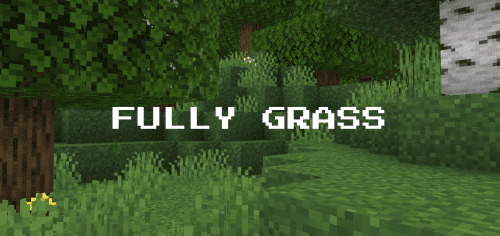
Fast Better Grass Texture Pack (1.21) changes the appearance of the soil and grass blocks so that all sides are the same as the top side. Block types such as…
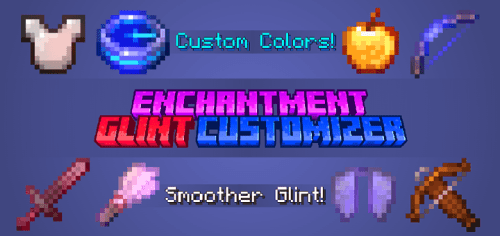
Enchantment Glint Customizer Texture Pack (1.21) is used to change the color of the glitter effect on enchanted items. The mod makes the effect look smoother and offers 15 different…
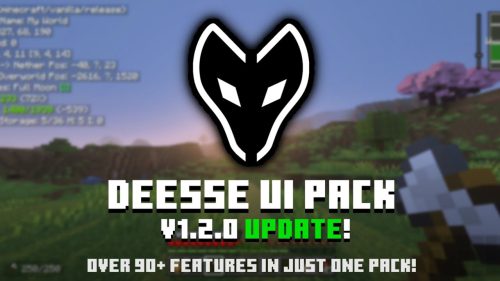
Deesse UI Pack (1.21) is a UI-focused resource pack that brings fresh designs, smart tweaks, and over 55 handy features to enhance and elevate your gameplay experience! Features: Quick Container…
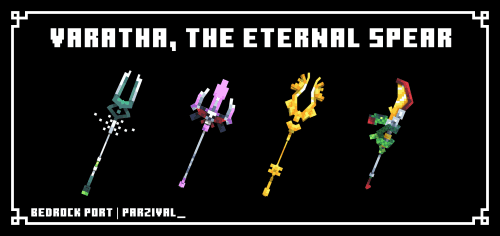
Varatha The Eternal Spear Texture Pack (1.21) allows players to change the appearance of the trident to aspects of Varatha, the Eternal Spear from the Hades game. This pack offers…
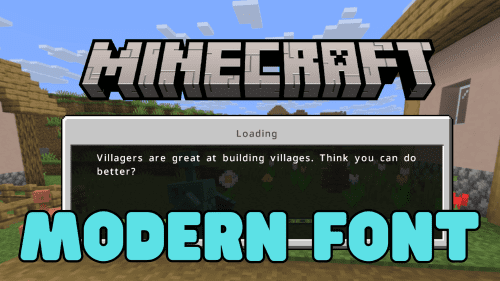
Modern Font Texture Pack (1.21, 1.20) changes the default font. The new font reduces thickness, minimizing the rough feel of Unicode characters and improving readability on high-resolution screens. Features: The…




 0
0  3 weeks ago