


Chronos Counter Data Pack (1.21.11, 1.20.1) – Track Your World Days Right Above
 0
0
 0
0

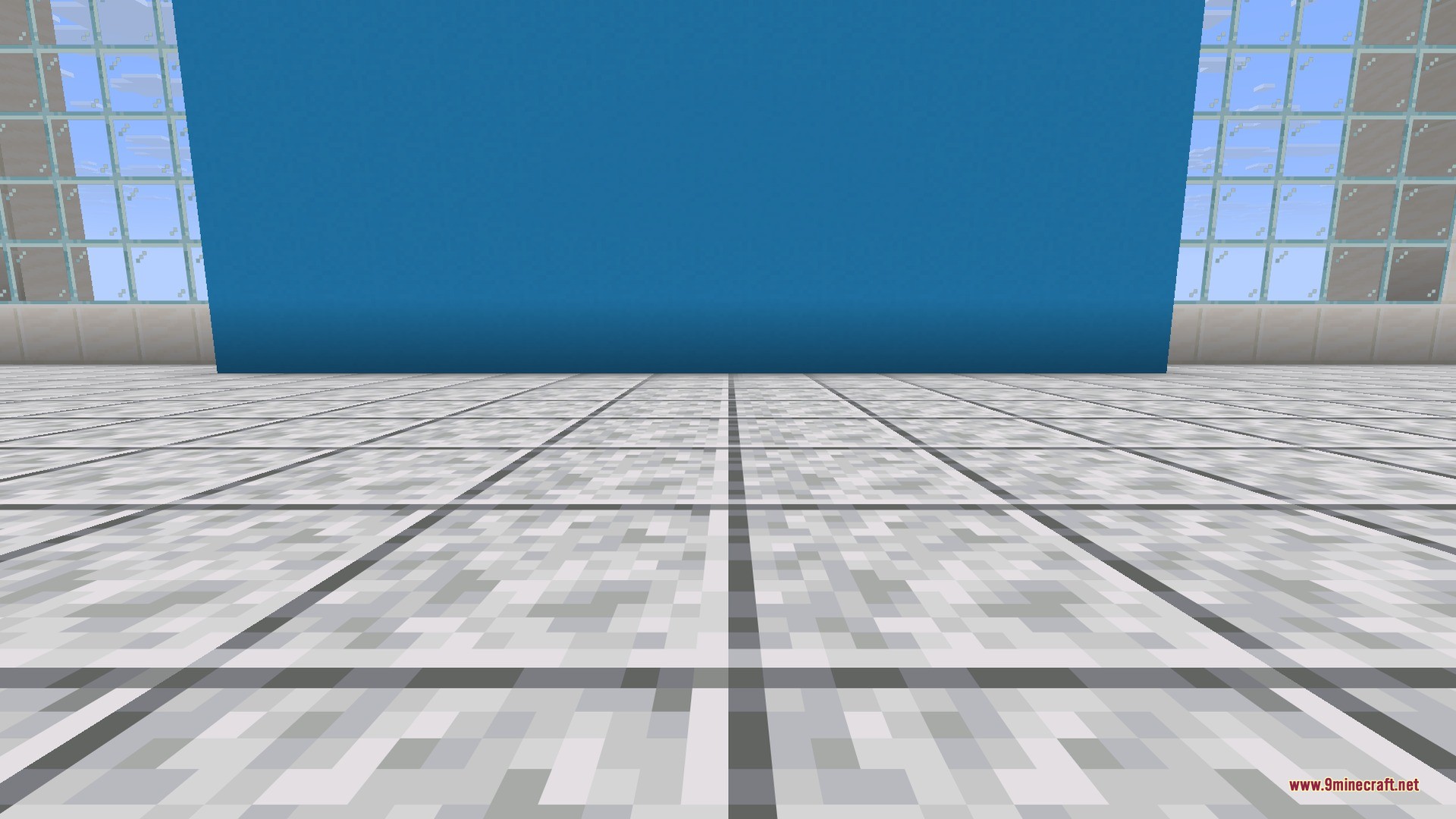
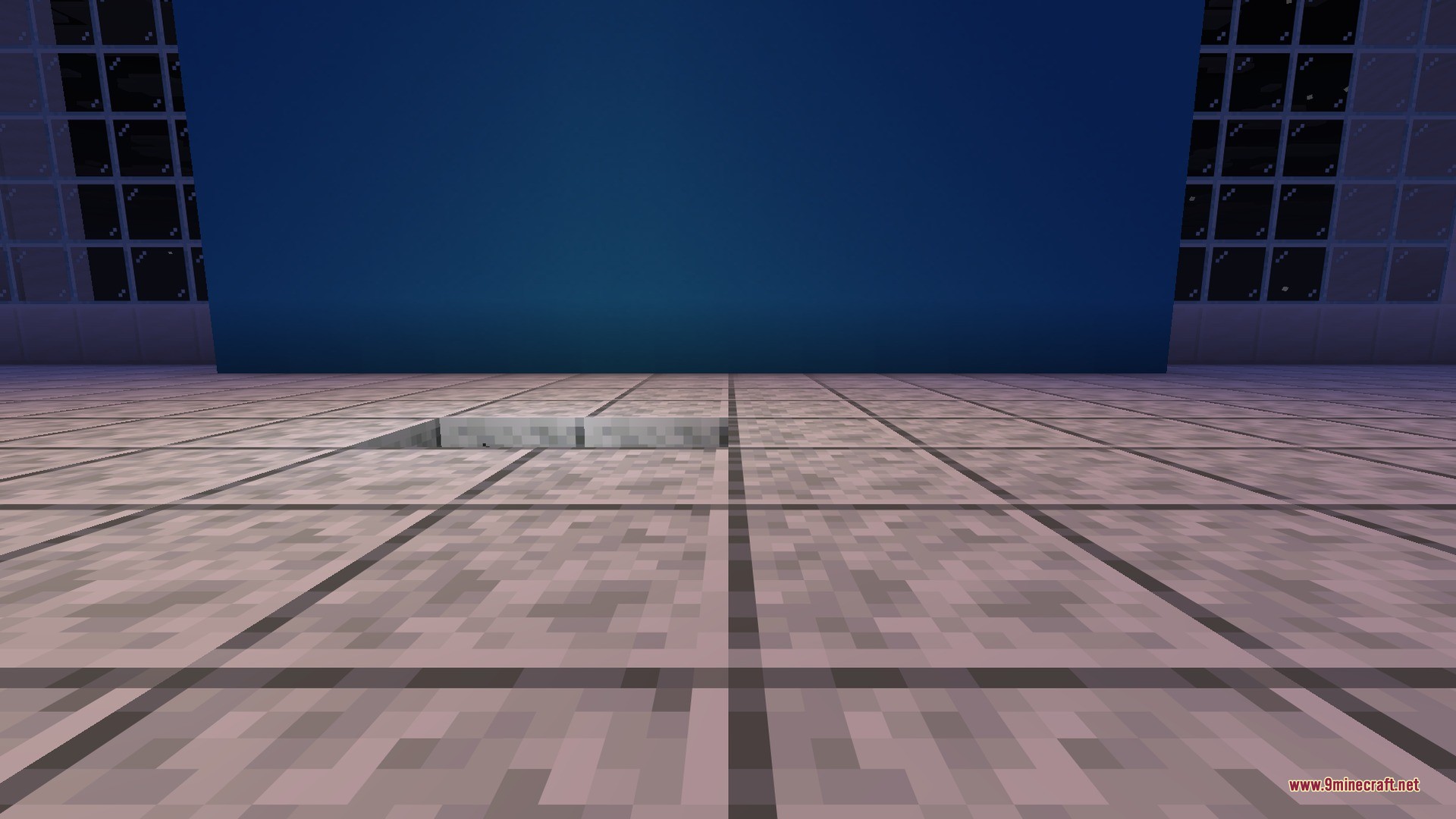
Chronos Counter Data Pack puts your current world day directly above your hotbar. You do not need to open the F3 debug screen just to check how long your world has been running. The counter stays visible during your adventures, which is useful for 100 days challenges and hardcore survival worlds.
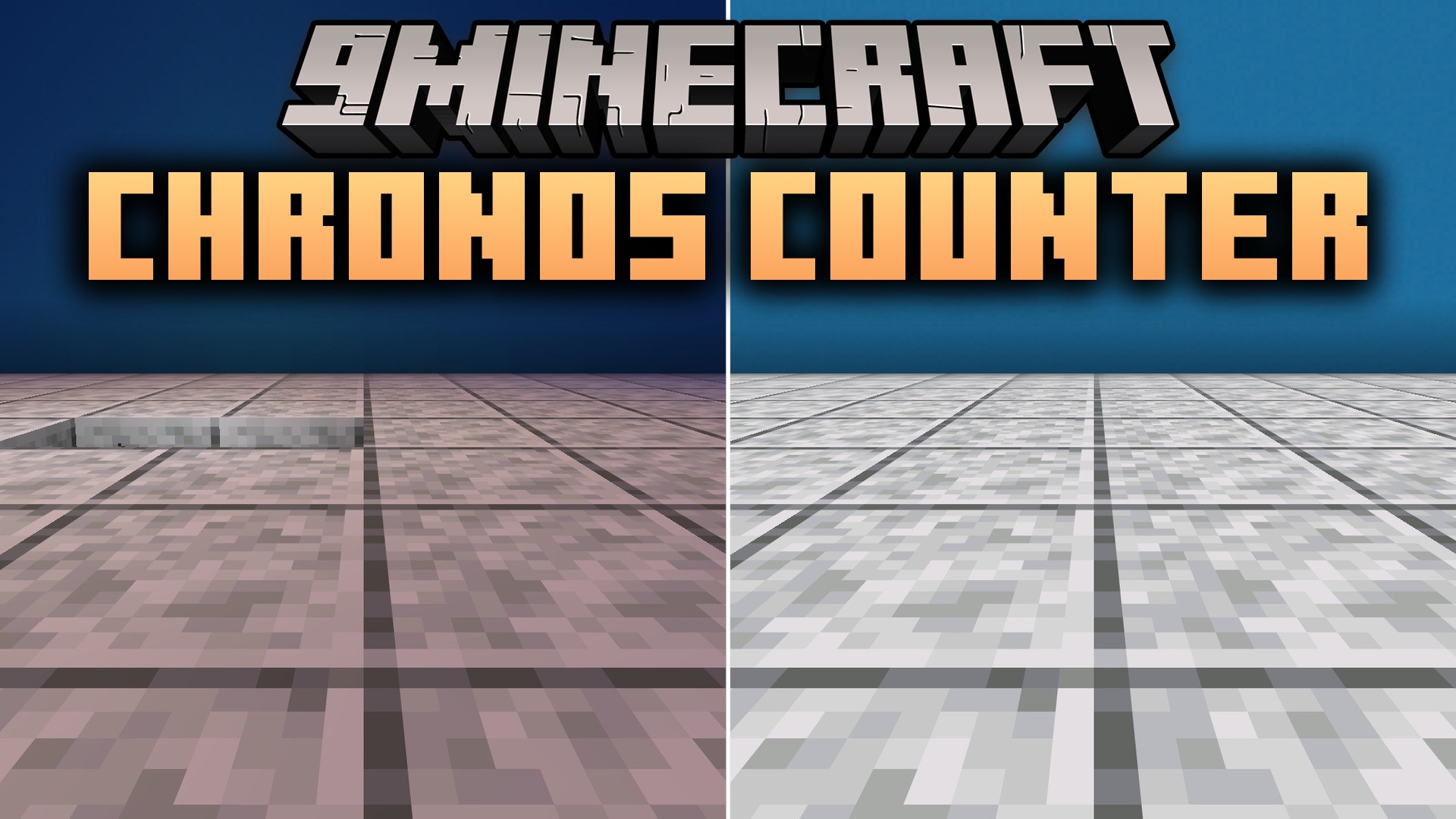
Features:
- Places the current world day counter directly above your hotbar.
- Removes the need to open the F3 menu to see the day count.
- Helps you track your time during survival runs and 100-day challenges.
- Works on existing worlds without causing issues to your save.
How to Use:
- Place the pack file into your world’s datapacks folder.
- Load your Minecraft save.
- Look directly above your hotbar to see the active day counter.
Screenshots:

How to Install:
New to Minecraft? Follow our step-by-step guide to install Data Packs on your PC.View Guide
Chronos Counter Data Pack Download Links
For Minecraft
1.21.11,
1.21.10,
1.21.9
All Versions Covered
1.21.11
1.21.10
1.21.9
1.21.8
1.21.7
1.21.6
1.21.5
1.21.4
1.21.1
1.21
All Versions Covered
1.21.11
1.21.10
1.21.9
1.21.8
1.21.7
1.21.6
1.21.5
1.21.4
1.21.1
1.21
For Minecraft 1.21.5
For Minecraft
1.20.6,
1.20.5,
1.20.4
All Versions Covered
1.20.6
1.20.5
1.20.4
1.20.3
1.20.2
1.20.1
1.20
All Versions Covered
1.20.6
1.20.5
1.20.4
1.20.3
1.20.2
1.20.1
1.20
Click to rate this post!
[Total: 0 Average: 0]
You May Also Like








This post has no comments yet. Be the first — your comment will appear here.