
ChunkDebug Mod (26.3, 1.20.1) – Track Chunk Loading Instantly
 1,402
 0


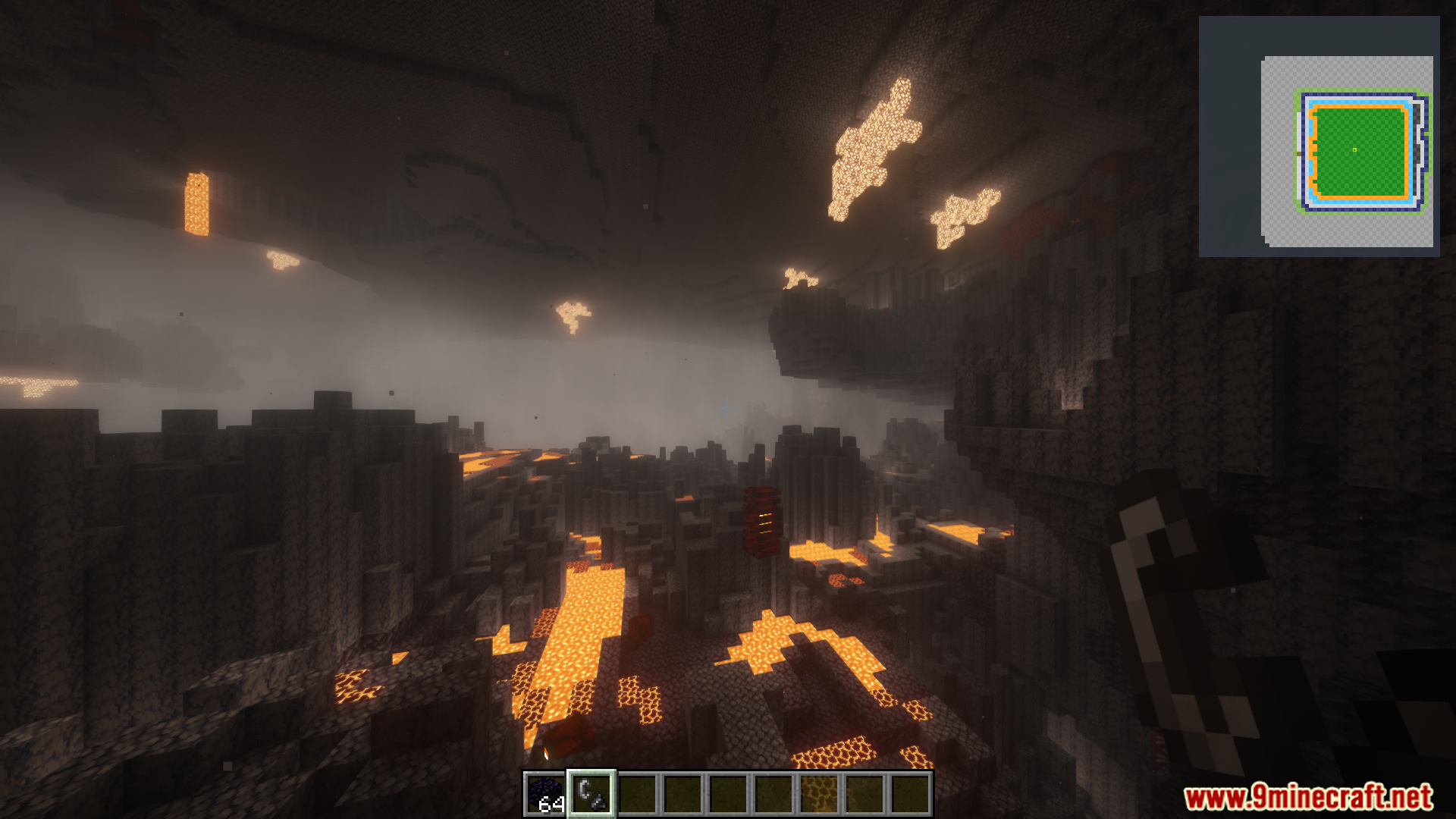
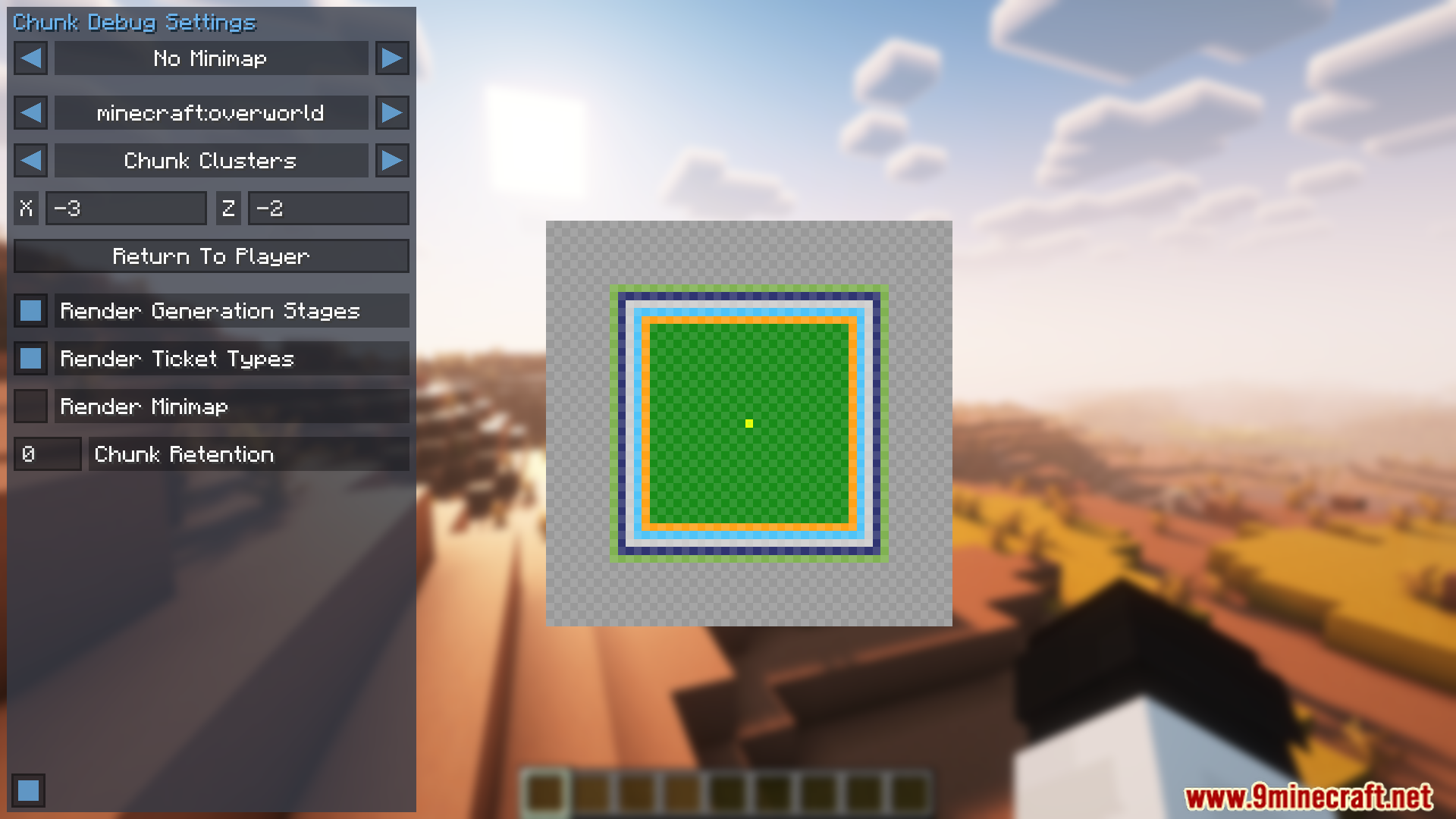
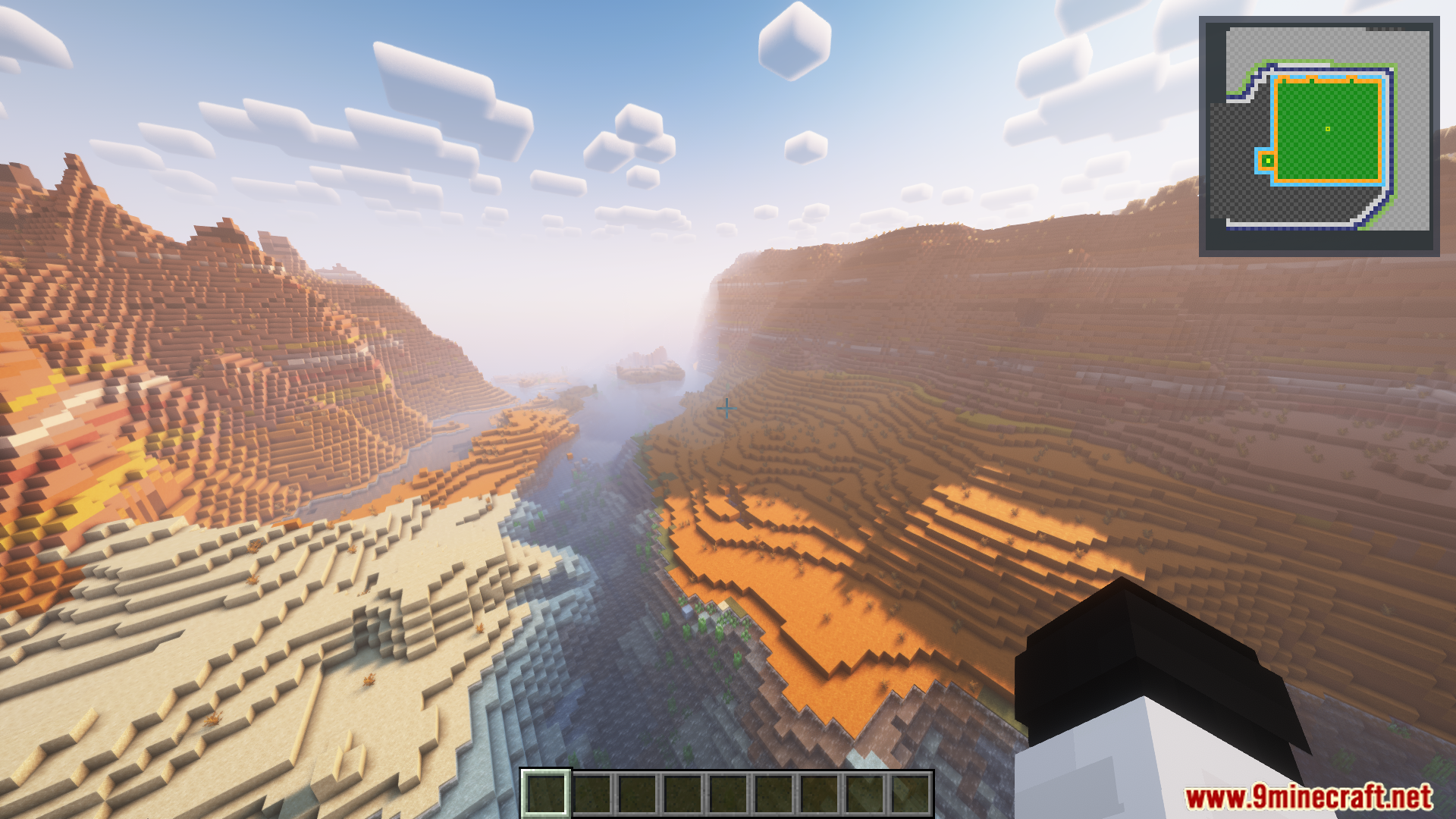
ChunkDebug Mod gives you a live display of all loaded chunks in any dimension to help debug chunk loading. It shows chunk status, tickets, and world generation stages with a detailed chunk map. You can zoom, pan, and customize the map, select single or multiple chunks for detailed data, and use various rendering options and a minimap for better visual tracking.
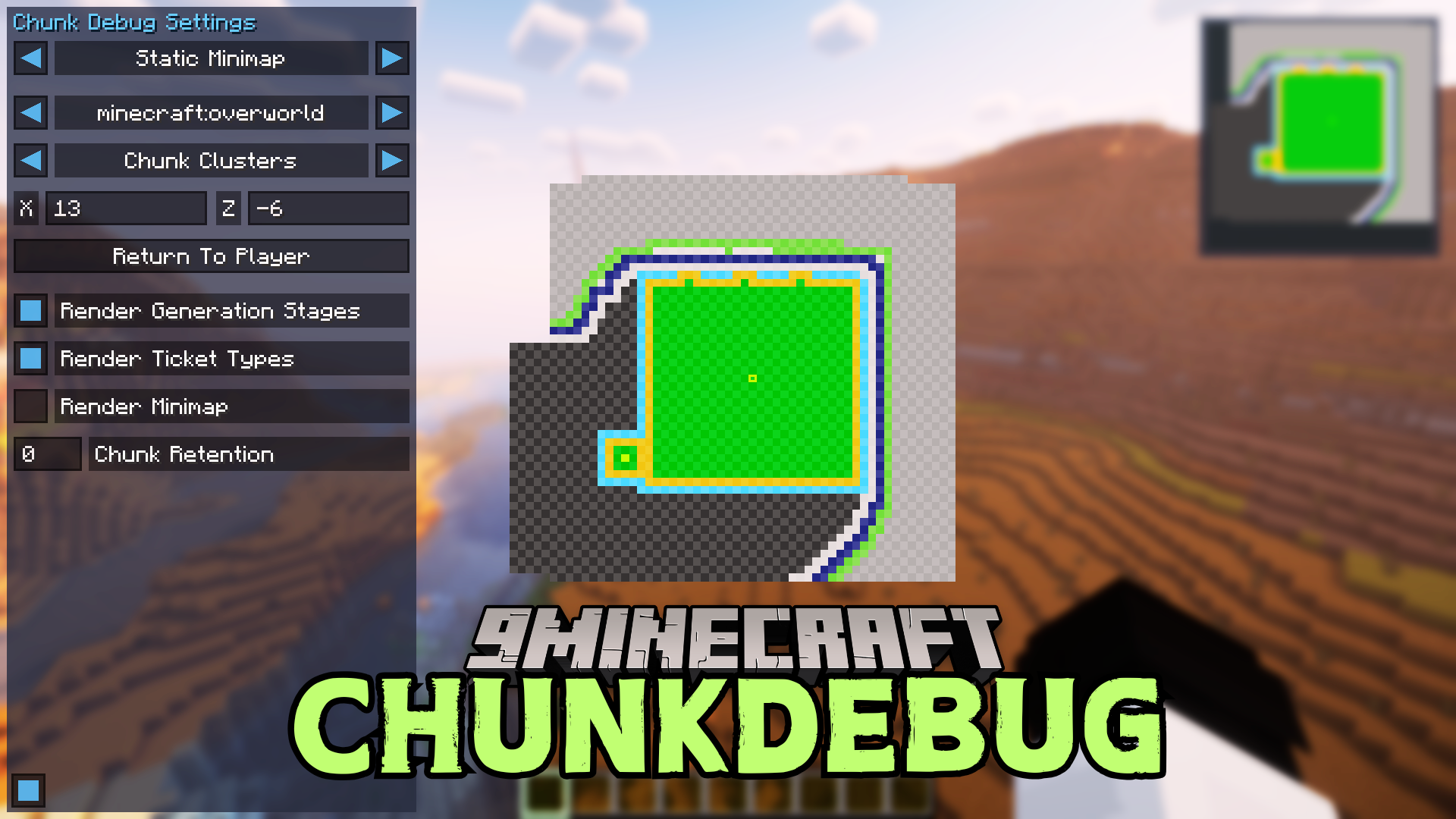
Features:
- Provides a live display of all loaded chunks with their status, tickets, and world generation stages.
- Includes a detailed chunk map with zoom and pan features for easy navigation.
- Offers a selection menu for viewing detailed information on individual or multiple selected chunks, including location and status.
- Features rendering options to colour chunks by generation stages or ticket types.
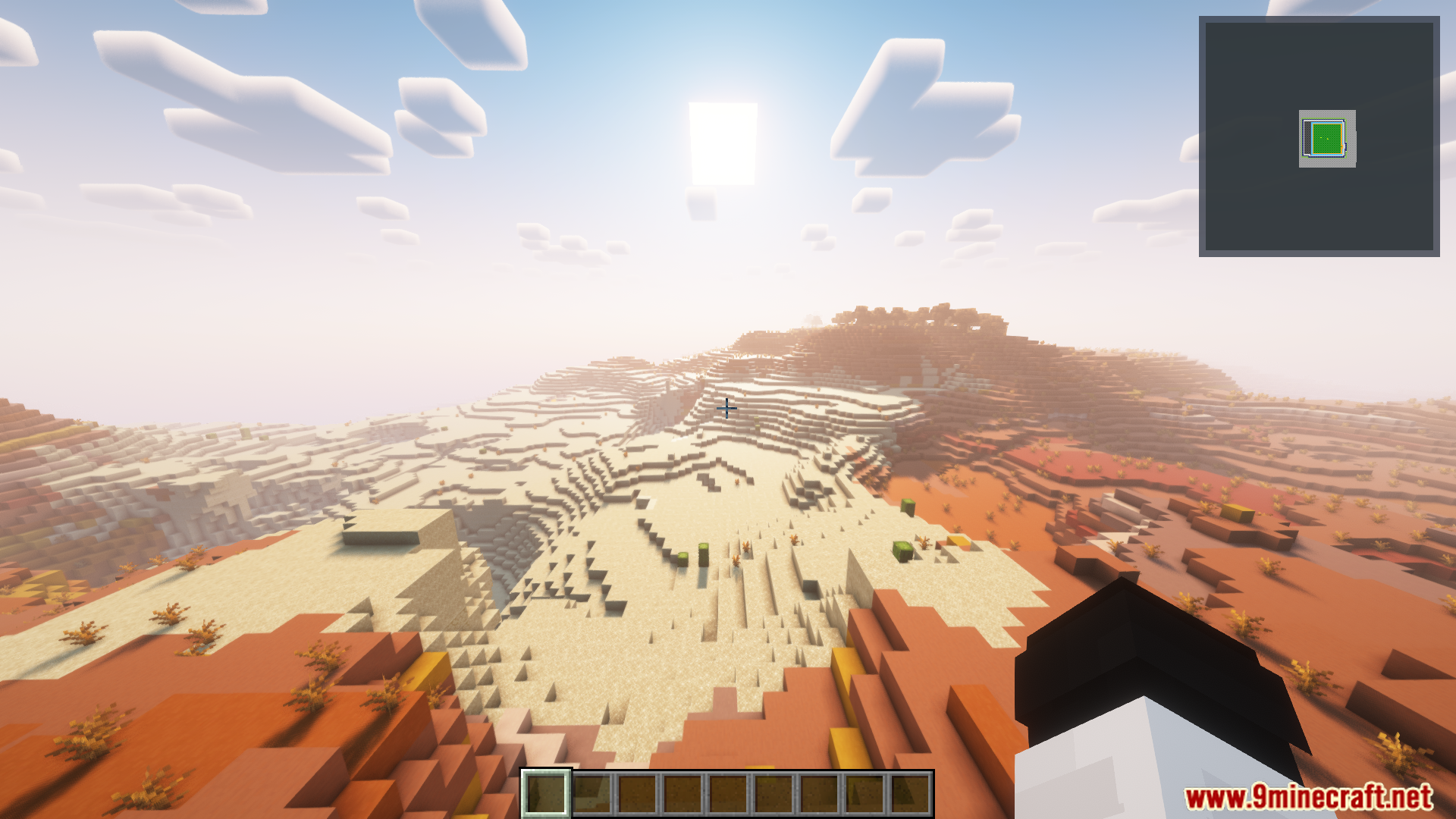
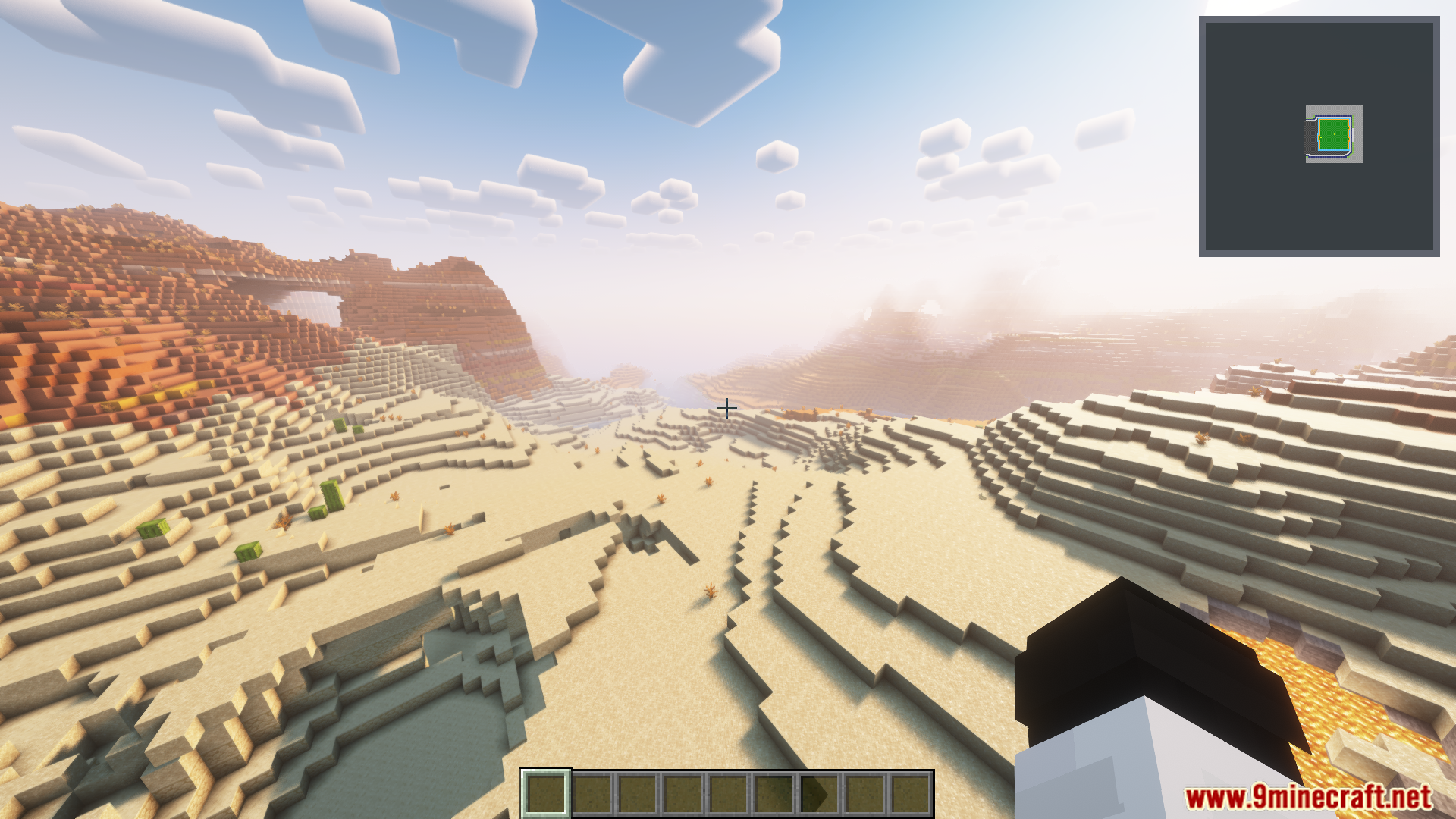
- Includes a customizable minimap with adjustable position, size, and modes like Static Minimap or Following Minimap.
How to Use:
- Open the map by pressing the F6 key.
- Press F1 or click the corner button to hide or show the side menus.
- Right-click on a chunk to select it and view its location, status, and tickets, or drag right-click to select multiple chunks.
- Change dimensions, view chunk clusters, or input coordinates using the navigation controls in the settings menu.
Screenshots:
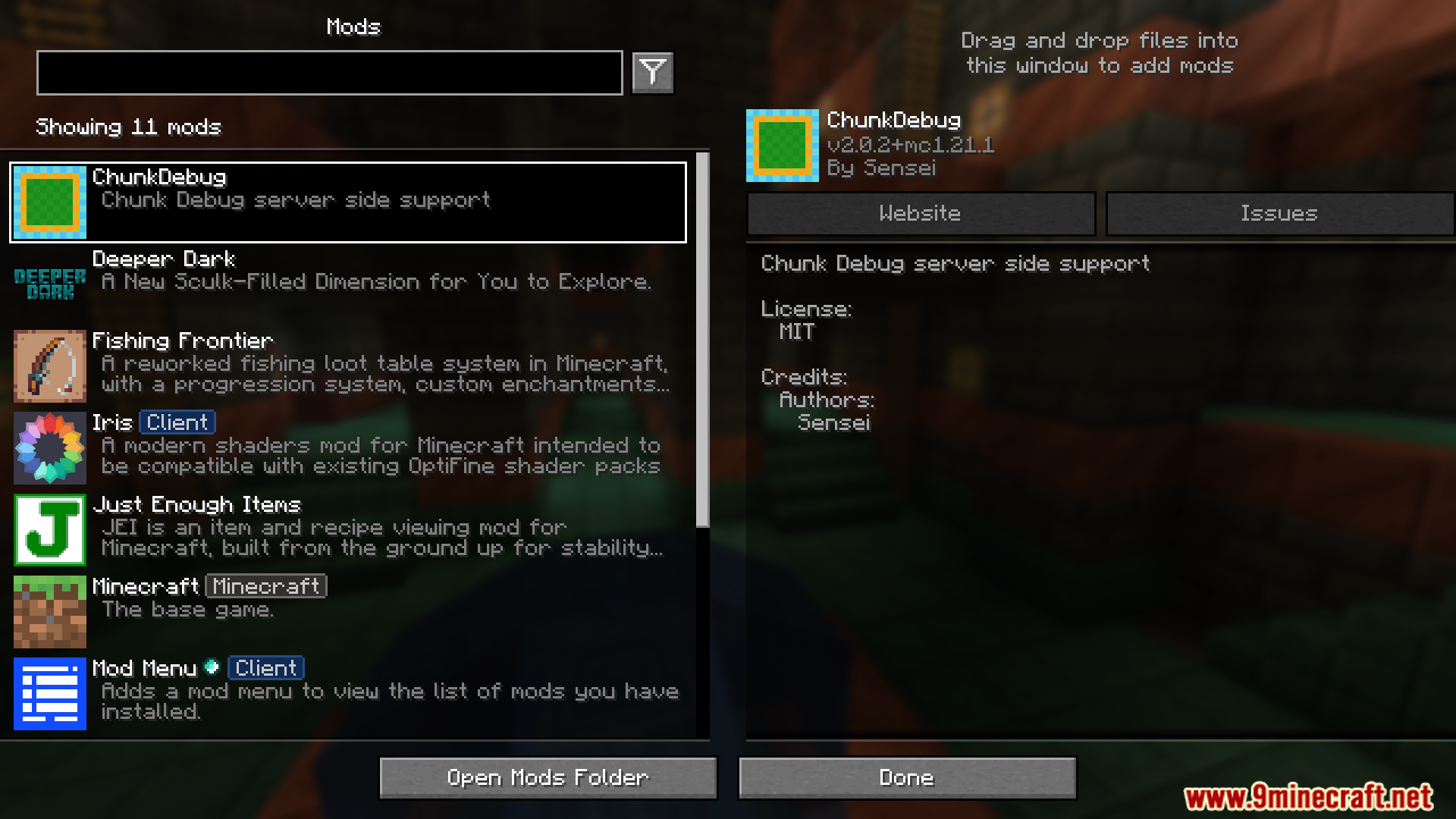
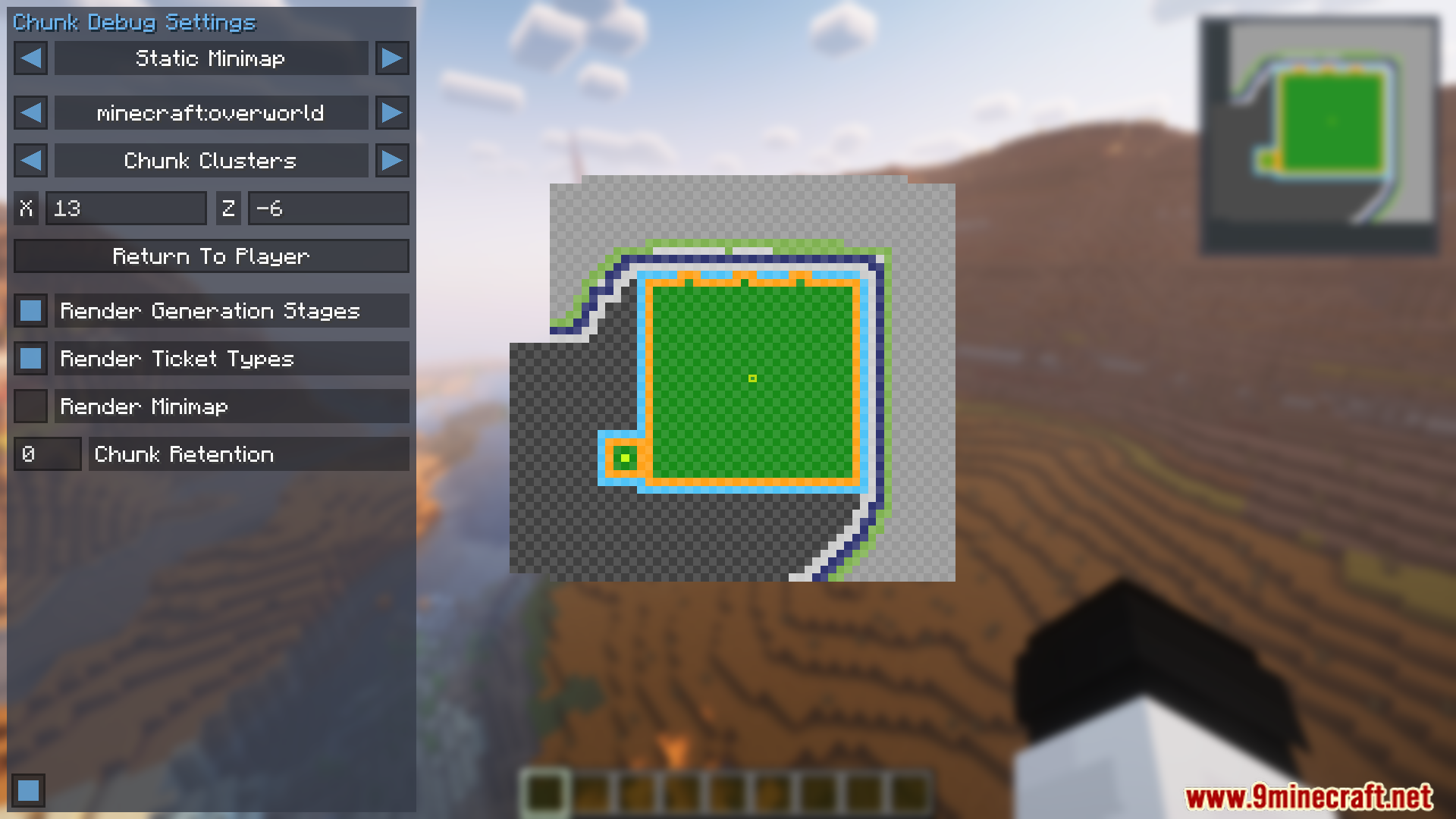
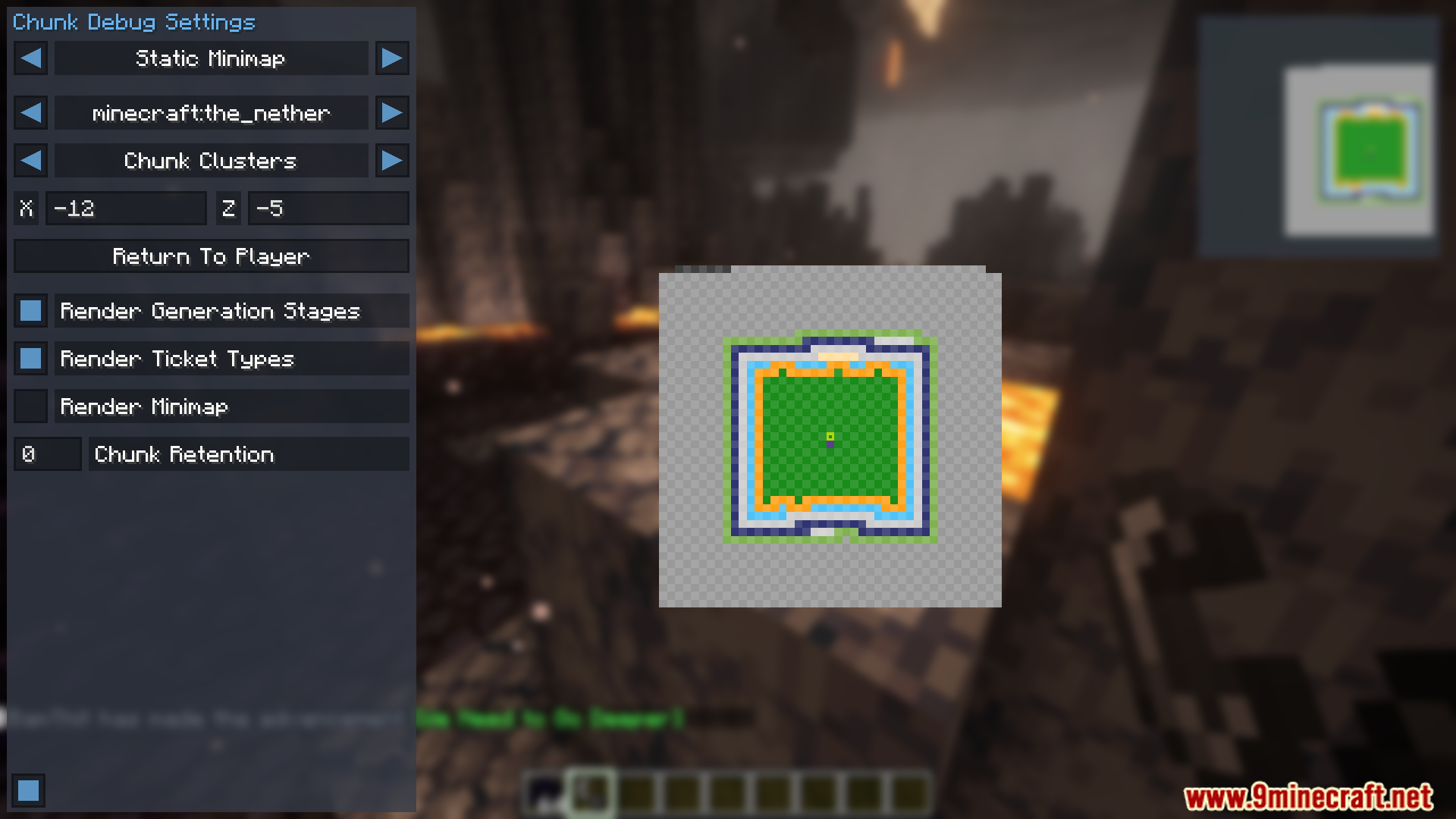
How to Install:
New to Minecraft? Follow our step-by-step guide to install Mods on your PC.View Guide
Requirements:

ChunkDebug Mod Download Links
For Minecraft 26.3
For Minecraft 26.2
For Minecraft 26.1.2, 26.1.1, 26.1
For Minecraft 1.21.11
For Minecraft 1.21.10, 1.21.9
For Minecraft 1.21.8, 1.21.7, 1.21.6
For Minecraft 1.21.5
For Minecraft 1.21.4
For Minecraft 1.21.3, 1.21.2
For Minecraft 1.21.1, 1.21
For Minecraft 1.20.4
For Minecraft 1.20.2
For Minecraft 1.20.1
For Minecraft 1.19.4
For Minecraft 1.19.3
For Minecraft 1.19.2
For Minecraft 1.18.2
For Minecraft 1.17.1
For Minecraft 1.16.5
Click to rate this post!
[Total: 0 Average: 0]
You May Also Like
Picked for this page
 TL Skin and Cape Mod (26.3, 1.20.1) – TLSkinCape Mod by Tlauncher
 Tree Harvester Mod (26.3, 1.20.1) – Auto-Planting Tree Chopper
 Jade Mod (26.3, 1.20.1) – Hwyla/WAILA Fork
 No Expensive Mod (26.3, 1.20.1) – It’s Easier To Upgrade Your Gear
 Auth Me Mod (26.3, 1.20.1) – Re-login Inside The Game
 Ctrl Q Mod (26.1, 1.20.1) – Take Control Of Your Inventory
 BedrockIfy Mod (26.2, 1.20.1) – The Game-Changer Every Minecraft Player Needs
 Ledger Mod (26.3, 1.20.1) – Powerful, Server-Side Logging Mod
 NoWheel Mod (26.3, 1.20.1) – Hotbar Scroll Disable
 Brick Hopper Mod (26.3, 1.20.1) – Perfect for Rustic or Medieval Builds
 Crafting+ Mod (26.2, 1.20.1) – Faster & Better Crafting Recipes
 XXL Packets Mod (26.3, 1.20.1) – Raising The Packet Size Limit
Most viewed in Mods over the last 7 days
 Ala Industrial Mod (26.3) – Run Electric Power Grids and Automated Factories
 PleasureCraft Mod (26.3, 1.21.1) – Jenny Mod Remake for Fabric
 Jennycraft Mod (26.3, 1.20.1) – Virtual Girlfriend in Minecraft
 Fapcraft Mod (26.3, 1.12.2) – Comprehensive and Detailed Content
 Jenny Mod (Fapcraft) Official Complete Guide – How to use, Tutorial
 BangCraft Mod (1.20.1) – Jenny, Ellie and Elliot
 Fabric Loader (26.3, 1.20.1) – Fabric Installer for All Minecraft Versions
 Meteor Client Mod (26.3, 1.20.1) – Xray, HUD, Fly
 The Shooting Star Demo Mod (26.3, 1.20.1) – Vaporize Terrain From Orbit
 OptiFine HD (26.3, 1.20.1) – Run Faster, FPS Boost, Shaders Support
 Aristois Client Mod (1.21.4, 1.20.1) – World Class Minecraft Utility
 SchnurriTV Mod (1.12.2) – Characters and Features
More from Mods
 Waddles Mod (26.3, 1.20.1) – Make Icy Biomes Feel Alive
 Artemis’ Thin Logs Mod (26.3, 1.20.1) – Build Custom Trees and Detailed Wood
 Asterion Mod (26.3, 1.20.1) – Survive Ancient Mazes and Slay the Legendary Minotaur
 Passthrough Signs Mod (26.3, 1.20.1) – Right-Click Through Wall Signs
 Packing Tape Mod (26.3, 1.20.1) – Move Chests, Machines
 No XP Anvils Mod (26.3, 1.20.1) – Repair And Enchant Without XP
 Naruto Shippuden Mod (26.3, 1.16.5) – Immerse Yourself in The World of Ninja
 Araxer’s Bestiary Mod (26.3, 1.20.1) – Build an In-Game Encyclopedia of Every Mob
 Villagers Plus Mod (26.3, 1.20.1) – Expanded Villager Types and Villages
 Ore Excavation 9minecraft Mod (26.3) – Mine Ores and Chop Trees in a Single Swing
 Dirigo Mod (26.1.2, 1.21.1) – Walk Across Nether Lava Seas and Automate Animal
 HandLib Mod (26.3, 1.21.1) – Keep Your Multiplayer World Stable

This post has no comments yet. Be the first — your comment will appear here.