


Coasters Simulated Track Styles Mod (1.21.1) – Design Realistic Theme Park

 0
0 

🌐 Good news — we've translated this article into other languages!
Or pick the one you like:
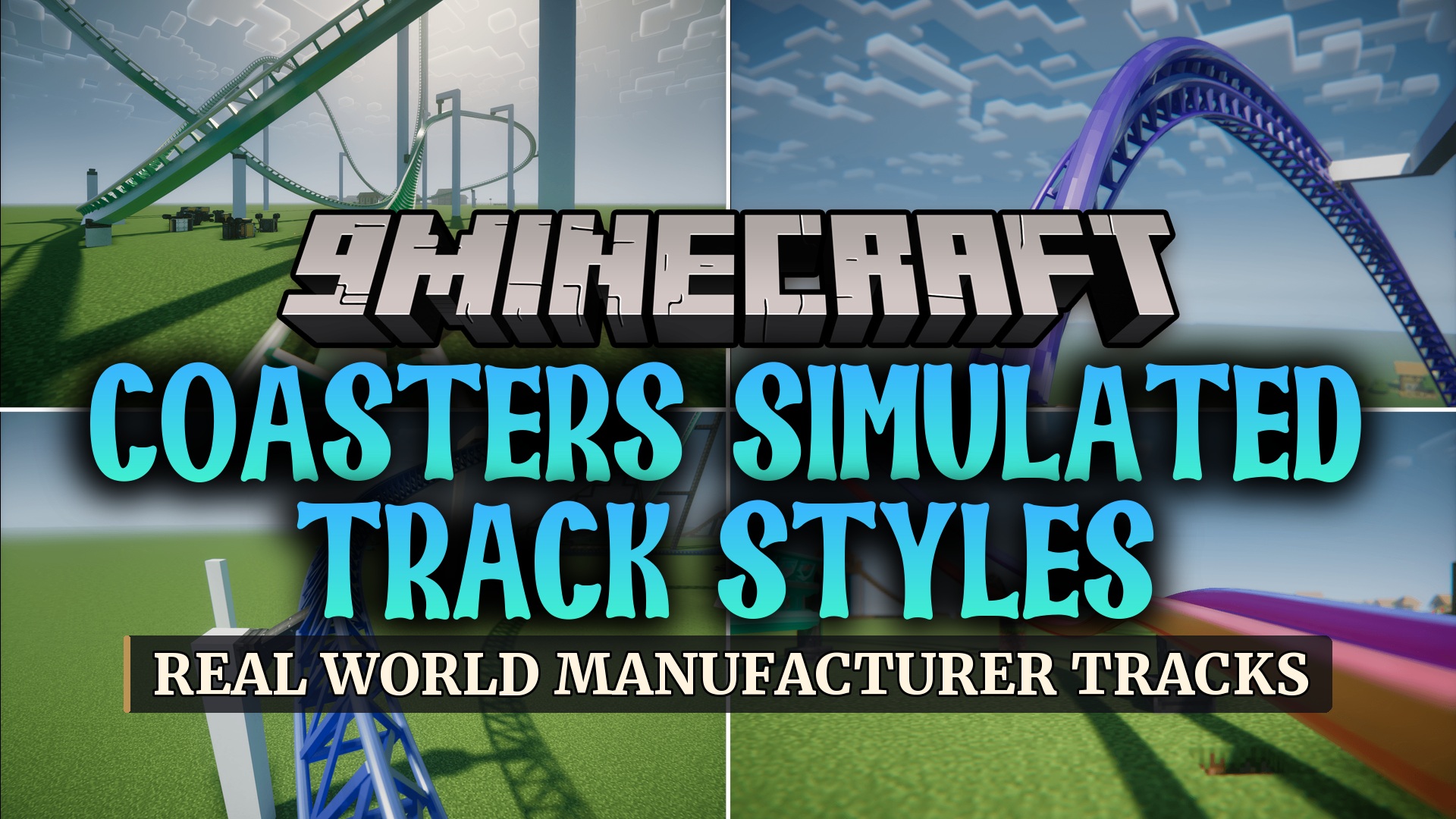
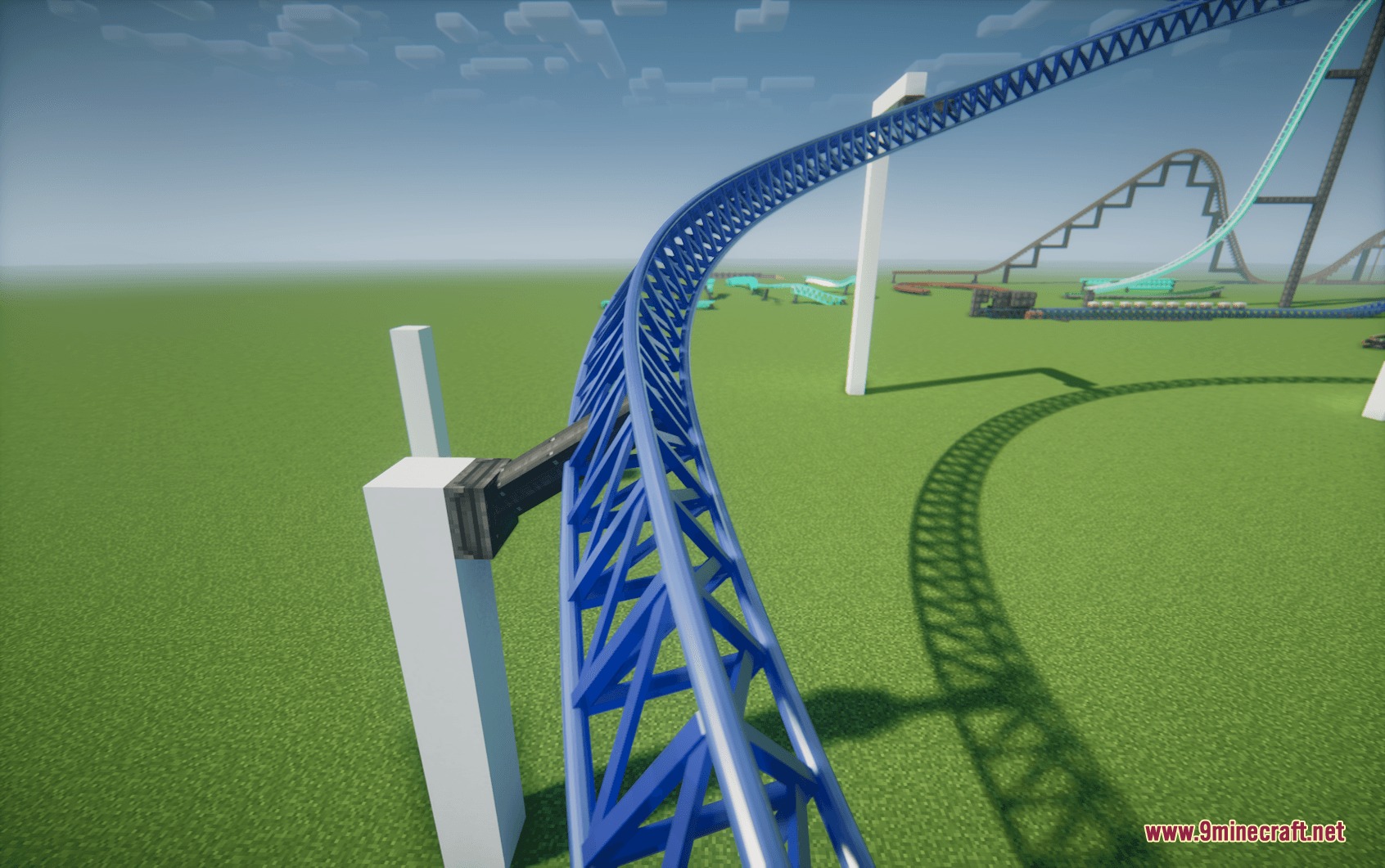
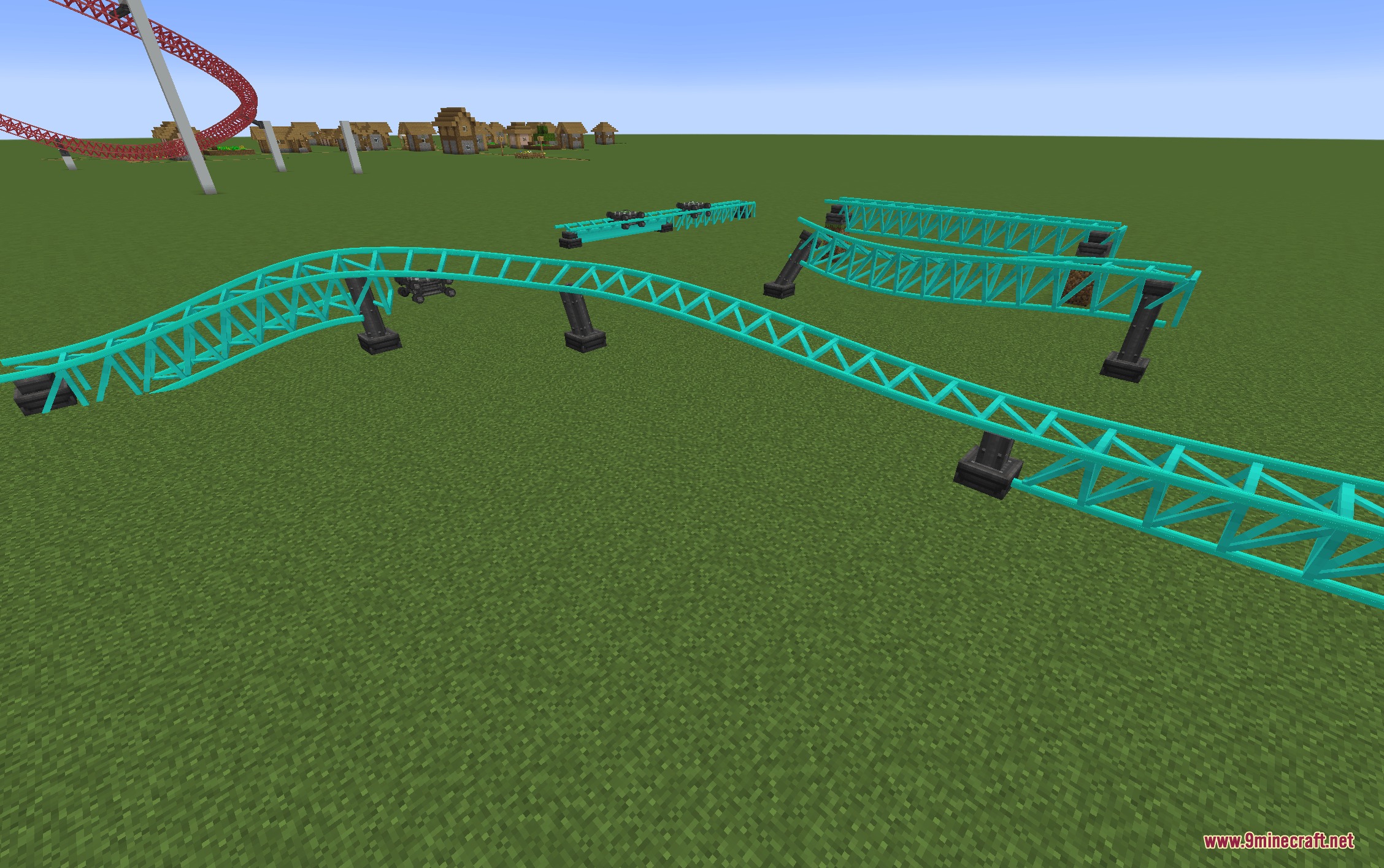
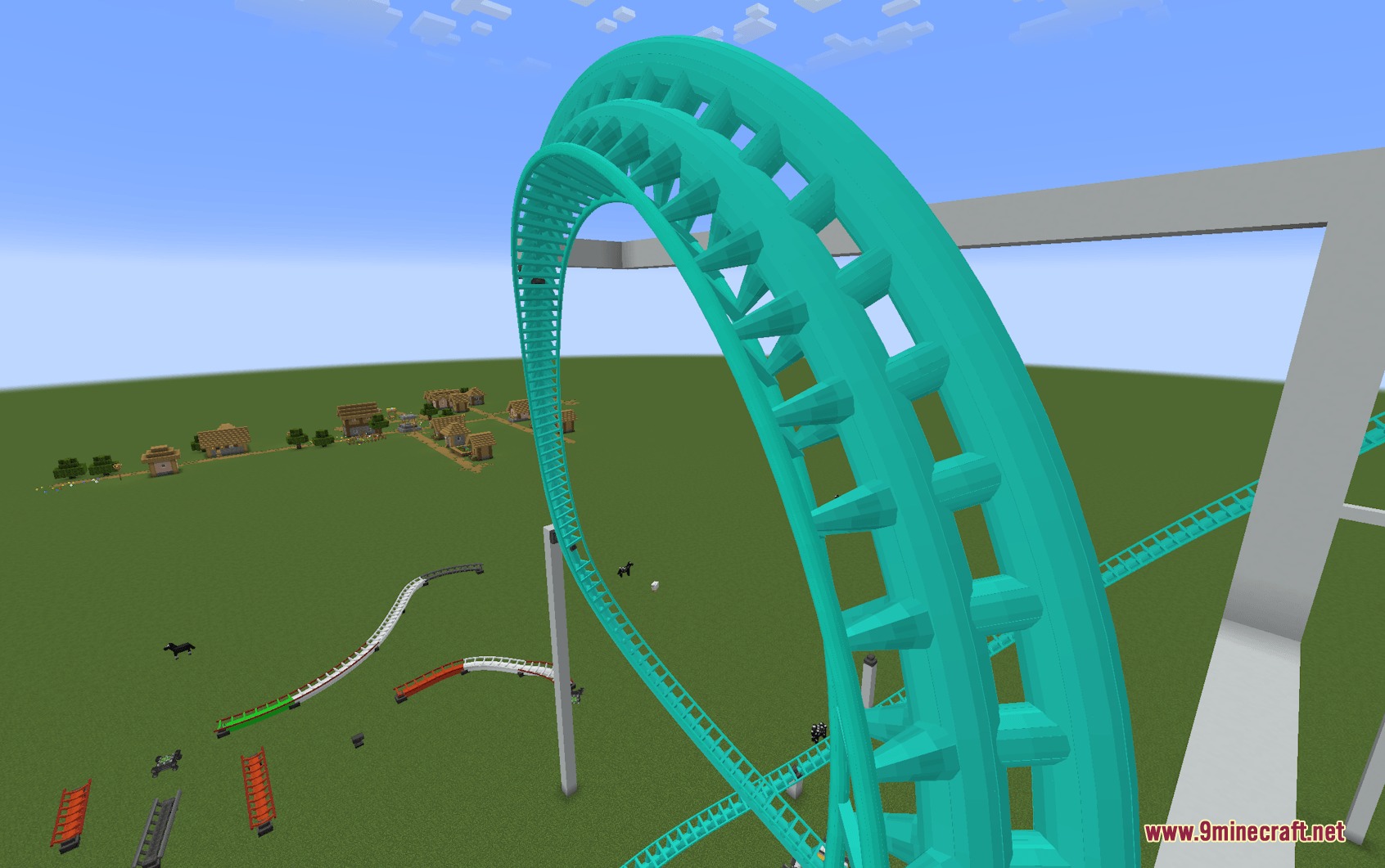
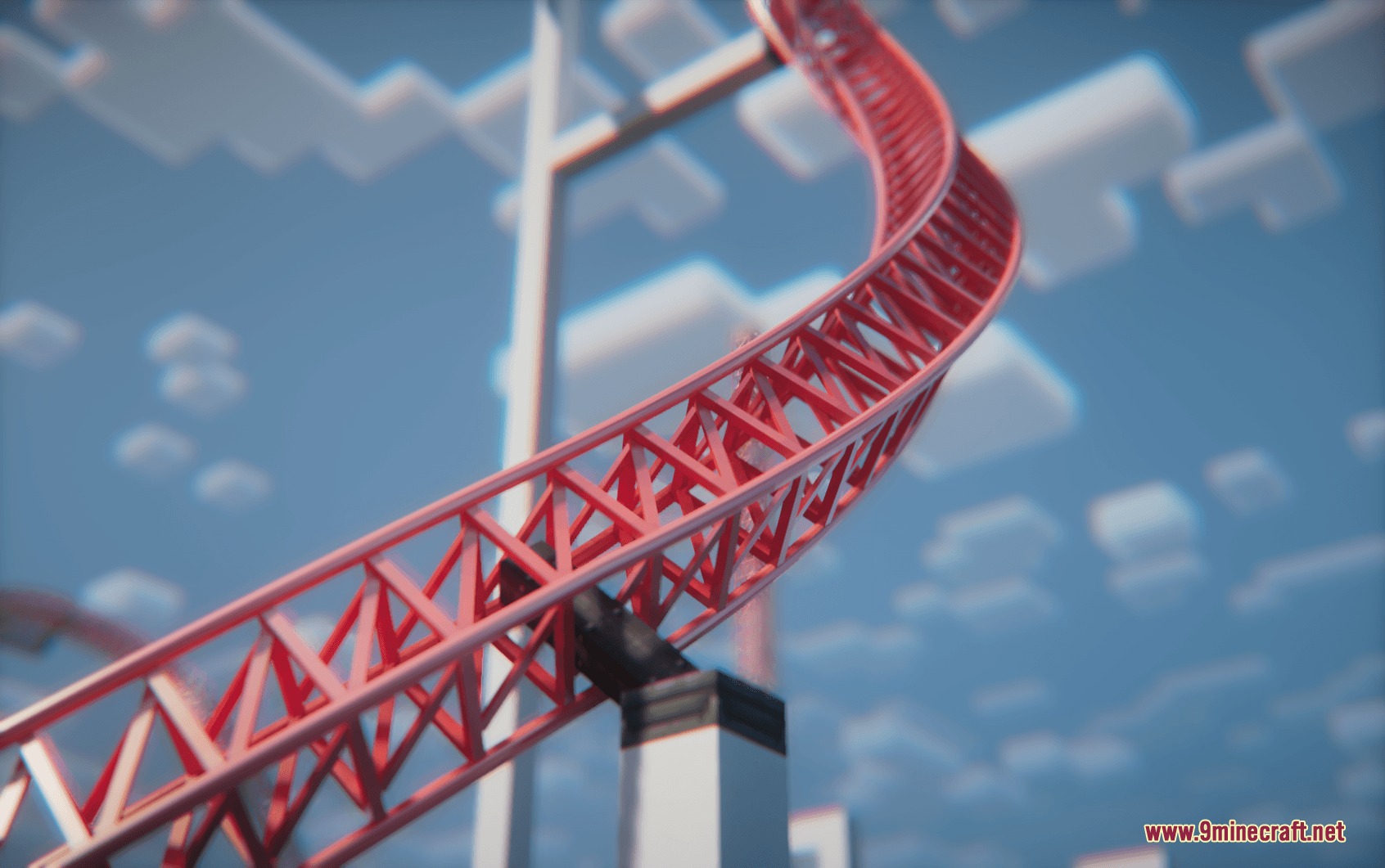
Coasters Simulated Track Styles Mod adds real-world track models and custom coloring for Create: Coasters Simulated. This mod brings over 15 manufacturer-inspired rail designs into your park builds, including wooden and modern steel layouts. You can change the colors of both the rails and the spine separately using standard hex codes. It gives you dedicated in-game tools to switch track styles and adjust anchor points in seconds. You can also mix different track shapes along the same curve without breaking the ride flow.
Features:
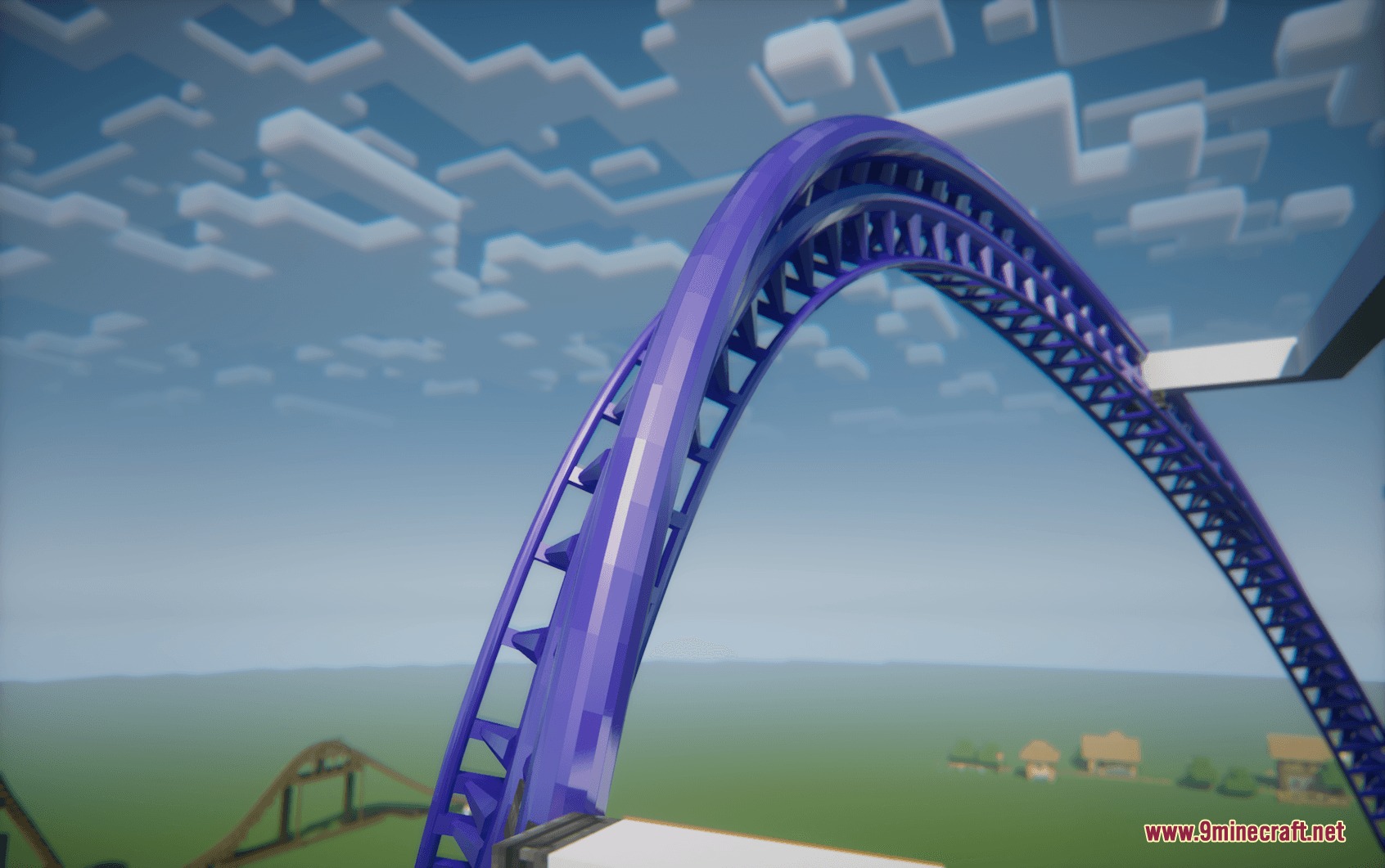
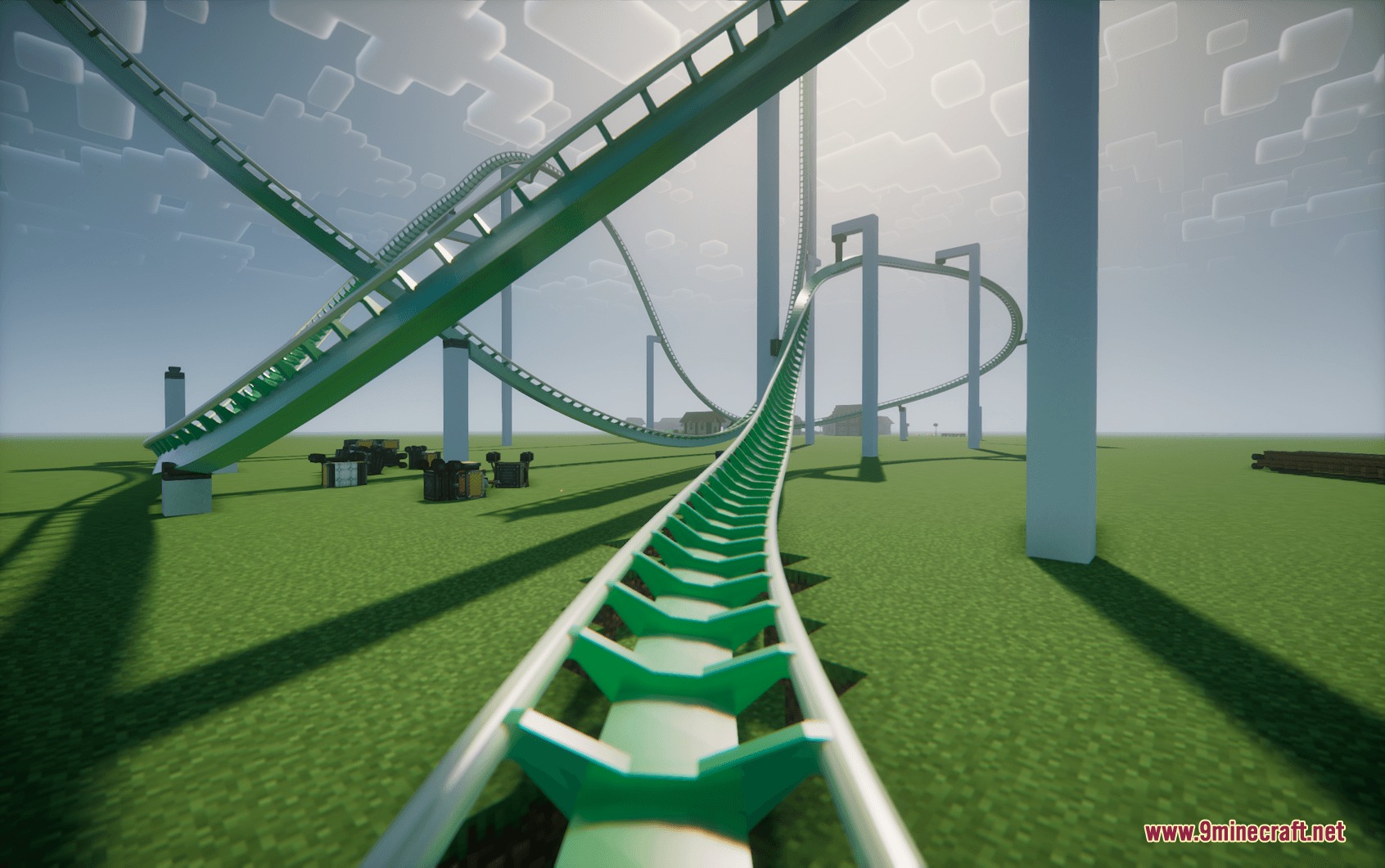
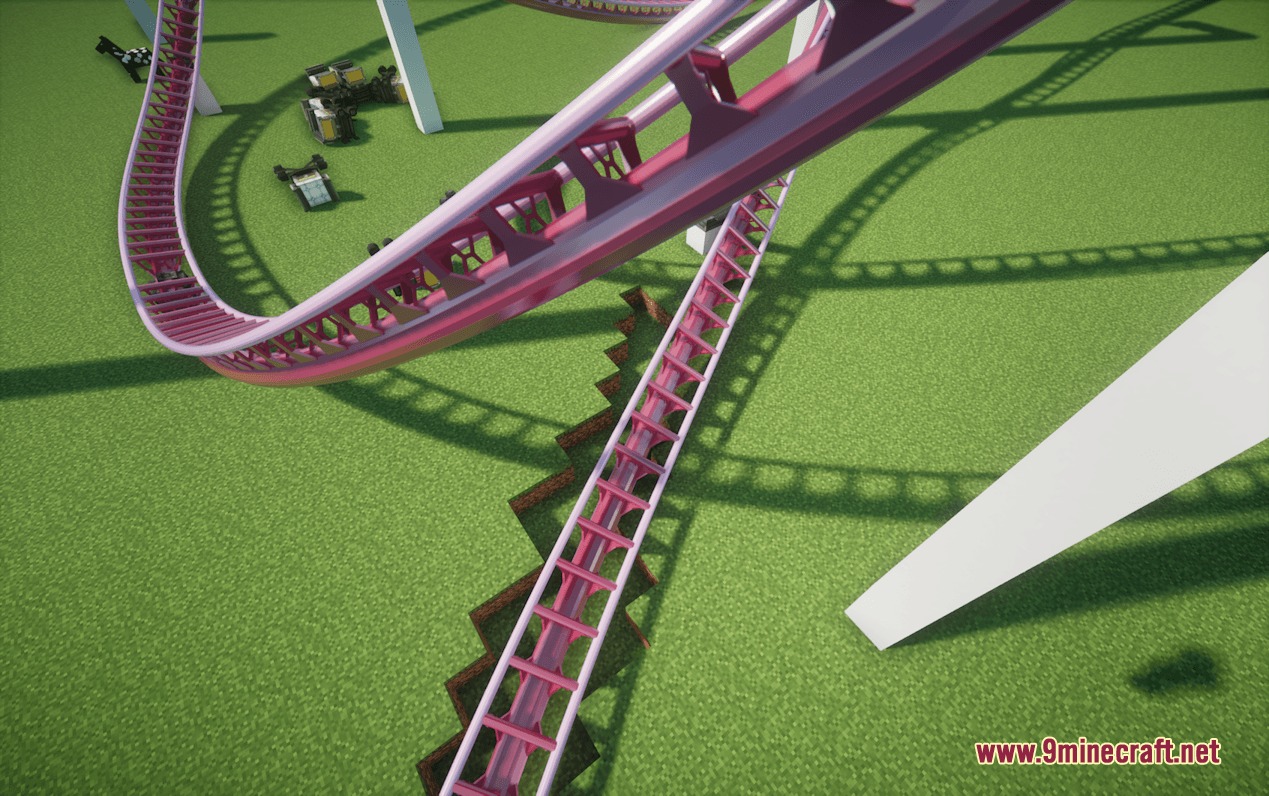
- Adds more than 15 custom coaster track models based on real-world manufacturers like B&M, Intamin, Vekoma, Arrow, and RMC.
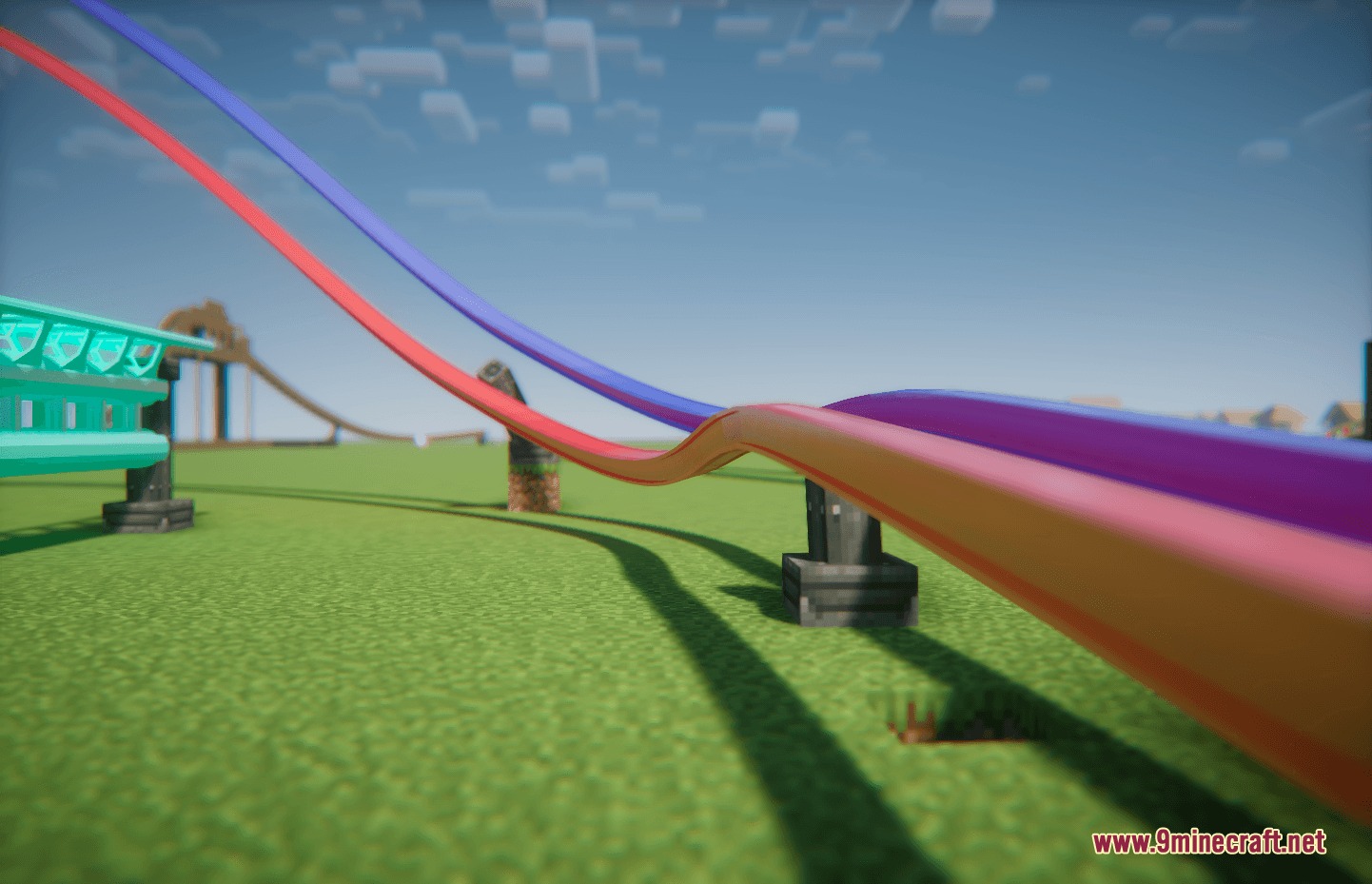
- Lets you set independent colors for the rails and the track spine using HEX color codes.
- Allows smooth track transitions along a single curve, such as shifting from single-spine to double-spine track.
- Includes an in-game tool with a visual menu to pick track models and input color codes directly.
- Applies custom styles to an entire connected track loop with a single click.
- Copies styles and color codes directly from existing track anchors.
- Includes labPBR textures for reflections and shine when running compatible shader packs.
- Features an anchor tool to customize or hide coaster anchor blocks and support girders.
Included Track Styles:
- B&M Steel
- Intamin Box Truss, Tri Truss, Heavy, Heavy Double Spine, and BB variants
- Steel Flat and Steel Flat Truss
- Wooden tracks across all wood types plus white
- Vekoma New-Gen
- Premier Rides variants including Steel, Tri, Tri Tall Spine, and LSM
- Arrow Tubular
- RMC I-Box and Mixed Rail test types
How to Use:
- Take the Coaster Style Tool from the creative inventory tab.
- Right-click in the air to open the style menu and enter your preferred HEX color codes.
- Right-click any track anchor to apply your selected style to that point.
- Hold Shift and right-click an anchor to apply your style across the entire connected track circuit.
- Hold Alt and right-click an existing anchor to copy its style and colors into your tool.
Screenshots:
How to Install:
New to Minecraft? Follow our step-by-step guide to install Mods on your PC.View Guide
Requirements:

Coasters Simulated Track Styles Mod Download Links
For Minecraft 1.21.1, 1.21
Click to rate this post!
[Total: 0 Average: 0]
You May Also Like


This post has no comments yet. Be the first — your comment will appear here.