Cobbleloots Mod (1.21.1, 1.20.1) – Loot Balls And More

 0
0  November 7, 2025
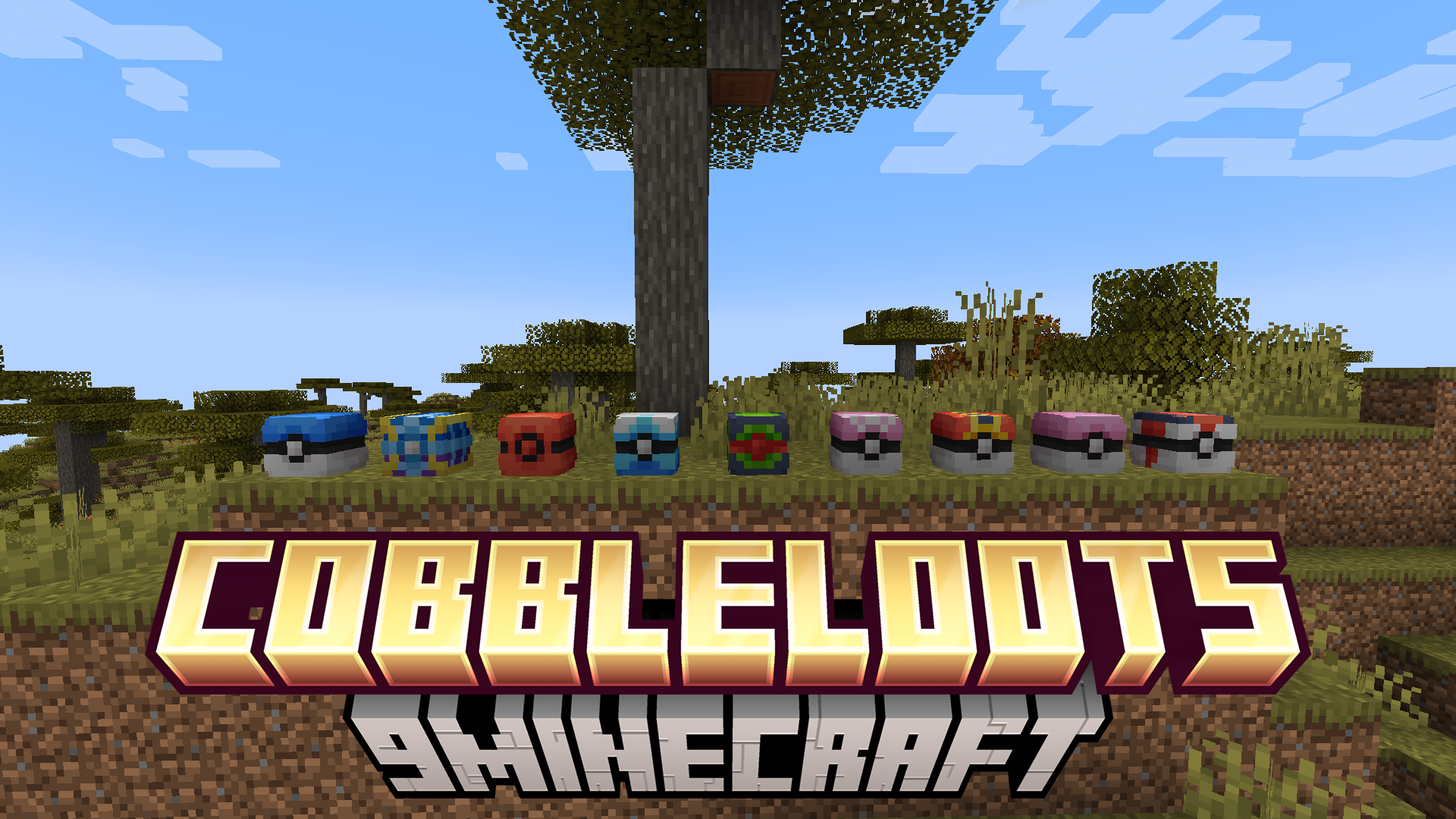
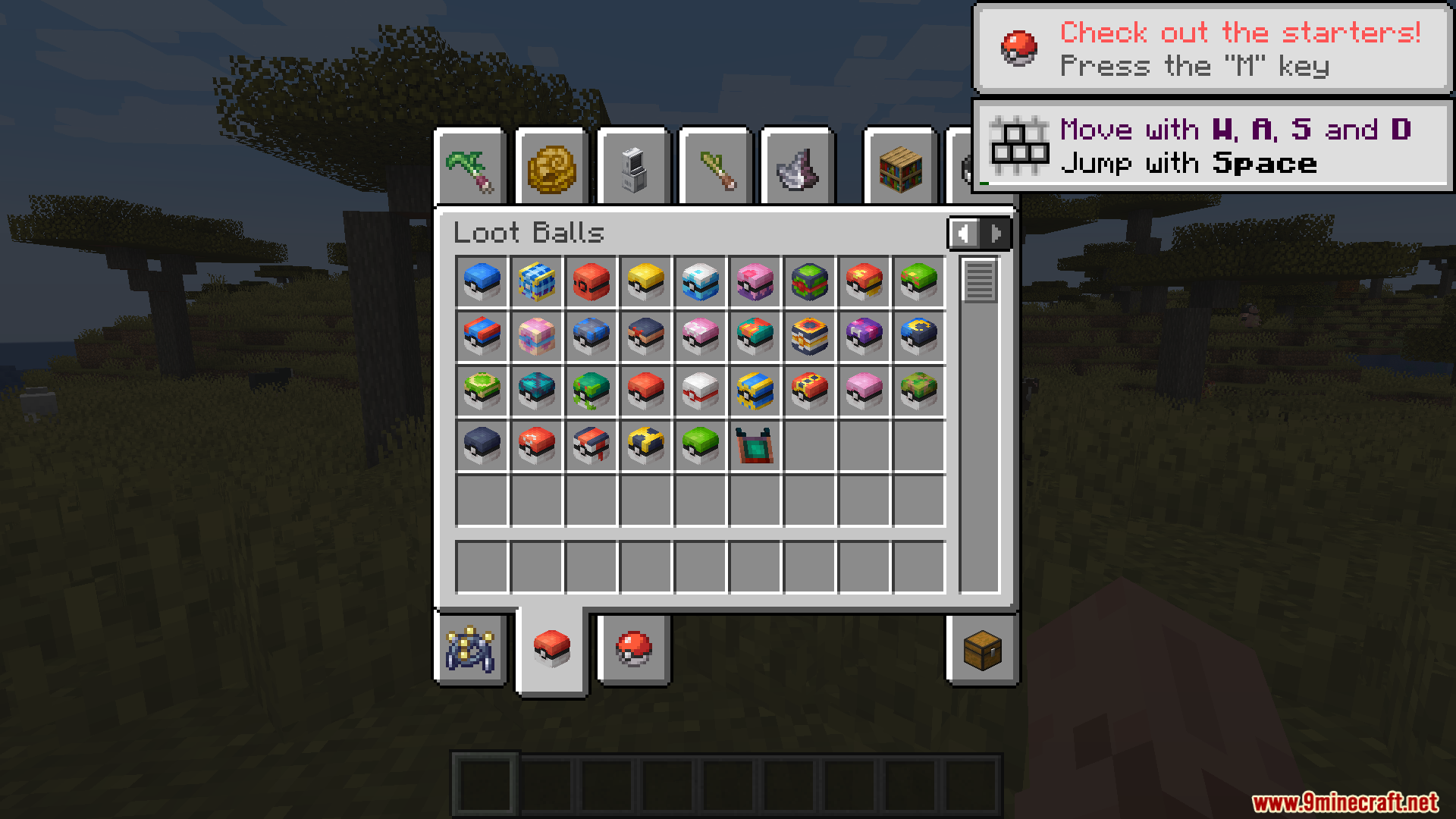
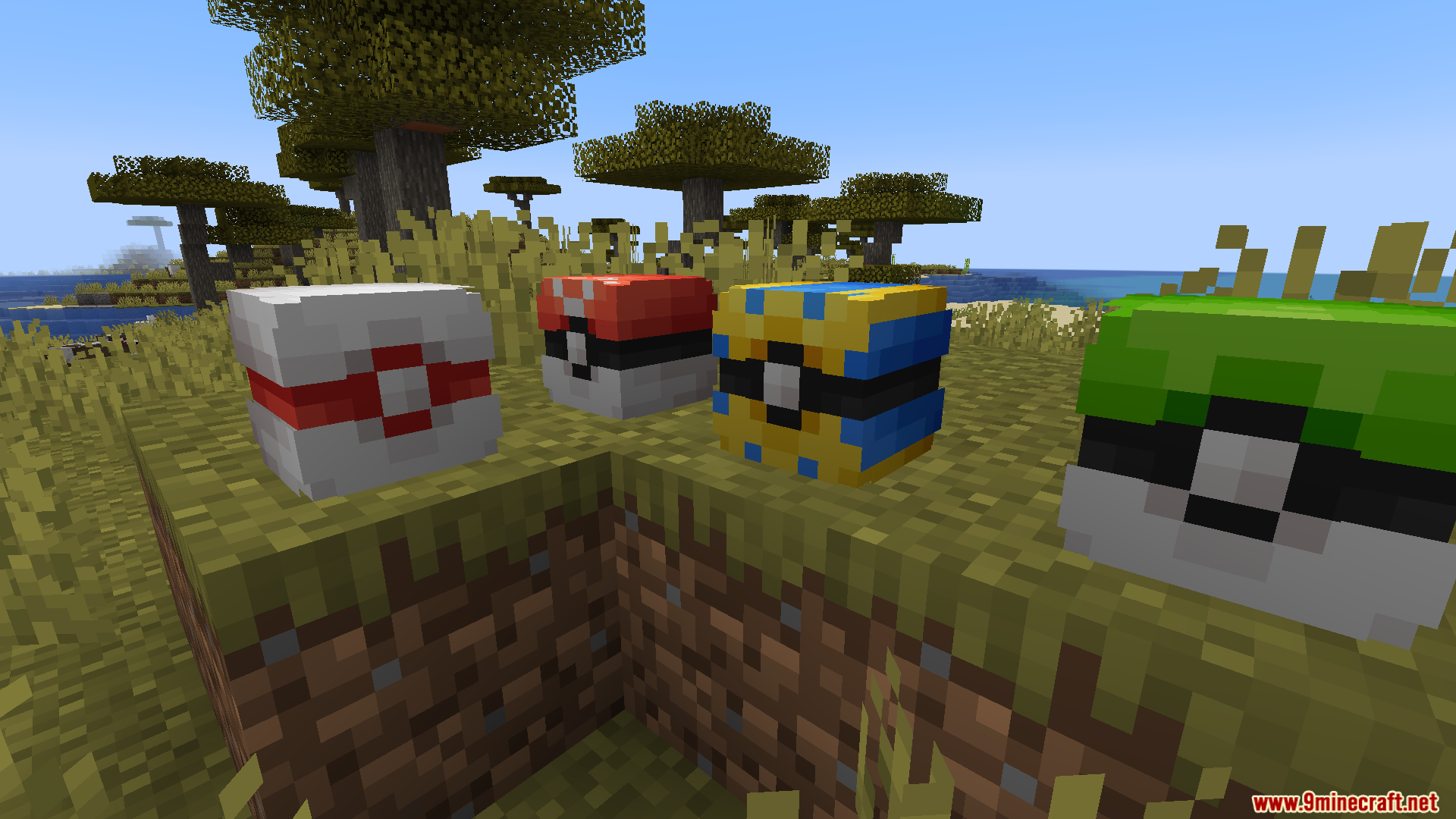
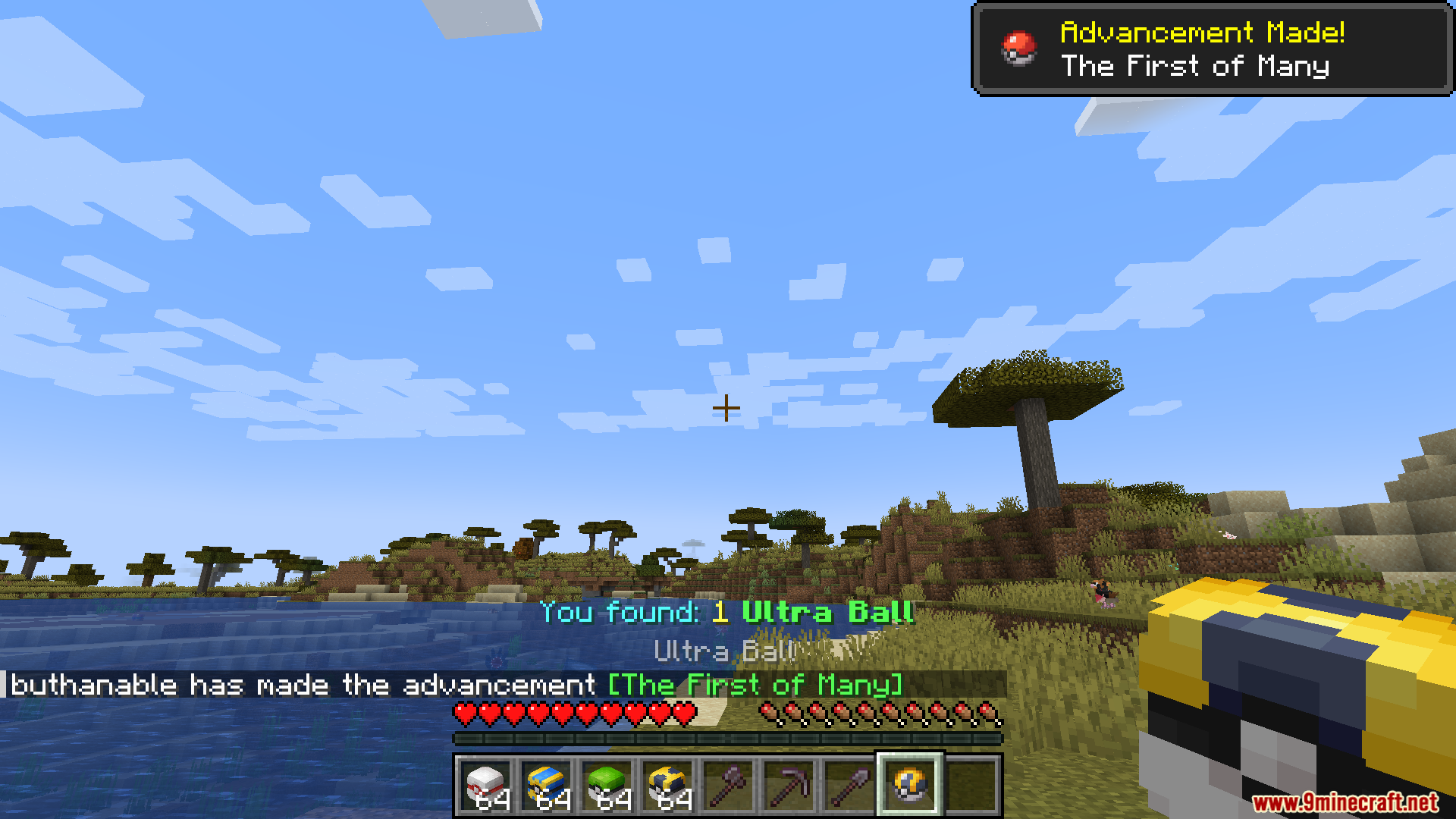
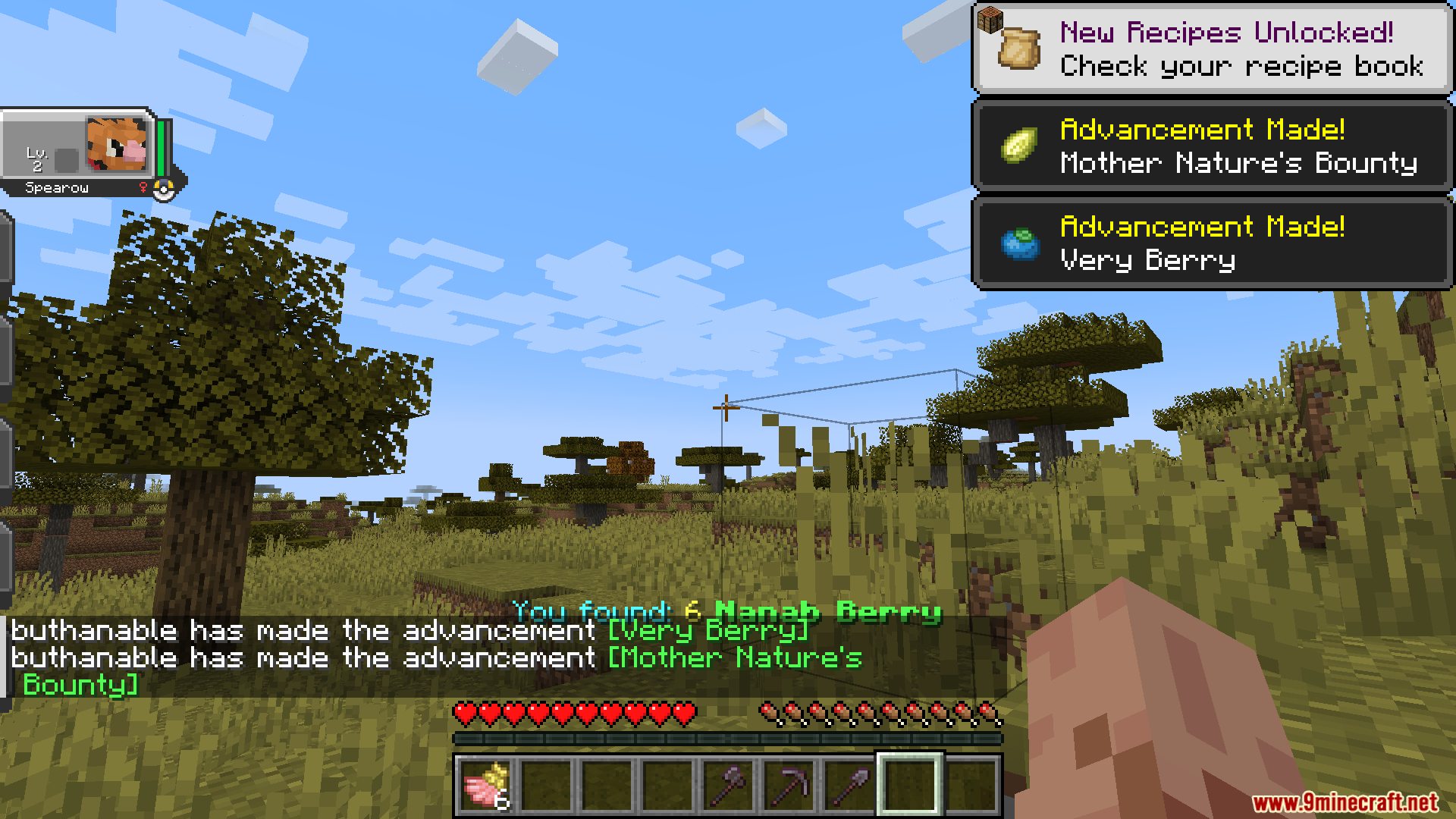
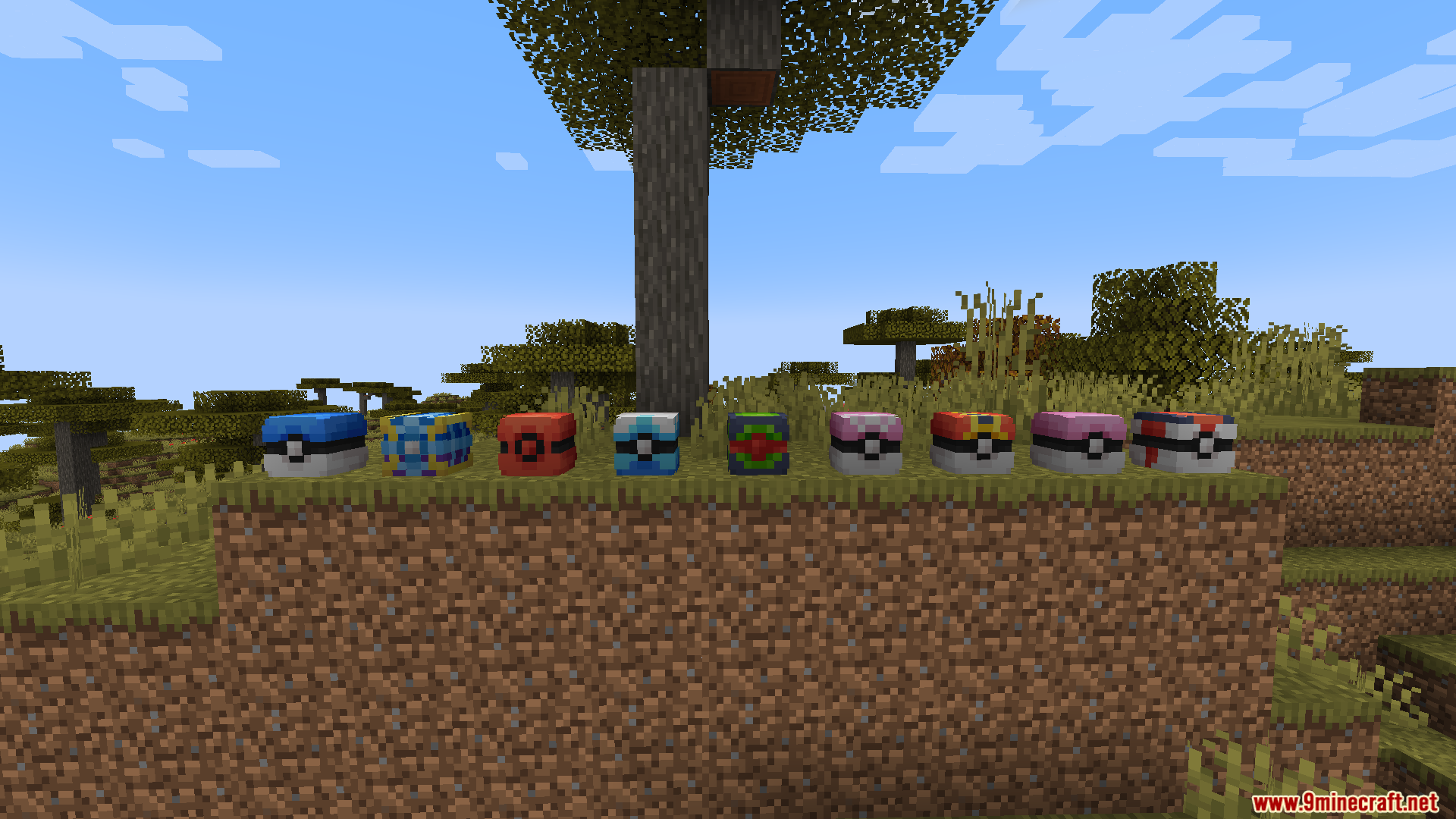
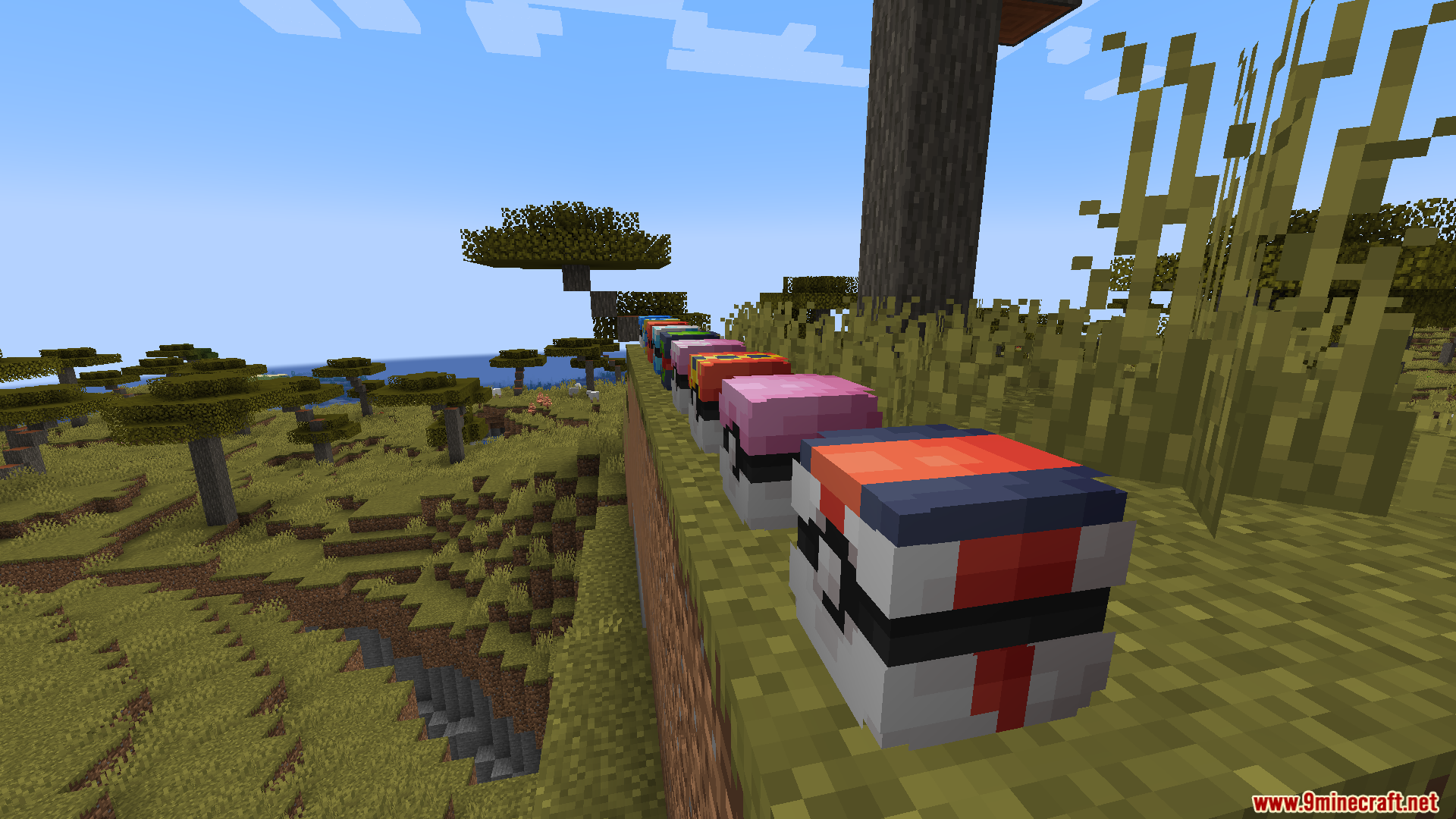
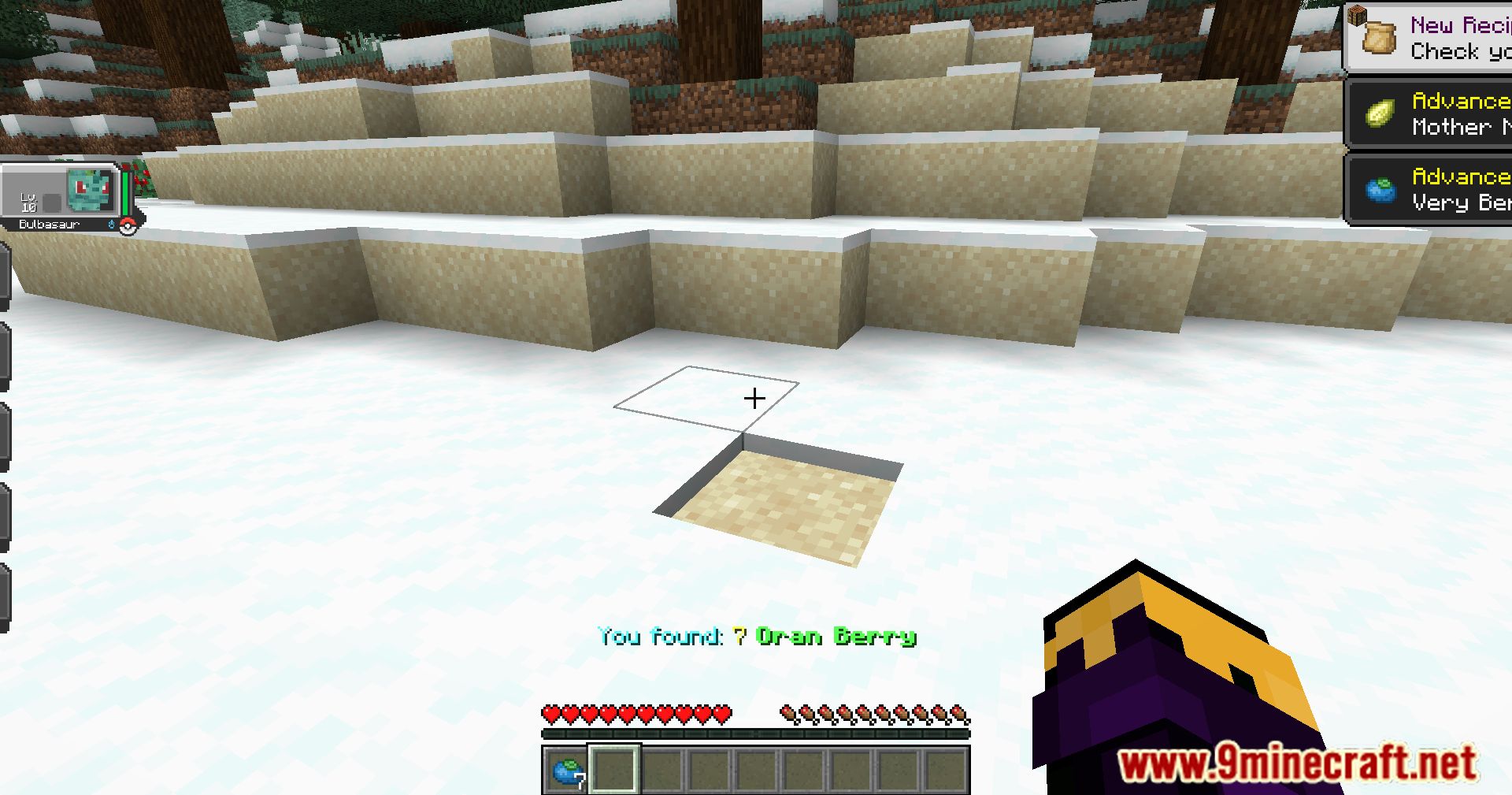
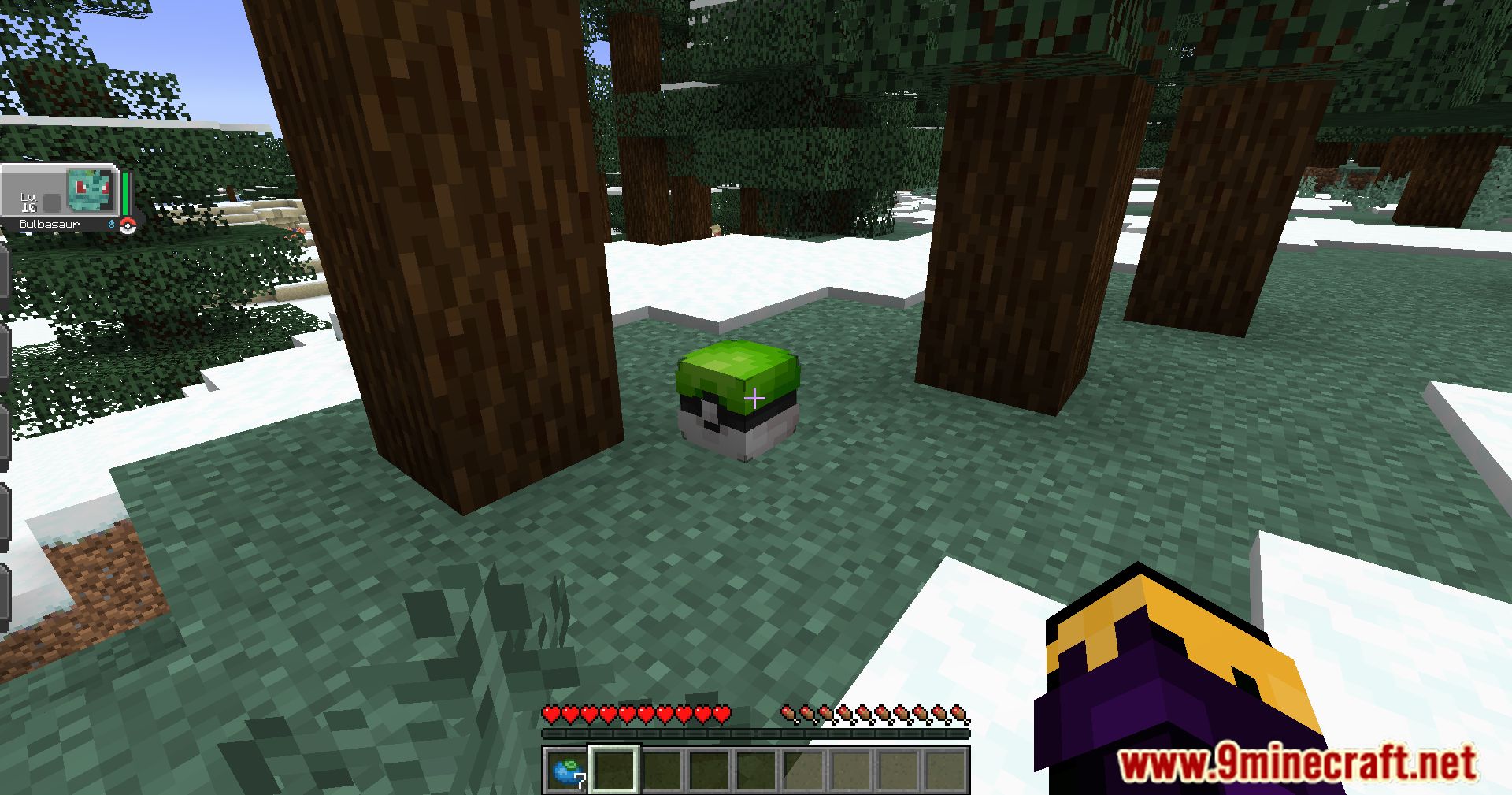
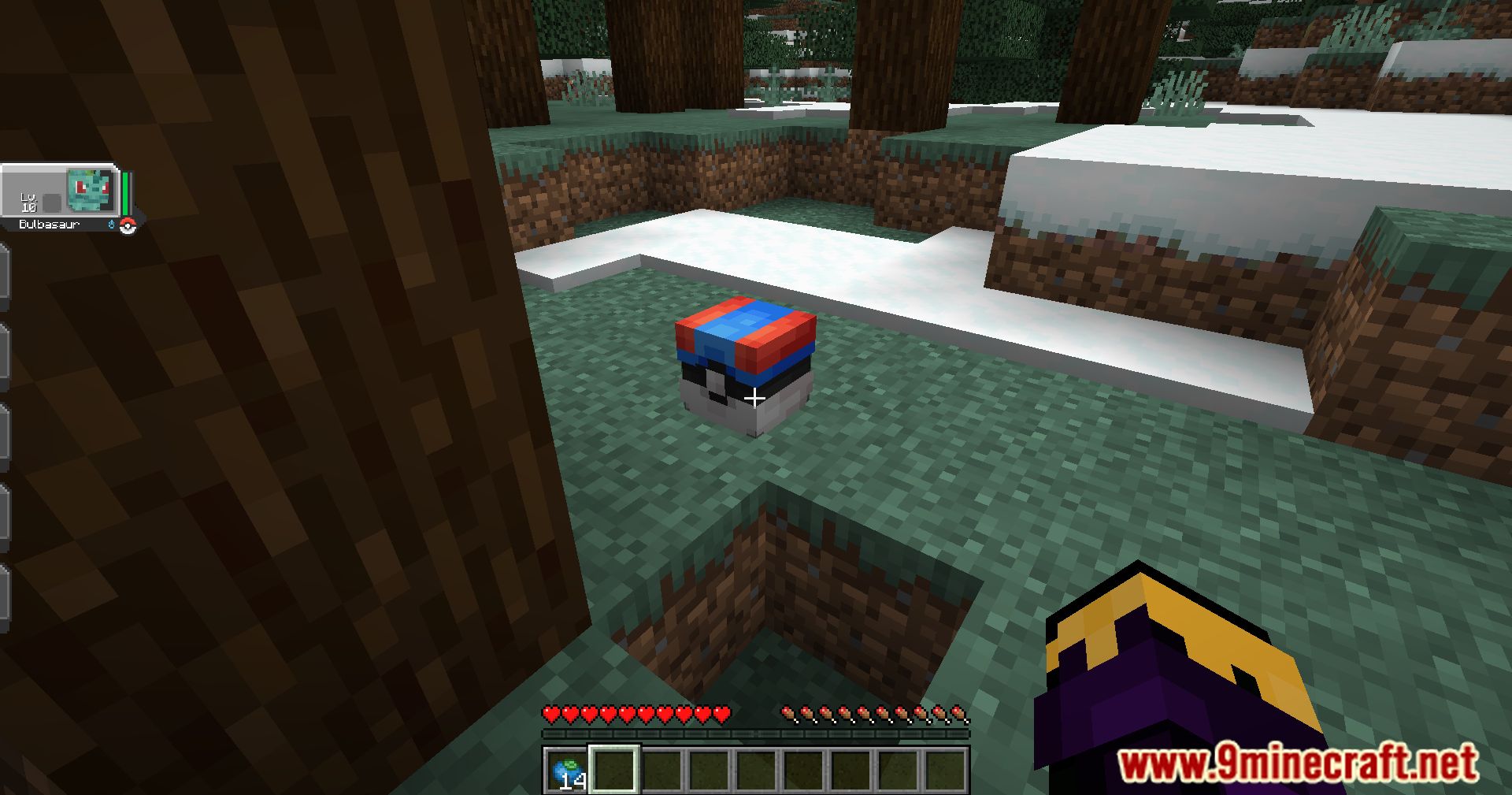
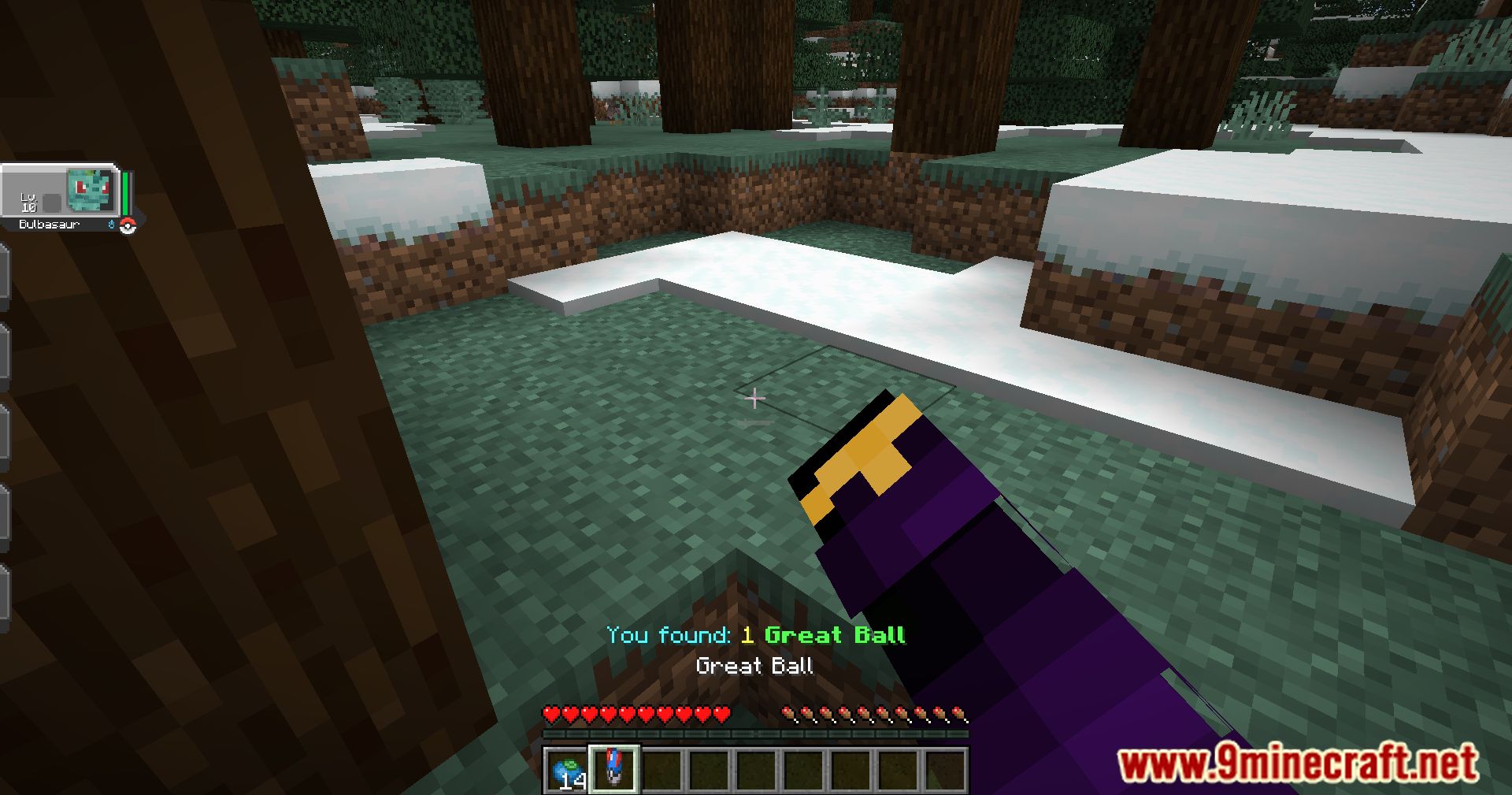
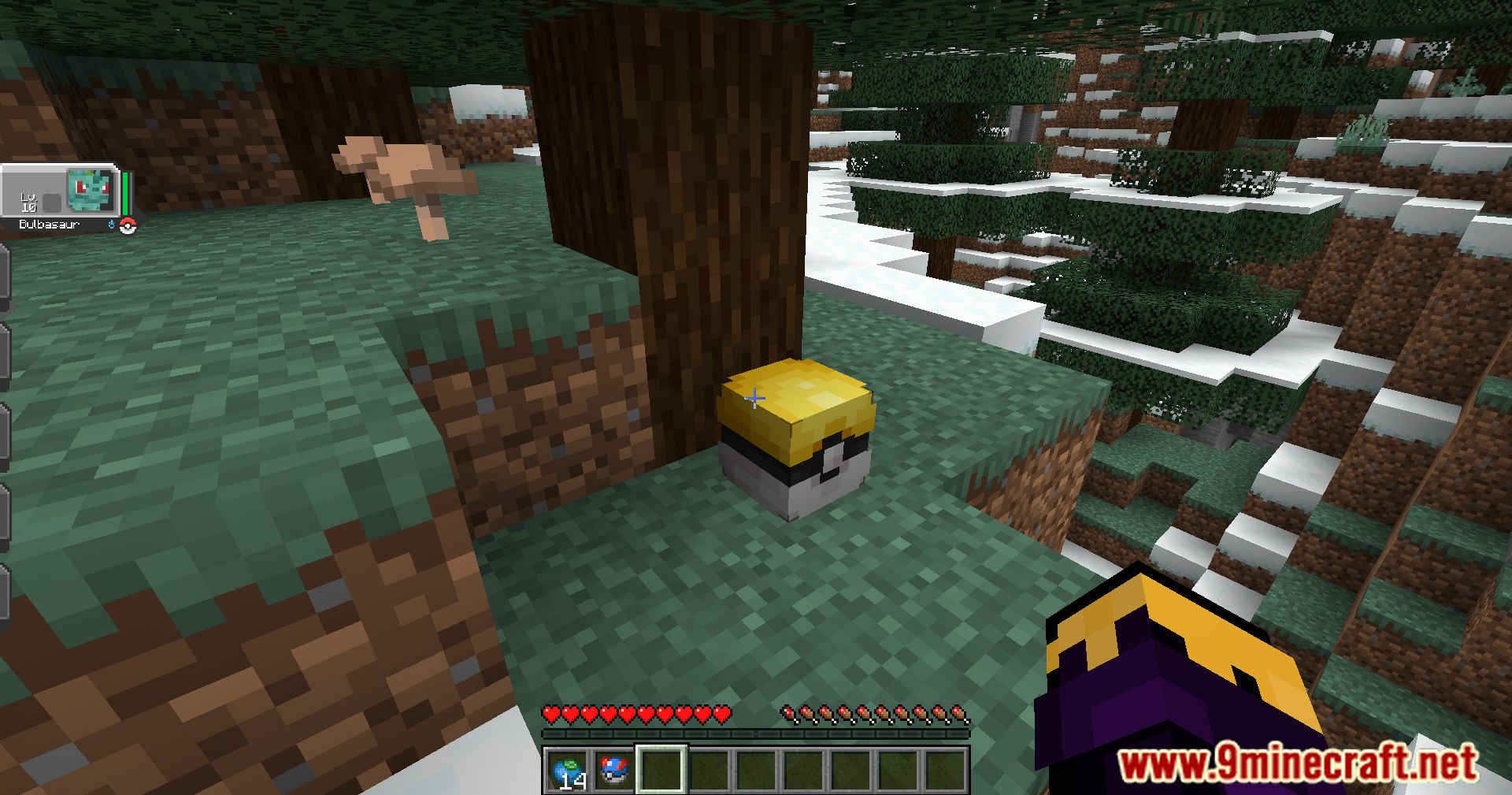
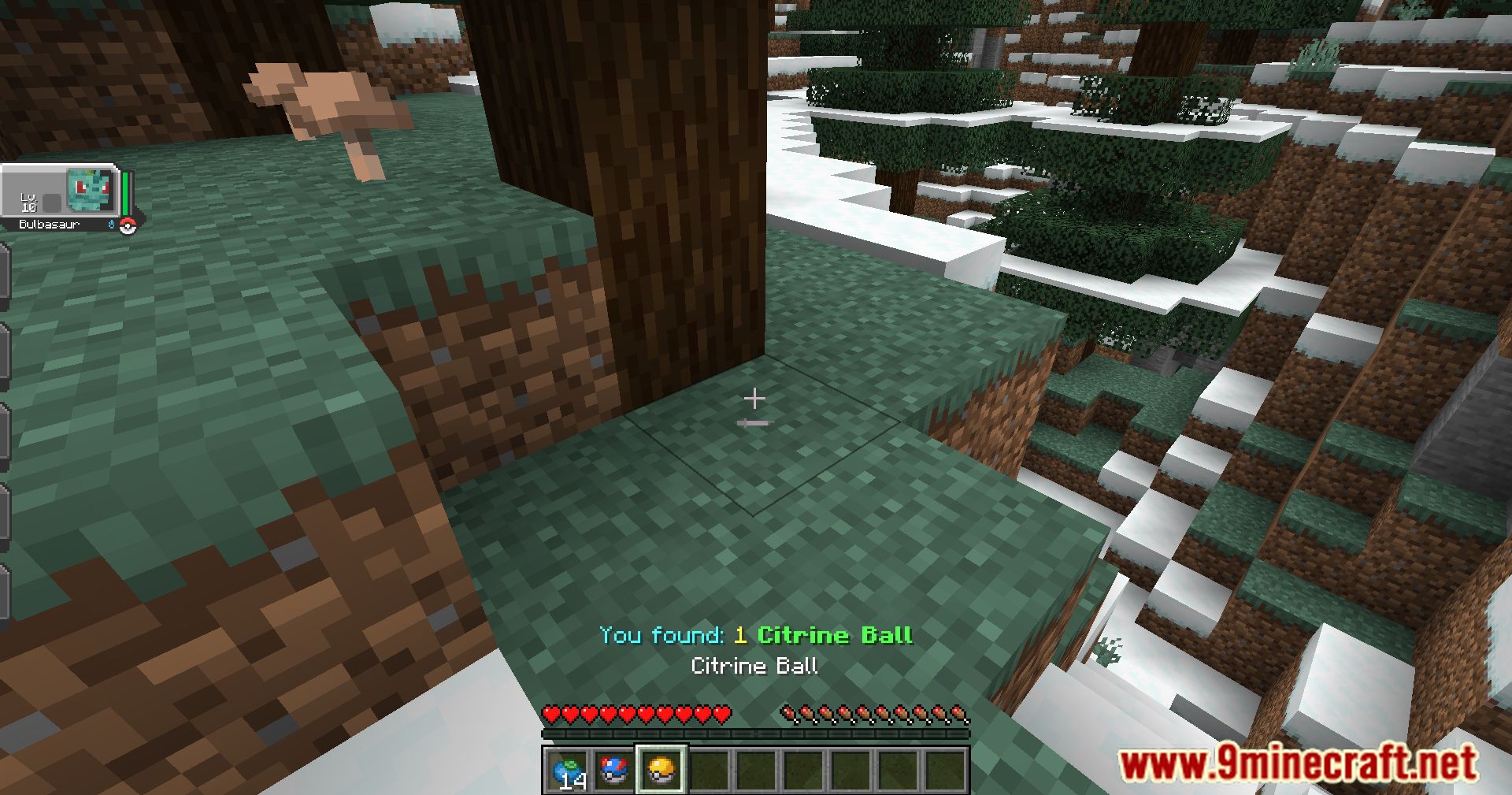
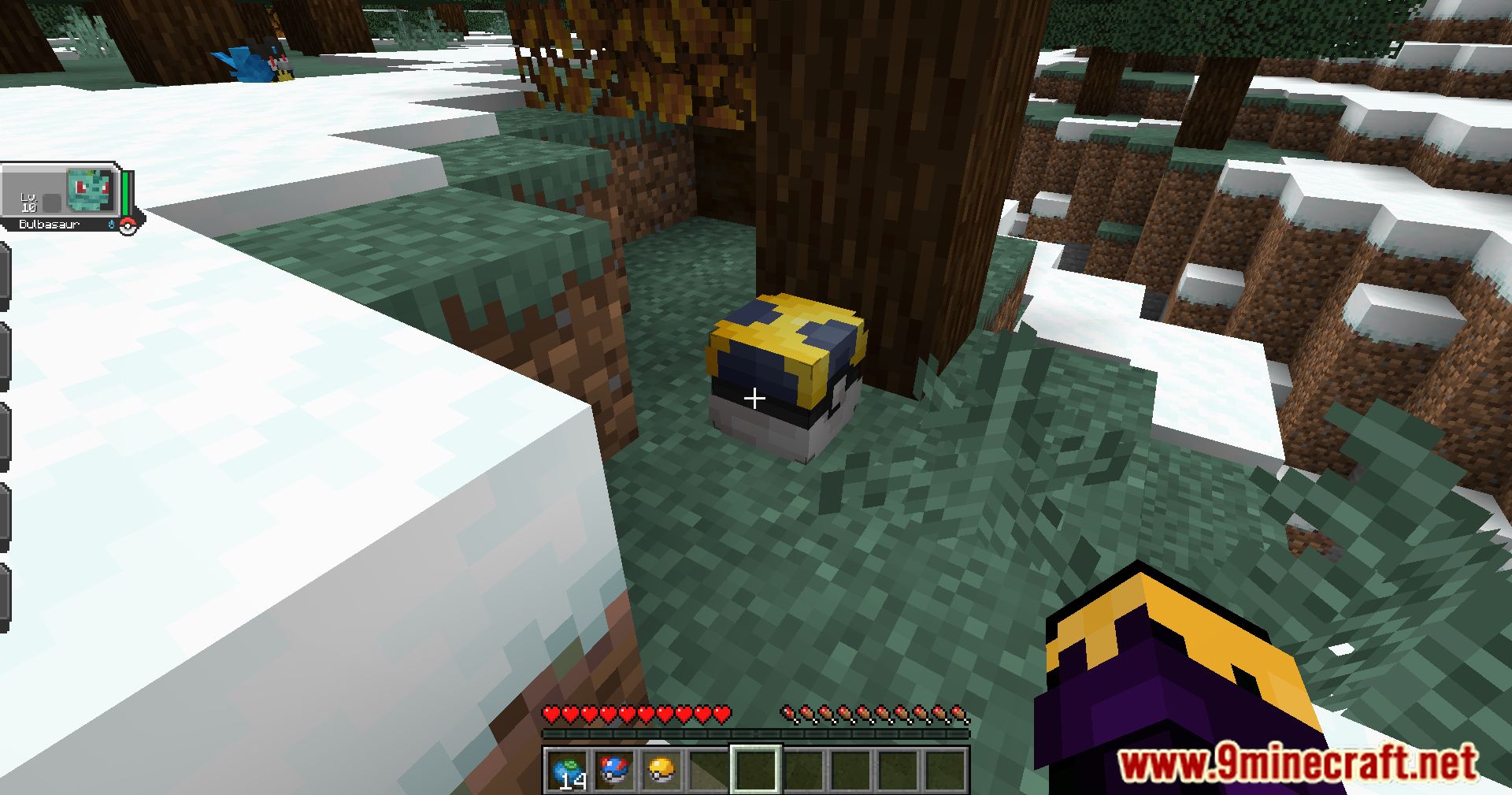
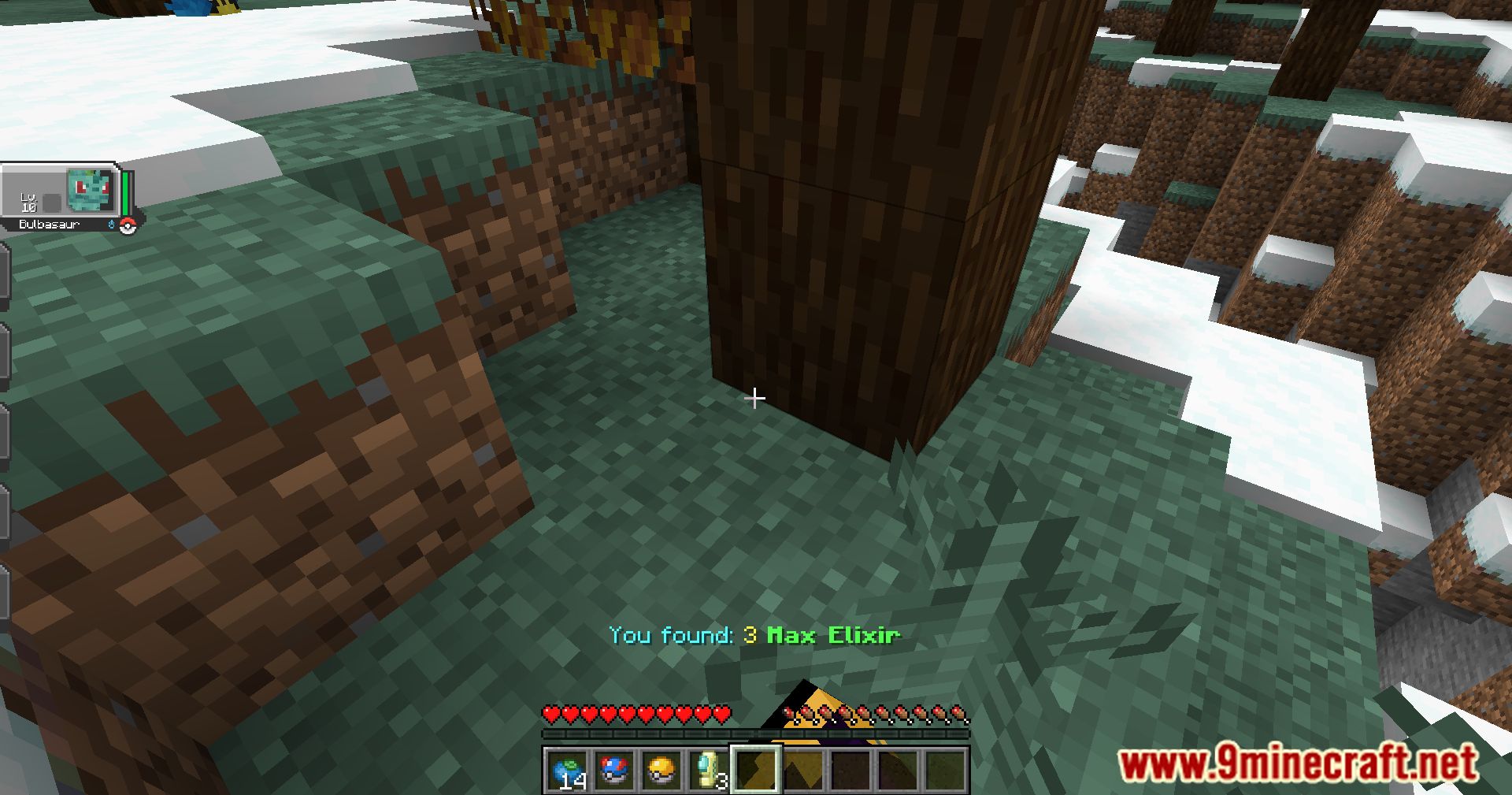
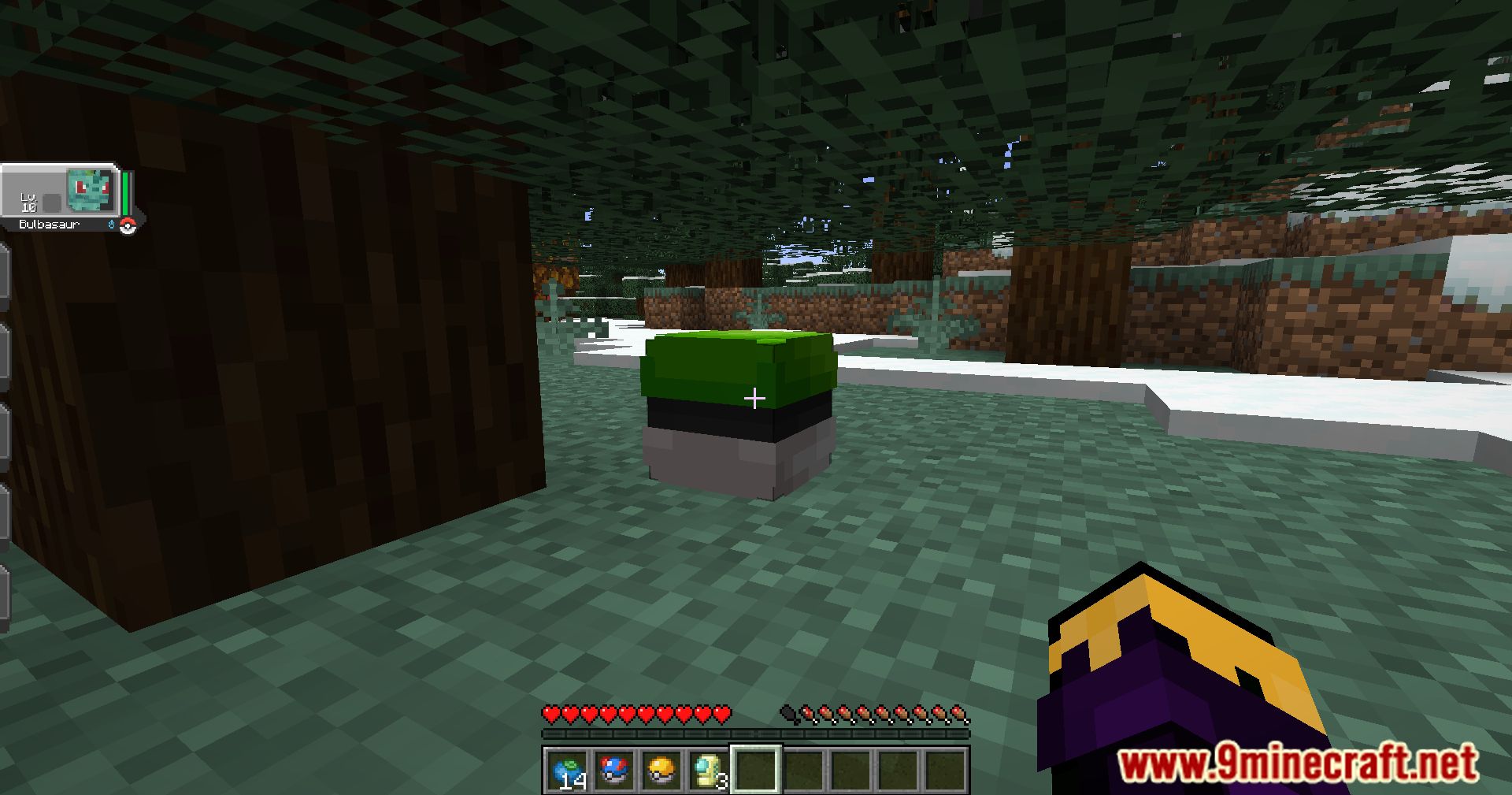
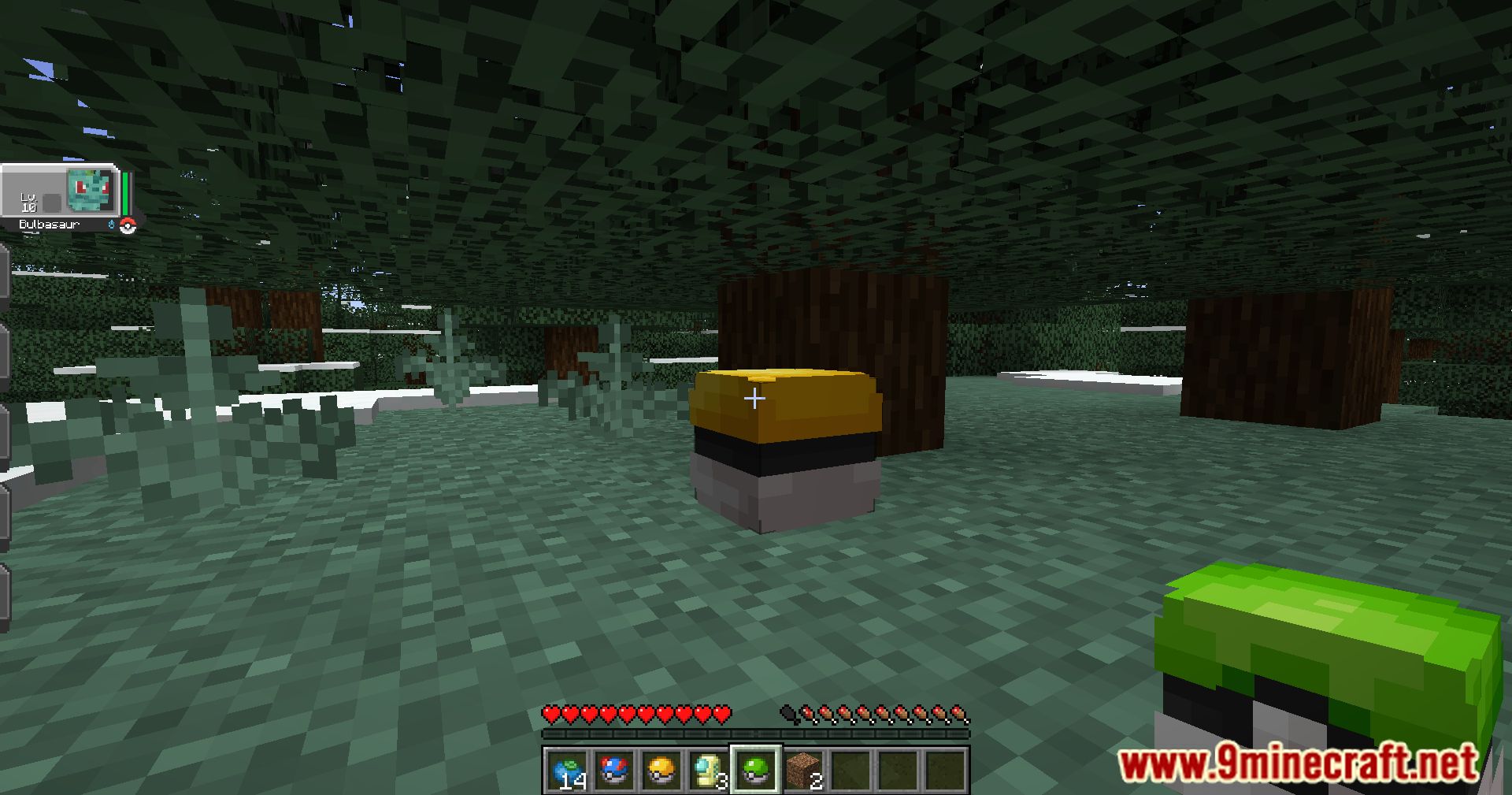
Cobbleloots Mod (1.21.1, 1.20.1) introduces “Loot Balls” inspired by the original Pokémon games-special balls that you can find, open for rewards like XP or items, or use as decoration.
Features:
Loot Balls
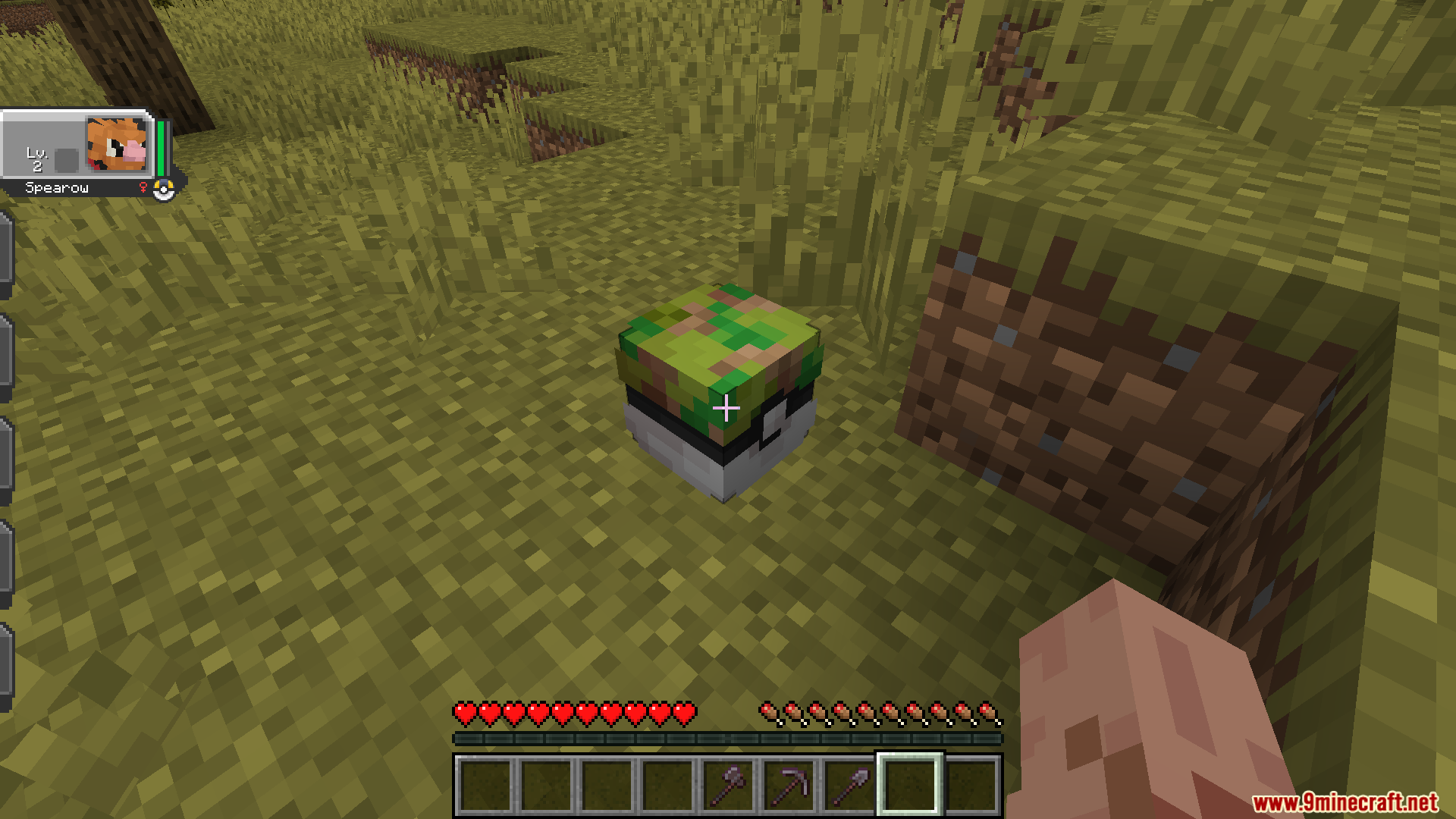
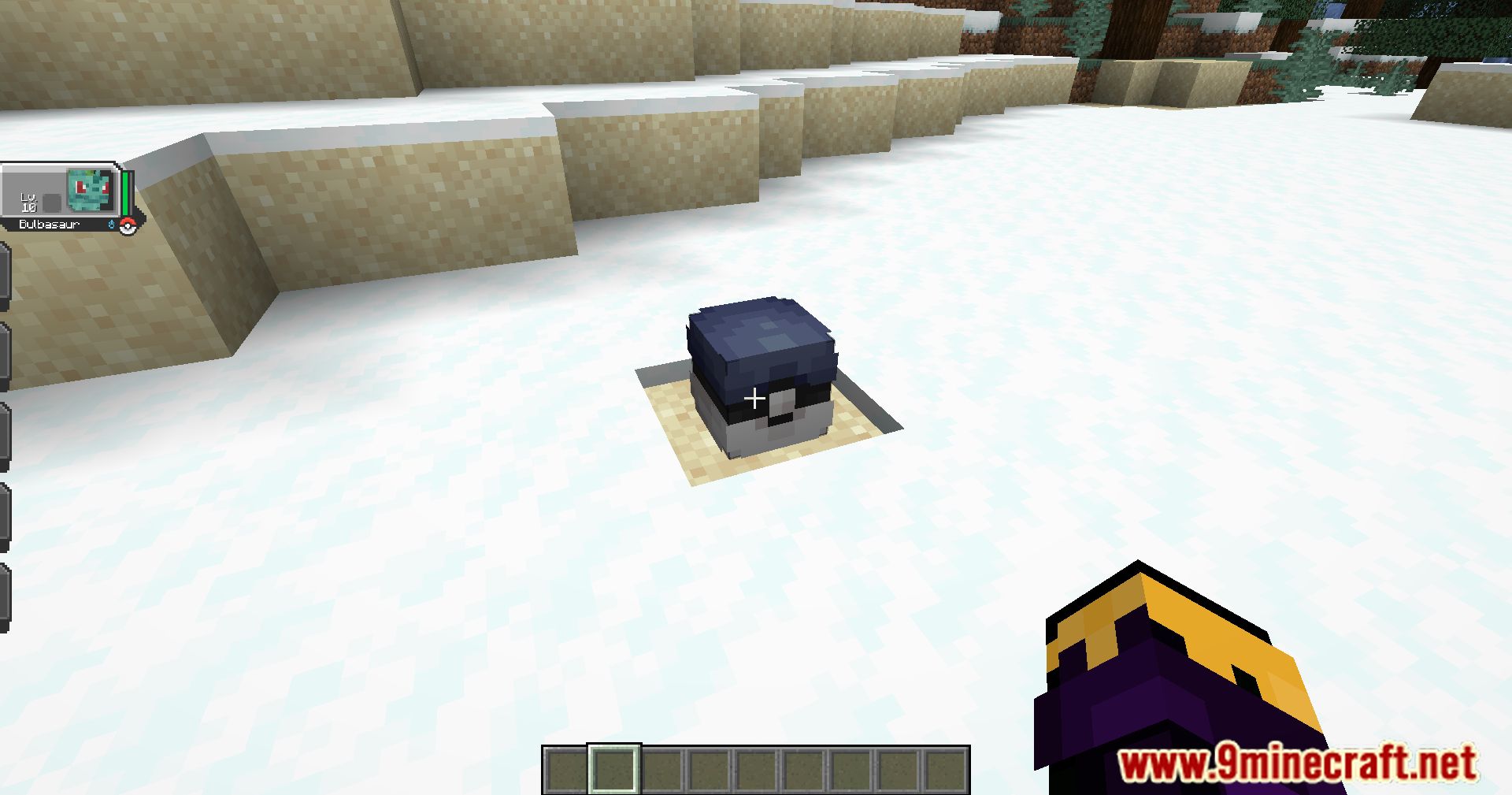
These balls contain useful items for the player. They can grant XP and items when opened, and can be used as a decorative entity in survival mode. When a loot ball has no remaining uses, it can be destroyed to drop as a decorative item (this behavior is configurable).
Obtaining Loot Balls
- Generation: Loot balls can be found in the world. Some of them are specific to biomes, while others are more common.
- Spawning: Overtime, loot balls will spawn in the world around random players.
Custom Loot Balls
Create custom loot balls with different items and properties using the new Loot Ball Data system. You can customize various aspects, including:
- The name displayed in-game.
- The loot table used when opened.
- The texture of the loot ball.
- The amount of XP granted to the player.
- Player-specific timers (cooldowns) before a player can reopen the loot ball.
- Sources for how loot balls appear (e.g.,
generation,spawning), with detailed filters:weightfor rarity.structuretags.biometags.dimensionlists.blocktags (for spawn block or base block).fluidtags.position(x, y, z coordinates with min/max ranges).lightlevels (block and sky, for spawning).timeof day (with period options).weatherconditions (clear, rain, thunder).
- Variants for a single loot ball type, each with its own optional name, texture, and loot table.
Mod configuration ⚙️
You can customize many of the mod’s features in the config file. The config file is located in the config/cobbleloots folder of your Minecraft instance, and is named cobbleloots.yaml. You can edit it with any text editor. Key configurable aspects include:
- Default loot ball properties.
- Survival mode drop behavior.
- Disabling loot balls in specific dimensions.
Screenshots:
Requires:
How to install:
Click the following link to view details: How to Install Mods for Minecraft Java Edition on PC: A Beginner Guide
Cobbleloots Mod (1.21.1, 1.20.1) Download Links
For Minecraft 1.20.1, 1.20
Fabric version: Download from Server 1 – Download from Server 2
For Minecraft 1.21.1, 1.21
NeoForge version: Download from Server 1 – Download from Server 2
Fabric version: Download from Server 1 – Download from Server 2
You May Also Like