
Cobblemon Repel Mod (1.21.1, 1.20.1) – Build Peaceful Bases Free

 0


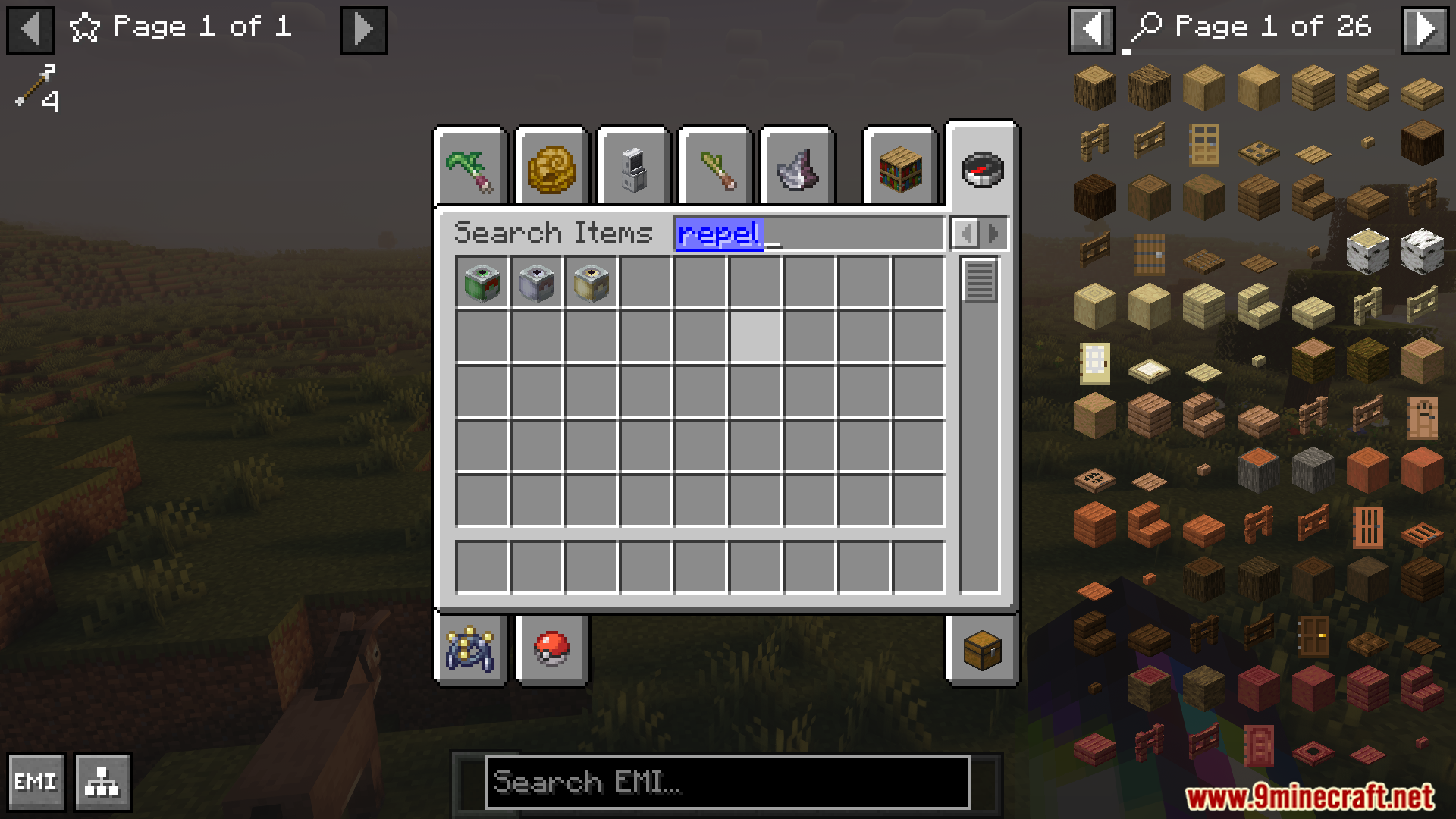
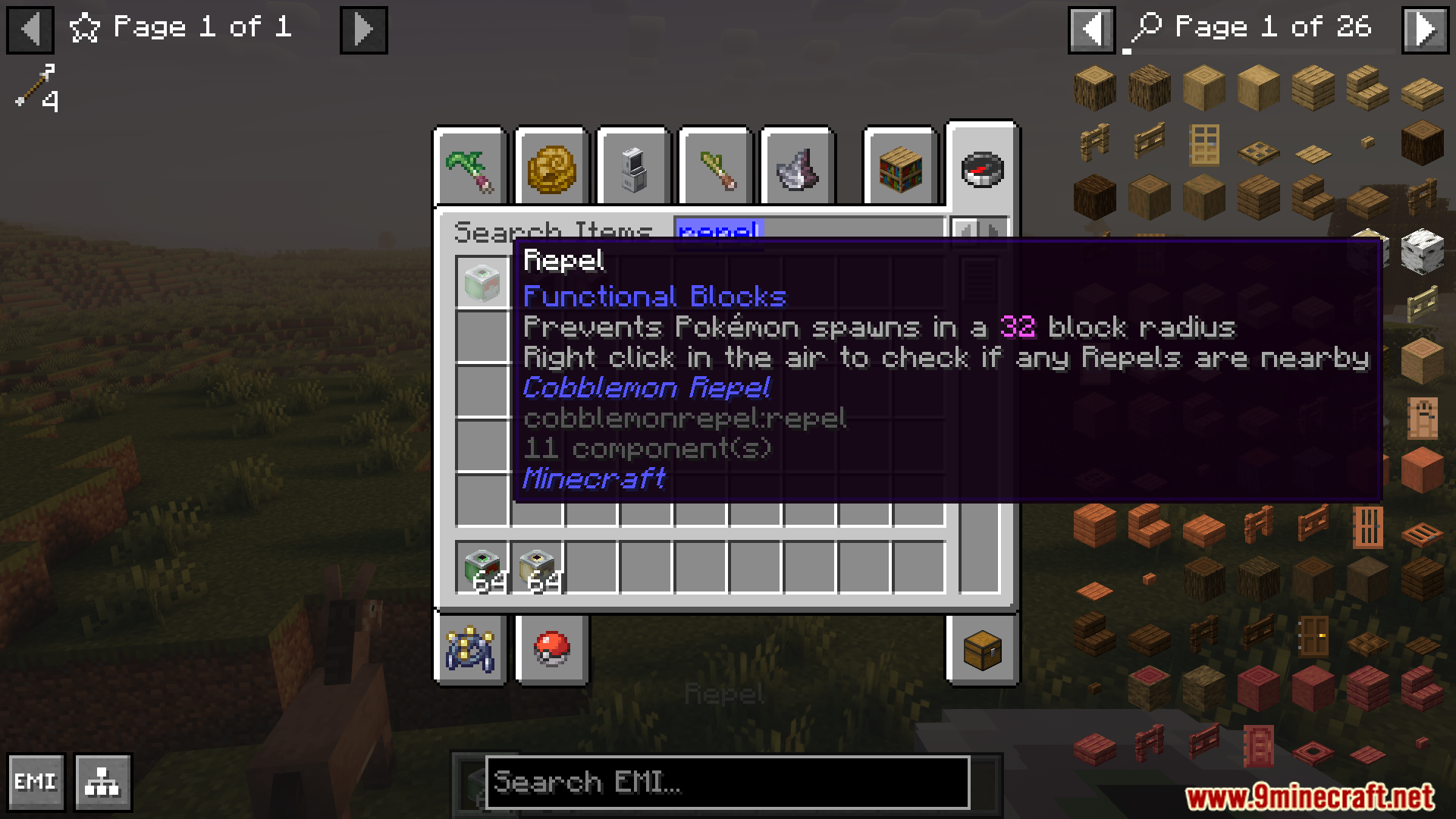
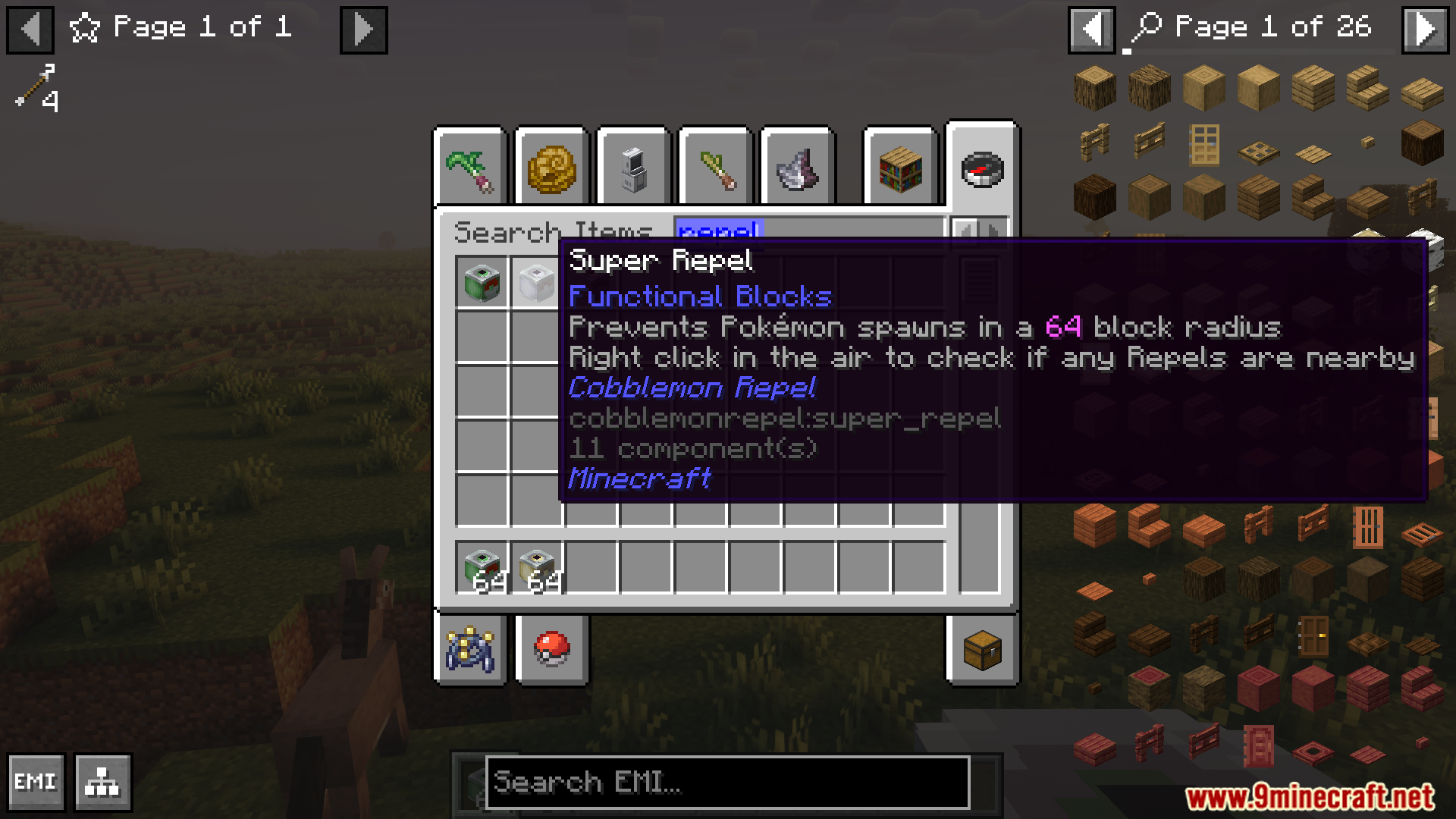
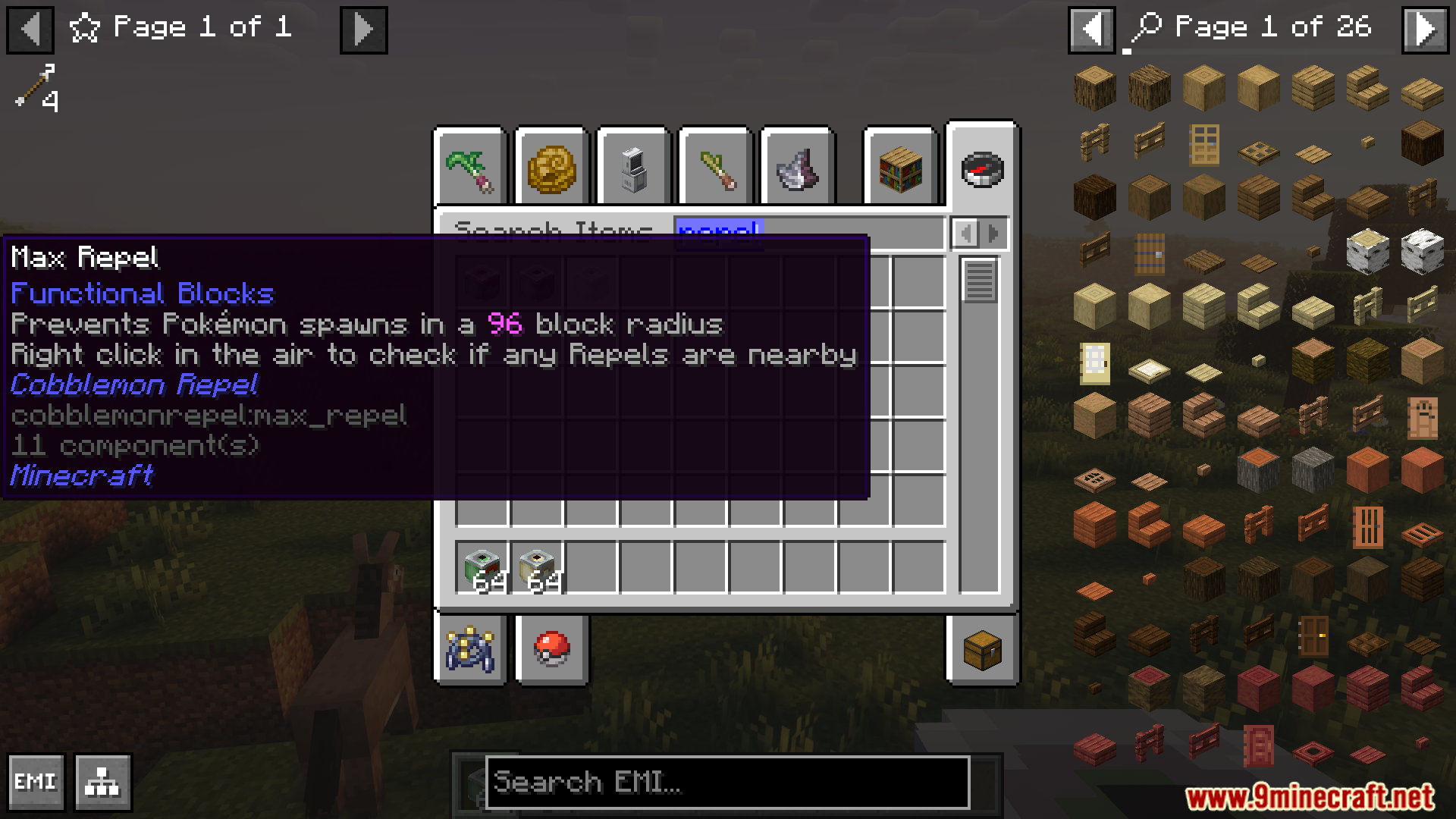
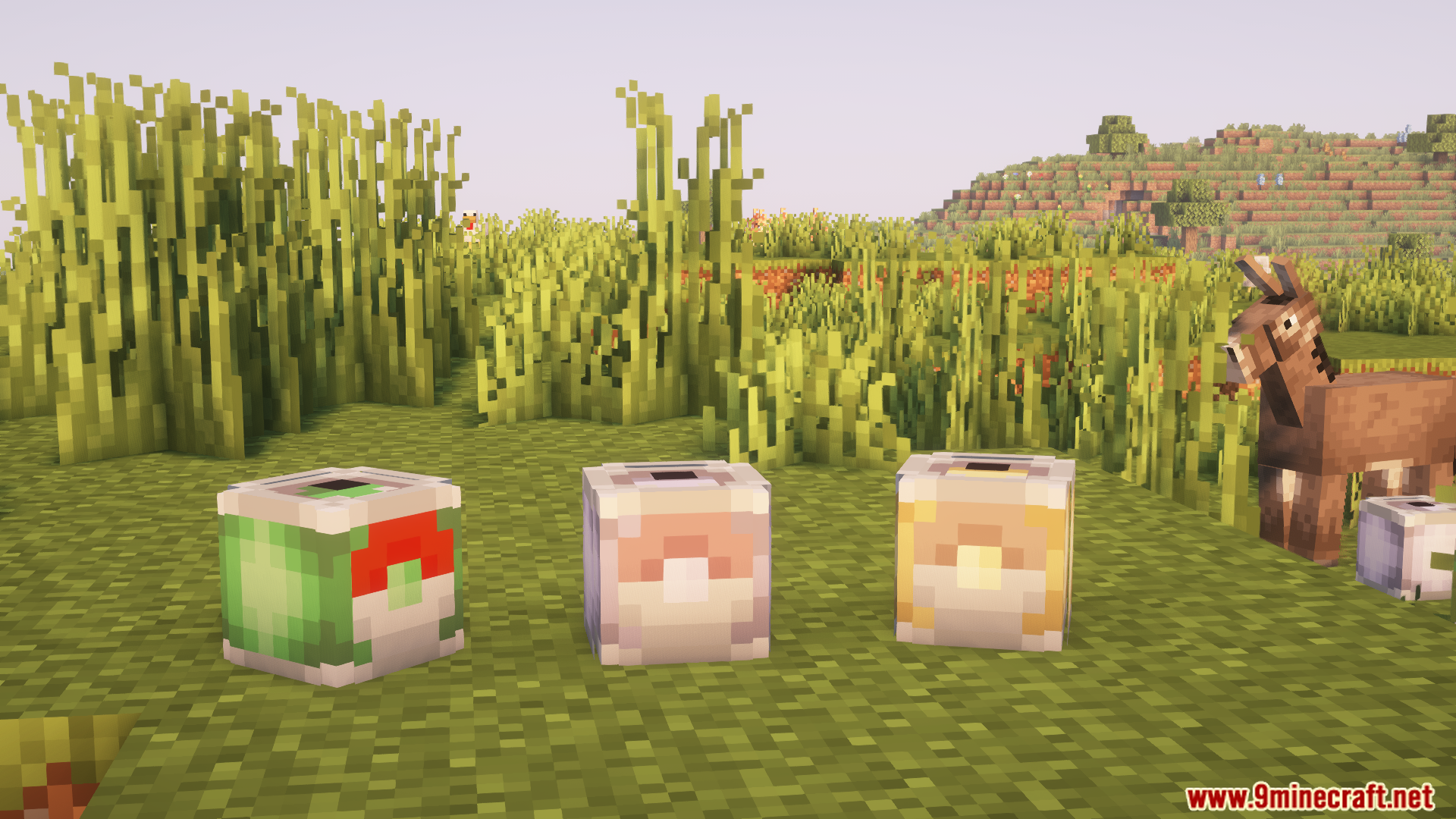
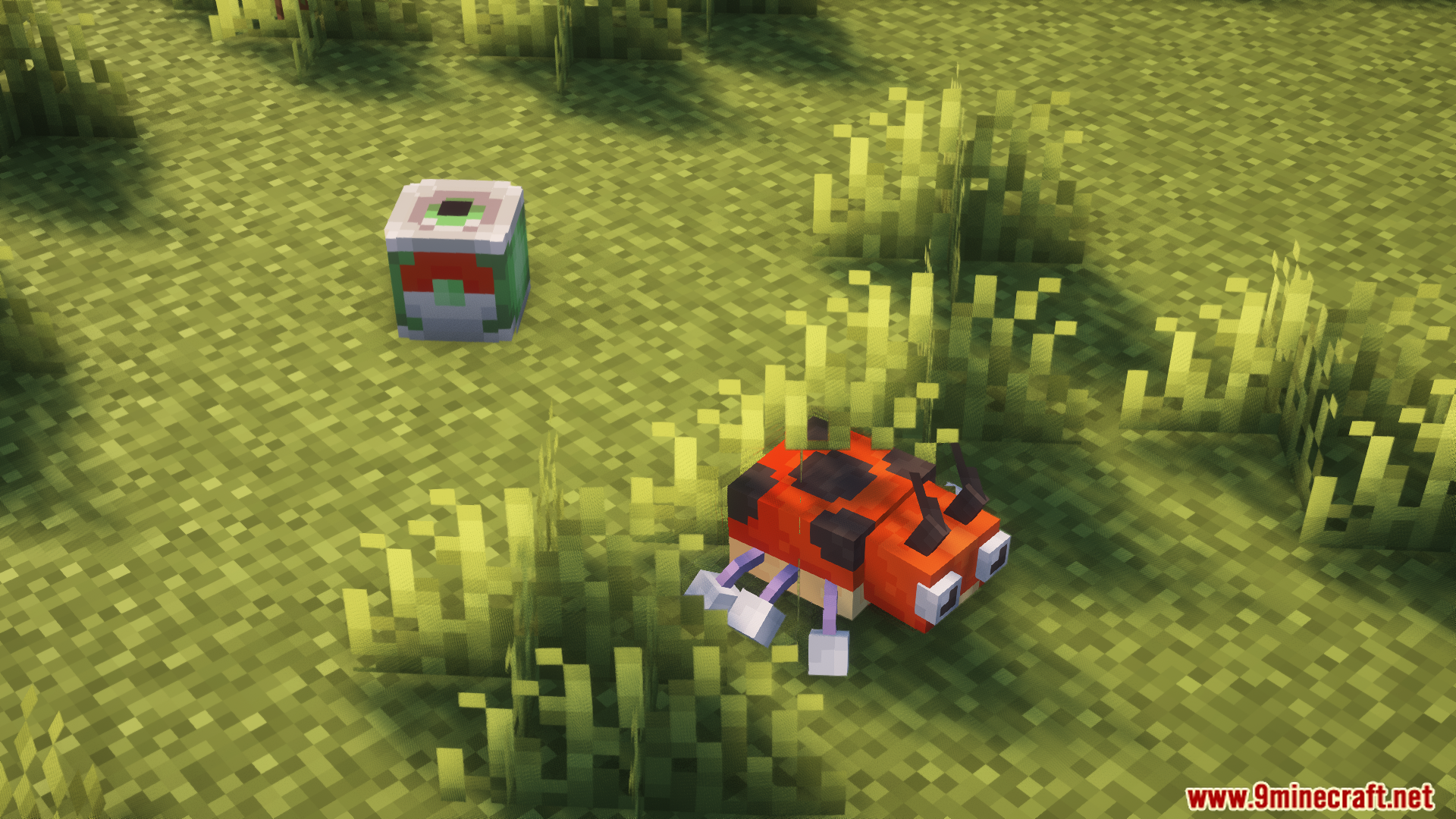
Cobblemon Repel Mod adds three new blocks for Cobblemon that stop wild Pokémon from spawning in a set radius. It includes Regular, Super, and Max variants so you can keep bases and builds of different sizes clear. The Regular block stops spawns within 32 blocks by default, while the Super and Max versions double and triple that range. You can change the blocking distance or turn the blocks off at any time with gamerule commands. This Fabric addon runs on the server side through Polymer so players can join without installing it, and it also works in singleplayer.

Features:
- Adds three repel blocks for Cobblemon that stop wild Pokémon from spawning around them.
- Lets you change the blocking range and multipliers in-game using
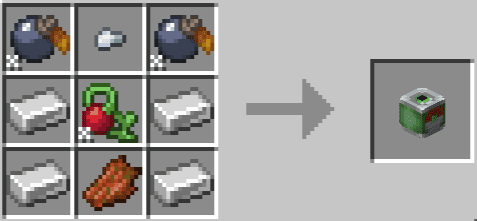
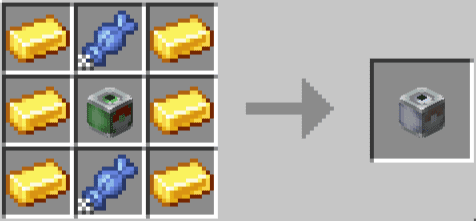
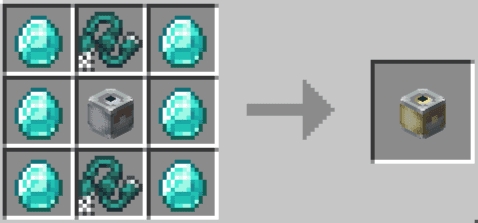
/gamerulecommands, or set the base range to 0 to disable all blocks. - Accepts any Apricorn, Cobblemon Berry, Experience Candy, or Evolution Item in the crafting recipes.
- Runs server-side on Fabric with Polymer so players can join a server without installing this addon.
- Works in singleplayer worlds as well as multiplayer servers.
- Supports Cobblemon Spawn Notification so blocked Pokémon spawns do not send broadcast alerts.
Repel Block Types:
- Regular Repel: stops wild Pokémon from spawning within a 32-block radius by default.
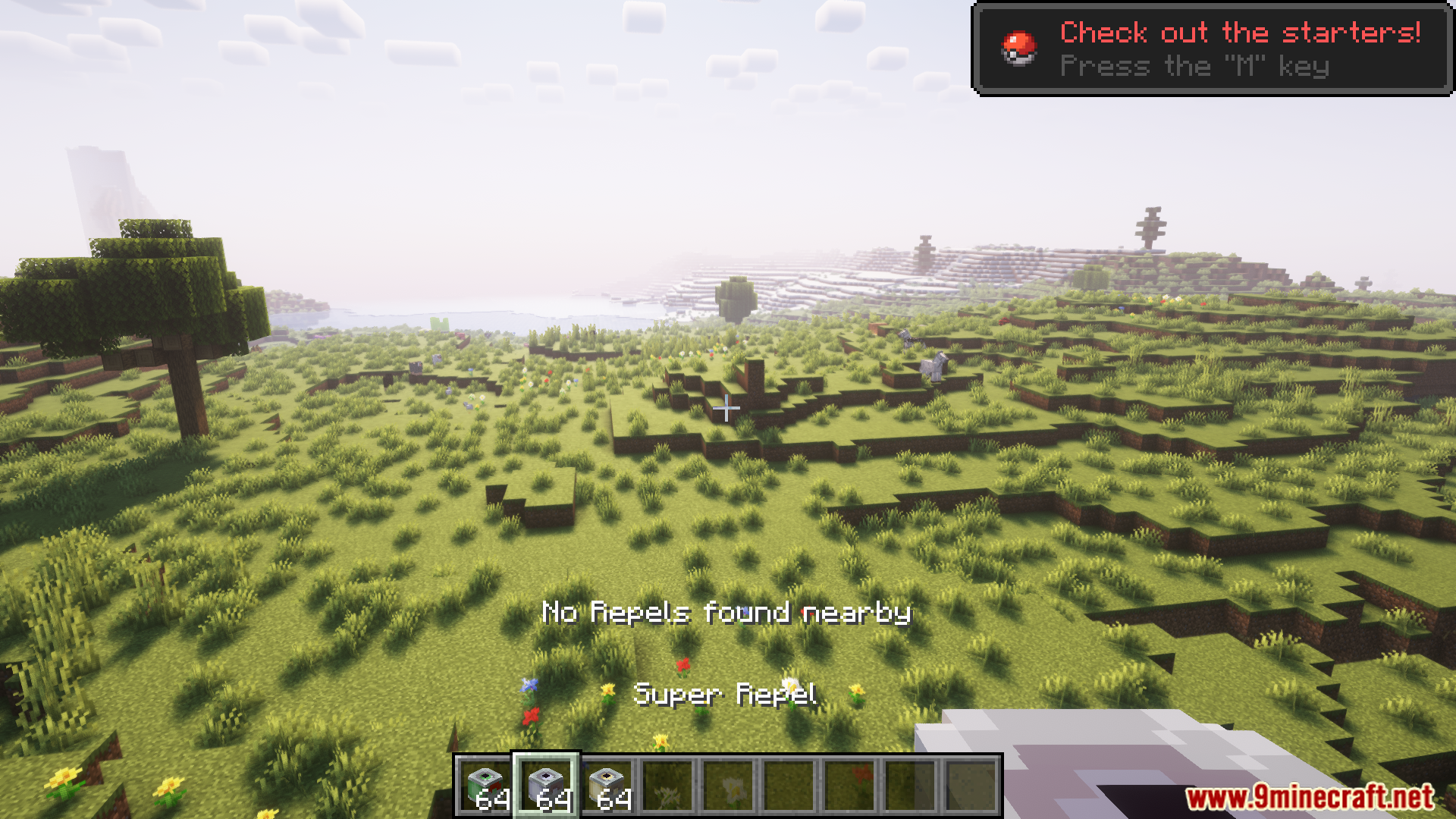
- Super Repel: doubles the base blocking range with a default multiplier of 2.
- Max Repel: triples the base blocking range with a default multiplier of 3.
Configuration:
You can adjust the blocking range of each repel block in-game using the /gamerule command:
repelRange: Sets the base radius for Regular Repel blocks between 0 and 512, with a default of 32. Setting this value to 0 disables all repel blocks.superRepelRangeMultipler: Sets the range multiplier for Super Repel blocks between 1 and 10, with a default of 2.maxRepelRangeMultipler: Sets the range multiplier for Max Repel blocks between 1 and 10, with a default of 3.
How to Use:
- Craft a Regular, Super, or Max Repel block using any Apricorn, Cobblemon Berry, Experience Candy, or Evolution Item in the recipe.
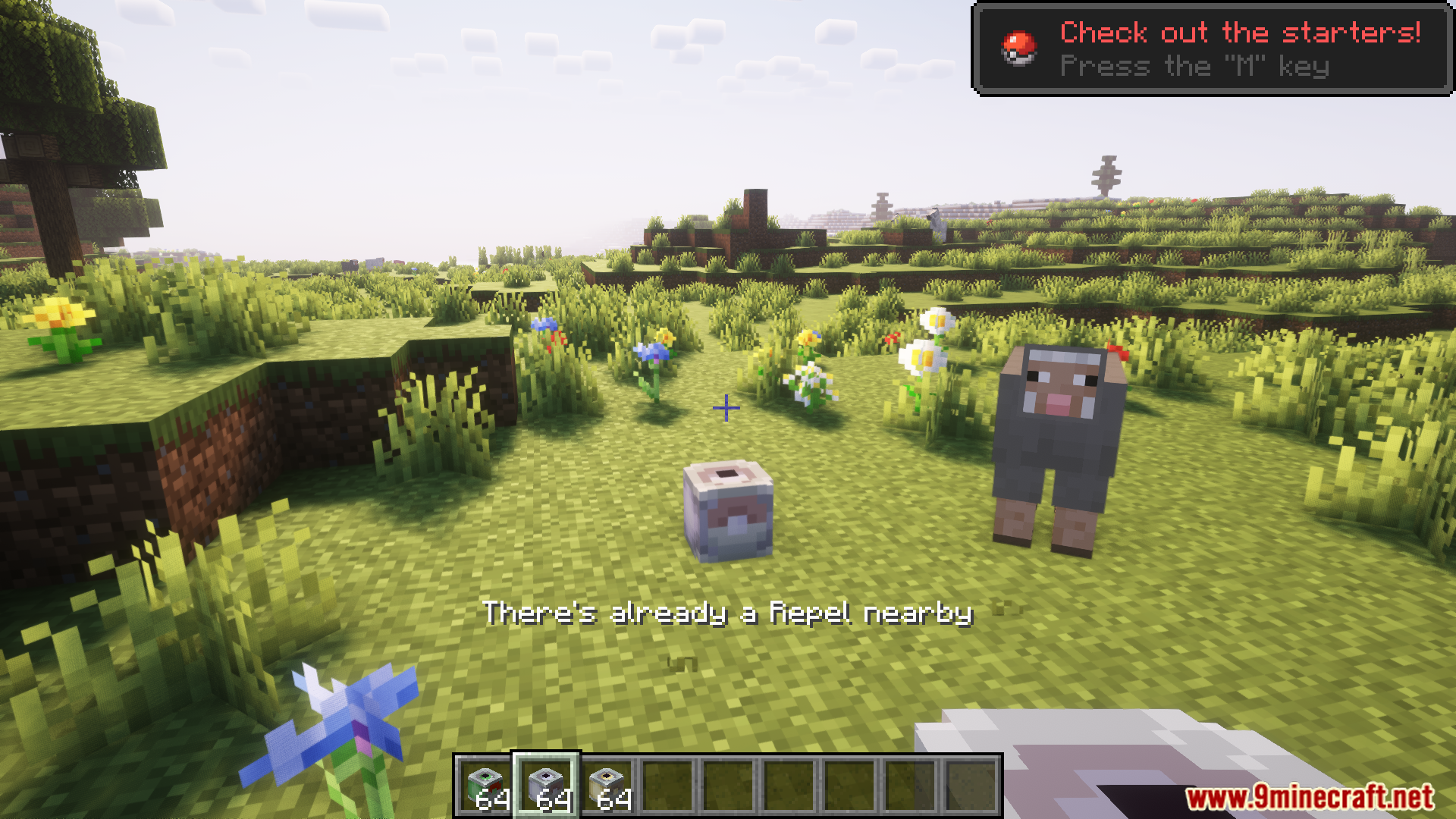
- Place the repel block in the area you want to protect so wild Pokémon stop spawning inside its radius.
- Run the
/gamerulecommand withrepelRange,superRepelRangeMultipler, ormaxRepelRangeMultiplerto change the blocking range. - Set
repelRangeto0with/gamerulewhenever you want to turn off all repel blocks.
Crafting Recipes:
Screenshots:
How to Install:
New to Minecraft? Follow our step-by-step guide to install Mods on your PC.View Guide
Requirements:

Cobblemon Repel Mod Download Links
For Minecraft 1.21.1, 1.21
Fabric Version: Download from Server 1 – Download from Server 2
For Minecraft 1.20.1
Fabric Version: Download from Server 1 – Download from Server 2
What do you usually do when your modded game crashes on startup?
5 responses · See the full results →
You May Also Like
Picked for this page
 Conduits Prevent Drowned Mod (26.3, 1.20.1) – Peaceful Underwater Cities
 Bag of Yurting Mod (26.1.2, 1.20.1) – Store Your Favorite Yurts
 Gateways to Eternity Mod (26.1.2, 1.20.1) – Challenging Portals
 Zombie Hardcore Mod (1.21.11, 1.20.1) – Forts Won’t Save You
 Cobblemizer Mod (1.21.1, 1.20.1) – Customize Your Pokémon
 Optimal Aim Mod (26.3, 1.20.1) – Renders a Configurable Cube for Aiming
 Sapling Tweaks Mod (26.3, 1.20.1) – Enhances Sapling Interactions
 NBT Copy Mod (26.3, 1.20.1) – Adds A Button To Copy NBT Data
 Flan Mod (26.3, 1.20.1) – Claim Land Using Commands, Menus, or Tools
 Structures Plus Mod (26.3, 1.20.1) – Adds Unique World Structures
 Turtle Charging Station Mod (1.21.11, 1.20.1) – Charge CC turtles using Forge Energy
 Fast TPA Mod (26.1.2, 1.20.1) – Send Teleport Requests To Everyone
Most viewed in Mods over the last 7 days
 Ala Industrial Mod (26.3) – Run Electric Power Grids and Automated Factories
 PleasureCraft Mod (26.3, 1.21.1) – Jenny Mod Remake for Fabric
 Jennycraft Mod (26.3, 1.20.1) – Virtual Girlfriend in Minecraft
 Fapcraft Mod (26.3, 1.12.2) – Comprehensive and Detailed Content
 Jenny Mod (Fapcraft) Official Complete Guide – How to use, Tutorial
 BangCraft Mod (1.20.1) – Jenny, Ellie and Elliot
 Fabric Loader (26.3, 1.20.1) – Fabric Installer for All Minecraft Versions
 Meteor Client Mod (26.3, 1.20.1) – Xray, HUD, Fly
 OptiFine HD (26.3, 1.20.1) – Run Faster, FPS Boost, Shaders Support
 The Shooting Star Demo Mod (26.3, 1.20.1) – Vaporize Terrain From Orbit
 SchnurriTV Mod (1.12.2) – Characters and Features
 Aristois Client Mod (1.21.4, 1.20.1) – World Class Minecraft Utility
More from Mods
 Ez Mod Lib Mod (1.20.1) – Run Code-Driven Addons Without Extra Drive Clutter
 Abstractium Mod (1.20.1) – Keep Your Favorite Addons Compatible Across Updates
 Allay Folks UI & HALLOWEEN UPDATE Mod (1.21.1) – Turn Friendly Allays
 Chiseleded OG Mod (26.3, 1.20.1) – Carve Custom Building Patterns Directly
 Equestria Mythical Creatures Legacy Mod (1.20.1) – Befriend Ponies and Slay
 Irislowka Mod (1.20.1) – Drive Modern Cars Through Mysterious Story Dimensions
 Omni Isle Mod (26.2, 1.20.1) – Survive on a Single Custom Island
 Wall Grab Mod (26.3, 1.20.1) – Survive Steep Cliff Falls By Clinging
 Fabric Exporter Mod (26.3, 1.20.1) – Adds A Prometheus Exporter With General Server Metrics
 Wildwood Echoes Mod (26.3, 1.20.1) – See Flocks of Birds and Butterflies
 Lumina Flux Loader Mod (26.3, 26.1.2) – Transform World Visuals with Shaders
 Base Metals Mod (26.3, 1.20.1) – Forge Stronger Metal Gear

This post has no comments yet. Be the first — your comment will appear here.