
Colt’s Cosmetic Armor Mod (1.18.2, 1.16.5) – Dress in Style on Every Adventure
 5,557
 0


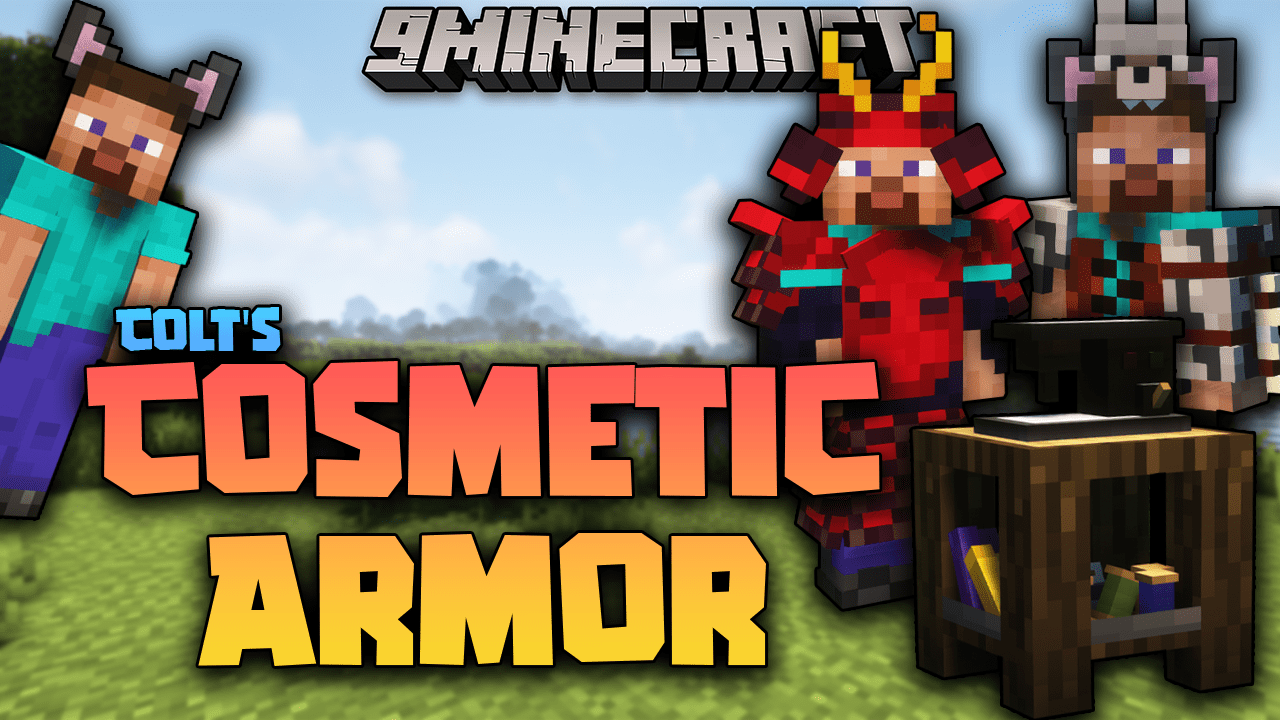
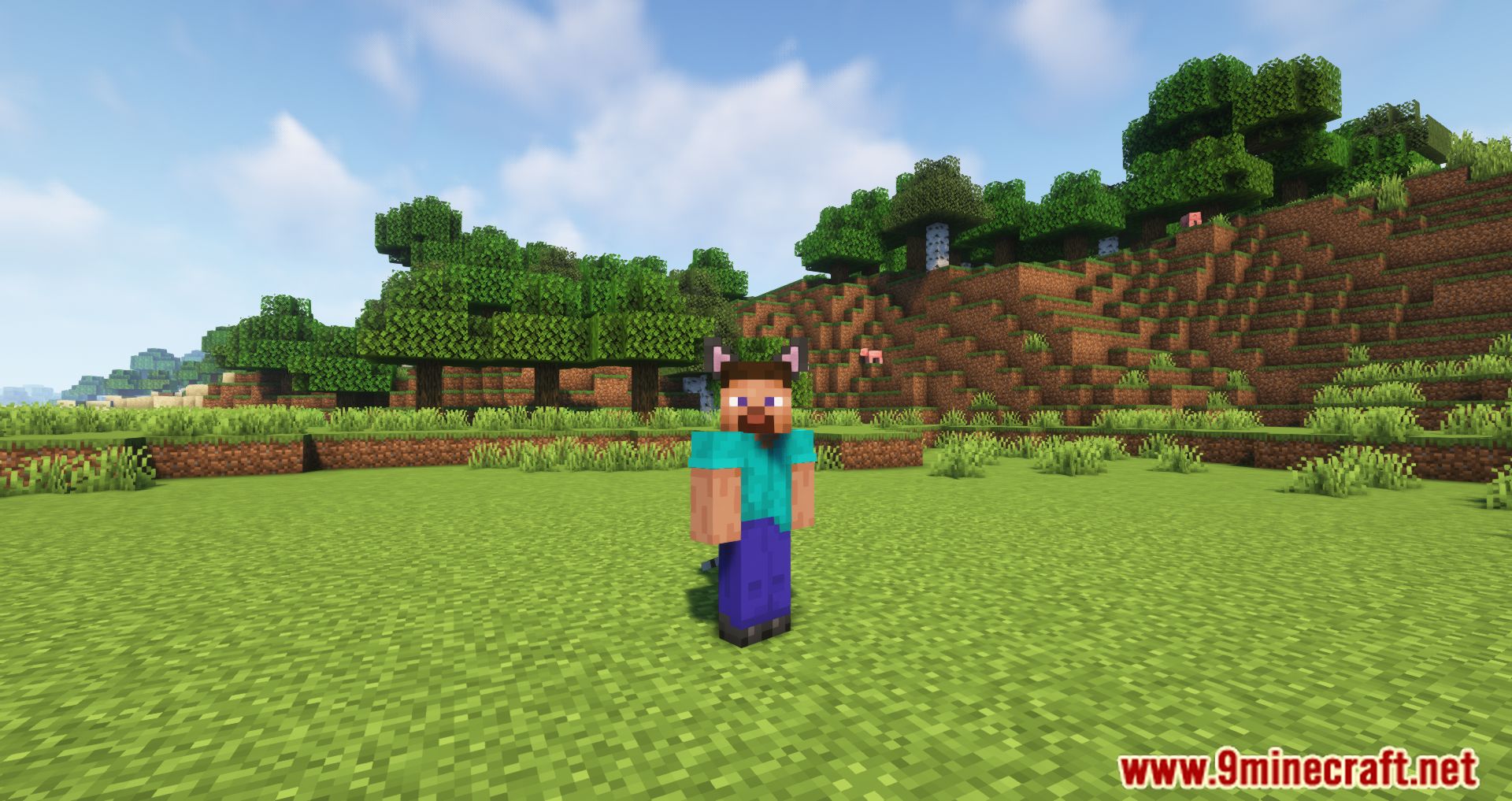
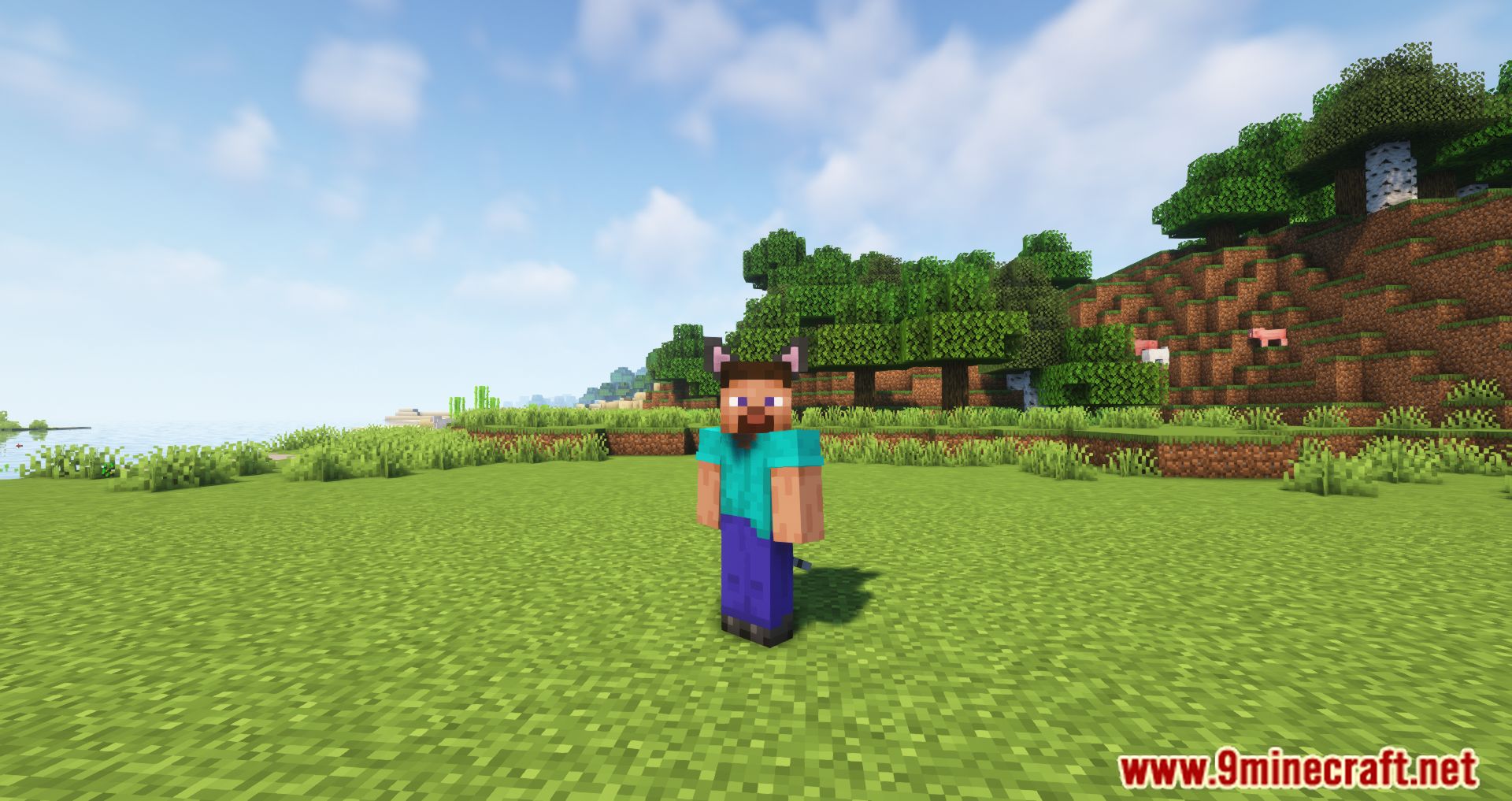
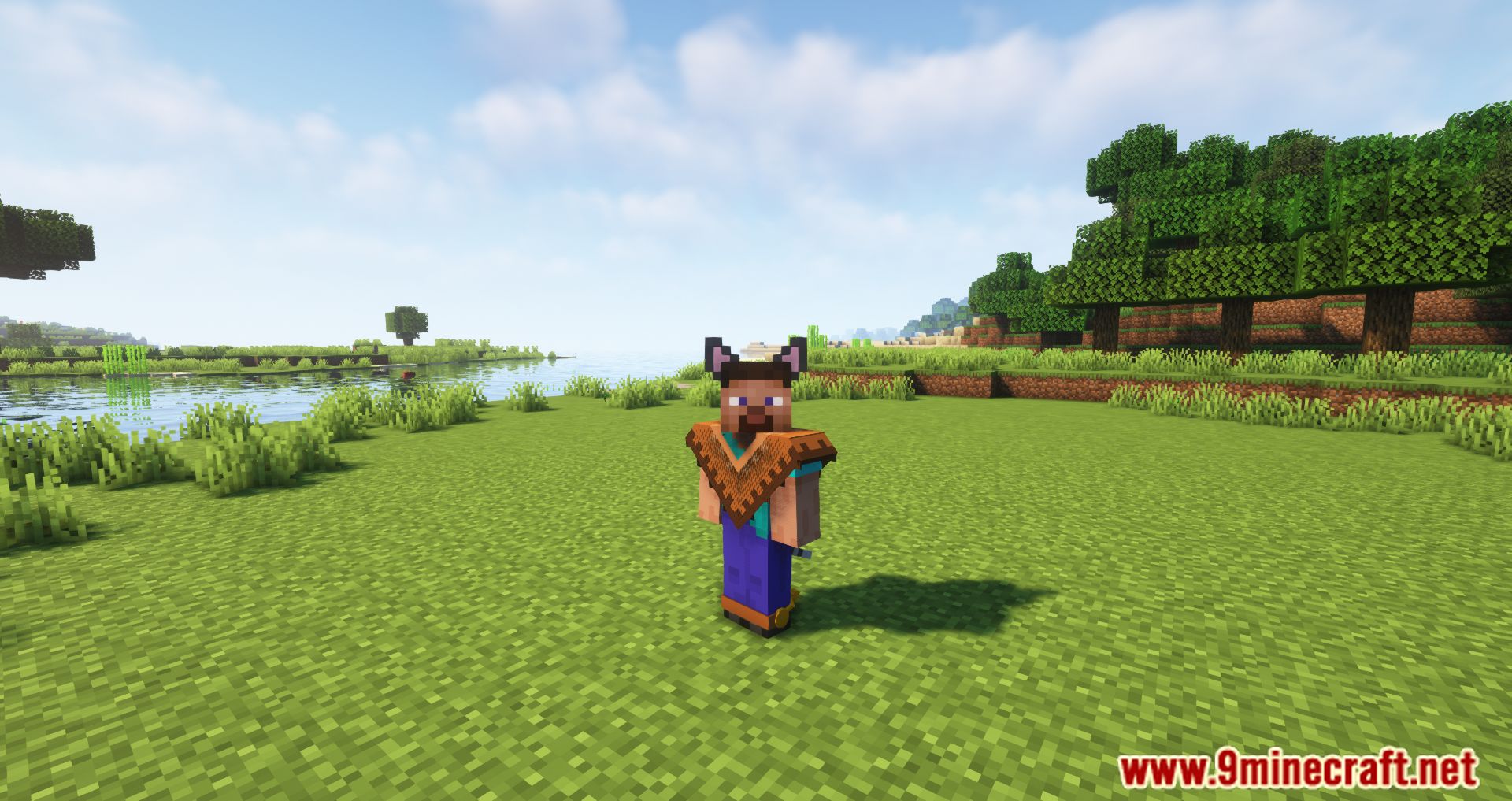
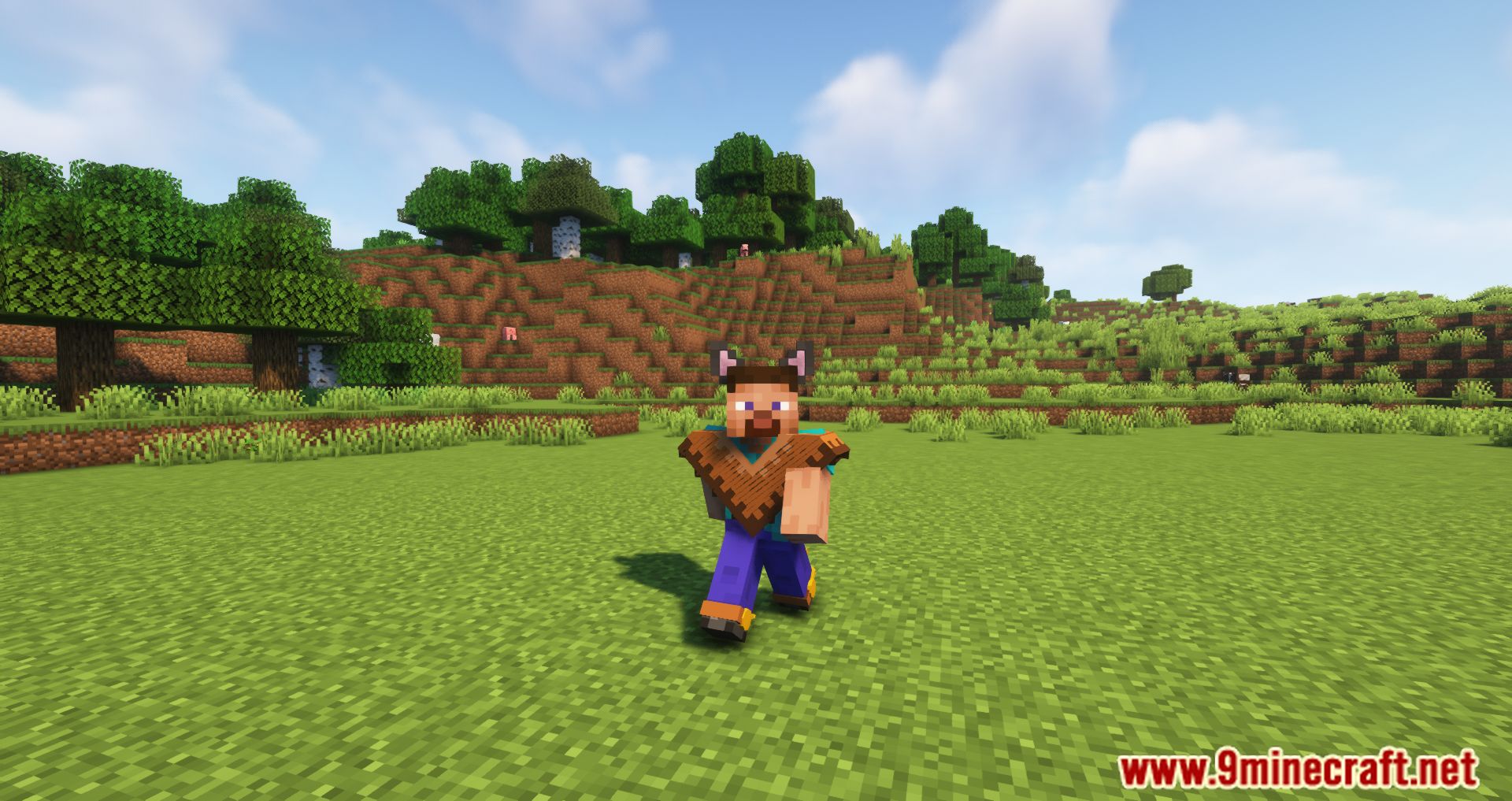
Colt’s Cosmetic Armor Mod adds decorative outfits, hats, and armor pieces to Minecraft. It focuses on looks instead of protection, so you can dress your character in hats, colorful suits, wolf ears, and other custom clothing. You turn basic armor pieces into cosmetic gear using a sewing table or a stonecutter, and you can dye select items to match your style. This mod pairs with Cosmetic Armor Reworked, works in modpacks, and needs Curios API in version 1.1 and above.
Features:
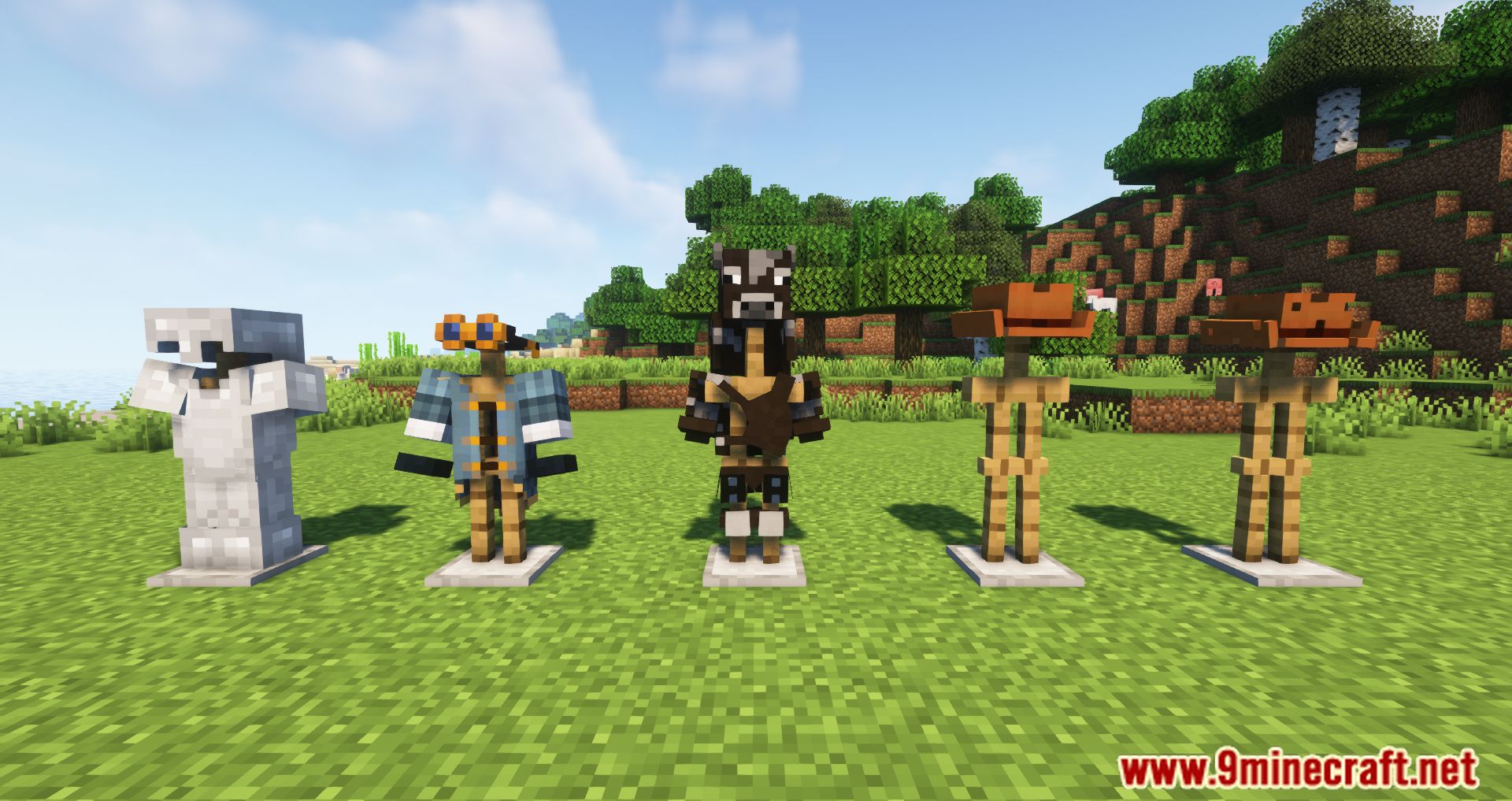
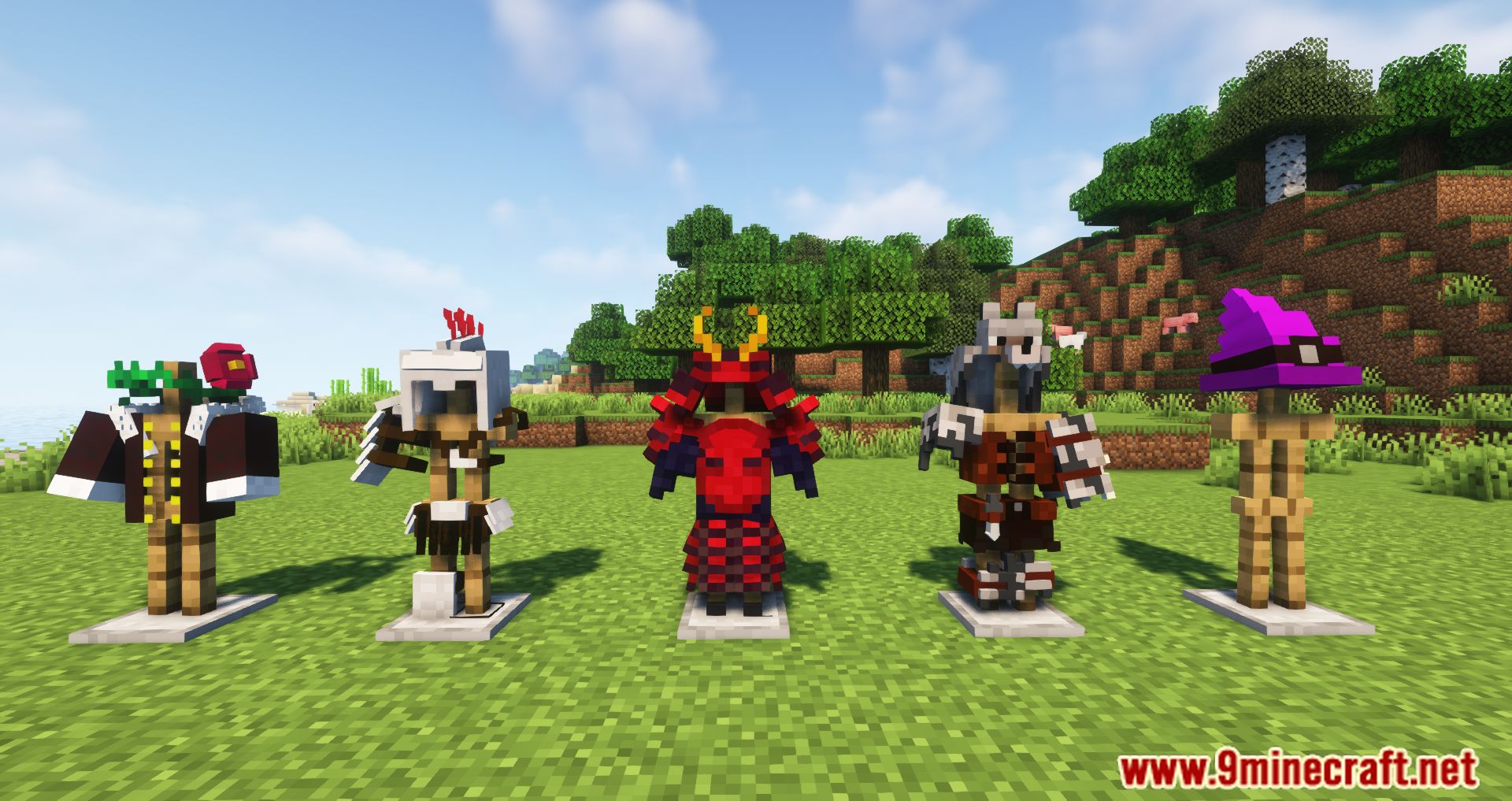
- Adds cosmetic armor sets, hats, colorful suits, and accessories like wolf ears that focus on character style instead of defense.
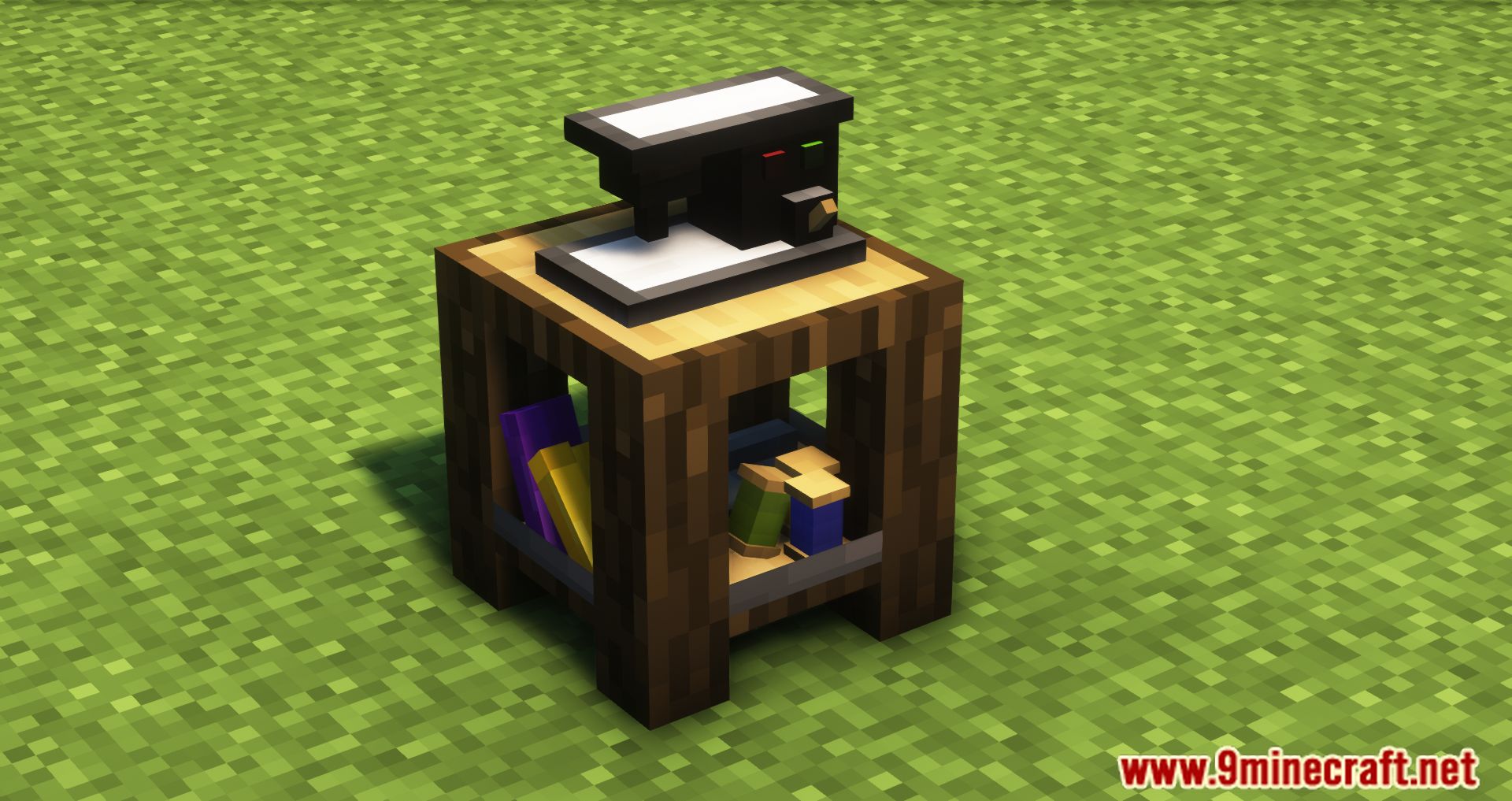
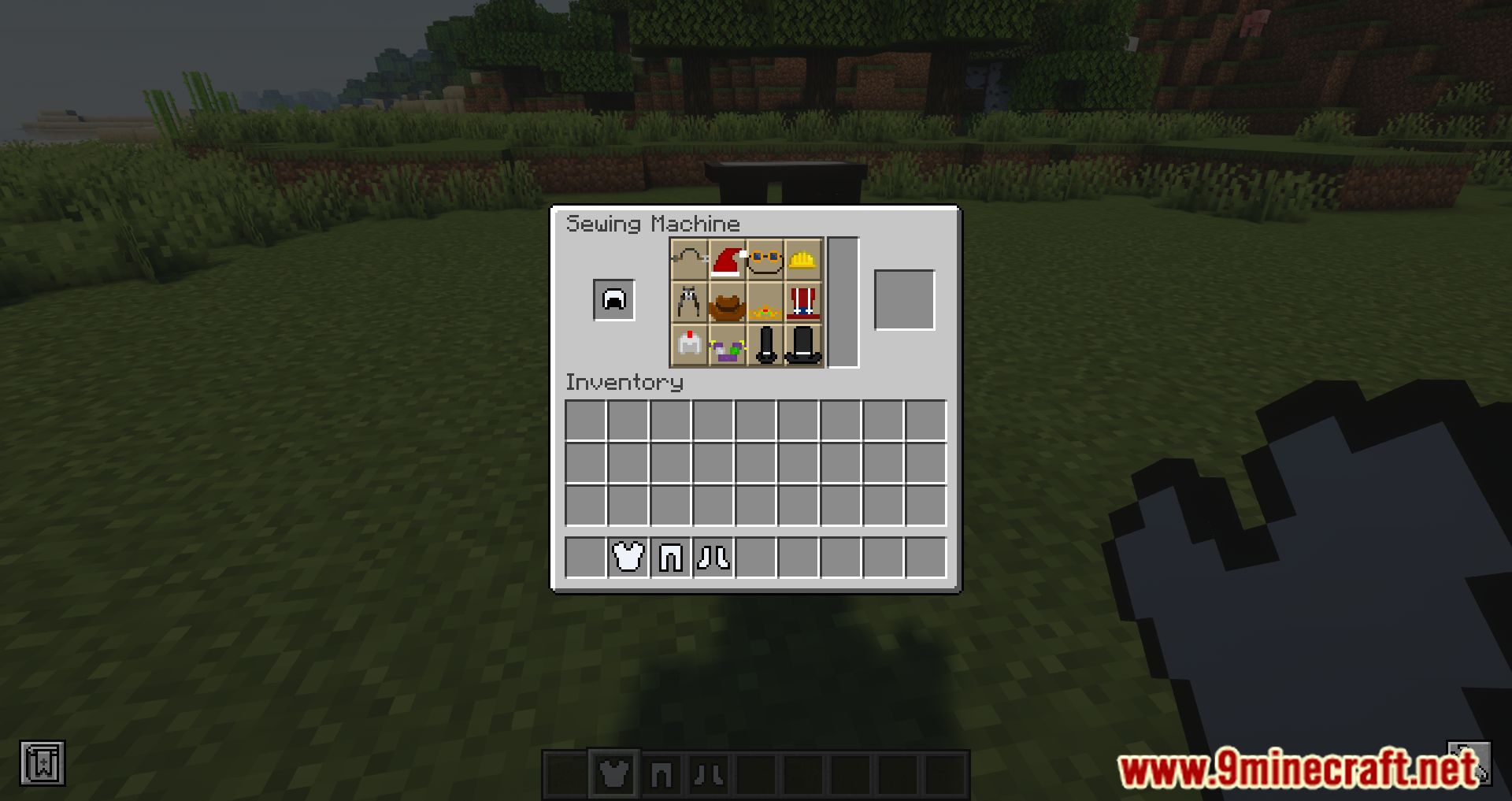
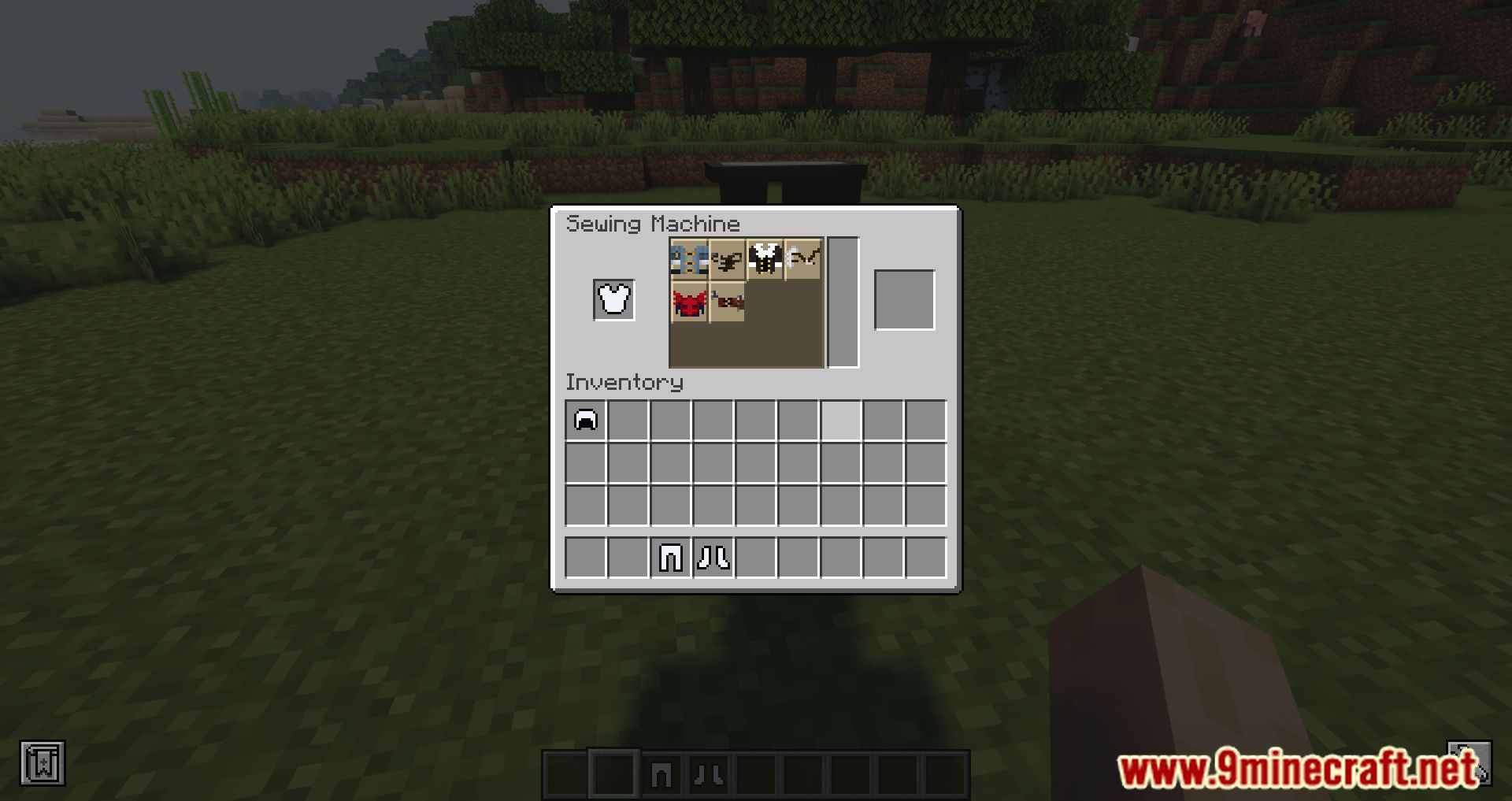
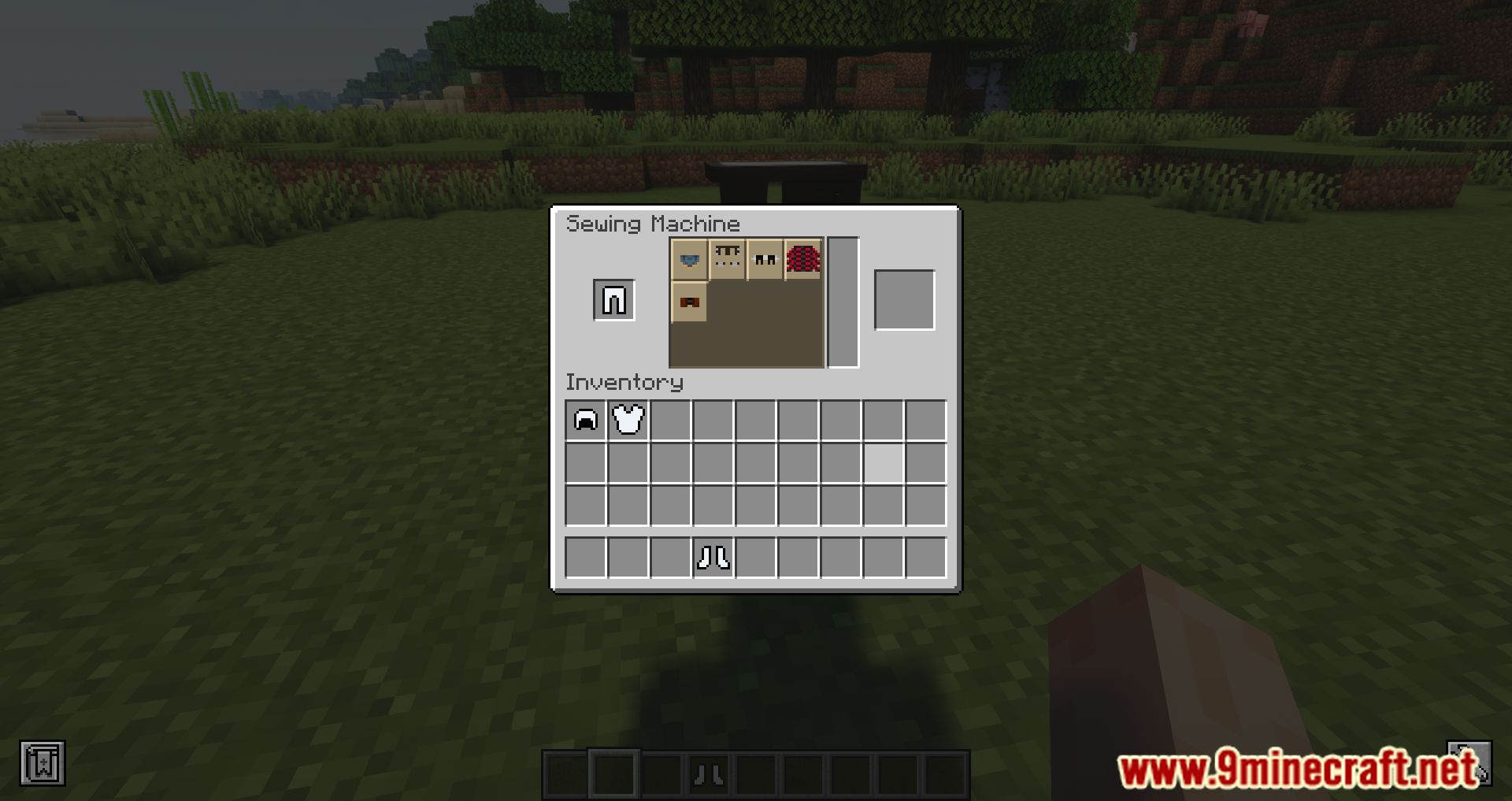
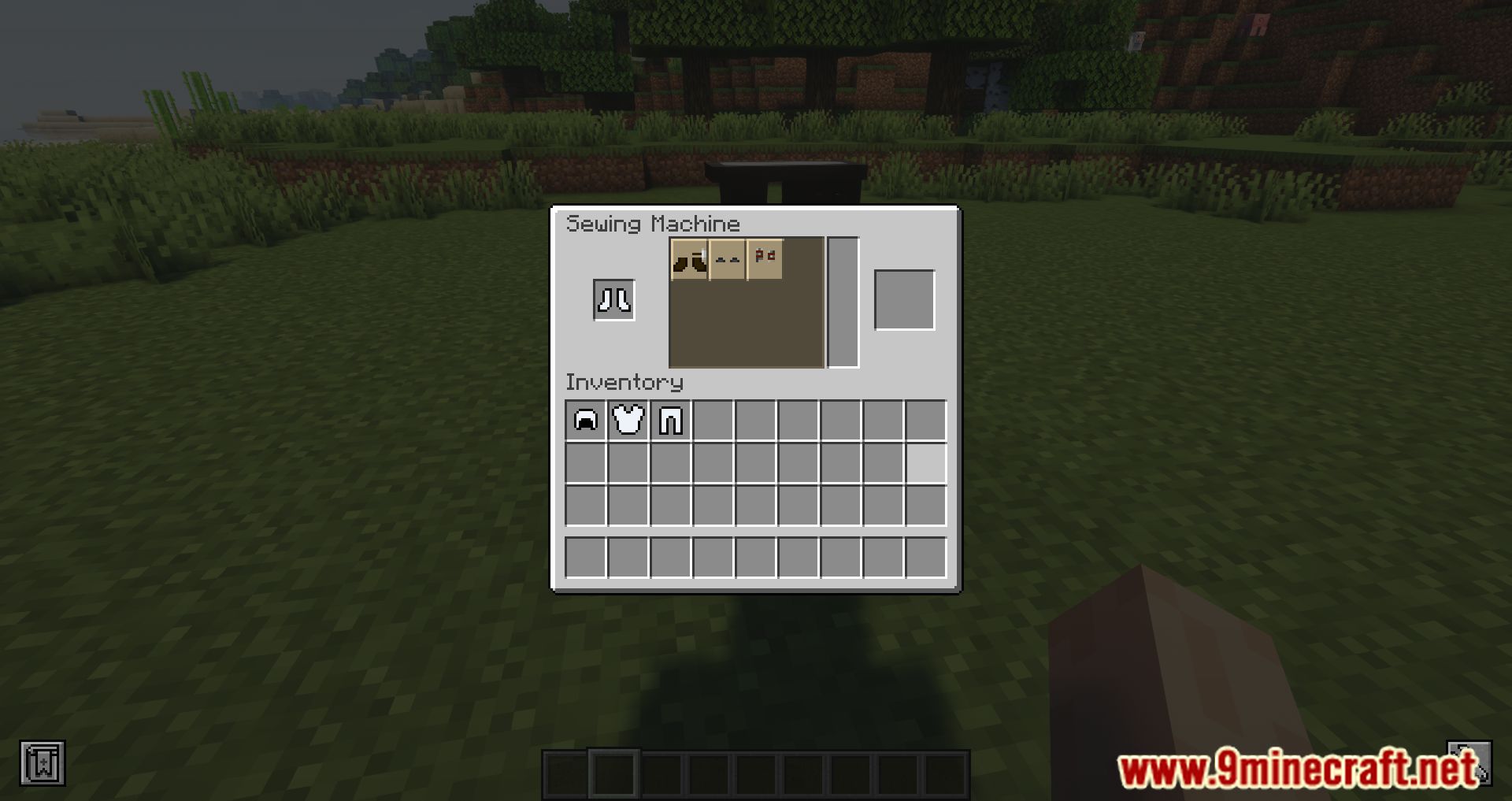
- Includes a craftable sewing table block with a menu where you put basic armor pieces to see and make cosmetic headwear, body armor, and clothing.
- Lets you also place basic armor pieces in a stonecutter to craft cosmetic gear.
- Features a special furnace recipe that smelts a Hardhat into another Hardhat.
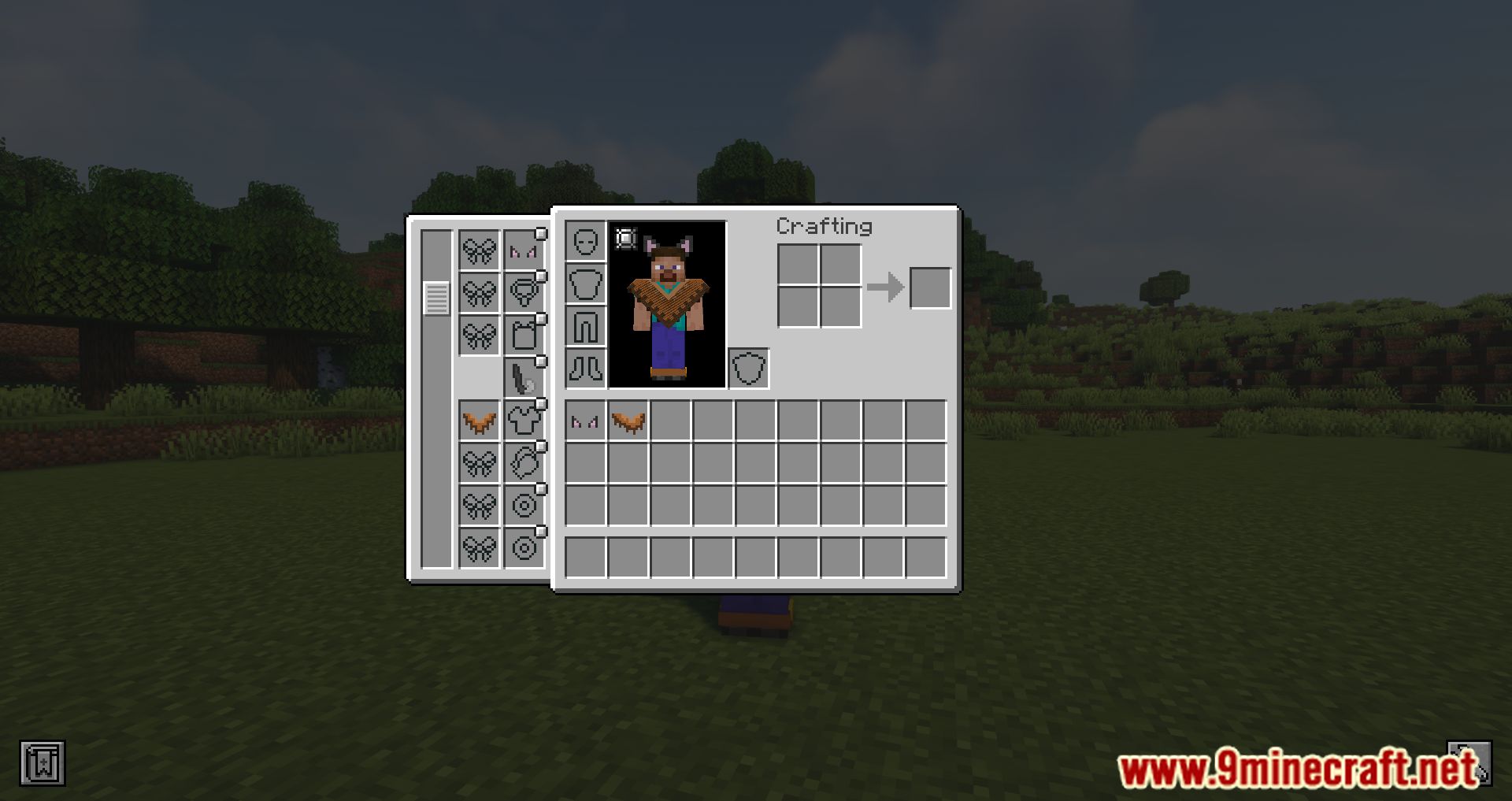
- Adds custom cosmetic armor slots to your player inventory so you can wear decorative gear.
- Supports dyeing on select hats, helmets, belts, and armor pieces so you can change their colors.
- Works alongside Cosmetic Armor Reworked and fits into modpacks.
- Requires Curios API starting from version 1.1.
Dyeable Items:
- All top hats
- Flower Crown
- Witch Hat
- All basic armors
- Centurion Helmet
- Basic Belt
How to Use:
- Make sure Curios API is loaded if you play on version 1.1 or above so the mod runs properly.
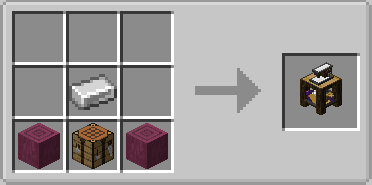
- Craft a sewing table using its crafting recipe and place it down to start making outfits.
- Open the sewing table and put any basic armor piece inside to view and craft cosmetic hats, body armor, and clothing.
- Place basic armor pieces in a stonecutter if you prefer crafting cosmetic gear that way.
- Smelt a Hardhat in a furnace to use the special Hardhat furnace recipe.
- Open your inventory and equip your crafted items in the cosmetic armor slots to change how your character looks.
- Dye supported items—including all top hats, Flower Crown, Witch Hat, all basic armors, Centurion Helmet, and Basic Belt—to change their colors.
Crafting Recipes:
Screenshots:
How to Install:
New to Minecraft? Follow our step-by-step guide to install Mods on your PC.View Guide
Colt's Cosmetic Armor Mod Download Links
For Minecraft 1.18.2. 1.18.1
Forge Version: Download from Server 1 – Download from Server 2
For Minecraft 1.16.5
Forge Version: Download from Server 1 – Download from Server 2
What do you do when a mod you love is abandoned by its creator?
17 responses · See the full results →
You May Also Like
Picked for this page
 Curios API (26.3, 1.20.1) – Library for TheIllusiveC4’s Mods
 Falling Leaves Mod (26.3, 1.20.1) – Visually Appealing Addition
 MineMenu Mod (26.1.2, 1.20.1) – Make Your Life Easier
 Plain Grinder Mod (1.21.1, 1.20.1) – Grind Up Ores Into Dust
 Roughly Enough Professions Mod (26.3, 1.20.1) – Additional Feature for REI
 Leaves Us In Peace Mod (26.3, 1.20.1) – Swift Leaf Decay
 Potion Counter Mod (26.3, 1.20.1) – Potion Display Overlay
 BetterSleeping Revived Mod (1.20.1) – Sleeping Becomes More Critical
 Chat Signing Hider Mod (26.3, 1.20.1) – Hiding Chat Signing Elements
 Tinkers Thinking Mod (1.20.1, 1.19.2) – Rediscover Old and New Tool Crafting
 Vehicle Upgrade Mod (1.21.11, 1.21.7) – Smarter Faster Better Mounts And Boats
 Timefall Coin Mod (1.21.1, 1.20.1) – Themed Coins For Servers And Modpacks
Most viewed in Mods over the last 7 days
 Ala Industrial Mod (26.3) – Run Electric Power Grids and Automated Factories
 PleasureCraft Mod (26.3, 1.21.1) – Jenny Mod Remake for Fabric
 Jennycraft Mod (26.3, 1.20.1) – Virtual Girlfriend in Minecraft
 Fapcraft Mod (26.3, 1.12.2) – Comprehensive and Detailed Content
 Jenny Mod (Fapcraft) Official Complete Guide – How to use, Tutorial
 BangCraft Mod (1.20.1) – Jenny, Ellie and Elliot
 Fabric Loader (26.3, 1.20.1) – Fabric Installer for All Minecraft Versions
 Meteor Client Mod (26.3, 1.20.1) – Xray, HUD, Fly
 The Shooting Star Demo Mod (26.3, 1.20.1) – Vaporize Terrain From Orbit
 OptiFine HD (26.3, 1.20.1) – Run Faster, FPS Boost, Shaders Support
 Aristois Client Mod (1.21.4, 1.20.1) – World Class Minecraft Utility
 SchnurriTV Mod (1.12.2) – Characters and Features
More from Mods
 The Man from the Shadow Horror Mod (1.20.1) – Fight Hallucinations to Survive
 Shade & Saturation Slider Mod (26.2, 1.21.11) – Make Every Biome Vibrant
 Cataclysm X Yung’s Better Nether Fortresses Compat Mod (1.21.1, 1.20.1)
 Patchouli 9minecraft Mod (26.3) – Read Mod Guides Without Leaving Minecraft
 Paintings ++ 9minecraft Mod (26.3) – Pick the Exact Painting You Want
 owo-lib 9minecraft Mod (26.3) – Run Your Favorite Mods Without Errors
 Moonlight 9minecraft Lib (26.3, 26.2) – Run Complex Mods Without Errors
 Load My Tags 9minecraft Mod (26.3) – Mix Mods Without Breaking Recipes
 Kambrik 9minecraft Mod (26.3) – Run Kotlin Mods Without Game Lag
 Fast Paintings 9minecraft Mod (26.3, 26.2) – Place Wall Art Exactly Where You Want It
 Bonsai Trees 9minecraft Mod (26.3, 26.2) – Automate Wood Farming in Tiny Pots
 Enhanced Block Entities 9minecraft Mod (26.3) – Build Lag-Free Storage Rooms

This post has no comments yet. Be the first — your comment will appear here.