
Combat Roll Mod (26.3, 1.20.1) – Evade Skeleton Arrows and Creeper Blasts
 11,211
 0

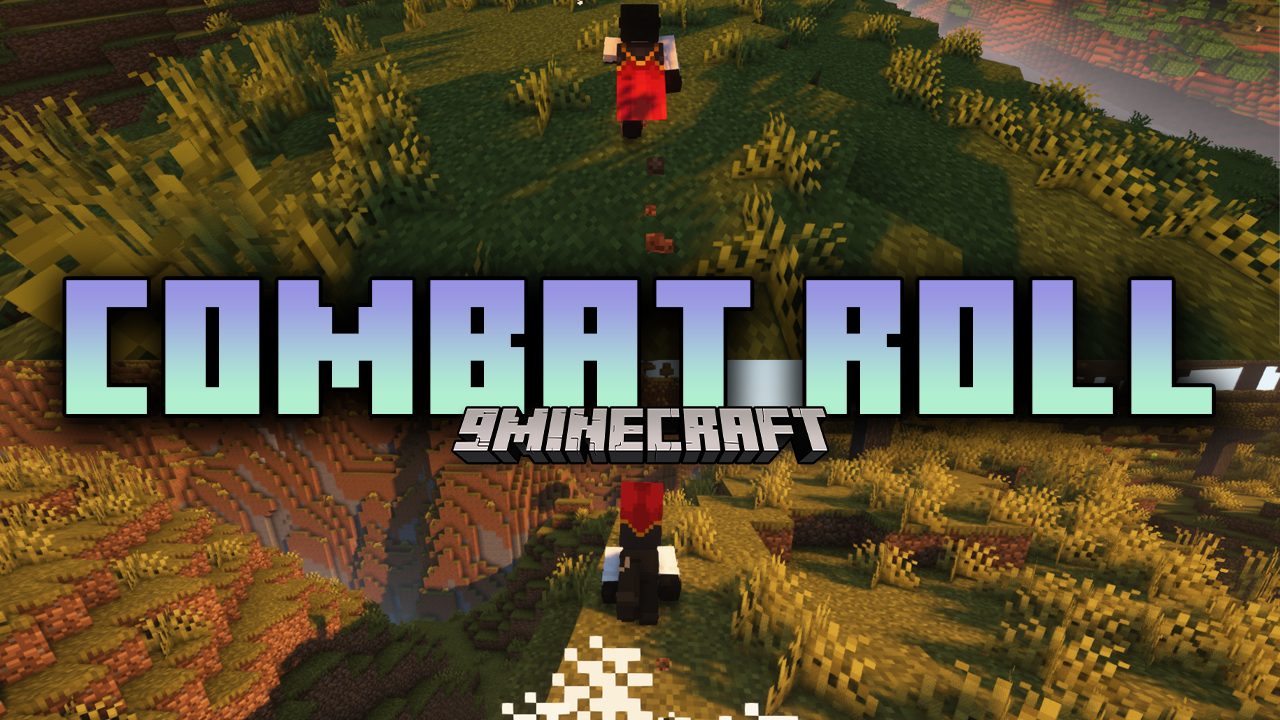
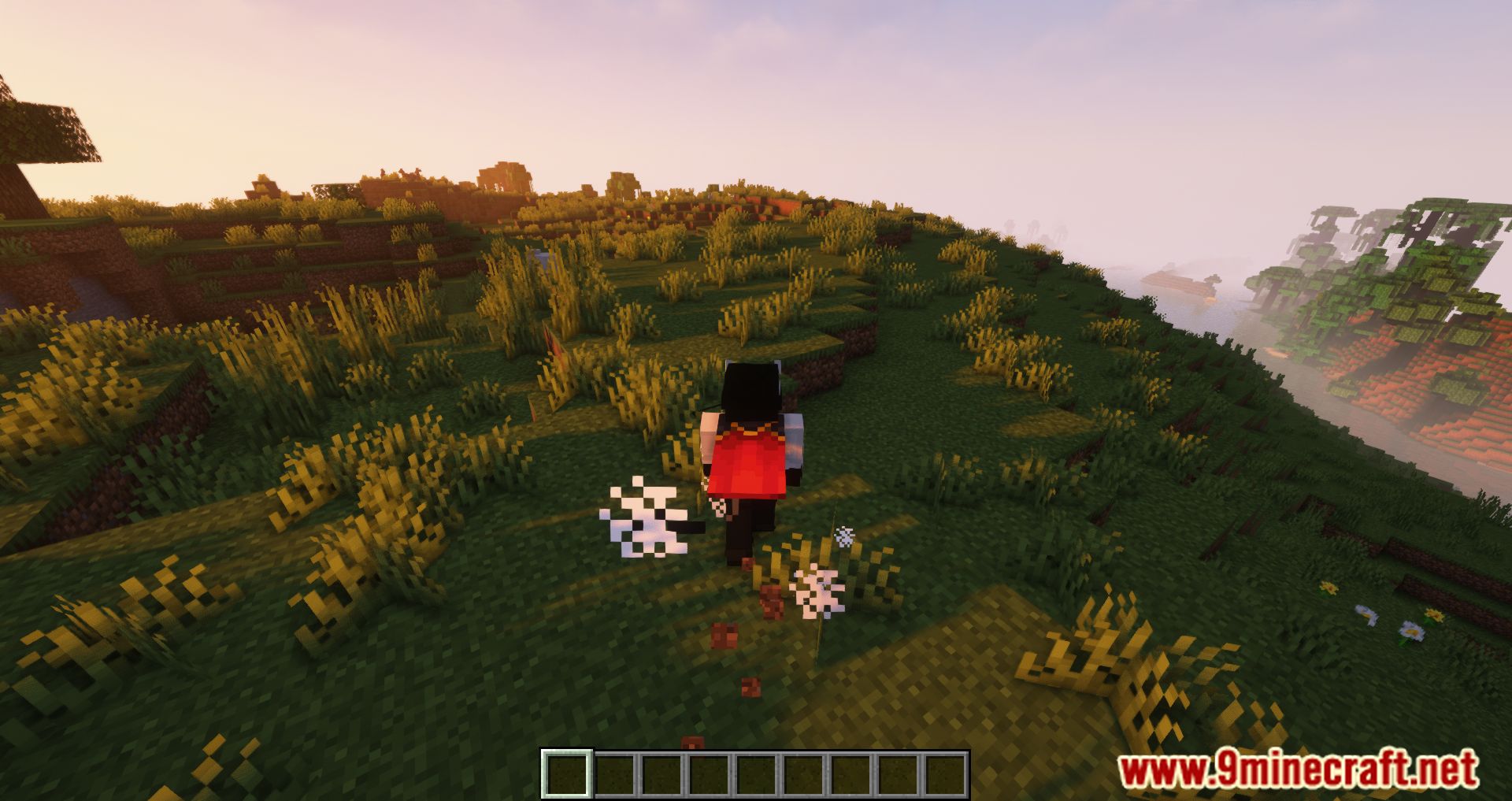
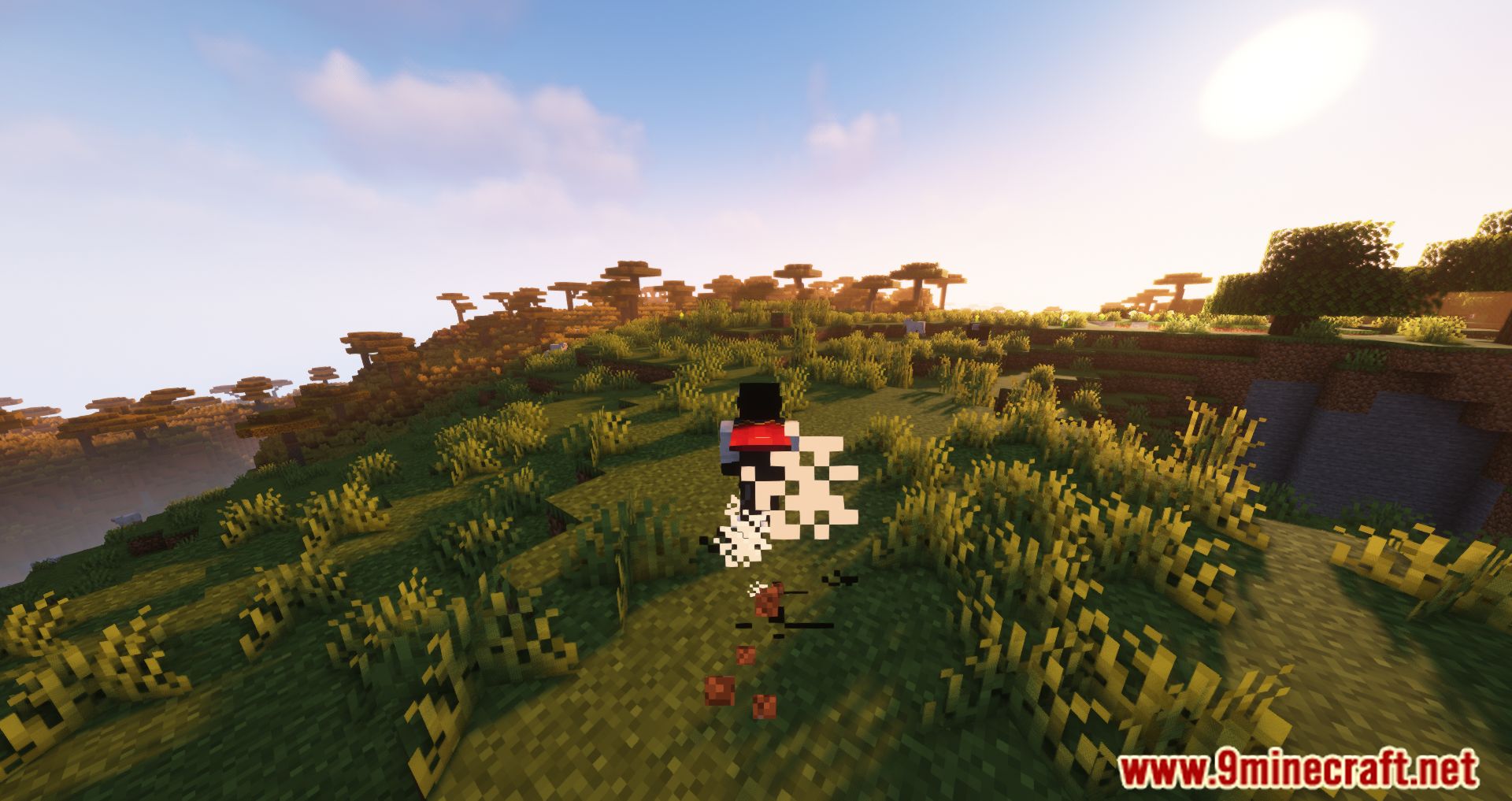
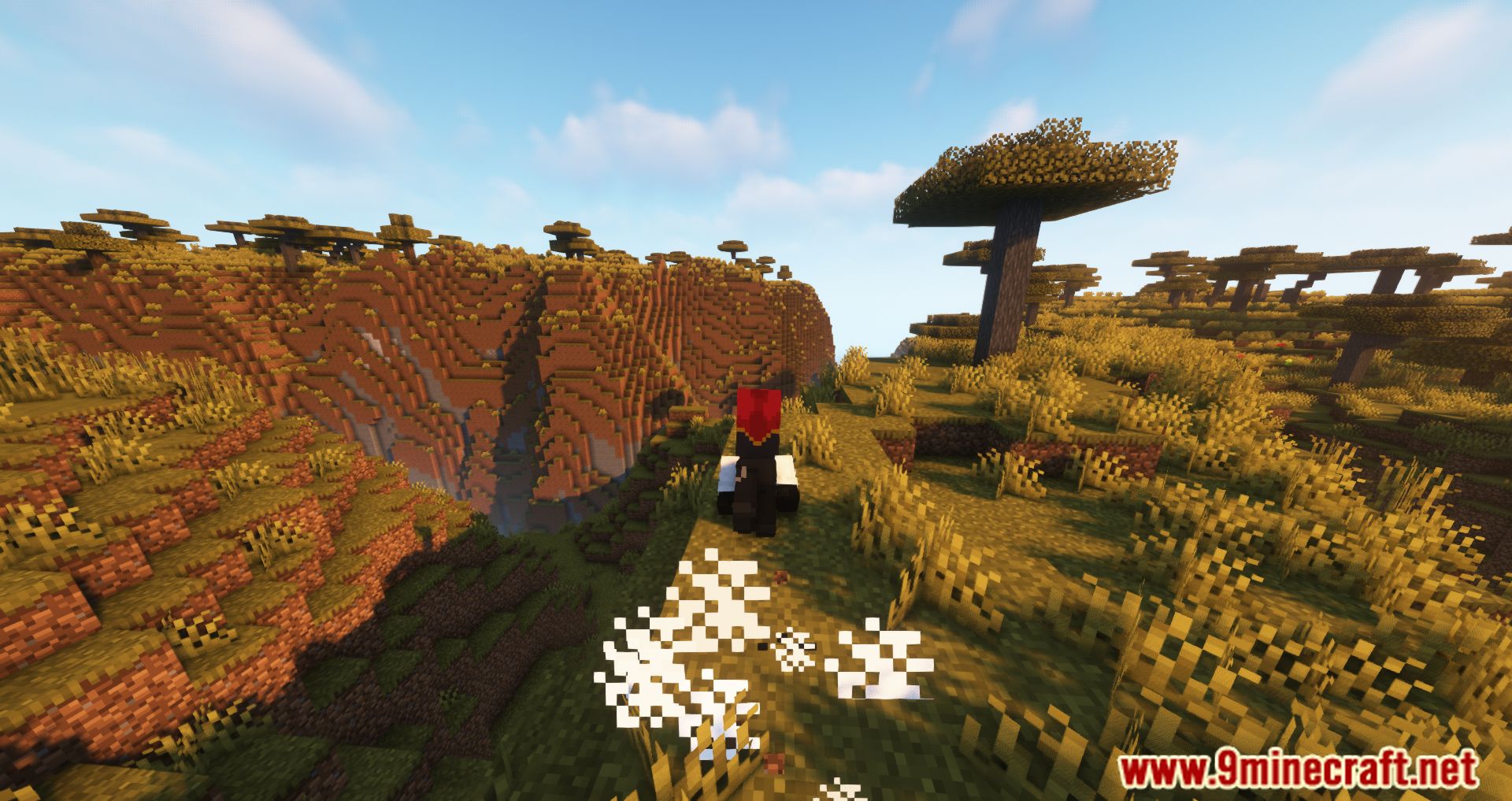
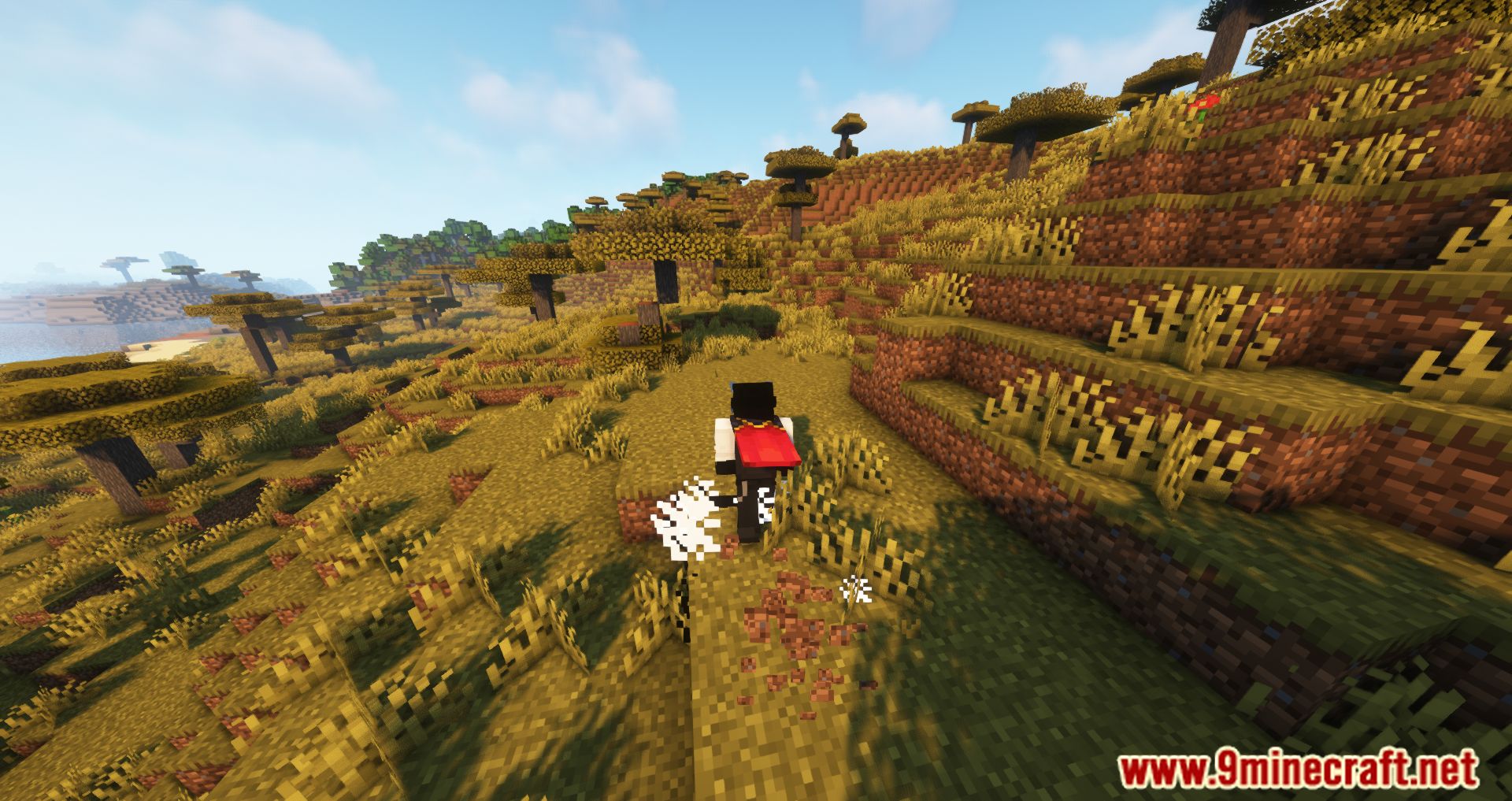
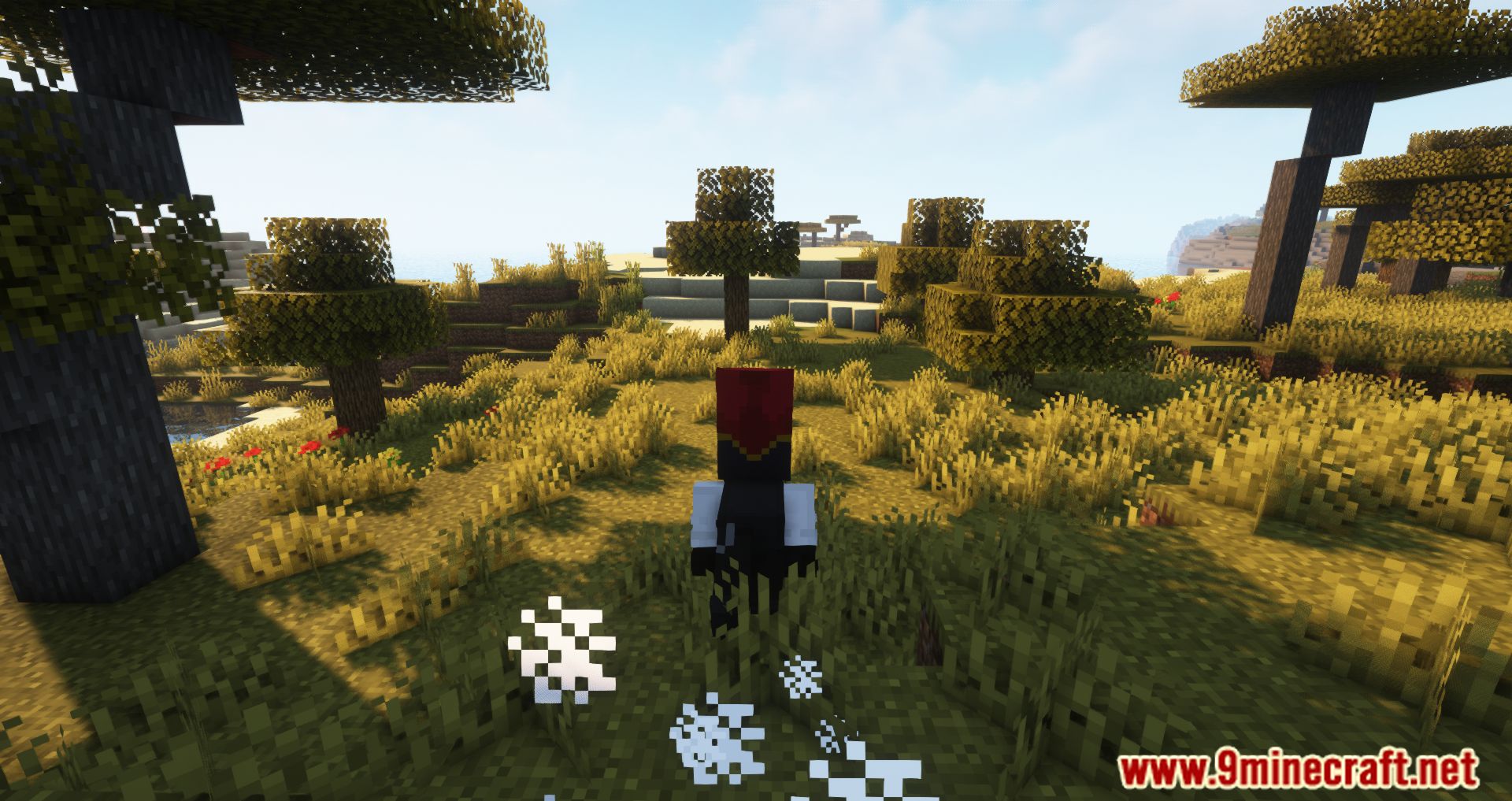
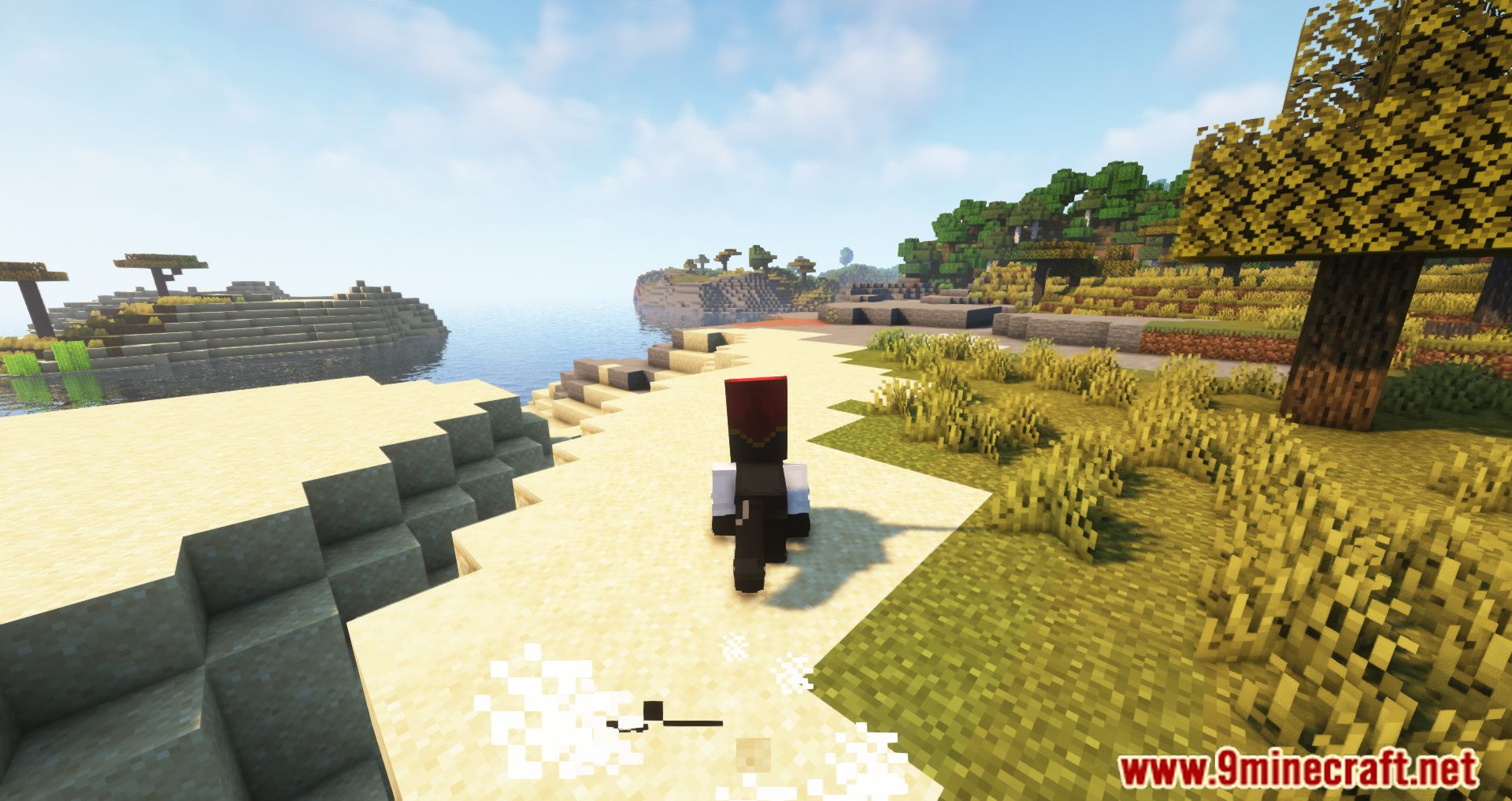
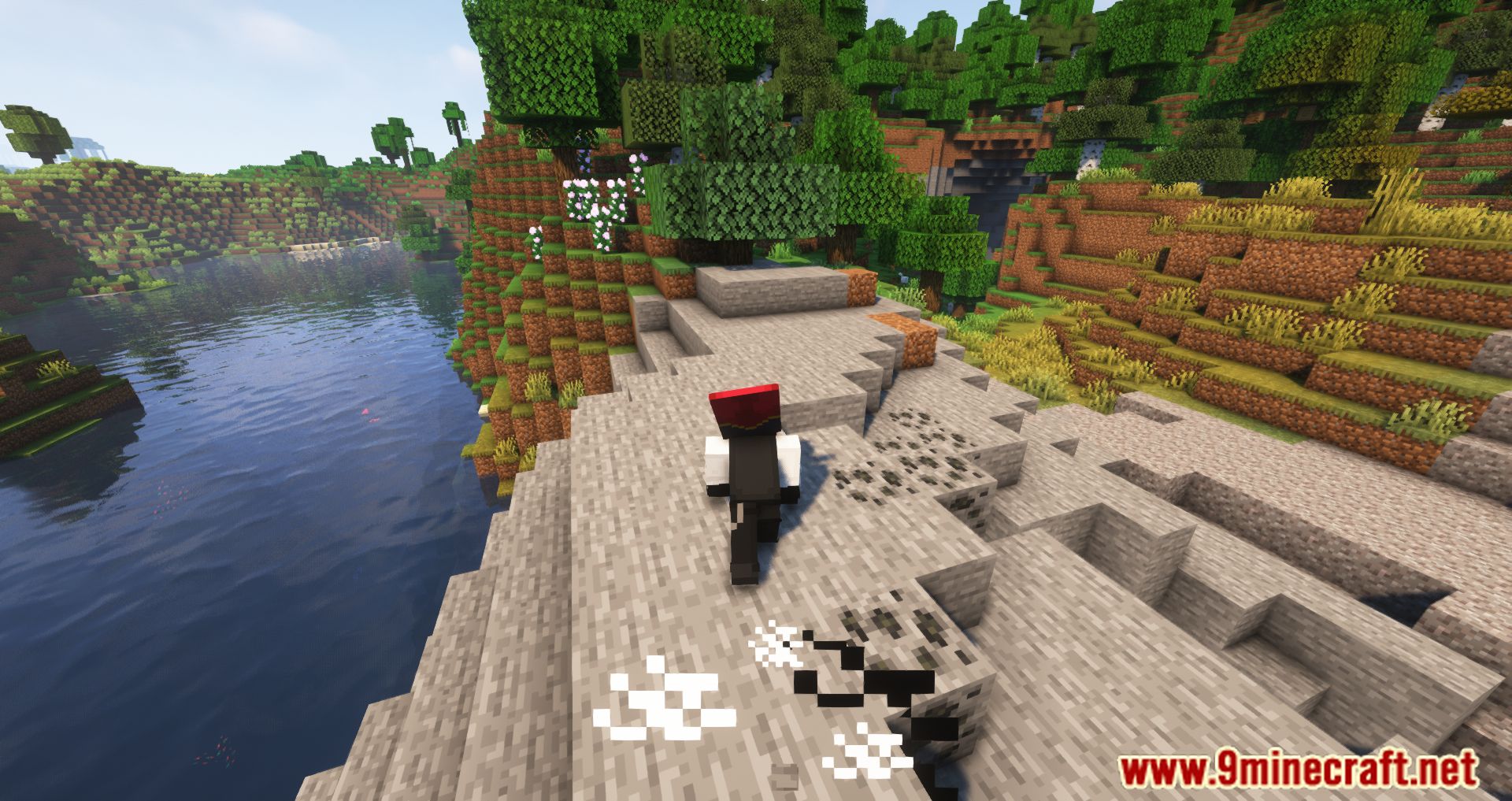
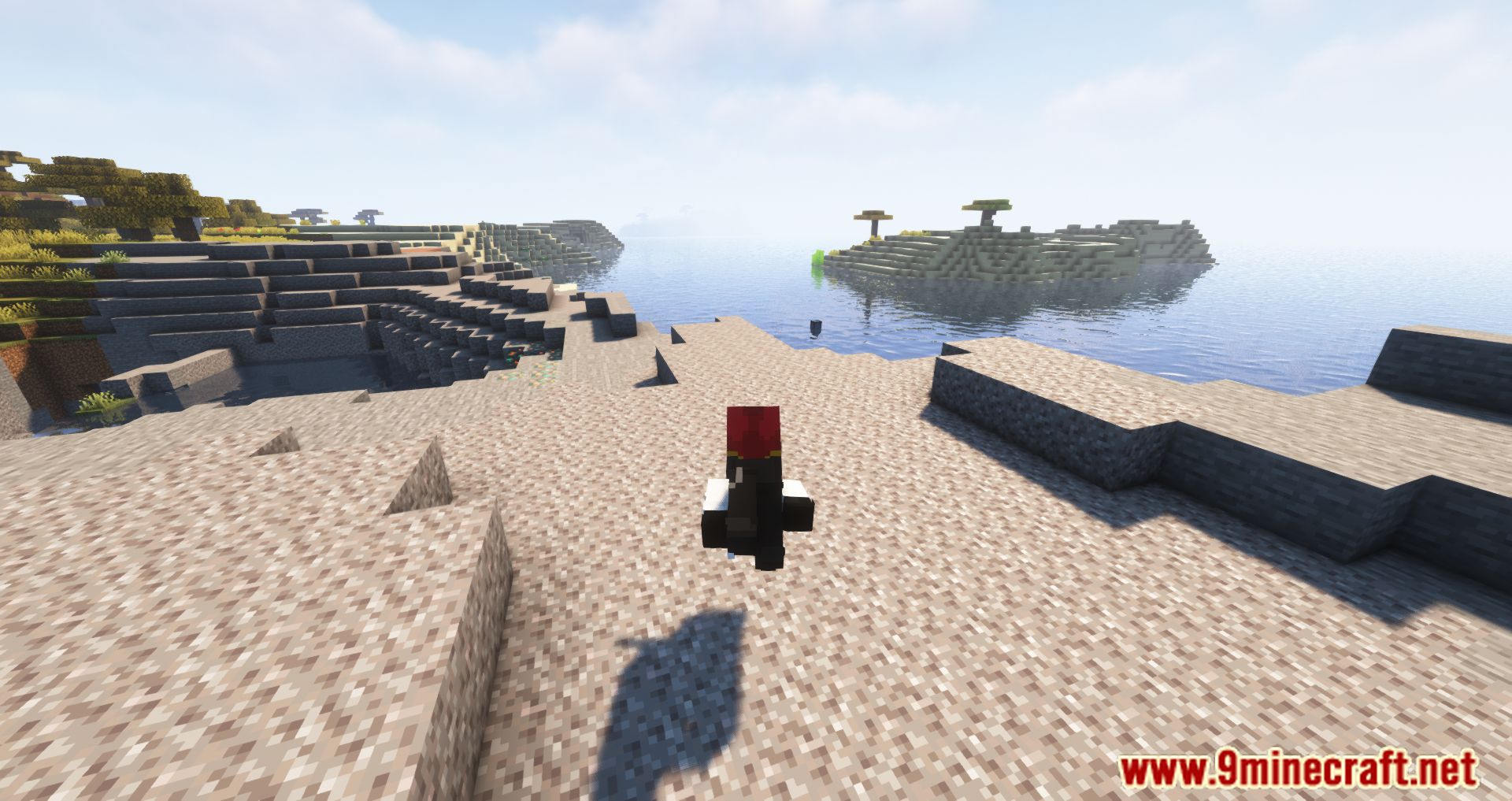
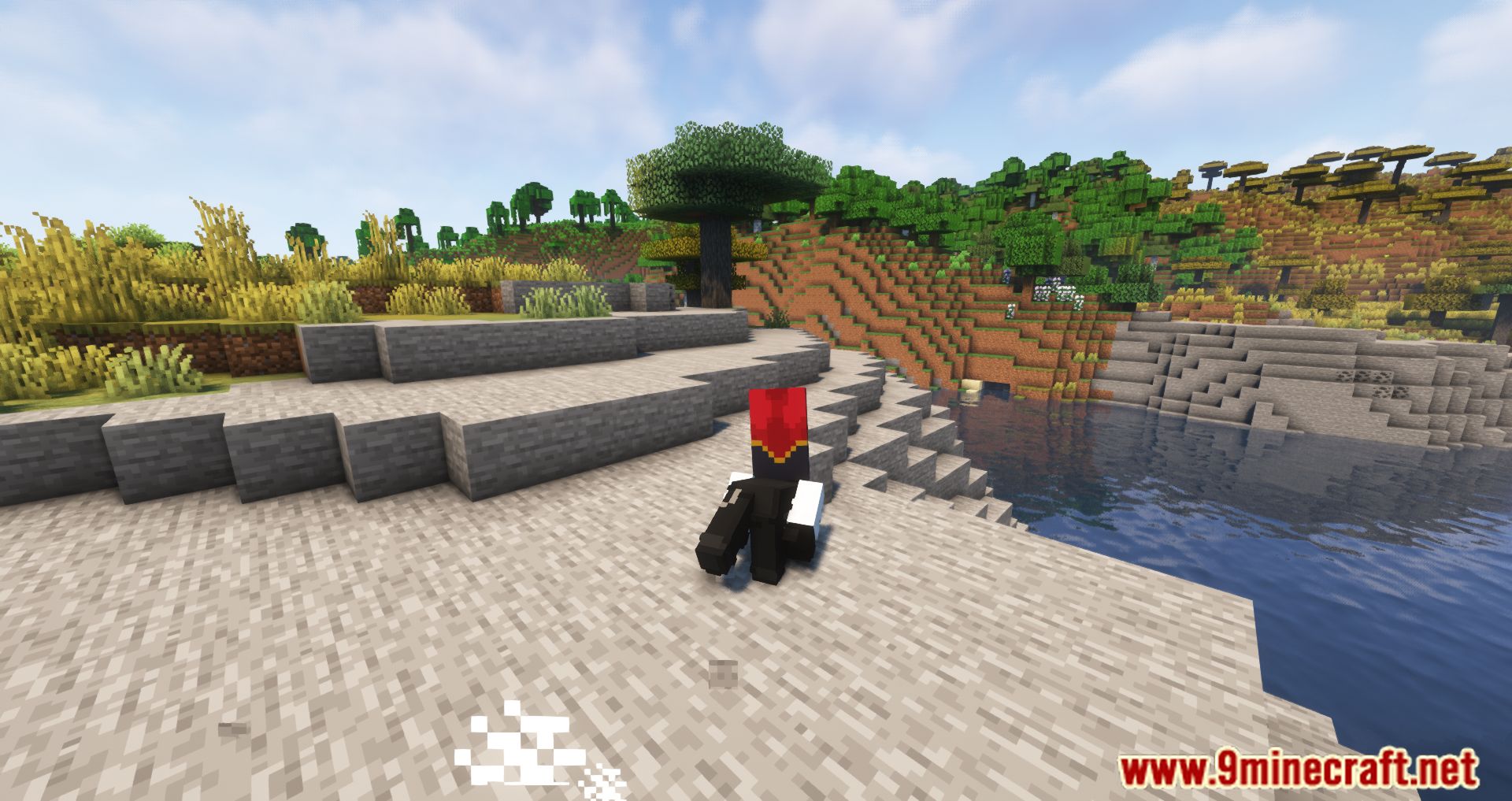
Combat Roll Mod adds a quick dodge and dash move to Minecraft so you can get out of danger during fights. Press the R key to roll forwards, backwards, or sideways in any direction you move. This mod includes a 4-second cooldown shown on your HUD, along with hunger use and optional invulnerability frames. You can upgrade your rolls with 3 armor enchantments and 3 custom attributes for distance, recharge speed, and roll count. Both client and server settings let you adjust how the ability works on Fabric and Forge.
Features:
- Adds a dodge roll move that lets you roll forwards, backwards, or sideways by pressing the R key by default.
- Applies a default 4-second cooldown after each roll, which servers can change in the config.
- Shows your roll cooldown right on the main UI HUD, with client-side options to customize it.
- Adds hunger exhaustion whenever you roll, which can be adjusted on the server side.
- Only lets you roll when you are not using an item, not jumping, and not swimming.
- Includes optional invulnerability frames during a roll that stay off by default and can be turned on in
config/combatroll/server.json5.
Enchantments:
- Multi-Roll: Goes on helmets and gives +1 extra roll per level.
- Acrobat: Goes on chestplates and leggings and boosts roll cooldown recharge speed by +10% per level.
- Longfooted: Goes on boots and increases your roll distance by 1 block per level.
Attributes:
combatroll:distance: Sets how far you roll, with a default distance of 3 blocks that servers can configure.combatroll:recharge: Sets how fast your roll cooldown recovers.combatroll:count: Sets how many times you can roll before waiting to recharge, with a default of 1 roll.
Commands:
/give @s leather_boots{AttributeModifiers:[{AttributeName:"combatroll:distance", Name:"testing", Amount:3.0, Operation:0,Slot:"feet",UUID:[I; 66453, 79497593, -201178, -16957605]}]} 1: Gives leather boots that increase your roll distance withcombatroll:distance./give @s leather_leggings{AttributeModifiers:[{AttributeName:"combatroll:recharge", Name:"testing", Amount:0.5, Operation:1,Slot:"legs",UUID:[I; 66453, 79497593, -201177, -16957605]}]} 1: Gives leather leggings that speed up your roll recharge withcombatroll:recharge./give @s leather_helmet{AttributeModifiers:[{AttributeName:"combatroll:count", Name:"testing", Amount:2, Operation:0,Slot:"head",UUID:[I; 66453, 79497594, -201177, -16957605]}]} 1: Gives a leather helmet that adds extra rolls withcombatroll:count.
Configuration:
config/combatroll/server.json5: Server config file where you can turn on invulnerability frames and adjust server-side roll settings.config: Directory where server-side configuration files appear after you run the game with this mod installed.Mod Menu: Lets Fabric players open and adjust client-side settings like the HUD display.Main Menu > Mods > Combat Roll > Config: Lets Forge players open and adjust client-side settings in-game.
How to Use:
- Make sure you are not using an item, jumping, or swimming, because rolling only works when you are free of those actions.
- Press the R key while moving forwards, backwards, or sideways to dodge roll in that direction.
- Check the main UI HUD on your screen to see your 4-second cooldown and know when your next roll is ready.
- Watch your hunger bar during fights, since each roll adds hunger exhaustion by default.
- Enchant your armor to improve your rolls: put Multi-Roll on helmets for extra rolls, Acrobat on chestplates and leggings for faster cooldown recharge, and Longfooted on boots for longer distance.
- Open client-side settings in Mod Menu on Fabric, or go to Main Menu > Mods > Combat Roll > Config on Forge, to change your HUD preferences.
- Run the game with this mod installed and edit
config/combatroll/server.json5inside theconfigfolder to adjust server cooldowns, roll distance, hunger exhaustion, or turn on invulnerability frames.
Screenshots:



How to Install:
New to Minecraft? Follow our step-by-step guide to install Mods on your PC.View Guide
Requirements:





Combat Roll Mod Download Links
For Minecraft 26.3
For Minecraft 26.2
For Minecraft 26.1.2, 26.1.1, 26.1
For Minecraft
1.21.11,
1.21.8,
1.21.7
All Versions Covered
1.21.11
1.21.8
1.21.7
1.21.6
For Minecraft 1.21.10, 1.21.9
For Minecraft 1.21.4
For Minecraft 1.21.1, 1.21
For Minecraft 1.20.4
For Minecraft 1.20.2
For Minecraft 1.20.1, 1.20
For Minecraft 1.19.4
For Minecraft 1.19.3
For Minecraft 1.19.2, 1.19.1, 1.19
For Minecraft 1.18.2
For Minecraft 1.16.5
What do you do when a mod you love is abandoned by its creator?
14 responses · See the full results →
You May Also Like
Picked for this page
 BetterHurtCam Mod (26.3, 1.20.1) – Camera Customization Unleashed
 Aquaculture 2 Mod (26.1.2, 1.20.1) – Various Underwater Species
 Indium Mod (1.21.11, 1.20.1) – Addon for Sodium Mod
 Humbling Bundle Mod (26.3, 1.20.1) – Doubles All Entity Loot
 Roguelike Dungeons Mod (26.3, 1.20.1) – Ultimate Dungeons
 Extended Enchanting Mod (1.21.11, 1.20.1) – 19 New and Unique Enchantments
 Google Chat Mod (26.3, 1.20.1) – Bridging Language Gaps
 Diagonal Walls Mod (26.3, 1.20.1) – Smooth Angled Wall Connections
 BoxLib Mod (26.2, 1.20.1) – Boost Mod Compatibility With BoxLib
 Luna Slimes Mod (26.3, 1.20.1) – Improved Slimes
 Ductwork Mod (26.2, 1.20.1) – Streamline Item Movement
 Immortal Coral Mod (1.21.11, 1.20.1) – Keep Coral Alive Forever
Most viewed in Mods over the last 7 days
 Ala Industrial Mod (26.3) – Run Electric Power Grids and Automated Factories
 PleasureCraft Mod (26.3, 1.21.1) – Jenny Mod Remake for Fabric
 Jennycraft Mod (26.3, 1.20.1) – Virtual Girlfriend in Minecraft
 Fapcraft Mod (26.3, 1.12.2) – Comprehensive and Detailed Content
 Jenny Mod (Fapcraft) Official Complete Guide – How to use, Tutorial
 BangCraft Mod (1.20.1) – Jenny, Ellie and Elliot
 Fabric Loader (26.3, 1.20.1) – Fabric Installer for All Minecraft Versions
 Meteor Client Mod (26.3, 1.20.1) – Xray, HUD, Fly
 The Shooting Star Demo Mod (26.3, 1.20.1) – Vaporize Terrain From Orbit
 OptiFine HD (26.3, 1.20.1) – Run Faster, FPS Boost, Shaders Support
 Aristois Client Mod (1.21.4, 1.20.1) – World Class Minecraft Utility
 Prestige Client Mod (1.21.11, 1.21.4) – Powerful Ghost Features for Crystal & Sword PvP
More from Mods
 Legacy Gecko Lib Fabric Mod (1.16.5) – Power Animated Creatures in Modpacks
 The Man from the Shadow Horror Mod (1.20.1) – Fight Hallucinations to Survive
 Shade & Saturation Slider Mod (26.2, 1.21.11) – Make Every Biome Vibrant
 Cataclysm X Yung’s Better Nether Fortresses Compat Mod (1.21.1, 1.20.1)
 Patchouli 9minecraft Mod (26.3) – Read Mod Guides Without Leaving Minecraft
 Paintings ++ 9minecraft Mod (26.3) – Pick the Exact Painting You Want
 owo-lib 9minecraft Mod (26.3) – Run Your Favorite Mods Without Errors
 Moonlight 9minecraft Lib (26.3, 26.2) – Run Complex Mods Without Errors
 Load My Tags 9minecraft Mod (26.3) – Mix Mods Without Breaking Recipes
 Kambrik 9minecraft Mod (26.3) – Run Kotlin Mods Without Game Lag
 Fast Paintings 9minecraft Mod (26.3, 26.2) – Place Wall Art Exactly Where You Want It
 Bonsai Trees 9minecraft Mod (26.3, 26.2) – Automate Wood Farming in Tiny Pots

This post has no comments yet. Be the first — your comment will appear here.