


Corail Recycler Mod (1.20.4, 1.20.1) – Reclaim Wasted Resources

 0
0 

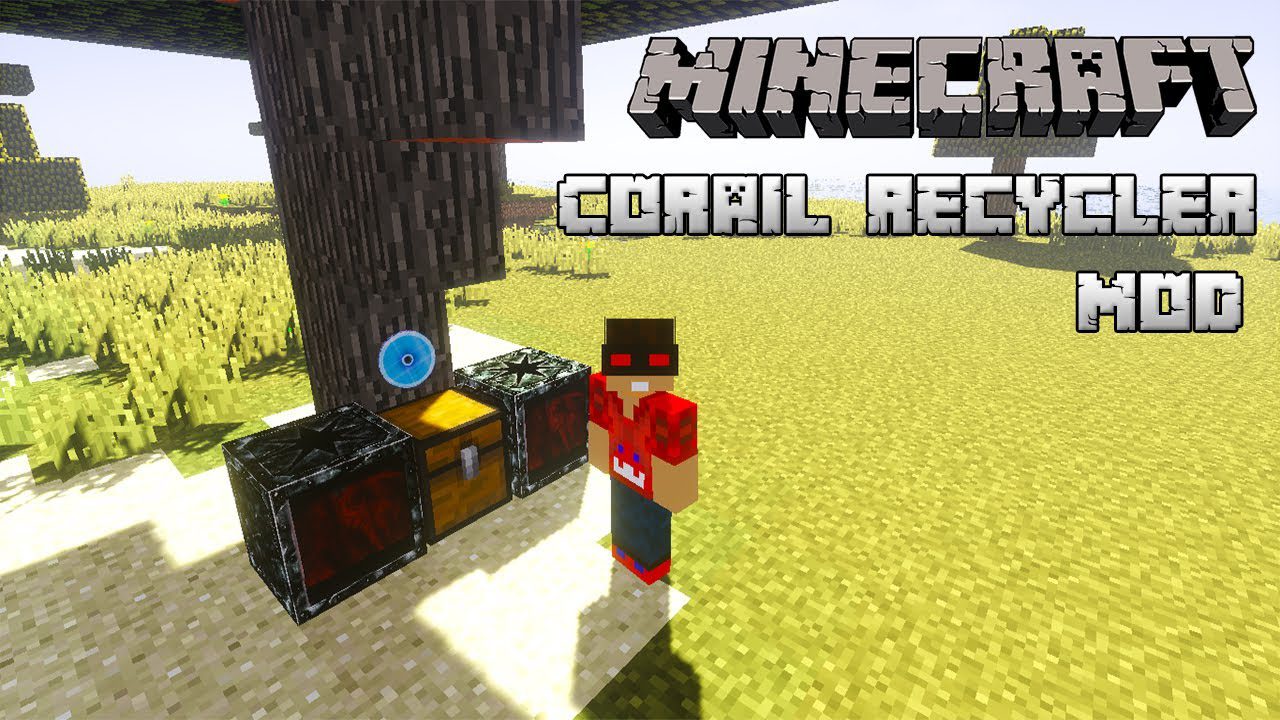
Corail Recycler Mod adds a special uncrafting table that lets you break down items into their original materials. You can even recycle damaged tools and enchanted gear to recover some resources. The mod also supports automation, allowing you to connect hoppers and chests for a hands-free recycling system.
Features:
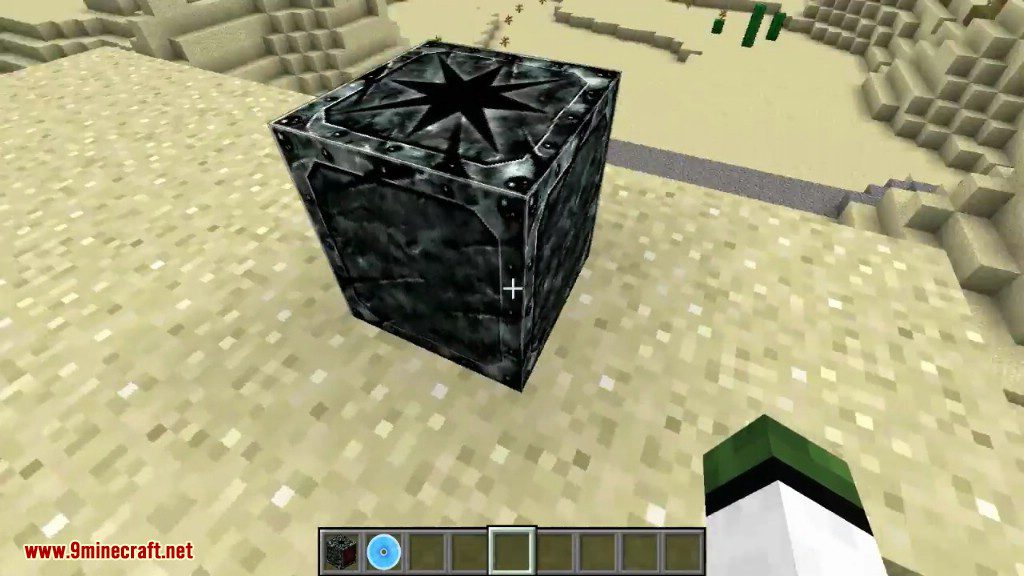
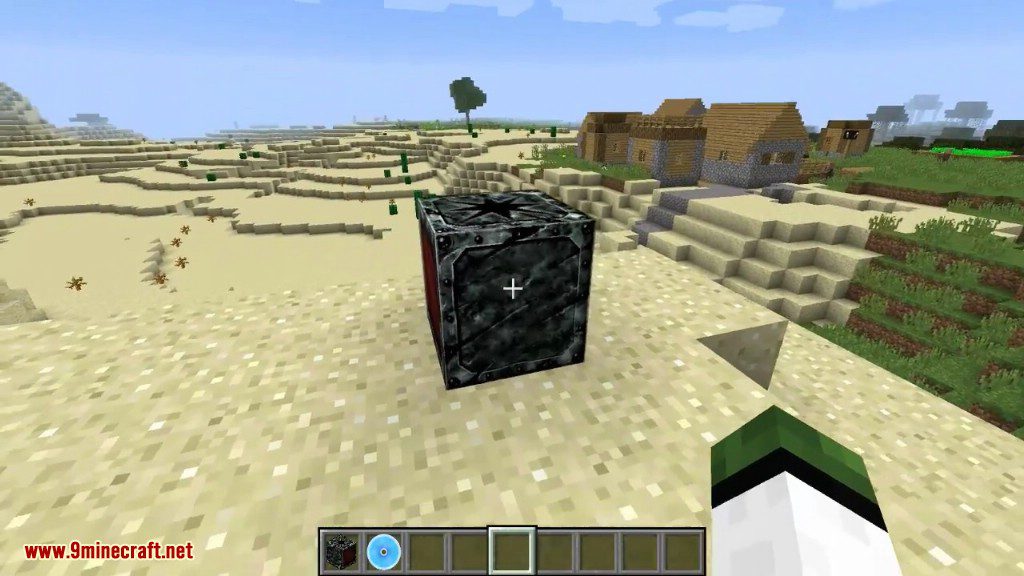
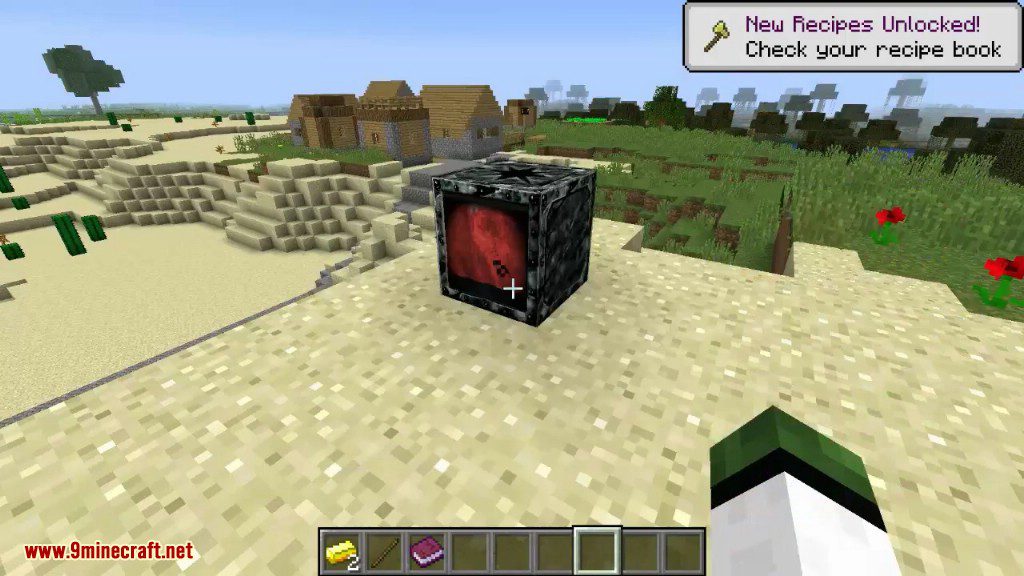
- Adds a Recycler block that functions as an uncrafting table.
- Breaks down most craftable items into their component parts.
- Recycles damaged items, returning a portion of the original materials.
- Strips enchantments from items and turns them into enchanted books.
- Works with hoppers and chests for fully automated recycling setups.
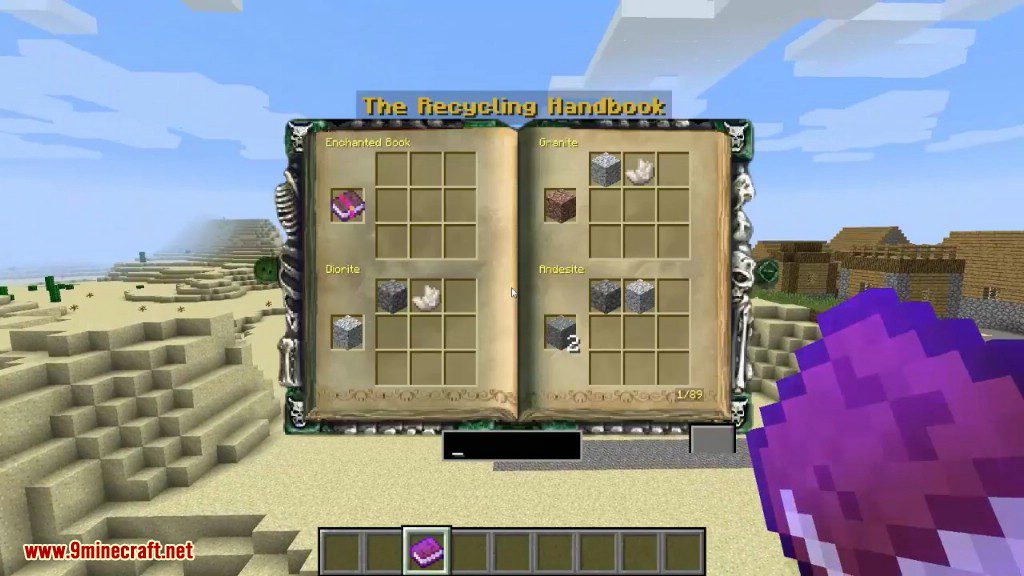
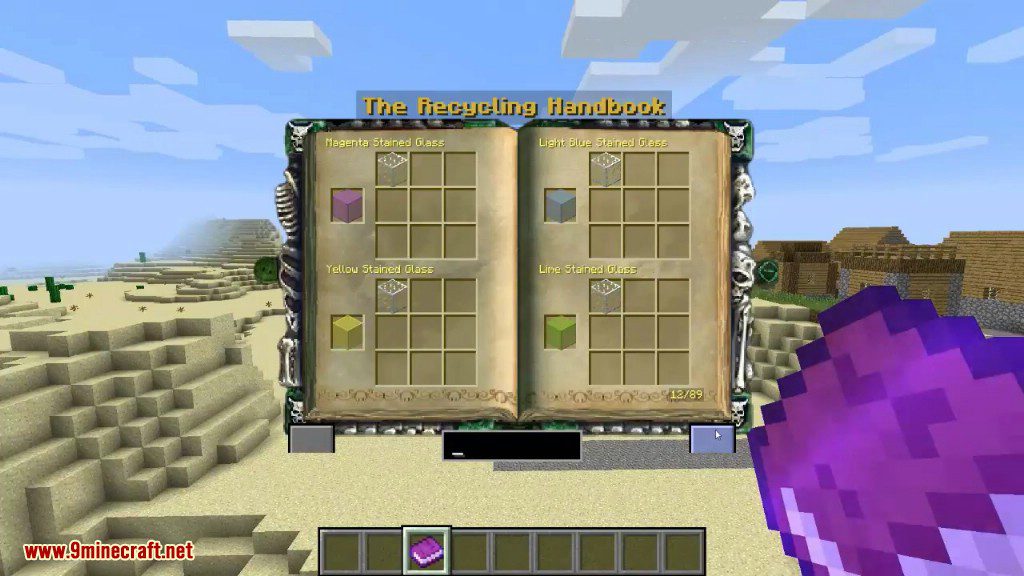
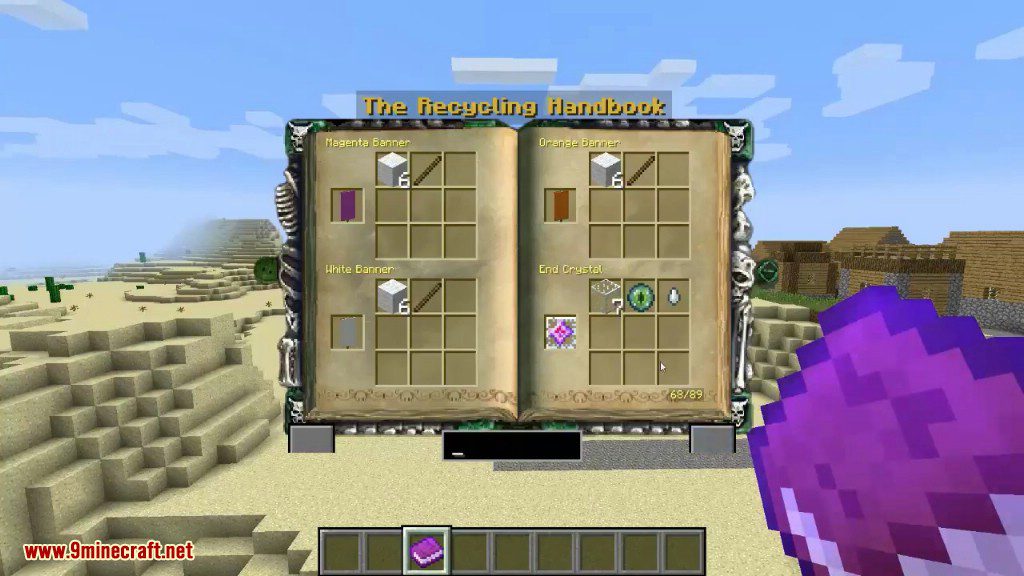
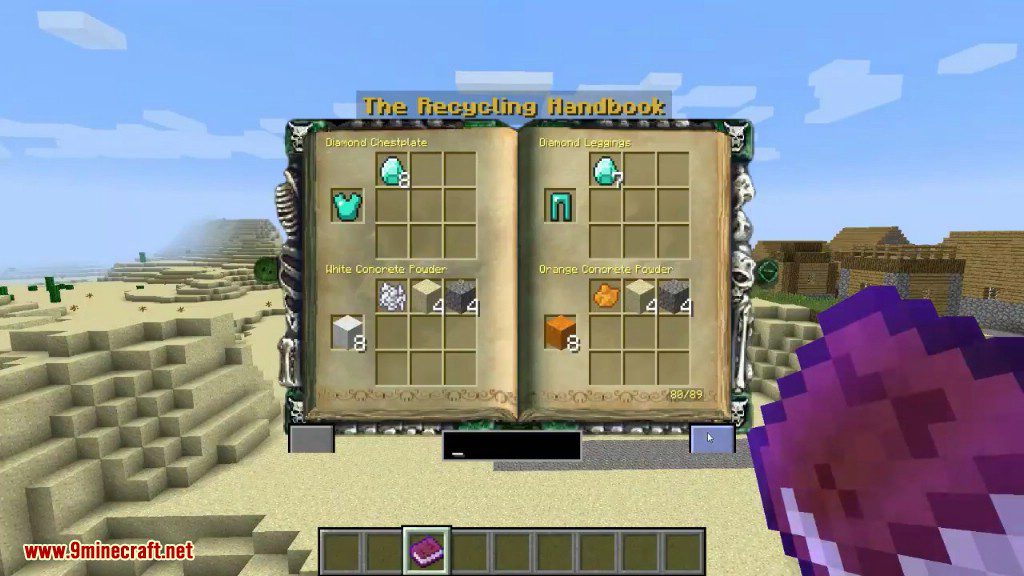
- Includes a Recycling Book to easily look up all available recipes.
- All recipes are fully configurable through JSON files.
- Server operators can add or remove recipes directly in-game.
Commands:
The following commands require operator permissions:
/recycler add_recipe: Creates a recycling recipe for the item held in your main hand./recycler remove_recipe: Deletes the recycling recipe for the item held in your main hand./recycler export_crafting_recipes: Exports all crafting recipes into a JSON file in the correct format for the recycler.
How to Use:
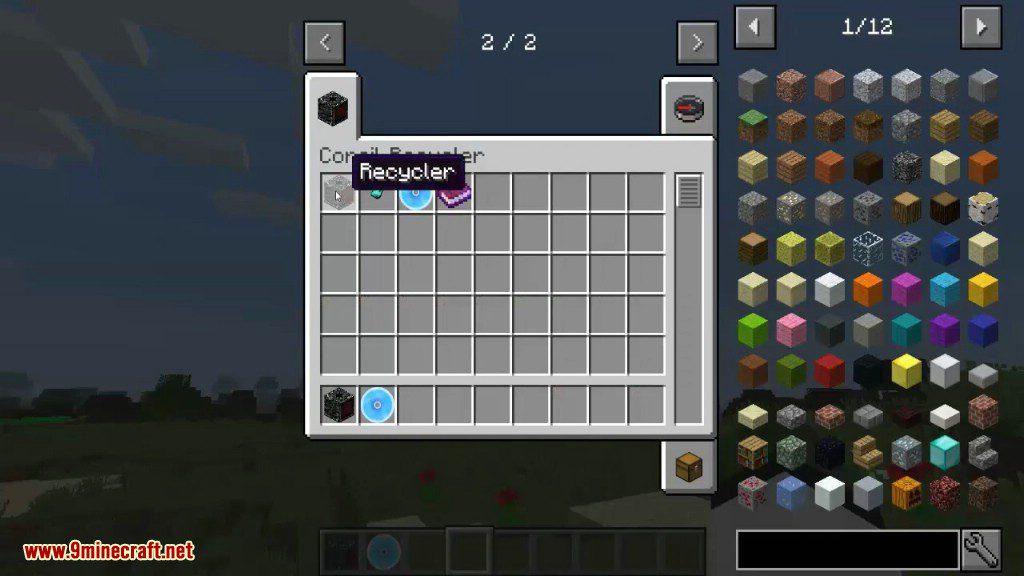
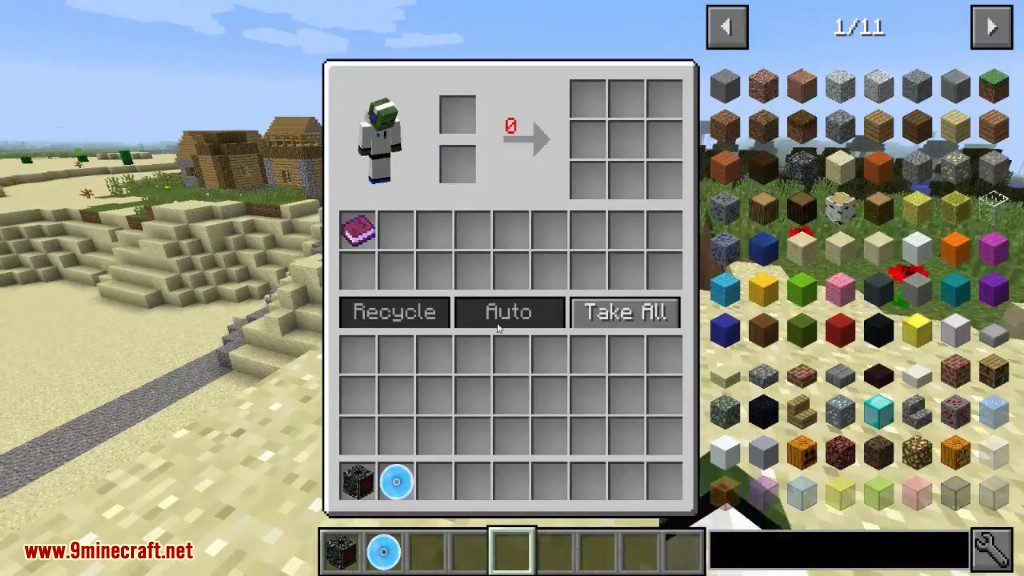
- First, craft the Recycler block and a Diamond Disk.
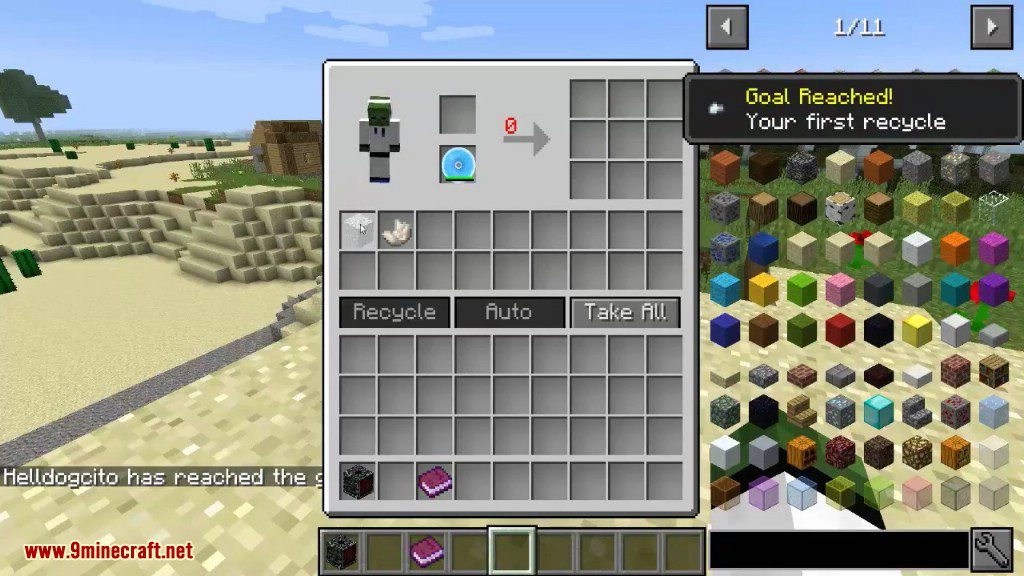
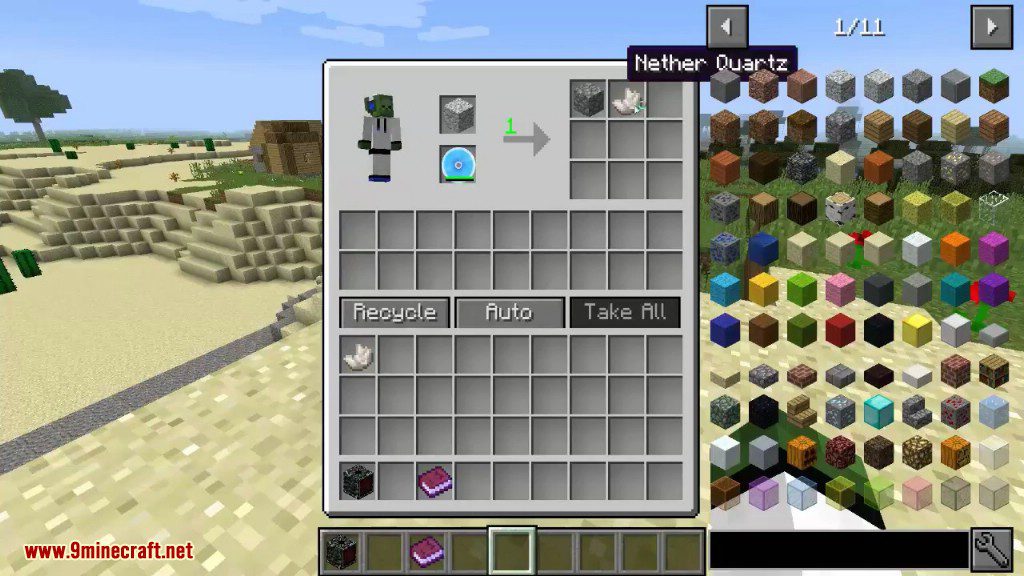
- Open the Recycler’s interface and place the Diamond Disk in the second slot on the top left.
- Put the item you want to recycle into the first slot on the top left.
- Click the “Recycle” button to break down the item. This will process the entire stack at once.
- For automation, you can connect hoppers to the sides and top to insert items, and a hopper to the bottom to pull out the resulting materials.
How to customize the recipes:
First of all, there’s a config option to remove the default vanilla recipes. (but you can keep them)
Then, there’s 4 files in your config folder :
- User Defined List : where you can add new recipes (merge/overwrite the default recipes).
- Black List : recipe items here can’t be recycled.
- Unbalanced List : recipes items here can only be recycled when option config “unbalanced” is activated.
- Grind List : it’s an equivalence list of smaller units to use for damaged items or when option config “loss chance” is activated.
Finally, you have 3 commands to help you :
- /recycler exportCraftingRecipes : export all crafting recipes in “recycler” format (only those not already in recycler) in a json file in your config folder.
- /recycler addRecipe : add the reverse of the crafting recipe of the current item hold in mainhand (work with others mods, and oredictionary).
- /recycler removeRecipe : remove the recipe of the current item hold in mainhand.
Screenshots:
How to Install:
New to Minecraft? Follow our step-by-step guide to install Mods on your PC.View Guide
Corail Recycler Mod Download Links
For Minecraft 1.8.9
Forge version: Download from Server 1
For Minecraft 1.9.4
Forge version: Download from Server 1
For Minecraft 1.10.2
Forge version: Download from Server 1
For Minecraft 1.14.4
Forge version: Download from Server 1
For Minecraft 1.12.2
Forge version: Download from Server 1
For Minecraft 1.15.2
Forge version: Download from Server 1
For Minecraft 1.16.5
Forge version: Download from Server 1
For Minecraft 1.17.1
Forge version: Download from Server 1
For Minecraft 1.18.1
Forge version: Download from Server 1
For Minecraft 1.18.2
Forge version: Download from Server 1
For Minecraft 1.19.1
Forge version: Download from Server 1
For Minecraft 1.19.2
Forge version: Download from Server 1
For Minecraft 1.19.3
Forge version: Download from Server 1 – Download from Server 2
For Minecraft 1.19.4
Forge version: Download from Server 1 – Download from Server 2
For Minecraft 1.20
Forge version: Download from Server 1 – Download from Server 2
For Minecraft 1.20.1
Forge version: Download from Server 1 – Download from Server 2
For Minecraft 1.20.2
Forge version: Download from Server 1 – Download from Server 2
For Minecraft 1.20.4
Forge version: Download from Server 1 – Download from Server 2
You May Also Like














This post has no comments yet. Be the first — your comment will appear here.