
CounterCraft Knife Model – Transforms Swords Into Animated CS2 Blades

 0


CounterCraft Knife Model adds Counter-Strike 2 knives to Minecraft when you rename axes or swords at an anvil. This pack includes 14 custom 3D models and 16 texture files with animated textures. You can unlock blades like the Bayonet, M9 Bayonet, Stiletto, and Ursus in several color variants without changing how your weapons fight. It works in Minecraft 1.21.5 or newer.

Features:
- Anvil Renaming System: Turns vanilla swords and axes into CS2 knives when you rename them at an anvil using specific model names.
- 14 Custom 3D Models: Includes 14 3D knife models paired with 16 texture files.
- Animated Textures: Features moving visual effects across the blade surfaces.
- Keeps original weapon stats and durability intact while changing the held appearance of the tool.
Knife Models and Variants:
- Bayonet Series: Includes
Bayonet,BayonetGr, andBayonetVi. - M9 Bayonet Series: Includes
M9Bayonet,M9BayonetGr, andM9BayonetVi. - Stiletto Series: Includes
stillettoandstillettodark. - Ursus Series: Includes
ursus,ursusdark, andursusSt. - Other Models: Includes the standard
knifealongsidepashalkoandpashalko1.
How to Use:
- Activate the pack in your game’s resource pack menu while running Minecraft 1.21.5 or newer.
- Obtain an anvil and any sword or axe in Survival or Creative mode.
- Place the sword or axe into the anvil input slot to open the renaming bar.
- Type one of the exact model names into the text field, such as
Bayonet,M9BayonetVi,stillettodark,ursusSt, orpashalko1. - Take the renamed tool from the output slot and watch the item icon change into the custom 3D knife.
- Hold the renamed weapon in your hand to inspect the 3D blade shape and animated textures in first-person or third-person view.
Requirements:
- A Minecraft version that supports animated textures
Screenshots:


CounterCraft Knife Model Download Links
Click to rate this post!
[Total: 0 Average: 0]
You May Also Like
Picked for this page
 Better Gear Model – Transforms Flat Tools Into Animated 3D Weapons
 ShadowBlade Model – Equips Animated 3D Fantasy Weapons for PvP Combat
 Slimefun Model – Brings 3D Shields, Solar Panels, and Animated Server Tech
 ZickZack ORI Red Model – Brings 3D Pen Bows, Trackers, and Custom Skies
 Gravestone Dungeons Resource Pack Model – Brings Animated 3D Dungeon Rituals
 Moons Cuter Bedwars Model – Brings Cute 3D Blocks and Clean PvP Visuals
 Vanilla SMP Model – Brings Clear 3D Weapons and Visible Traps to PvP
 Story Mode Revamped Model – Brings Telltale Adventure Gear and 3D Blocks
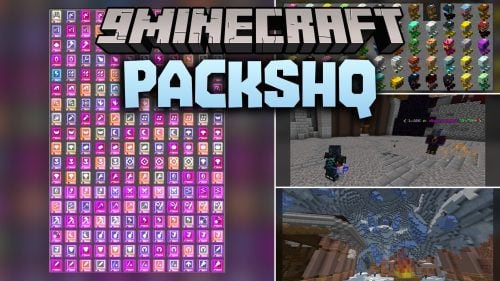 PacksHQ Model – Brings Custom 3D Gear and Animated Textures to Hypixel Skyblock
 Drown’s Tool Tweaks Model – Brings Animated 3D Weapons and Glowing Altars
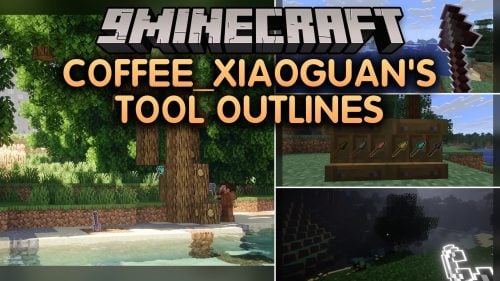 Coffee_XiaoGuan’s Tool Outlines Model – Adds Glowing 3D Outlines to Your Gear
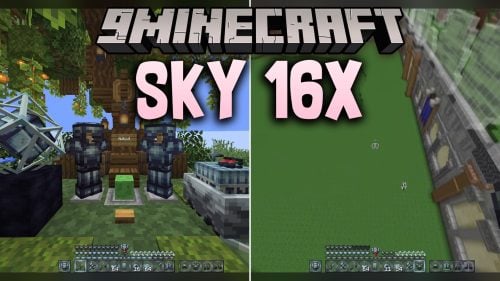 Sky 16x Model – Brings 3D Maces, Rails, and Animated PvP Visuals
Most viewed in Models over the last 7 days
 Jenny Mod Skin Pack Mega Collection – 310+ Characters
 The Most Complete Collection of Jenny Mod Resources – Models, Animations, Structures,…
 Albedo Rework Jenny Mod Model
 750 Models Addon for Yes Steve Model Mod
 Galath Rework Model – Custom Girl for PleasureCraft Mod
 Power Model – Custom Girl for PleasureCraft Mod
 Pomni Jenny Mod Model
 Femboy Ellie Rework Jenny Mod Model
 Ram Model – Custom Girl for PleasureCraft Mod
 100+ Custom Animations For Jenny Mod
 Ellie Rework Jenny Mod Model
 Steve (Jenny & Zoey) Pack Jenny Mod Model
More from Models
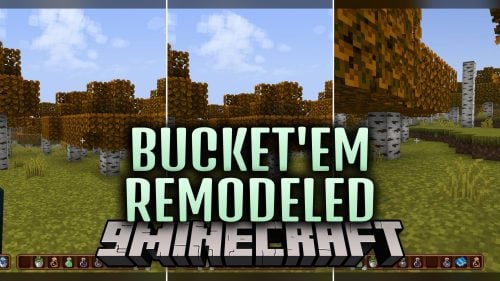 Bucket’Em Remodeled Model – Brings Animated 3D Captured Mobs to Your Hand
 Torchified Model – Turns Held Torches Into 3D Shapes with Classic 2D Icons
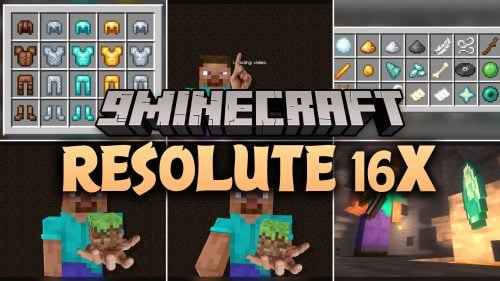 Resolute 16x Model – Brings Clean 3D Blocks and Smooth PvP Visuals
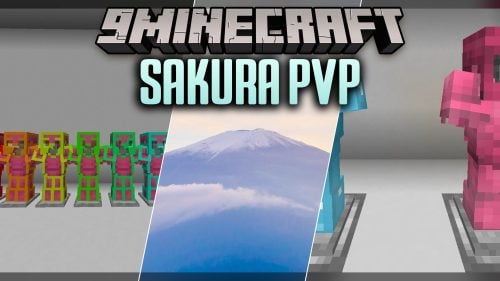 Sakura PvP Model – Brings Pink Gear and Grayscale Terrain for NethPot Combat
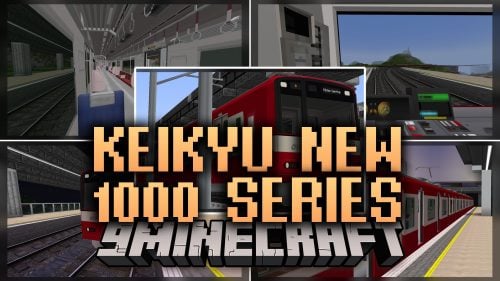 Keikyu New 1000 Series Model – Adds Keikyu Commuter Trains to MTR Railways
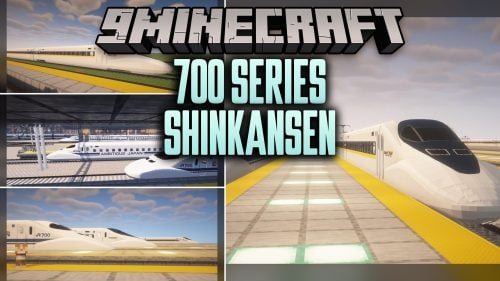 700 Series Shinkansen Model – Brings Japanese Bullet Trains to Transit Railways
 Mark5a ‘Nova 3’ Set Model – Brings TPE Passenger Trains to Your Railways
 InterCity 225 Model – Brings Classic British Rail Trains to Railway Networks
 URBAN_128x Model – Transforms Vanilla Blocks with Animated 3D Urban Geometry
 Greenfield Model – Transforms Everyday Blocks Into Detailed 3D Urban Pieces
 Luminous Lanterns X Punchy Model – Brings Detailed 3D Copper and Soul Lanterns
 Powah Pyxal-ated Model – Transforms Powah Mod Machines with Animated 3D Shapes

This post has no comments yet. Be the first — your comment will appear here.