
Create Aeronautics Nepheria Gloud Mod (1.21.1) – Sail Airships
 0
 0

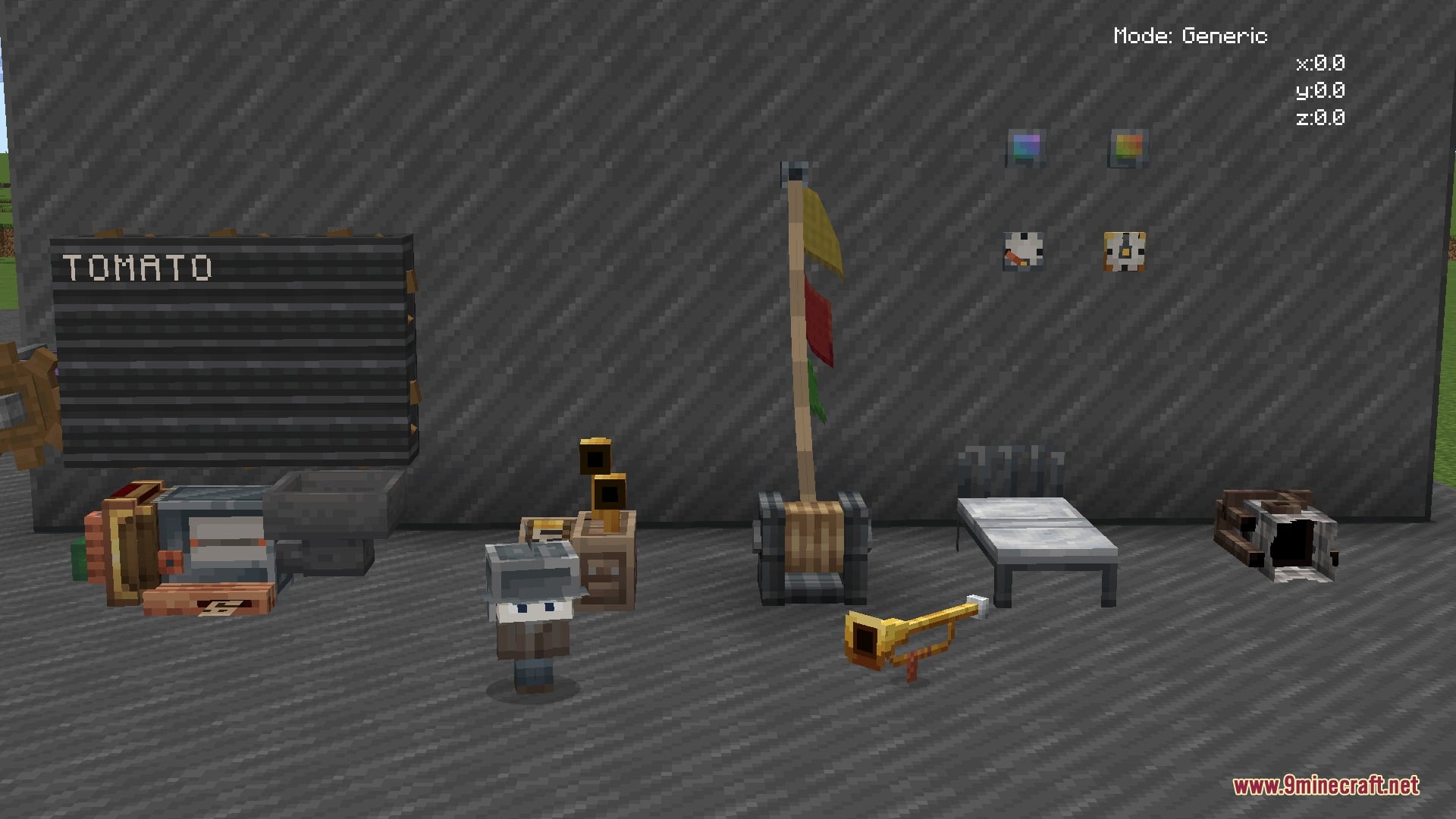
Create Aeronautics Nepheria Gloud Mod extends Create: Aeronautics with a climate system, new clouds, and a gas-based lift system for airships. It also adds radio communication and many function blocks for Create Big Cannons. Winds change with air pressure and push sub-levels in Sable and cannon shots.
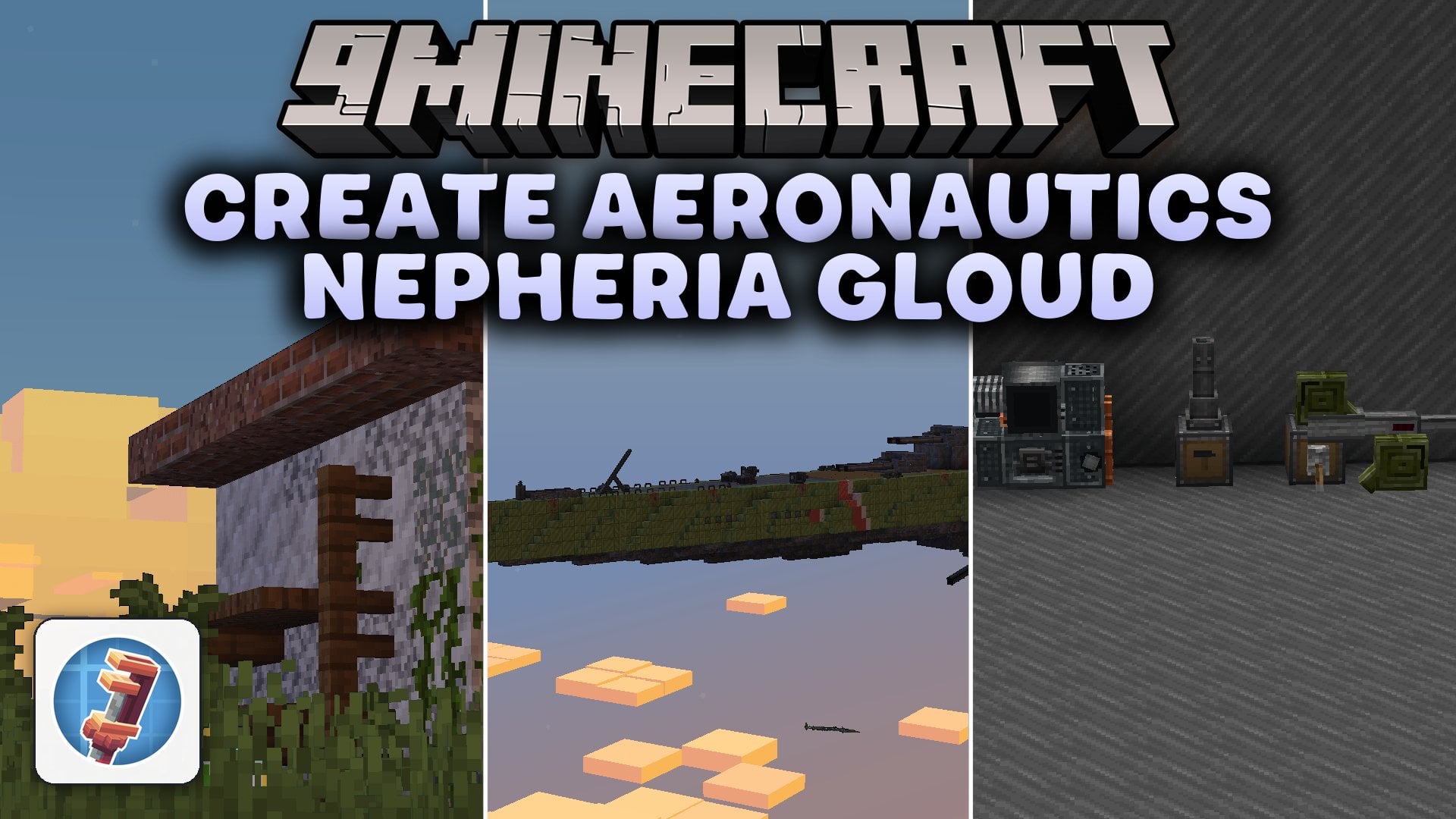
Features:
- Climate System: Low- and high-pressure systems create winds that push sub-levels in Sable and projectiles in Create Big Cannons.
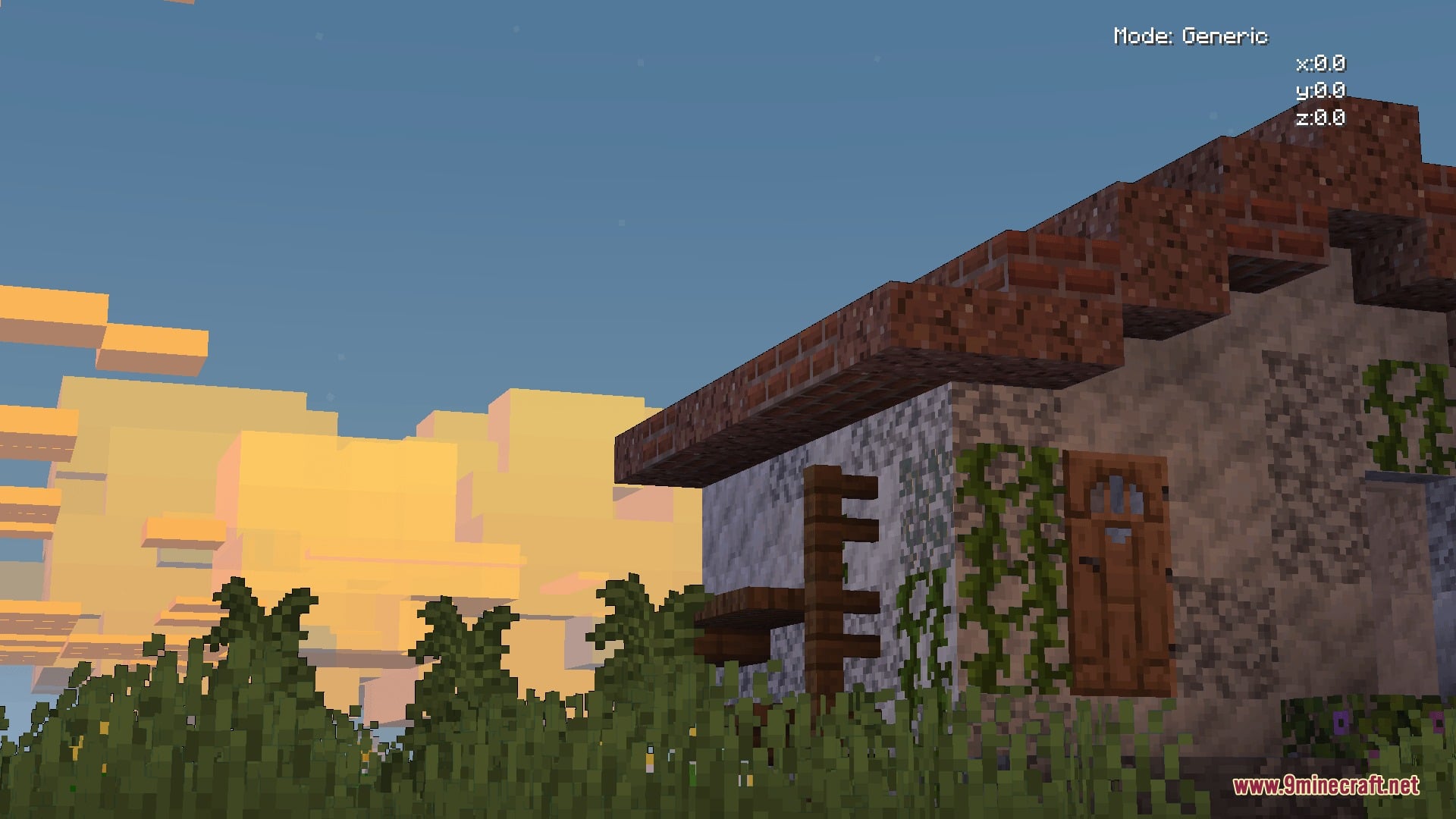
- New Clouds: Replaces the flat vanilla clouds with more beautiful ones that form, merge, and split based on air pressure.
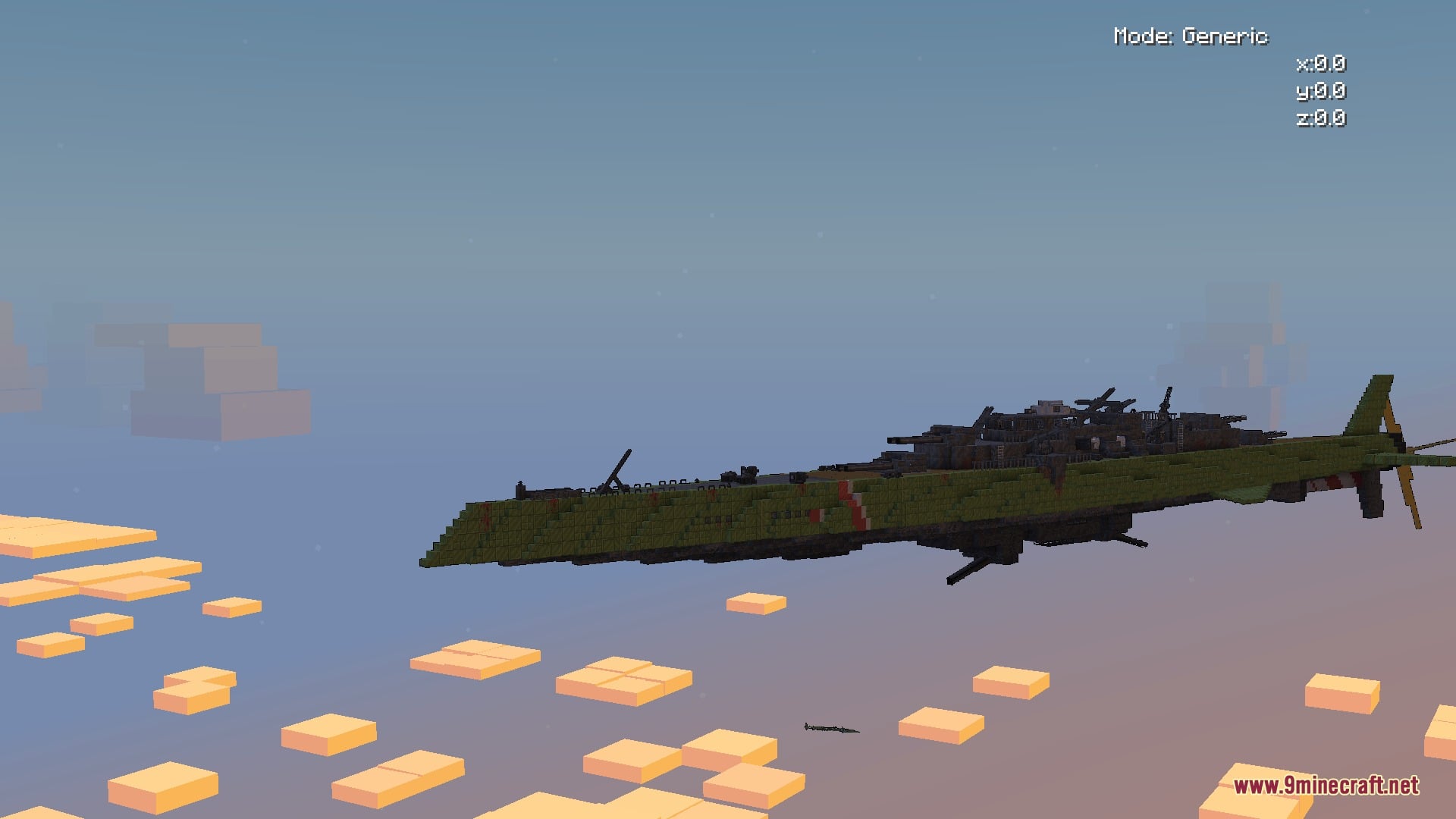
- Buoyant Gas Lift: Buoyant gas gives your whole airship strong lift when you cool it and send it through armored pipes. The lift is bigger than the current methods in Create: Aeronautics.
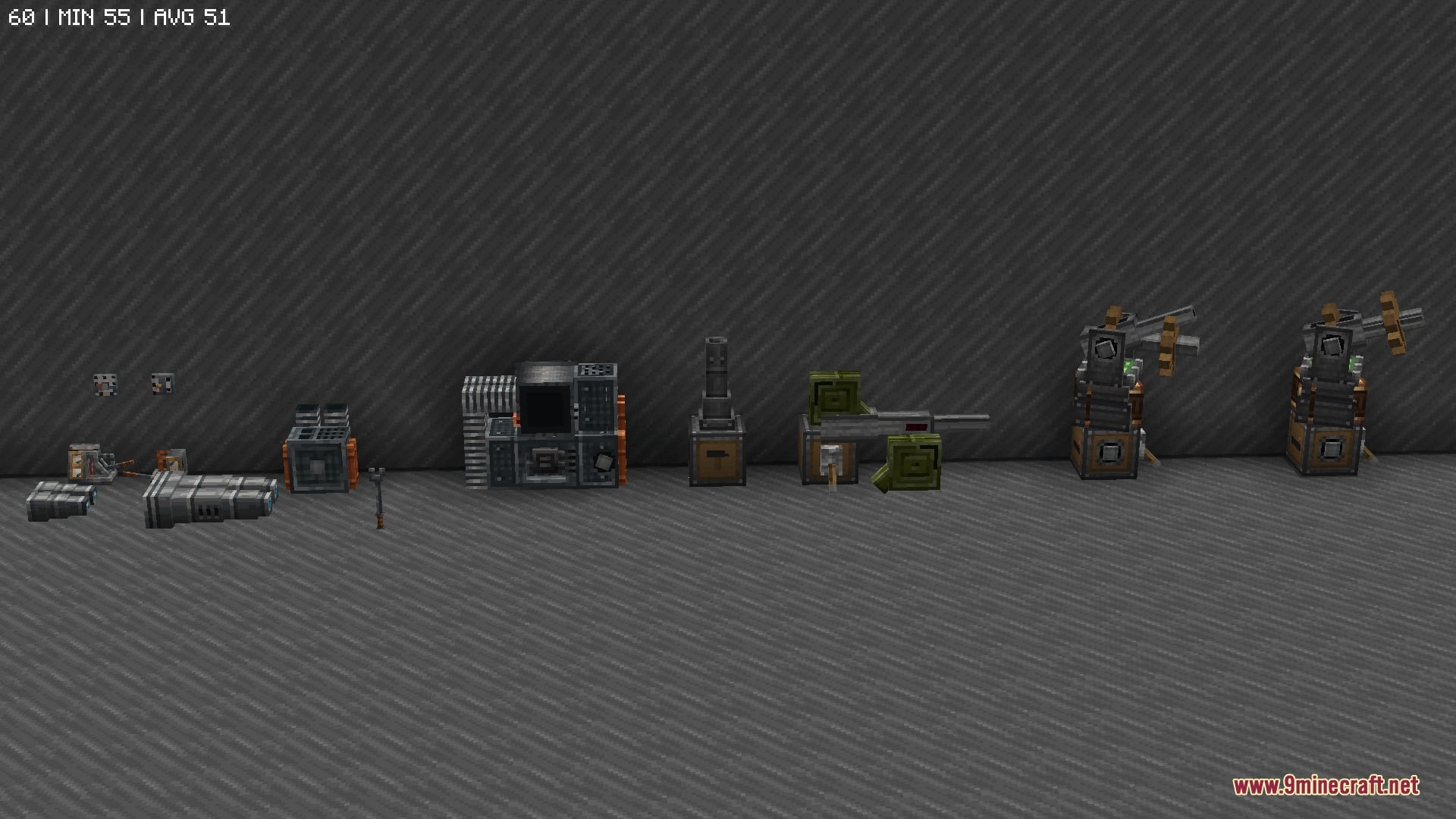
- Combat Crew: Crew members run turrets, machine guns, and levers for you. They need an infirmary and beds, and you can build three types of station.
- Morse Code: Turns text into Morse code and sends it by radio or light signals.
- Lets you turn on the air pressure feature when you create a world.
- Adds a rangefinder for measuring distance by hand, a new cannon mount, machine guns, and binoculars for Create Big Cannons.
- Adds new engines and propellers, plus extra tools for bearings in Create.
- Adds a signal decoder and antenna wire for radio, with English and Japanese (Wabun) options.
Gauges and Instruments:
- Airspeed Indicator: shows how fast your airship flies.
- Height Indicator: shows how high you are.
- Barometer: reads the air pressure.
- Anemometer: measures the wind.
- Wind Direction Indicator: shows where the wind blows from.
- Tachometer: reads engine speed.
Lift System Blocks:
- Armored Pipe: carries the buoyant gas to your airship.
- Primary Cooler and Secondary Cooler: cool the gas before it lifts your ship.
- High-Pressure Circulation Pump: keeps the gas moving through the pipes.
- Damaged and patched versions of pipes and coolers appear, and a Repair Kit item is included.
Screenshots:
How to Install:
New to Minecraft? Follow our step-by-step guide to install Mods on your PC.View Guide
Requirements:
 NeoForge Required
Create Required
 Experimental Settings Disabler Mod Required
Create Big Cannons Required
Create:Aeronautics Required
Create Aeronautics Nepheria Gloud Mod Download Links
For Minecraft 1.21.1, 1.21
Click to rate this post!
[Total: 0 Average: 0]
You May Also Like
Picked for this page
 Better Mods Button Mod (26.1.2, 1.20.1) – Access Your Mod List Straight
 Festive Delight Mod (1.21.1, 1.20.1) – Bake Warm Holiday Treats
 Ninja Armor Mod (26.2, 1.21.1) – Stealth Gameplay
 Bigshot Mod (1.21.11, 1.20.1) – Capture Ultra High Resolution Pictures
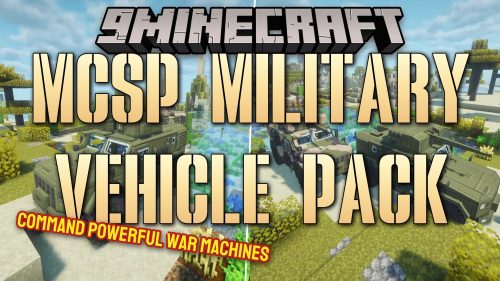 MCSP Military Vehicle Pack Mod (1.21.1, 1.20.1) – Crush Enemy Bases
 The Shooting Star Addition Mod (26.3, 1.20.1) – Obliterate Foes with Orbital Frost
 Fancy Name Mod (26.3, 1.21.11) – Stand Out in Multiplayer with Colorful Name
 Lively Bends Mod (26.3) – Run Jump and Fight with Naturally Bending Limbs
 Infinite Bedwars Structures Mod (26.2, 1.20.1) – Wage Epic Bedwars Battles
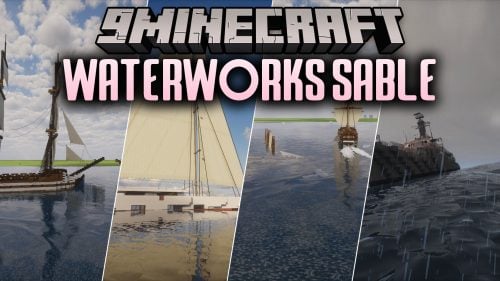 Waterworks Sable Mod (1.21.1) – Sail Real Ships Through Waves, Wind, and Tides
 Cursed Boss Survival Mod (26.1.2, 1.21.1) – Survive the Night As Minecraft’s
 Monstrous World Mod (1.21.1) – Become a Monster or Hunt Them
Most viewed in Mods over the last 7 days
 Ala Industrial Mod (26.3) – Run Electric Power Grids and Automated Factories
 PleasureCraft Mod (26.3, 1.21.1) – Jenny Mod Remake for Fabric
 Jennycraft Mod (26.3, 1.20.1) – Virtual Girlfriend in Minecraft
 Fapcraft Mod (26.3, 1.12.2) – Comprehensive and Detailed Content
 Jenny Mod (Fapcraft) Official Complete Guide – How to use, Tutorial
 Meteor Client Mod (26.3, 1.20.1) – Xray, HUD, Fly
 Let it Walk Mod (1.21.1) – Pilot Spider Tanks and Mechs Built From Your Blocks
 BangCraft Mod (1.20.1) – Jenny, Ellie and Elliot
 OptiFine HD (26.3, 1.20.1) – Run Faster, FPS Boost, Shaders Support
 CatLean Client Mod (26.2, 1.21.11) – ThunderHack Recode Alternatives
 Fabric Loader (26.3, 1.20.1) – Fabric Installer for All Minecraft Versions
 SeedCrackerX Mod (26.3, 1.20.1) – Find Any World Seed
More from Mods
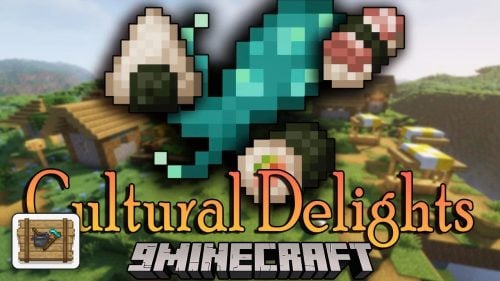 Cultural Delights Mod (26.3, 1.20.1) – Cook Asian Dishes and Harvest Exotic
 Better Config Mod (1.12.2) – Tweak Old Forge Mod Settings Without Leaving
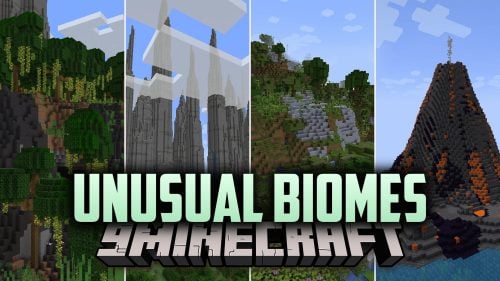 Unusual Biomes Mod (1.20.1) – Explore Rice Terraces, Volcano Islands
 Nameless Trinkets Mod (26.3, 1.20.1) – Gain Superpowers and Flight
 Perspektive Mod (26.3, 1.20.1) – Look Around Without Turning
 The Dusk Realm Mod (26.1.2) – A Second Survival in a World Where the Sun Never
 Calc Mod (26.3, 1.20.1) – Plan Any Farm Inside Chat
 Folclore Brasileiro Mod (26.3) – Outwit Brazilian Legends That Swords Can’t Beat
 Powah Mod (26.3, 1.20.1) – Build Massive Power Grids
 Nifte Mod (26.3) – Let Your Gear Swap Itself While You Mine, Fly and Fight
 Subterranean Wilderness Revival Mod (1.21.1, 1.20.1) – Turn Gray Tunnels
 Overlord RPG Mod (1.21.1) – Pick a Race and Rise to Level 100 in the World

This post has no comments yet. Be the first — your comment will appear here.